Photo With Ganesh Ji AI
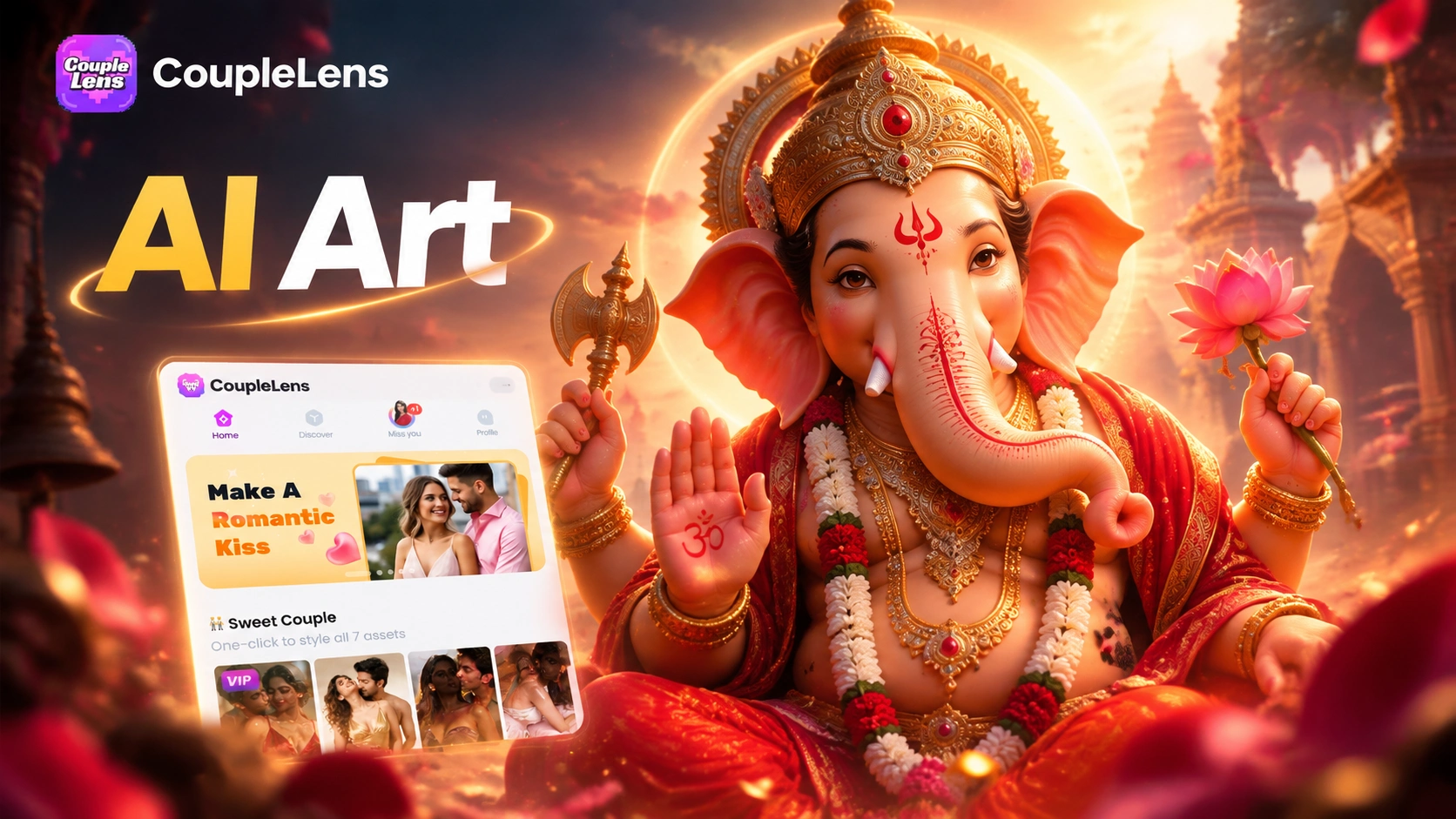
Pick a Ganesh Chaturthi Filter You Will Love
Eight CoupleLens filters made for a clean photo with Ganesh Ji AI this season. Open the CoupleLens app on Google Play and tap any filter as follows.
Key Features of the Ganesh Chaturthi Photo Editor
CoupleLens gives you three festival-ready features for the Ganesh Ji AI photo you have in mind.
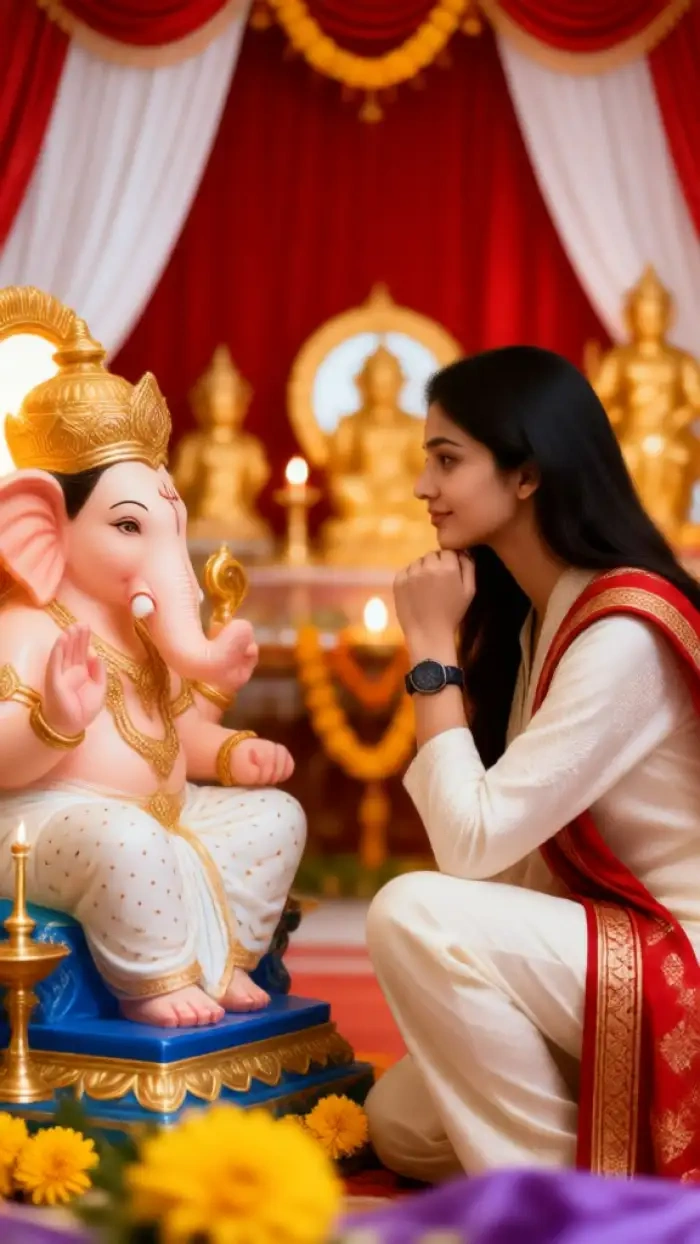
One-Tap Ganpati AI Image Filter Engine
The Ganesh Chaturthi photo editor inside CoupleLens uses 25,000+ style templates. Skip the prompt box. Skip the parameter panel. Pick a Ganpati AI image template that fits your mood. Drop in your selfie. The engine redraws the scene around you. The result is a clean, devotional Ganesha AI photo that looks like a real pandal shot. Most renders finish in 10 to 20 seconds. You can make three or four versions before you pick the one for your DP.
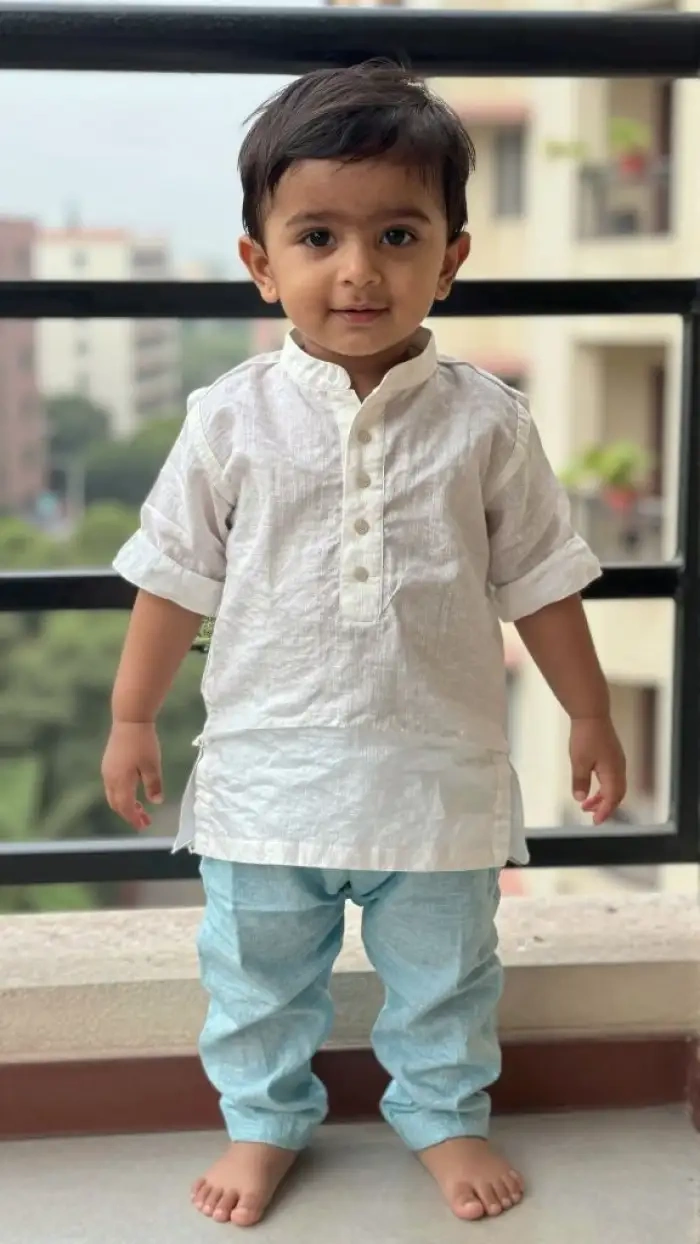 Before
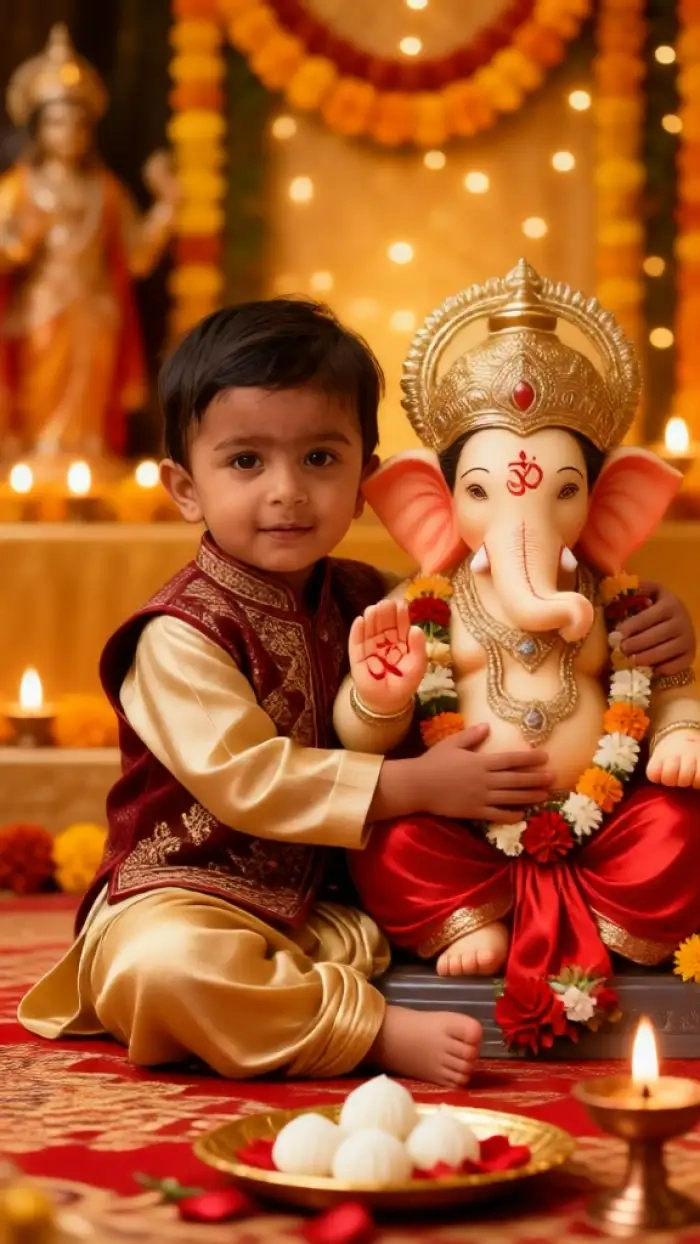 After
AfterCharacter Consistency That Keeps Your Face
This is where most AI Ganesh Ji tools fall apart. They swap your face. They blur the skin. They lose the family look. CoupleLens is built to lock your facial features across the whole photo. The same eyes. The same smile. The same shape. You stay you, even when you are standing next to Bappa. It works for solo portraits. It also works for a Ganpati photo editor flow with the whole family.
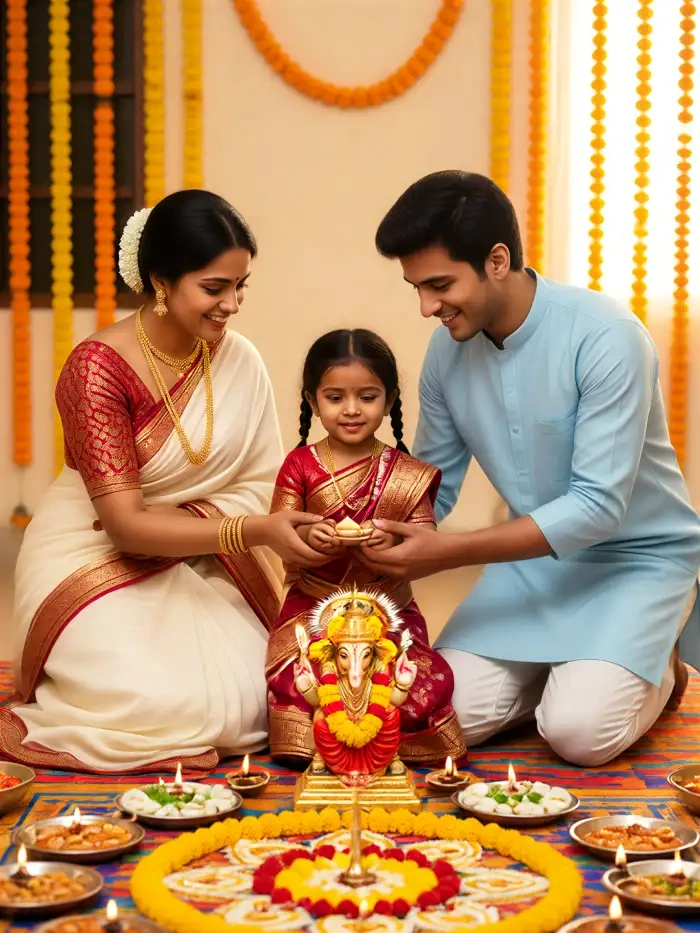
Group Photo With Lord Ganesha
A real Ganesh Chaturthi photo is rarely a solo shot. CoupleLens reads a group selfie and keeps every face in the frame. Husband, wife, kids, grandparents, friends. Everyone stays distinct. No melted faces. No missing person in the back row. Place the whole family next to Bappa for a Ganesh Chaturthi photo you can print, frame, or post. Group support is why couples and families pick CoupleLens over plain prompt tools.
How to Create a Photo With Ganesh Ji AI on CoupleLens?
CoupleLens keeps the whole flow in the mobile app. Three steps from idea to finished Ganesh Chaturthi photo.

Step 01.
Open the Google Play Store. Search for CoupleLens. Install it. The app is free to download. This is the only tool you need for a Ganpati AI photo on mobile.

Step 02.
Open the filter library inside the app. Search for Ganesh, Ganpati, or Ganesh Chaturthi. Pick a template that matches the scene you want. Upload your selfie or your group photo.

Step 03.
Download the finished photo in HD. Post it to WhatsApp status, Instagram story, or Facebook. Tag your family. Set it as your DP.
Real Ganesh Ji AI Photos From the CoupleLens Community
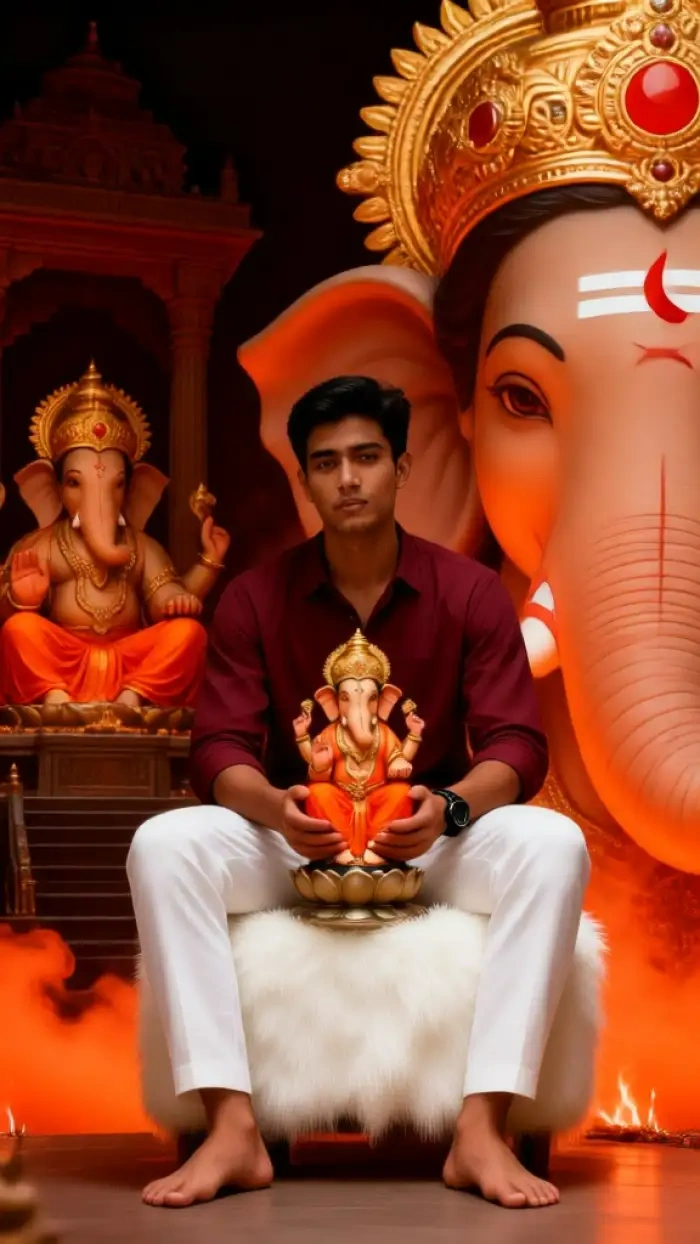
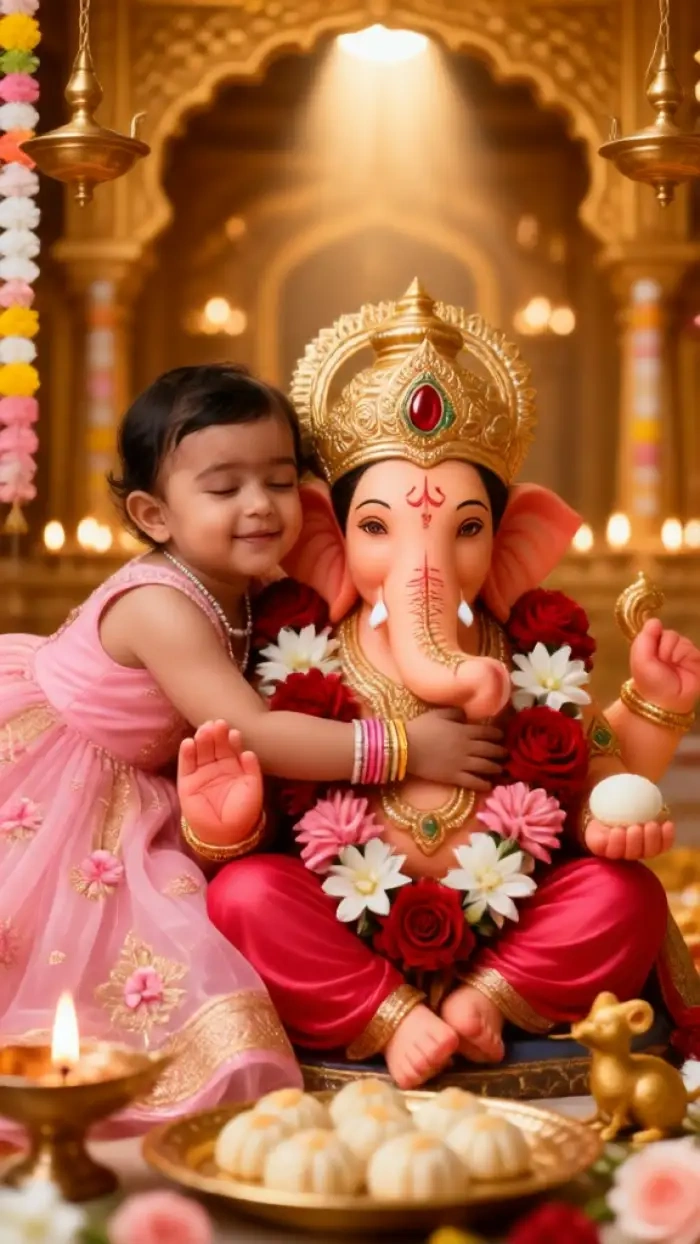
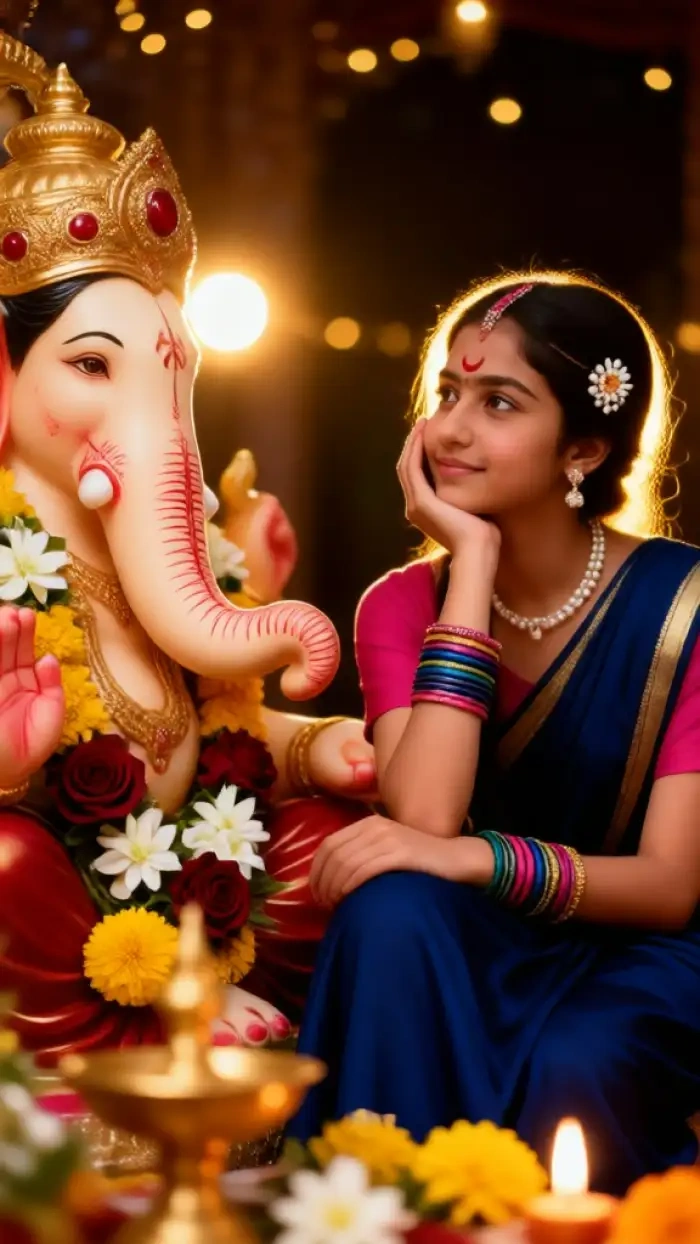
CoupleLens users posted these Ganesha AI photos this season. Open the app to browse the full gallery.
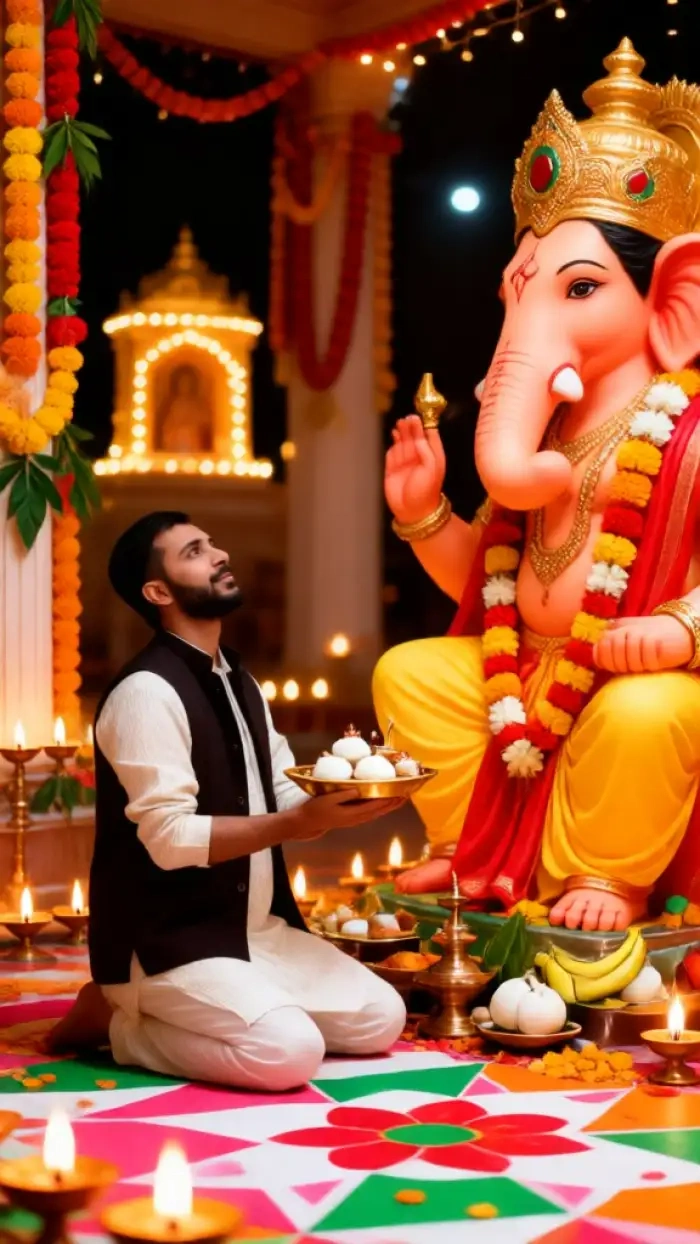
What Our Users Say About the Ganesh Ji AI Photo on CoupleLens
This Ganpati photo editor is now my go-to for every Indian festival, not just Ganpati. Use CoupleLens, you will love it.
I wanted a Ganesh Chaturthi photo with my kids and Bappa, but every AI tool I tried either lost my daughter face or made Bappa look off. CoupleLens got both right on the first try. We posted the family frame on WhatsApp and it got over 200 forwards. I cannot believe it was free.
If you want a photo with Ganesh Ji AI that looks like you and your friend, CoupleLens is the one.
My roommate and I wanted a duo photo with Bappa for our Instagram reel. Most tools melted our faces together. CoupleLens kept us both clear and added Bappa right between us. The whole Ganesha AI photo took about fifteen seconds, and our reel crossed 10k views in a day.
Try the Ganesh Chaturthi filter on CoupleLens, you will not go back to prompt tools.
I run a sweet shop and every year I send Vinayaka Chavithi greetings to my customers. With CoupleLens, I made a photo with Ganesh Ji AI in two minutes on my shop counter. The marigold background and diya light looked so real that my regulars asked which photographer I used.
Watch the CoupleLens Walkthrough
Two short videos show the CoupleLens app in action. Watch once, and you can skip the manual.
Frequently Asked Questions
Quick answers to the most common questions users ask before they make their first photo with Ganesh Ji AI on CoupleLens.
More Topics You May Like
Keep the festival going with more Ganesh Chaturthi and Indian festival photo ideas on CoupleLens.
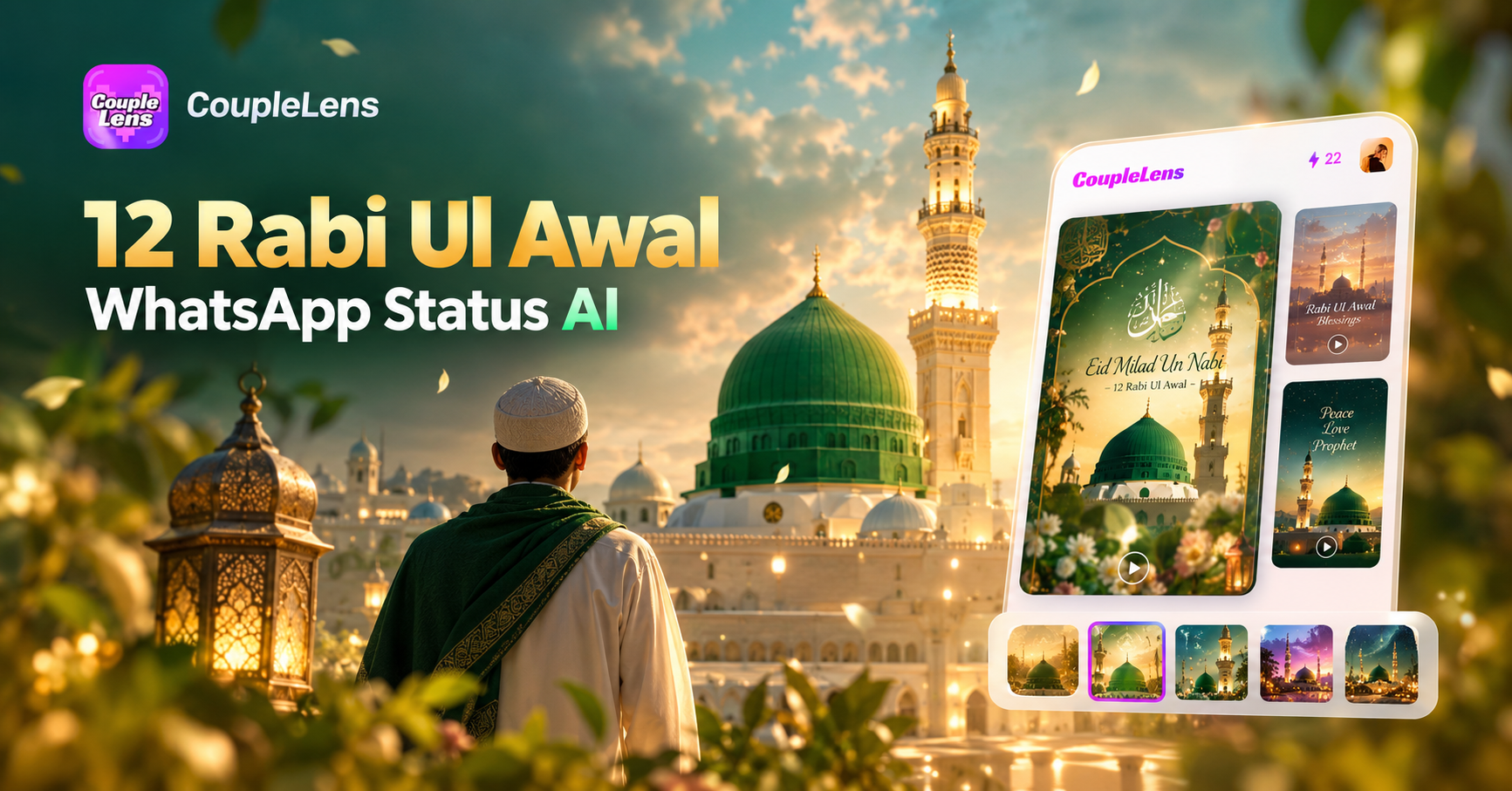
12 Rabi Ul Awal Whatsapp Status AI: Make a Personal Mawlid Greeting Fast
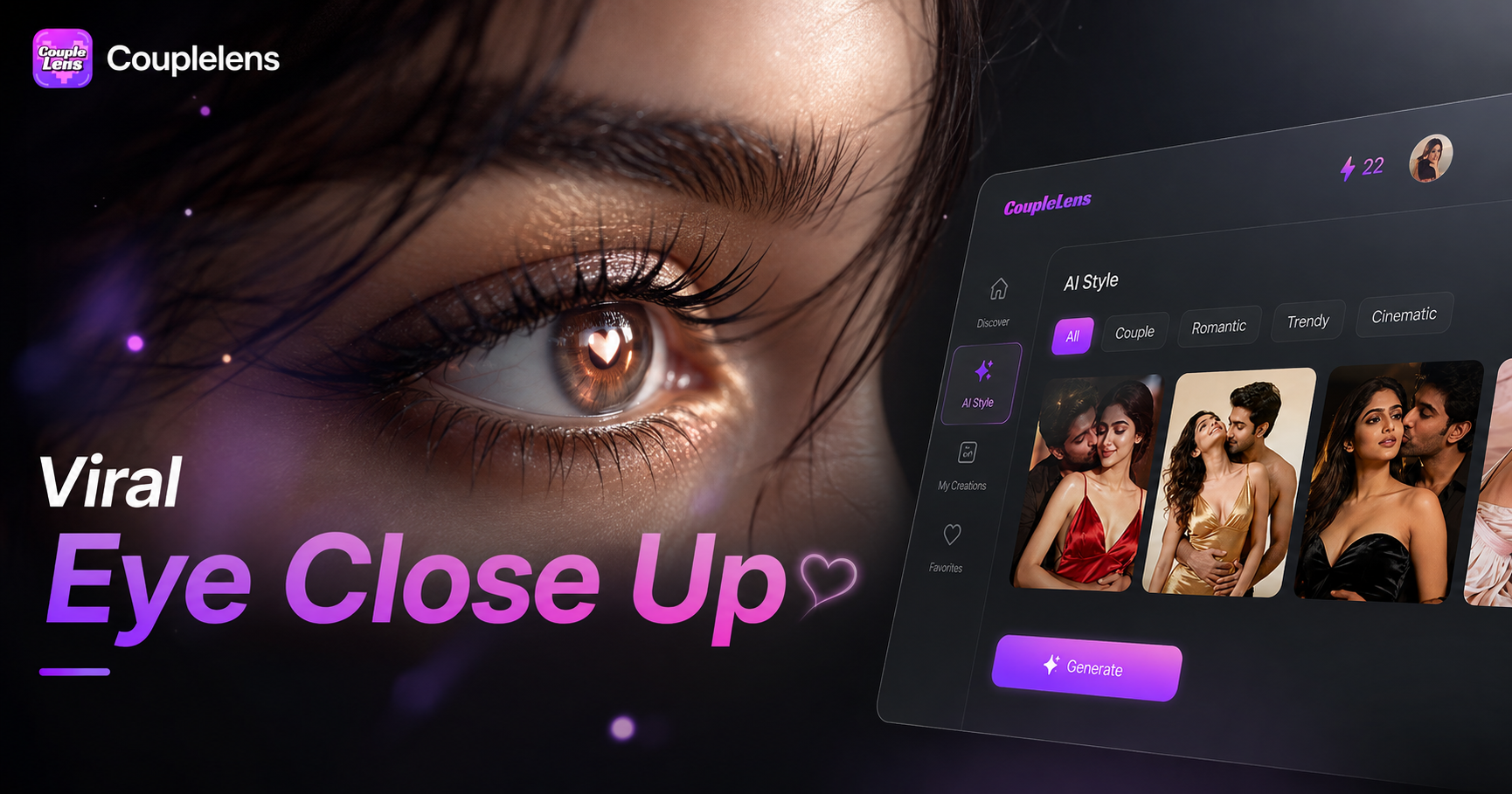
Viral Eye Close Up CapCut Style Video with CoupleLens
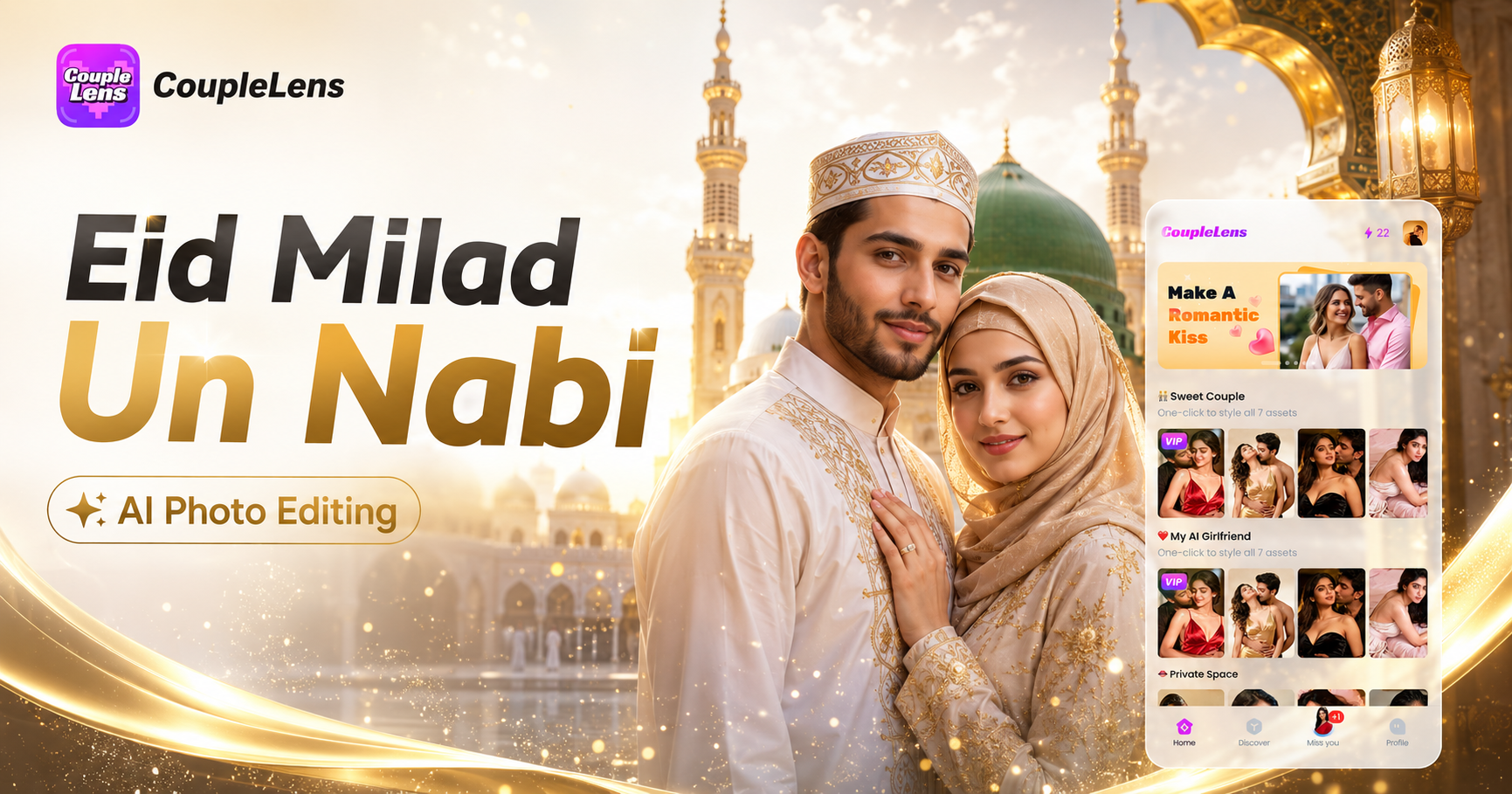
Eid Milad Un Nabi AI Photo Editing: Create Festive Portraits with CoupleLens
Edit ID Picture with Formal Attire: One Tap in CoupleLens
12 Rabi Ul Awal Whatsapp Status AI: Make a Personal Mawlid Greeting Fast
Viral Eye Close Up CapCut Style Video with CoupleLens
Eid Milad Un Nabi AI Photo Editing: Create Festive Portraits with CoupleLens
Edit ID Picture with Formal Attire: One Tap in CoupleLens
Ready to Make Your Ganesh Chaturthi Photo
The festival comes once a year. Do not let the moment pass with the same generic greeting. Download CoupleLens on Google Play, pick a Ganpati AI image filter.
Ready to Make Your Ganesh Chaturthi Photo
The festival comes once a year. Do not let the moment pass with the same generic greeting. Download CoupleLens on Google Play, pick a Ganpati AI image filter.