Marlon AI Video
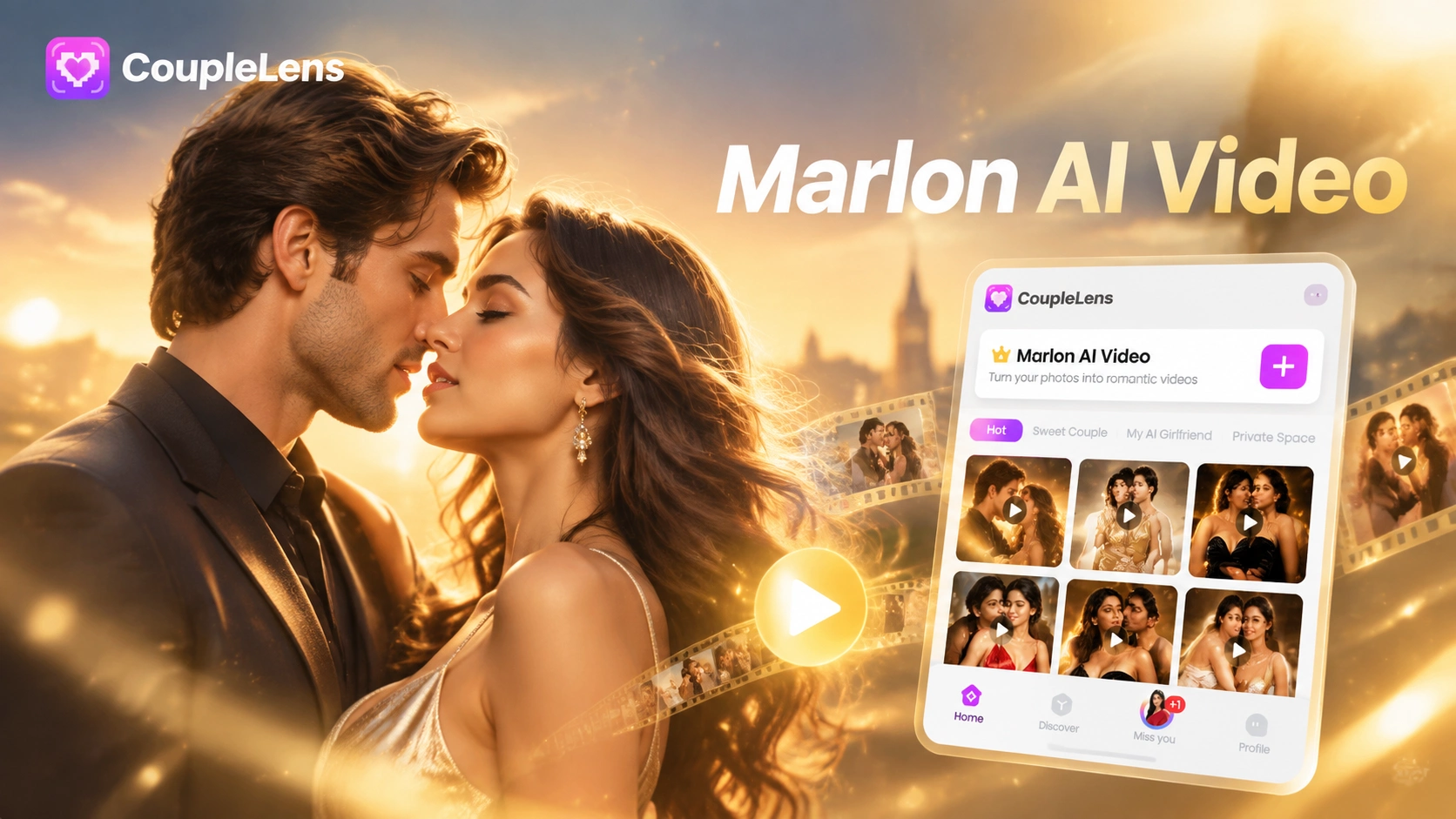
Pick a Marlon AI Video Filter
Pick a Marlon AI video filter in CoupleLens, upload one selfie, tap generate, then share.
Key Features of the Marlon AI Video
Three reasons the Marlon AI video trend moves faster inside CoupleLens than anywhere else on the web.
 Before
Character Consistency Across Every Frame
CoupleLens character consistency engine locks down your face across every single frame of the Marlon AI video clip. Skin tone stays put. Jawline stays sharp. Lighting updates with the street walk, but your face stays yours end to end. No flicker. No half way switch. No random new face appearing on your body mid clip.
 Before
One Tap Marlon Style Filter
CoupleLens never asks you to write a prompt. The Marlon AI video filter is pre trained on real mogging clips. Open the filter, drop one selfie in, hit generate. The app picks the camera move, the cinematic grade, and the street pacing for you. One tap from the app icon to a finished clip ready for TikTok.
 Before
Multi Person AI for Group Marlon AI Videos
Marlon AI video is more fun with friends. CoupleLens multi person AI reads each face and keeps every subject distinct. Two friends, three friends, full squad, all in one street walk edit. No merged faces. No dropped characters. Every friend keeps their own look through hugs, walks, or shoulder to shoulder poses in the same clip.
See Real Marlon AI Video Creations Made inside CoupleLens
Browse the Marlon AI video gallery, steal a vibe, drop your own photo into the same filter, post it on TikTok tonight.
How to Create a Marlon AI Video?
Three taps from Google Play to a finished Marlon AI video clip. Install, generate, share.
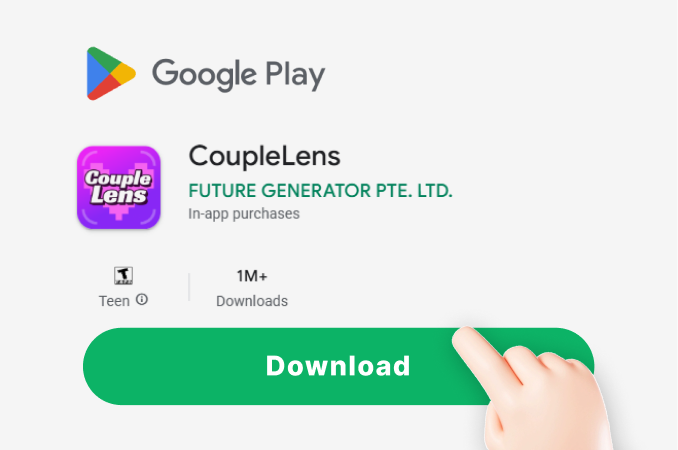
Step 01.
Open Google Play on your phone. Search CoupleLens. Hit install. CoupleLens is the mobile home base for every Marlon AI video filter on this page.
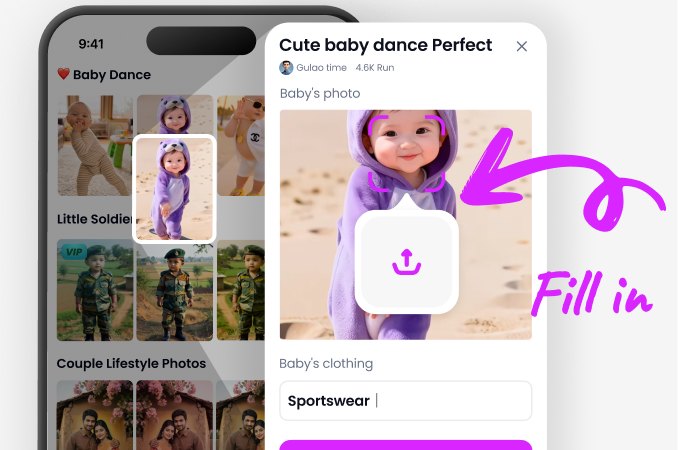
Step 02.
Open the CoupleLens app. Tap the Marlon style template you like. Upload one selfie from your camera roll. Tap generate. The cinematic street clip comes back in ten to twenty seconds.
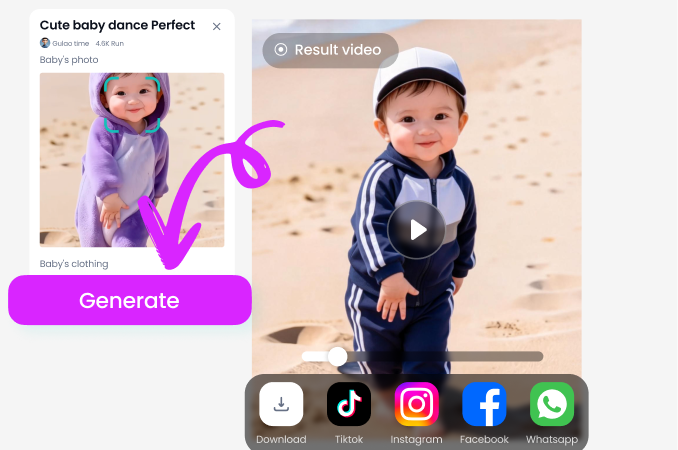
Step 03.
Tap share inside CoupleLens. Send the finished Marlon AI video straight to TikTok, Instagram Reels, or YouTube Shorts.
Use CoupleLens for the Marlon AI Video Trend
CoupleLens is the only mobile app that ships a complete Marlon AI video maker in one place. 25,000 ready made style filters cover every mogging clip on the timeline. Daily drops track the latest TikTok trend the moment it peaks. Character consistency locks your face across the whole clip. You install from Google Play, generate inside the app, post the same night, no laptop ever needed.
Watch CoupleLens Marlon AI Video Walk Throughs
Two quick CoupleLens app walk throughs so you see exactly how a Marlon AI video filter turns a plain selfie into cinematic street content for TikTok.
Frequently Asked Questions
Quick answers about the Marlon AI video trend, how CoupleLens makes it, and why the app is the easiest mobile way to post the cinematic mog clip.
More Topics You May Like
More CoupleLens guides for every trending mogging filter, AI dance clip, cinematic street style edit, and viral TikTok templates.

CoupleLens Baby Krishna AI Photo Generator: Create Janmashtami Portraits

CoupleLens Face Bandage AI Photo Generator: Ship First Face Bandage AI Photos
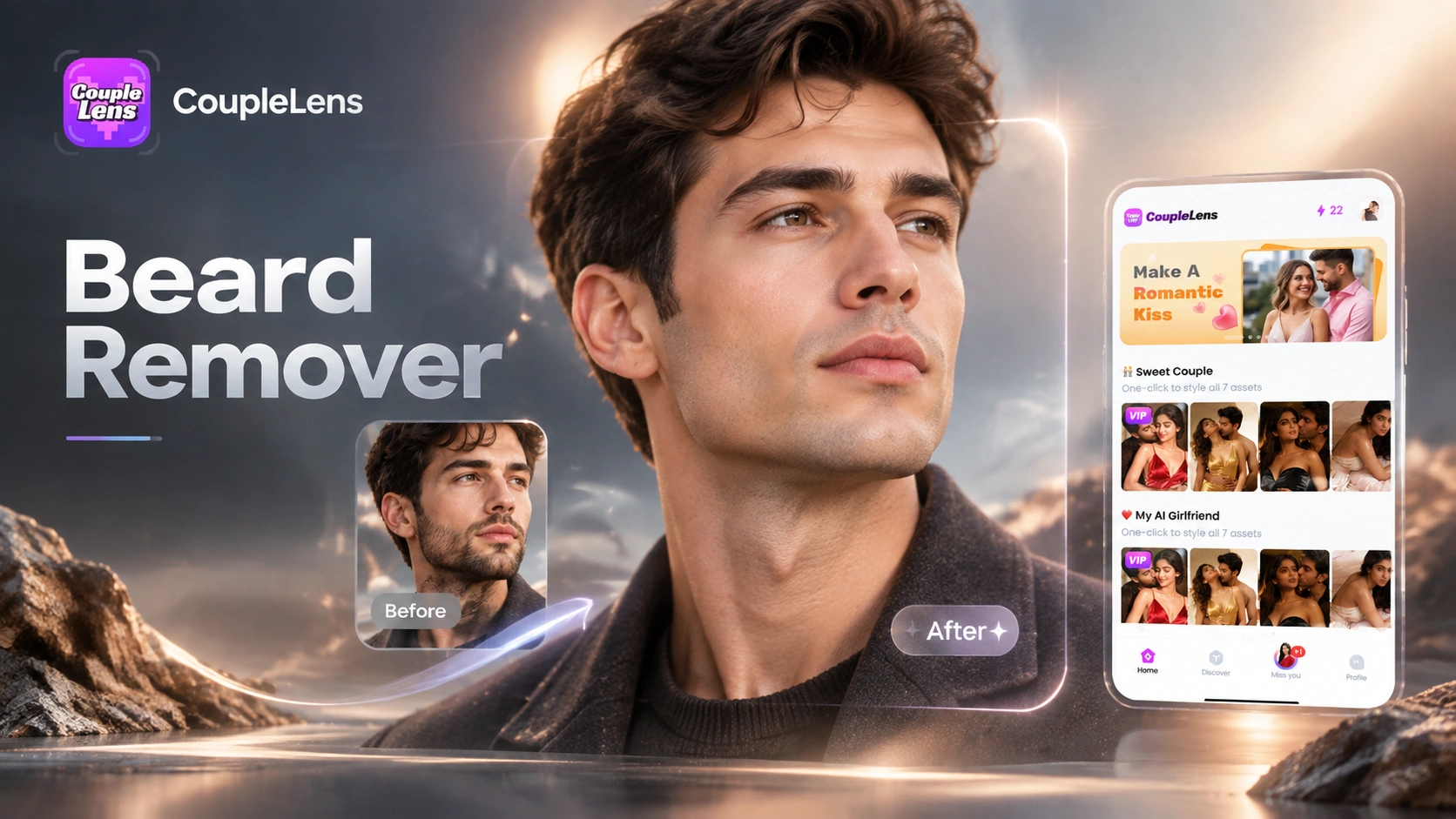
CoupleLens Beard Remover AI: See Your Clean Shaven Look in Seconds
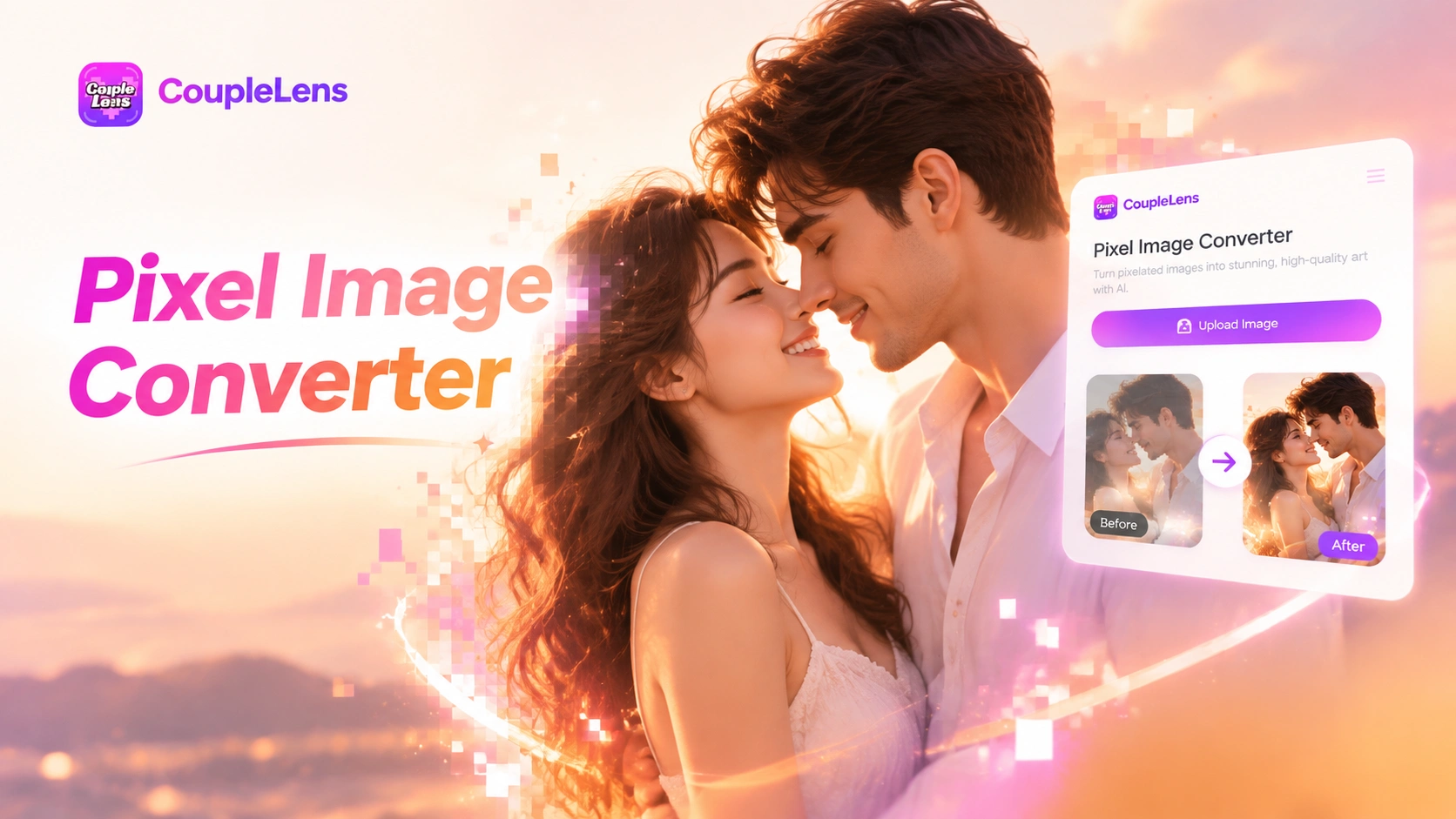
CoupleLens Pixel Image Converter: AI Pixel Avatar Generator on Mobile
CoupleLens Baby Krishna AI Photo Generator: Create Janmashtami Portraits
CoupleLens Face Bandage AI Photo Generator: Ship First Face Bandage AI Photos
CoupleLens Beard Remover AI: See Your Clean Shaven Look in Seconds
CoupleLens Pixel Image Converter: AI Pixel Avatar Generator on Mobile
Start Your First Marlon AI Video
Download CoupleLens on Google Play. Pick a Marlon AI video filter. Generate a cinematic street mogging clip in seconds. Share it on TikTok and watch the comments roll in.
Start Your First Marlon AI Video
Download CoupleLens on Google Play. Pick a Marlon AI video filter. Generate a cinematic street mogging clip in seconds. Share it on TikTok and watch the comments roll in.