Pixel Image Converter
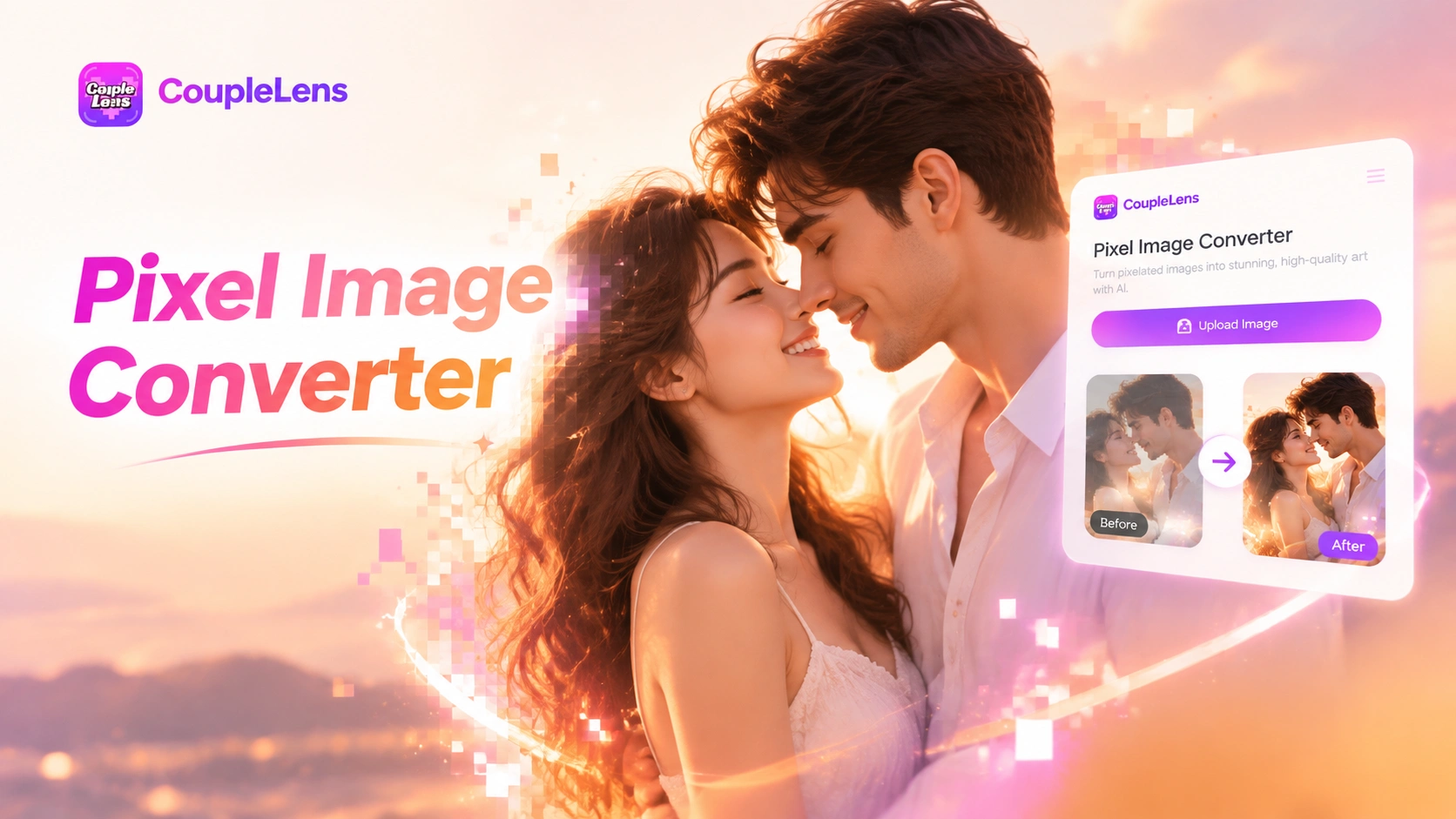
Pick a Pixel Filter and Start Converting
CoupleLens ships eight pixel image filters tuned for different moods. Each one gives you a different take on your pixel avatar without writing a single prompt.
Key Features of the CoupleLens Pixel Image Converter
CoupleLens gives you a full creative stack behind the pixel image converter. Ready to use the moment you download CoupleLens from Google Play.
 Before
 After
AfterBuilt for Mobile, Ready to Share
The whole pixel image converter lives inside the CoupleLens App. No browser upload. No desktop app. No waiting on a web queue. Generate a pixel avatar, then post it straight to your CoupleLens profile, your Instagram, your TikTok, or your Discord. CoupleLens handles creation and distribution from one screen.
BeforeAfterBuilt for Mobile, Ready to Share
The whole pixel image converter lives inside the CoupleLens App. No browser upload. No desktop app. No waiting on a web queue. Generate a pixel avatar, then post it straight to your CoupleLens profile, your Instagram, your TikTok, or your Discord. CoupleLens handles creation and distribution from one screen.
 Before
 After
AfterReady Pixel Templates Inside the App
Skip the prompt box. CoupleLens puts eight pixel templates at your fingertips inside the App, from realistic low-pixel home selfies to retro 8-bit block portraits, from concert vibe to vibrant color pixel art. Tap one, upload, generate. Every pixel template is a one-tap creative path designed for non-designers who still want a real pixel avatar on their phone.
BeforeAfterReady Pixel Templates Inside the App
Skip the prompt box. CoupleLens puts eight pixel templates at your fingertips inside the App, from realistic low-pixel home selfies to retro 8-bit block portraits, from concert vibe to vibrant color pixel art. Tap one, upload, generate. Every pixel template is a one-tap creative path designed for non-designers who still want a real pixel avatar on their phone.
 Before
 After
AfterIdentity-Preserving Pixel AI
CoupleLens reads the face in your upload, locks onto the eyes, nose, mouth, hair shape, and outfit, then rebuilds every block around those features. Your pixel avatar looks like you, not like a stranger wearing a pixel costume. The face stays recognizable across every pixel template, so the same selfie feeds eight different styles without losing who you are in the picture.
BeforeAfterIdentity-Preserving Pixel AI
CoupleLens reads the face in your upload, locks onto the eyes, nose, mouth, hair shape, and outfit, then rebuilds every block around those features. Your pixel avatar looks like you, not like a stranger wearing a pixel costume. The face stays recognizable across every pixel template, so the same selfie feeds eight different styles without losing who you are in the picture.
How to Create a Pixel Avatar with CoupleLens?
You do not need design skills to run the CoupleLens pixel image converter. Three steps inside the App and your pixel avatar is ready to share.

Step 01.
Open Google Play on your Android phone. Search CoupleLens and tap install. Launch the App and you land on the home screen with all pixel templates ready to go.

Step 02.
Tap any pixel template inside CoupleLens. Upload one photo from your camera roll. CoupleLens will read the face and prep your pixel avatar in about ten seconds.

Step 03.
Preview your pixel avatar. Hit save to keep it on your phone, or hit share to post it on CoupleLens, Instagram, TikTok, Discord, anywhere.
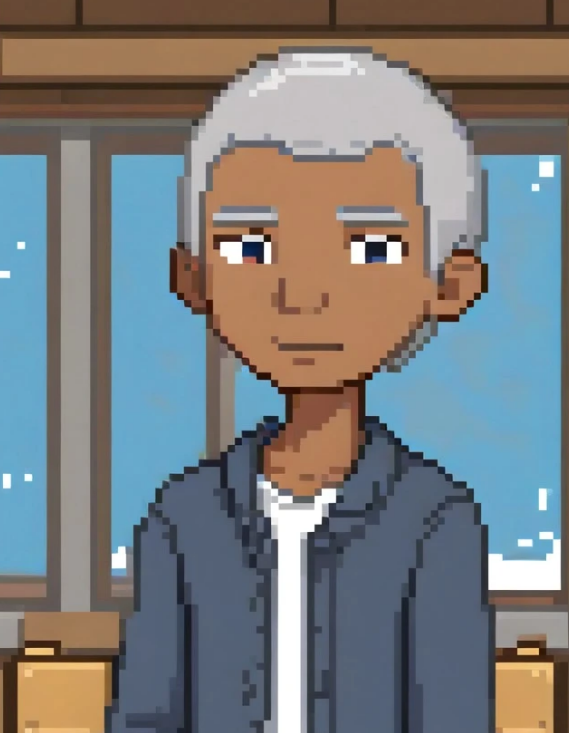
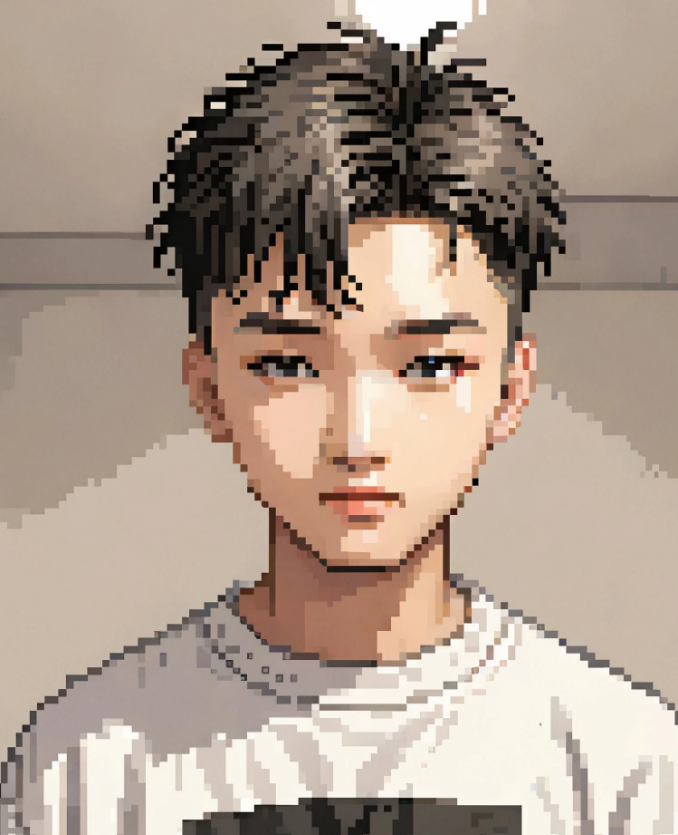
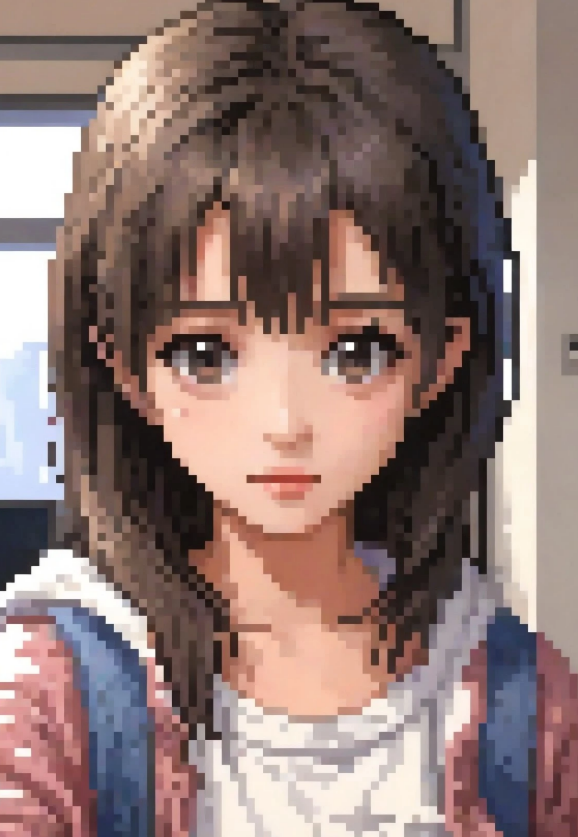
Real Pixel Avatar Results from the CoupleLens Community
Browse the gallery below for fresh pixel avatar ideas and remix them with the same template in one tap.




Use CoupleLens as Your Pixel Image Converter
Other pixel converters run on your browser, hand you a slider, and lose your face in the output. CoupleLens runs on your phone, runs on AI, and keeps you recognizable in every pixel avatar. Eight templates, no prompt, no watermark stress, full mobile flow from photo to social post. When you want a pixel avatar that actually looks like you, the CoupleLens App is the smarter pick.
Watch CoupleLens Pixel Templates in Action
Two short CoupleLens walkthroughs show you the pixel image converter live on a phone.
More Topics You May Like
Keep exploring different pixel styles, retro looks, and avatar ideas inside the App.
Gopikamma Outfit AI Photo: Create Traditional Indian Looks on CoupleLens
Age Transformation Video Maker: See Your Future Self Now with CoupleLens

Malaysia Madani AI Poster: Design for Hari Kebangsaan with CoupleLens

CoupleLens Pakistan Defence Day AI Photo Generator: Make 6 September AI Photo
Gopikamma Outfit AI Photo: Create Traditional Indian Looks on CoupleLens
Age Transformation Video Maker: See Your Future Self Now with CoupleLens
Malaysia Madani AI Poster: Design for Hari Kebangsaan with CoupleLens
CoupleLens Pakistan Defence Day AI Photo Generator: Make 6 September AI Photo
Frequently Asked Questions
Common questions about the CoupleLens pixel image converter, mobile generation, and pixel avatar output.
Make Your Pixel Avatar in CoupleLens Today
Grab CoupleLens on Google Play, pick a pixel template, and ship a real pixel avatar in one tap. Eight pixel styles, full mobile flow, your face stays yours.
Make Your Pixel Avatar in CoupleLens Today
Grab CoupleLens on Google Play, pick a pixel template, and ship a real pixel avatar in one tap. Eight pixel styles, full mobile flow, your face stays yours.