Baby Krishna AI Photo Generator
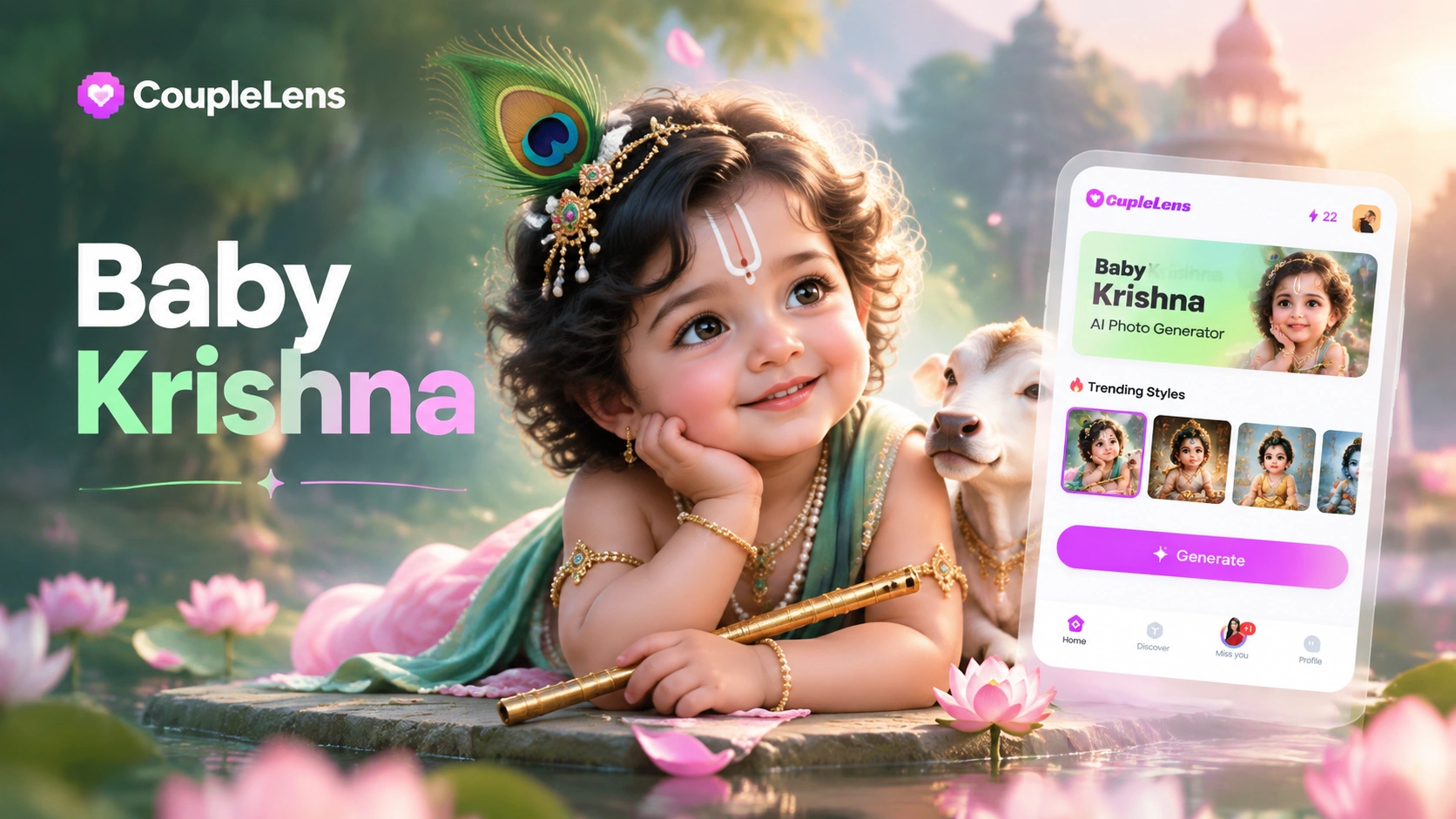
Pick a Baby Krishna Style You Love
CoupleLens packs many baby krishna AI photo templates inside the app. Open the app, tap one, and the style does the rest.
Key Features of the Baby Krishna AI Photo Generator
The baby Krishna AI photo generator on CoupleLens keeps the baby face natural, ships with Janmashtami-ready scenes.
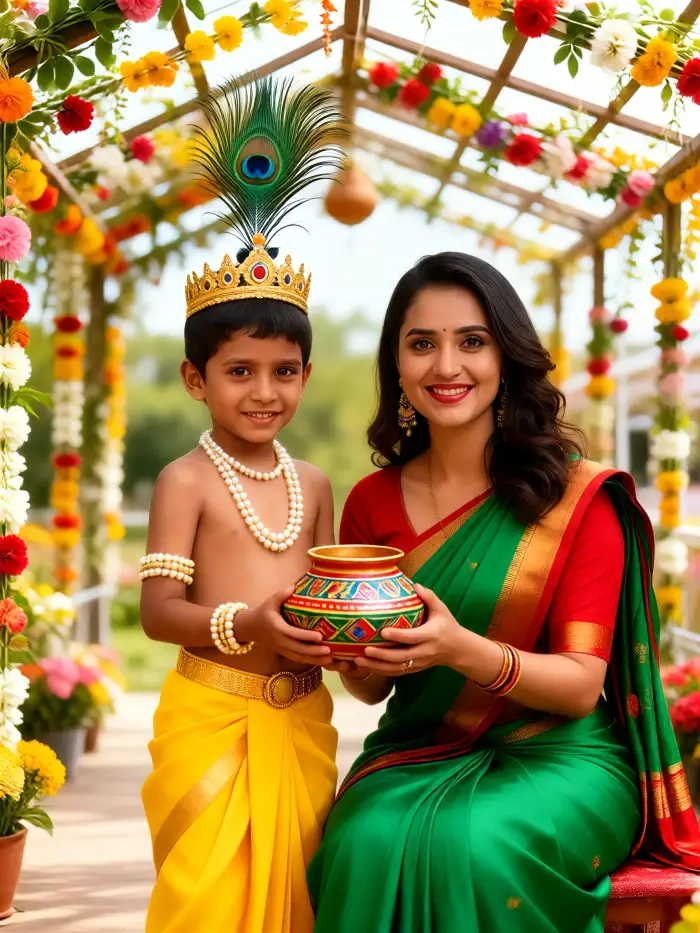
Face-Preserving Style Transfer
CoupleLens reads your baby's face and holds on to every detail that matters. Eyes, smile, skin tone, and cheek shape stay exactly the same in the final image. The AI only swaps in the Krishna outfit, the peacock feather crown, and the warm temple light. Parents get a respectful baby krishna AI photo that still looks like their own child, never like a stranger.
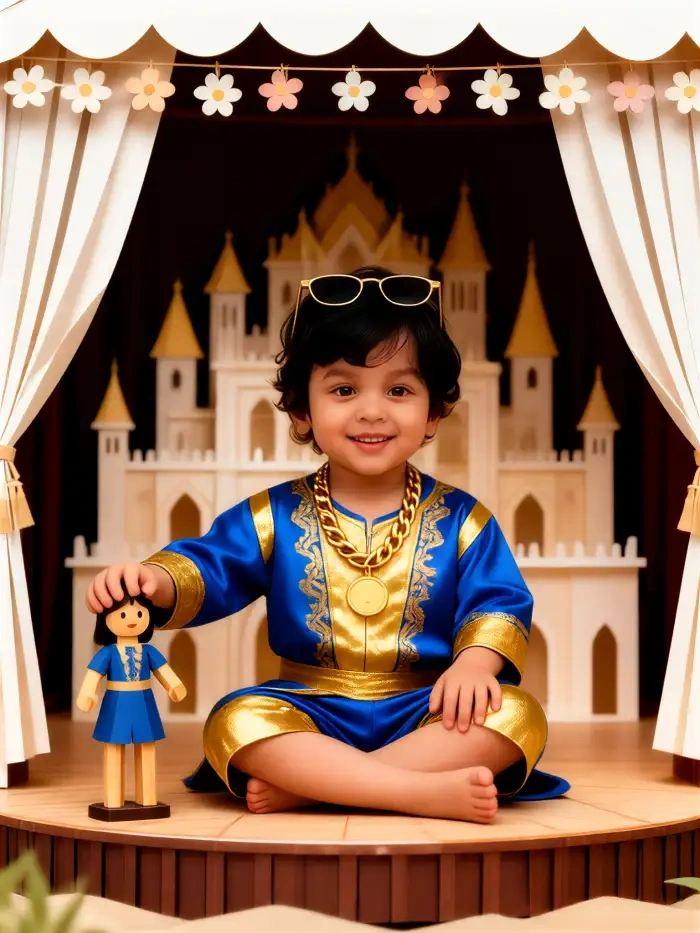
One-Tap Festival Baby Krishna
Forget long prompts and copy paste work. CoupleLens has ready baby krishna AI photo templates for Makhan Chor, Jhula swing, Vrindavan garden, Dahi Handi scene, and more. Each template packs outfit, pose, props, and background into one button. You just upload, tap, and the app does the rest. Even first time parents get a clean portrait on the first try.
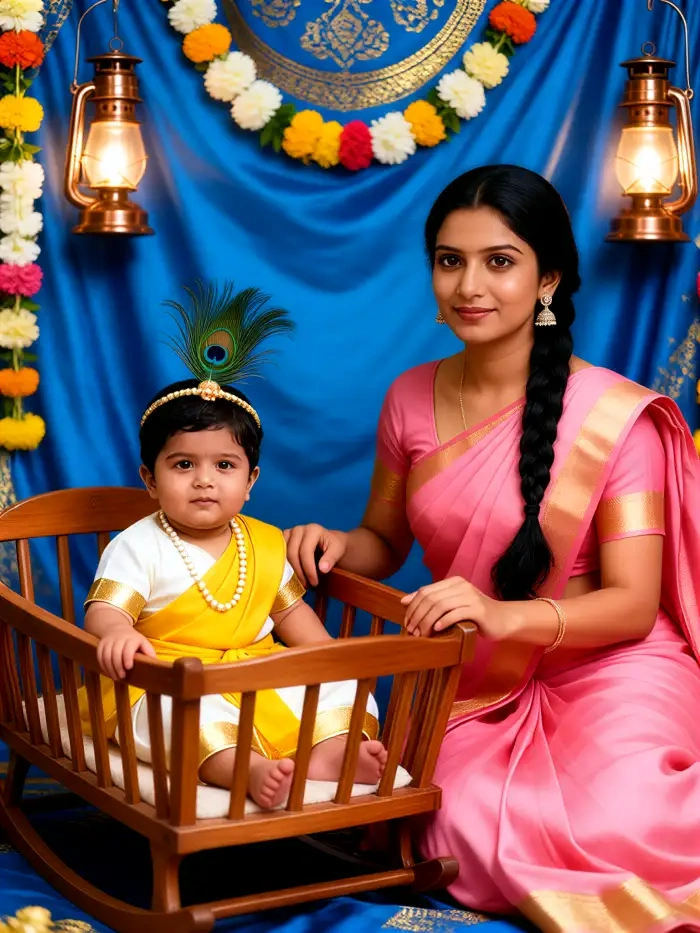
Multi-Person Family Scenes
Janmashtami is family time. CoupleLens handles group photos with baby, mom, dad, and siblings in one frame. The AI keeps each face separate and never blends them together. You can place your baby next to family members in a divine temple scene, all dressed in matching festive looks. The group portrait still feels natural, not cut and paste.
How to Create Your Baby Krishna AI Photo?
You only need your phone and one baby picture. CoupleLens handles every step from upload to final share on social media.

Step 01.
Grab the CoupleLens app from Google Play and open it on your Android phone. The whole setup takes less than a minute.

Step 02.
Choose any baby krishna AI photo filter from the template library. Upload one clear baby photo. Tap generate and wait about 10 to 20 seconds.

Step 03.
Save the final baby krishna AI photo to your phone. Post it as a Janmashtami DP, Instagram story, greeting card, or send it straight to the family WhatsApp group.
See Real Baby Krishna AI Photo Results
Browse a few, get inspired, and try the same filter on your own baby photo inside the app.
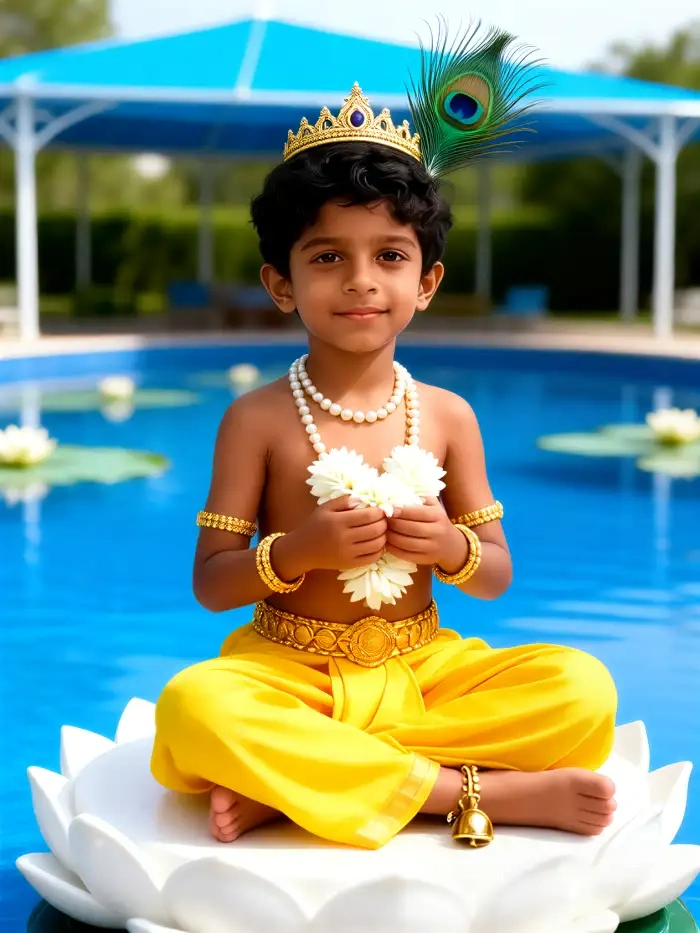
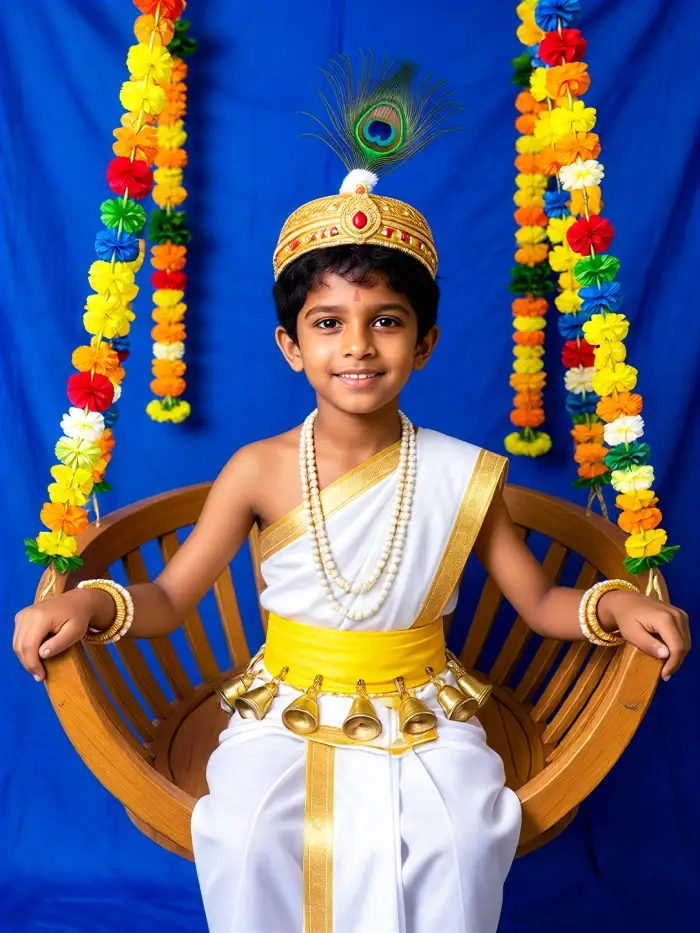
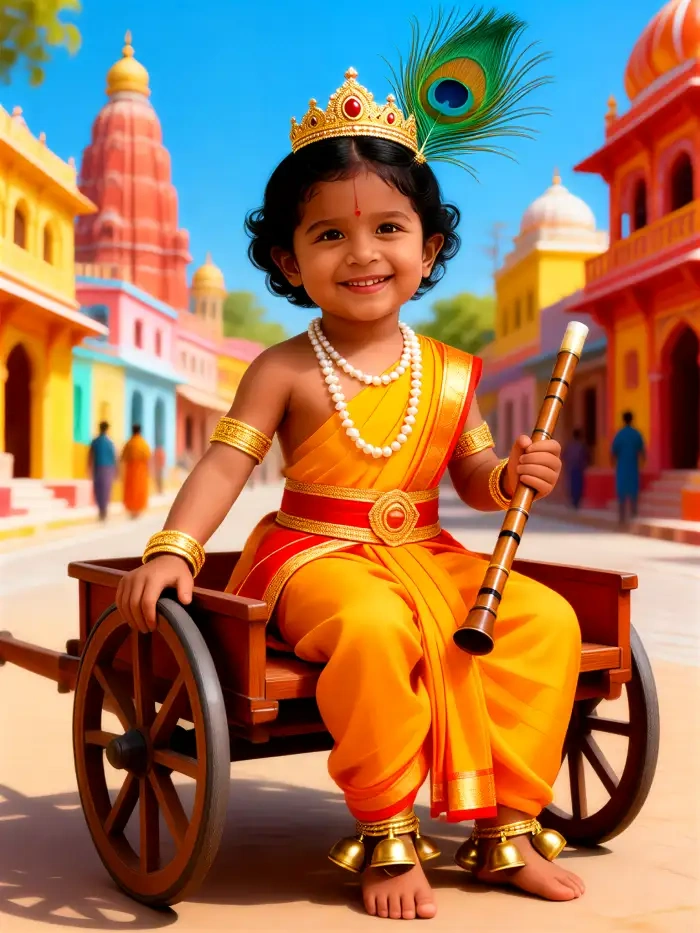
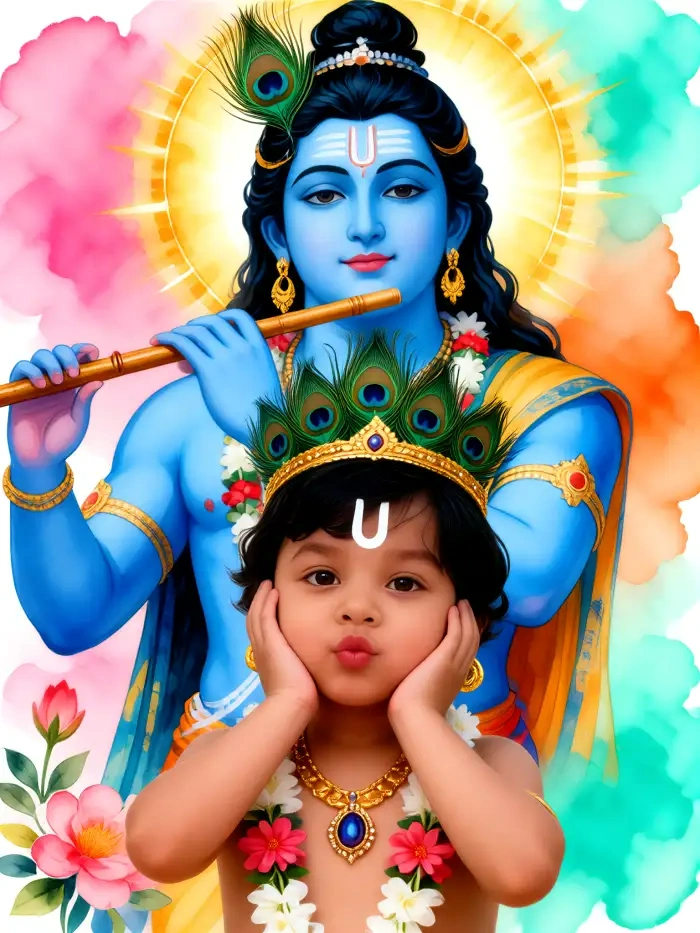
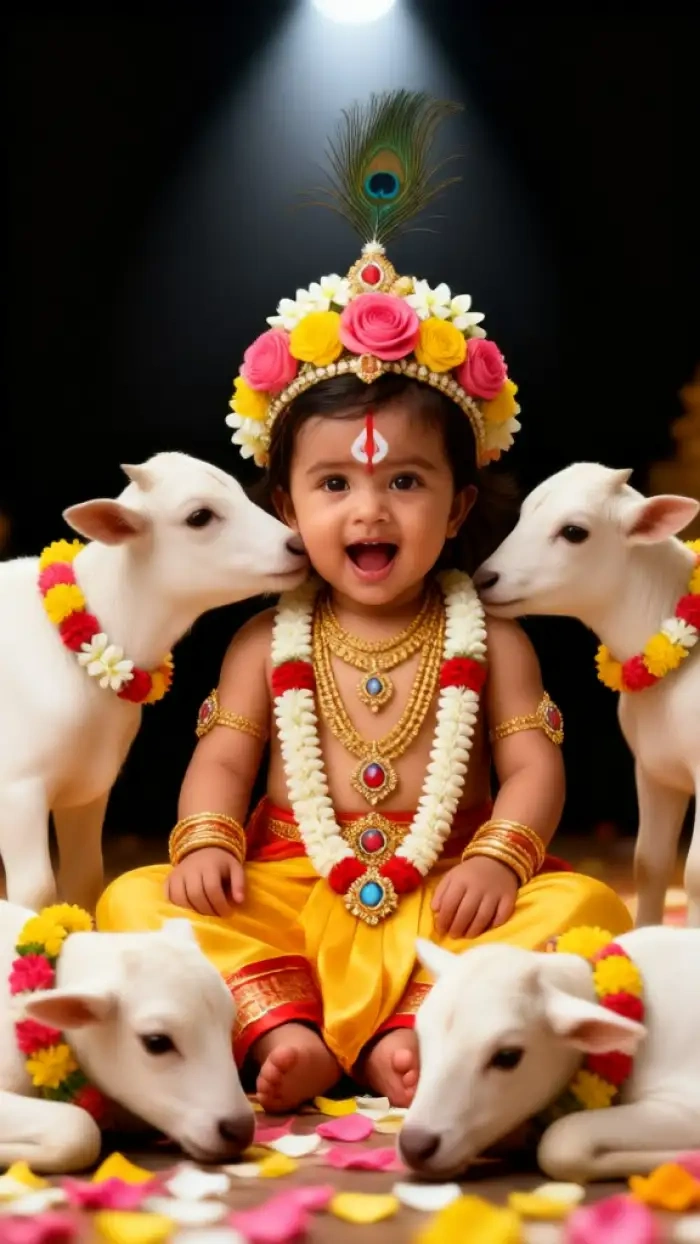
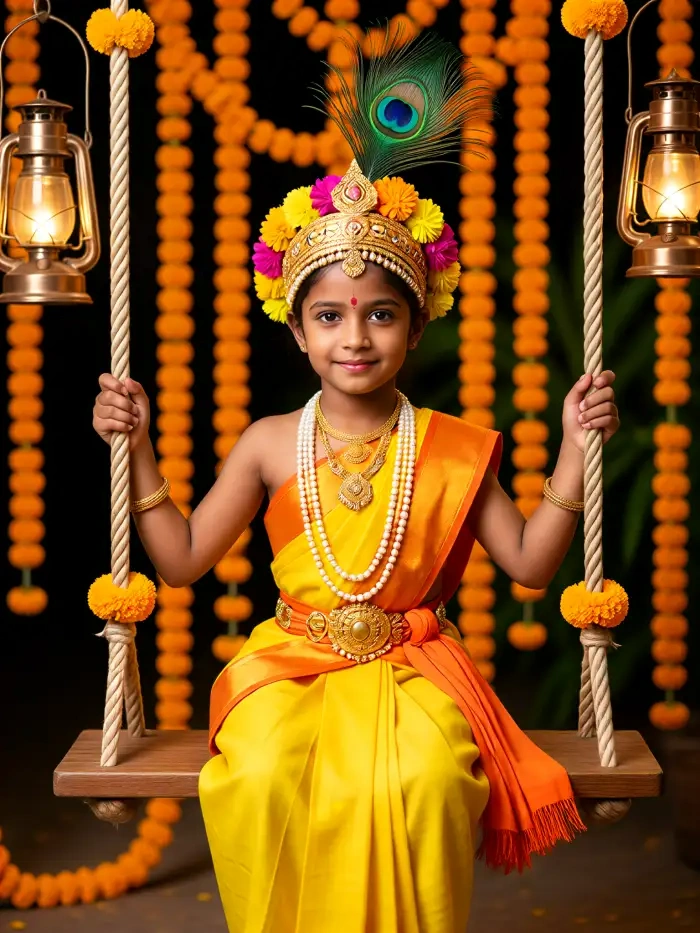
Use CoupleLens for Baby Krishna AI Photo Generation
Most AI tools ask you to copy a long prompt and paste it into ChatGPT or Gemini on a desktop. CoupleLens skips all of that. Open the app, tap a baby krishna AI photo filter, upload one photo, and watch the render finish in about 10 to 20 seconds. The tool keeps your baby face natural, runs on mobile, and ships with templates built for Indian festival scenes like Janmashtami, Diwali, and Holi. You get a clean festival portrait without a real photoshoot, and you can try ten different looks before you pick the one to share.

What Parents Say About the Baby Krishna AI Photo Generator
Pick CoupleLens this Janmashtami. Your baby still looks like your baby.
I tried three Baby Krishna apps before this one. CoupleLens is the only one that kept my son's chubby cheeks and tiny smile. The peacock feather crown looked soft, not pasted on. I posted the baby krishna AI photo on our family WhatsApp group and everyone asked which app I used. Truly a keeper for Janmashtami.
Trust CoupleLens for the festival. One tap and your baby is little Krishna.
My husband sent me a long ChatGPT prompt that did not work at all. Then I found CoupleLens. I tapped the Little Baby Krishna filter, uploaded our four month old baby, and got a clean baby krishna AI photo in under a minute. The face stayed soft and the butter pot prop looked cute. We made it our family Janmashtami card.
For real face quality, CoupleLens is the only baby krishna AI photo app I trust.
As a photographer I am picky about face distortion. CoupleLens passed my test on the first try. The skin texture looked real, the yellow dhoti sat naturally on the body, and the eyes did not look glassy. I now recommend this baby krishna AI photo generator to every client with a newborn during the festival season.
Watch Baby Krishna Filter Walkthroughs
Follow along and your first portrait will be ready in minutes, even if you have never used an AI app before.
Frequently Asked Questions
Quick answers about the baby krishna AI photo generator on CoupleLens, from face safety to template variety.
More Topics You May Like
Other AI photo ideas on CoupleLens for Indian festivals, family portraits, and cute baby moments you can try right after your Baby Krishna render.

CoupleLens Pakistan Defence Day AI Photo Generator: Make 6 September AI Photo
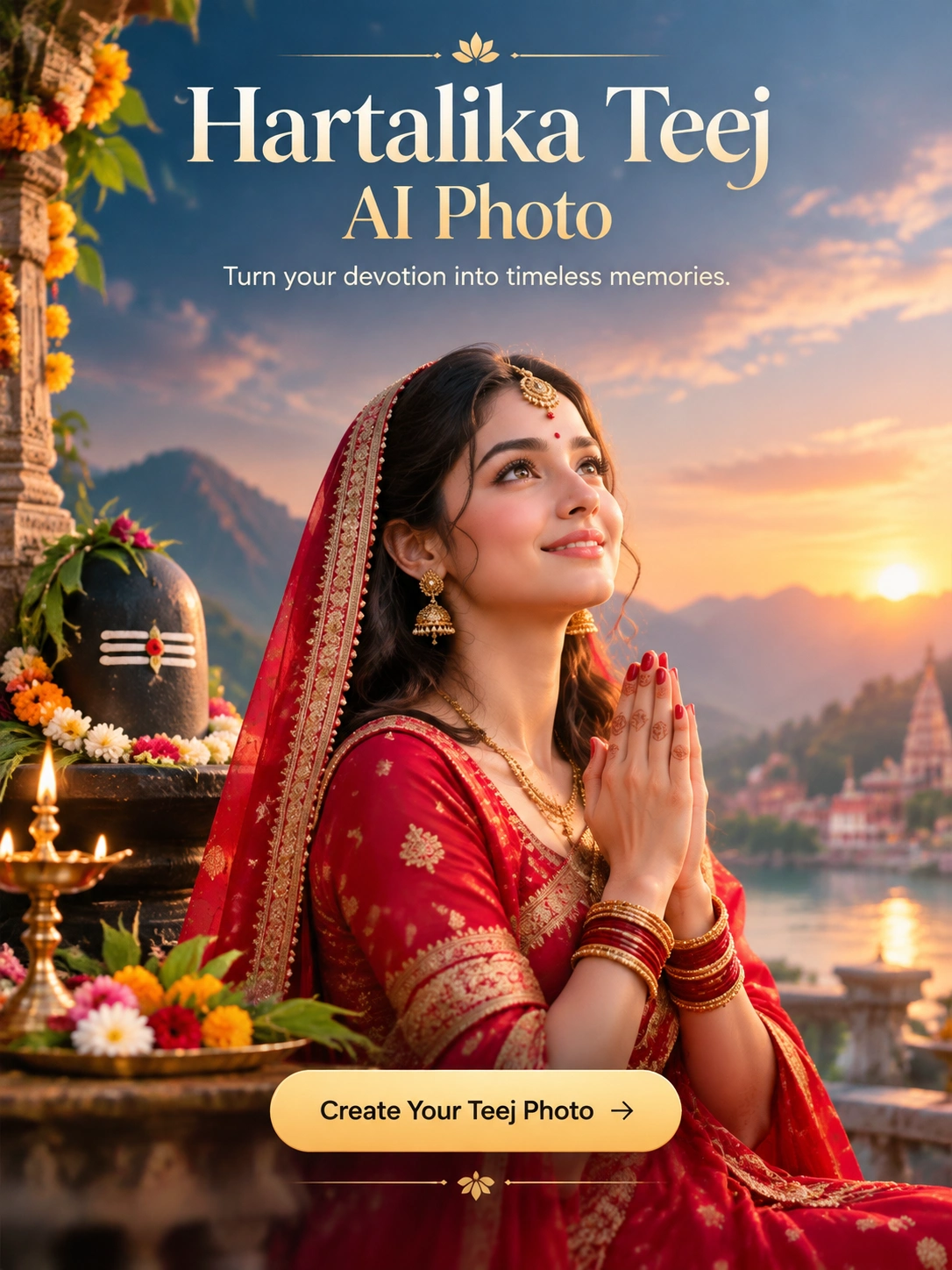
Hartalika Teej AI Photo: Festival Portraits in One Tap with CoupleLens
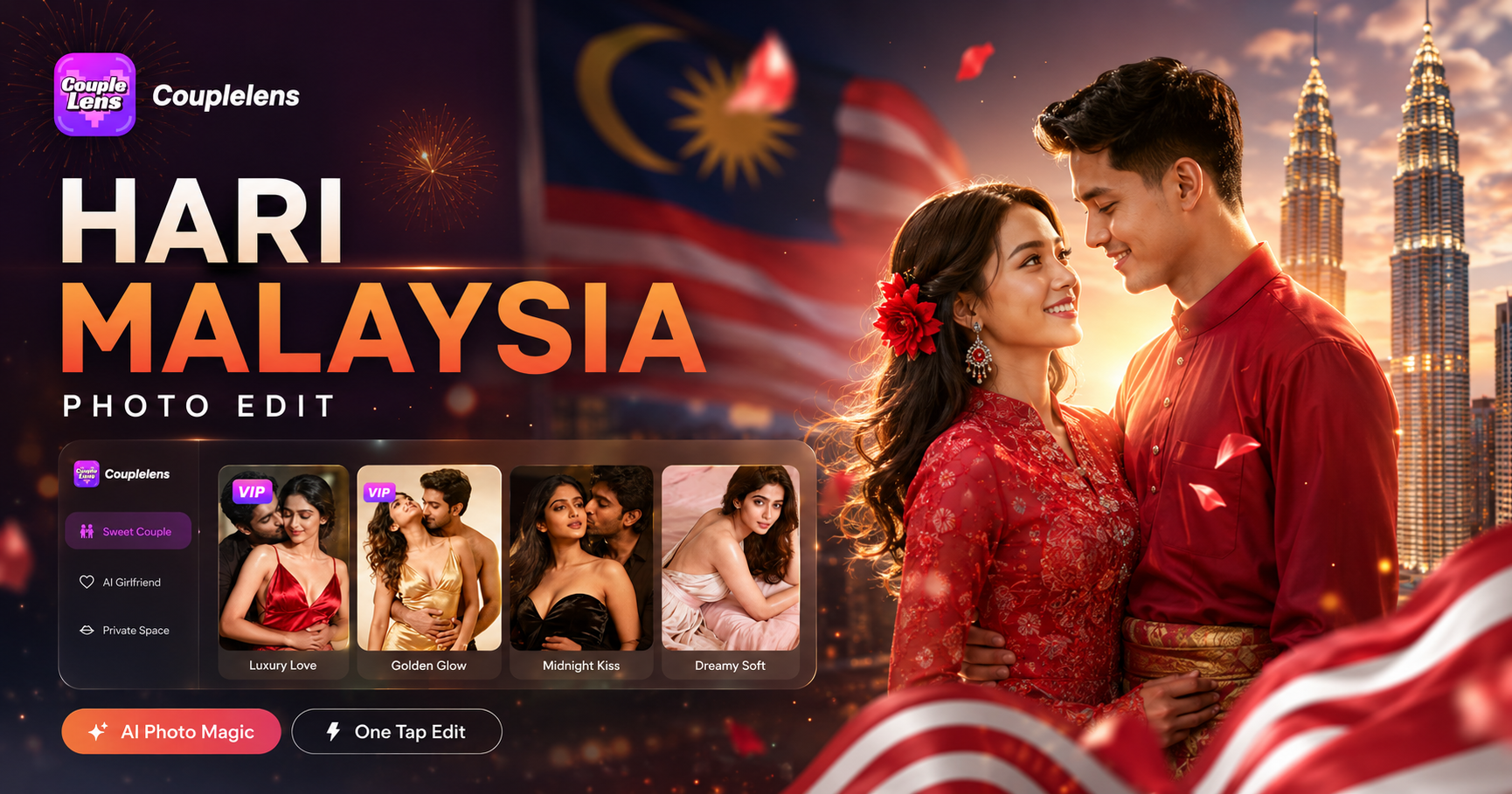
Hari Malaysia Photo Edit: Create Patriotic AI Art in Seconds with CoupleLens
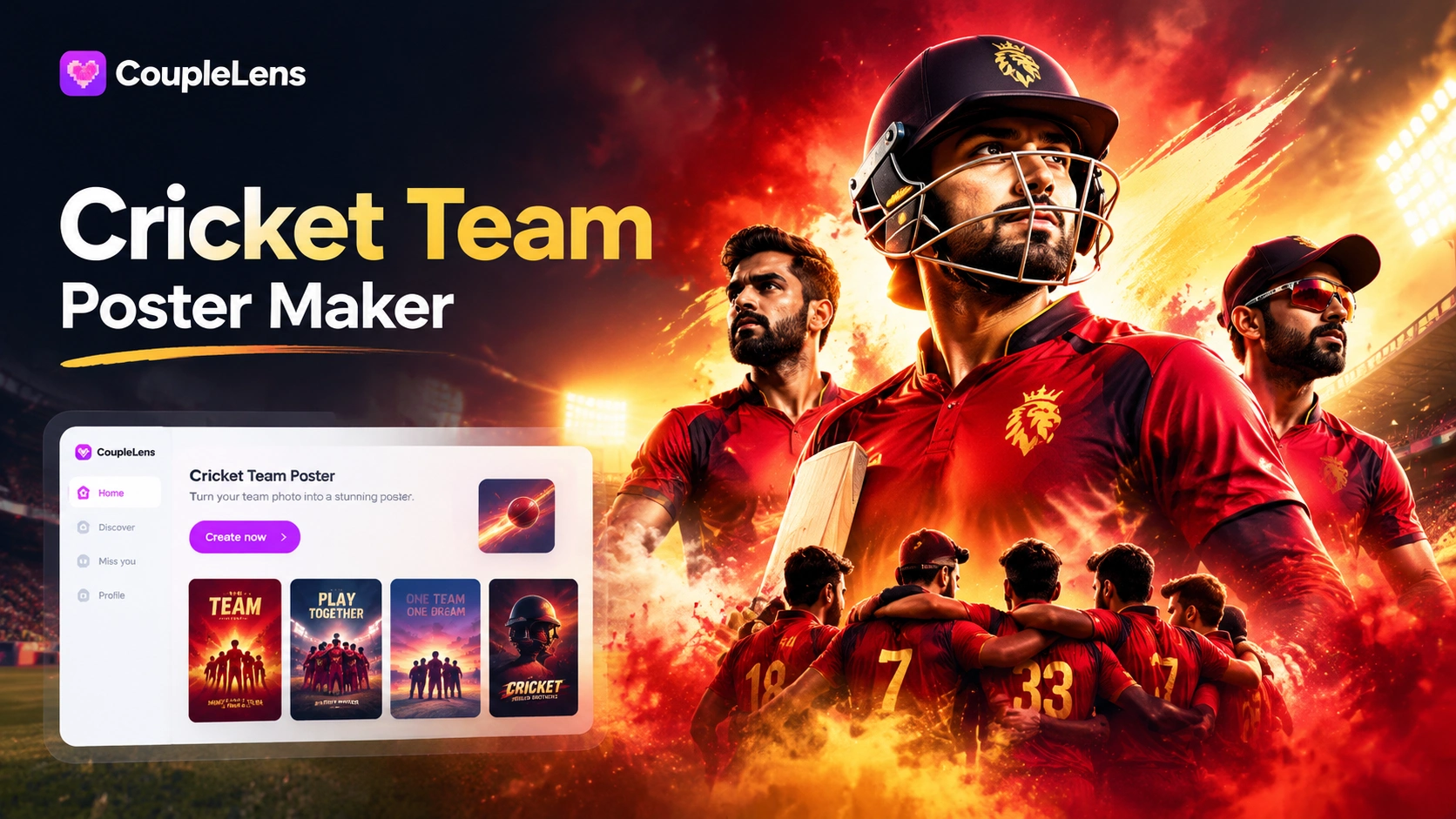
AI Cricket Team Poster Maker: Create Posters in CoupleLens App
CoupleLens Pakistan Defence Day AI Photo Generator: Make 6 September AI Photo
Hartalika Teej AI Photo: Festival Portraits in One Tap with CoupleLens
Hari Malaysia Photo Edit: Create Patriotic AI Art in Seconds with CoupleLens
AI Cricket Team Poster Maker: Create Posters in CoupleLens App
Make Your Baby Krishna AI Photo Today
Janmashtami is one week away and the family group chat needs a fresh DP. Download CoupleLens on Google Play, pick a Baby Krishna AI photo filter, tap once, and share your festival portrait before the sweets run out.
Make Your Baby Krishna AI Photo Today
Janmashtami is one week away and the family group chat needs a fresh DP. Download CoupleLens on Google Play, pick a Baby Krishna AI photo filter, tap once, and share your festival portrait before the sweets run out.