Magical Butterfly AI Photo Editing
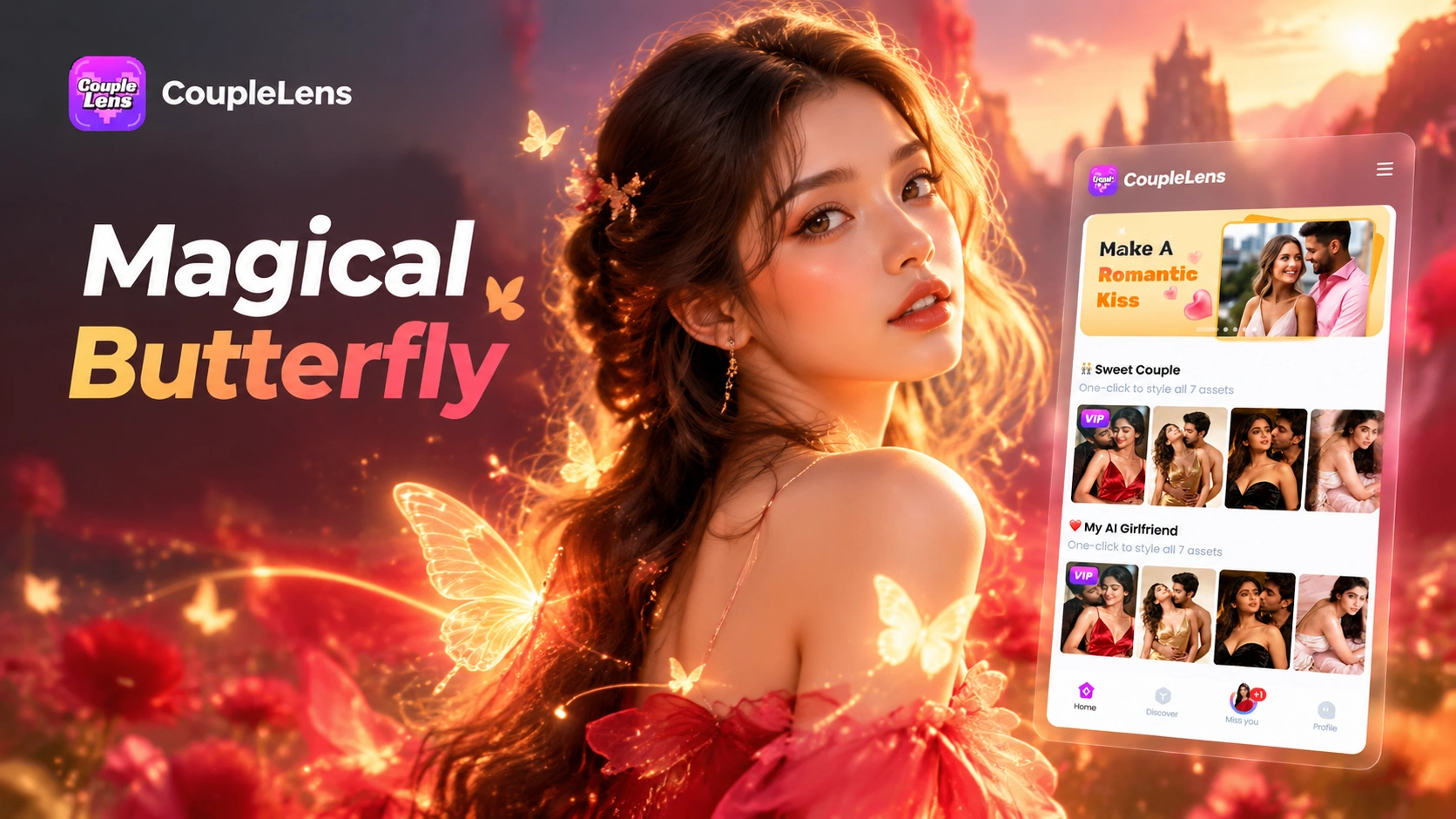
Pick a Magical Butterfly Filter That Matches Your Vibe
Each one gives a different magical butterfly photo mood, from soft pastel wings to bold monarch swarms.
How to Create a Magical Butterfly AI Photo?
Three steps inside the CoupleLens app take you from a normal selfie to a shareable AI butterfly portrait or short butterfly video.

Step 01.
Search CoupleLens. Tap install. The app lands on your home screen in under a minute. Open it, sign in with one tap, and you are in.

Step 02.
Scroll the filter row until you see one of the magical butterfly filters. Tap it. Upload one clear photo of yourself, a couple, or a friend group.

Step 03.
Most magical butterfly photos finish in 10 to 20 seconds. Save the picture or post the short video straight to Instagram, TikTok, or your CoupleLens community profile.
See Real Magical Butterfly AI Photo Edits from the Community
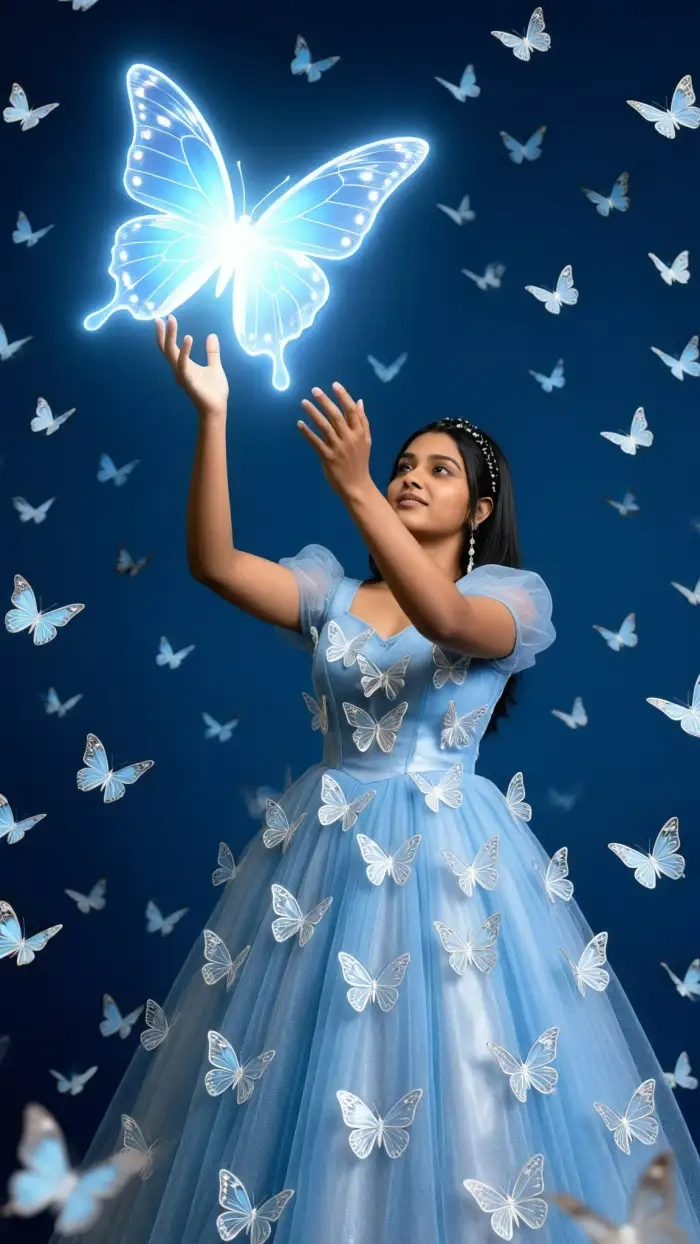
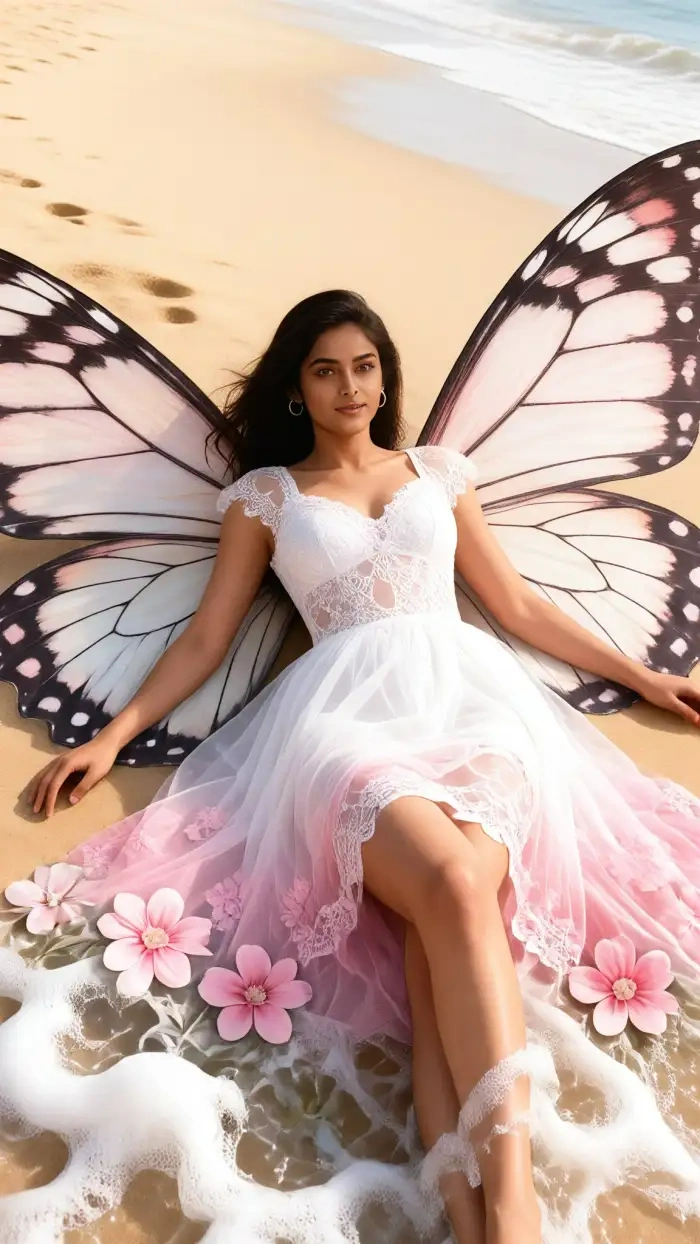
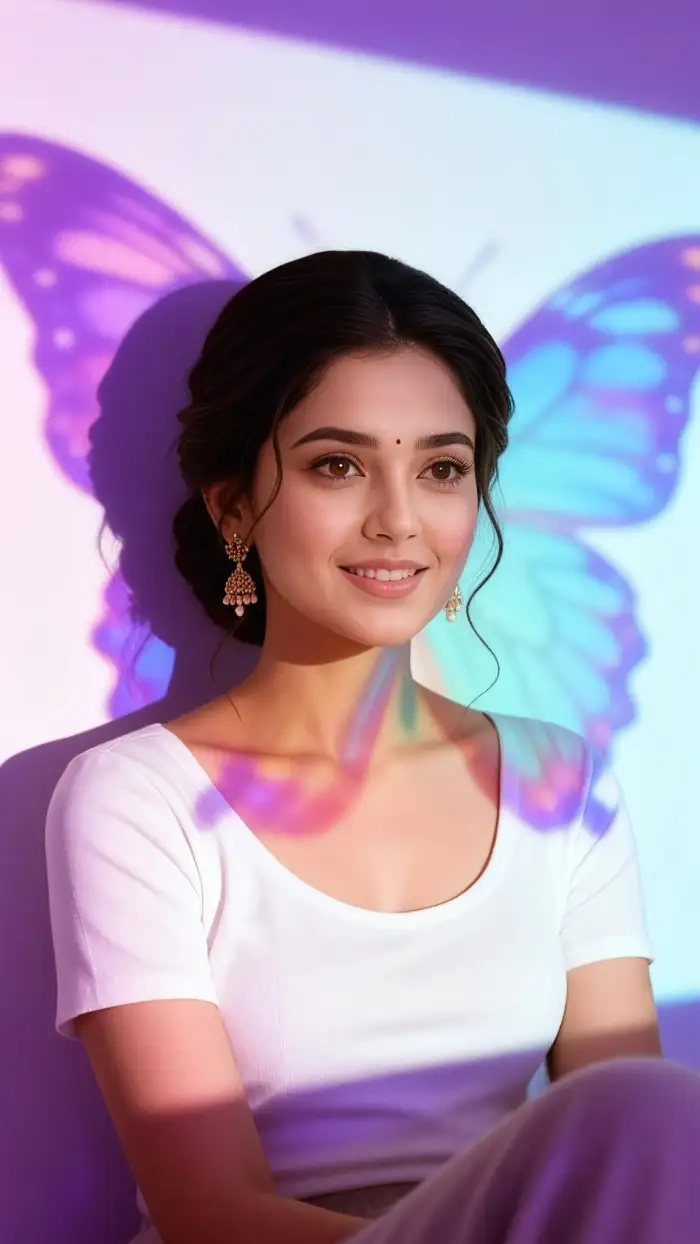
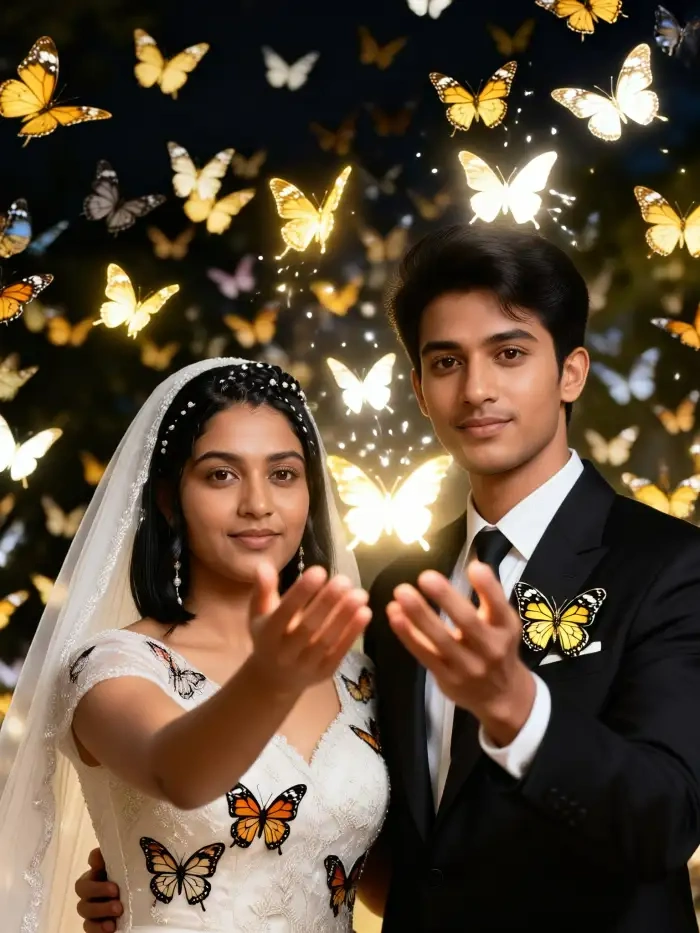
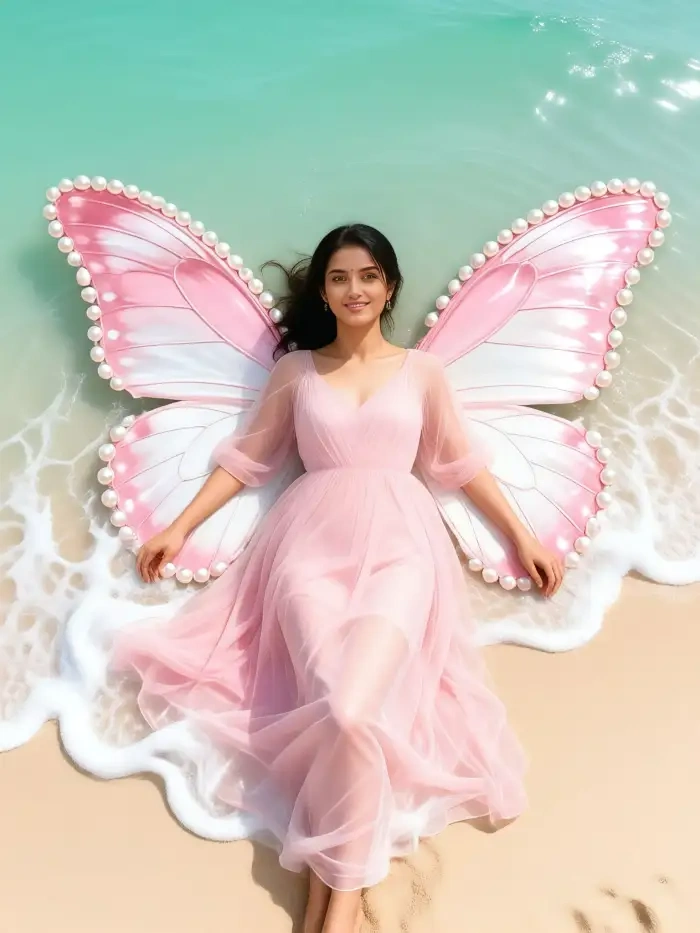
CoupleLens users post their AI butterfly photos and butterfly videos to the community feed every day. Here is the kind of look you can land in.
Watch CoupleLens in Action
Two short videos show you exactly how the magical butterfly filter works inside the CoupleLens app.
Key Features of the CoupleLens Magical Butterfly Photo Editor
CoupleLens packs three core moves that no web based AI butterfly editor can match. Your next magical butterfly photo lives on your phone.
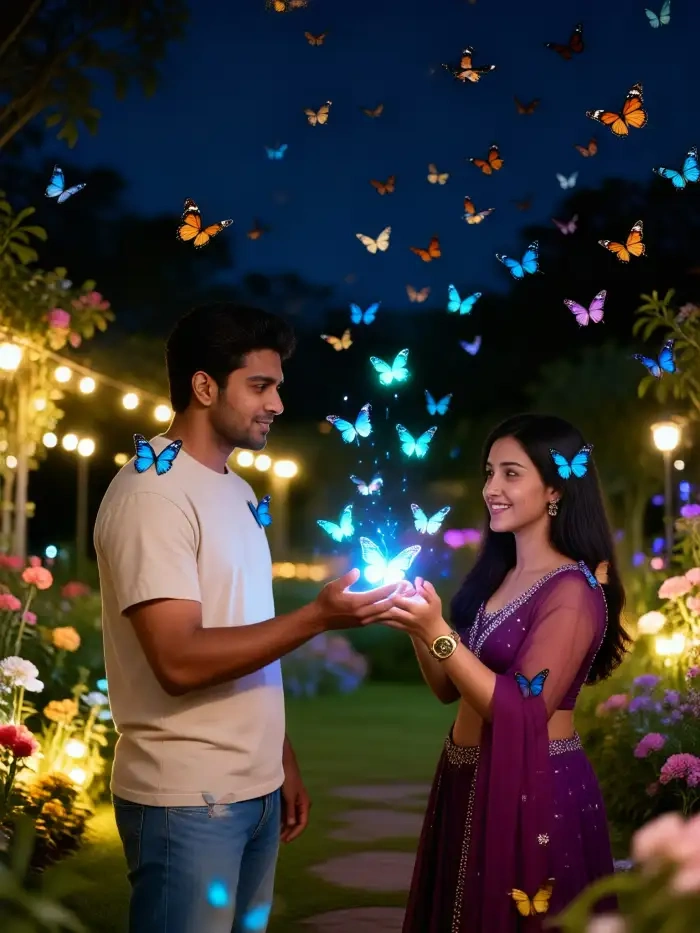
Just Pick Magical Butterfly Filters and Tap
Forget long text prompts. CoupleLens ships 25,000 plus style presets built by editors and creators. Every magical butterfly mood is already a filter. You just scroll, tap one, and the AI does the rest. Even first time users can land a polished AI butterfly photo on the very first try.
Just Pick Magical Butterfly Filters and Tap
Forget long text prompts. CoupleLens ships 25,000 plus style presets built by editors and creators. Every magical butterfly mood is already a filter. You just scroll, tap one, and the AI does the rest. Even first time users can land a polished AI butterfly photo on the very first try.
 Before
 After
AfterMagical Butterfly Edit Done in Rapid Speed
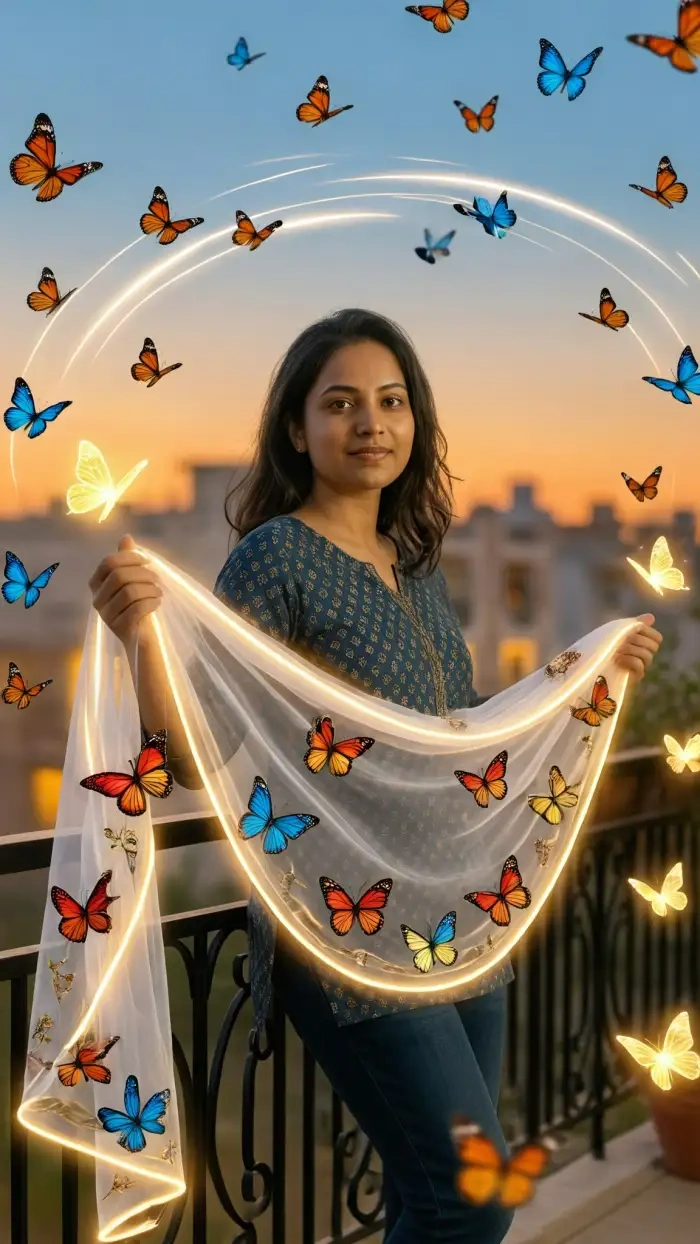
Most web tools make you wait two to three minutes per render. CoupleLens finishes most magical butterfly edits in 10 to 20 seconds on a normal phone. A short butterfly video adds only a few more seconds. That speed lets you try a few filters in one sitting.
BeforeAfterMagical Butterfly Edit Done in Rapid Speed
Most web tools make you wait two to three minutes per render. CoupleLens finishes most magical butterfly edits in 10 to 20 seconds on a normal phone. A short butterfly video adds only a few more seconds. That speed lets you try a few filters in one sitting.
 Before
Image and Video Both Supported
A still portrait is nice. A short video is the share that wins the feed. CoupleLens turns the same photo into a butterfly picture AND a butterfly video with wings flapping, swarms drifting, or a soft glow pulse. Both versions live side by side inside the app, ready to post.
BeforeImage and Video Both Supported
A still portrait is nice. A short video is the share that wins the feed. CoupleLens turns the same photo into a butterfly picture AND a butterfly video with wings flapping, swarms drifting, or a soft glow pulse. Both versions live side by side inside the app, ready to post.
What Real People Say about CoupleLens
CoupleLens is the easiest AI butterfly app I have ever used. Just try it.
Got CoupleLens on a friend's tip. Tried the Butterfly Aura filter on a sunset selfie. The wings matched my skin tone and the soft glow looked real, not plastic. Posted the short video to my story. Three people DMed for the app name within an hour.
For a magical butterfly photo that looks like a real shoot, CoupleLens wins.
I shoot portraits for a living and rarely use AI. CoupleLens changed my mind. The Cinematic Butterfly Wings filter gave my model a look that would have taken three hours in Photoshop. Speed is the killer feature. I tested it on a live shoot last weekend.
If you want a magical butterfly photo that still looks like you, CoupleLens is the move.
My teen daughter wanted a butterfly profile pic for her school page. We tried three web tools first and all of them cut off her hair or warped her smile. CoupleLens kept her face exact. The Pastel Fairy filter was her pick. She posted it that night.
Frequently Asked Questions
Common questions about magical butterfly AI photo editing in CoupleLens. We cover face identity, video, mobile use, privacy, and output quality.
More Topics You May Like
CoupleLens ships 25,000 plus filters beyond the magical butterfly world. Here are more edits to try once you have the butterfly look locked in.

12 Rabi Ul Awal Whatsapp Status AI: Make a Personal Mawlid Greeting Fast
Viral Eye Close Up CapCut Style Video with CoupleLens
Eid Milad Un Nabi AI Photo Editing: Create Festive Portraits with CoupleLens

Edit ID Picture with Formal Attire: One Tap in CoupleLens
12 Rabi Ul Awal Whatsapp Status AI: Make a Personal Mawlid Greeting Fast
Viral Eye Close Up CapCut Style Video with CoupleLens
Eid Milad Un Nabi AI Photo Editing: Create Festive Portraits with CoupleLens
Edit ID Picture with Formal Attire: One Tap in CoupleLens
Your Magical Butterfly Photo Is One Tap Away
Open CoupleLens on Google Play. Pick a magical butterfly filter. Upload one photo. Post the picture or the short video before your coffee cools.
Your Magical Butterfly Photo Is One Tap Away
Open CoupleLens on Google Play. Pick a magical butterfly filter. Upload one photo. Post the picture or the short video before your coffee cools.