Karwa Chauth AI Photo Generator
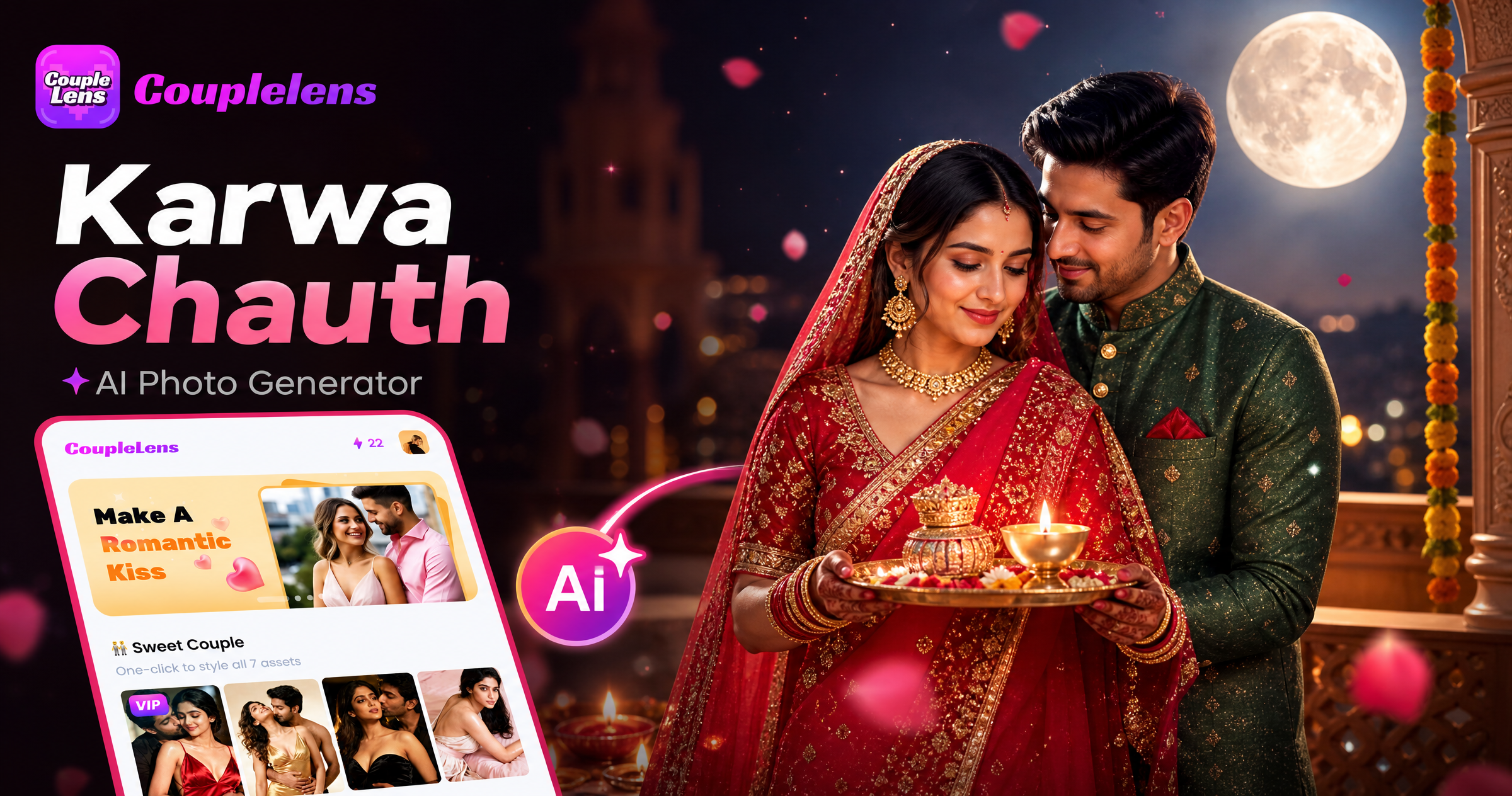
Pick a Karwa Chauth Filter
Browse festive AI filters made for Karwa Chauth couple photo moments.
See Karwa Chauth Creations from Real CoupleLens Users
Scroll through moon viewing photo styles, red saree portraits, and festival couple shots made inside the CoupleLens app.
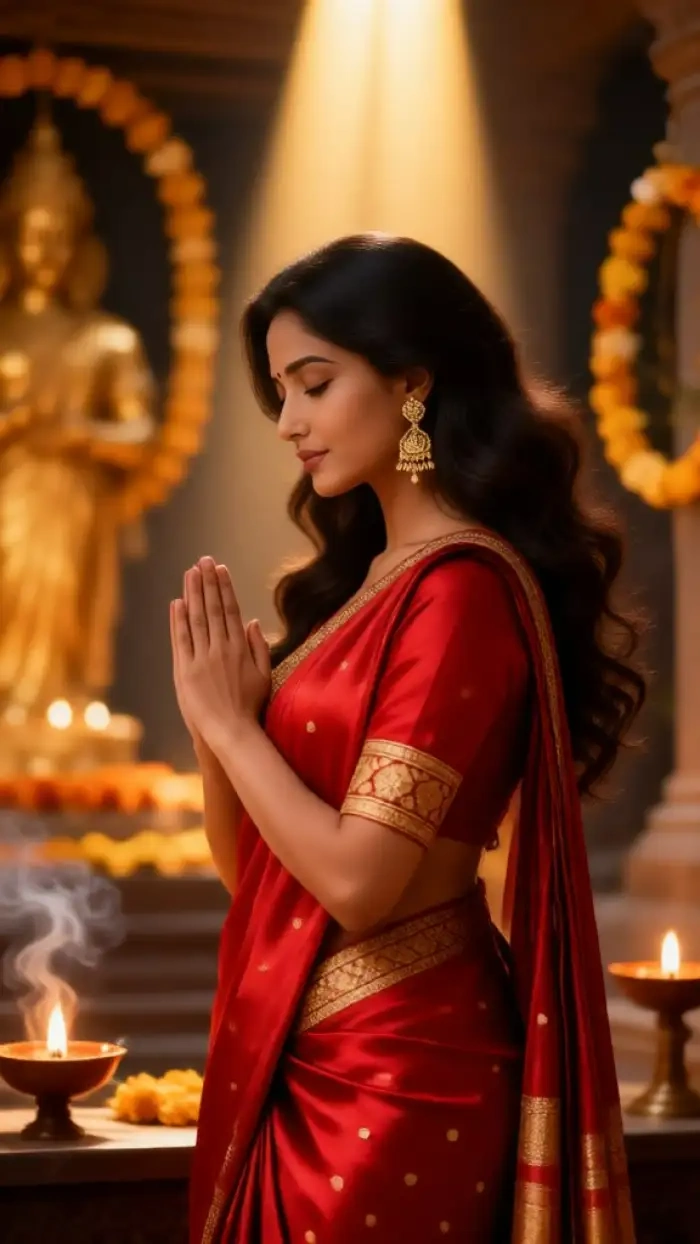
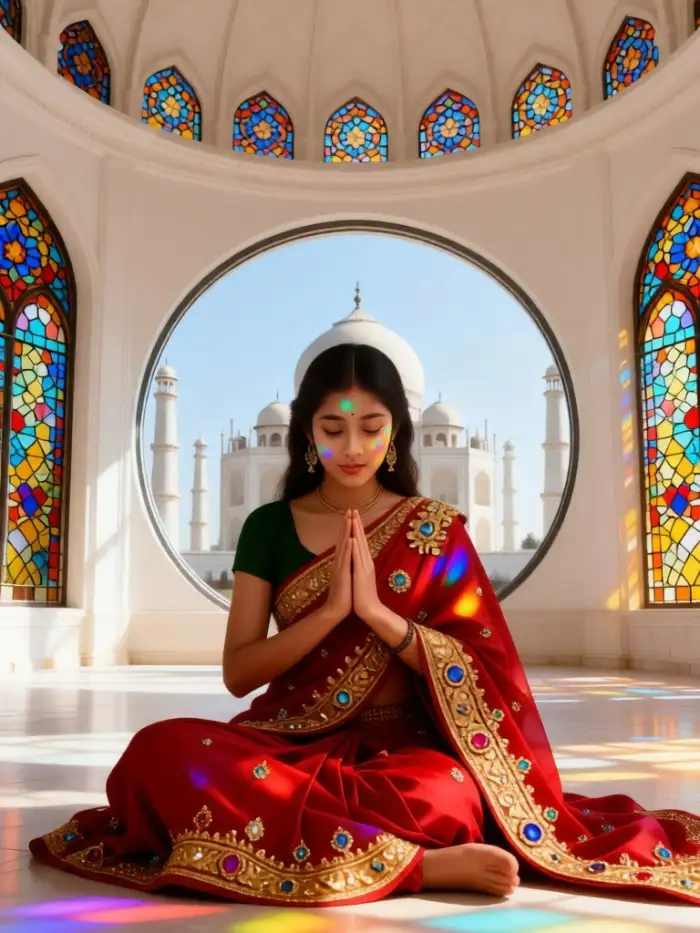
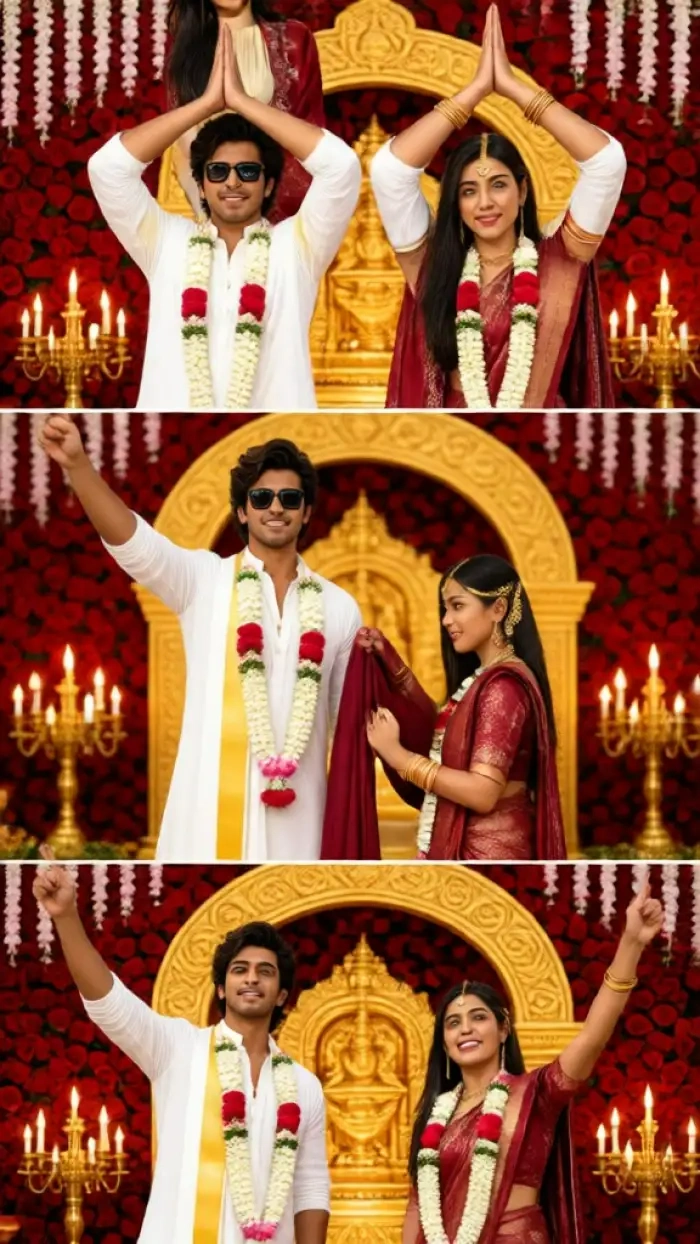
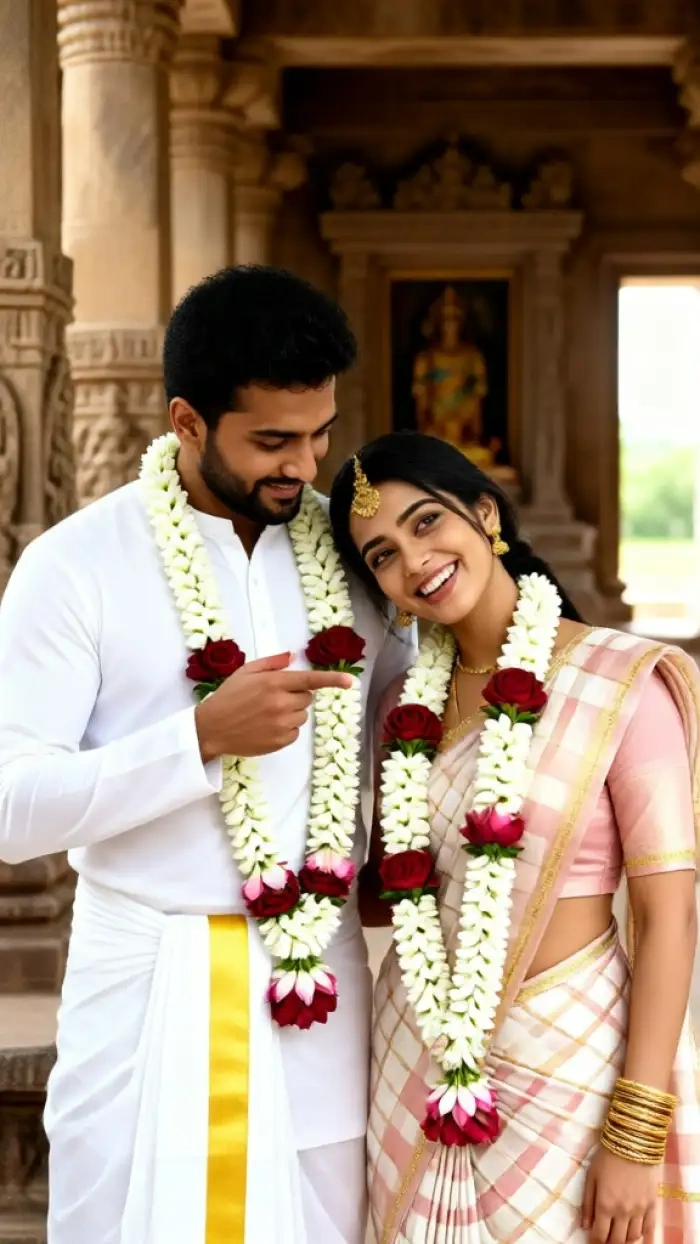
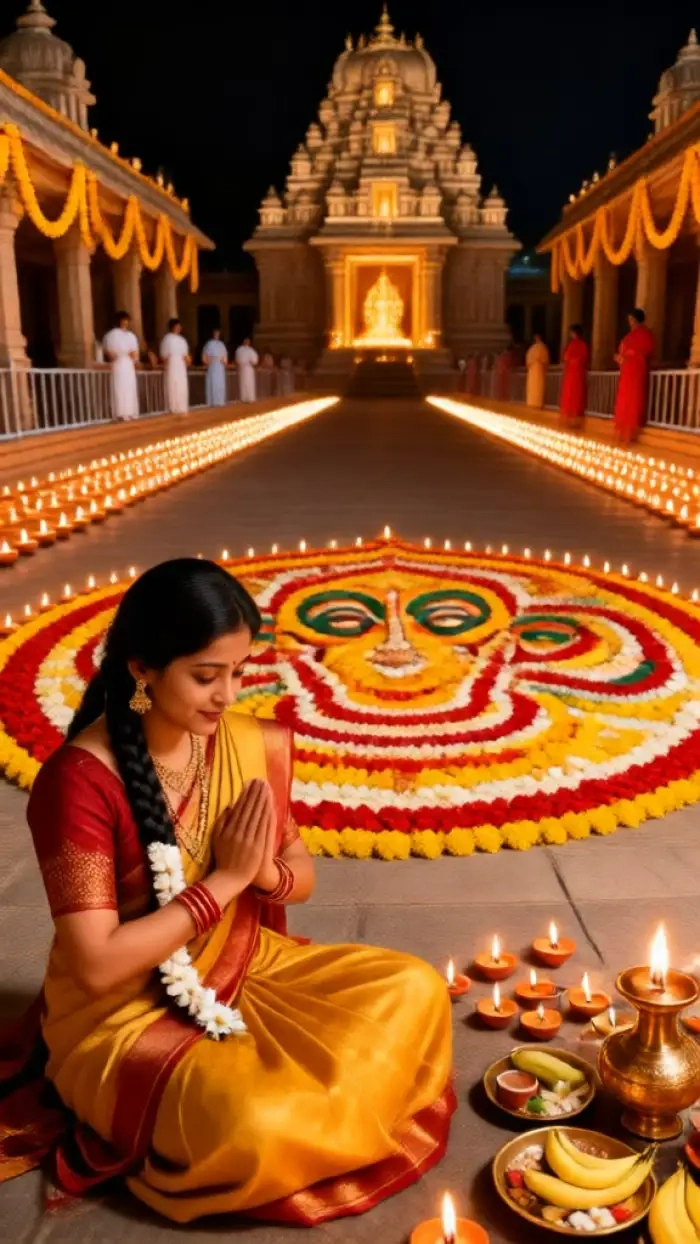
Key Features of Karwa Chauth AI Photo Generator
CoupleLens packs festival-ready AI power into a mobile app that turns selfies into share-worthy Karwa Chauth photo editor results.
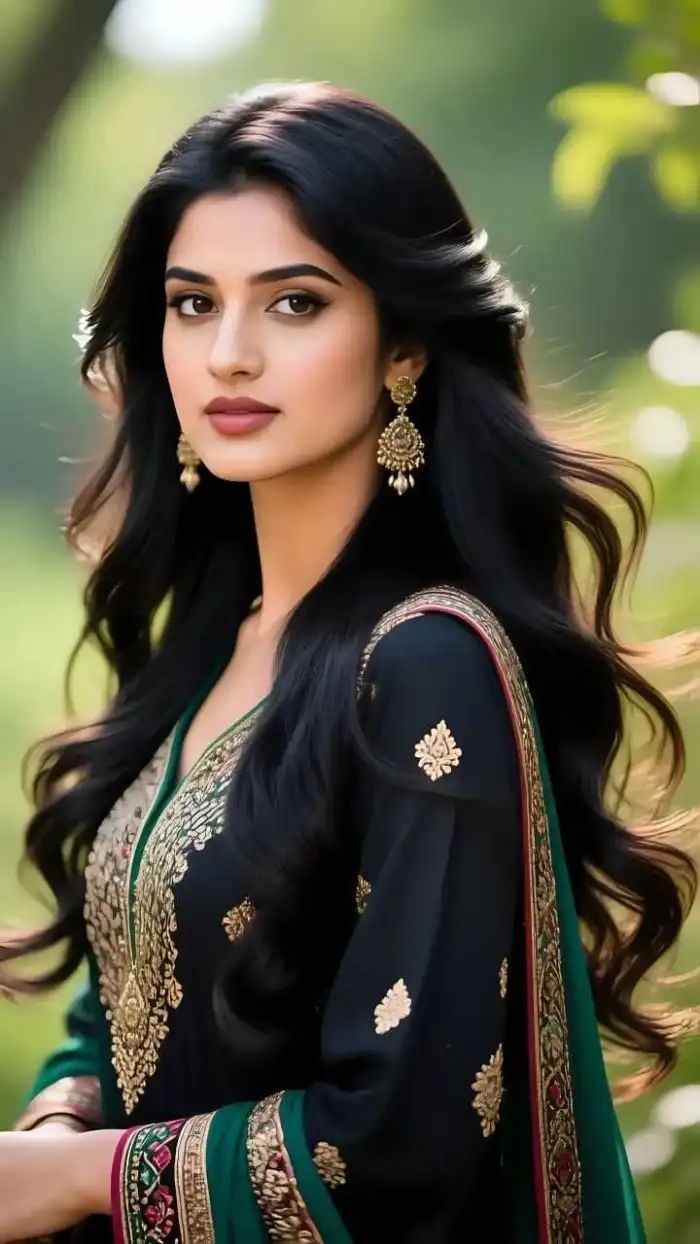 Before
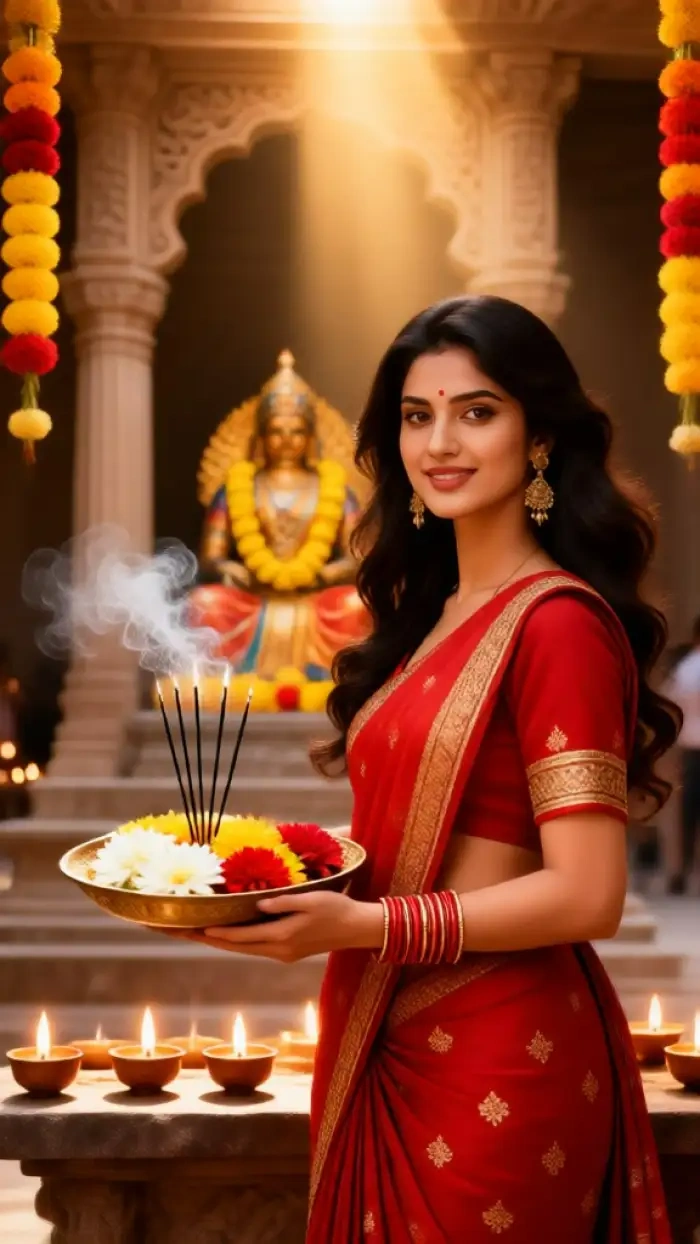 After
Festival Realism with Zero Prompt Work
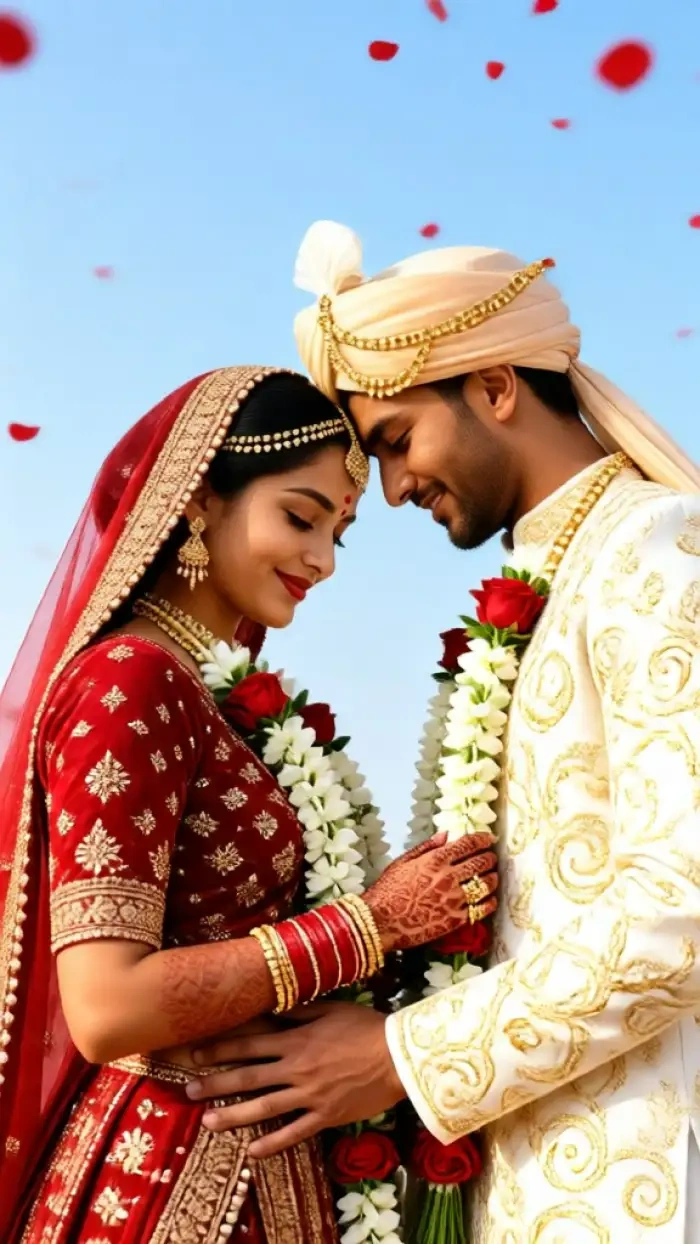
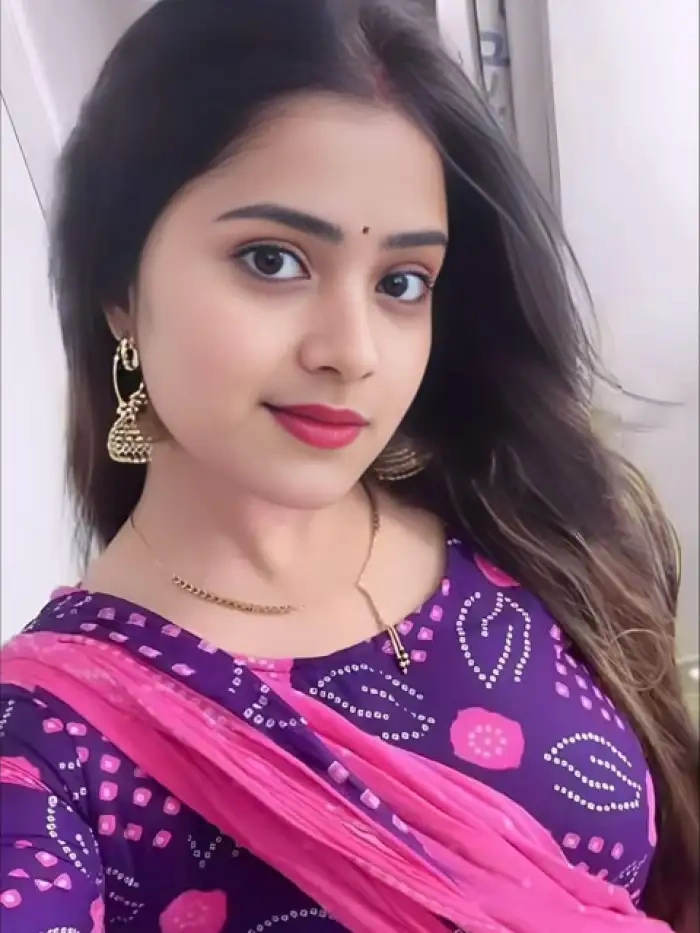
CoupleLens reads your face, your outfit, and the festive mood you pick, then rebuilds the photo inside a handcrafted Karwa Chauth portrait style. You do not type a single word. Just choose a red saree template, a moonlight terrace look, or a golden-hour vrat frame, and the AI keeps your facial structure, skin tone, and hairstyle while dressing the whole scene with diyas, thalis, mehndi, and a glowing full moon.
Couple Photo with Both Faces Locked In
CoupleLens understands group photo AI better than most tools on the market. Upload one selfie with your partner, and the app separates the two faces cleanly, so neither of you turns into a melted hybrid. You can pose together for a romantic moon viewing photo, sit shoulder to shoulder for a pooja thali shot, or stand in a classic Karwa Chauth frame with diyas around you. The AI keeps his kurta crisp, keeps her saree folds intact, and locks every jewelry detail, bangles, maang tikka, nath, all in place.
 Before
Make Your Karwa Chauth Portrait Come Alive
CoupleLens is not only a Karwa Chauth photo editor. It also turns any festival portrait into a moving short video with one tap. Pick the AI Hug filter, the AI Kiss template, or the Old Photo Revival style, and your still Karwa Chauth portrait gains soft blinks, gentle smiles, and tiny head turns in about 15 seconds. The motion looks natural, never jittery. Want to go bigger. Try the cinematic moonlit video filter.
How to Create a Karwa Chauth AI Portrait?
CoupleLens turns your selfie into a festival-ready Karwa Chauth portrait in three taps.
Step 01.
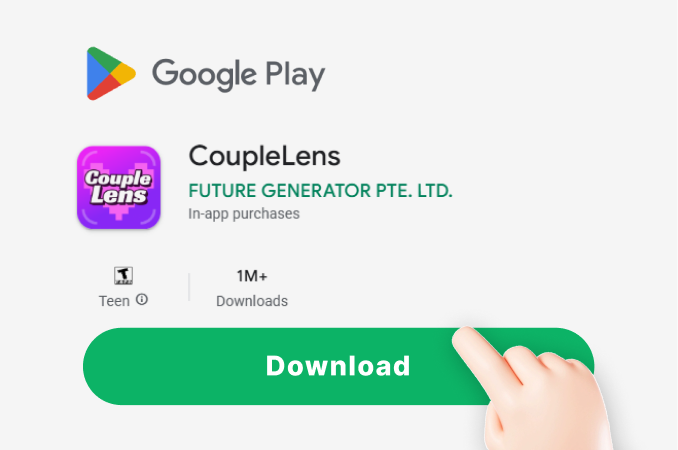
Tap the Google Play badge on this page and install CoupleLens on your Android phone. The app is free to start and runs the full Karwa Chauth photo editor studio right inside your mobile.
Step 02.
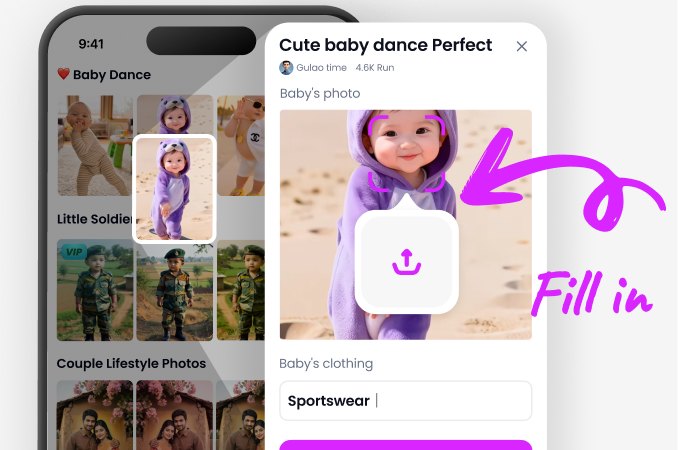
Open CoupleLens, scroll to the Karwa Chauth filter pack, and choose any festive style that matches your mood. Upload one selfie, or one couple photo with both faces showing.
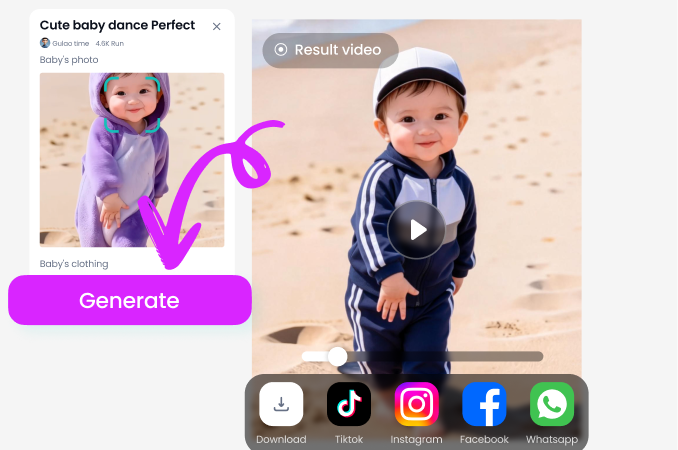
Step 03.
Once your Karwa Chauth portrait looks right, hit save to your camera roll or publish it straight to your CoupleLens profile.
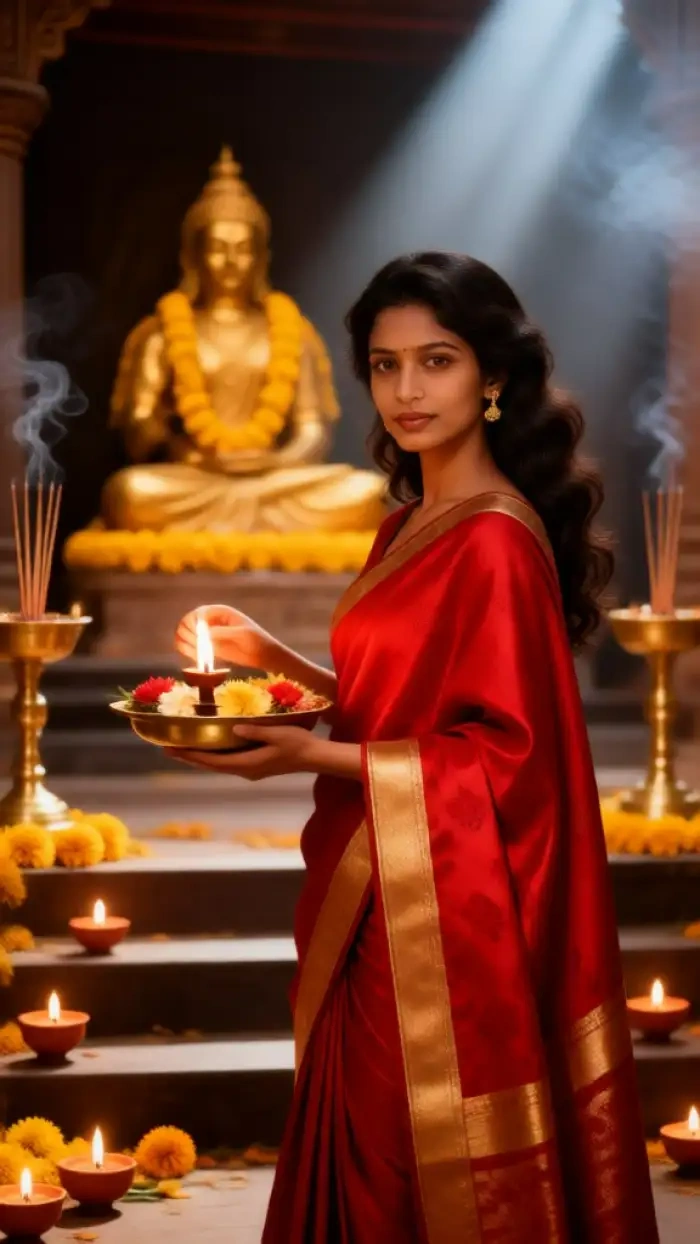
Use CoupleLens for Your Karwa Chauth Photo
CoupleLens is the only Karwa Chauth AI photo generator that lives fully inside a mobile app, runs without any prompt writing. You open the app, you tap a filter, you upload one photo, and 15 seconds later your Karwa Chauth couple photo is ready. The AI keeps both faces intact, dresses the scene with real festive elements like diyas, thalis, mehndi, and a full harvest moon, and outputs in high resolution so the image prints clean for a physical frame too. CoupleLens also supports character consistency, so if you want a full series of Karwa Chauth portraits across multiple poses, your face stays locked across every shot. Most web tools force you to log in, write long prompts, and wait behind a queue.

Watch CoupleLens Karwa Chauth Tutorials
hort video guides that show you exactly how to make a festival Karwa Chauth couple portrait inside the CoupleLens app, step by step.
Frequently Asked Questions
Quick answers to the most common questions about making Karwa Chauth portraits, couple photos, and moon viewing photo edits.
More Topics You May Like
Explore more CoupleLens filter guides for festival couple photo edits, wedding portraits, and other AI photo ideas that pair well with your Karwa Chauth look.
CoupleLens Baby Krishna AI Photo Generator: Create Janmashtami Portraits

CoupleLens Face Bandage AI Photo Generator: Ship First Face Bandage AI Photos
CoupleLens Beard Remover AI: See Your Clean Shaven Look in Seconds
CoupleLens Pixel Image Converter: AI Pixel Avatar Generator on Mobile
CoupleLens Baby Krishna AI Photo Generator: Create Janmashtami Portraits
CoupleLens Face Bandage AI Photo Generator: Ship First Face Bandage AI Photos
CoupleLens Beard Remover AI: See Your Clean Shaven Look in Seconds
CoupleLens Pixel Image Converter: AI Pixel Avatar Generator on Mobile
Make Your Karwa Chauth Portrait Tonight with CoupleLens
Download CoupleLens on Google Play, pick a Karwa Chauth AI filter, and share your festival portrait before the moon sets.
Make Your Karwa Chauth Portrait Tonight with CoupleLens
Download CoupleLens on Google Play, pick a Karwa Chauth AI filter, and share your festival portrait before the moon sets.