Instagram Flash Filter
Make any photo look like a candid 90s digicam shot with the AI flash photo effect inside CoupleLens. Skip the daily cap, the buried UI, and the surprise face shifts the built-in filter adds. Open CoupleLens on Google Play, pick a flash template, then post a picture ready to share in seconds. No prompts. No editing software. No waiting. The flash look lives on your phone now.
 Before
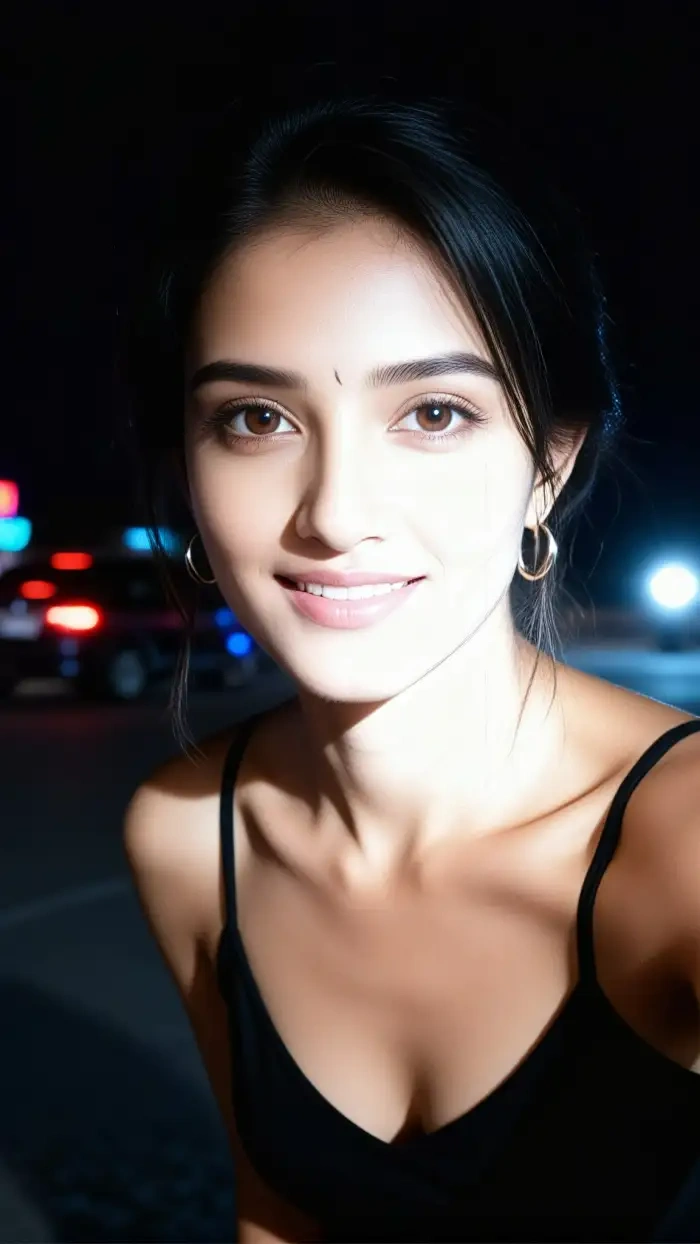 After
After
CoupleLens
Download CoupleLens on Google Play and turn any photo into the trending Instagram flash filter look with a single tap.

Pick Your Flash Filter Look
Try these flash style filters inside CoupleLens and find your favorite AI flash photo effect without typing a single prompt.
How to Create Your Instagram Flash Filter Look?
The AI flash photo effect takes three quick steps inside CoupleLens. No steep learning curve. Phone in hand, post in hand, done.

Step 01.
Download CoupleLens from Google Play and open the app on your phone.

Step 02.
Tap the Filters tab, pick an Instagram flash filter template, and upload one photo.

Step 03.
Tap Generate, wait ten to twenty seconds, then save your flash photo and share it to any social app.
Key Features of the CoupleLens Instagram Flash Filter
CoupleLens gives you more than a single Instagram flash filter. You get a deep filter library built for the viral flash look that keeps showing up on your feed.
 Before
 After
AfterOne Tap Flash Look on Any Photo
CoupleLens applies the full Instagram flash filter vibe in one tap. Front lighting, glossy skin, dark backdrop, fine grain. Upload a selfie, group shot, or mirror photo and the flash aesthetic lands instantly. No sliders. No prompts. No color work. Just the look you saw on your feed, ready to post in twenty seconds.
 Before
Animate the Flash Look with AI Flash Video
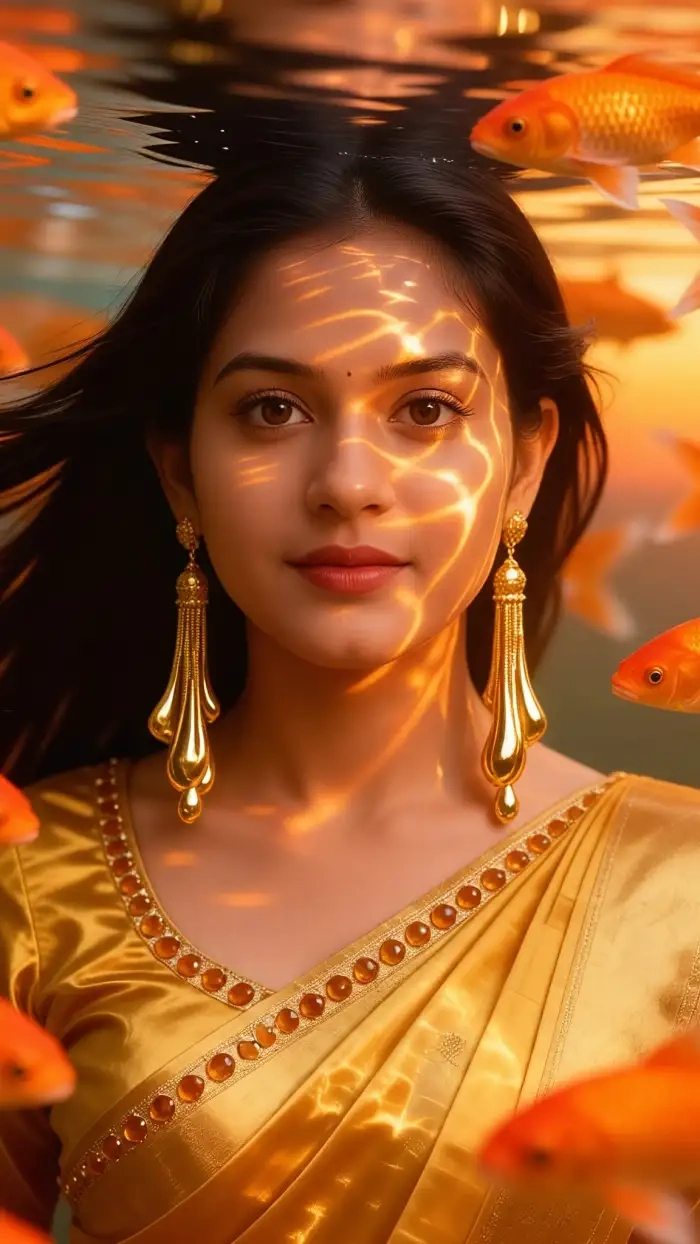
Bring a still flash photo to life. CoupleLens adds small motion to your flash image. A blink. A soft smile. A slow head turn. The same flash mood stays locked while the photo moves. Great for Reels, Stories, and TikTok posts where a static flash filter image feels too quiet. Generate a flash-style video without leaving the app.
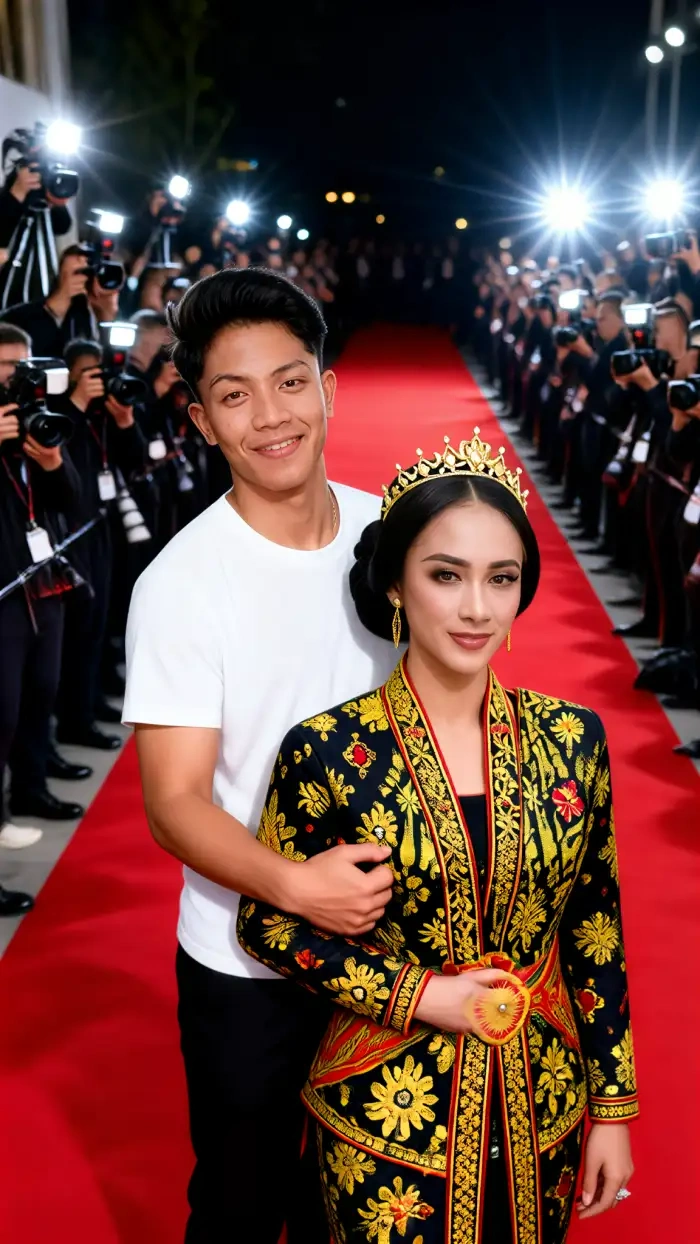
Flash Style for Couples, Friends, and Group Photos
CoupleLens reads every face in the photo and keeps each one consistent. Two friends, three friends, a full couple pose. Everyone keeps their face, hair, and outfit while the flash effect wraps the whole frame. No face mix. No missing subject. No distorted features. Group posts finally look as clean as your solo flash selfies.
Real CoupleLens Flash Filter Creations
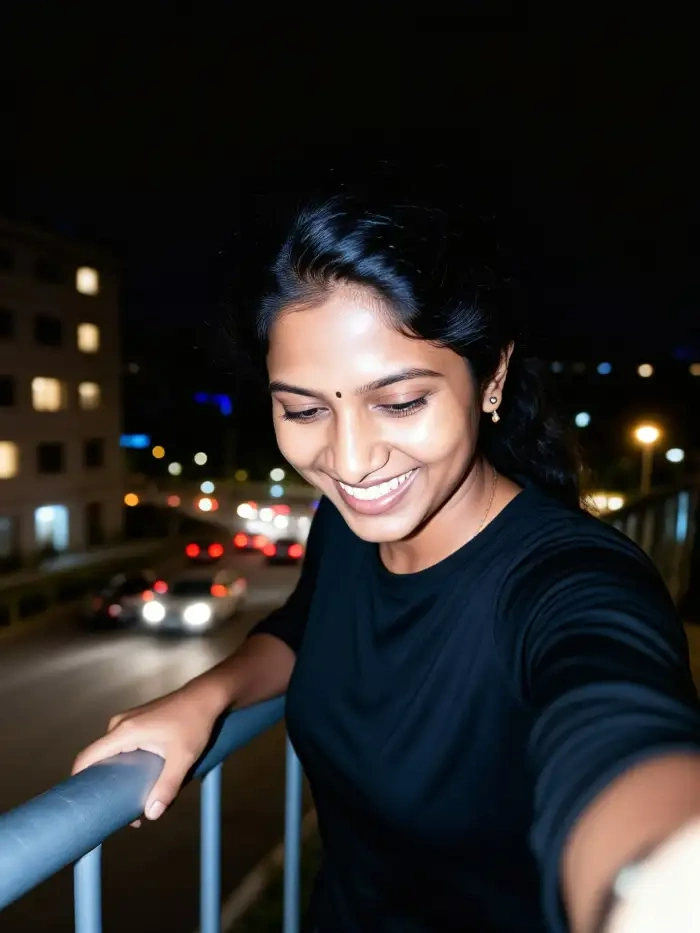
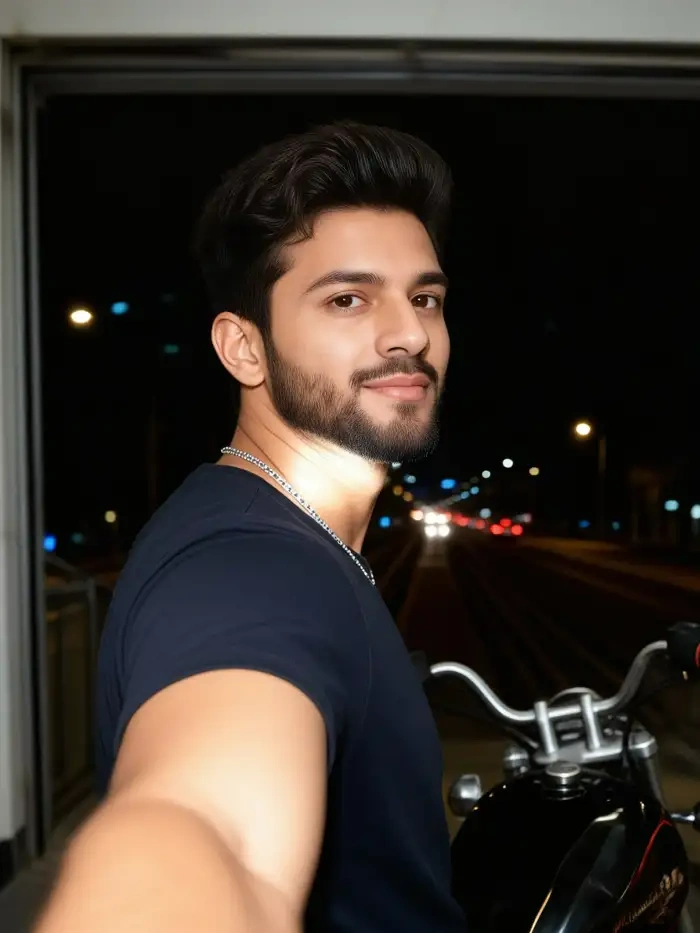
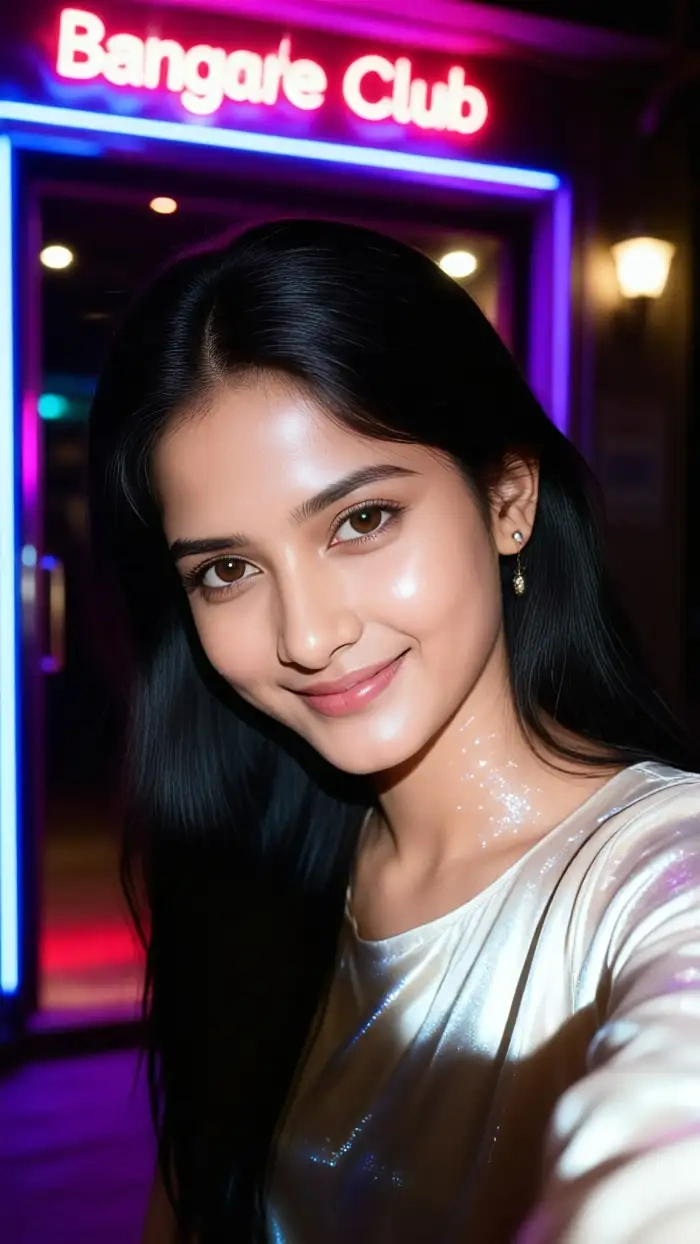
See what people made with the AI flash photo effect on CoupleLens. Every image below came out of the app in under twenty seconds.


Use CoupleLens for the Instagram Flash Filter Look
Instagram gives you one flash filter with a daily cap. Some users see their face change tone or shape. CoupleLens gives you a full set of AI flash photo effect templates, identity-locked output, multi-person support, and the same viral look with no daily limit. You also get flash style on still photos and short videos in one app. Pick your flash style, generate, and post. Done.
Watch CoupleLens in Action
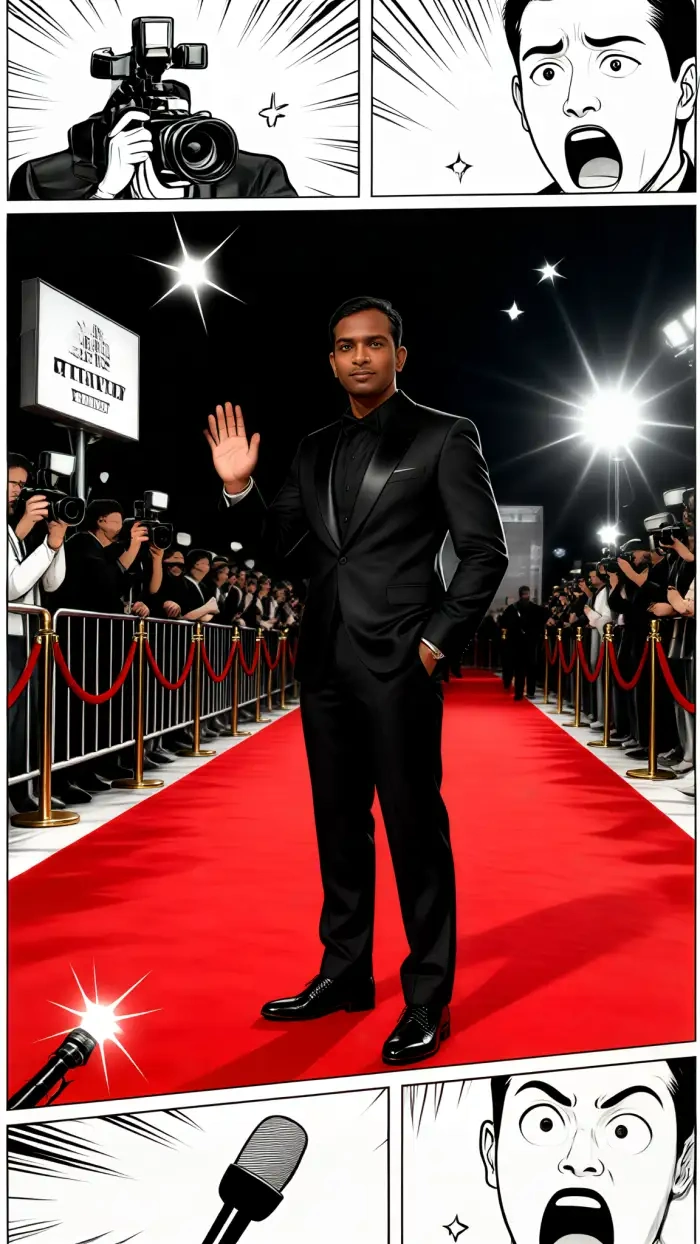
Two short videos show the AI flash photo effect workflow inside CoupleLens. Watch how a regular selfie turns into the viral flash look in one tap.
Frequently Asked Questions
Quick answers about the Instagram flash filter and the AI flash photo effect workflow inside CoupleLens.
More Topics You May Like
Explore more AI flash photo effect styles and viral filter looks you can make inside CoupleLens with a single tap on your phone.

CoupleLens Pakistan Defence Day AI Photo Generator: Make 6 September AI Photo

Hartalika Teej AI Photo: Festival Portraits in One Tap with CoupleLens
Hari Malaysia Photo Edit: Create Patriotic AI Art in Seconds with CoupleLens
AI Cricket Team Poster Maker: Create Posters in CoupleLens App
CoupleLens Pakistan Defence Day AI Photo Generator: Make 6 September AI Photo
Hartalika Teej AI Photo: Festival Portraits in One Tap with CoupleLens
Hari Malaysia Photo Edit: Create Patriotic AI Art in Seconds with CoupleLens
AI Cricket Team Poster Maker: Create Posters in CoupleLens App
Make the Instagram Flash Filter Look Your Own
Download CoupleLens on Google Play and turn any photo into the trending AI flash photo effect. One tap. No daily cap. No face swaps. Just the flash look everyone is posting right now.
Make the Instagram Flash Filter Look Your Own
Download CoupleLens on Google Play and turn any photo into the trending AI flash photo effect. One tap. No daily cap. No face swaps. Just the flash look everyone is posting right now.