Ganpati Close Up AI Photo
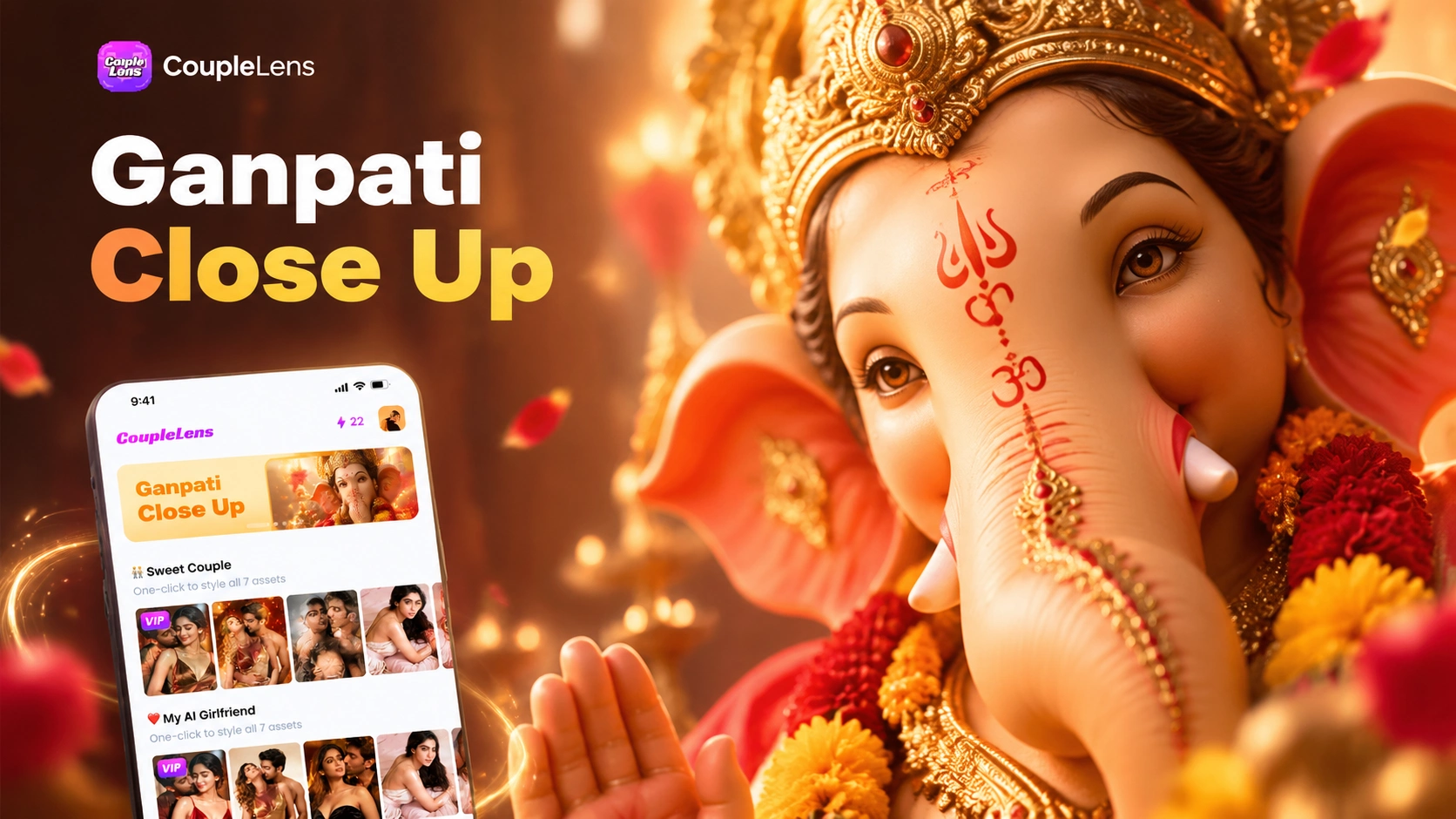
Pick a Ganpati Close Up Filter That Fits Your Vibe
Browse CoupleLens filters tuned for Ganpati face to face AI portraits, half face crops, and home celebration frames that look real, not rendered.
How to Create Your Ganpati Close Up AI Photo?
Three quick steps inside the CoupleLens app take you from a single selfie to a respectful Ganesh close up AI photo ready to share.

Step 01.
Grab CoupleLens from the Google Play Store and open the app. Sign up once, then tap the festival section on the home screen.

Step 02.
Choose the Ganpati close up filter that matches the mood you want. Upload one clear front facing selfie with even light on your face. Tap generate.

Step 03.
Save the photo to your phone or post it straight to Instagram, your story, or your WhatsApp DP from inside CoupleLens.
Real Ganpati Close Up AI Photo Results
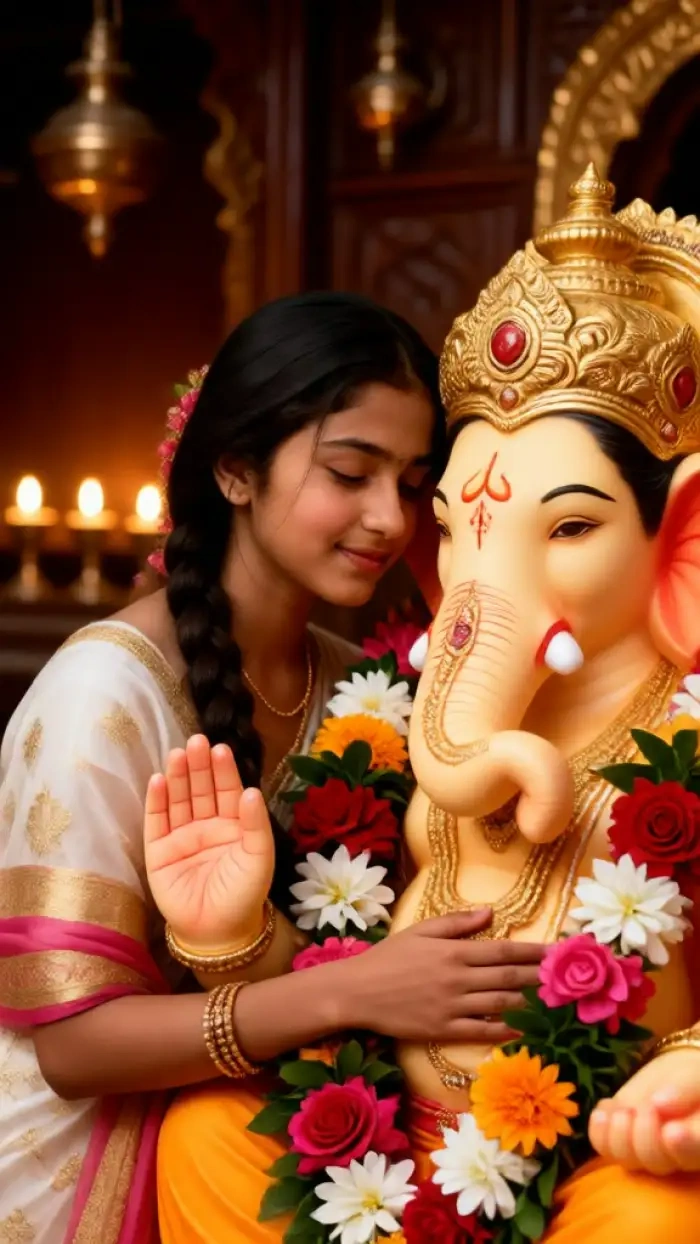
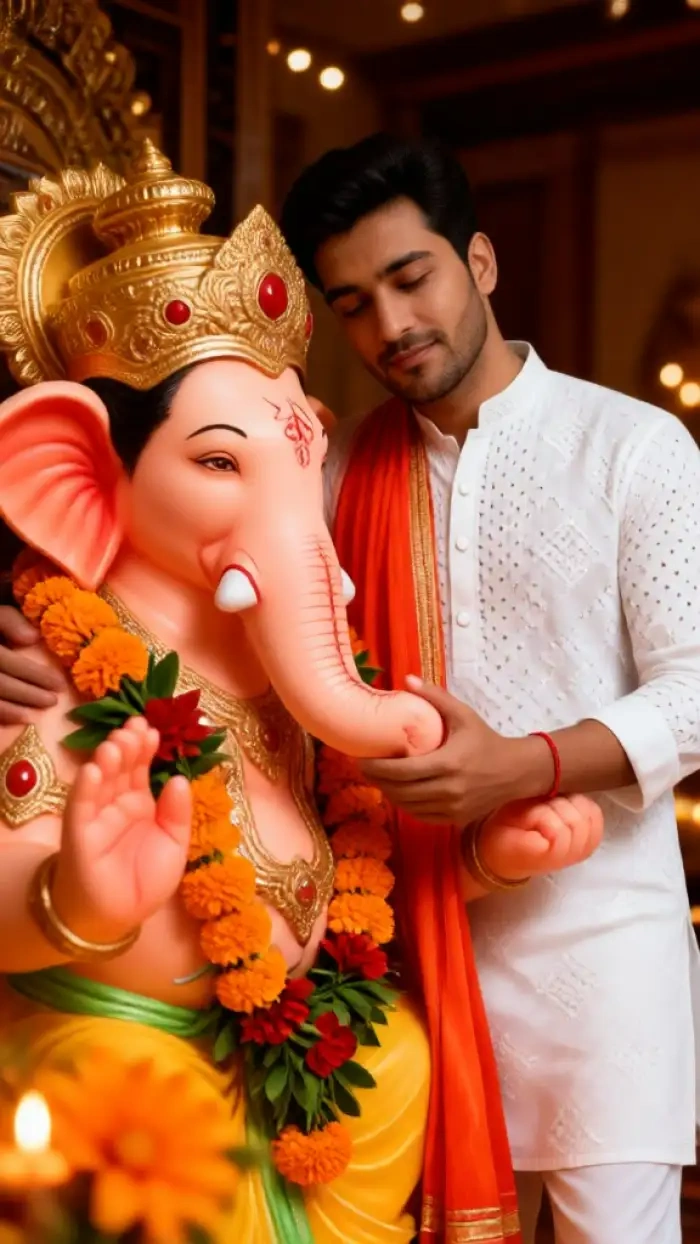
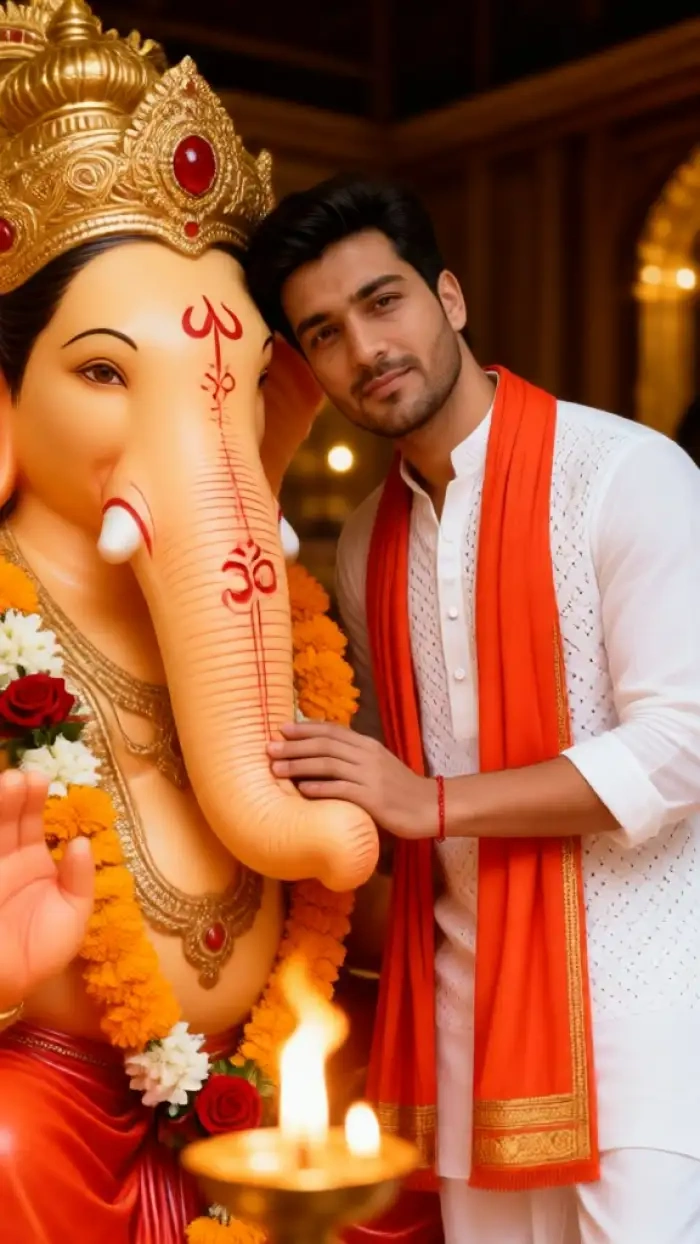
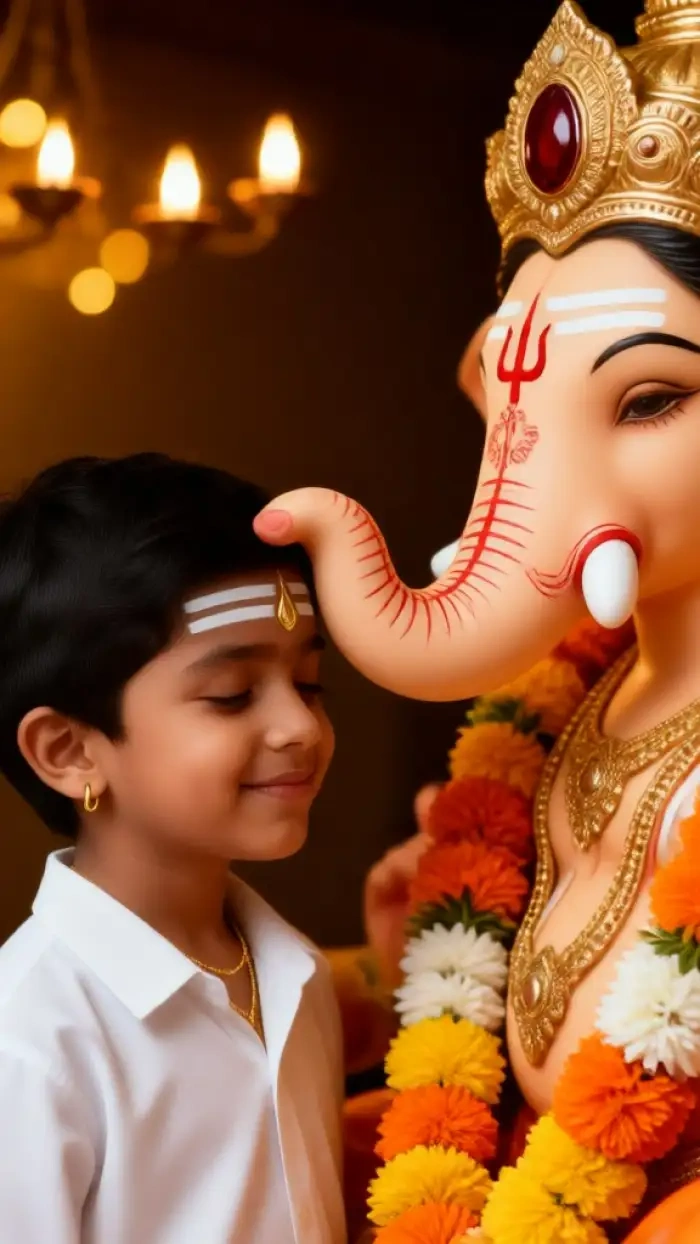
Scrolling through the CoupleLens community feed shows the Ganpati close up AI photo looks like a real home portrait.
Watch How CoupleLens Works Before You Try
Walk you through making a Ganpati close up AI photo, running a half face Ganpati prompt, and posting the result in under a minute.
Key Features of Ganpati Close Up AI Photo
CoupleLens gives you three festival ready tools for your Ganpati close up AI photo. One tap style presets remove the need to write any prompt at all.
 Before
 After
AfterIdentity Lock for the Half Face Ganpati Prompt
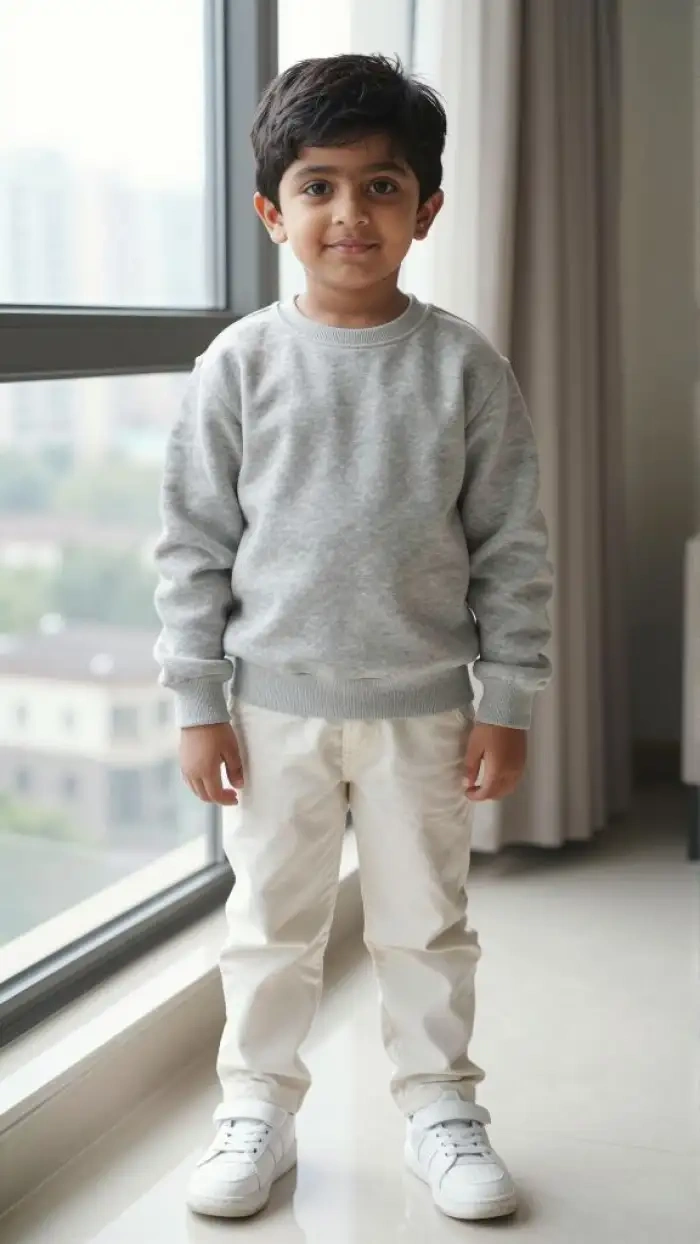
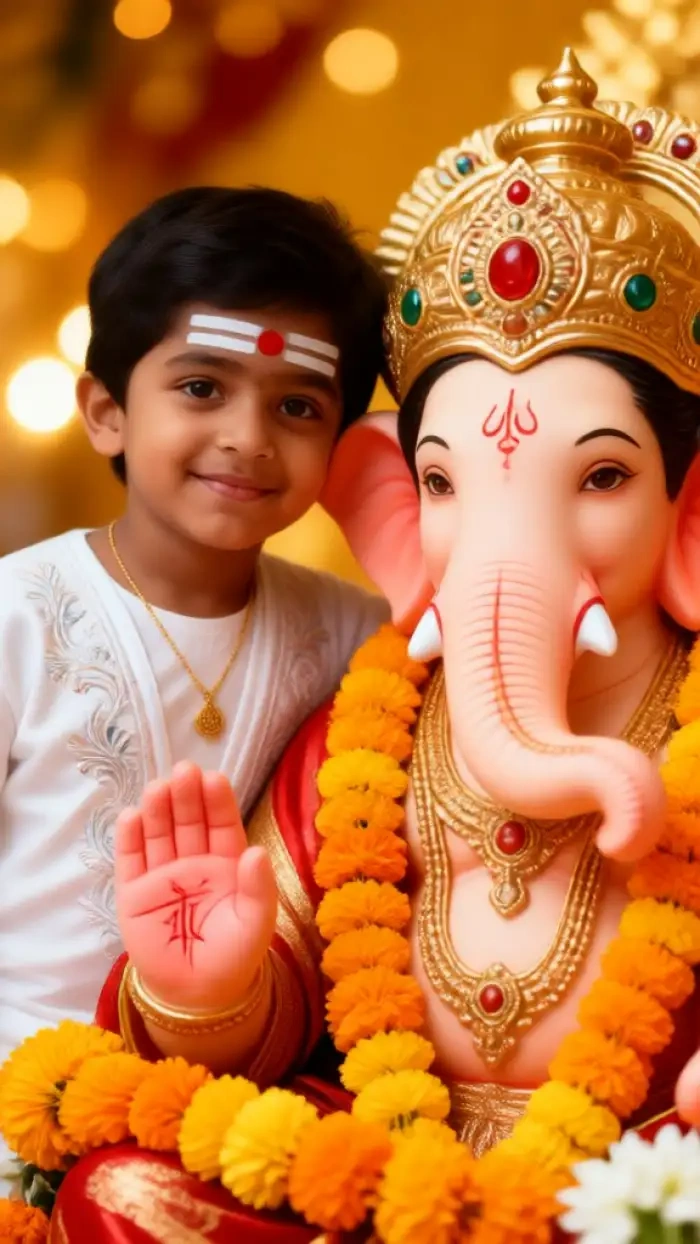
CoupleLens locks onto your facial structure the moment you upload. The app keeps your eyes, nose, jawline, skin tone, and expression untouched while it builds the rest of the frame around you. You can use a half face Ganpati prompt and still come out looking like you, not a smoothed out version. The Ganpati idol stays on the other half of the frame with its own sculpted features. No face mixing. No blurred boundary. No plastic skin. Just a tight, clean half face Ganpati prompt result you can post right away.
Festival Lighting Presets
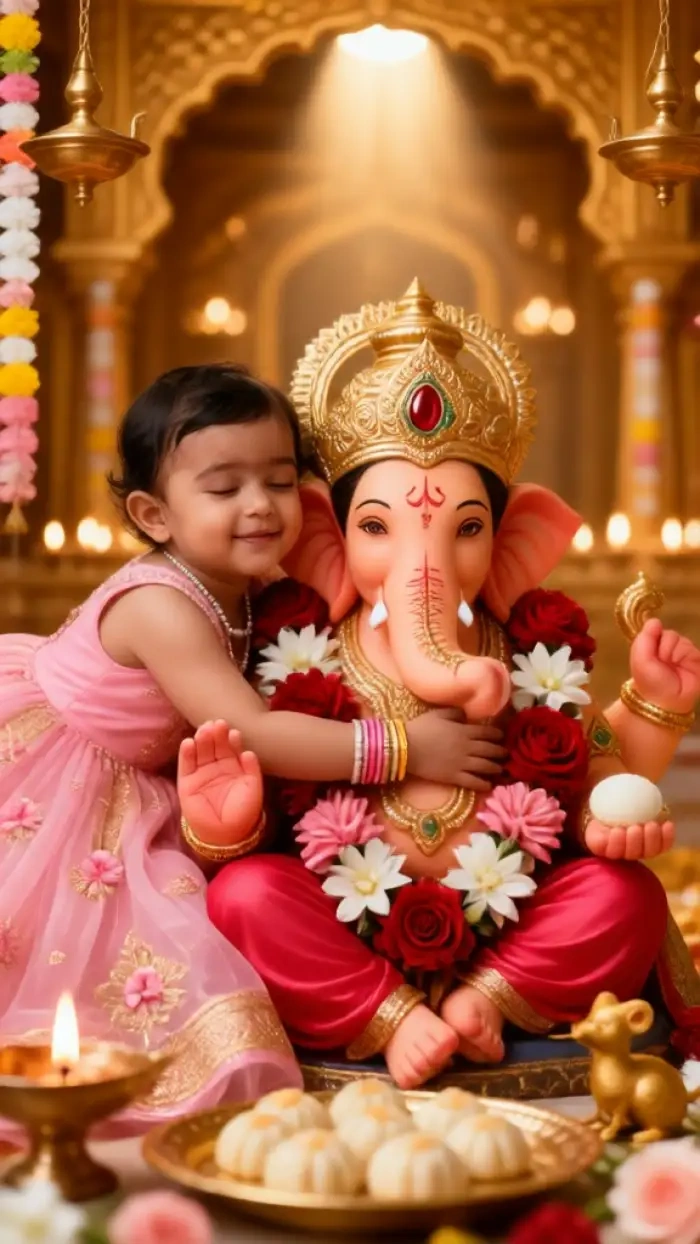
CoupleLens ships with lighting presets built for Indian home celebrations. Pick warm diya glow for a soft lamp bokeh. Pick marigold daylight for that golden hour feel outside the mandap. Pick cool jasmine window light for a calm morning portrait. Each preset adjusts color temperature, shadow falloff, and skin tone in one step. Your Ganesh close up photo editing work is done before you even hit generate, which means the final image looks like a real home shoot, not a render.
 Before
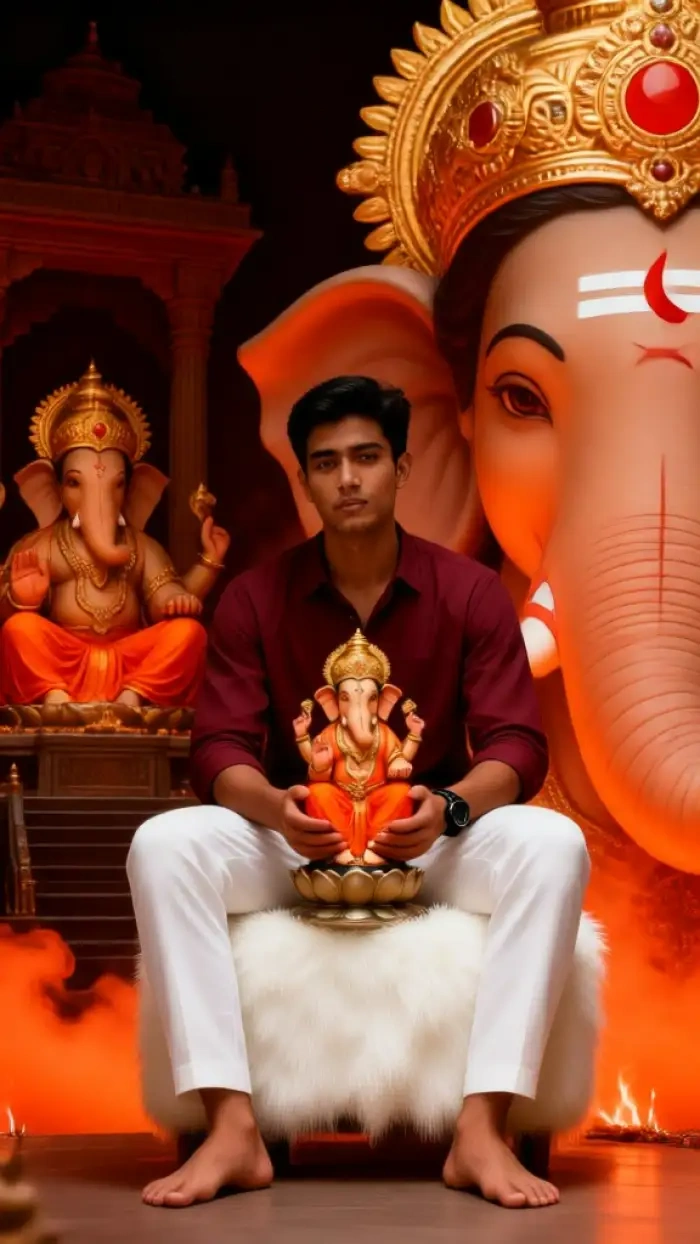 After
AfterOne Tap Style Library
CoupleLens has 25000 pre built style templates in the app. The Ganpati close up AI photo section is a curated set of those templates, hand picked for Ganesh Chaturthi. You can swap idol color, flower garland style, fabric drape, and crop without leaving the filter. Try a saffron and red garland look. Try a white jasmine and yellow flower look. Try a beach festival look for a fun twist. Every variant is one tap away, so you can post a feed image, a story, and a WhatsApp DP in three different moods from the same selfie.
What Our Users Say About CoupleLens

Ananya Iyer
I used CoupleLens for my Ganesh Chaturthi post last year and my friends thought I actually went to a pandal. The half face Ganpati prompt on CoupleLens kept my face clean. I posted it on my story and it got more reactions than any photo I have ever shared. Try the CoupleLens Ganpati filter, you will not go back.

Rohan Deshmukh
I run social for a small brand and CoupleLens saved me a photoshoot. The Ganpati close up AI photo I made in the app looked better than the one I paid a studio for. The app is fast, the filters are clean, and the export is share ready. CoupleLens is now part of every festival campaign I plan.

Priya Sharma
I am not a tech person at all, and I still made a beautiful Ganpati close up AI photo in CoupleLens in less than five minutes. The app walks you through each step. I picked the jasmine preset, uploaded one selfie, and the result was perfect for my family WhatsApp group. CoupleLens made the festival feel personal again for me.

Karthik Menon
I tried three other apps before CoupleLens and every one of them mixed my face with the idol. CoupleLens was the only one that kept my face and Bappa in the right place. The identity lock on the half face Ganpati prompt is real. I trust CoupleLens with my festival photos now and I have already recommended it to my whole team.
Ananya Iyer
I used CoupleLens for my Ganesh Chaturthi post last year and my friends thought I actually went to a pandal. The half face Ganpati prompt on CoupleLens kept my face clean. I posted it on my story and it got more reactions than any photo I have ever shared. Try the CoupleLens Ganpati filter, you will not go back.
Rohan Deshmukh
I run social for a small brand and CoupleLens saved me a photoshoot. The Ganpati close up AI photo I made in the app looked better than the one I paid a studio for. The app is fast, the filters are clean, and the export is share ready. CoupleLens is now part of every festival campaign I plan.
Priya Sharma
I am not a tech person at all, and I still made a beautiful Ganpati close up AI photo in CoupleLens in less than five minutes. The app walks you through each step. I picked the jasmine preset, uploaded one selfie, and the result was perfect for my family WhatsApp group. CoupleLens made the festival feel personal again for me.
Karthik Menon
I tried three other apps before CoupleLens and every one of them mixed my face with the idol. CoupleLens was the only one that kept my face and Bappa in the right place. The identity lock on the half face Ganpati prompt is real. I trust CoupleLens with my festival photos now and I have already recommended it to my whole team.
Ananya Iyer
I used CoupleLens for my Ganesh Chaturthi post last year and my friends thought I actually went to a pandal. The half face Ganpati prompt on CoupleLens kept my face clean. I posted it on my story and it got more reactions than any photo I have ever shared. Try the CoupleLens Ganpati filter, you will not go back.
Rohan Deshmukh
I run social for a small brand and CoupleLens saved me a photoshoot. The Ganpati close up AI photo I made in the app looked better than the one I paid a studio for. The app is fast, the filters are clean, and the export is share ready. CoupleLens is now part of every festival campaign I plan.
Priya Sharma
I am not a tech person at all, and I still made a beautiful Ganpati close up AI photo in CoupleLens in less than five minutes. The app walks you through each step. I picked the jasmine preset, uploaded one selfie, and the result was perfect for my family WhatsApp group. CoupleLens made the festival feel personal again for me.
Karthik Menon
I tried three other apps before CoupleLens and every one of them mixed my face with the idol. CoupleLens was the only one that kept my face and Bappa in the right place. The identity lock on the half face Ganpati prompt is real. I trust CoupleLens with my festival photos now and I have already recommended it to my whole team.
Frequently Asked Questions
Quick answers to the most common questions users ask before they make their first Ganpati close up AI photo with CoupleLens.
More Topics You May Like
Other CoupleLens guides for festive AI portraits, from Diwali frames to baby Ganesha edits, so you can plan every post in the CoupleLens app this season.
12 Rabi Ul Awal Whatsapp Status AI: Make a Personal Mawlid Greeting Fast
Viral Eye Close Up CapCut Style Video with CoupleLens
Eid Milad Un Nabi AI Photo Editing: Create Festive Portraits with CoupleLens

Edit ID Picture with Formal Attire: One Tap in CoupleLens
12 Rabi Ul Awal Whatsapp Status AI: Make a Personal Mawlid Greeting Fast
Viral Eye Close Up CapCut Style Video with CoupleLens
Eid Milad Un Nabi AI Photo Editing: Create Festive Portraits with CoupleLens
Edit ID Picture with Formal Attire: One Tap in CoupleLens
Your Ganpati Close Up Portrait Is One Tap Away
Open CoupleLens, pick a Ganpati close up filter, and start your Ganesh Chaturthi post in seconds. Download the app on Google Play now and let the celebration begin from your phone.
Your Ganpati Close Up Portrait Is One Tap Away
Open CoupleLens, pick a Ganpati close up filter, and start your Ganesh Chaturthi post in seconds. Download the app on Google Play now and let the celebration begin from your phone.