Ganesh Idol AI Animation
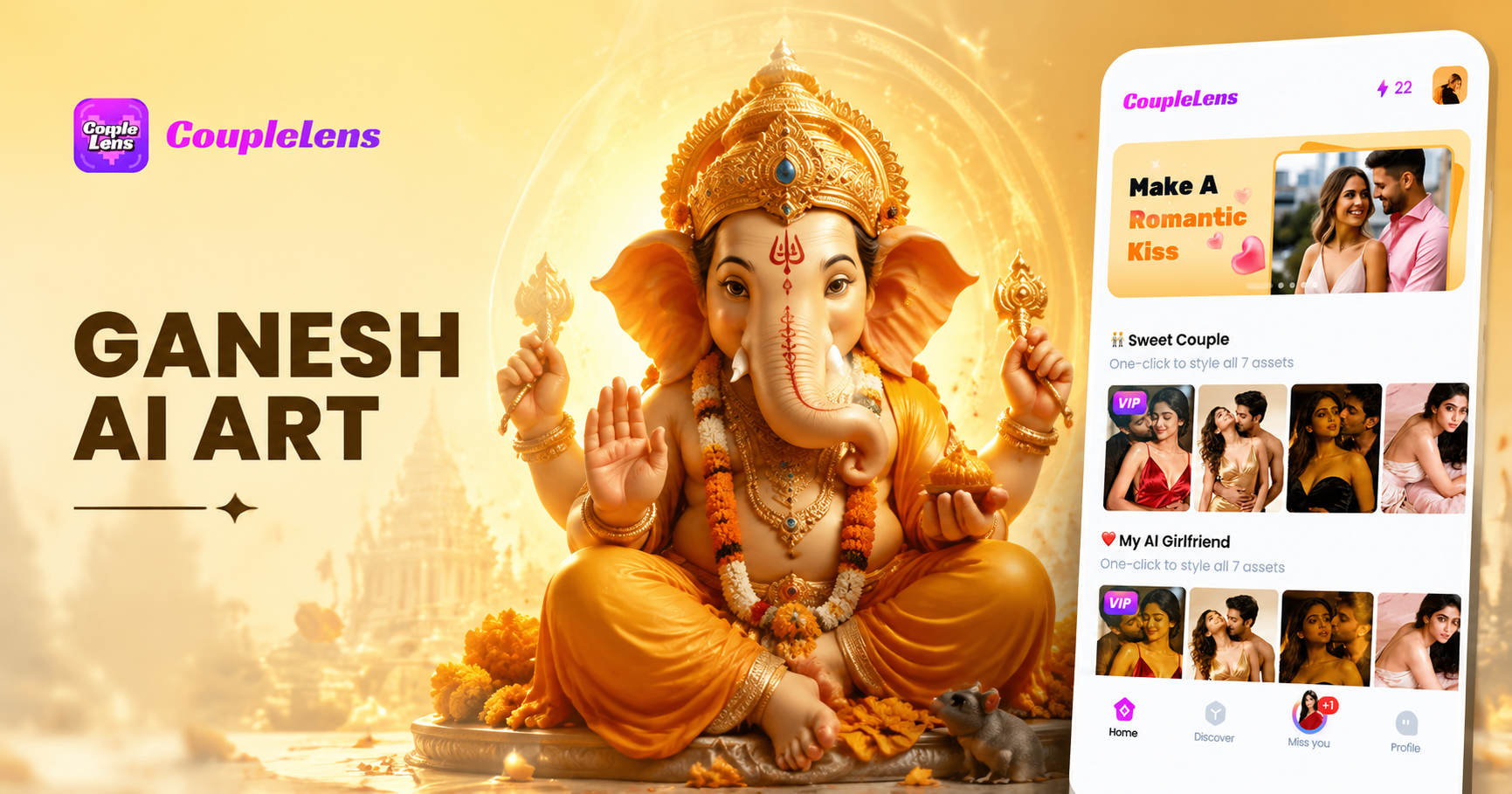
Your Various Ganesh Idol Style
Discover your prefered Ganesh idol AI anime filter that best matches your devoted style and mood.
Key Features of Ganesh Idol AI Animation
Get the CoupleLens app on Google Play. Open the Ganesh idol AI animation filter. Tap generate.
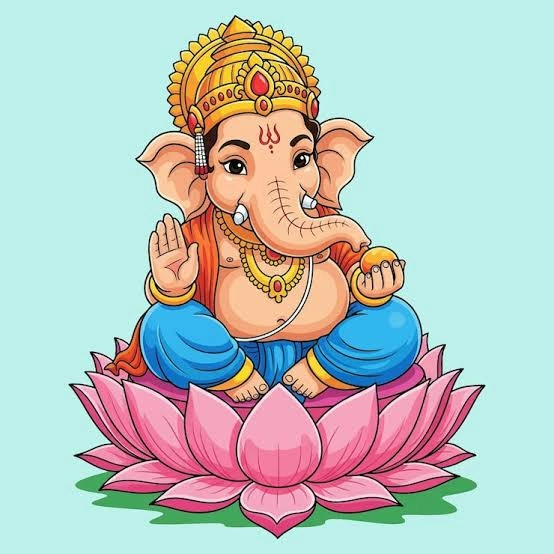
Ganesh idol Standing
Text to Image Ganesh Idol AI Animation
Type one sentence like anime Ganesh on a flower throne or 3D clay Ganesh with diyas. CoupleLens reads it, picks the AI anime preset, and renders a clean image in about 10 to 20 seconds. You can also upload a reference photo. The face, crown, and ornaments stay intact while changing the look. The text-to-image pipeline is tuned for devotional art, so Modak, lotus, noose, goad, and broken tusk stay correct across the AI anime style.
 Before
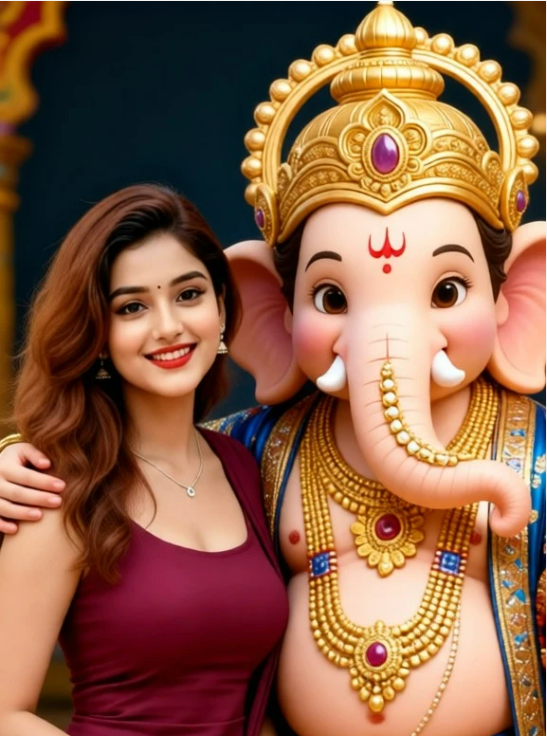
Image to Video Ganesh Idol
Take any idol image and turn it into a short moving clip. CoupleLens adds blinks, soft trunk sway, gentle hand moves, and slow camera push so the idol feels alive without looking uncanny. The image to video engine supports 9:16 for Reels and Shorts, 1:1 for feed posts, and 16:9 for YouTube. The output is watermark-free MP4 ready to share. This makes a daily Vinayaka Chavithi reel easy to ship in under a minute.
 Before
 After
AfterCharacter Consistency for a Ganesh Idol Series
Plan a 7 day Chaturthi series. Lock the idol look once. CoupleLens keeps the same face, crown, color, and ornaments across every new image and every new clip. You can switch between AI anime, 3D clay, Ghibli, and cinematic in the same series and the idol still feels like the same Bappa. This is the part that prompt-only tools on web usually get wrong, and it is built into every Ganesh idol AI animation in CoupleLens.
How to Create a Ganesh Idol AI Animation with CoupleLens?
The whole Ganesh idol AI animation tool lives inside the app, so you do not need any extra desktop software or a second tool.

Step 01.
Grab CoupleLens from Google Play. The app is free to install and the sign up takes one minute.

Step 02.
Open the Ganesh idol filter list inside CoupleLens. Upload one photo of an idol, or type one short line if you do not have a photo.

Step 03.
Tap generate. Wait 10 to 20 seconds. Your Ganesh idol AI animation is ready. Download the HD image or MP4 to your phone.
Devoted Ganesh Idol AI Video Gallery
Access our growing library of Ganesh idol who your're devoting to videos and images produced by CoupleLens users.
What Our Users Say about Ganesh Idol AI Animation
I run a Vinayaka Chavithi page and I ship a new reel every day for nine days.
Before CoupleLens I was jumping between ChatGPT, Microsoft Designer, and a video app. Now I open CoupleLens, pick an anime Ganesh filter, drop in one photo, and the post is live in three minutes. The idol looks the same across all nine reels and the comments love it.
The Ganesh idol AI animation in CoupleLens saves me hours per clip.
I make festival content for clients in Mumbai and London. I like that the AI anime preset keeps the ornaments clean and the trunk shape correct. The image to video tool adds a soft sway that feels devotional, not jittery. My client posted it and it crossed fifty thousand views in two days.
I opened CoupleLens, picked the 3D clay Ganesh filter, typed two lines, and got a cute short video in less than a minute.
I am not a designer. I just wanted a small animation to send to my family group on Chavithi. My mother thought it was a real clay idol. That made my whole week. CoupleLens is now my default Ganesh idol AI animation app.
Use CoupleLens for Ganesh Idol AI Animation
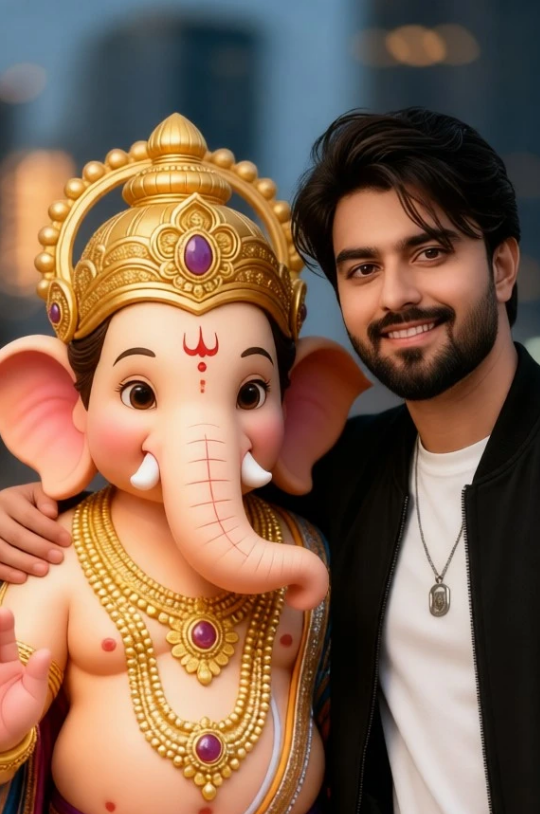
CoupleLens removes every step that slows Ganesh idol AI animation down on other platforms. There is no prompt to write, no desktop sign up, no third party video editor, and no watermark. You get 25,000 plus style filters, so the same idol can be AI anime today, 3D clay tomorrow, and Ghibli by the weekend. Character consistency is on by default, so a 7 day Chaturthi series keeps the same face and ornaments. Free daily credits, mobile-first design, and direct share to Reels and Shorts make CoupleLens the cleanest Ganesh idol AI animation path on Android.

Watch CoupleLens in Action
See how a one tap Ganesh idol AI animation comes together, how the AI anime preset keeps ornaments correct, and how a full Chaturthi series ships in one app.
Frequently Asked Questions
Find clear answers to common questions and get the guidance you need to create the Ganesh idol AI animation.
More Topics You May Like
Keep the Ganesh idol AI animation fun going. New filters drop every week during festival season so there is always a fresh look to post.
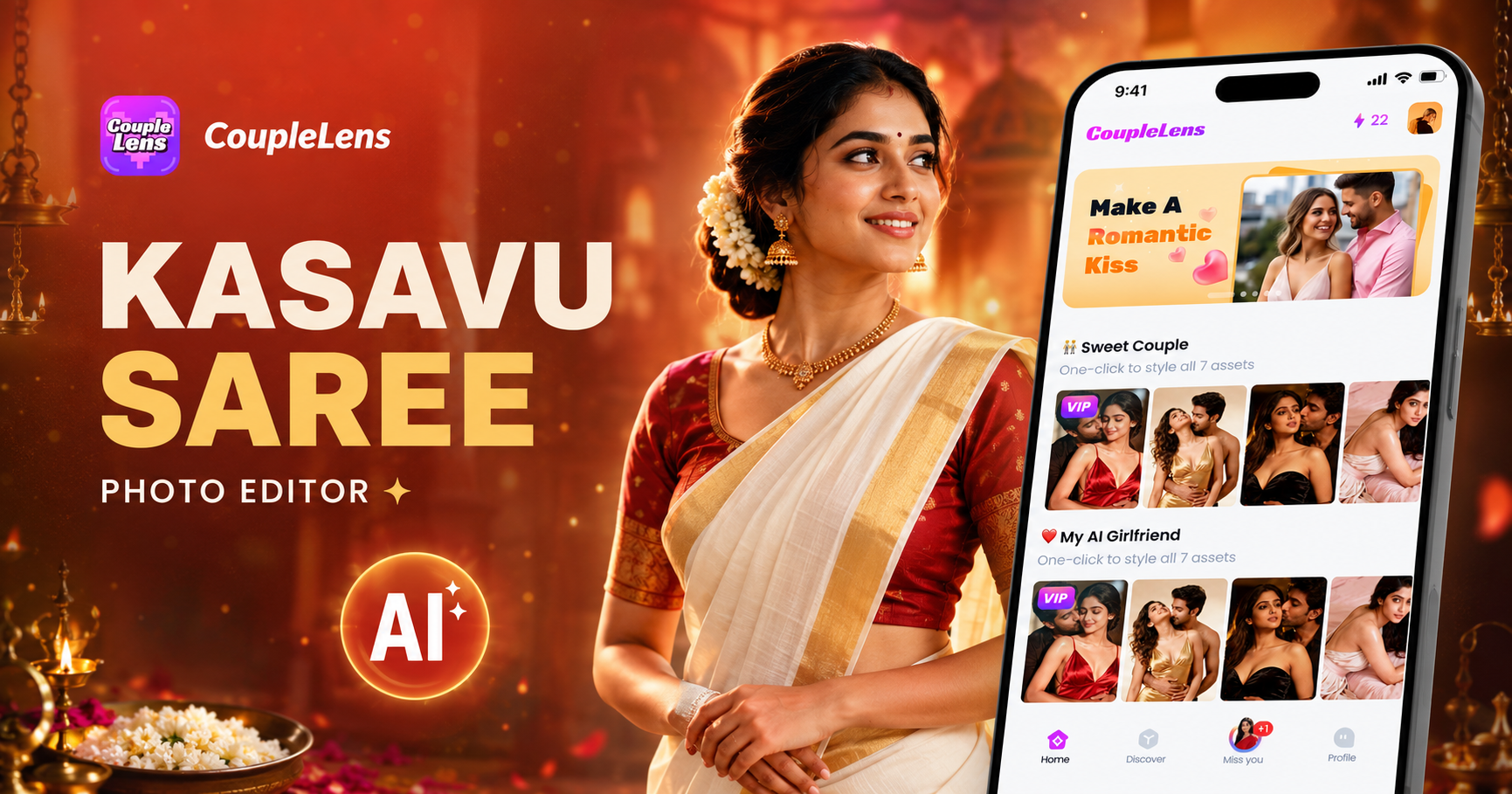
Kasavu Saree Photo Editor for Onam & Kerala Looks | CoupleLens
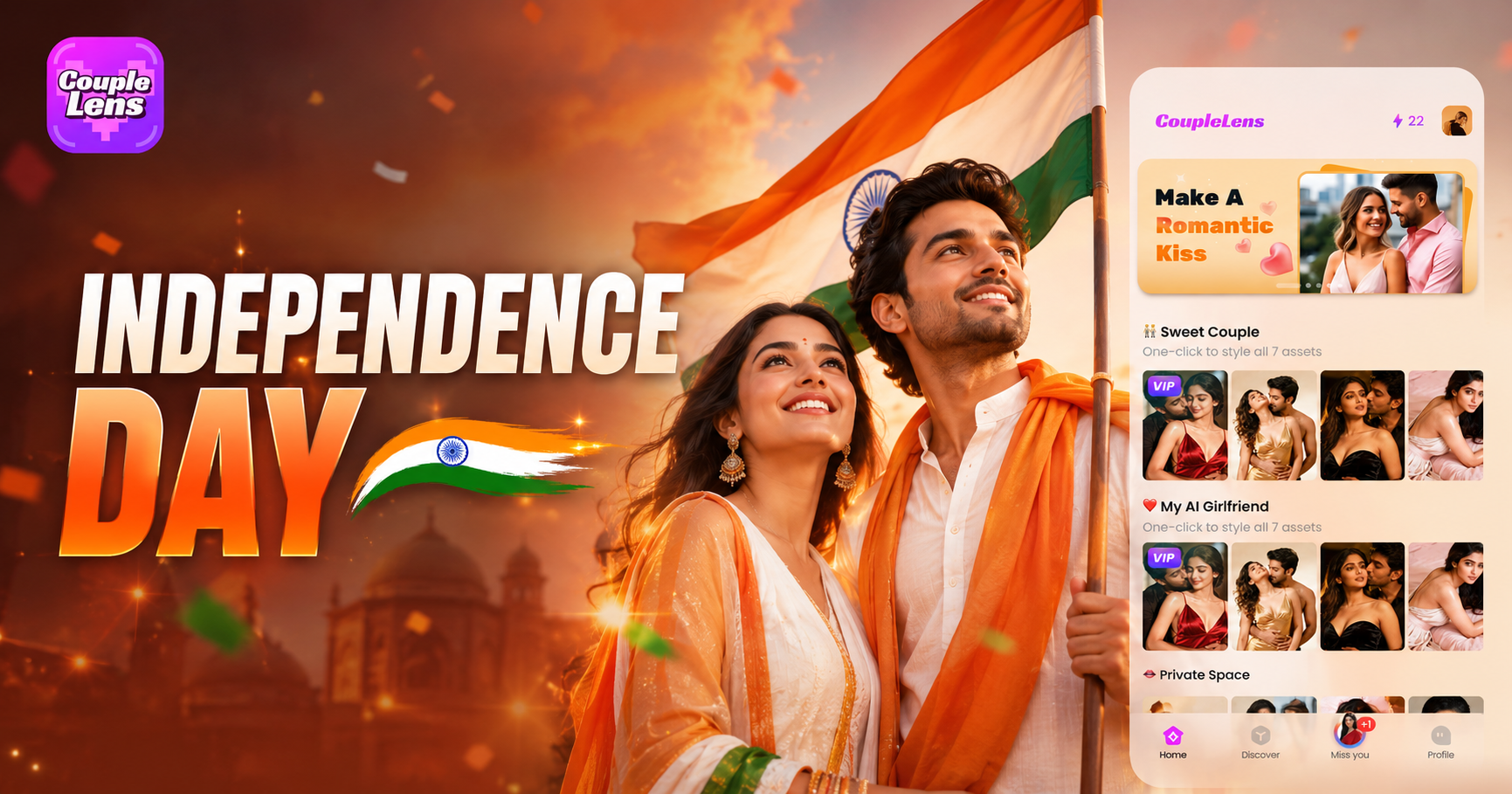
Independence Day AI Photo Generator: Create Patriotic Portraits on CoupleLens
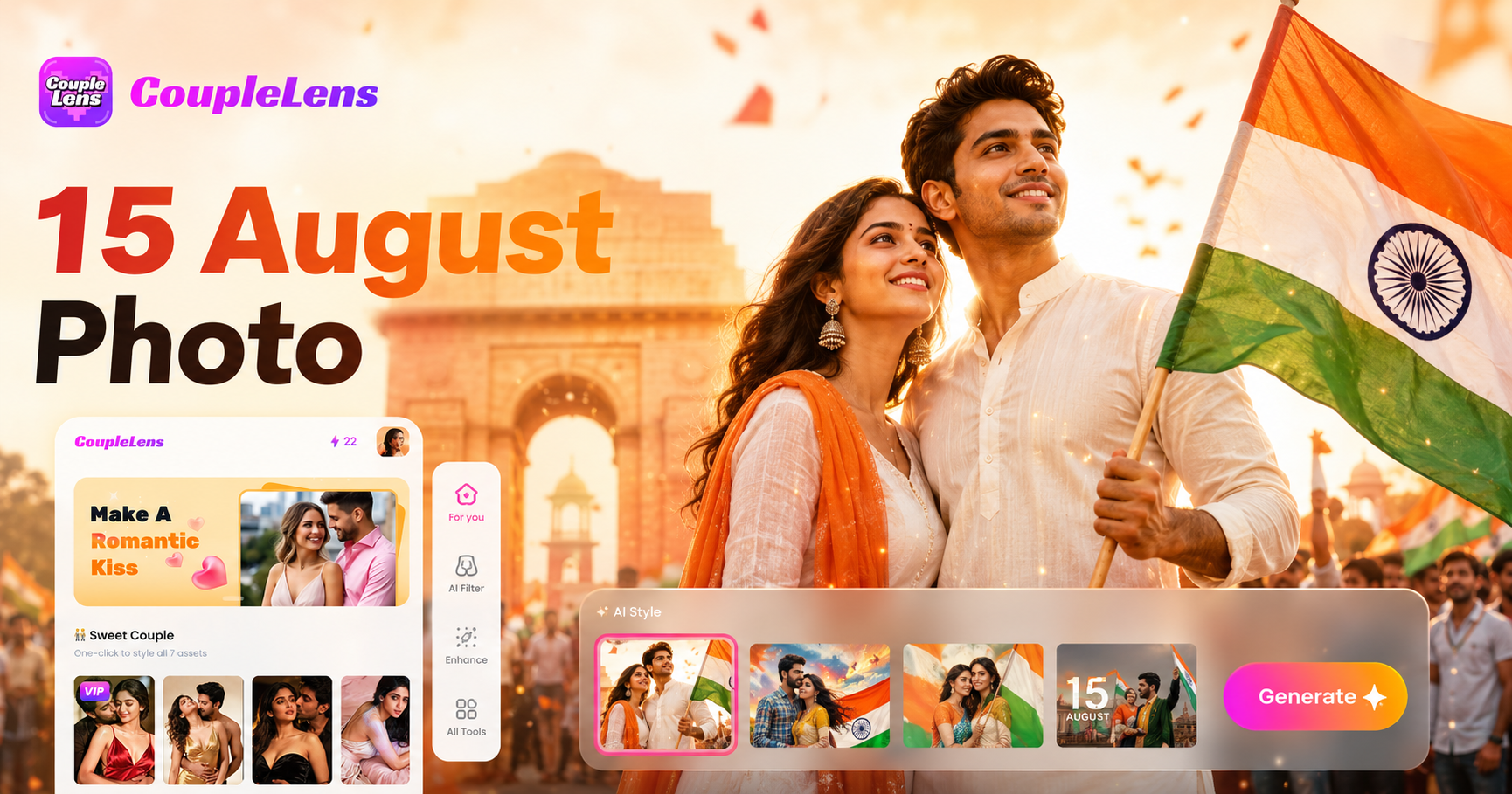
15 August Photo AI Generator: Independence Day Pictures by CoupleLens
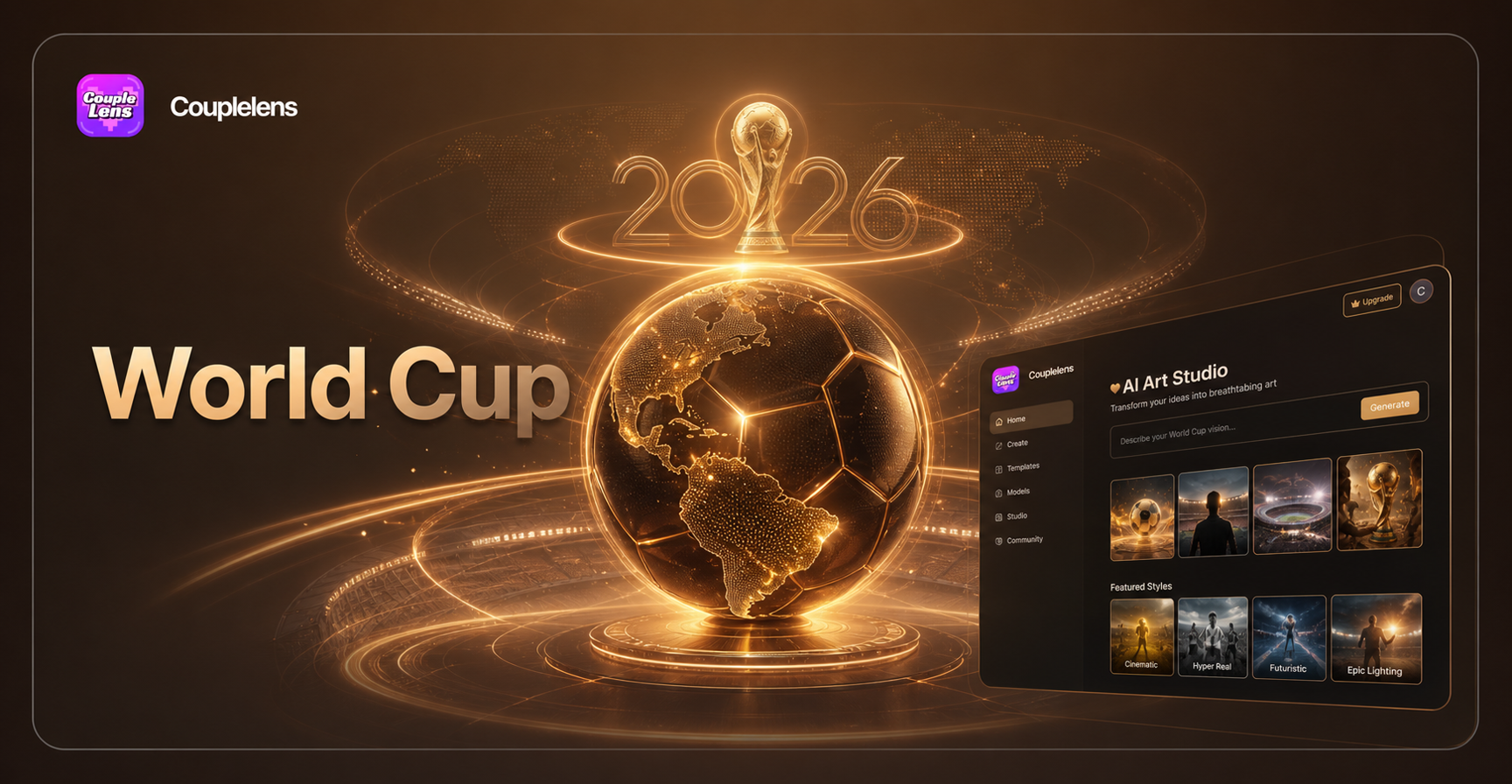
World Cup 2026 Prompt: Create FIFA Fan Art, Jersey Edits & Stadium Posters | CoupleLens
Kasavu Saree Photo Editor for Onam & Kerala Looks | CoupleLens
Independence Day AI Photo Generator: Create Patriotic Portraits on CoupleLens
15 August Photo AI Generator: Independence Day Pictures by CoupleLens
World Cup 2026 Prompt: Create FIFA Fan Art, Jersey Edits & Stadium Posters | CoupleLens
Make Your Ganesh Idol AI Animation Today
Open CoupleLens on your phone. Pick the Ganesh idol filter. Tap generate. Share the festival post while the vibe is still hot.
Make Your Ganesh Idol AI Animation Today
Open CoupleLens on your phone. Pick the Ganesh idol filter. Tap generate. Share the festival post while the vibe is still hot.