Candlelight AI Portrait
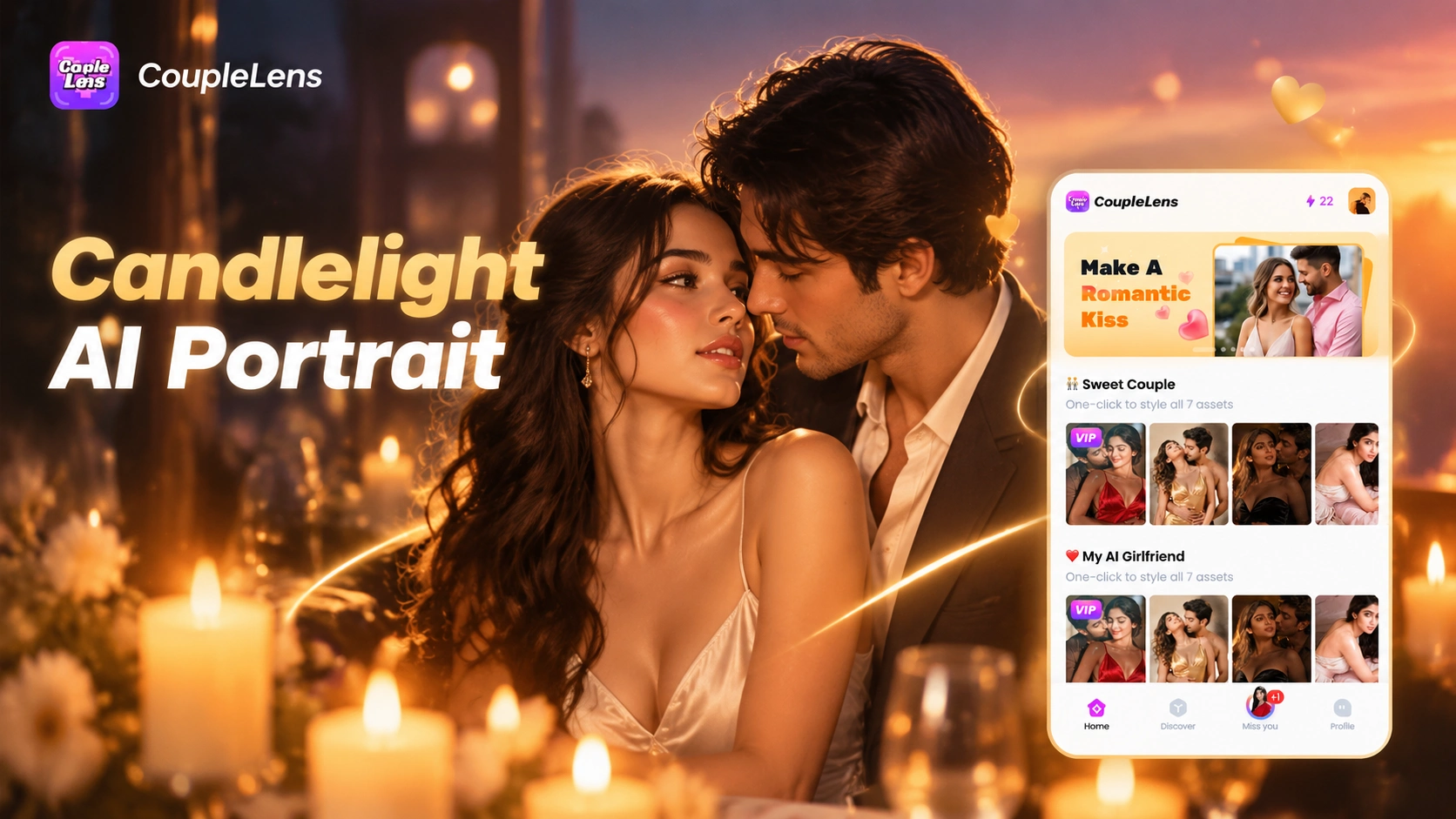
Candlelight Filters Worth Trying First
Eight candlelight filters inside CoupleLens cover soft single flame close ups and couple candlelight AI photo scenes.
How to Create a Candlelight AI Portrait?
The whole thing runs on your phone, no desktop software, no prompt copy pasting.

Step 01.
Head to Google Play and search CoupleLens, then tap install. The app is free to download and runs on most modern Android phones.

Step 02.
Open the filter library inside CoupleLens and browse the candlelight collection. Upload one photo or paste a short candlelight portrait prompt to start the render.

Step 03.
CoupleLens renders the candlelight AI portrait, keeps your face consistent, and lets you post straight to your CoupleLens profile or save to your phone for sharing anywhere else.
Key Features of Candlelight AI Portrait
Three core CoupleLens features power every candlelight AI portrait you make, all inside a few taps.

Bench Cake and coke
One Tap Candlelight Text to Image
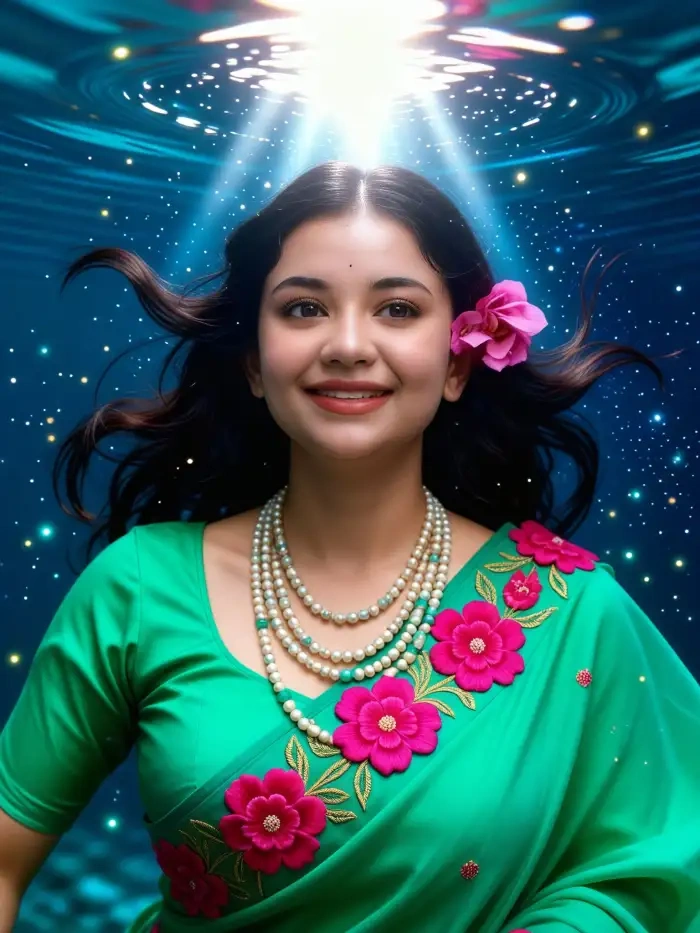
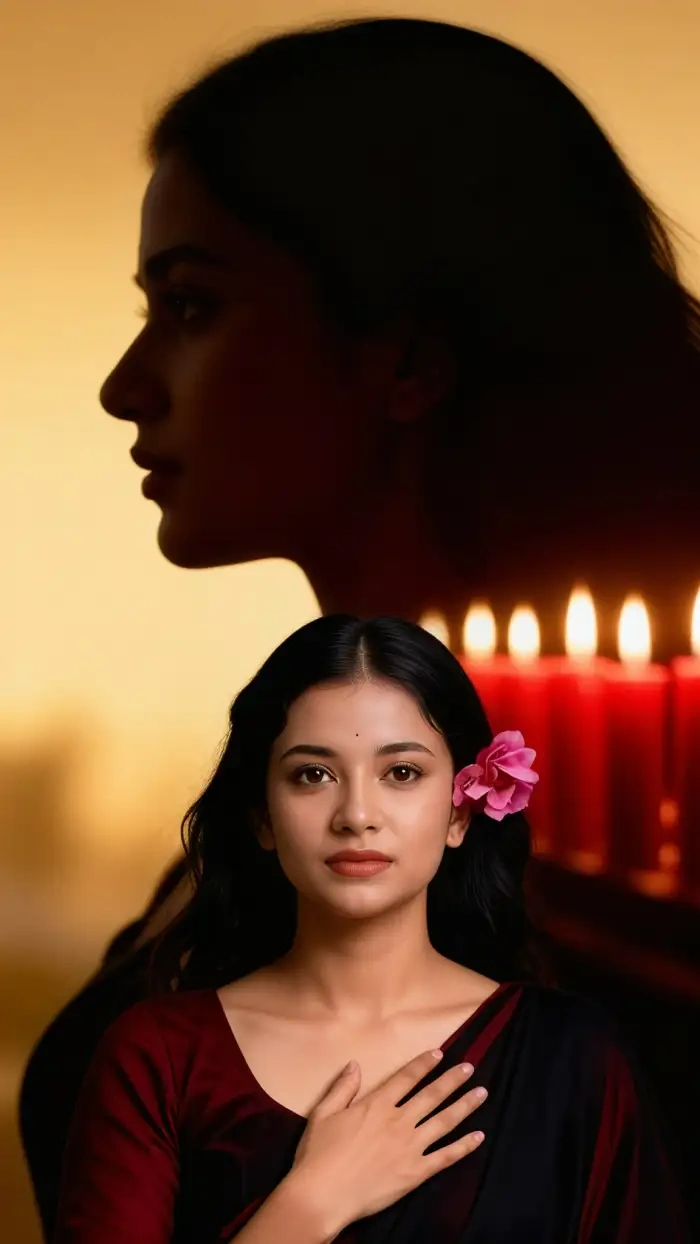
Type a line like "girl candlelight AI photo close up" and CoupleLens pulls the closest matching filter from the candlelight collection. The AI applies Rembrandt style lighting, warm amber color grading, soft bokeh backgrounds, and candle flame eye reflections without you touching a single parameter. You get the cinematic mood with zero prompt engineering skill.
 Before
 After
AfterInstant Photo to Candlelight Portrait
Drop a regular selfie into CoupleLens and pick any candlelight AI portrait filters. The AI keeps your face shape, hair, and skin tone intact while rebuilding the lighting around you. Warm amber tones, soft shadows, and gentle flame reflections in the eyes come together in roughly twenty seconds. No identity swap, no plastic skin.
Candlelight Romantic Video Clip
Take a finished candlelight AI portrait and turn it into a short looping video in one tap. CoupleLens adds a soft eye blink, a slow smile, or a gentle head turn that feels natural, not uncanny. Perfect for Instagram Reels, TikTok uploads, or a profile intro that needs warmth and personality.
CoupleLens Candlelight Walkthrough Videos
Two short CoupleLens walkthrough videos cover candlelight AI portrait creation inside the app.
Candlelight AI Portrait Examples
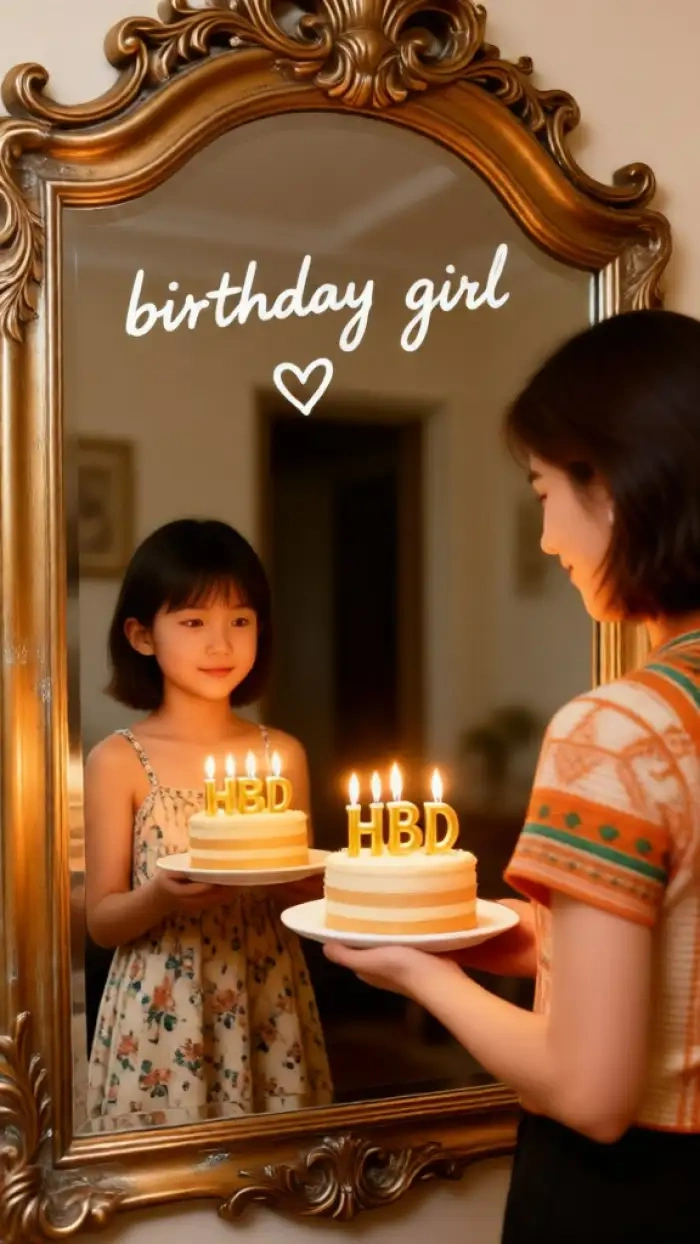
A quick look at real candlelight AI portrait outputs from CoupleLens users.
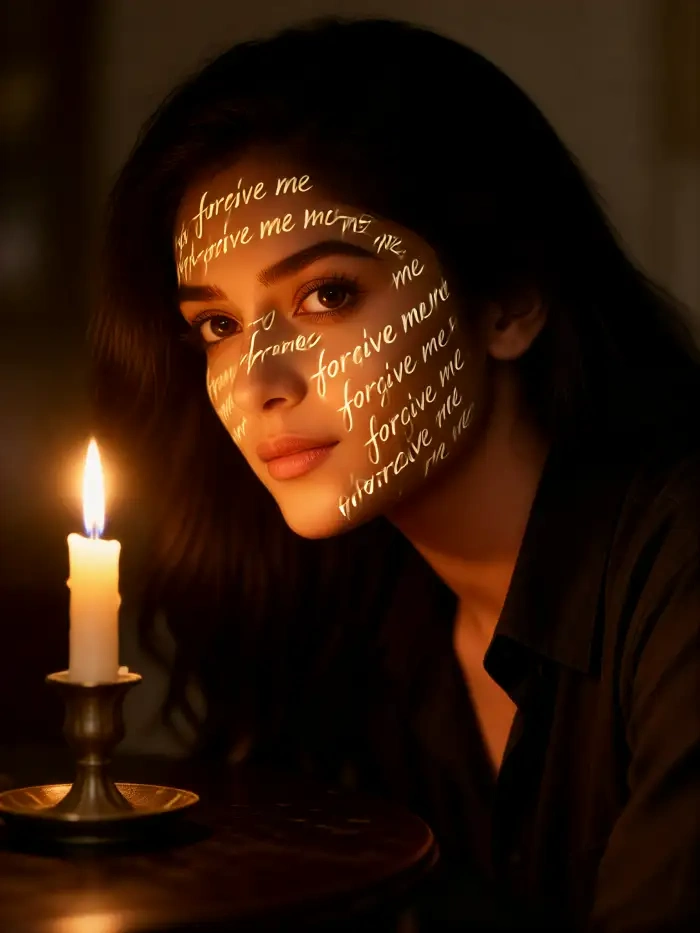
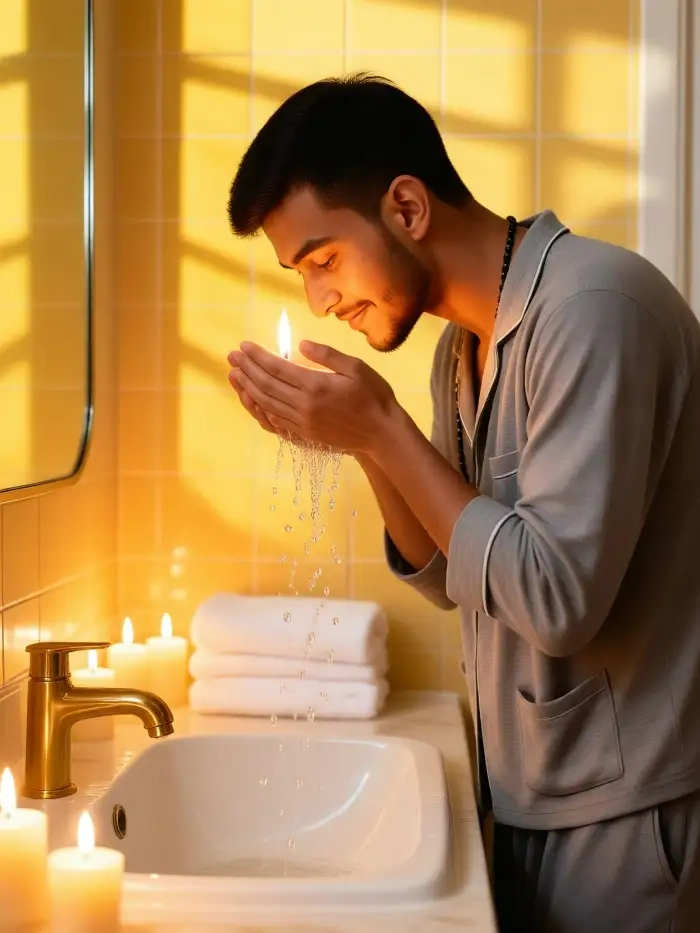
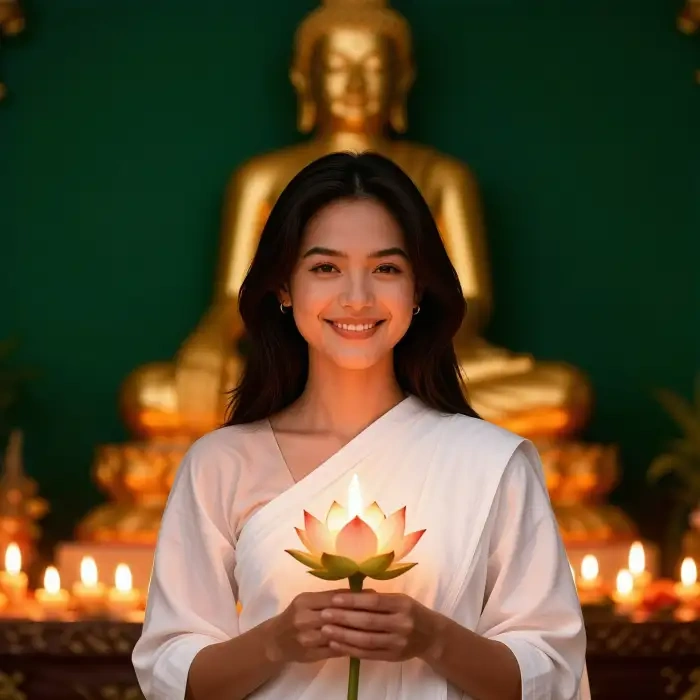

Use CoupleLens for Candlelight AI Portraits
Other candlelight AI portrait tools bury you in prompt syntax or push you through a slow web queue. CoupleLens skips both problems. You get 25,000 mobile first filters tuned for warm cinematic moods, character consistency across every image and video, multi person photo support, and ten to twenty second renders. The whole candlelight AI portrait workflow lives on your phone, from idea to share.

Frequently Asked Questions
Quick answers about candlelight AI portraits on CoupleLens. If you are new to AI photo apps, start here before you tap generate.
More Topics You May Like
Once you nail the candlelight AI portrait, try these other AI portrait moods on CoupleLens.

CoupleLens Pakistan Defence Day AI Photo Generator: Make 6 September AI Photo

Hartalika Teej AI Photo: Festival Portraits in One Tap with CoupleLens

Hari Malaysia Photo Edit: Create Patriotic AI Art in Seconds with CoupleLens

AI Cricket Team Poster Maker: Create Posters in CoupleLens App
CoupleLens Pakistan Defence Day AI Photo Generator: Make 6 September AI Photo
Hartalika Teej AI Photo: Festival Portraits in One Tap with CoupleLens
Hari Malaysia Photo Edit: Create Patriotic AI Art in Seconds with CoupleLens
AI Cricket Team Poster Maker: Create Posters in CoupleLens App
Light Up Your Next Candlelight AI Portrait with CoupleLens
Download CoupleLens from Google Play today and turn a regular selfie into a warm cinematic candlelight AI portrait in under one minute. Tap a filter, upload a photo, share the glow.
Light Up Your Next Candlelight AI Portrait with CoupleLens
Download CoupleLens from Google Play today and turn a regular selfie into a warm cinematic candlelight AI portrait in under one minute. Tap a filter, upload a photo, share the glow.