C Walk AI
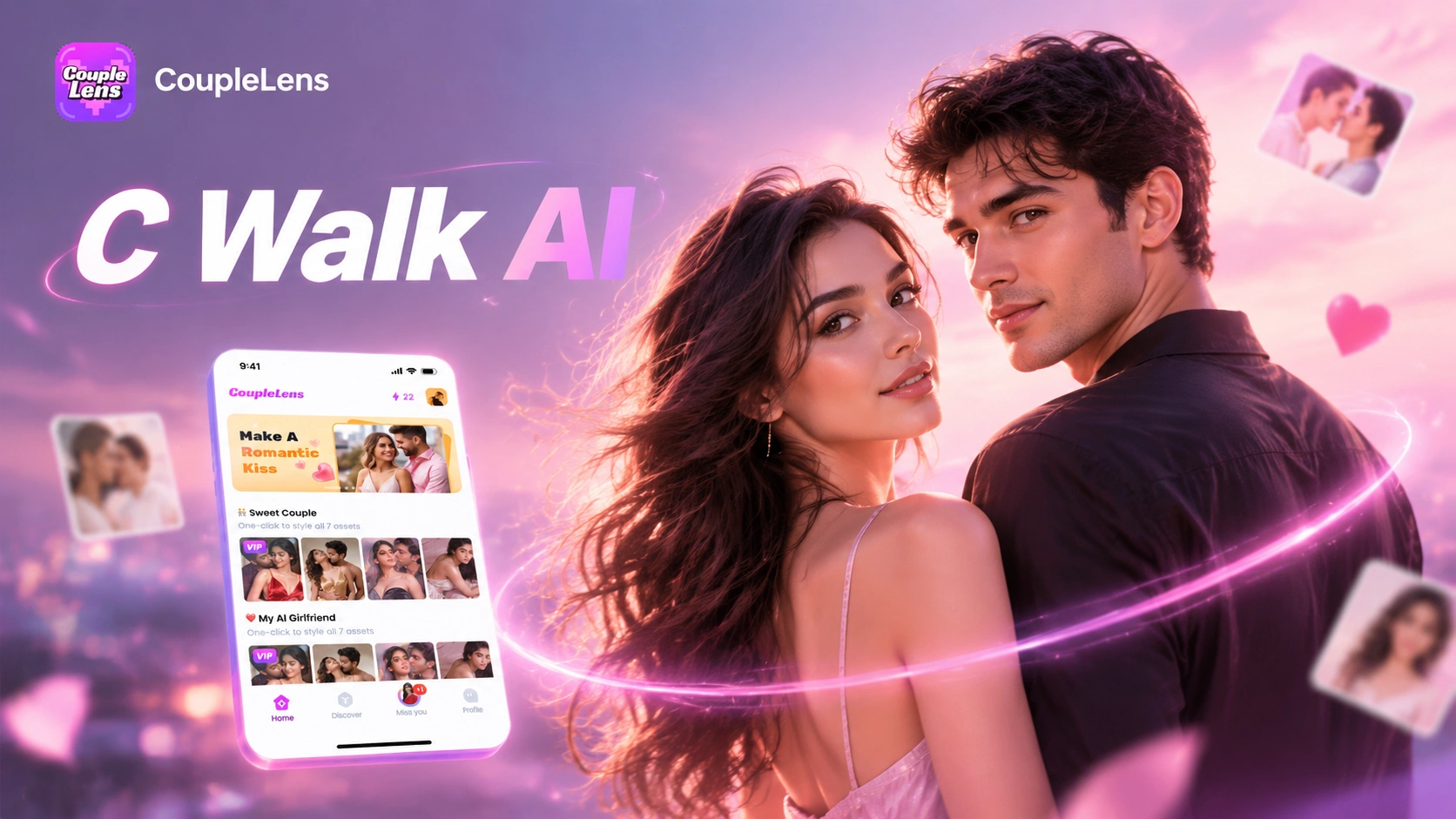
Pick a C Walk AI Dance Filter
CoupleLens ships with hand tuned dance templates built for the C Walk AI look, so you can pick a style, upload your photo, and render a viral Crip Walk video.
Watch CoupleLens in Action
Two short walkthroughs that show the C Walk AI templates inside CoupleLens and how a creator went from one photo to a posted TikTok the same afternoon.
C Walk AI Results From Real CoupleLens Users
Browse C Walk AI clips other creators posted from inside CoupleLens, then tap the same template to make your own version.
Key Features of CoupleLens C Walk AI
Every C Walk AI template in CoupleLens uses motion data pulled from real Crip Walk clips, so the footwork looks natural and the timing matches the beat.
 Before
Real Crip Walk Footwork
Most AI dance tools guess the moves and you get floating arms and melted shoes. CoupleLens uses reference motion pulled from real Crip Walk dancers, so each step has weight, each heel-toe lands, and the V-step shuffles read like a real street routine. The C Walk AI clip feels like the dancer knows the move.
 Before
Realistic C Walk AI in One Tap
Upload one full-body photo, pick a C Walk AI template, and the video is ready before your coffee cools. CoupleLens renders short dance clips on tuned servers, so you skip the queues that slow most web tools. That speed matters when a TikTok sound is hot right now and you need to post tonight.
 Before
Group C Walk for Couples and Friend Crews
CoupleLens reads each face in the photo and keeps them separate through every frame, so two friends or a whole crew can hit the Crip Walk together without one face sliding into another. The group C Walk AI template handles hugging poses, shoulder-to-shoulder stances, and line-up formations like a real group dance would.
How to Create a C Walk AI Dance Video?
CoupleLens cuts the C Walk AI workflow down to three mobile steps, so you go from a still photo to a posted TikTok without ever opening a desktop editor.
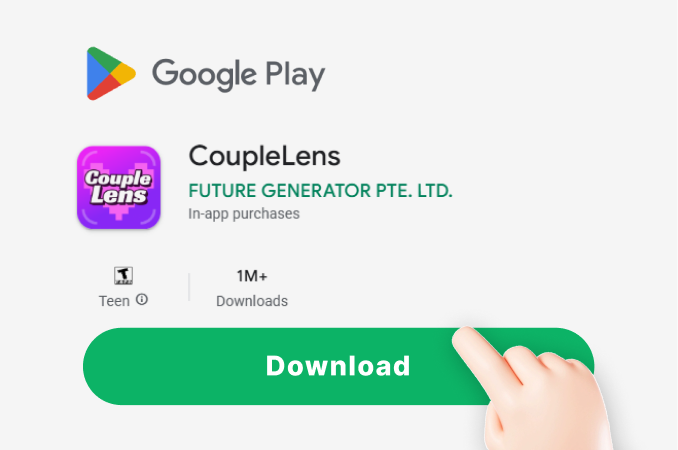
Step 01.
Download CoupleLens on Google Play and open the app on your phone. The home screen lists dance templates up top, so you do not need to dig through menus.
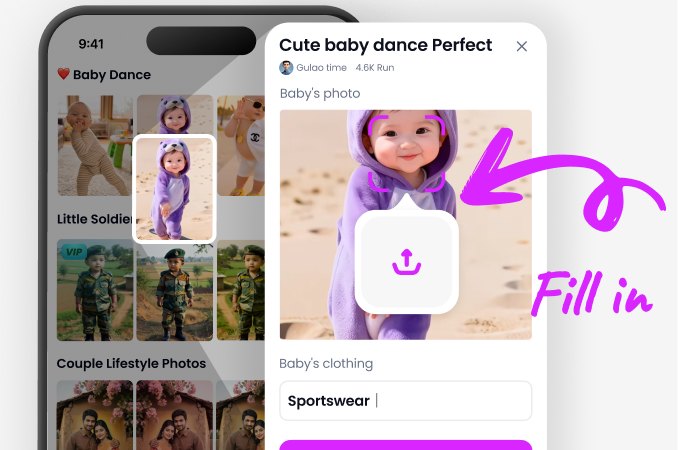
Step 02.
Pick a C Walk AI filter inside the app, upload one full-body photo, and tap generate. The app handles the rest of the Crip Walk motion for you in the background.
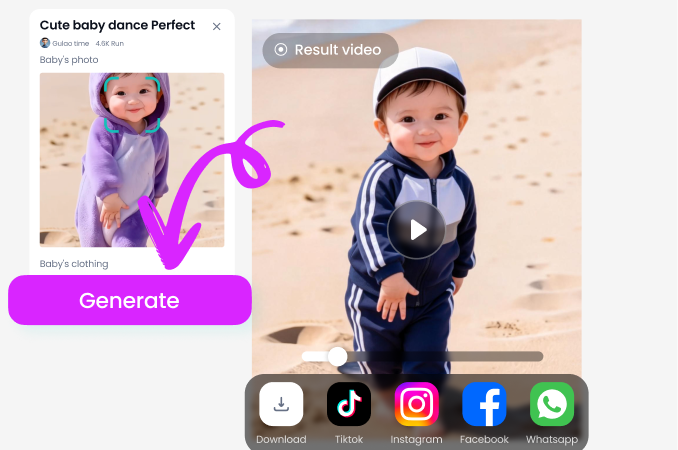
Step 03.
Preview your finished video, save it to your phone, and share it straight to TikTok, Reels, or Shorts. CoupleLens keeps the clip at the right aspect ratio for each platform.
Use CoupleLens for C Walk AI Dance Videos
CoupleLens is built mobile first, so the C Walk AI workflow lives where the trend already lives. You shoot the photo, render the clip, and post the video from the same device. The template library updates with new dance looks every week, the multi-person engine keeps faces clean in group shots, and the app saves your clips so you can repost when a sound comes back around.

Frequently Asked Questions
Quick answers about how the C Walk AI templates work inside CoupleLens, what photos give the best result, and where the finished video lands.
More Topics You May Like
Other AI video and dance trends CoupleLens users search next once they have posted their first C Walk AI clip and want to keep the streak going.
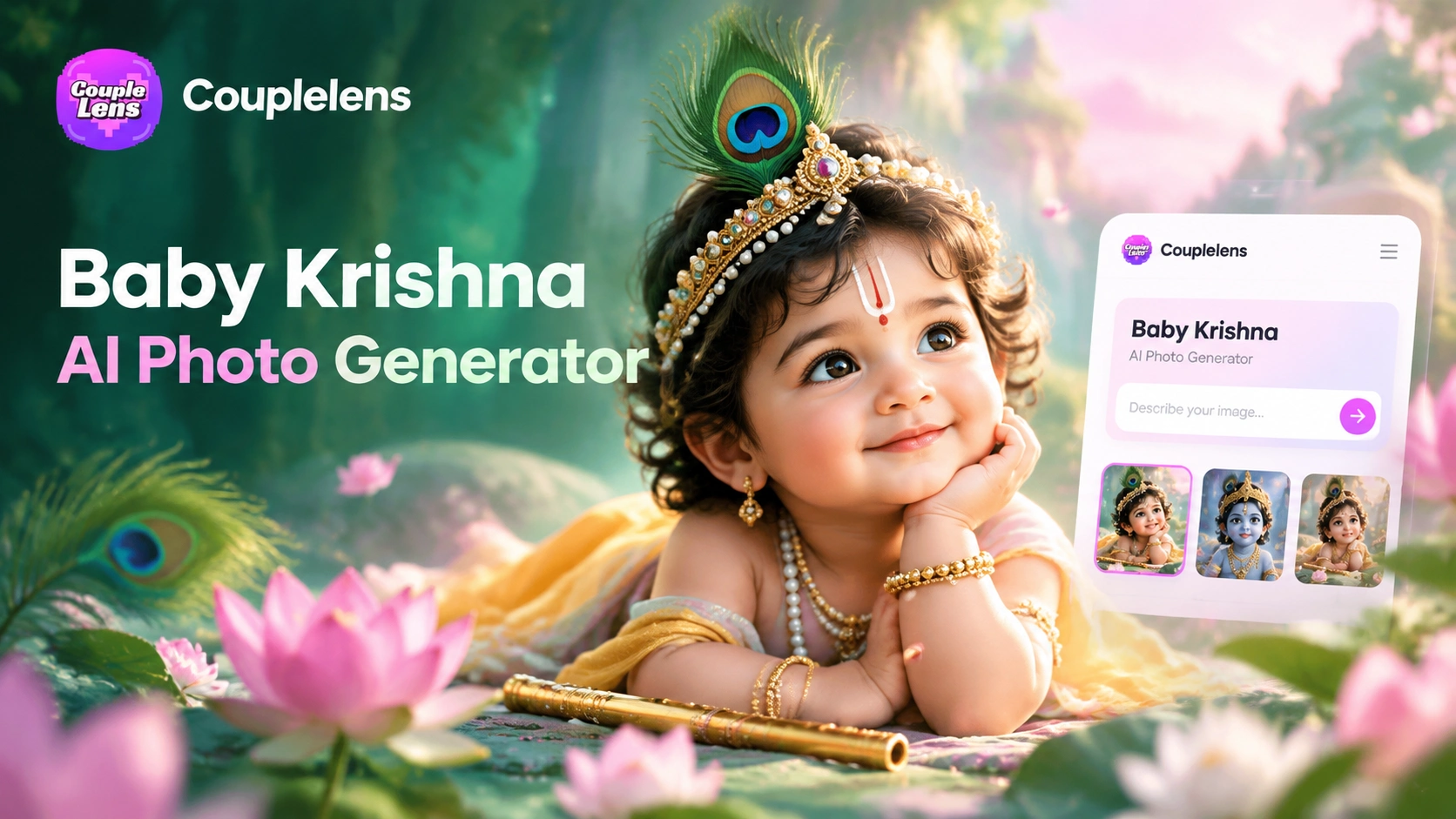
CoupleLens Baby Krishna AI Photo Generator: Create Janmashtami Portraits

CoupleLens Face Bandage AI Photo Generator: Ship First Face Bandage AI Photos
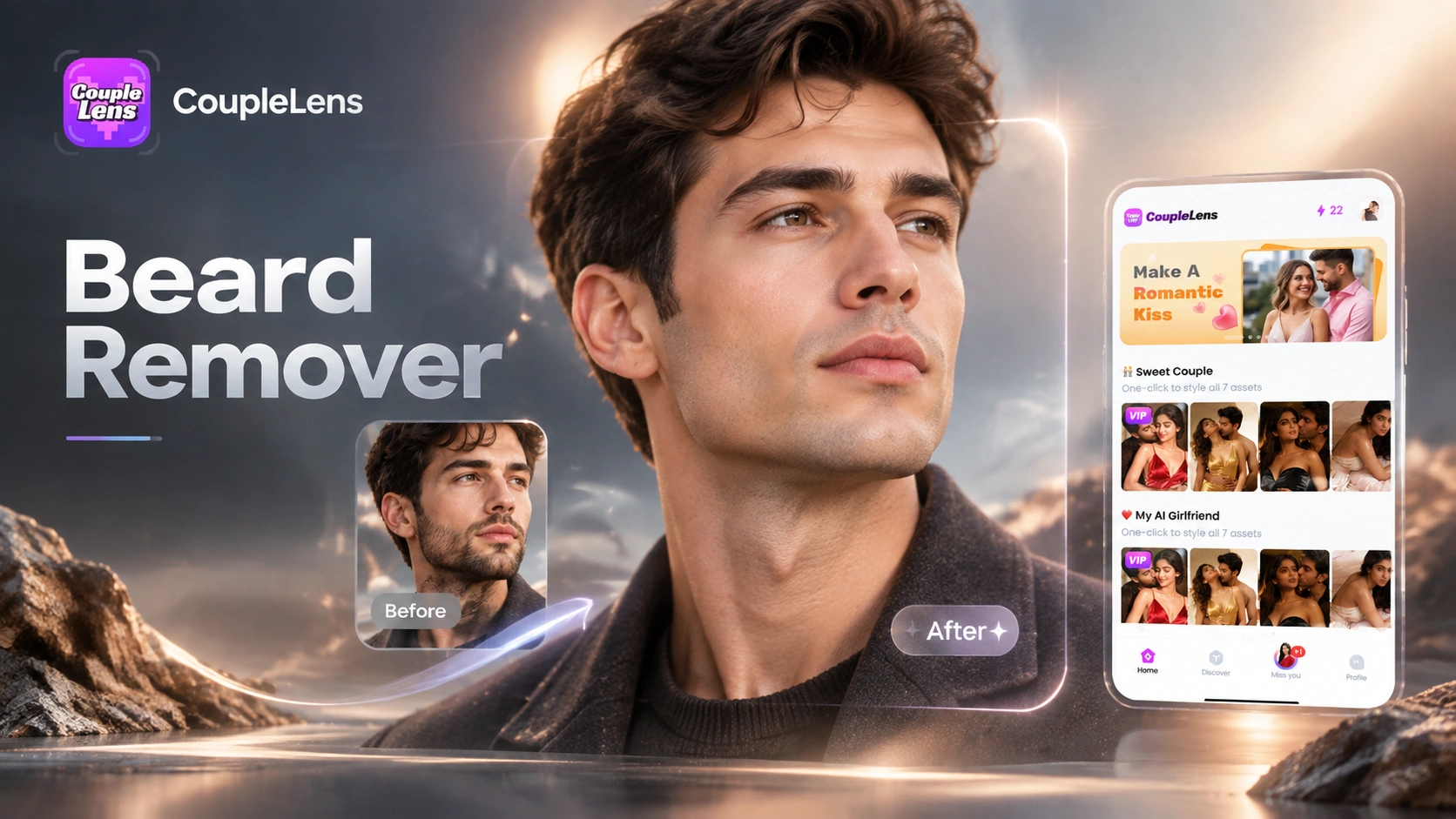
CoupleLens Beard Remover AI: See Your Clean Shaven Look in Seconds
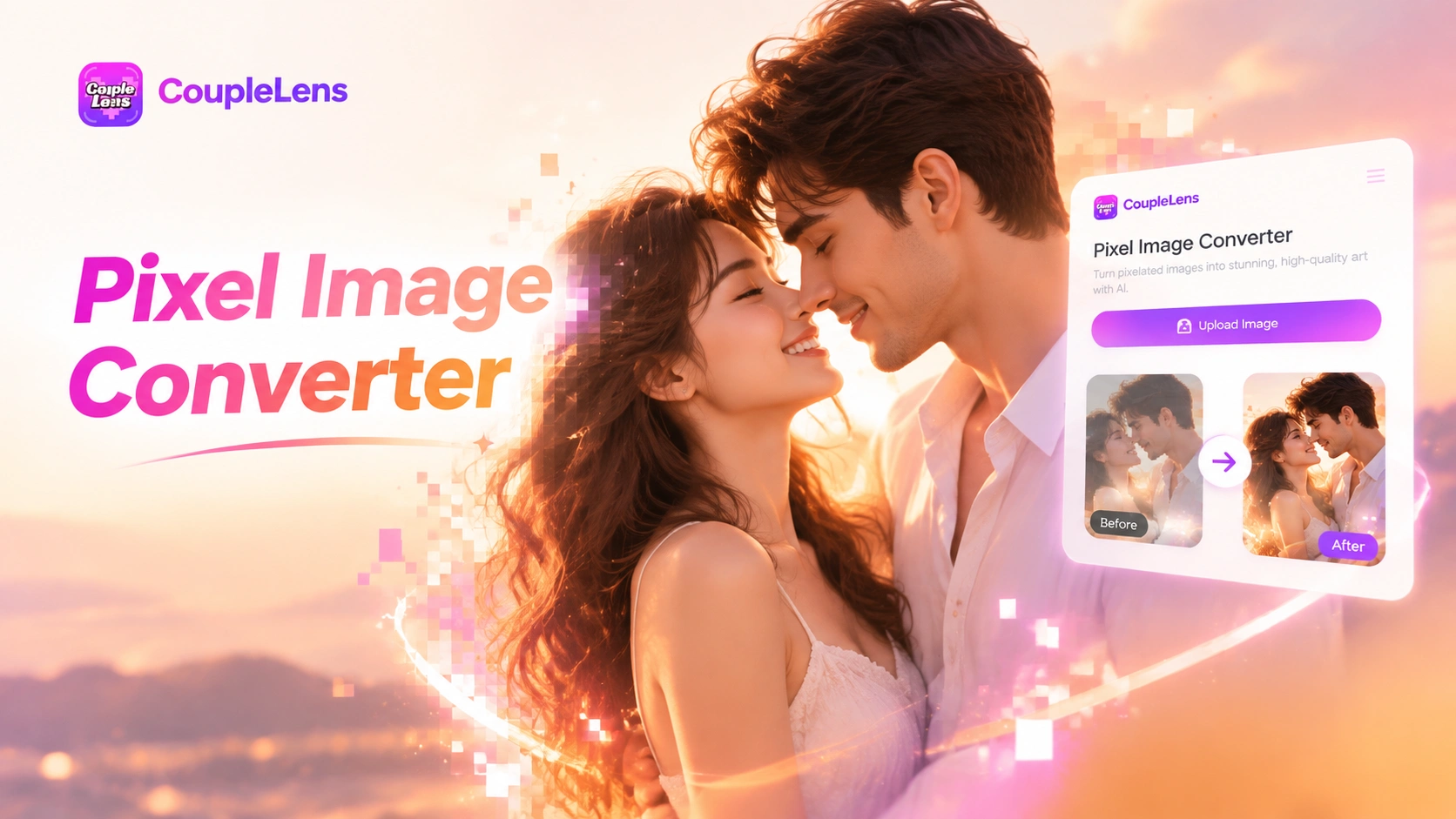
CoupleLens Pixel Image Converter: AI Pixel Avatar Generator on Mobile
CoupleLens Baby Krishna AI Photo Generator: Create Janmashtami Portraits
CoupleLens Face Bandage AI Photo Generator: Ship First Face Bandage AI Photos
CoupleLens Beard Remover AI: See Your Clean Shaven Look in Seconds
CoupleLens Pixel Image Converter: AI Pixel Avatar Generator on Mobile
Make Your C Walk AI Video Right Now
Grab CoupleLens on Google Play, pick a C Walk AI template, and post your Crip Walk clip before the sound fades out. The whole flow lives on your phone.
Make Your C Walk AI Video Right Now
Grab CoupleLens on Google Play, pick a C Walk AI template, and post your Crip Walk clip before the sound fades out. The whole flow lives on your phone.