AI Walking Transition
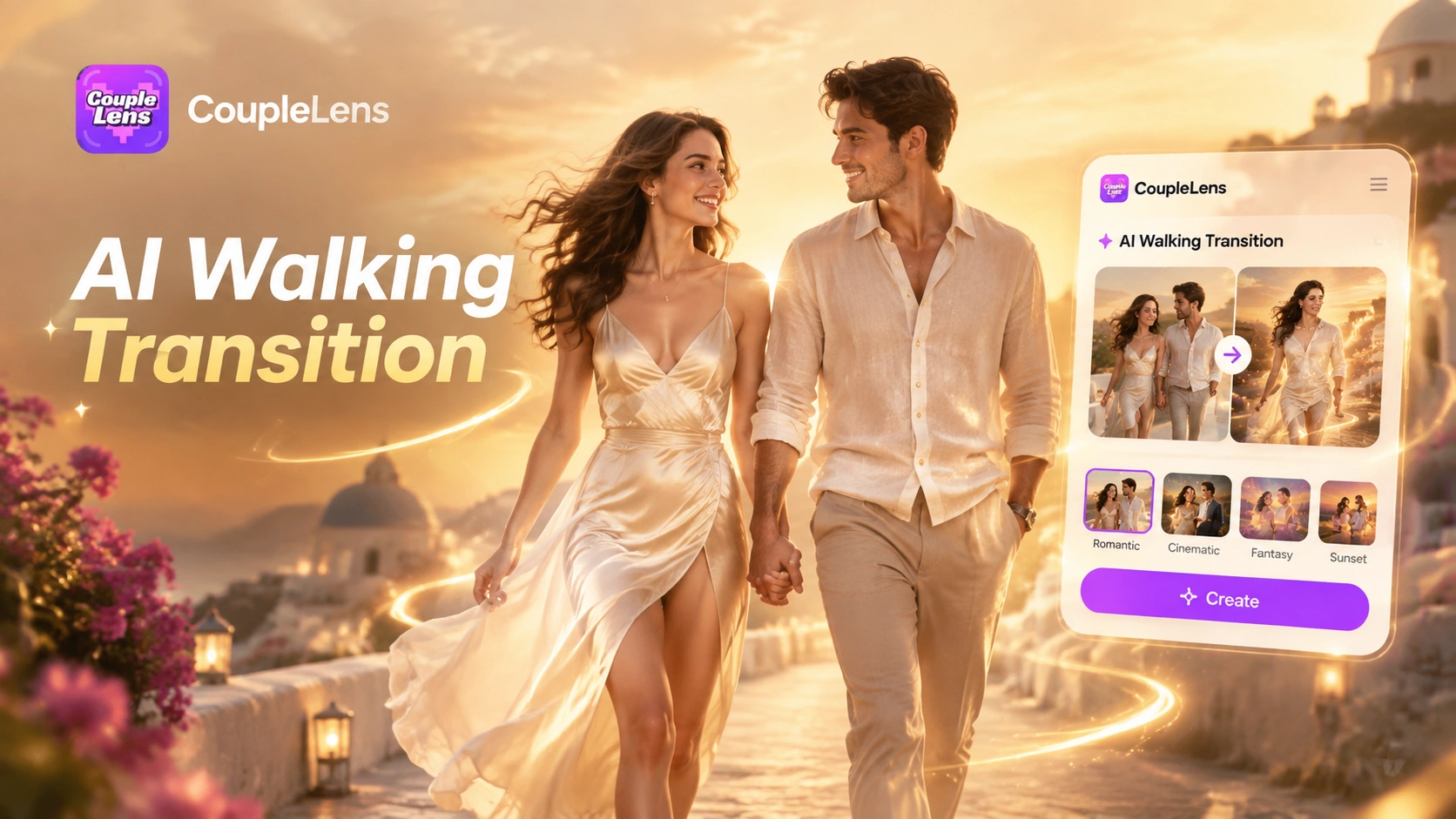
Walking Transition Filters Ready Inside the App
Hand tuned filters built for the AI walking transition trend. Pick one card upload your photo and CoupleLens handles the rest.
Use CoupleLens for AI Walking Transition
Web tools need prompts. Desktop tools need timelines. Most mobile tools lose the face. CoupleLens skips all three problems by handing you ready filters that already know how to walk. You get a clean AI walking transition with the same person in every scene and a render measured in seconds. You get a TikTok ready file without leaving your phone.

See Real AI Walking Transition Outputs
Real outputs from real users. Every clip below started as one still photo and finished as a smooth AI walking transition video.
How to Create an AI Walking Transition Video?
Three steps. One phone. Zero editing. The whole AI walking transition flow lives inside the app on Google Play.
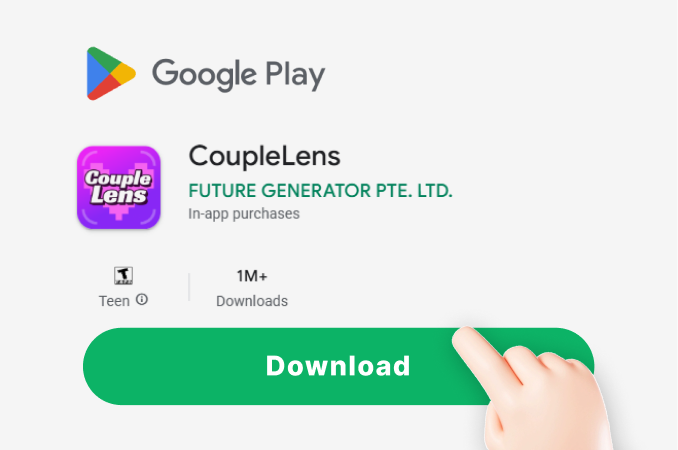
Step 01.
Open the Google Play Store on your Android phone. Search CoupleLens and tap install. The home screen opens on a grid of walking filters that work with one tap.
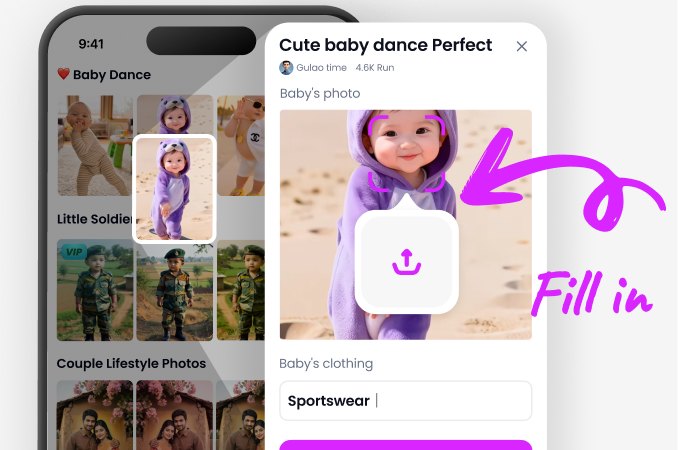
Step 02.
Scroll the filter row inside the app and tap any AI walking transition card. The Beach Walk and City Street Walk filters are good starter picks. Upload one clear full body photo.
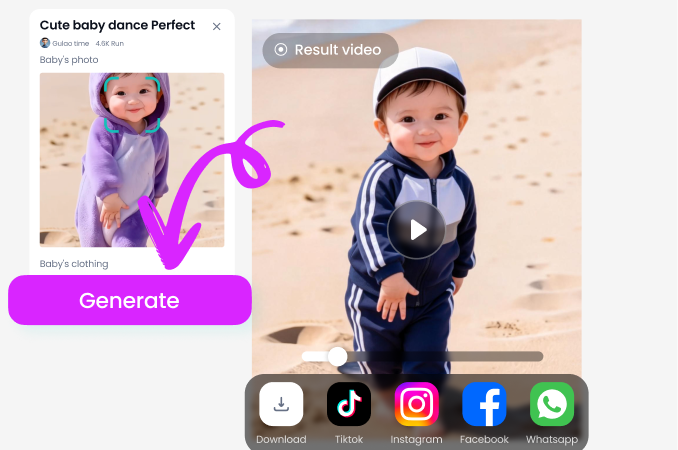
Step 03.
Tap the generate button and wait about ten to twenty seconds. Preview the AI walking transition clip on screen.
Key Features of AI Walking Transition
The full AI walking transition flow lives inside your phone. No prompt writing and no timeline edits needed.
 Before
Multi Scene Walk in One Tap
Pick a city then a beach then a rooftop and the same person walks through all three. The app plans the camera path the footstep timing and the body lean across every scene. About 25,000 ready templates cover the most popular AI walking transition styles.
BeforeMulti Scene Walk in One Tap
Pick a city then a beach then a rooftop and the same person walks through all three. The app plans the camera path the footstep timing and the body lean across every scene. About 25,000 ready templates cover the most popular AI walking transition styles.
 Before
Same Face Same Body Every Scene
The app locks the face the body the outfit and the hair when it builds the walk. The character you upload is the character you see at the end of the clip. The AI walking transition looks like one continuous take from frame one to the last second.
BeforeSame Face Same Body Every Scene
The app locks the face the body the outfit and the hair when it builds the walk. The character you upload is the character you see at the end of the clip. The AI walking transition looks like one continuous take from frame one to the last second.
 Before
Walking Transition Built on Mobile
The full pipeline runs on Android so you can shoot a photo on the street and finish the video before the coffee order shows up. Tap a card. Upload one photo. Wait ten to twenty seconds. Share to TikTok Reels or Shorts without saving to camera roll first.
BeforeWalking Transition Built on Mobile
The full pipeline runs on Android so you can shoot a photo on the street and finish the video before the coffee order shows up. Tap a card. Upload one photo. Wait ten to twenty seconds. Share to TikTok Reels or Shorts without saving to camera roll first.
Watch CoupleLens in Action
Two short demos of the AI walking transition flow on a phone so you can see the render speed and the result quality.
Frequently Asked Questions
Common questions about how the AI walking transition flow works and what to expect from the result.
More Topics You May Like
Other AI video and photo trends you can make with the app after your first AI walking transition clip.

CoupleLens Baby Krishna AI Photo Generator: Create Janmashtami Portraits

CoupleLens Face Bandage AI Photo Generator: Ship First Face Bandage AI Photos
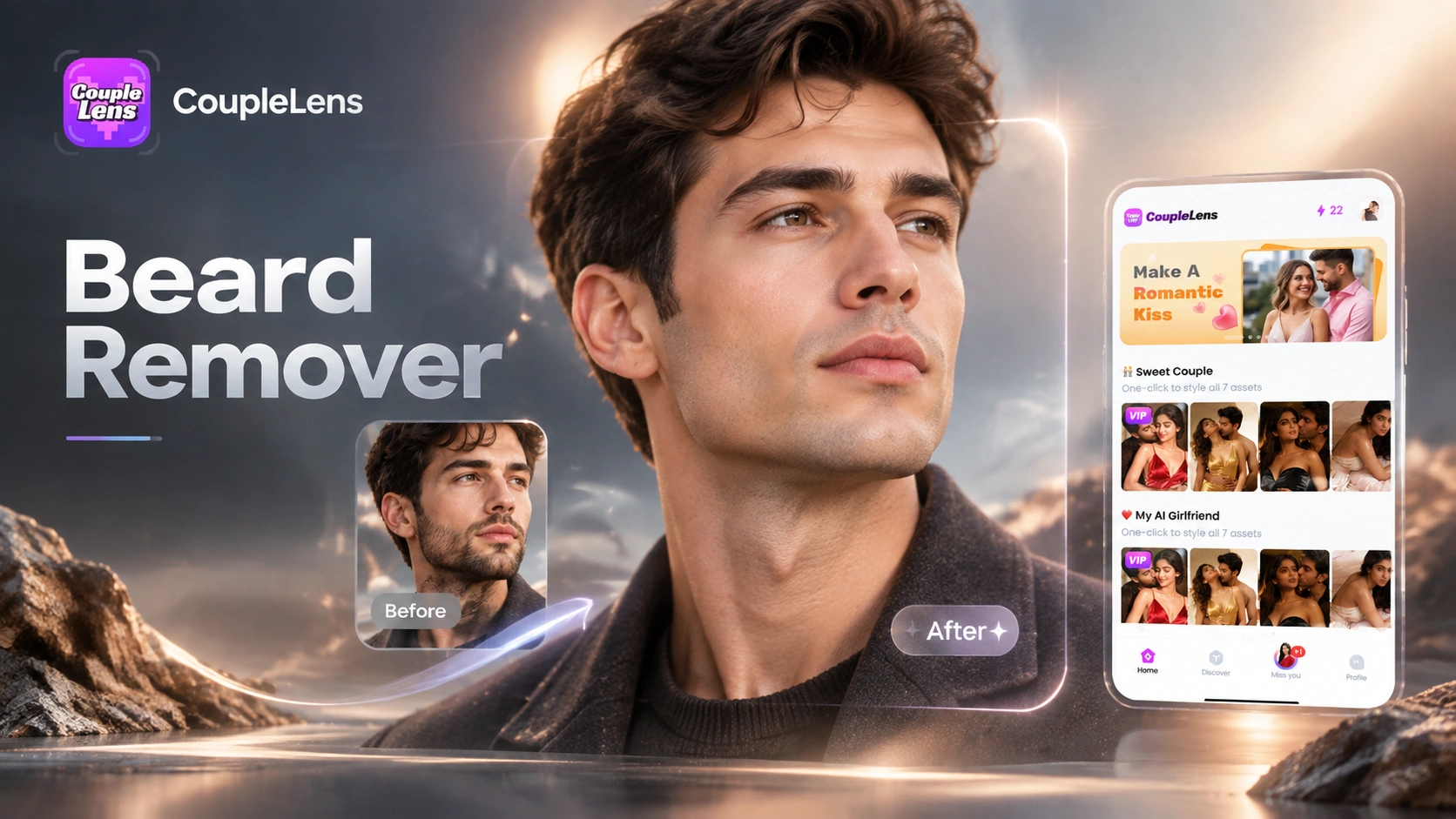
CoupleLens Beard Remover AI: See Your Clean Shaven Look in Seconds

CoupleLens Pixel Image Converter: AI Pixel Avatar Generator on Mobile
CoupleLens Baby Krishna AI Photo Generator: Create Janmashtami Portraits
CoupleLens Face Bandage AI Photo Generator: Ship First Face Bandage AI Photos
CoupleLens Beard Remover AI: See Your Clean Shaven Look in Seconds
CoupleLens Pixel Image Converter: AI Pixel Avatar Generator on Mobile
Make Your First AI Walking Transition Today
Grab CoupleLens on Google Play. Pick a walking filter. Drop in one photo. Post your first AI walking transition clip before tonight.
Make Your First AI Walking Transition Today
Grab CoupleLens on Google Play. Pick a walking filter. Drop in one photo. Post your first AI walking transition clip before tonight.