AI Skeleton Video
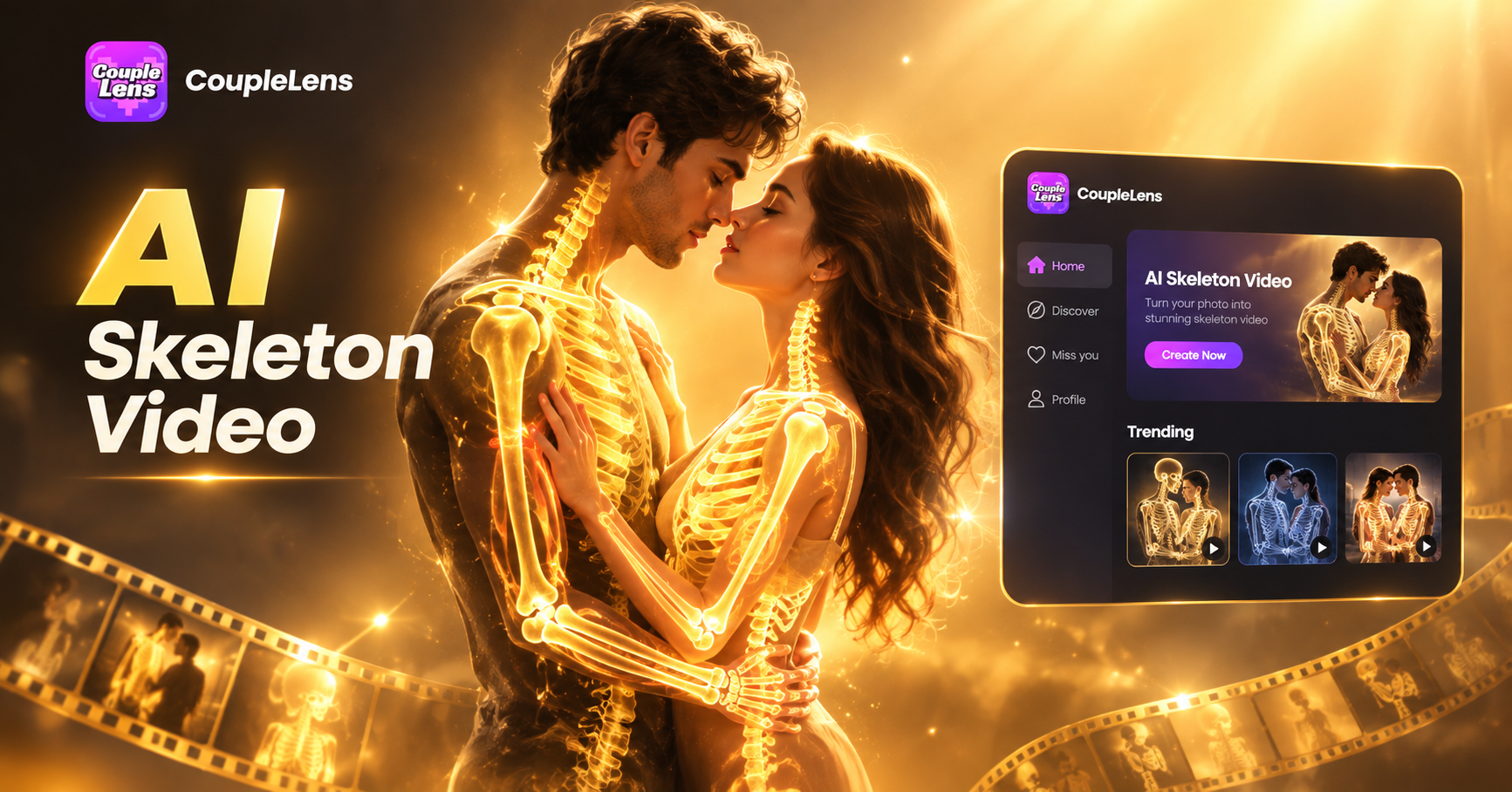
Pick the Hot Bone Filter Inside CoupleLens
Start from the CoupleLens Hot Bone Effects filter and let the AI skeleton video template handle the bone look and lighting for you.
Watch CoupleLens in Action
Two short walkthroughs showing how creators use the AI skeleton video filter and the skeleton dance templates inside CoupleLens, from first tap to final share.
Real Skeleton Videos Made With CoupleLens
Browse what other creators posted inside the AI skeleton filter community. Tap any thumbnail to view, like, or remix the same template for your own video.
How to Create an AI Skeleton Video With CoupleLens?
Three steps inside the App, no prompt writing, no external editor, no desktop required.
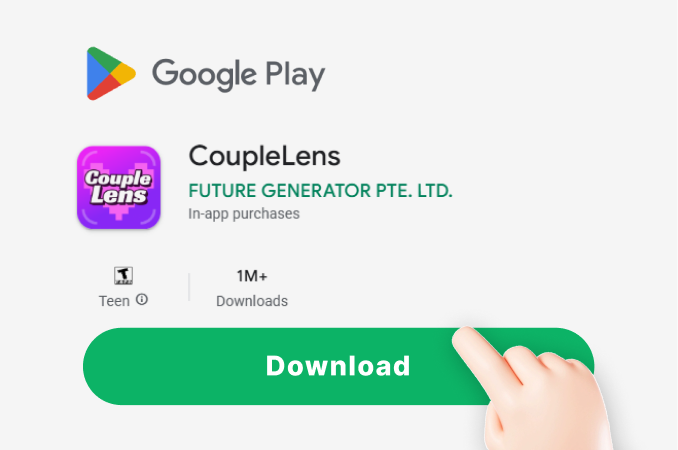
Step 01.
Tap the Google Play badge, install the CoupleLens App, and open it on your phone. The download is free and the basic creation flow works right after install.
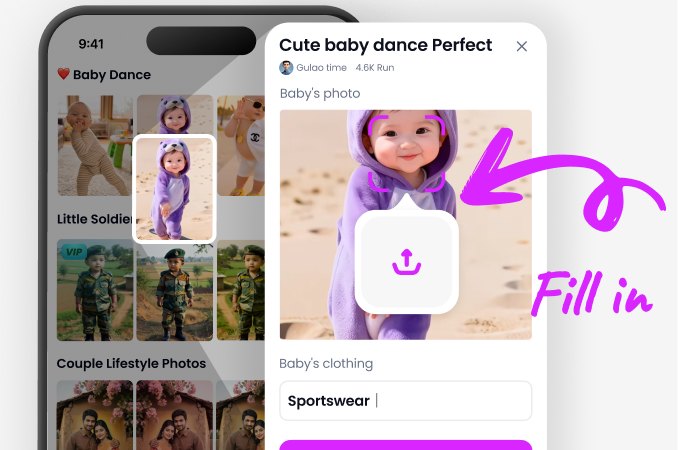
Step 02.
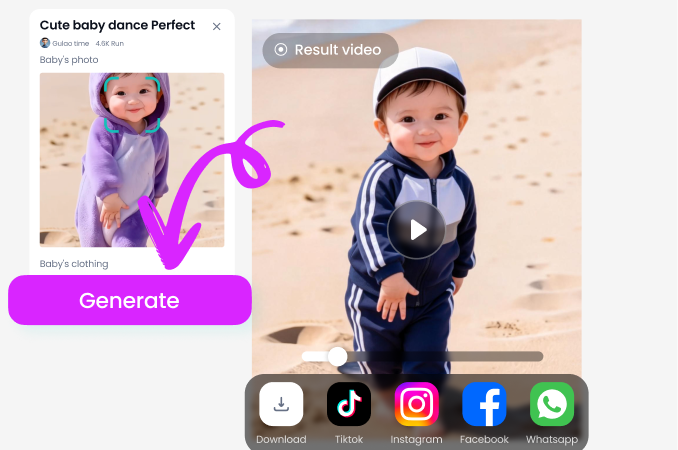
Open the App, search for skeleton or hot bone, and pick a skeleton dance AI template from the library. Upload one photo or a group photo and tap generate.
Step 03.
Wait 10 to 20 seconds, preview the clip, then save it or post it straight from the App to TikTok, Reels, or Shorts. Done.
Key Features of CoupleLens for AI Skeleton Video
Three mobile-first tools built for skeleton dance AI clips, from one-tap style transfer to multi-person group shots.
 Before
 After
One-Tap Skeleton Style Transfer
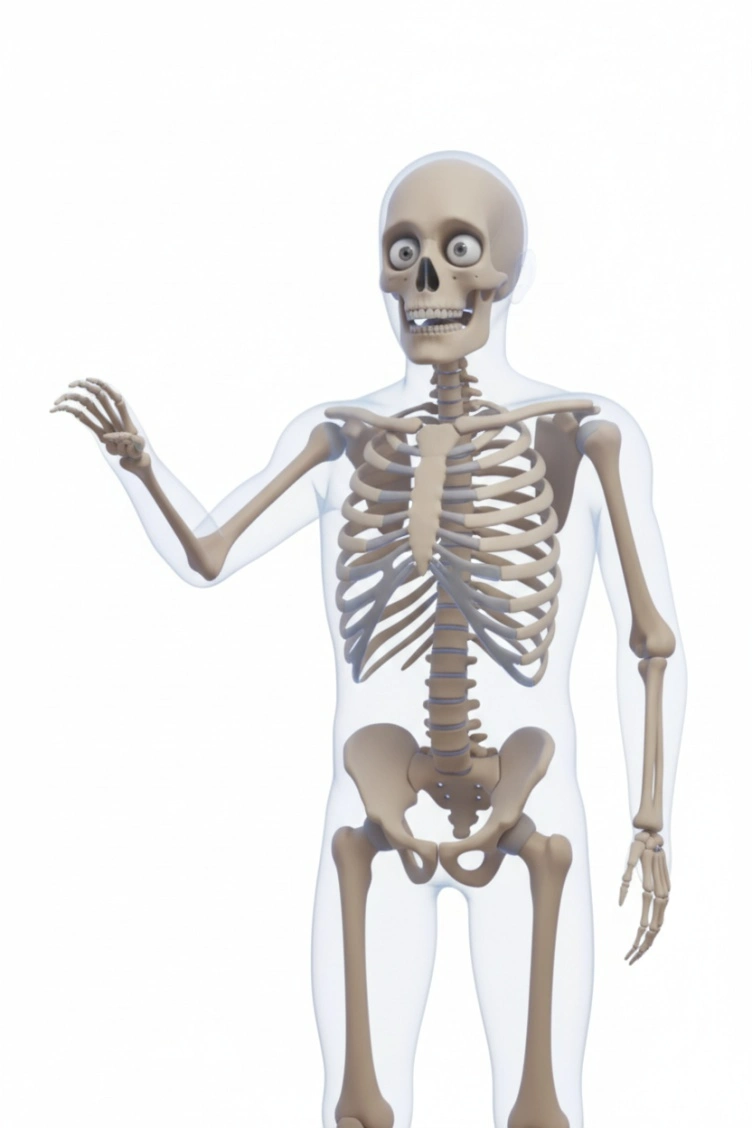
Upload one photo, choose a skeleton template, get a bone-style portrait or short AI skeleton dance video in 10 to 20 seconds. CoupleLens preserves your real face, hair, and outfit while swapping the skin layer for a clean skeletal look. No prompts, no sliders, no learning curve. Just pick a template and tap generate. Perfect for creators who want a fast skeleton video from photo without sitting through a desktop render.
 Before
Skeleton Dance Templates Built In
CoupleLens ships with 25,000 plus style templates, including ready-made skeleton dance AI filters that animate your photo into trending moves. Tap once and your static portrait starts dancing, nodding, or posing inside a bone-frame scene. Templates update with each social media trend so your next AI skeleton video always rides the current wave. Designed for TikTok, Reels, and Shorts aspect ratios right inside the App.
Multi-Character Skeleton Mode
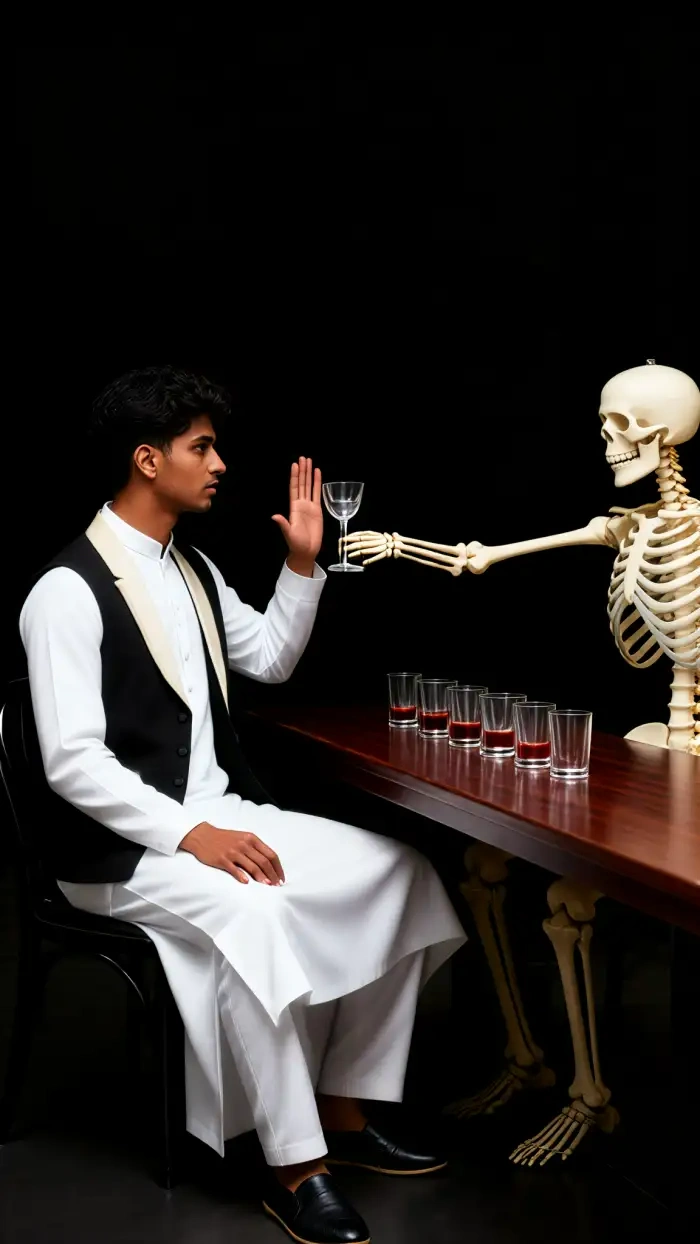
Drop in a couple photo, a friend group, or a team shot and CoupleLens identifies every face, keeps every identity, and turns the whole crew into matching bone characters. No mixed faces, no missing people, no distorted jawlines. You can ask for hugging, standing shoulder to shoulder, or any group pose and the App handles the multi-person layout. A reliable mobile skeleton video generator for friend content, couple content, and team content.
What Creators Say About CoupleLens Skeleton Videos
CoupleLens is now the only mobile skeleton video generator I open on a daily basis.
I posted three skeleton dance AI clips in one evening and two of them cleared a hundred thousand views. The hot bone filter kept my jawline and my beard shape, which I did not expect from a mobile App. Every AI skeleton video I made inside CoupleLens took under twenty seconds from photo to share. I cancelled two other tools the same week.
If you want a skeleton video from photo that actually looks like you, CoupleLens is the App.
My whole October content calendar is built on this App. I upload a single portrait, pick the hot bone filter, and CoupleLens gives me an AI skeleton video that matches each costume drop. The skeleton dance AI templates are clearly tuned for vertical, so I never have to reframe the clip. My followers keep asking how I edit so fast, and the answer is I do not edit.
Best mobile skeleton video generator I have used for multi-person shots, no contest.
Our group chat has eight people and every AI skeleton video tool we tried lost at least one face. CoupleLens kept all eight of us in the bone render with no mixed features, no missing heads. The skeleton dance AI template even handled our group hug pose without warping anyone. We now send one AI skeleton video every Friday and the chat has never been louder.
Frequently Asked Questions
Common questions about how CoupleLens builds an AI skeleton video, what inputs it needs, and what you can post with it.
More Topics You May Like
Other CoupleLens filters and templates that pair well with your next AI skeleton video, from Ghibli-style dance clips to festive effects.
CoupleLens Baby Krishna AI Photo Generator: Create Janmashtami Portraits
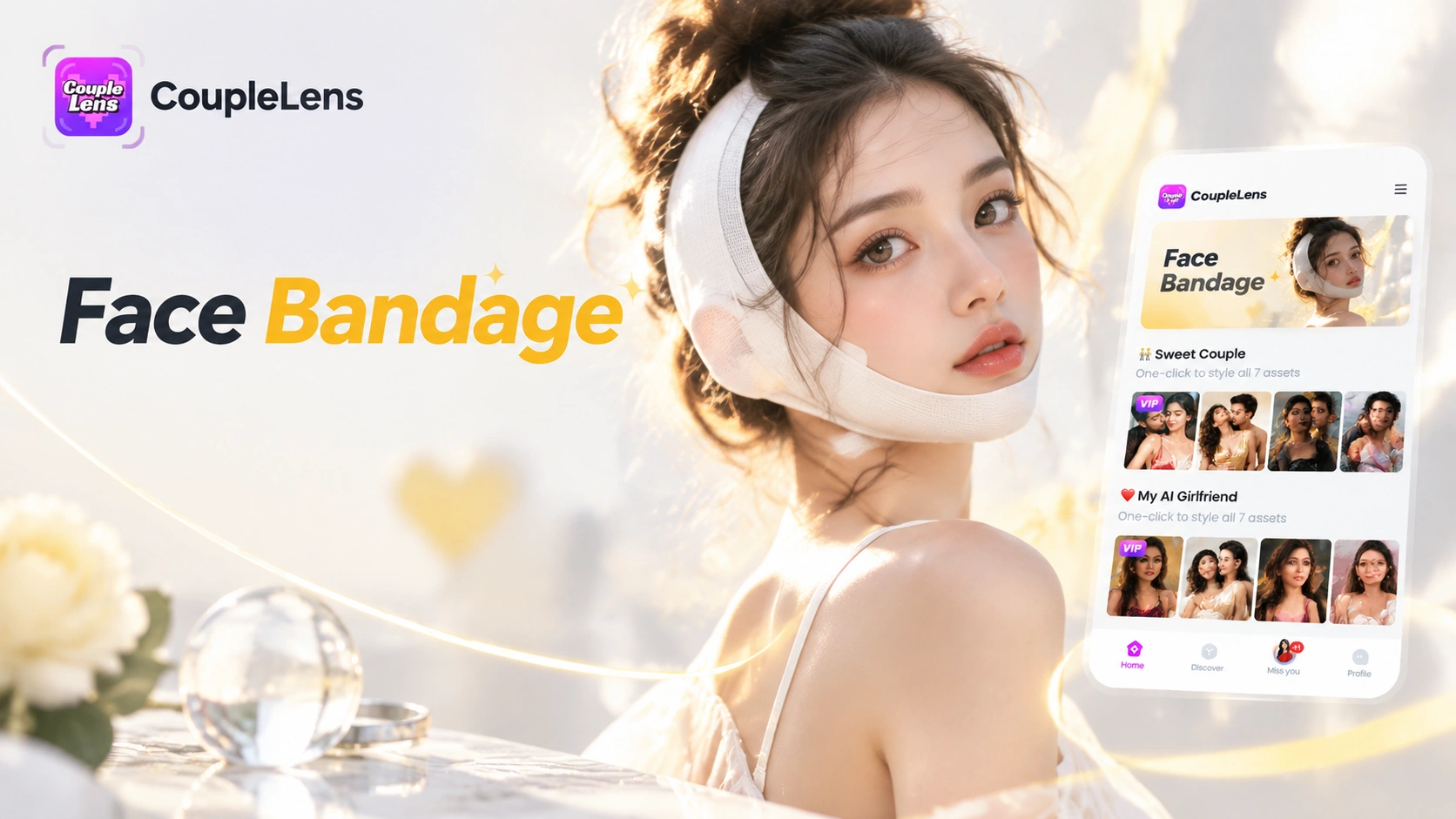
CoupleLens Face Bandage AI Photo Generator: Ship First Face Bandage AI Photos
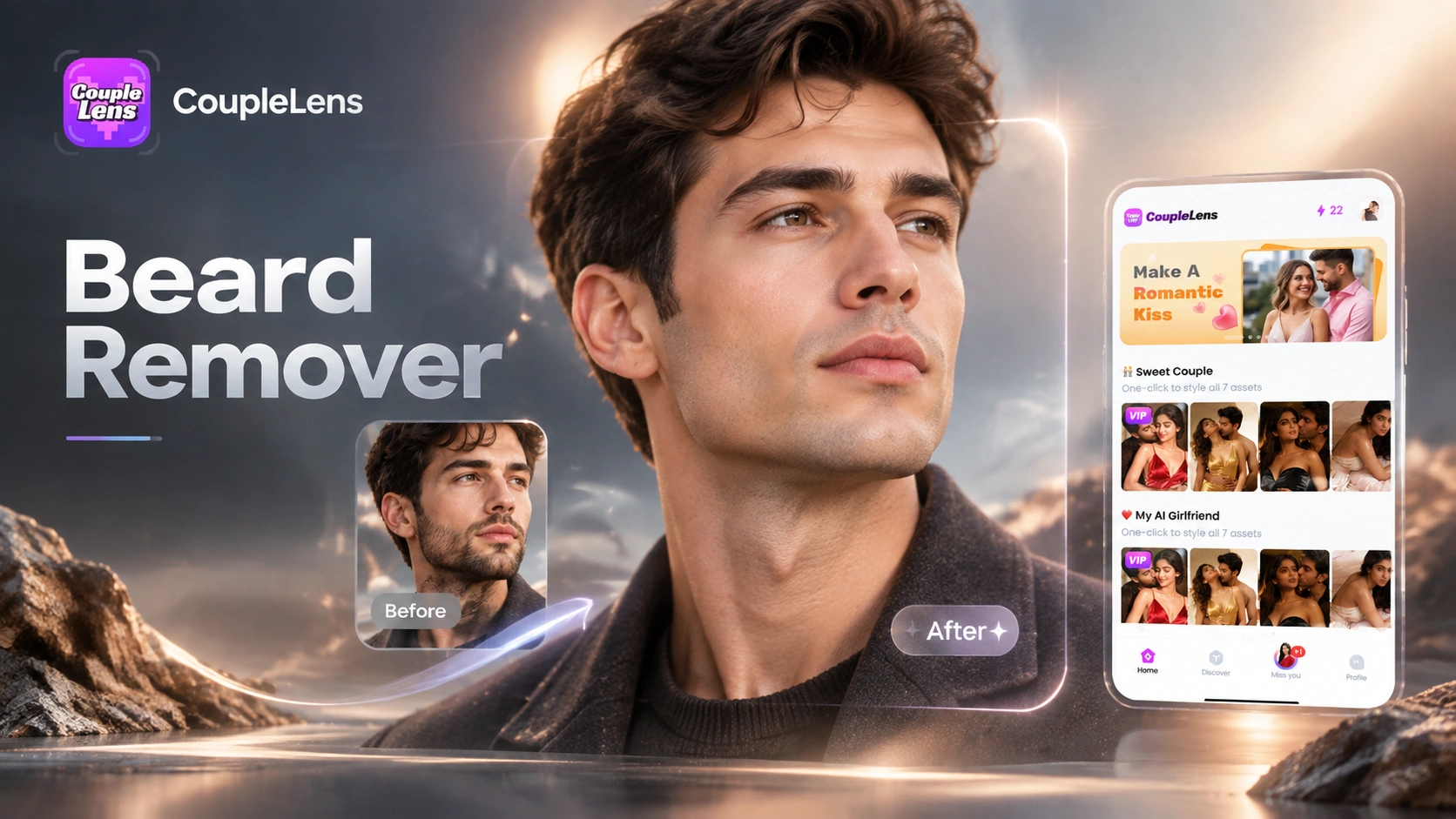
CoupleLens Beard Remover AI: See Your Clean Shaven Look in Seconds
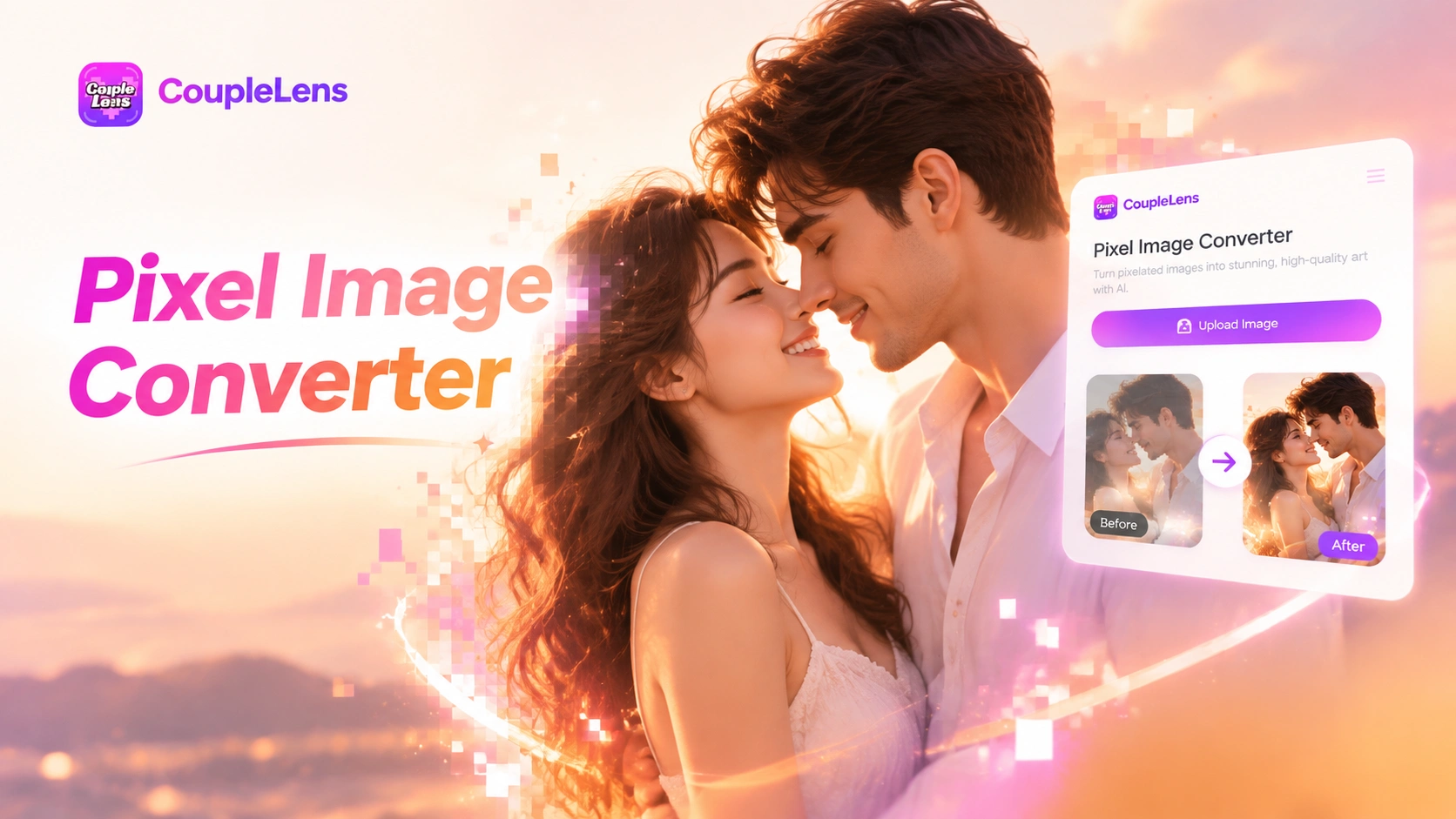
CoupleLens Pixel Image Converter: AI Pixel Avatar Generator on Mobile
CoupleLens Baby Krishna AI Photo Generator: Create Janmashtami Portraits
CoupleLens Face Bandage AI Photo Generator: Ship First Face Bandage AI Photos
CoupleLens Beard Remover AI: See Your Clean Shaven Look in Seconds
CoupleLens Pixel Image Converter: AI Pixel Avatar Generator on Mobile
Your Next AI Skeleton Video Lives One Tap Away
Download CoupleLens on Google Play, pick the hot bone filter, and ship a skeleton dance AI clip before your coffee gets cold.
Your Next AI Skeleton Video Lives One Tap Away
Download CoupleLens on Google Play, pick the hot bone filter, and ship a skeleton dance AI clip before your coffee gets cold.