AI Halloween Costume Generator
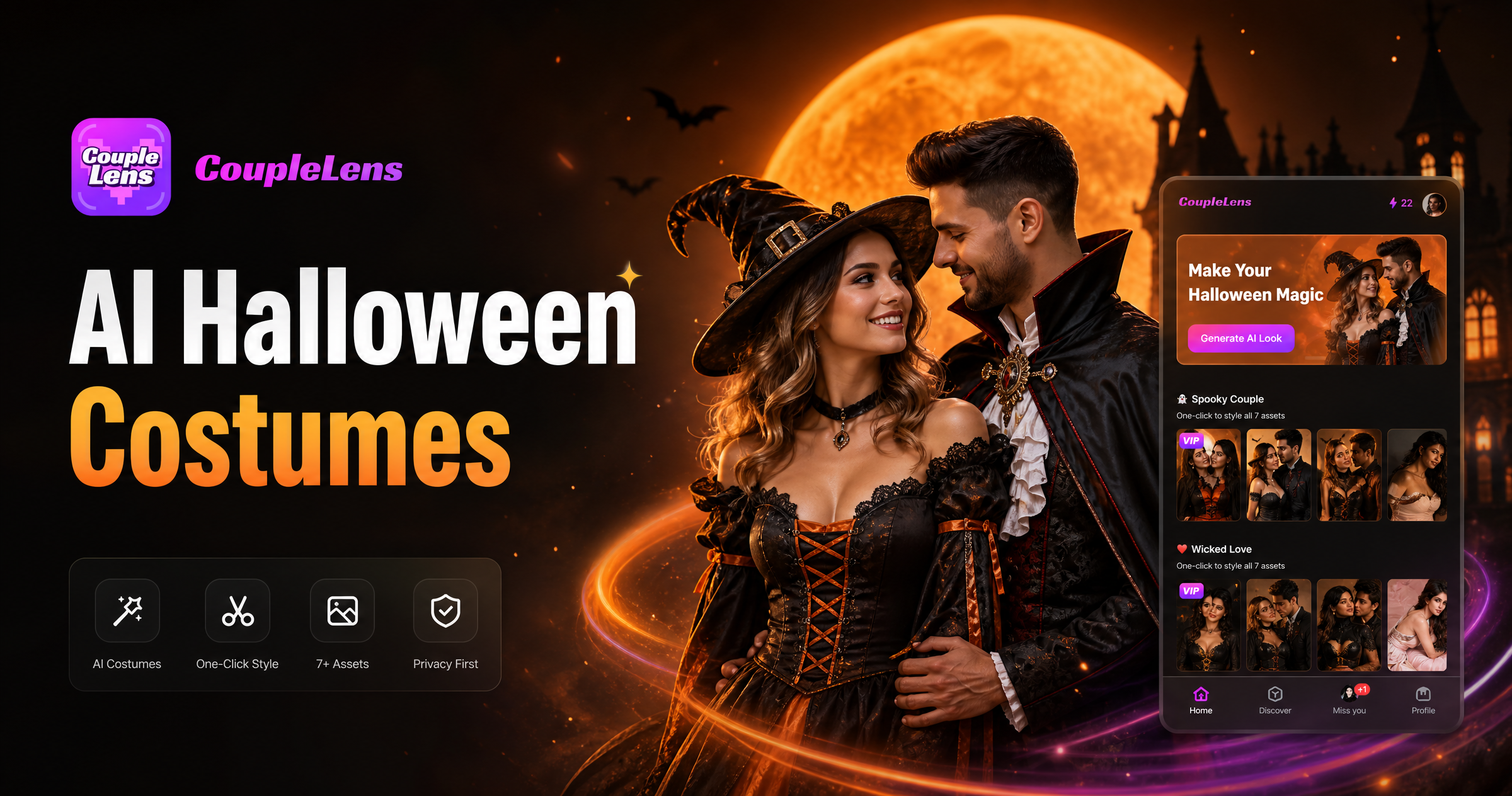
Pick Your Spooky Look From These Halloween Filters
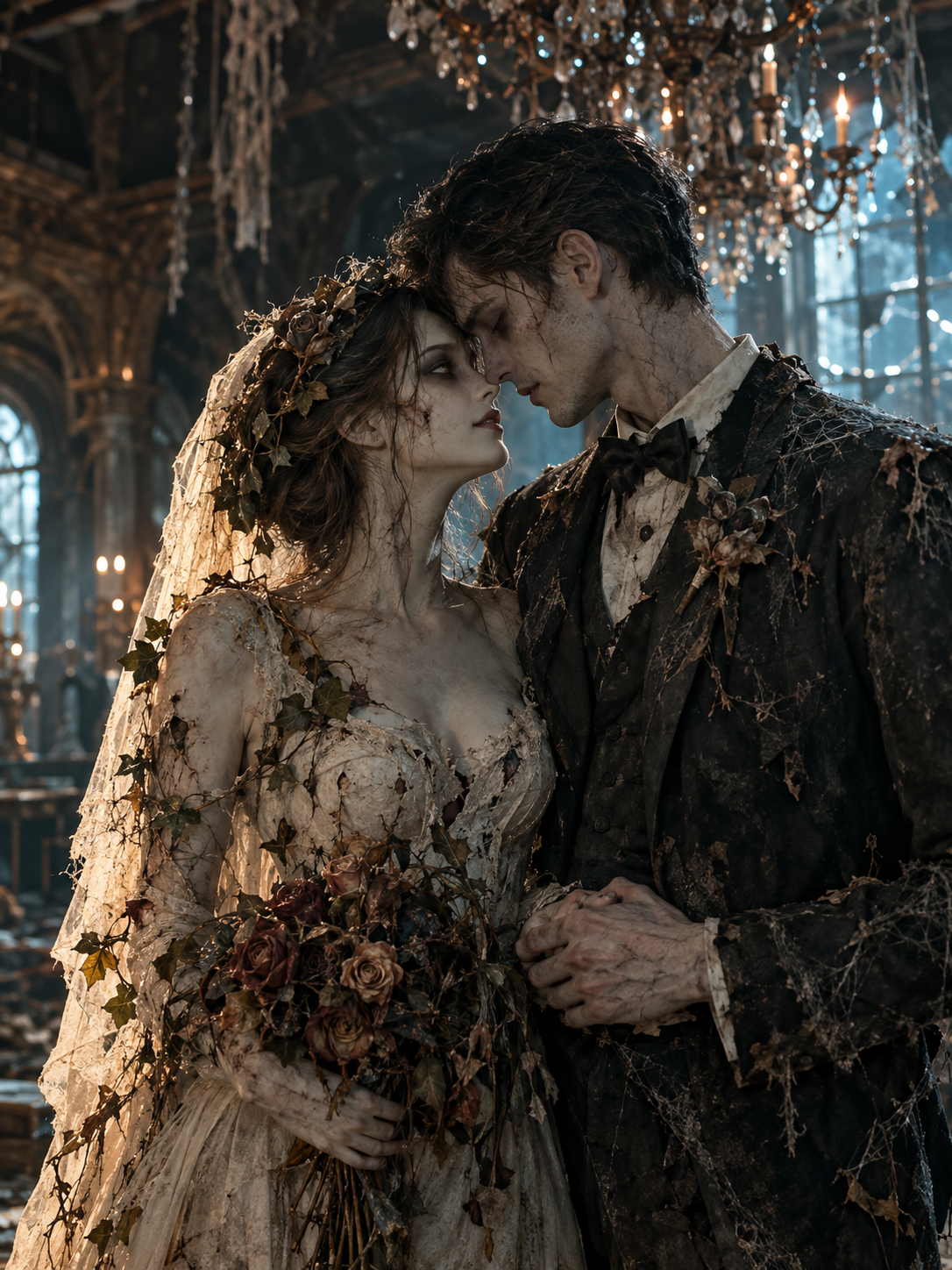
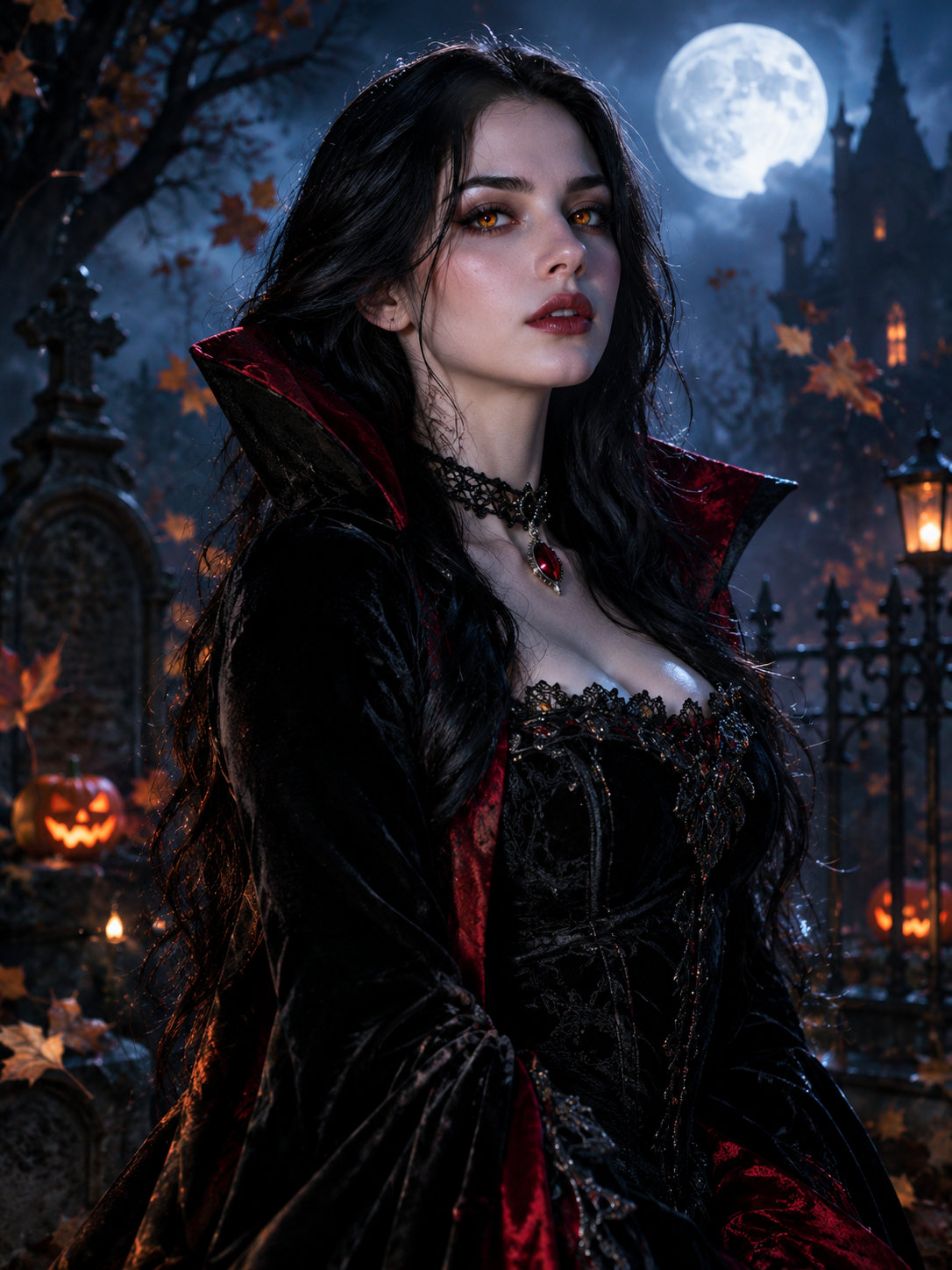
Every CoupleLens Halloween filter is a one tap preset. Open the app, choose your favorite style from these picks.
Watch a CoupleLens Halloween Walkthrough
Two quick clips that show real users tapping a Halloween costume changer filter inside CoupleLens.
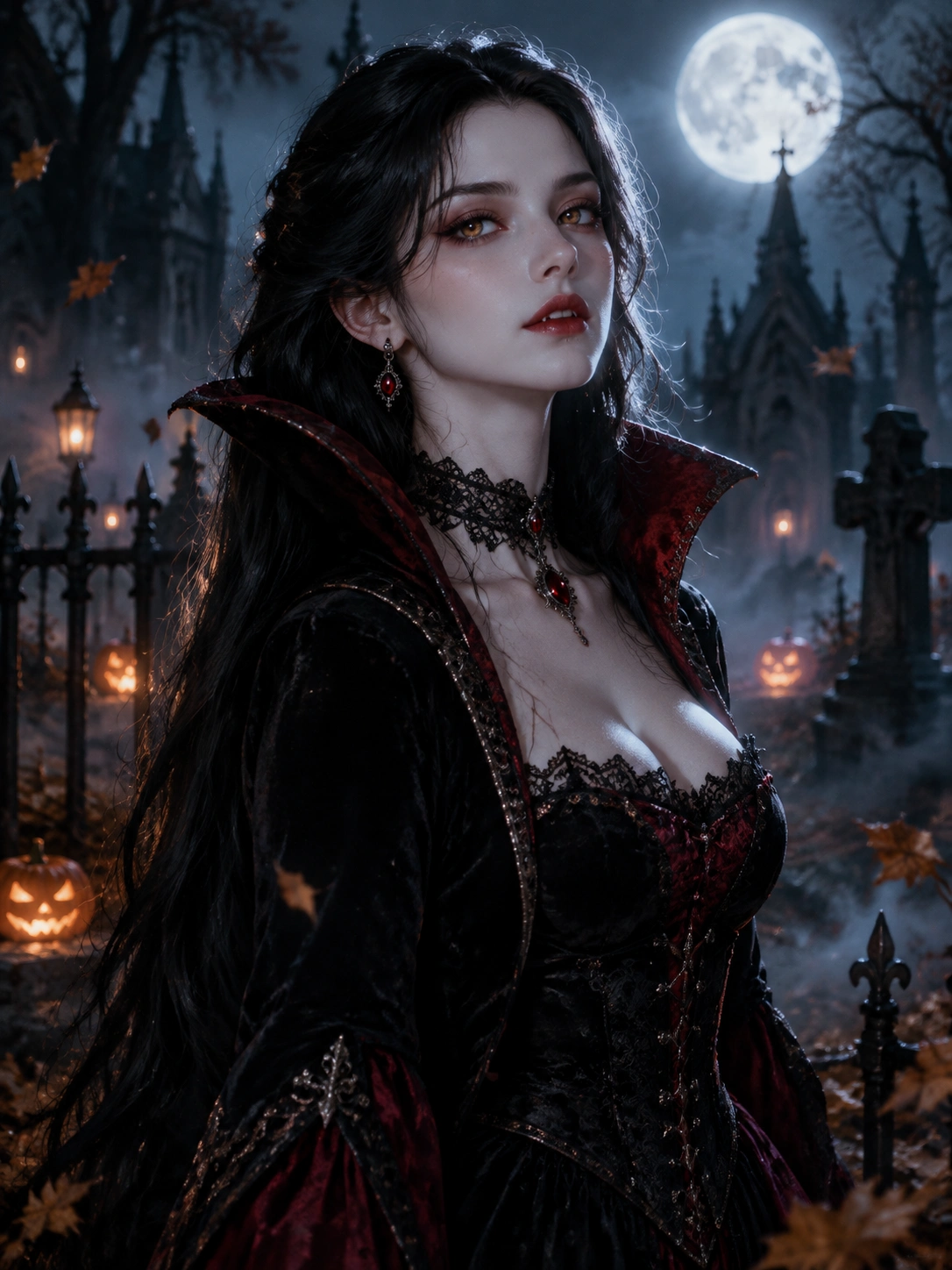
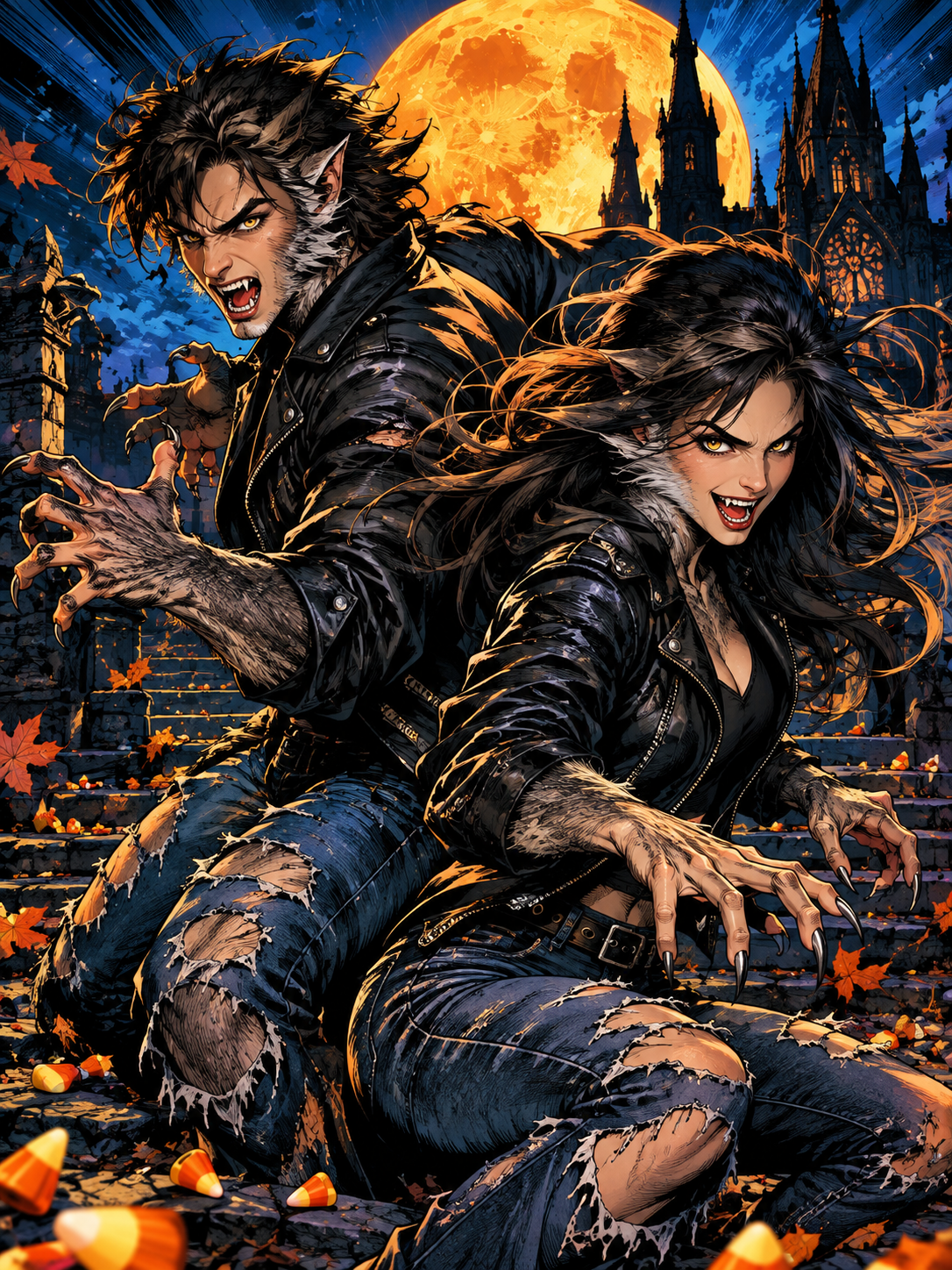
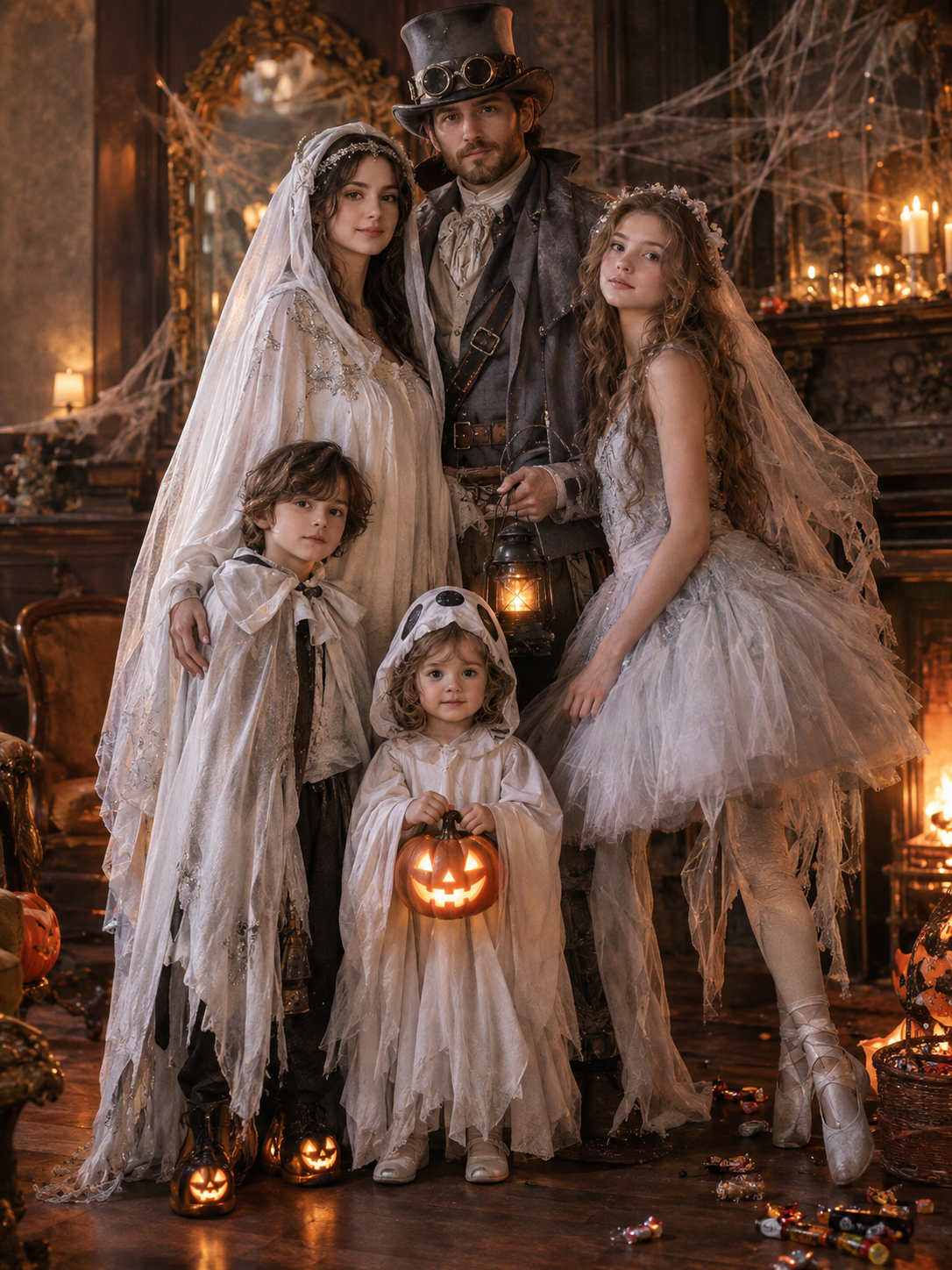
Real Halloween Costumes Generated Inside CoupleLens
Browse the CoupleLens community feed and see what other creators shipped this Halloween. Tap any post to get inspiration.
Key Features of Halloween Costume Generator
oupleLens treats every Halloween costume idea as a ready made filter. You do not write a single prompt. You do not touch a slider.
One Tap Presets Cover Every Halloween Style
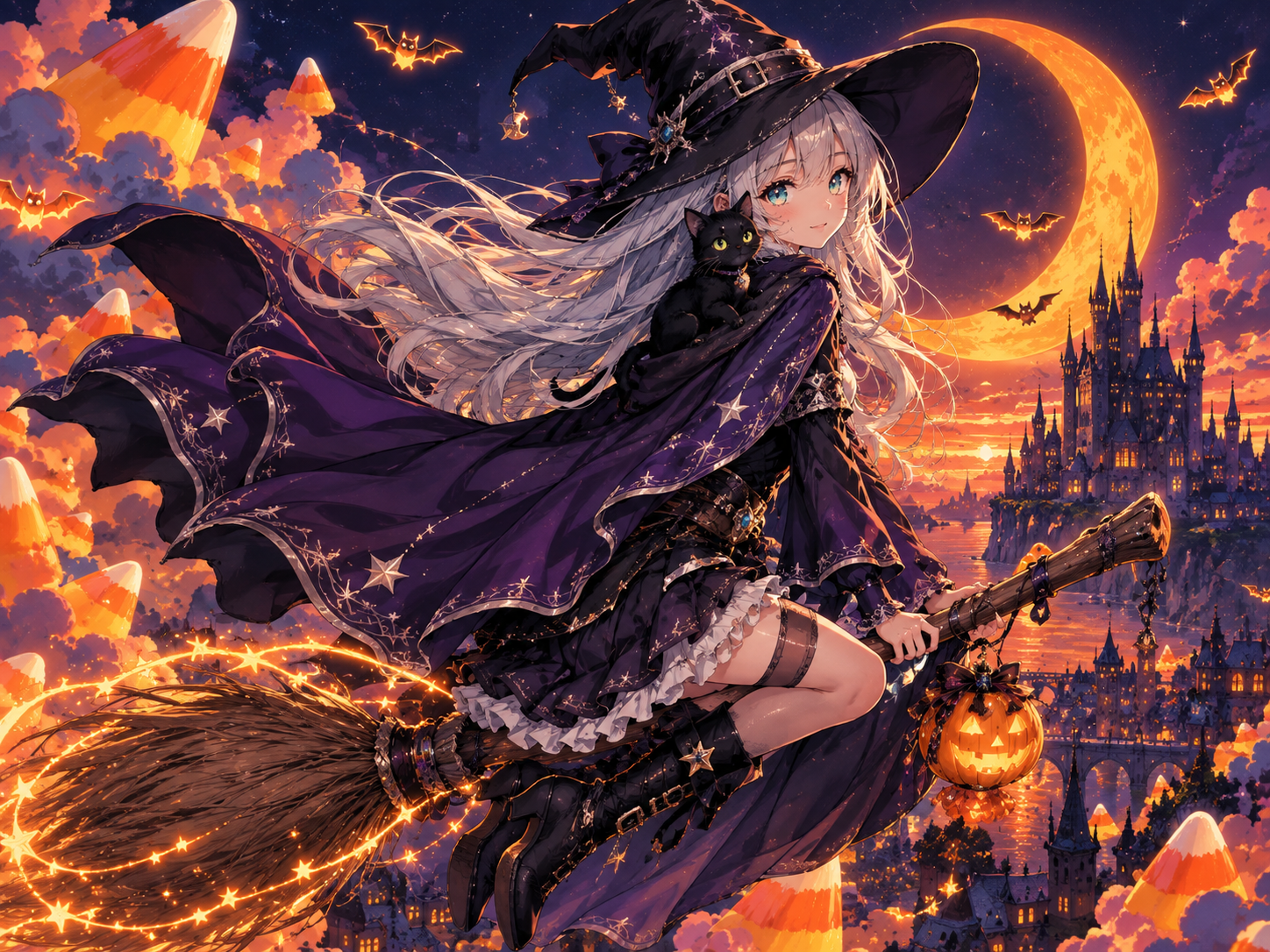
CoupleLens ships with 25,000 plus templates, and a hefty slice of them are tuned for Halloween. Pick a zombie, witch, vampire, or pumpkin preset, drop in a photo, and the AI rewrites the whole scene around your face. The look stays consistent. You stay out of the prompt box. Pick a style that matches your friend group theme, tap once, and let the AI handle the costume details, lighting, and background.
One Tap Presets Cover Every Halloween Style
CoupleLens ships with 25,000 plus templates, and a hefty slice of them are tuned for Halloween. Pick a zombie, witch, vampire, or pumpkin preset, drop in a photo, and the AI rewrites the whole scene around your face. The look stays consistent. You stay out of the prompt box. Pick a style that matches your friend group theme, tap once, and let the AI handle the costume details, lighting, and background.
Group Photos Keep Every Face Separate
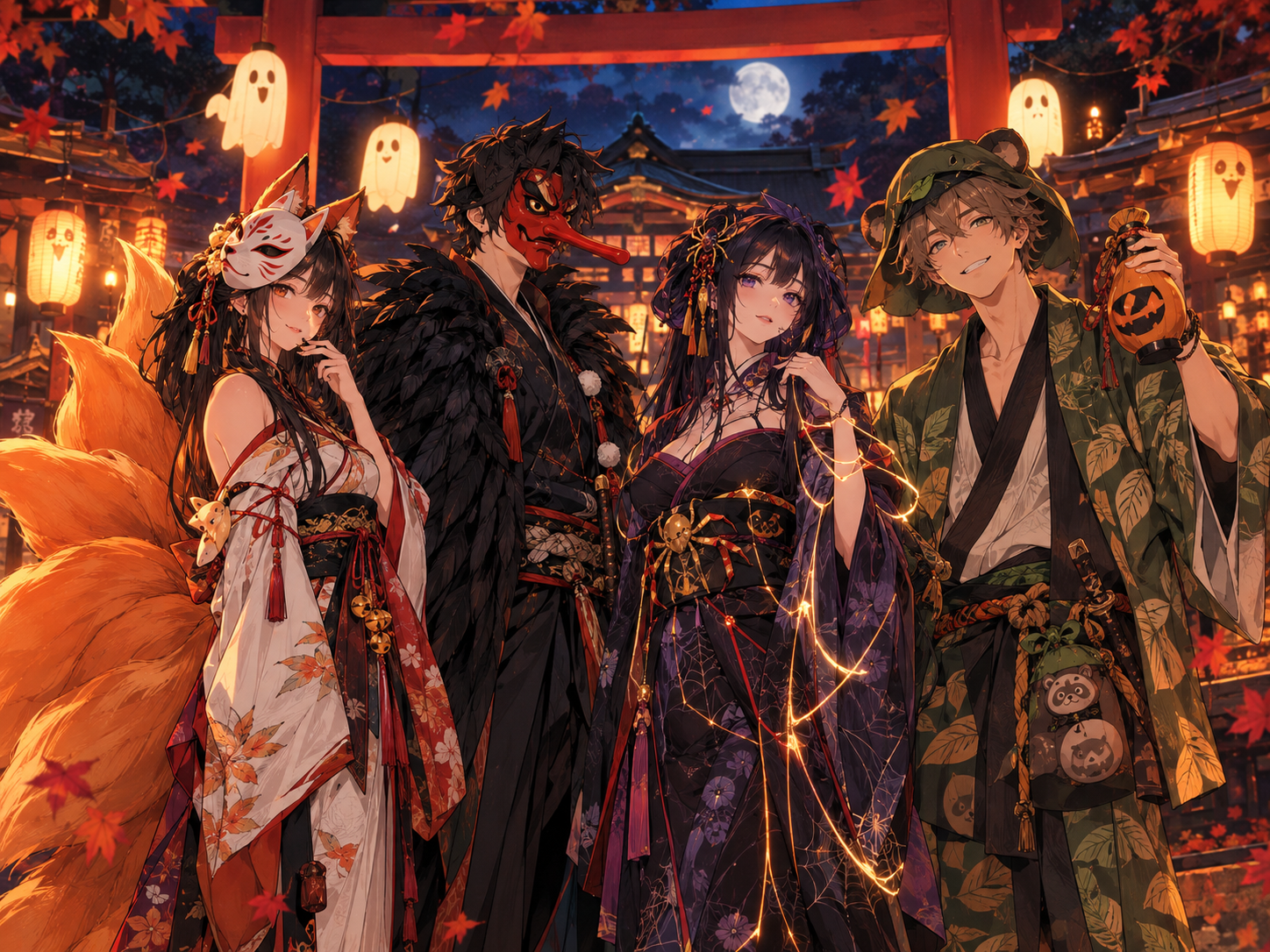
CoupleLens reads more than one face in a single photo. Upload a couple selfie or a friend group shot and the AI separates each person, then puts everyone in the same Halloween costume theme without mixed faces or missing bodies. No more two heads sharing one vampire cape. Each subject gets their own outfit, pose, and expression, so your virtual Halloween costume looks like a real coordinated squad.
Group Photos Keep Every Face Separate
CoupleLens reads more than one face in a single photo. Upload a couple selfie or a friend group shot and the AI separates each person, then puts everyone in the same Halloween costume theme without mixed faces or missing bodies. No more two heads sharing one vampire cape. Each subject gets their own outfit, pose, and expression, so your virtual Halloween costume looks like a real coordinated squad.

Happy Little boy Ghost bag
Instant Halloween Festival Results
CoupleLens runs the costume effect on mobile in roughly ten to twenty seconds, even on a mid range phone. You stand in your living room holding your phone over a selfie, tap Generate, and the finished image lands before the doorbell rings with the next trick or treater. Compared with web tools that take a couple of minutes per photo, this zombie costume generator keeps the Halloween party moving.
Happy Little boy Ghost bag
Instant Halloween Festival Results
CoupleLens runs the costume effect on mobile in roughly ten to twenty seconds, even on a mid range phone. You stand in your living room holding your phone over a selfie, tap Generate, and the finished image lands before the doorbell rings with the next trick or treater. Compared with web tools that take a couple of minutes per photo, this zombie costume generator keeps the Halloween party moving.
How to Create an AI Halloween Costume?
CoupleLens lives on your phone, so the whole Halloween costume generation flow stays inside one app, from idea to shareable post.
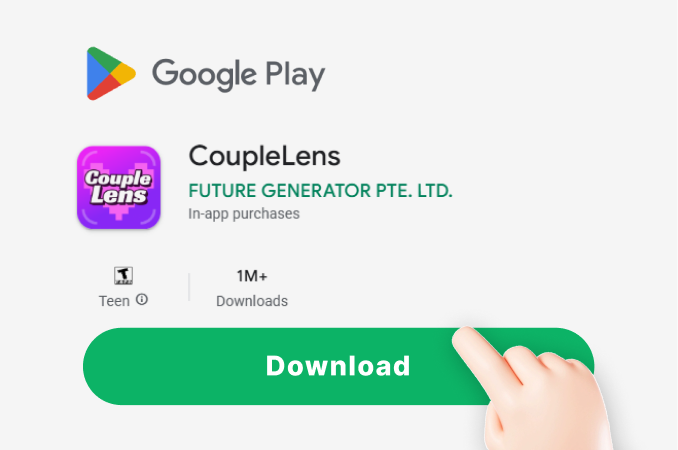
Step 01.
Grab CoupleLens from Google Play and open the home tab. The Halloween filters live right at the top of the feed.
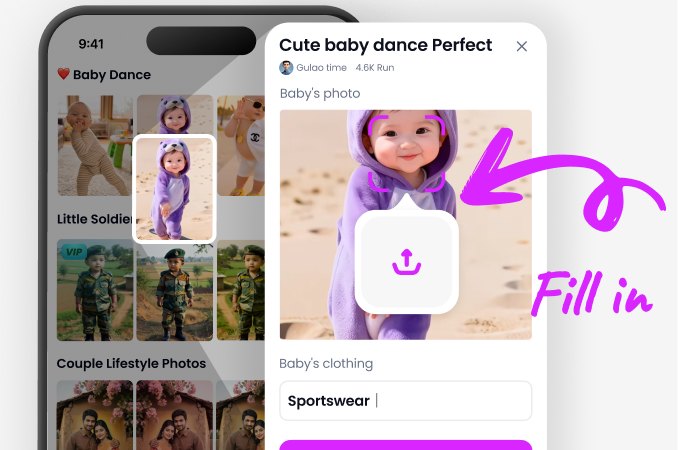
Step 02.
Tap the Halloween costume filter you want, then drop in one photo or a group shot from your camera roll.
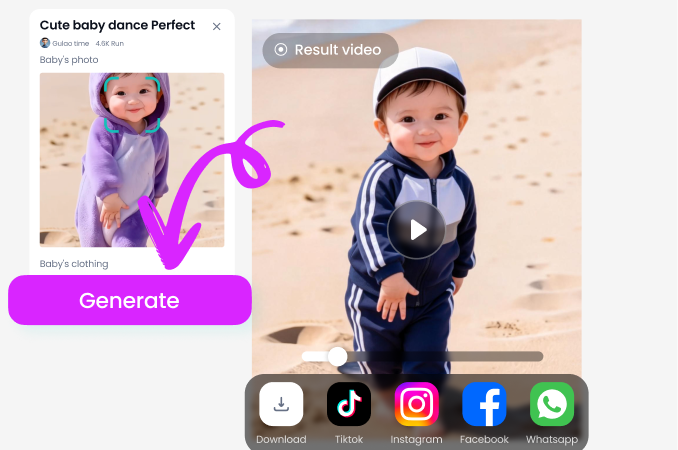
Step 03.
Hit Generate, wait about ten to twenty seconds, then download the finished Halloween costume picture or share it straight to TikTok, Instagram, or Snapchat.
What Our Users Say About CoupleLens Halloween Looks
Try the CoupleLens Halloween filter before your party. It actually beats the Halloween store lines.
I needed a last minute couple costume for a Halloween party and tried the vampire filter on CoupleLens. The app read both our faces cleanly, no blended skin, no extra head in the middle. We posted the result to Instagram and got more likes than our actual vacation photos. Solid zombie costume generator move for couples who forget to plan outfits.
CoupleLens is the only Halloween costume changer that keeps every face looking like an actual friend.
My roommates and I usually do group Halloween costumes but this year we had zero time. I dropped one group selfie into the werewolf filter inside CoupleLens and the AI gave each of us our own fur, fangs, and pose. Five minutes total. The pumpkin head group option saved our group chat too. Get CoupleLens now, group costumes do not have to be chaos.
CoupleLens beats every web tool I tried for Halloween looks, plus my photos stay on my phone.
I run a coffee cart and we do a Halloween selfie every October. I used the gothic vampire filter on CoupleLens and the lighting, the cape detail, the whole mood just landed. Took one selfie, tapped the filter, ten seconds later I had a poster ready image. The app running on my phone means no customer photo gets uploaded anywhere random. Use CoupleLens for your brand Halloween post, it just works.
Frequently Asked Questions
Quick answers to the stuff people ask before tapping Generate to create your Halloween costume photos.
More Topics You May Like
Other AI filters and costume ideas inside CoupleLens that pair well with the Halloween costume generator for a full month of spooky content on your feed.
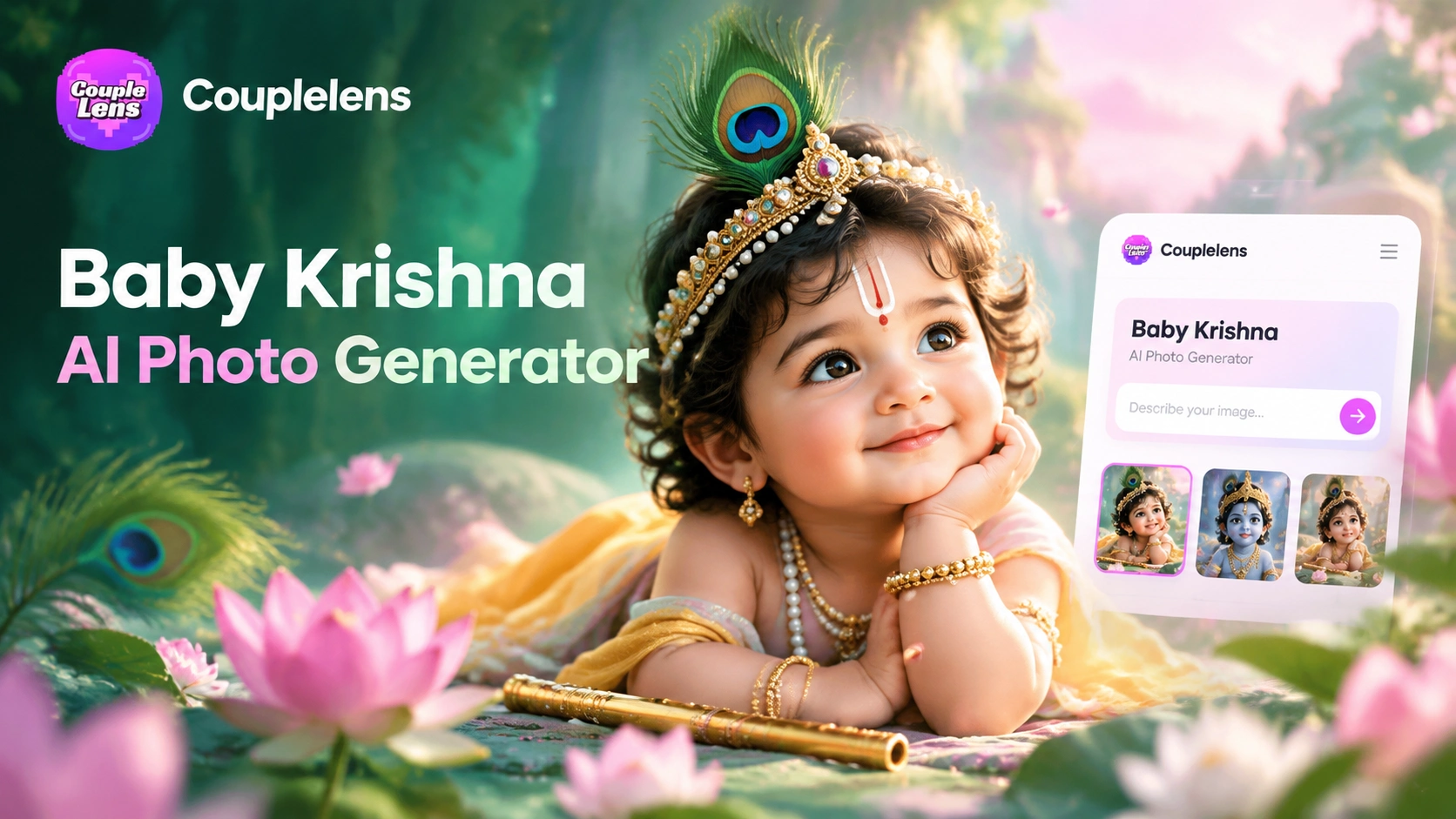
CoupleLens Baby Krishna AI Photo Generator: Create Janmashtami Portraits
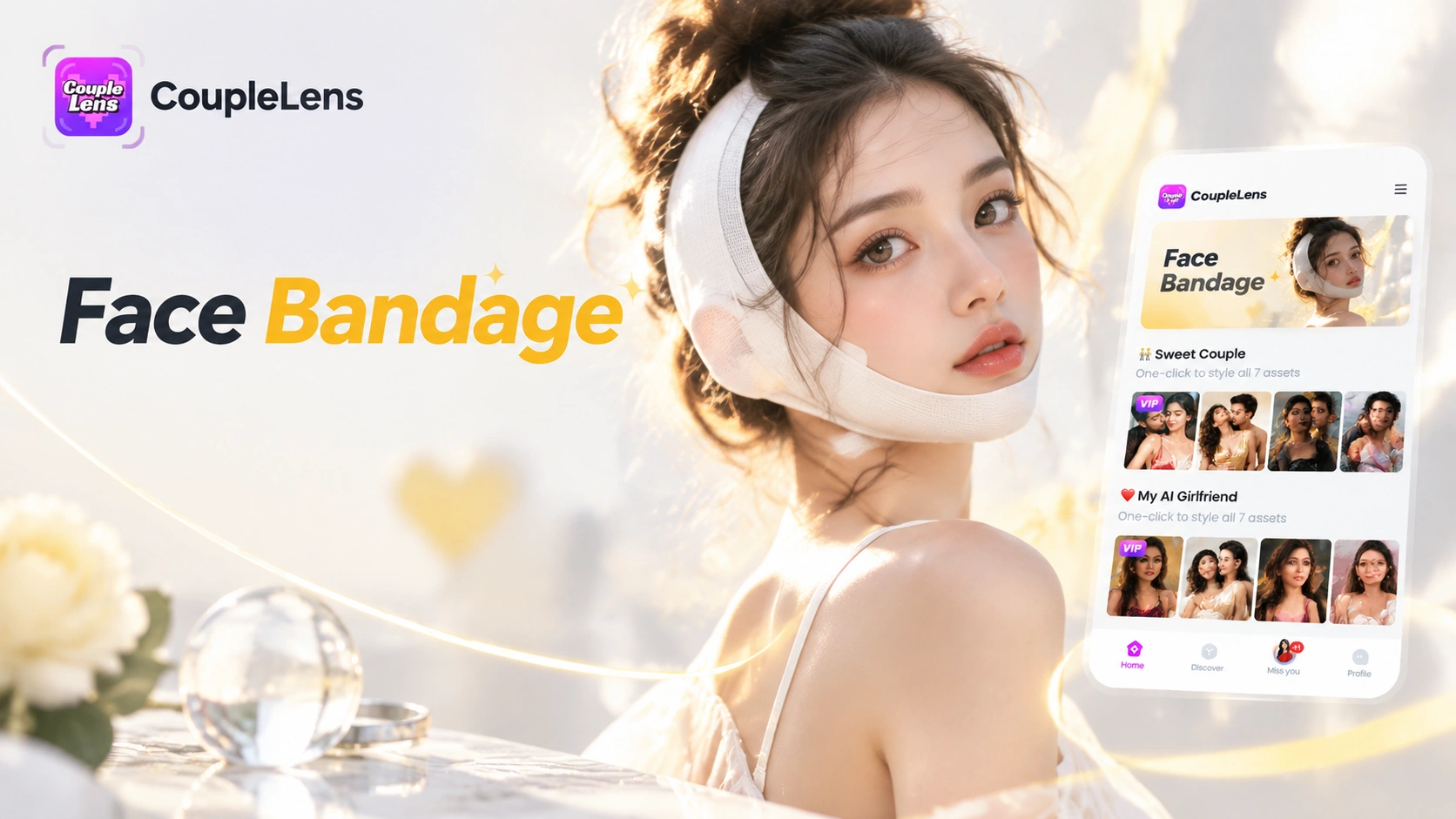
CoupleLens Face Bandage AI Photo Generator: Ship First Face Bandage AI Photos
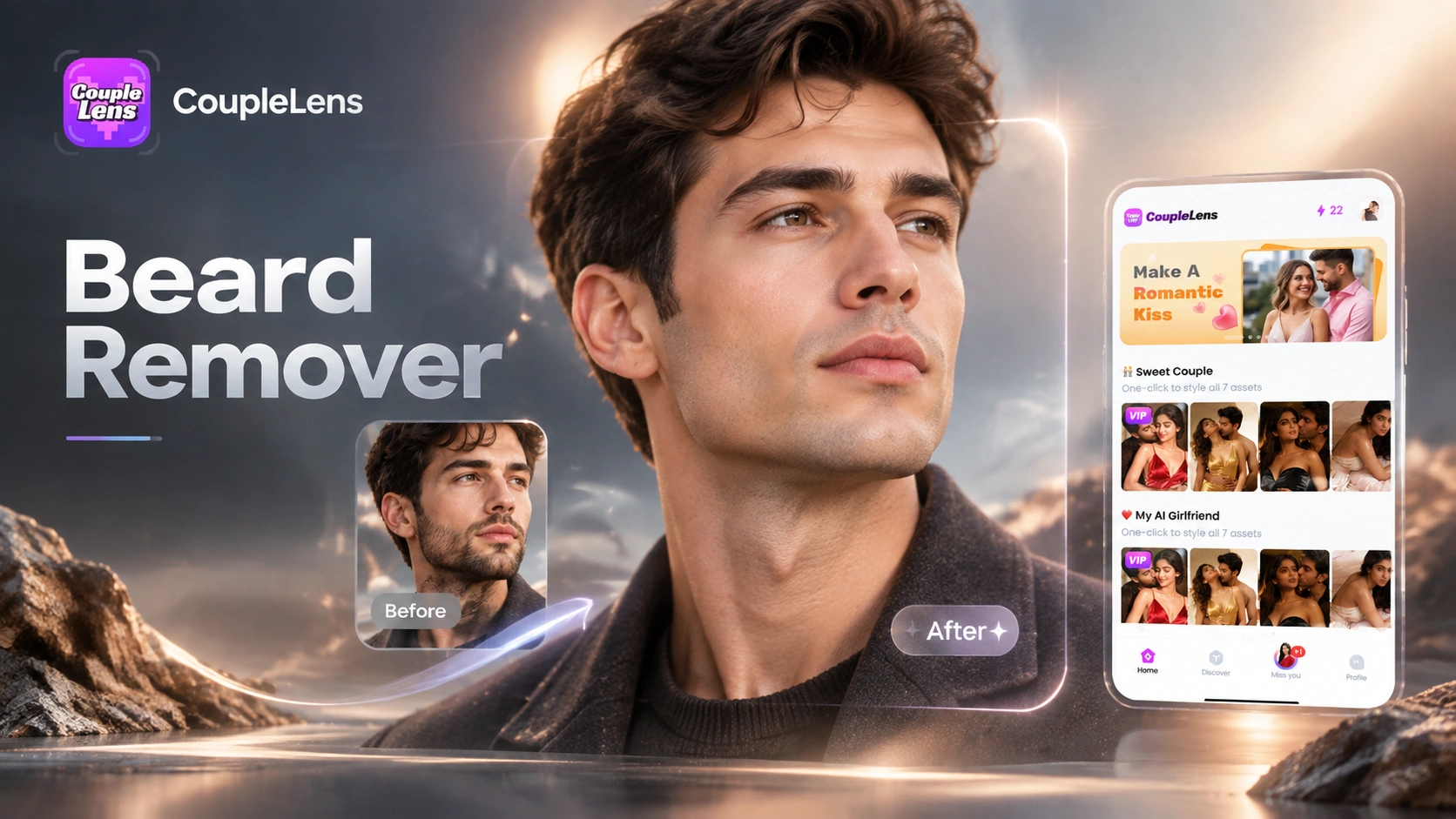
CoupleLens Beard Remover AI: See Your Clean Shaven Look in Seconds
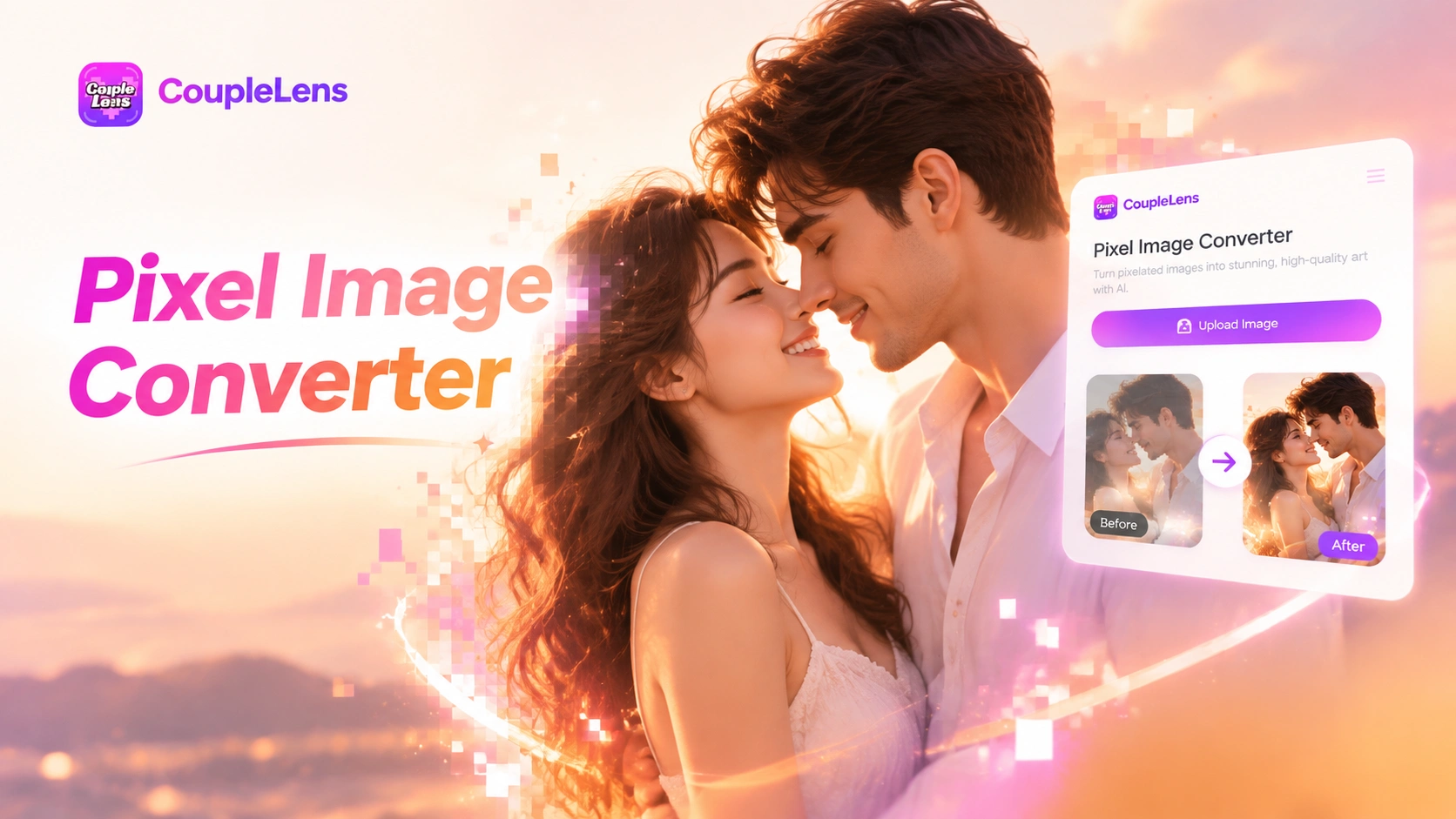
CoupleLens Pixel Image Converter: AI Pixel Avatar Generator on Mobile
CoupleLens Baby Krishna AI Photo Generator: Create Janmashtami Portraits
CoupleLens Face Bandage AI Photo Generator: Ship First Face Bandage AI Photos
CoupleLens Beard Remover AI: See Your Clean Shaven Look in Seconds
CoupleLens Pixel Image Converter: AI Pixel Avatar Generator on Mobile
Tap Into Your Spooky Era Tonight
Grab CoupleLens on Google Play, pick a Halloween filter, and ship your first AI Halloween costume before the jack o lanterns go cold.
Tap Into Your Spooky Era Tonight
Grab CoupleLens on Google Play, pick a Halloween filter, and ship your first AI Halloween costume before the jack o lanterns go cold.