AI Eid Video
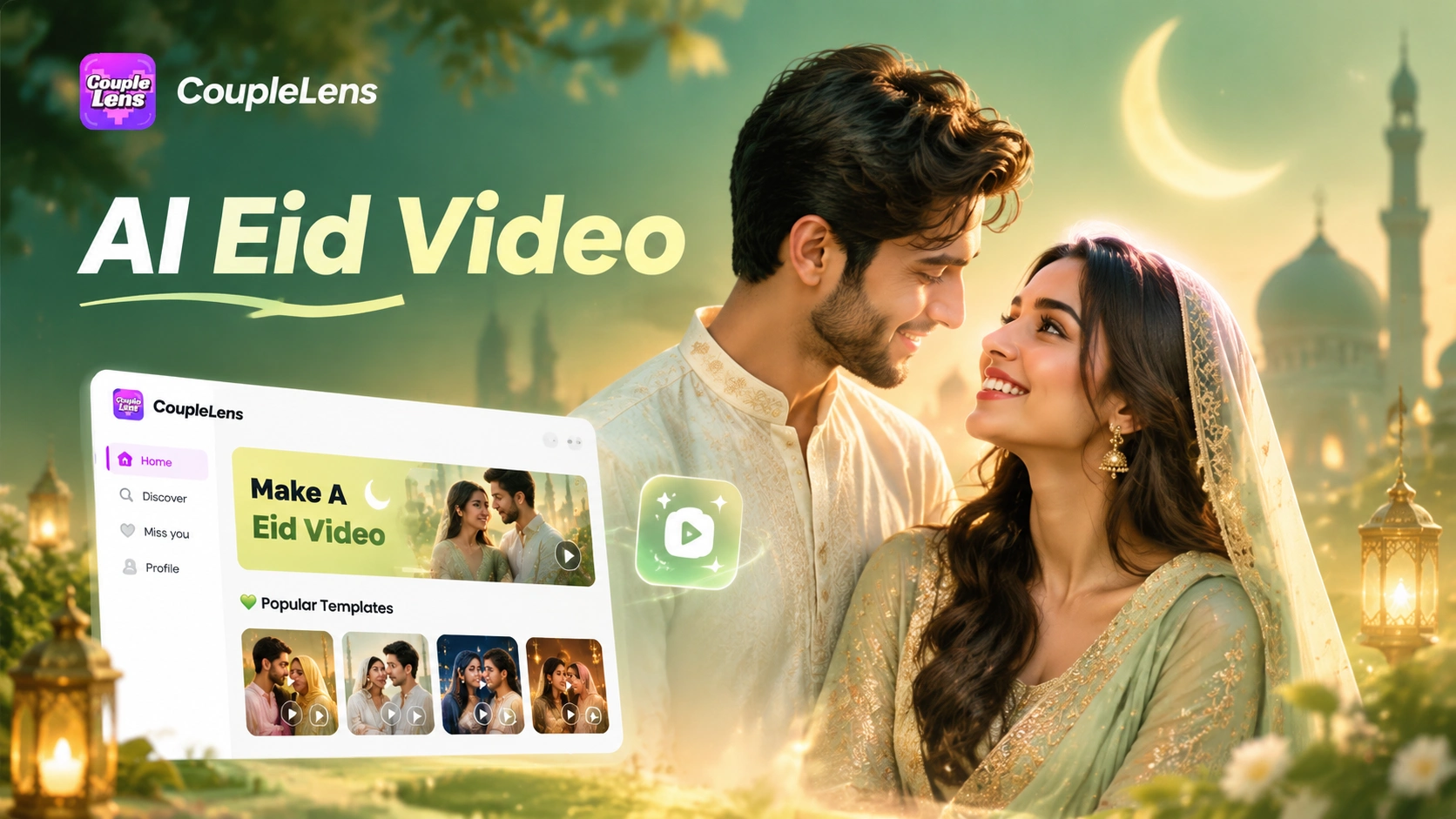
Eid Mubarak Filters Made for Family Couple and Group Moments
Trending CoupleLens filters cover every AI Eid video you want this holiday, from Eid dinner lights to particle hand hold, pick the look and generate.
Use CoupleLens for Your AI Eid Video This Year
Most AI Eid video generators on the web force you to write long prompts. They hide the best models behind a paywall. They watermark free output. They only work on desktop. CoupleLens takes a mobile first path. Open the app, pick an Eid Mubarak filter, upload one photo, and the model runs on a tuned pipeline built for short festival clips. Face details stay sharp. Group photos stay clean. The filter library is bigger than most web tools. Try CoupleLens free on Google Play today.
Real AI Eid Vibe Results from the CoupleLens Community
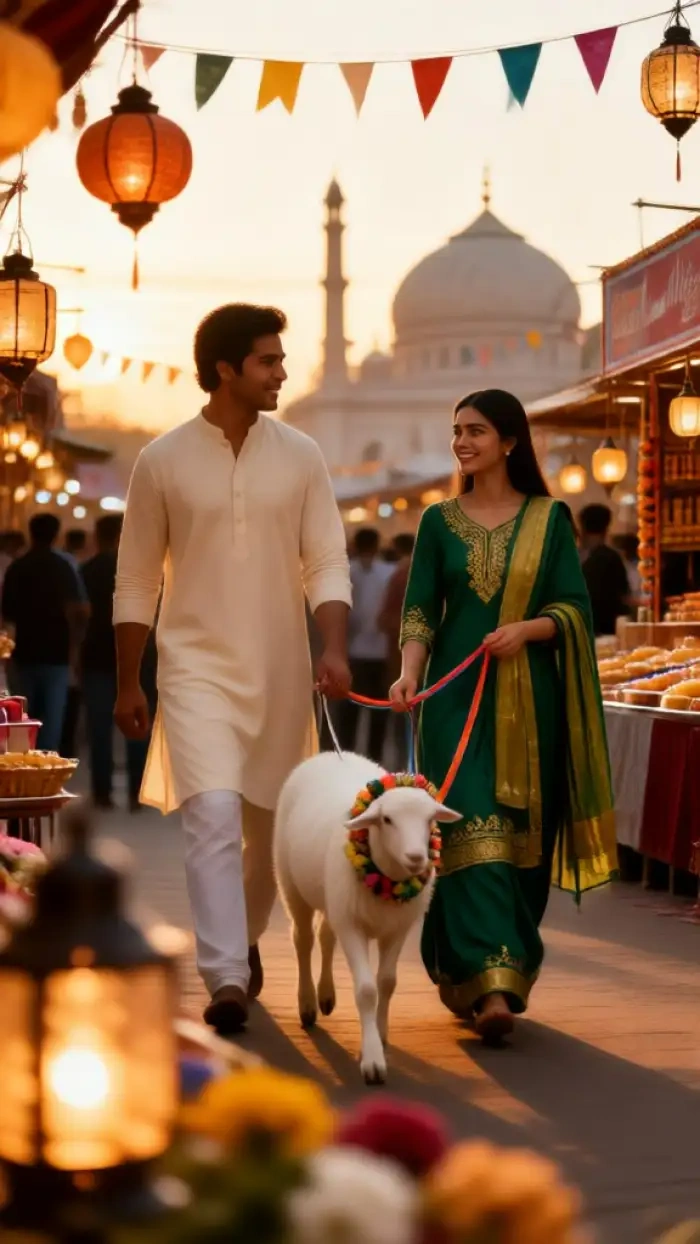
Browse Eid Mubarak videos made by CoupleLens users this week. Couple Eid dinner clips and lantern night hand hold shorts all live here.

Key Features of CoupleLens AI Eid Video
Three core moves make every AI Eid video from CoupleLens look personal instead of templated.
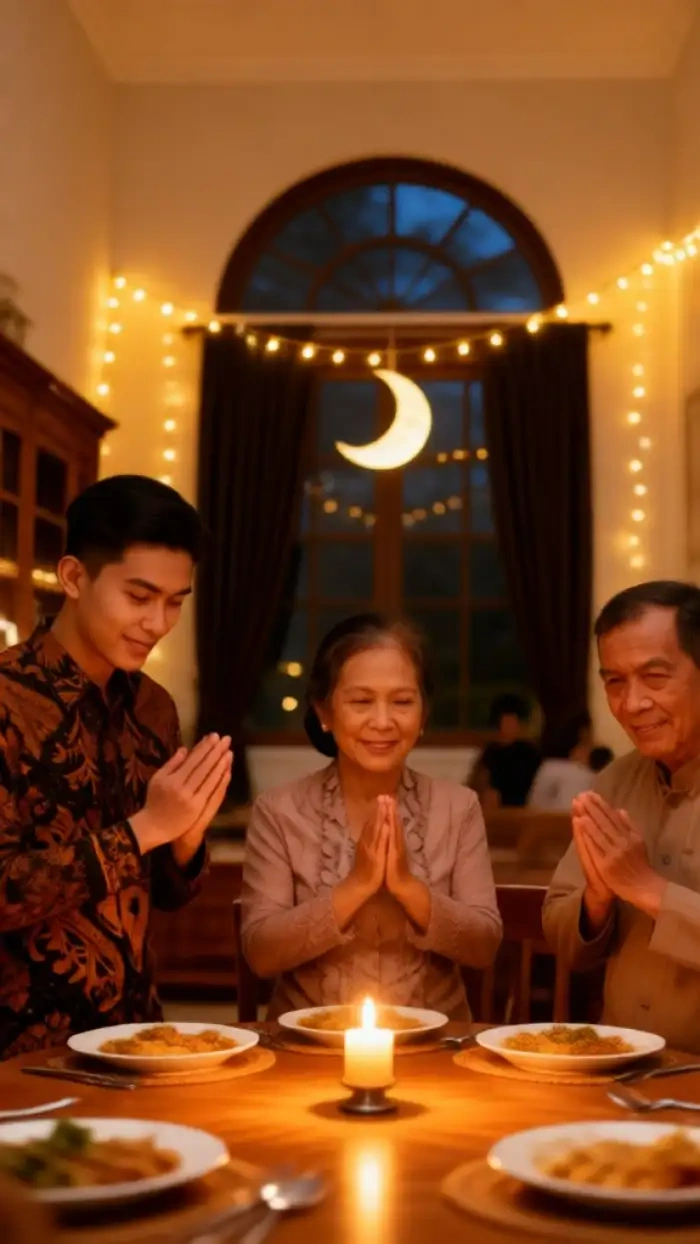
Family and Couple Eid Shots
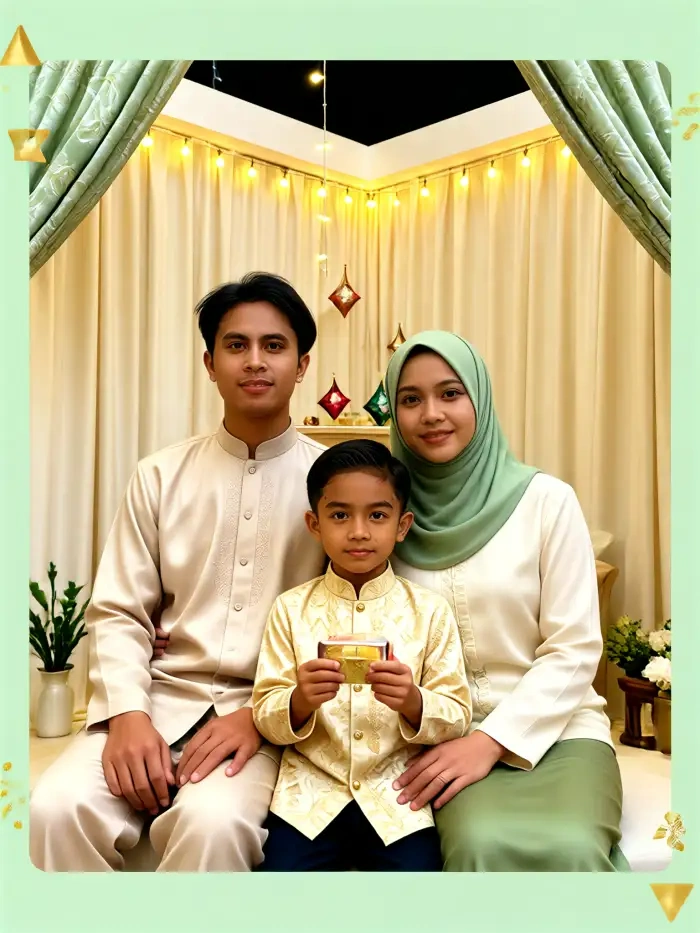
Upload a photo with two people or five people and the AI scans every face separately before any motion starts. Dad keeps his jaw. Mom keeps her smile. Kids keep their gap teeth. No mixed features. No cloned twins. No lost subject. The same face lock logic powers every AI Eid video, so your group Eid Mubarak clip stays clean from the first frame to the last frame.
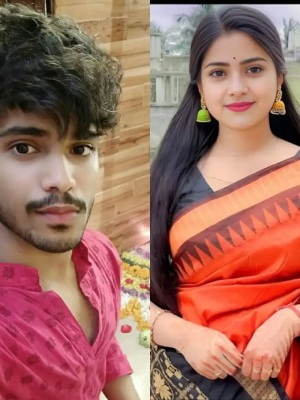
 Before
Twenty Five Thousand Eid Mubarak Style Filters
CoupleLens holds a library of over twenty five thousand preset filters. Ghibli animation. Three D clay. Cinematic film. Cyberpunk neon. Watercolor oil. Wedding dress. Lantern night. The library refreshes every day with new drops. You spot a cool AI Eid video on the CoupleLens community feed, tap same template, and remix the look on your own photo in seconds.
Instant AI Eid Video Render
Every AI Eid video renders on your phone inside the CoupleLens app. Pick a filter, tap generate, and wait ten to twenty seconds. No desktop upload. No slow web queue. No waiting on a credit cooldown. The pipeline is tuned for short Eid Mubarak clips so your video is ready to post to WhatsApp Status, Instagram Reels, or TikTok the same minute you finish it.
How to Create an AI Eid Video?
Three steps inside the CoupleLens app take you from one photo to a finished Eid Mubarak video.

Step 01.
Open the Google Play Store, search CoupleLens, and install the free app. Sign up with one tap. The app is light and runs on most Android phones.

Step 02.
Open CoupleLens, tap any Eid Mubarak filter from the library, and upload one selfie, one couple photo, or one family picture.

Step 03.
Tap generate and wait ten to twenty seconds. Save the clip or send it straight to WhatsApp, Instagram, Facebook, or TikTok from inside the CoupleLens share sheet.
Watch CoupleLens Eid Video Walkthroughs
Two short CoupleLens demo videos show how an Eid Mubarak clip comes together inside the app.
Frequently Asked Questions
Covers filters, face lock, audio, share formats, and how the mobile app handles every Eid Mubarak clip you want to send.
More Topics You May Like
Same fast mobile flow, same face lock tech, same one tap share for every holiday greeting you want to send.
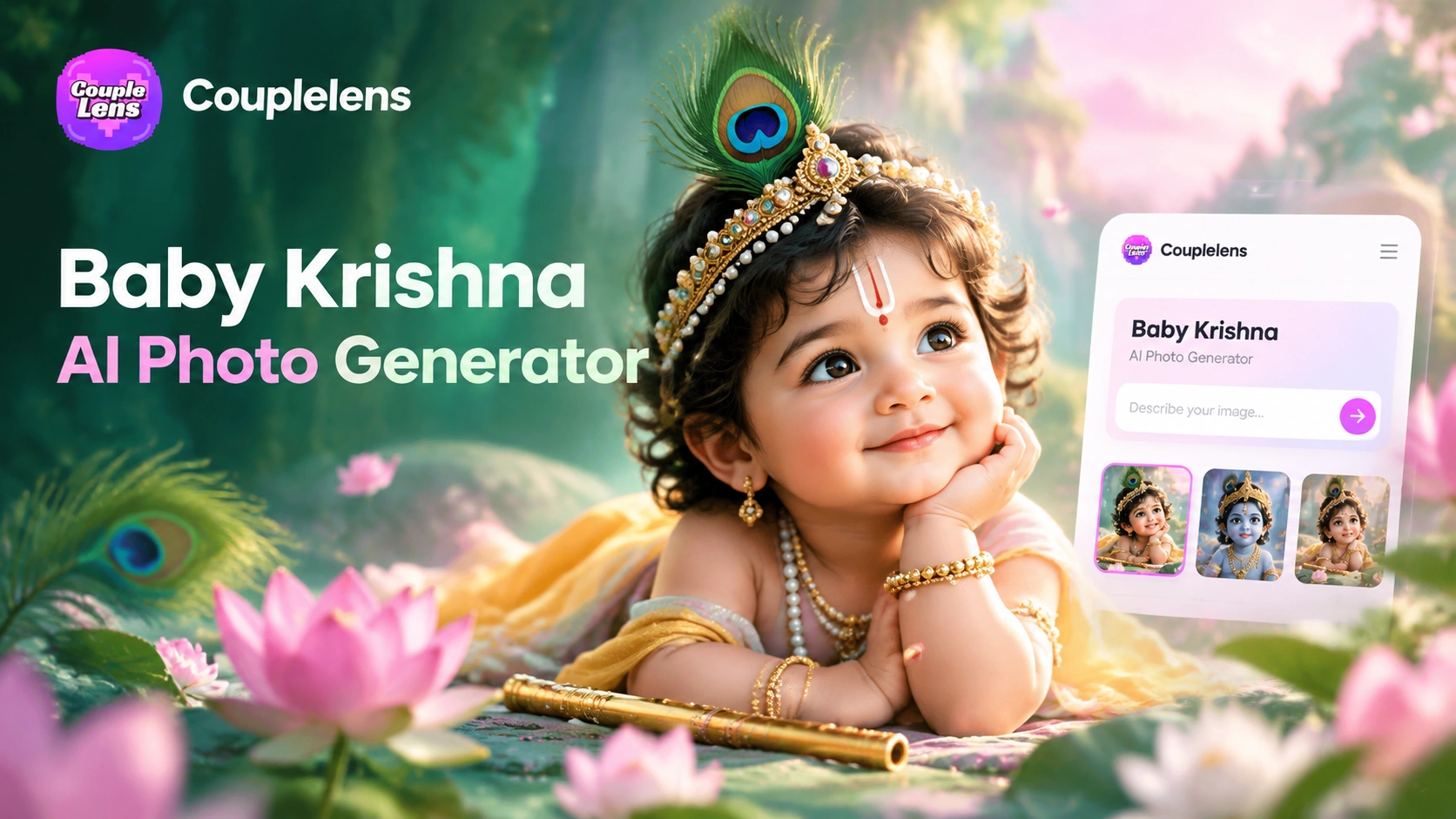
CoupleLens Baby Krishna AI Photo Generator: Create Janmashtami Portraits
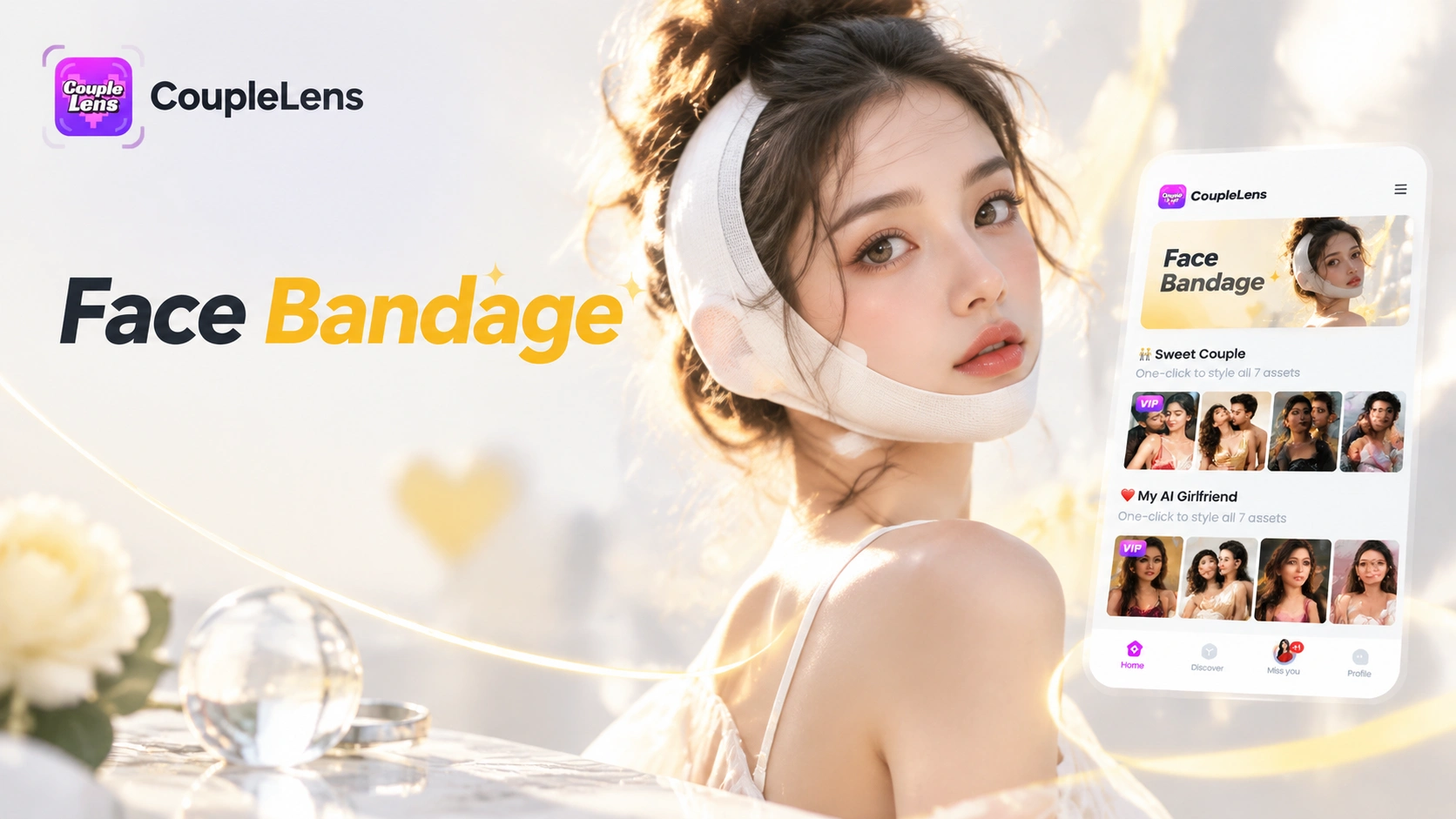
CoupleLens Face Bandage AI Photo Generator: Ship First Face Bandage AI Photos
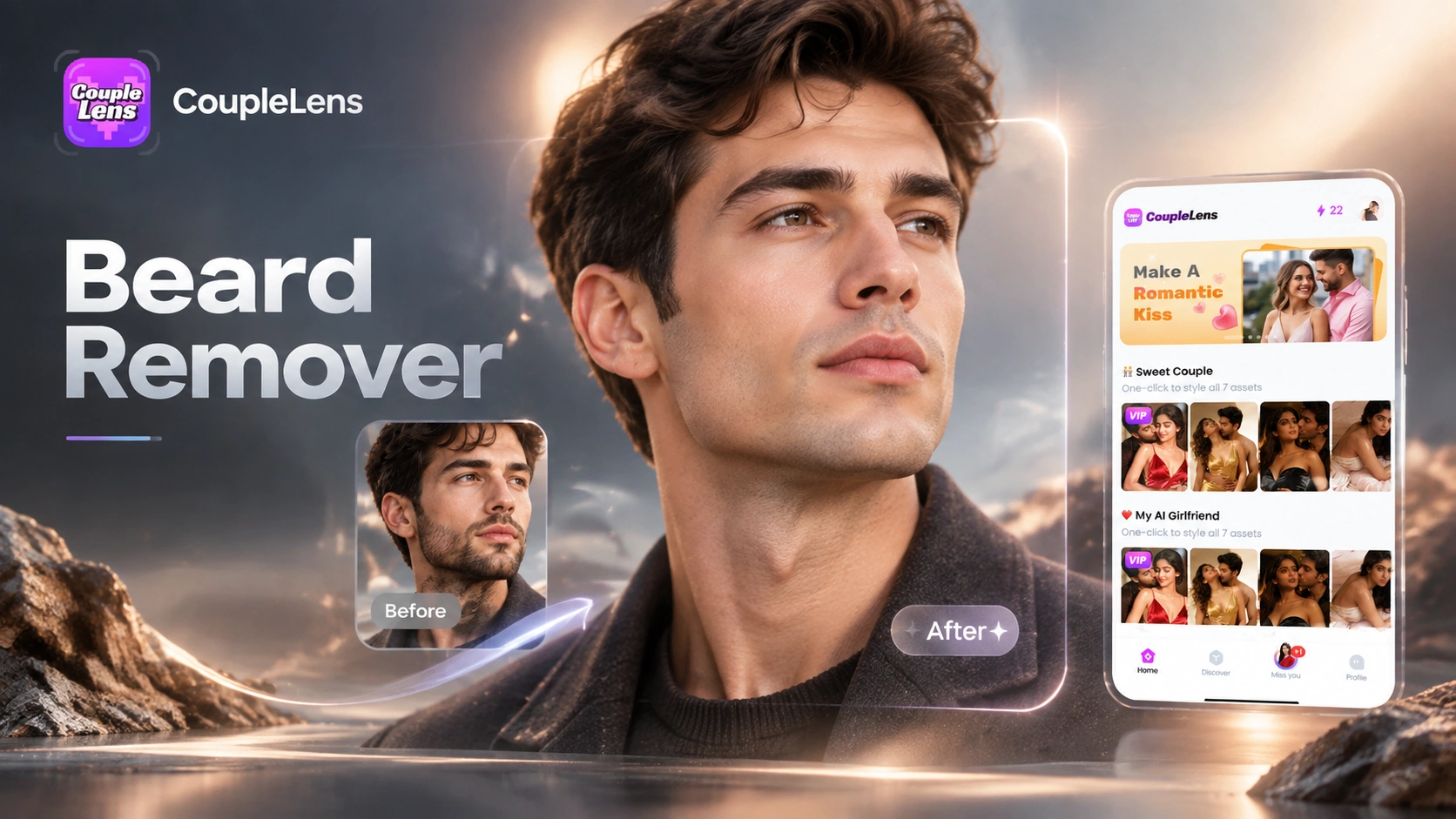
CoupleLens Beard Remover AI: See Your Clean Shaven Look in Seconds
CoupleLens Pixel Image Converter: AI Pixel Avatar Generator on Mobile
CoupleLens Baby Krishna AI Photo Generator: Create Janmashtami Portraits
CoupleLens Face Bandage AI Photo Generator: Ship First Face Bandage AI Photos
CoupleLens Beard Remover AI: See Your Clean Shaven Look in Seconds
CoupleLens Pixel Image Converter: AI Pixel Avatar Generator on Mobile
Make This Eid the One Everyone Remembers
Open Google Play, search CoupleLens, and send an AI Eid Mubarak video made from your real face tonight. One photo in, one personal Eid Mubarak clip out.
Make This Eid the One Everyone Remembers
Open Google Play, search CoupleLens, and send an AI Eid Mubarak video made from your real face tonight. One photo in, one personal Eid Mubarak clip out.