AI Chibi Video

Pick a Chibi Video Filter
Pick a chibi video filter that matches your photo and CoupleLens turns it into a cute chibi style video with one tap.
Watch CoupleLens Chibi Video Walkthroughs
Watch two short CoupleLens walkthroughs and see how a chibi style video looks before you try it yourself. Real clips. Real filters. Real app workflow.
More Chibi Styles Made With CoupleLens
Scroll through real chibi style video examples made by CoupleLens users. Every mini character clip on this page came from a single photo and one tap.



Key Features of the CoupleLens Chibi Video Generator
CoupleLens packs every chibi video workflow into one app. You get a fast chibi animation engine, smart face preservation, and multi-person recognition.
One Tap Chibi Video Filter
Every chibi style video starts with one tap on CoupleLens. Pick a chibi video filter and the AI does the rest. There are no prompt boxes to fill, no sliders to adjust. Your photo loads, the filter kicks in, and a mini character clip is ready in 10 to 20 seconds. That is faster than choosing a filter on most photo apps.
 Before
Smart Face Preservation
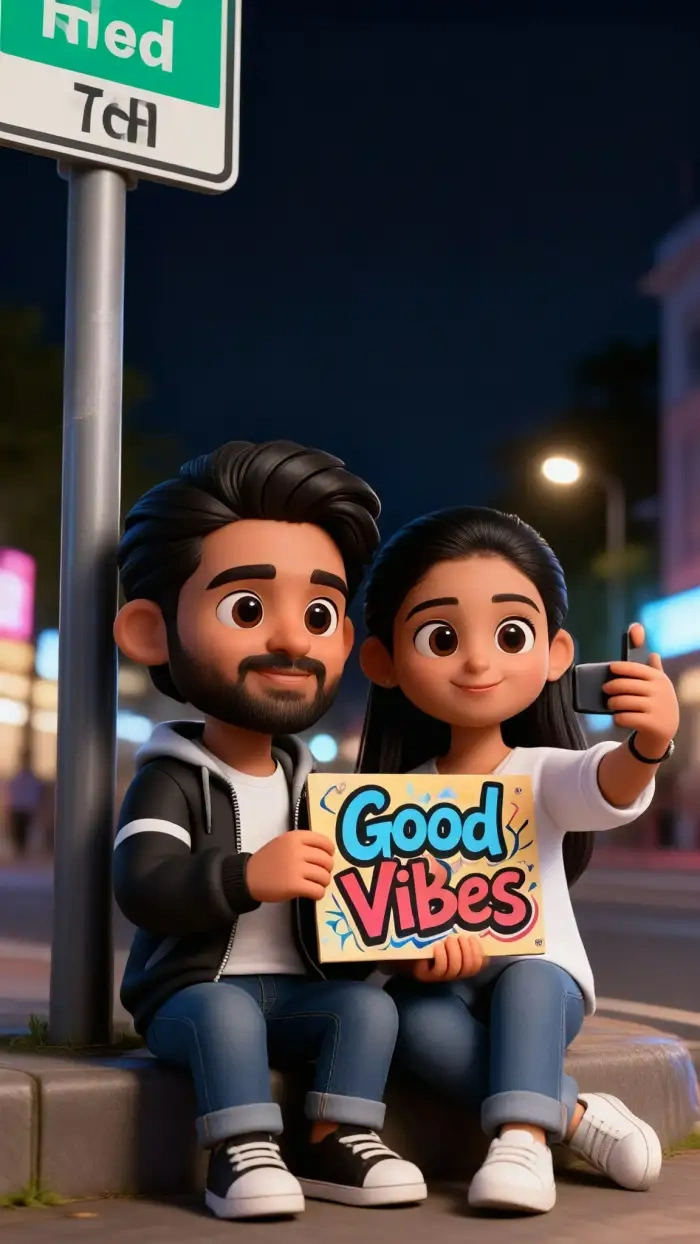
CoupleLens reads your eyes, smile, hairstyle, and overall vibe, then rebuilds them on a big head, small body chibi form. Your selfie still feels like you. Your couple photo still looks like both of you. No blurry features. No mixed faces. Just real life turned into a cute mini character version.
Multi Person Chibi Friendly
CoupleLens separates each face in group photos and pets on its own. Two people hugging in your photo become two cute chibi characters hugging in your video. Your dog keeps its spots. Your cat keeps its eyes. Family, couple, friend, or pet shots all turn into a clean, fun chibi animation that feels alive.
How to Create a Chibi Video?
Making a chibi style video with CoupleLens takes three quick steps. Just open the app and start.
Step 01.
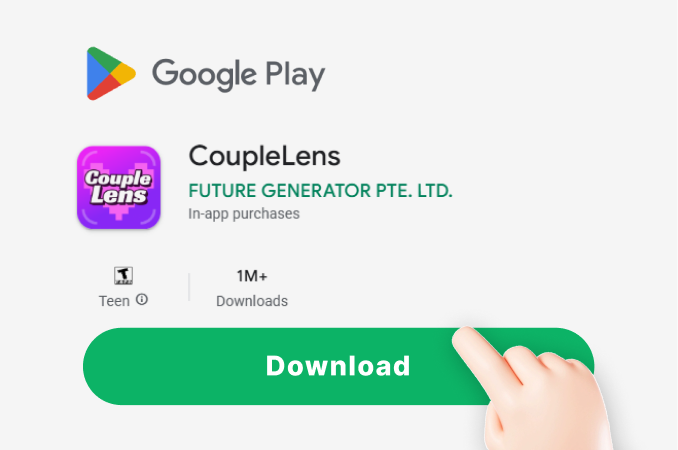
Grab CoupleLens on Google Play and install it on your phone. The app is light and fast. Sign in with your email and you are set.
Step 02.
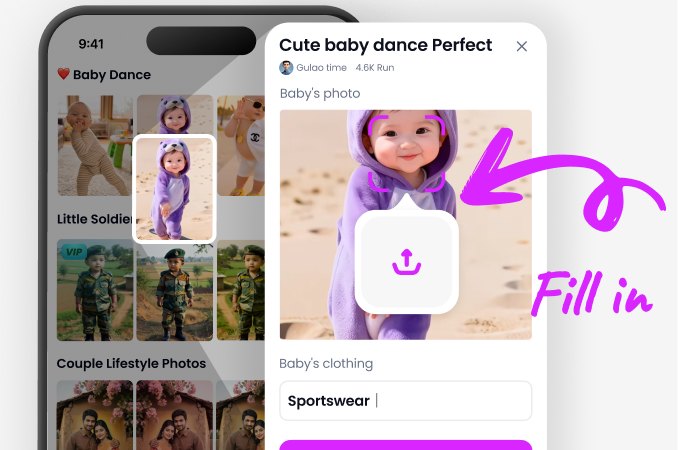
Open the chibi video filter section inside CoupleLens. Pick the chibi style you like, then upload one or more photos. Selfies, couple shots, group photos, and pets all work.
Step 03.
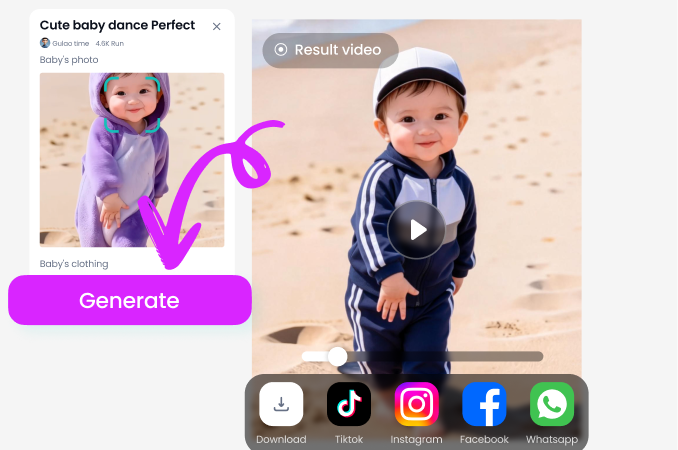
Your chibi style video is ready to preview. Download it, post it to TikTok or Reels, or share it straight from the CoupleLens community feed.
What Our Users Say About the CoupleLens Chibi Video
Try CoupleLens and turn your pet into a cute chibi clip today.
I work in the media field and often I need to make short videos or intros for my tv station and is just great. Lot of options and fast encoding, this make me to save a lot of time.
Great fit for any classroom. Pick CoupleLens for class Chibi video projects.
My students ask how to make chibi clips for class projects. I tried three apps before landing on CoupleLens. The chibi video filter keeps faces recognizable, the chibi style stays consistent, and the app does not hide the workflow behind menus.
CoupleLens nails the group chibi video every single time.
I wanted a chibi video of me and my roommate for our group chat. Most apps merged our faces together. CoupleLens actually kept us as two separate chibi characters with our own outfits and smiles. Took maybe twenty seconds. Group photo chibi videos are now my new favorite thing to post.
Frequently Asked Questions
Got questions about chibi style videos, the CoupleLens app, or how the chibi video filter works.
More Topics You May Like
Want more AI art styles after your chibi video fix. These CoupleLens guides cover other viral filters and trending visual effects you can try right now.
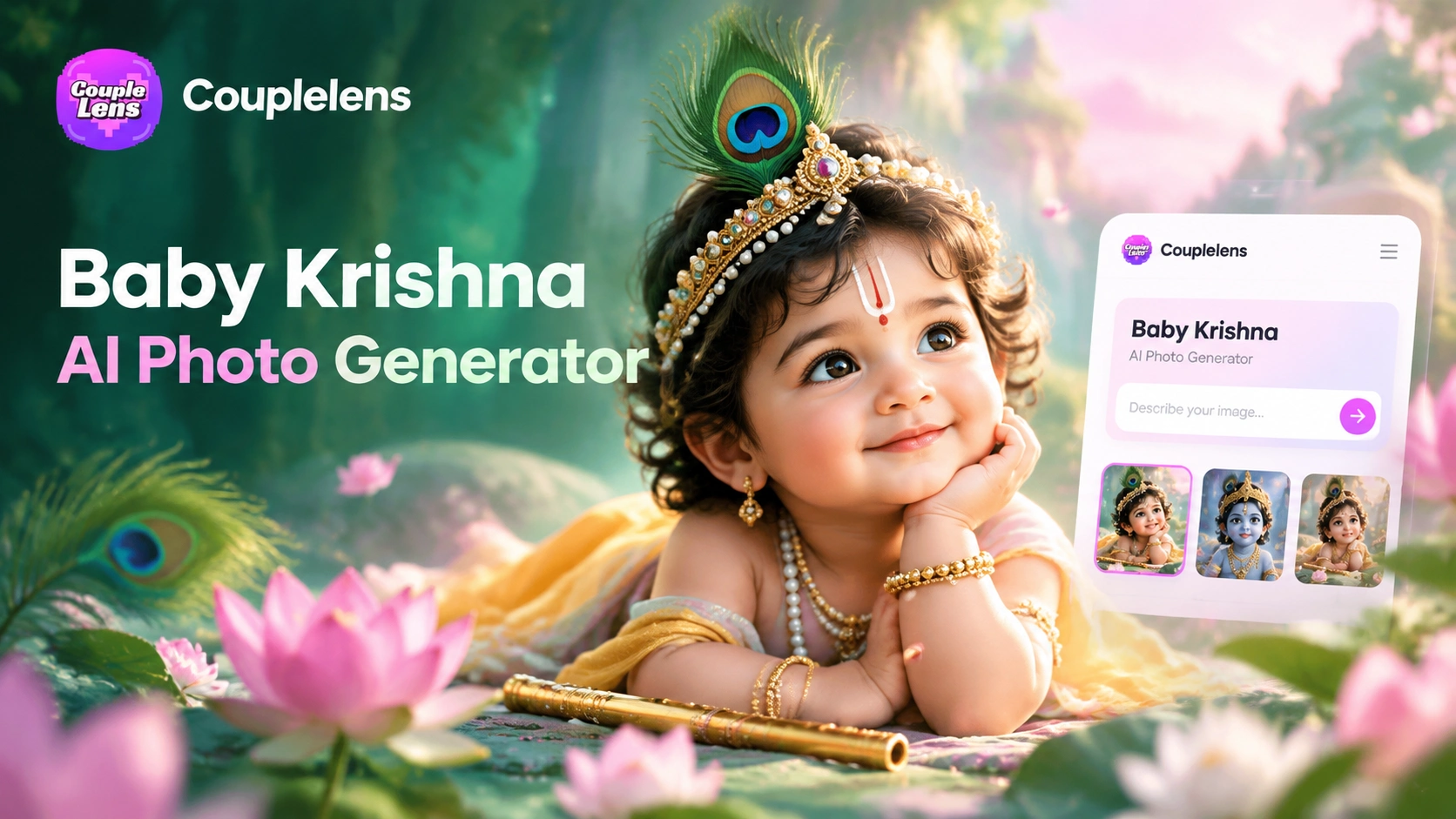
CoupleLens Baby Krishna AI Photo Generator: Create Janmashtami Portraits
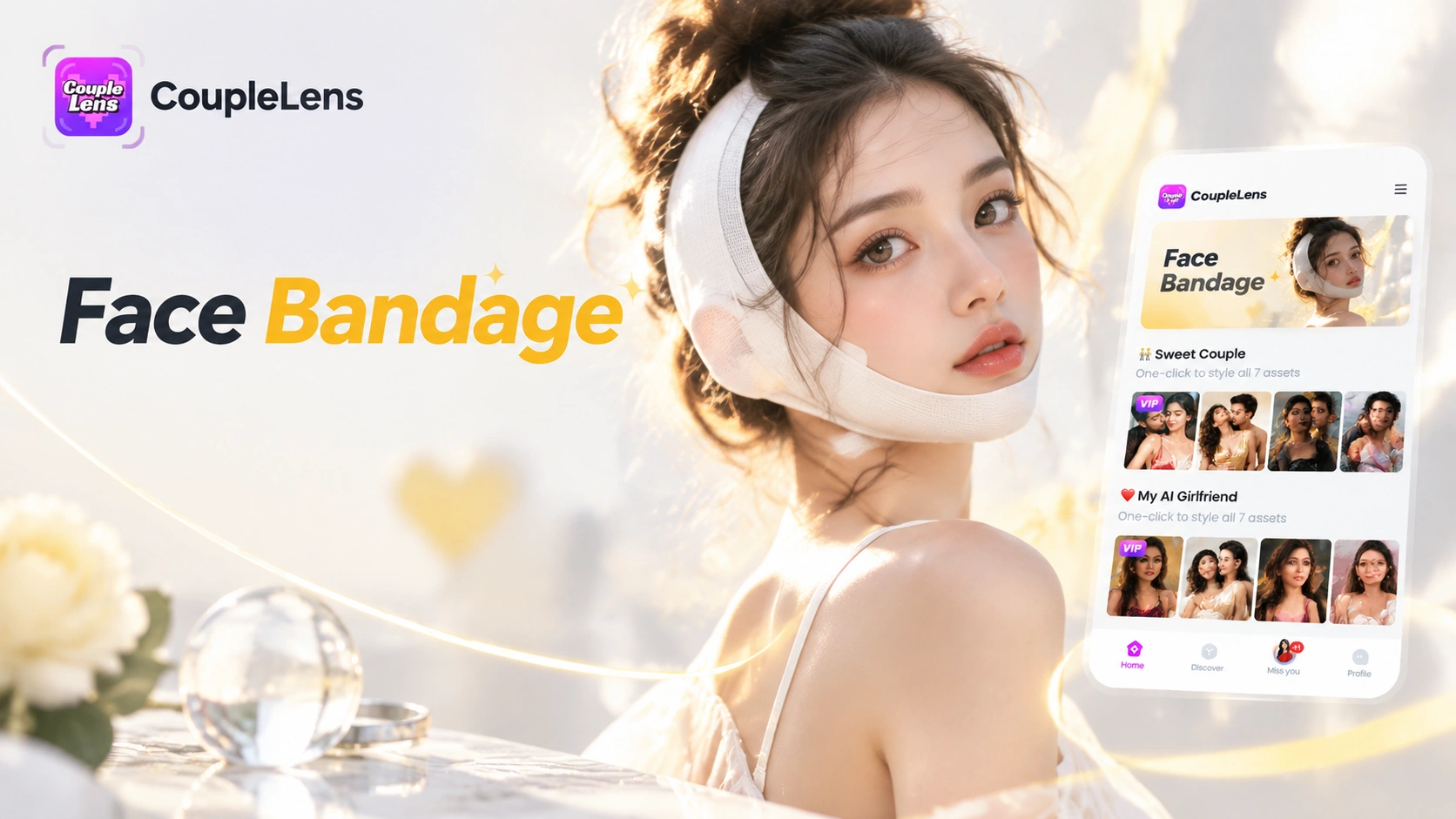
CoupleLens Face Bandage AI Photo Generator: Ship First Face Bandage AI Photos
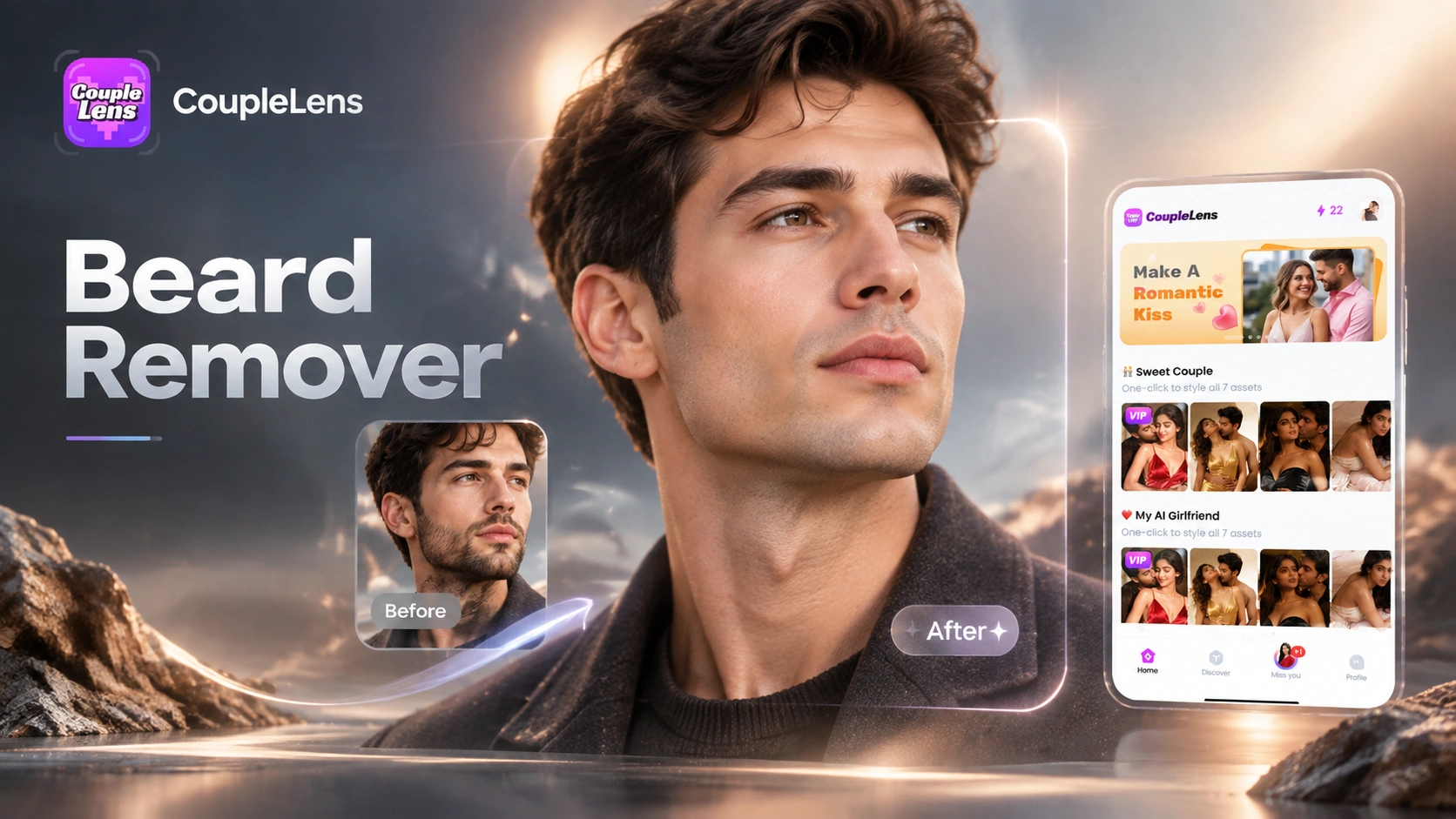
CoupleLens Beard Remover AI: See Your Clean Shaven Look in Seconds
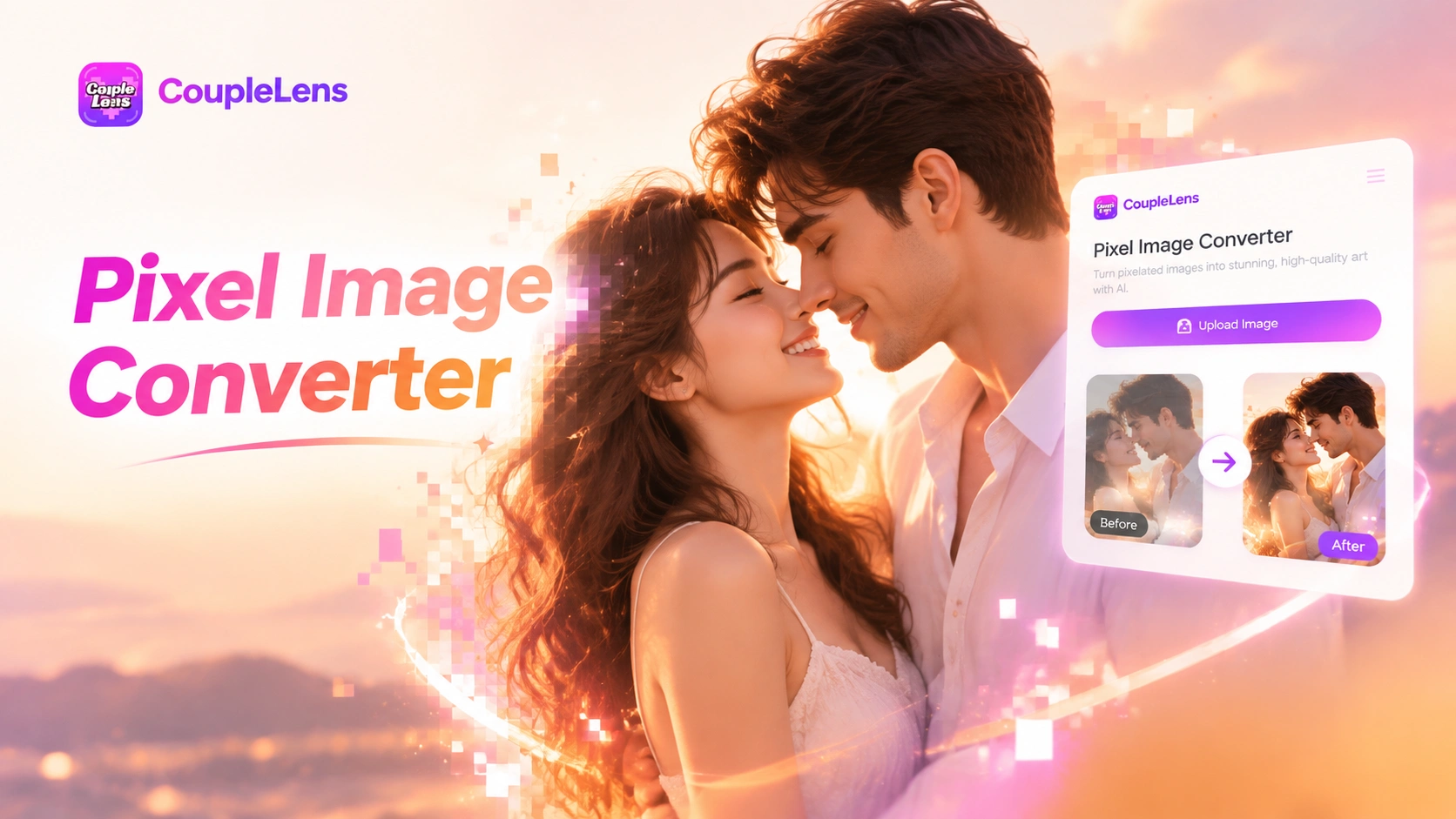
CoupleLens Pixel Image Converter: AI Pixel Avatar Generator on Mobile
CoupleLens Baby Krishna AI Photo Generator: Create Janmashtami Portraits
CoupleLens Face Bandage AI Photo Generator: Ship First Face Bandage AI Photos
CoupleLens Beard Remover AI: See Your Clean Shaven Look in Seconds
CoupleLens Pixel Image Converter: AI Pixel Avatar Generator on Mobile
Make Your First Chibi Video
Download CoupleLens on Google Play and turn any photo into a cute chibi style video in seconds.
Make Your First Chibi Video
Download CoupleLens on Google Play and turn any photo into a cute chibi style video in seconds.