AI Aging Filter Tools
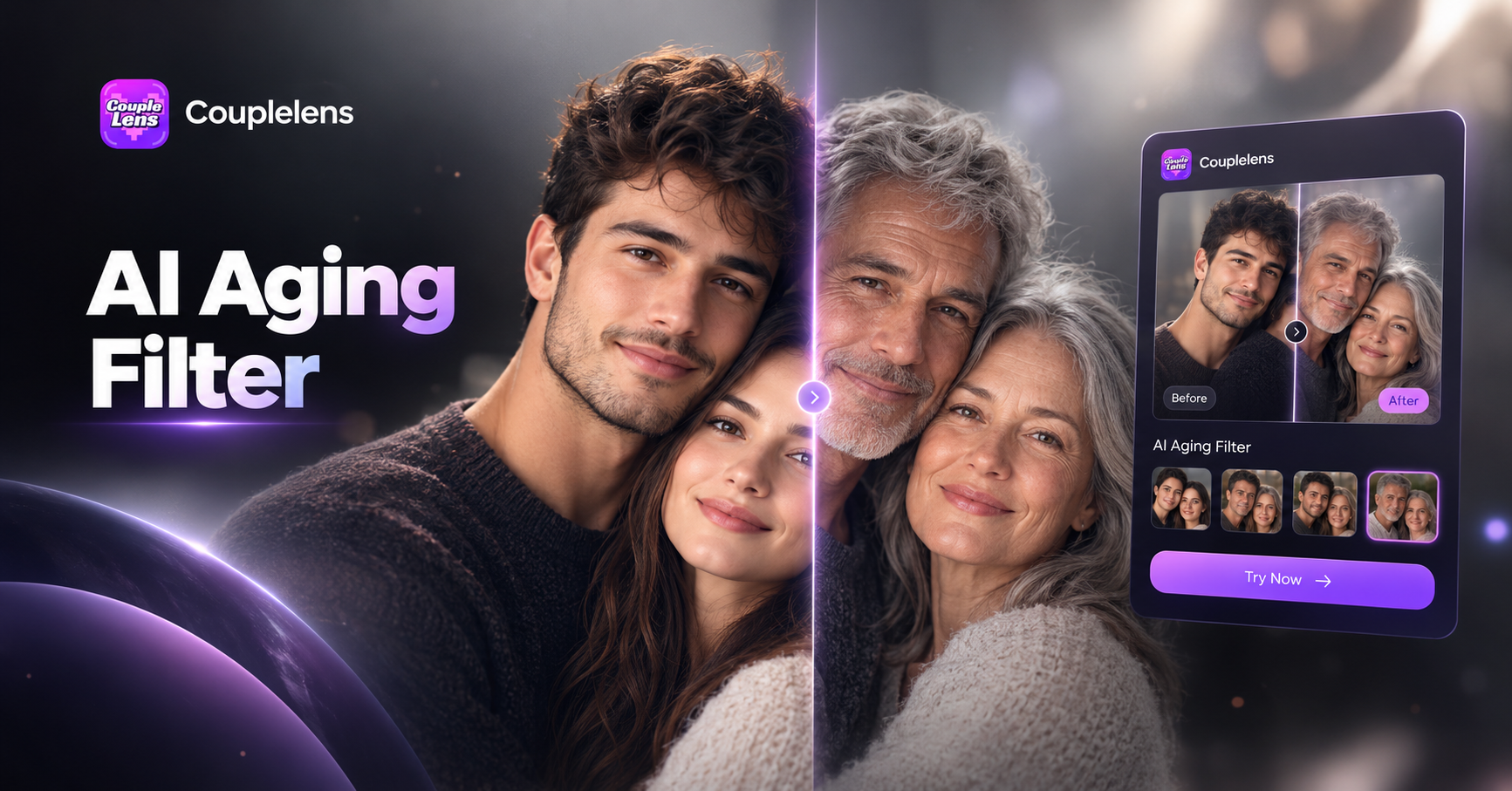
Pick the Aging Filter That Matches Your Mood
CoupleLens has thousands of face filters. Ageing styles are the most loved by users searching for AI age progression.
Key Features of the AI Aging Filter Tools
CoupleLens is more than a single aging filter, a small studio for photo aging, group aging, and video aging on one mobile app.
 Before
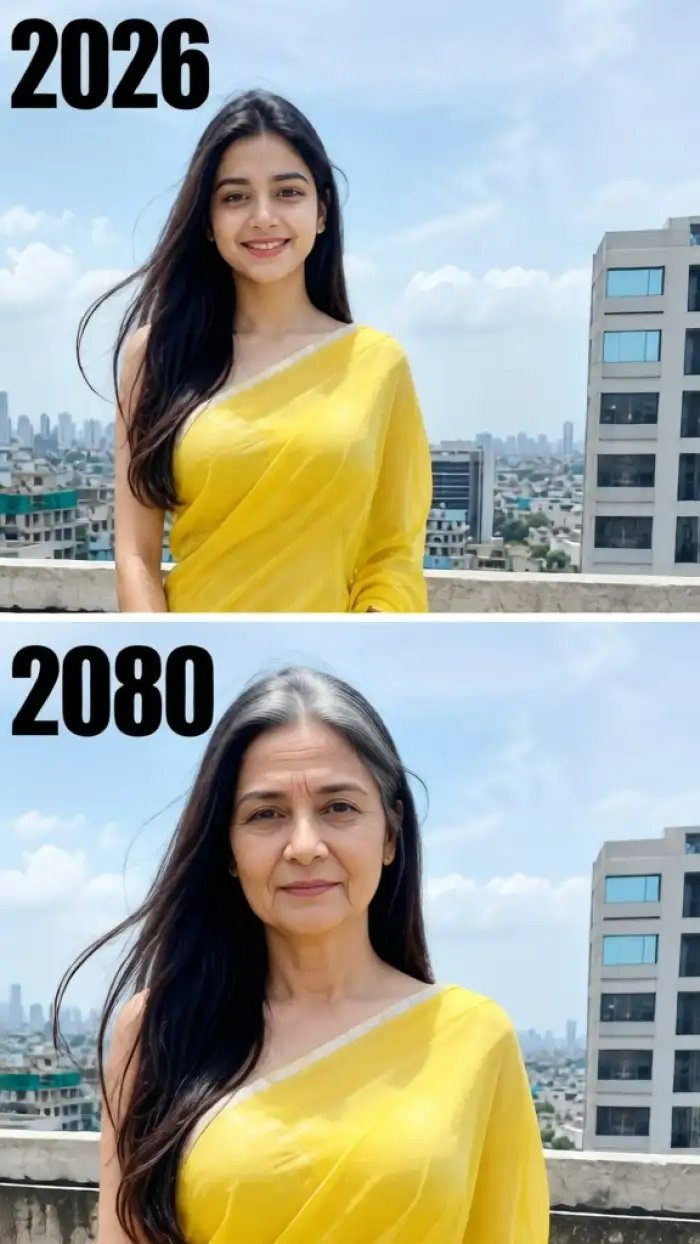 After
One Tap Photo Aging for Any Selfie
Drop in a portrait and pick a filter. The AI adds wrinkles, gray hair, and skin shifts. Your face shape stays, so you still look like you, just older. Works on selfies and childhood shots. Blend an aging face with a vibrant street scene for a cinematic dual exposure portrait.
BeforeAfterOne Tap Photo Aging for Any Selfie
Drop in a portrait and pick a filter. The AI adds wrinkles, gray hair, and skin shifts. Your face shape stays, so you still look like you, just older. Works on selfies and childhood shots. Blend an aging face with a vibrant street scene for a cinematic dual exposure portrait.
 Before
 After
Group Photo Aging That Keeps Every Face Clear
CoupleLens can age an entire group in one pass. The AI keeps every face separate, so nobody blends in. Great for couples, friend reunions, and family timeline edits where everyone stays in frame.
BeforeAfterGroup Photo Aging That Keeps Every Face Clear
CoupleLens can age an entire group in one pass. The AI keeps every face separate, so nobody blends in. Great for couples, friend reunions, and family timeline edits where everyone stays in frame.
 Before
 After
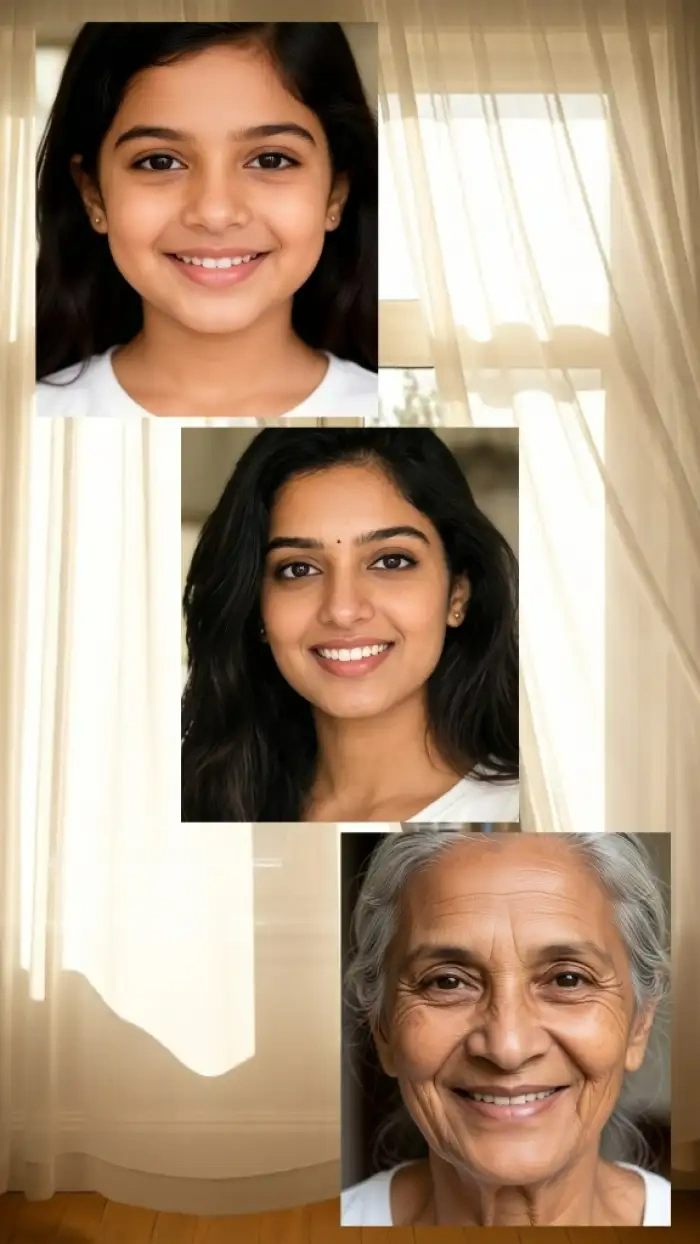
Future Aging in Different Styles
Pick a photo and an aging filter to make the person grow old from childhood to old age. CoupleLens is one of the few AI aging filter tools that handles the transition without breaking the face. Good for a stylish collage.
BeforeAfterFuture Aging in Different Styles
Pick a photo and an aging filter to make the person grow old from childhood to old age. CoupleLens is one of the few AI aging filter tools that handles the transition without breaking the face. Good for a stylish collage.
How to Create Your Own AI Aging Photo?
Three short steps take you from app store to a finished photo on your camera roll.
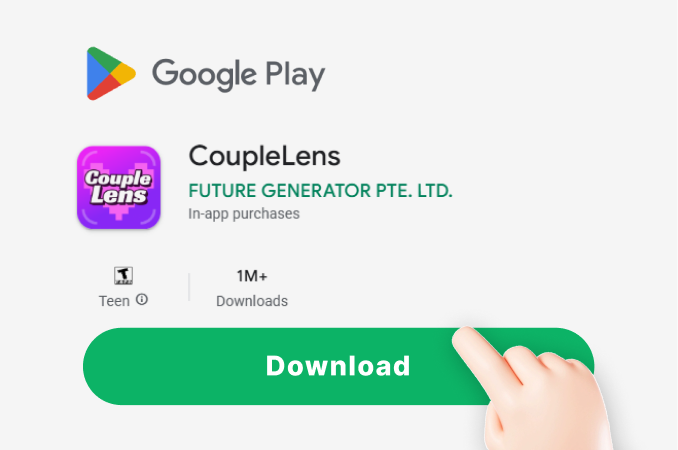
Step 01.
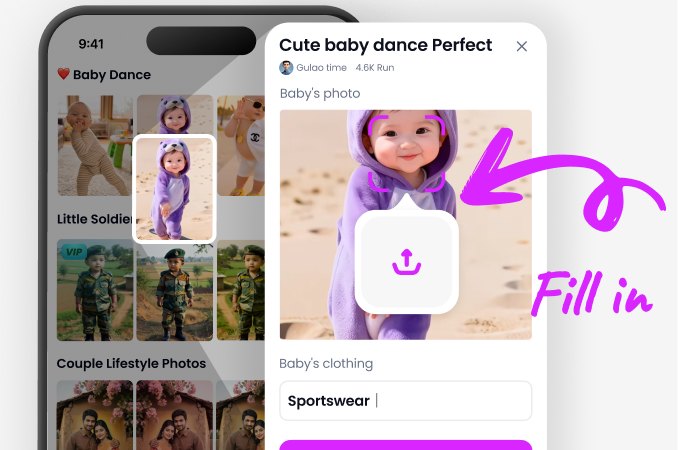
Open the Play Store, search CoupleLens, and install the app. The download is small and no account is needed to try the filters.
Step 02.
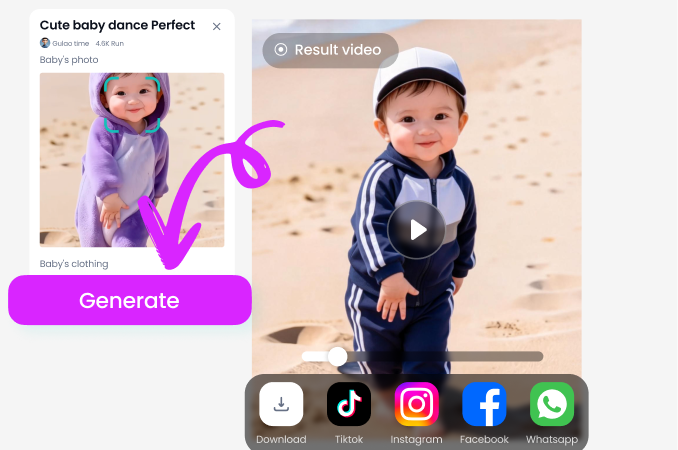
Choose an aging style from the AI aging filter tools list, drop in your photo, and tap generate.
Step 03.
Save the photo or video to your camera roll, or post it straight from the app to TikTok, Instagram, or any other social channel.
Real Aging Filter Results from the CoupleLens Community
Every photo below was made inside the CoupleLens app. Tap any image to see the original, the filter, and the prompt.


Watch the Aging Filter in Action
Two short videos show the full flow. Download, pick a filter, generate, and post. It takes less time than a coffee.
What Our Users Say about the CoupleLens Aging Filter
CoupleLens is the only aging tool I will use for client work now.
I made a TikTok of me and my mom aging thirty years in one video. The filter kept both faces clear and the comments lost it. Three brand deals hit me up that week.
If you need a real group aging result, skip the web tools and grab CoupleLens.
I shoot multi gen family sessions and CoupleLens is the only aging filter that does not mush faces together. I run the whole timeline in the app and share the result before clients get home.
CoupleLens is my secret weapon for any age progression campaign.
We needed ten aging videos for a skincare client in two days. I opened CoupleLens, picked the aging filter, and pumped out a full content set by lunch. No editor and no web tool needed.
Frequently Asked Questions
Quick answers about how the CoupleLens aging filter works, what it does, and the kind of results you can make.
More Topics You May Like
A few related reads to push the AI filter idea past a single portrait. Hair swaps, yearbook looks, and more topics.

AI Chibi Video Generator: Turn Any Photo Into a Cute Chibi Style Video on CoupleLens

Sky Falling AI Generator Create Viral Cloud Fall Clips on CoupleLens

Marlon AI Video Turn Selfies Into the Viral Mogging Filter Clip

Catzilla AI Generator Create Giant Cat Monster Videos and Photos
AI Chibi Video Generator: Turn Any Photo Into a Cute Chibi Style Video on CoupleLens
Sky Falling AI Generator Create Viral Cloud Fall Clips on CoupleLens
Marlon AI Video Turn Selfies Into the Viral Mogging Filter Clip
Catzilla AI Generator Create Giant Cat Monster Videos and Photos
See Your Future Self Today
Download CoupleLens, open the aging filter, and post your older face before lunch. Small install and a fast first result on any modern phone.
See Your Future Self Today
Download CoupleLens, open the aging filter, and post your older face before lunch. Small install and a fast first result on any modern phone.