Window Peeper Trend
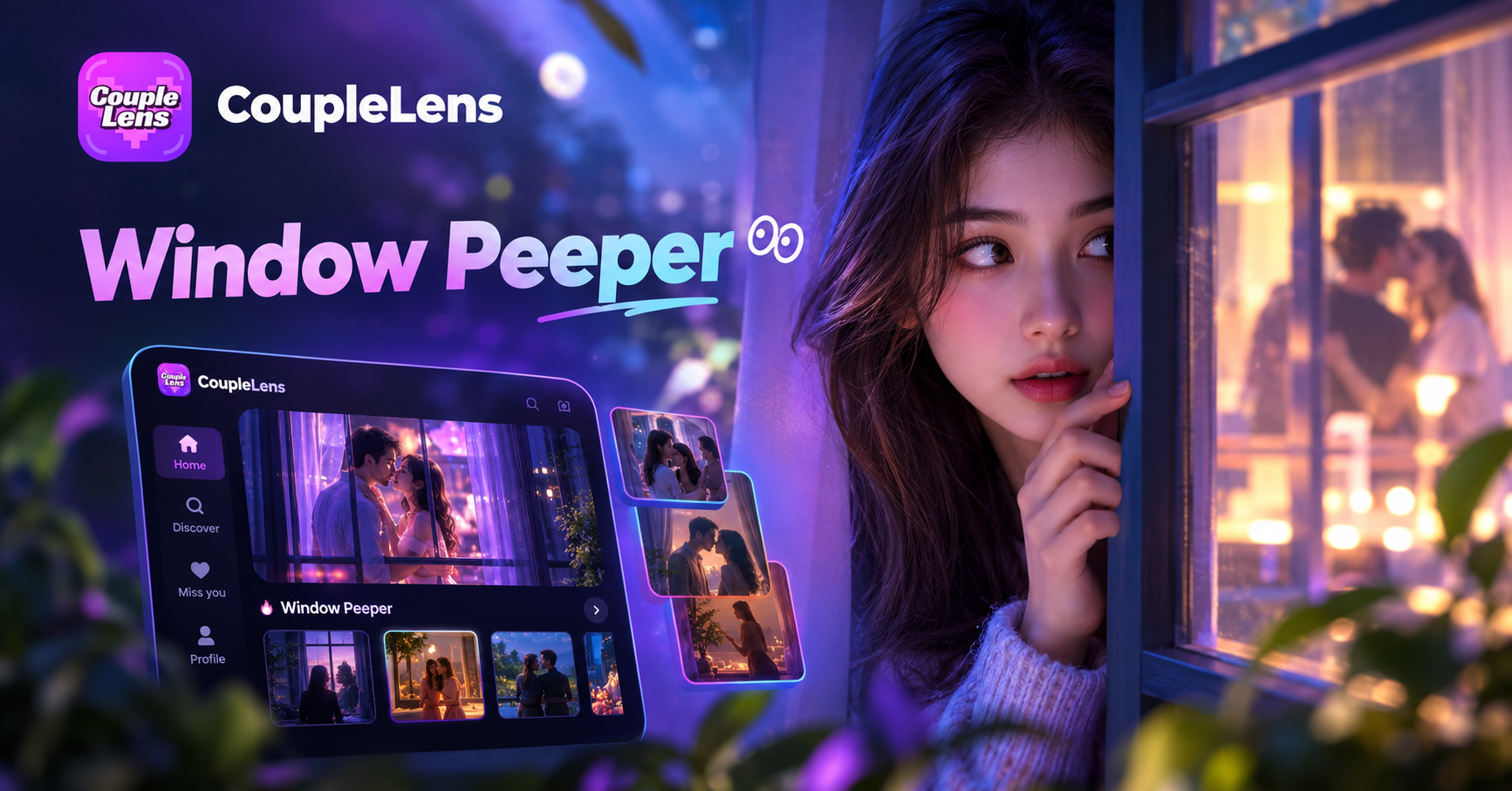
Choose a Window Peeper Filter for This Trend
Every browser tool for the window peeper trend puts one stranger in the window. This filter puts you both there, faces real.
Key Features of the Window Peeper Trend
CoupleLens covers the window peeper trend end to end, from the lit window still to the moving clip.
A Night Window Still in One Tap
Open the window peeper filter, upload one photo, and CoupleLens paints the dark street, the one lit window and cold light on the glass. Choose a style template, from film look to 3D clay.
 Before
Turn the Still Into the Clip
Send the still into image to video. The camera pushes across the street, the subject blinks, holds the stare, then grabs the curtain. You set the micro expressions, so the window peeper AI video lands right.
Two People With Two Real Faces
This group photo filter takes one photo of her and one of him, then separates both faces before building the scene. Two people stay two people, with no merged cheeks, no missing subject, no third face.
How to Create a Window Peeper Trend Video?
Three steps from your phone to a window peeper AI video on the feed. No camera, no prompt, no editing timeline.
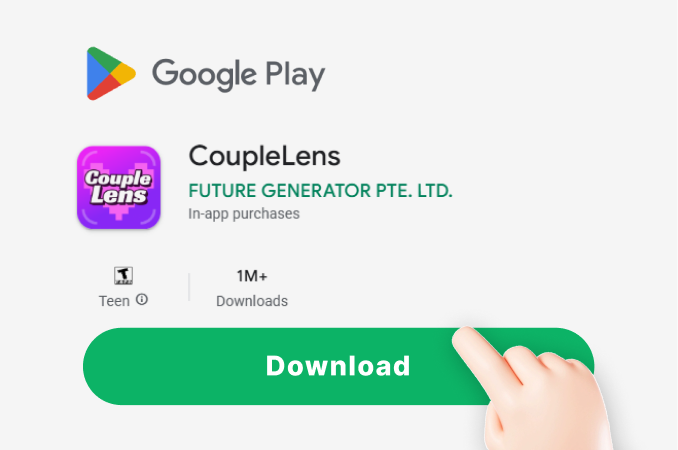
Step 01.
Grab CoupleLens from Google Play on your phone. Sign up once and the full filter library sits on your home screen, with the window filter ready in the trend row.
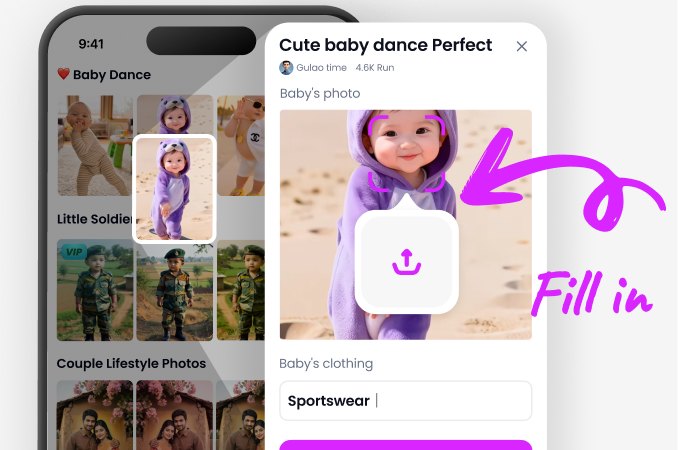
Step 02.
Open the window peeper filter, add your photo, and tap generate. CoupleLens builds the night street and the lit window, then sends the still through image to video, animating the stare and the curtain pull in about ten seconds.
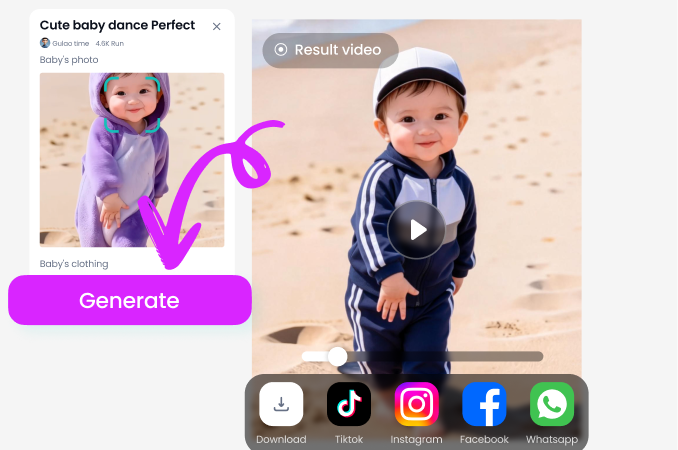
Step 03.
Save the clip to your phone, then post it to TikTok, Reels or Shorts. Or publish it straight to your CoupleLens page, where your followers can pick up the same filter.
Browse Window Peeper Trend Results
Look through the window peeper trend gallery, see which style and angle you like, then upload your photo with the same filter.
Watch the Window Peeper Trend in CoupleLens
One shows the window peeper filter from download to clip, the other shows the clip live on your page.
What Users Say About the Window Peeper Trend in CoupleLens
The window peeper filter is now my team group chat filler.
My daughter sent me the window peeper trend and I made it before dinner. One photo, tap the filter, clip ready. My team thinks it is me in that window. I am not correcting them.
I like that the face stays sharp, even in a dark night scene.
I work night shifts, so a lit window at night is my mood. CoupleLens made the window peeper clip and the face still looks like me. Three people asked which app I used at work.
The two person window clip is why I moved to CoupleLens.
I shoot weddings and make couple videos. The window filter takes one photo of each person and keeps both faces straight. No blended cheeks, no missing guest. I use it for engagement posts now.
Frequently Asked Questions
Straight answers about the window peeper filter, the app, and the two person clips people keep asking us about daily.
More Topics You May Like
Related guides for the clips people search next, each one a different window scene and a different template to try.

AI Dream Job Photo Generator: See Your Future Self with CoupleLens

CoupleLens AI Camera Movement Video Maker for Photos

AI Ecommerce Video Generator: Turn Product Photos Into Shoppable Videos

AI Egon Schiele Art Filter on CoupleLens: One Tap Schiele Inspired Portraits
AI Dream Job Photo Generator: See Your Future Self with CoupleLens
CoupleLens AI Camera Movement Video Maker for Photos
AI Ecommerce Video Generator: Turn Product Photos Into Shoppable Videos
AI Egon Schiele Art Filter on CoupleLens: One Tap Schiele Inspired Portraits
Post Your Window Peeper Clip Tonight
Install CoupleLens from Google Play and put your own face behind that lit window. The clip is ready in minutes.
Post Your Window Peeper Clip Tonight
Install CoupleLens from Google Play and put your own face behind that lit window. The clip is ready in minutes.