Camera Movement
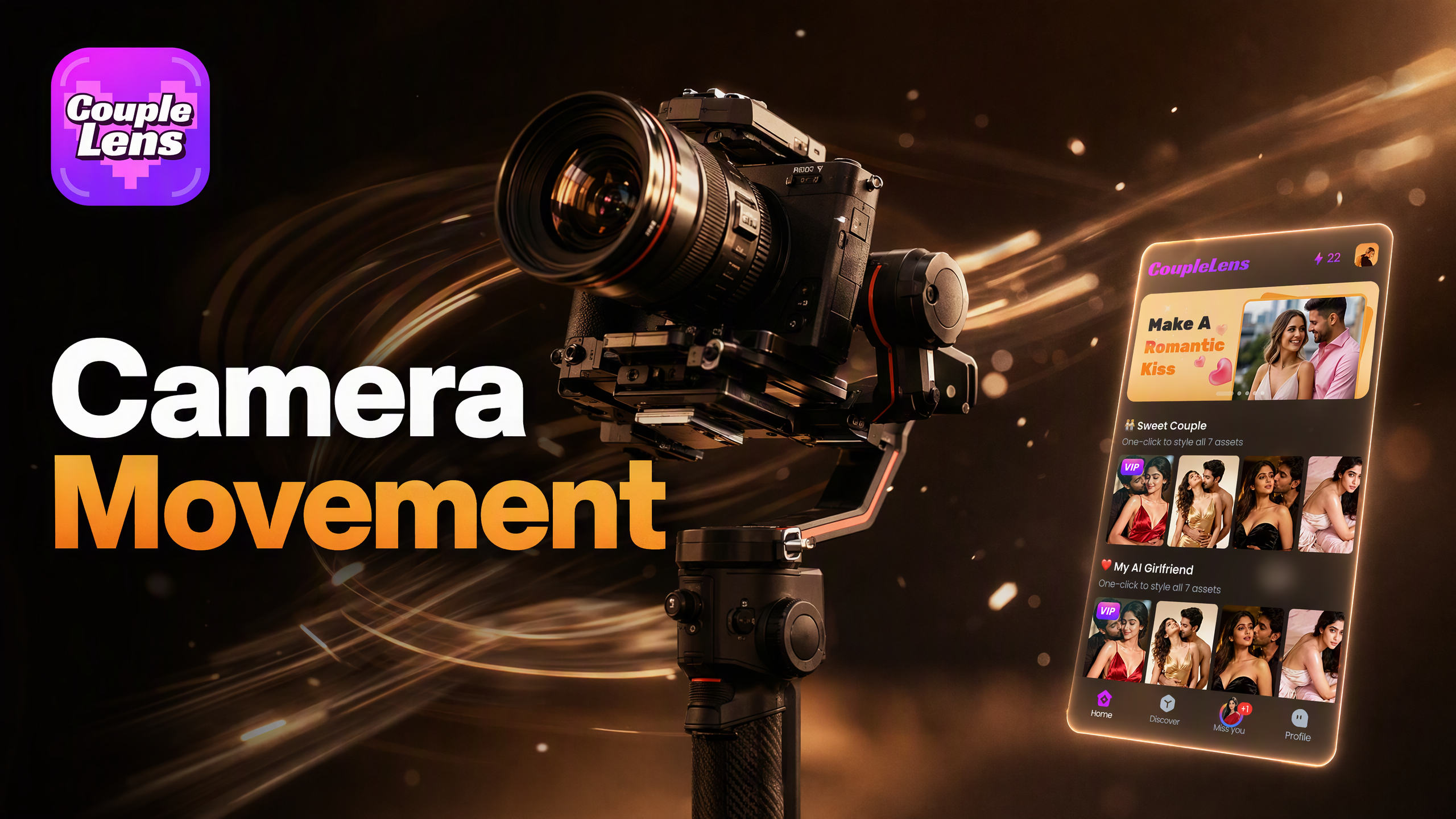
Pick a Camera Movement Filter That Fits Your Photo
CoupleLens wraps every cinematic camera move into a one-tap filter inside the mobile app, so you get a dolly, an orbit, or a push-in.
Key Features of the AI Camera Movement
Camera movement tools live inside the CoupleLens app, each one built for creators who want pro level motion on a phone.
 Before
Turn Any Photo into a Camera Movement Video
Upload any photo and the CoupleLens AI reads the depth, the subject, and the edges in a single pass. It then adds a smooth camera movement that fits the scene. Pick a slow orbit around a couple, a gentle push-in on a face, or a quick zoom for a product reveal.
BeforeTurn Any Photo into a Camera Movement Video
Upload any photo and the CoupleLens AI reads the depth, the subject, and the edges in a single pass. It then adds a smooth camera movement that fits the scene. Pick a slow orbit around a couple, a gentle push-in on a face, or a quick zoom for a product reveal.
Camera Movement in One Tap
Skip the prompt engineering. CoupleLens packs cinematic camera moves into one-tap filters. The Dolly Zoom Handbag Reveal filter turns product shots into vertigo style clips. The Spin Around with Your Lover filter adds a smooth orbit for couple portraits.
Camera Movement in One Tap
Skip the prompt engineering. CoupleLens packs cinematic camera moves into one-tap filters. The Dolly Zoom Handbag Reveal filter turns product shots into vertigo style clips. The Spin Around with Your Lover filter adds a smooth orbit for couple portraits.
 Before
Character Consistency Through Every Move
The biggest pain in AI camera movement is a face that drifts mid shot. CoupleLens locks facial features, hair, and outfits from the first frame to the last. You can run the same person through a pan, a tilt, and a dolly without losing who they are.
BeforeCharacter Consistency Through Every Move
The biggest pain in AI camera movement is a face that drifts mid shot. CoupleLens locks facial features, hair, and outfits from the first frame to the last. You can run the same person through a pan, a tilt, and a dolly without losing who they are.
How to Create an AI Camera Movement Video?
Three short steps from a still photo to a shareable moving clip, all inside the CoupleLens mobile app.
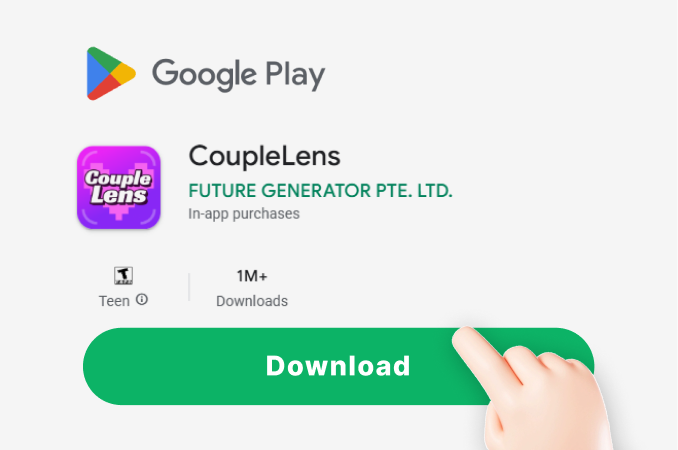
Step 01.
Open the Google Play Store on your Android phone, search CoupleLens, and tap install. The download takes about a minute.
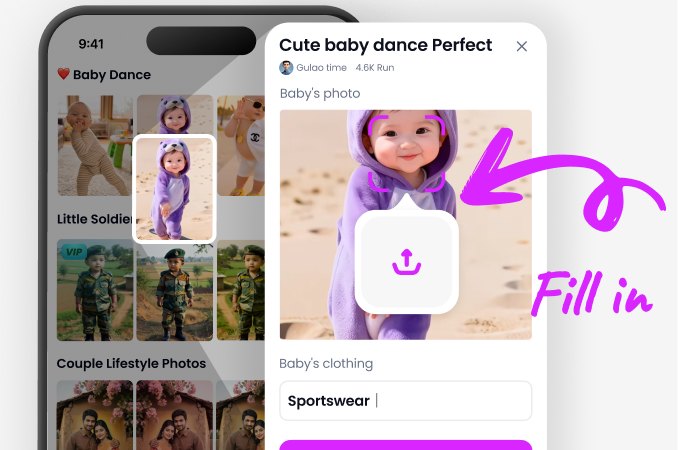
Step 02.
Open the CoupleLens app and tap the filter library. Upload your photo and tap generate. The AI handles the rest in a few seconds.
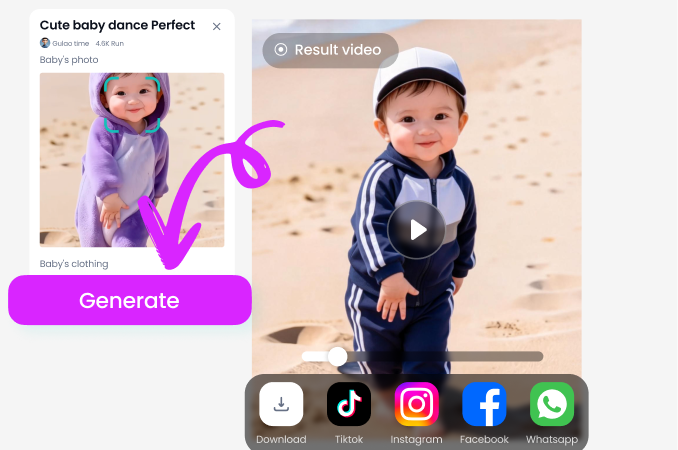
Step 03.
Save the video to your phone or post it straight to TikTok, Instagram Reels, or YouTube Shorts from inside the CoupleLens app.
Real Camera Movement Clips Made
Browse short videos created inside the app to see the dolly zoom, the orbit, and the push-in before you try them on your own photo.
Watch a Full Camera Movement Walkthrough
Two short videos that show the full path from a still photo to a finished camera movement clip
What Our Users Say About Camera Movement in CoupleLens
Download CoupleLens if you shoot weddings on a phone.
I run a wedding photo business and CoupleLens has become my secret weapon for highlight reels. I upload a couple portrait, pick the Spin Around with Your Lover filter, and the orbit looks like a drone shot. My clients think I hired a second shooter with a stabilizer. The dress, the smile, the lighting all hold up through the full move.
I tell every seller in my circle to grab CoupleLens today.
I run a handbag brand and the Dolly Zoom Handbag Reveal filter in CoupleLens is unreal. I take a flat product photo on my desk, drop it into the app, and the AI pulls a vertigo style dolly zoom that makes the bag feel three dimensional.
CoupleLens just works, even on busy club lighting. If you post short videos, you need this app.
I post dance clips every day and the Fast Face Zoom filter is my new go-to for reaction shots. One tap and the CoupleLens AI zooms right into the expression while keeping the hair, the lashes, and the makeup consistent.
Frequently Asked Questions
Quick answers about how camera movement works inside the CoupleLens mobile app
More Topics You May Like
Browse other CoupleLens guides for image to video, AI portrait animation, and cinematic filters that turn still photos into shareable short videos.

Best AI Anime Generators for Photo and Text Art on CoupleLens
80S Video AI Generator: Make Retro 1980s Clips on Your Phone
Best Anime Character Creators That Turn Selfies into Anime Art on Your Phone
Best AI Gender Swap Tools for Realistic and Fun Transformations 2026
Best AI Anime Generators for Photo and Text Art on CoupleLens
80S Video AI Generator: Make Retro 1980s Clips on Your Phone
Best Anime Character Creators That Turn Selfies into Anime Art on Your Phone
Best AI Gender Swap Tools for Realistic and Fun Transformations 2026
Animate Your First Photo with CoupleLens
Download CoupleLens on Google Play, pick a camera movement filter, and post your first cinematic AI video in under a minute. No prompt skill, no desktop, no film crew needed.
Animate Your First Photo with CoupleLens
Download CoupleLens on Google Play, pick a camera movement filter, and post your first cinematic AI video in under a minute. No prompt skill, no desktop, no film crew needed.