AI Egon Schiele Art
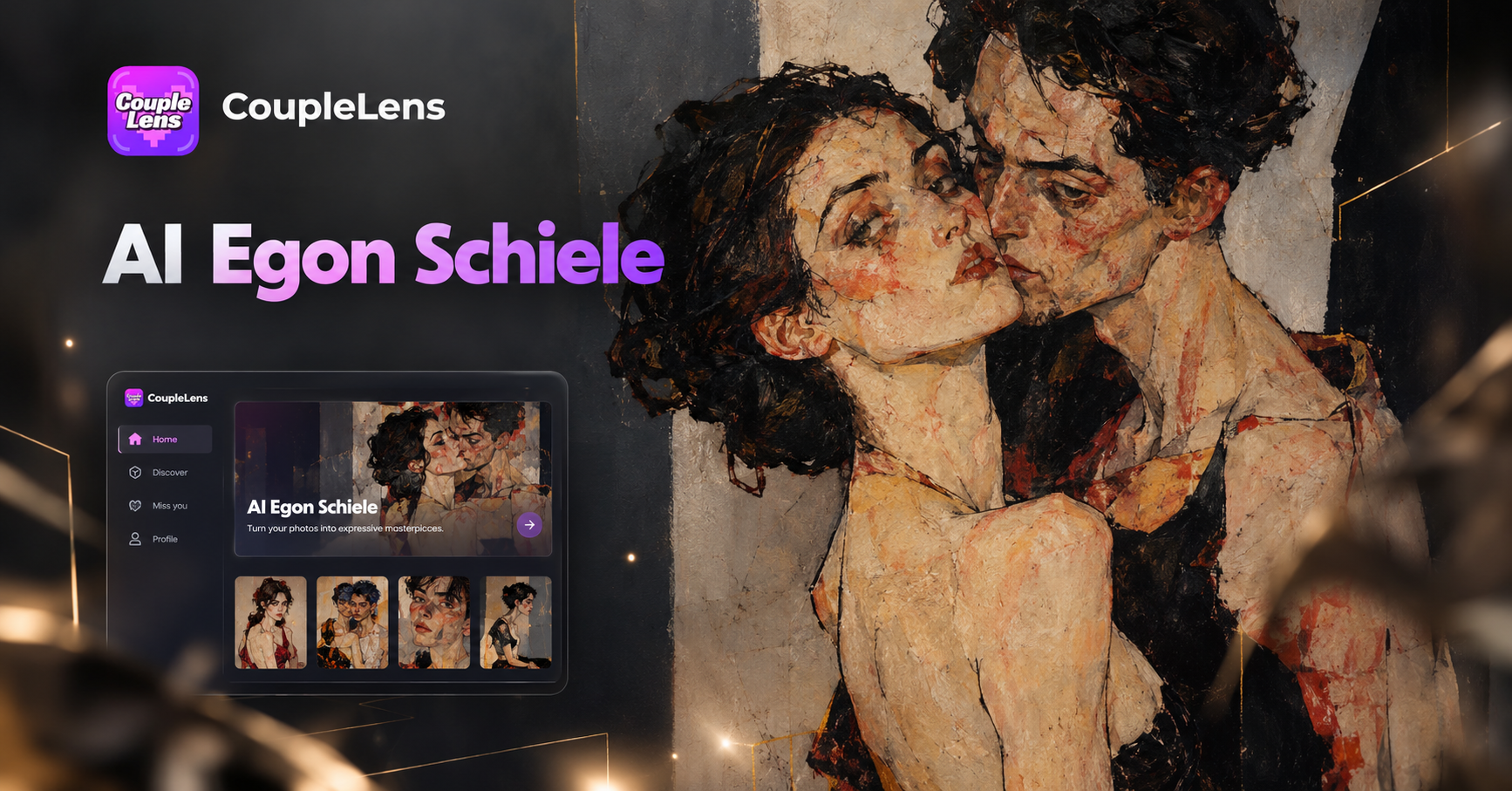
Start Drawing in Expressionist Lines
CoupleLens ships a small group of Egon Schiele style filters for portraits and couples.
Key Features of the AI Egon Schiele Art Filter
The Schiele inspired filter line is built for portraits and couples who want a real expressionist look without learning prompt craft.
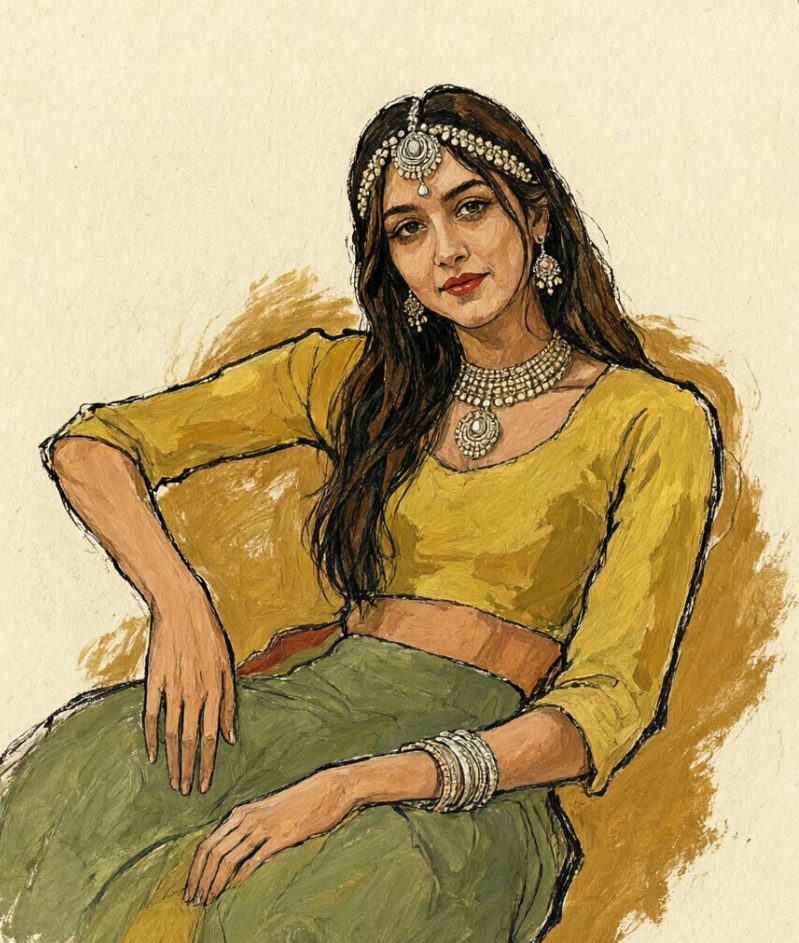
One Tap Egon Schiele Style Filter
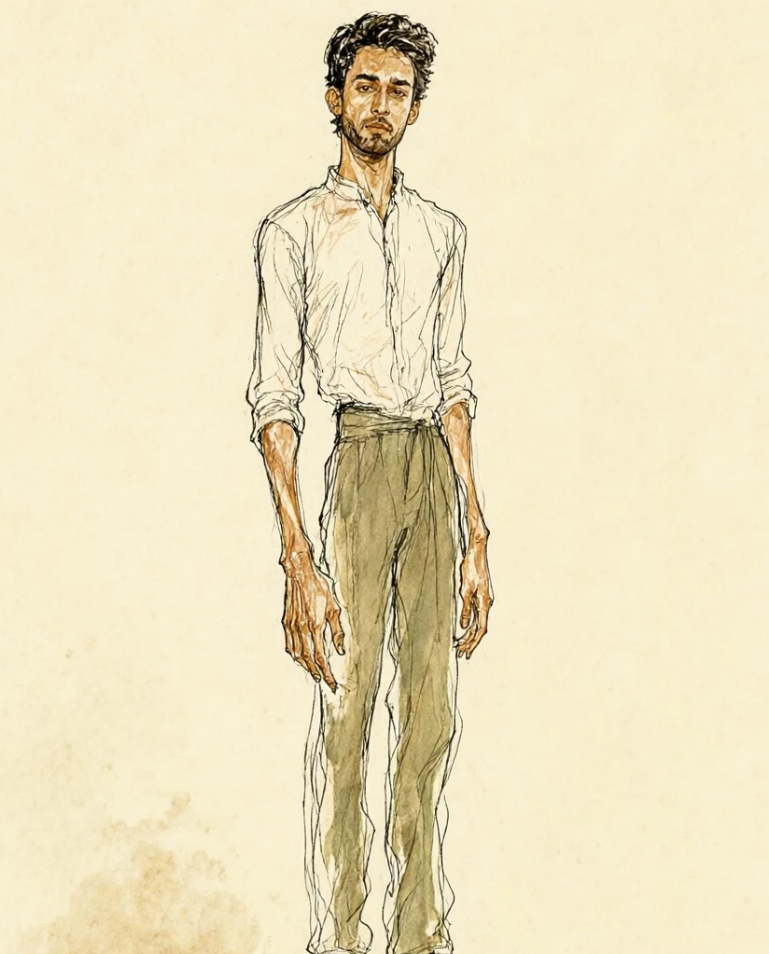
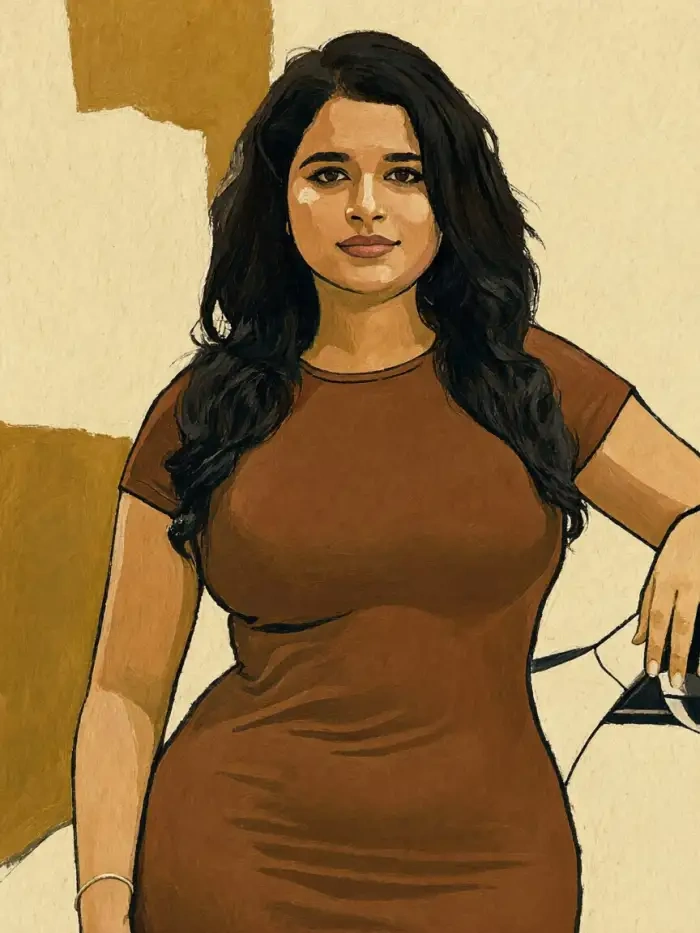
Tap one card and the AI rewrites your photo in raw Schiele style. Angular jaw, ochre skin, rust backdrop, scratchy ink lines, all in under twenty seconds. No prompt box, no slider, no settings panel.
 Before
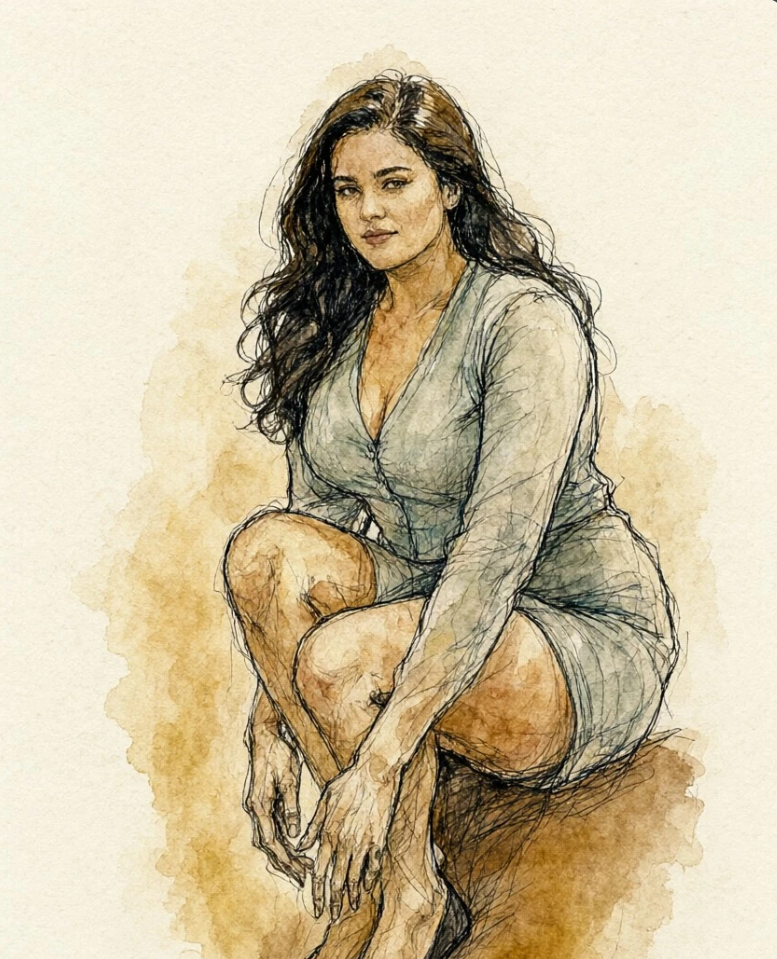 After
Face Lock for Couples and Solo Portraits
CoupleLens keeps the likeness of both people in the photo. The AI locks eye direction, skin tone, and outfit edges before it layers the Schiele inspired look on top. Couples get angular figure studies, solo users get portrait renders.
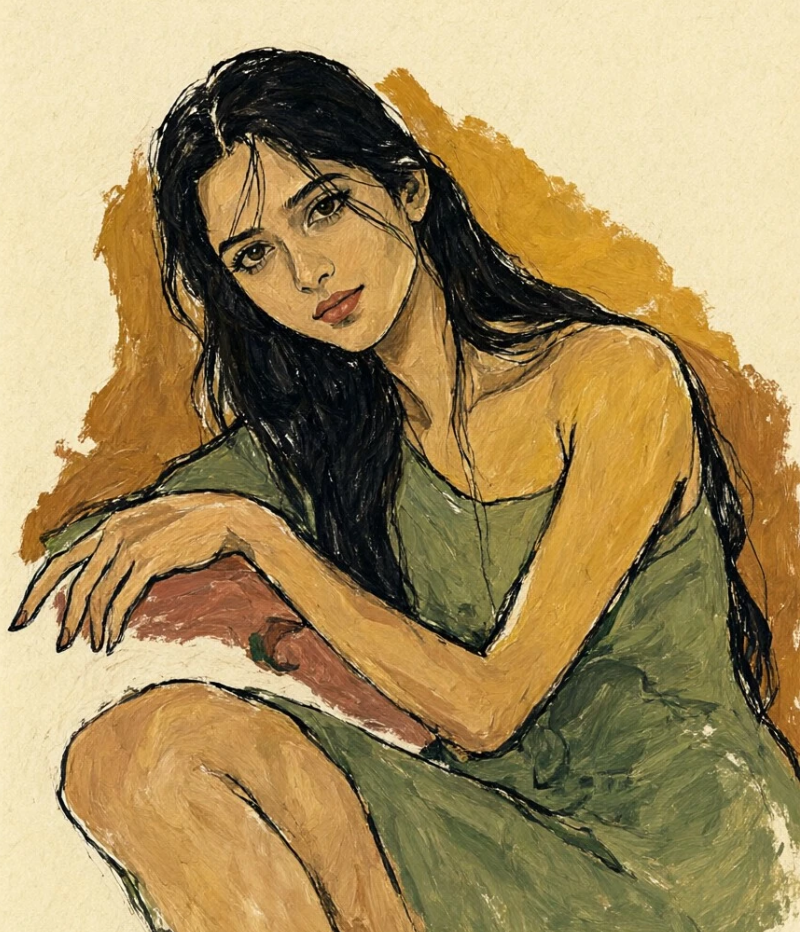
Twenty Five Thousand Plus Style Filters
The Schiele inspired card sits inside a library of more than twenty five thousand filters. Wedding, anime, claymation, Ghibli, polaroid, saree, and charcoal live next to it. Fresh templates drop every day to match social trends.
Watch How Photos Turn Into Schiele Style Art with CoupleLens
Two short clips from real CoupleLens users. The first shows the install-to-render pipeline on Android. The second shows posting a Schiele couple portrait to socials.
Use CoupleLens for AI Egon Schiele Art
Most AI art tools ask for a long prompt, a desktop, and a prayer that the style sticks. CoupleLens skips all of that. The Android app gives you a one tap Schiele inspired filter, a face lock engine that keeps both people looking like themselves, and a library of more than twenty five thousand extra templates.
What Our Users Say About the AI Egon Schiele Art Filter
Use CoupleLens for any Schiele inspired class project.
I teach twentieth century art and wanted a tool students could play with. The Schiele style filter on CoupleLens gave us angular portraits in two taps. The ochre tones feel close to the real canvases.
Reach for CoupleLens whenever a couple wants bold album art.
I needed to mock up expressionist cover art for couples albums. The face lock on CoupleLens is solid and the Schiele inspired lines land in about fifteen seconds.
Open CoupleLens and sketch your next panel in expressionist style.
Schiele is one of my reference artists and I needed a mood board fast. The Schiele inspired filter on CoupleLens gave me raw figure studies from a few selfies. The contour lines are on point.
How to Create AI Egon Schiele Art in CoupleLens?
The full pipeline from Google Play install to a finished Schiele portrait takes about a minute.
Step 01.
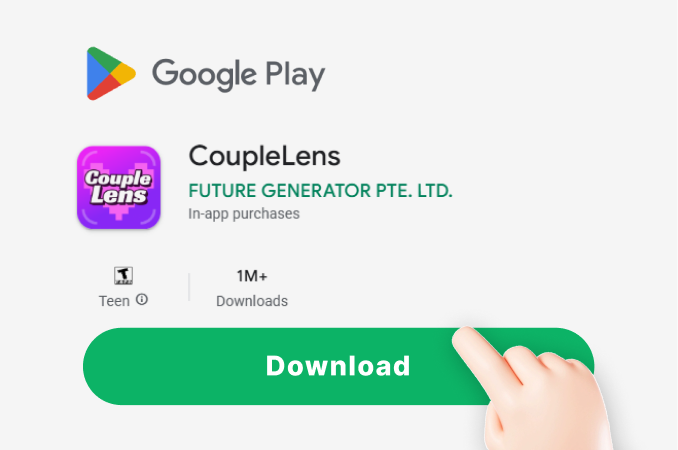
Open Google Play, search CoupleLens, and install the app. The install takes about thirty seconds, and a starter credit pack is waiting on the home screen.
Step 02.
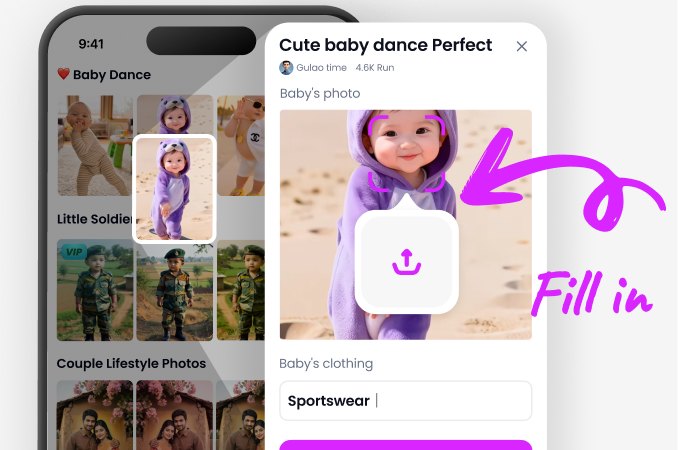
Scroll the template row inside the CoupleLens app and tap the Schiele inspired card. Upload one portrait or one couple image, then tap generate.
Step 03.
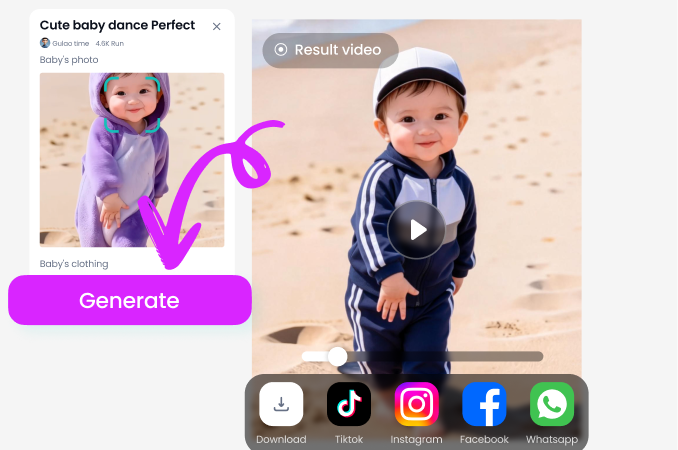
Save the finished AI Egon Schiele art to your camera roll or post it from the CoupleLens share sheet. Push the image to Instagram, TikTok, or your couple chat.
Frequently Asked Questions
Quick answers about how the Schiele inspired filters work inside CoupleLens and what kind of photos give the best results.
More Topics You May Like
The CoupleLens template library has neighbors that share the same raw emotion and angular linework.
Best AI Gender Swap Tools for Realistic and Fun Transformations 2026
CoupleLens AI Aging Filter Tools That Work in One Tap
Best Cartoon AI Generators Free: Turn Photos Into Cartoon Art in Seconds
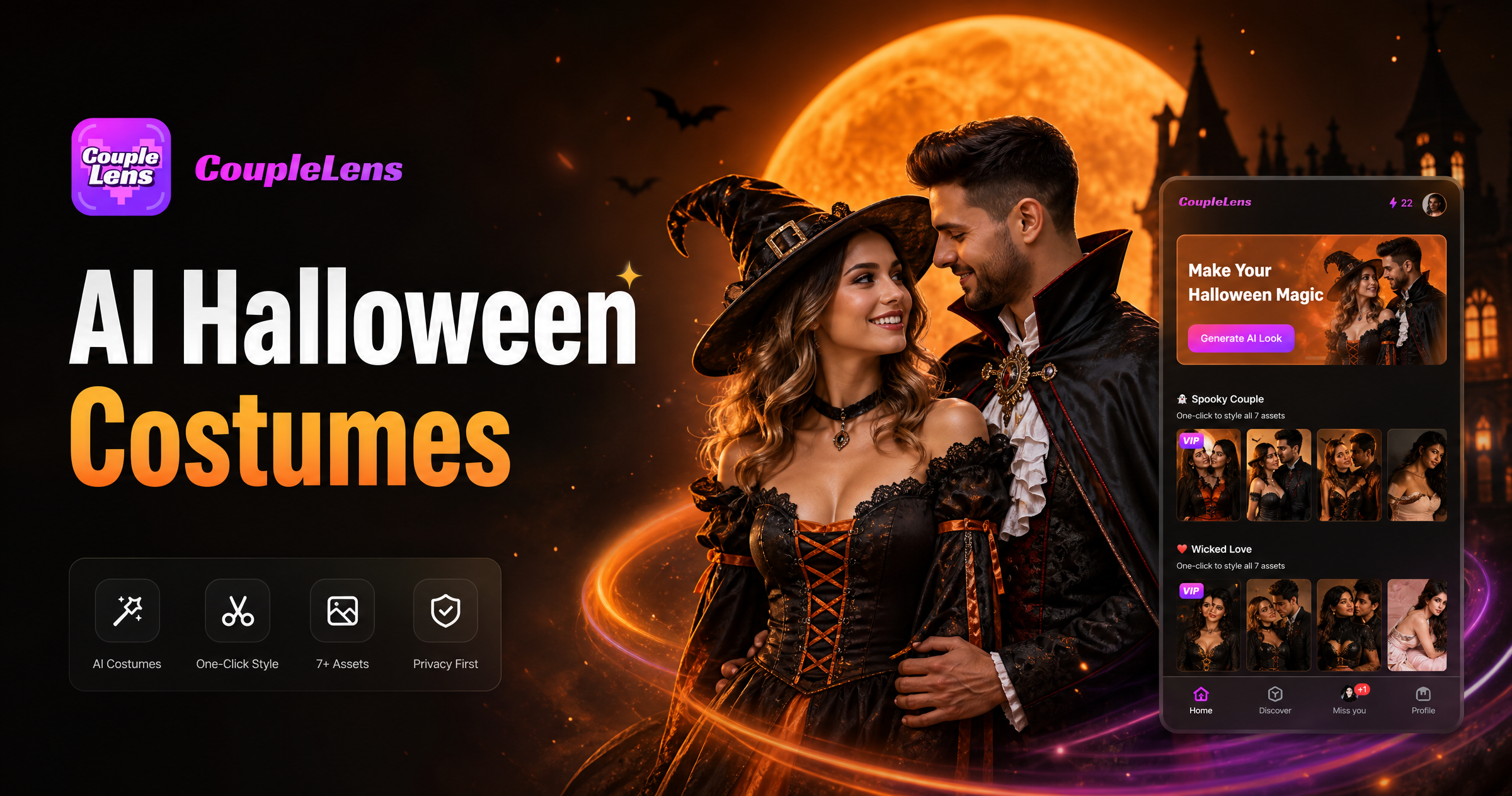
AI Halloween Costume Generator Try on Spooky Looks With CoupleLens
Best AI Gender Swap Tools for Realistic and Fun Transformations 2026
CoupleLens AI Aging Filter Tools That Work in One Tap
Best Cartoon AI Generators Free: Turn Photos Into Cartoon Art in Seconds
AI Halloween Costume Generator Try on Spooky Looks With CoupleLens
Draw Your Next Schiele Inspired Portrait
Download CoupleLens on Google Play, open the Schiele style filter, and turn tonight photo into a raw expressionist piece of art in one tap.
Draw Your Next Schiele Inspired Portrait
Download CoupleLens on Google Play, open the Schiele style filter, and turn tonight photo into a raw expressionist piece of art in one tap.