Werewolf Transformation AI
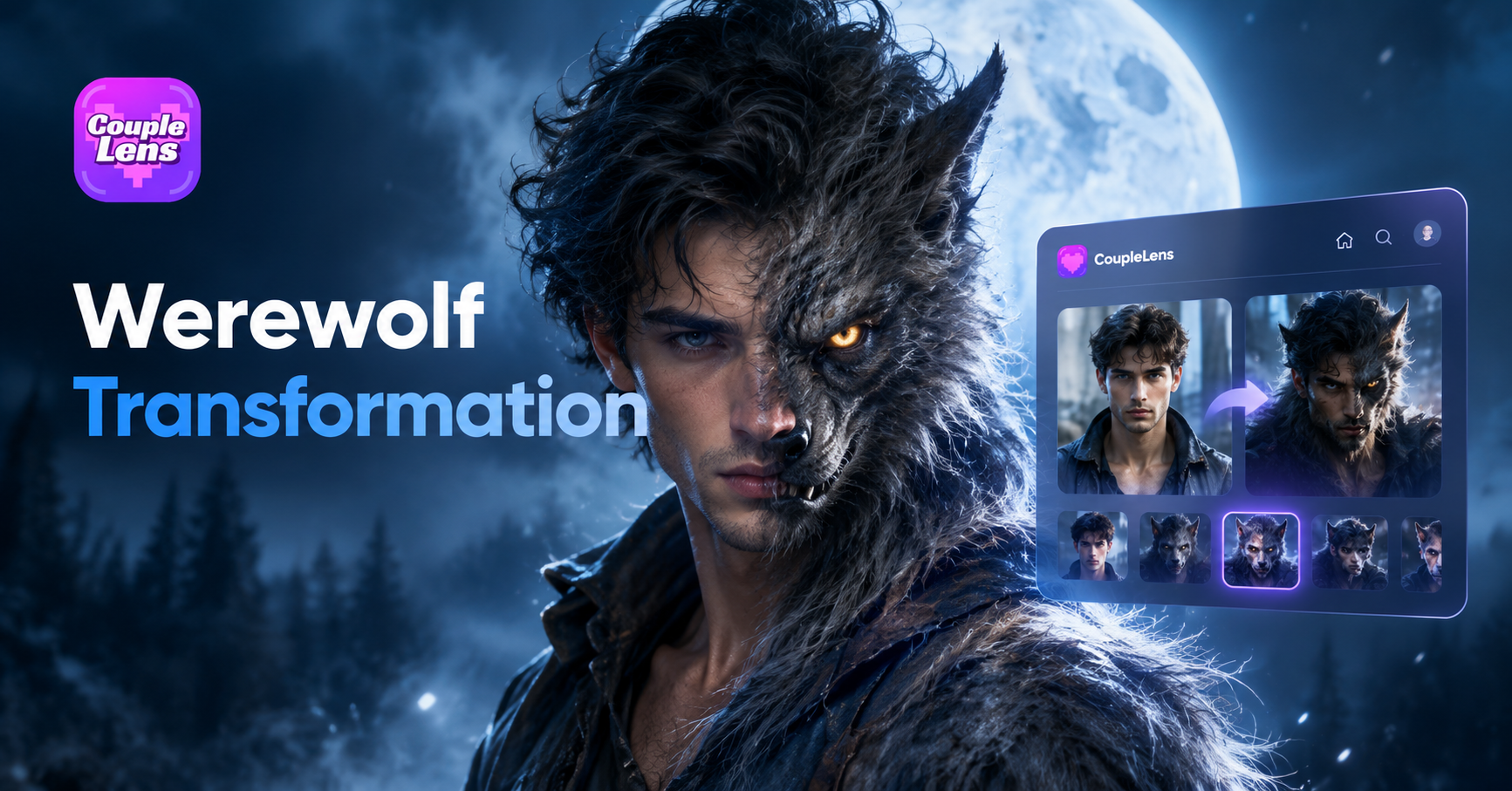
Pick Your Werewolf Filter
Browse AI werewolf transformation filters for solo photos, couples, pets, and full pack shots inside the CoupleLens app library.
Browse AI Werewolf Transformation Results
See the werewolf transformation AI gallery from CoupleLens creators, from solo howls to golden wolf king couple shots and pack scenes.
Werewolf Transformation AI Video Guides
Two short walkthroughs showing the CoupleLens app from Google Play install to filter, generation, and social post with real creators.
Key Features of Werewolf Transformation AI
Every werewolf transformation AI result comes from a filter, the same face, fur, and lighting hold across every clip you make in the CoupleLens app.
 Before
Werewolf Photo Filter for Still Frames
Choose a werewolf photo filter and CoupleLens pushes your face toward the beast while keeping your bone structure, skin tone, and expression intact. You get fur, fangs, and eyes in seconds.
 Before
Image to Video Werewolf Transformation
This is the clip people actually post. Upload one photo and CoupleLens animates the change, so fur spreads across your jaw, your hands clench, and your head tilts back into a howl.
 Before
Group Werewolf Pack Shots
Most werewolf tools take one face only. CoupleLens separates each face in a group photo, so two friends can change side by side without blended features or a lost subject in the frame.
How to Create a Werewolf Transformation?
Three taps from a selfie to a werewolf transformation AI clip you can post the same night you made it.
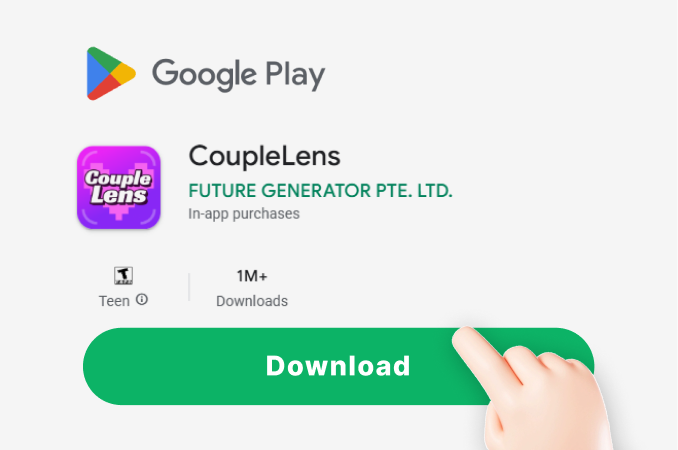
Step 01.
Scan the code on this page or tap the store badge. CoupleLens installs in a minute, and every filter, including the werewolf pack, lives inside the app.
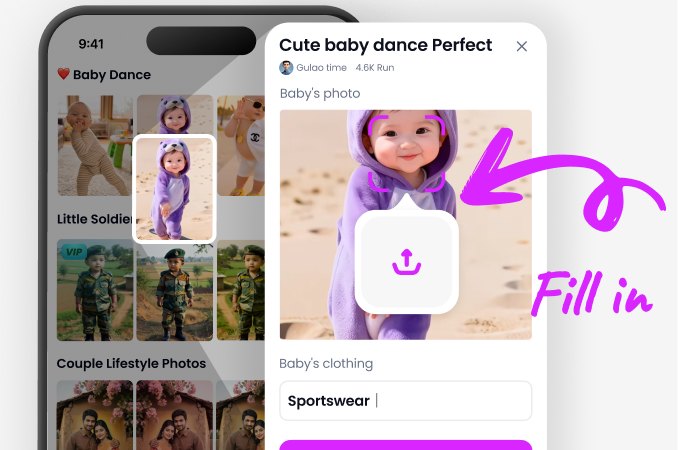
Step 02.
Choose a werewolf transformation filter, upload one sharp photo, and tap generate. CoupleLens keeps your face, hair, and clothes, so the change reads as you and not a stranger.
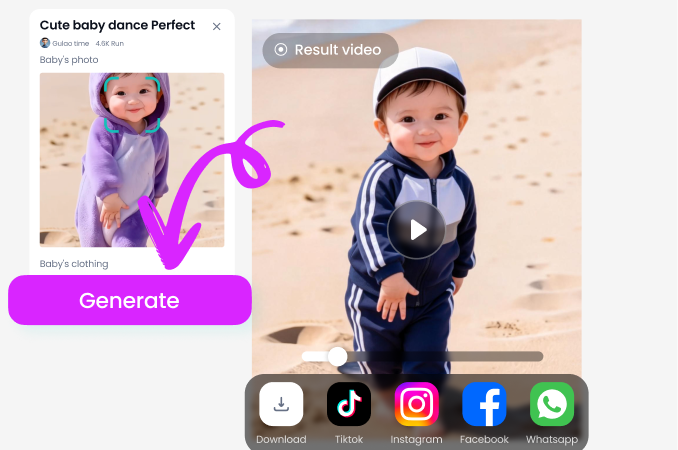
Step 03.
Wait about 10 to 20 seconds, then download the clip or post it straight to your CoupleLens page and share to TikTok, Reels, or Shorts.
What Creators Say about CoupleLens Werewolf Videos
I use CoupleLens for Werewolf transformation AI whenever a portrait needs teeth.
I turned a moonlit portrait from a shoot into a werewolf clip in one sitting. CoupleLens kept my face and my jacket, so it still reads as me. Friends keep asking what app I used.
I run a whole class of Werewolf transformation AI work on CoupleLens.
My students made werewolf clips for a horror unit and CoupleLens ran on their phones with no sign up and no credits to buy. I love that I can approve one filter and let them go.
I pick CoupleLens for Werewolf transformation AI when two people need to change together.
I tried a couple photo through a werewolf filter for a couple who wanted a Halloween save the date. CoupleLens held both faces apart, so nobody looked melted. We sent it that night.
Frequently Asked Questions
Everything people ask before running a werewolf transformation AI filter, from photo quality to privacy, speed, and multi person shots.
More Topics You May Like
Other AI werewolf transformation ideas to try next, from solo howls to couple portraits, pet howls, and group pack scenes.

AI Dream Job Photo Generator: See Your Future Self with CoupleLens

CoupleLens AI Camera Movement Video Maker for Photos

AI Ecommerce Video Generator: Turn Product Photos Into Shoppable Videos
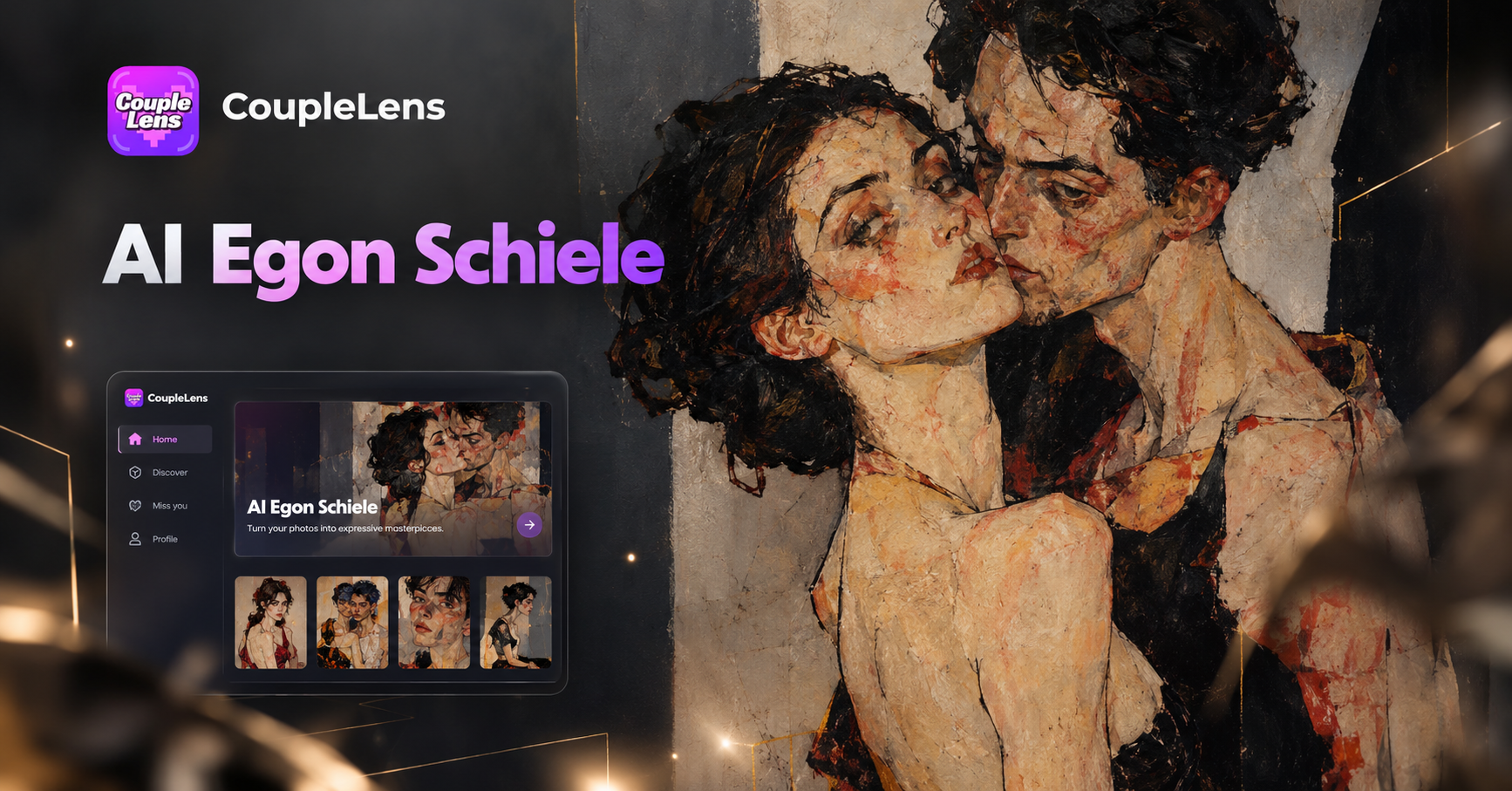
AI Egon Schiele Art Filter on CoupleLens: One Tap Schiele Inspired Portraits
AI Dream Job Photo Generator: See Your Future Self with CoupleLens
CoupleLens AI Camera Movement Video Maker for Photos
AI Ecommerce Video Generator: Turn Product Photos Into Shoppable Videos
AI Egon Schiele Art Filter on CoupleLens: One Tap Schiele Inspired Portraits
Make Your Own Werewolf Transformation AI Clip
Get CoupleLens on Google Play, pick the werewolf filter, and post your clip before the trend moves on.
Make Your Own Werewolf Transformation AI Clip
Get CoupleLens on Google Play, pick the werewolf filter, and post your clip before the trend moves on.