Vampire AI Video
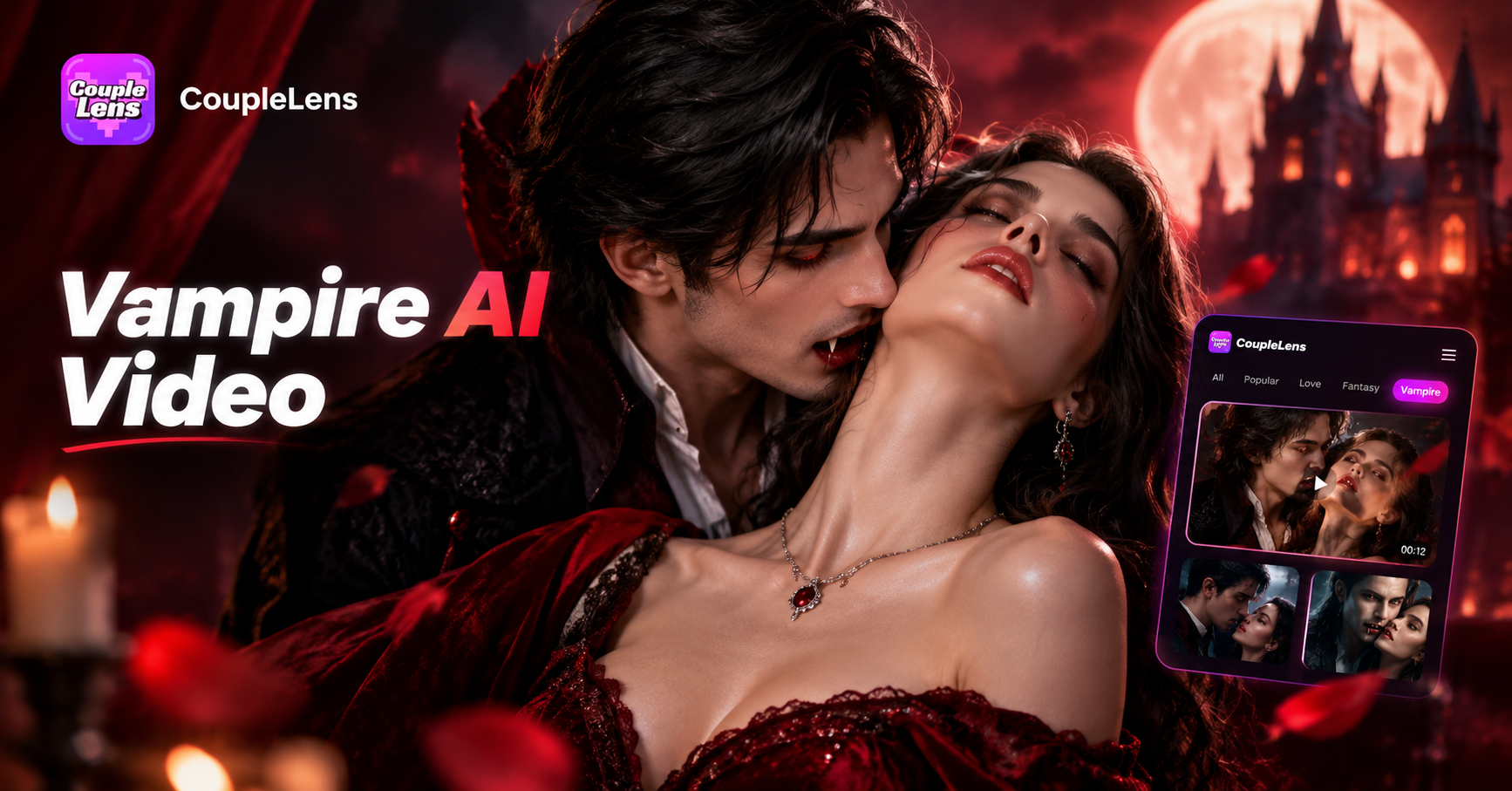
Pick the Right Vampire Filter
Start with Vampire Couple, Vampire Count Couple, Vampire Bride, or Blood Moon Shift, then let the app build the scene for you.
How to Create a Vampire AI Video in CoupleLens?
Three taps on your phone, no credit counter, no browser upload, and a vampire AI video you can post the same night.
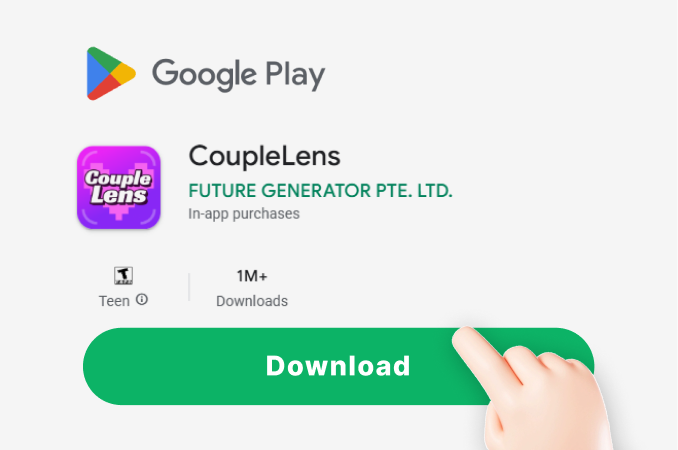
Step 01.
Install CoupleLens on your phone, then open the app. All deep AI creation happens inside CoupleLens, not in a web tab.
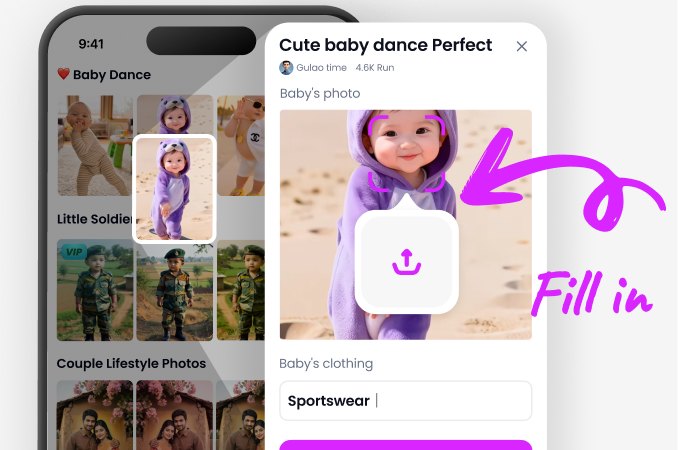
Step 02.
Upload one photo or two, then add a short line if you want a different mood. Tap generate and wait 10 to 20 seconds.
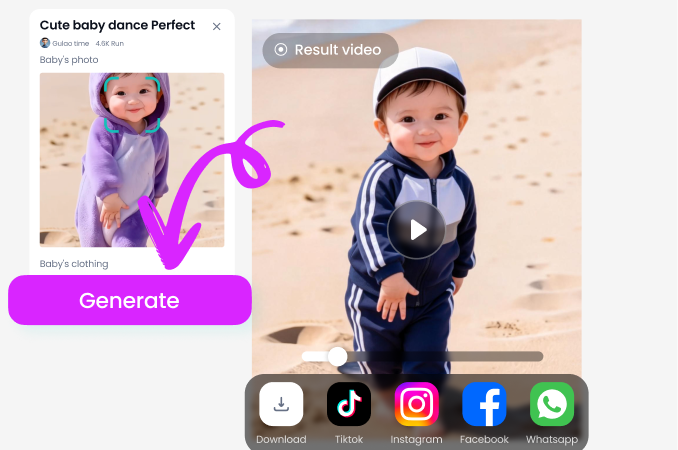
Step 03.
Your vampire AI video shows up in your CoupleLens gallery and on your own page. Download it, or post it there so your friends can see it.
Key Features of Vampire AI Video Filters
CoupleLens packs image creation, video creation, and multi person photo handling into one app.
One Tap Vampire AI Filters
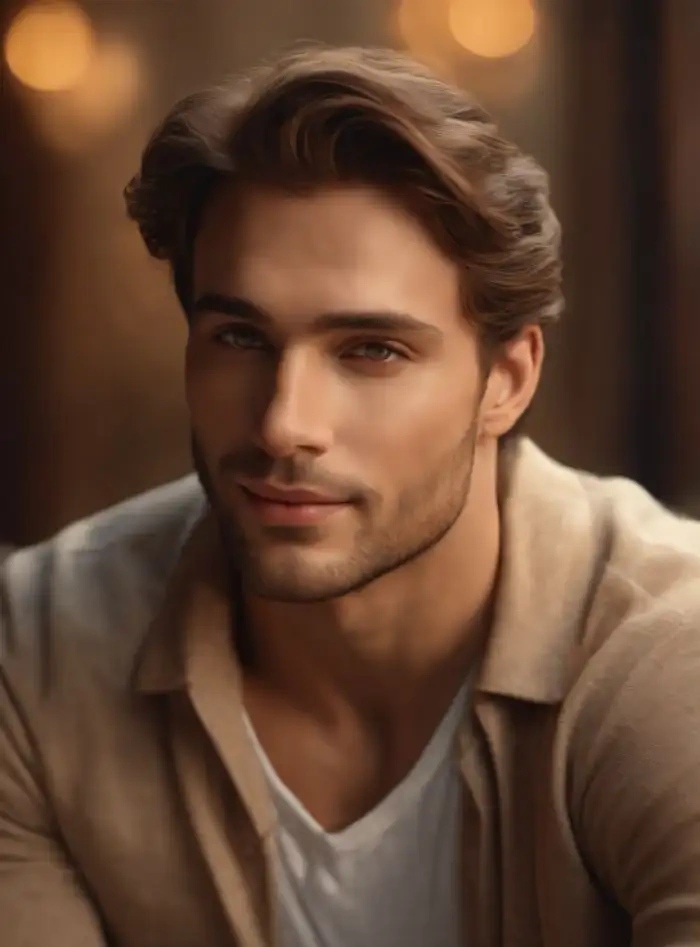
Choose a template such as the Vampire Count Couple, upload your photo, and get a gothic portrait with fangs, a black cape, and a moonlit castle. No prompt writing, no editing software, no long renders.
One Tap Vampire AI Filters
Choose a template such as the Vampire Count Couple, upload your photo, and get a gothic portrait with fangs, a black cape, and a moonlit castle. No prompt writing, no editing software, no long renders.
 Before
Vampire AI Video Generation from One Photo
Take that vampire AI image and make it move. CoupleLens adds blinks, a slow smile, a head turn, or a cape that catches the wind. Text to video also works when you want a scene with no photo.
BeforeVampire AI Video Generation from One Photo
Take that vampire AI image and make it move. CoupleLens adds blinks, a slow smile, a head turn, or a cape that catches the wind. Text to video also works when you want a scene with no photo.
 Before
Vampire Couple Videos with Two Faces Kept Separate
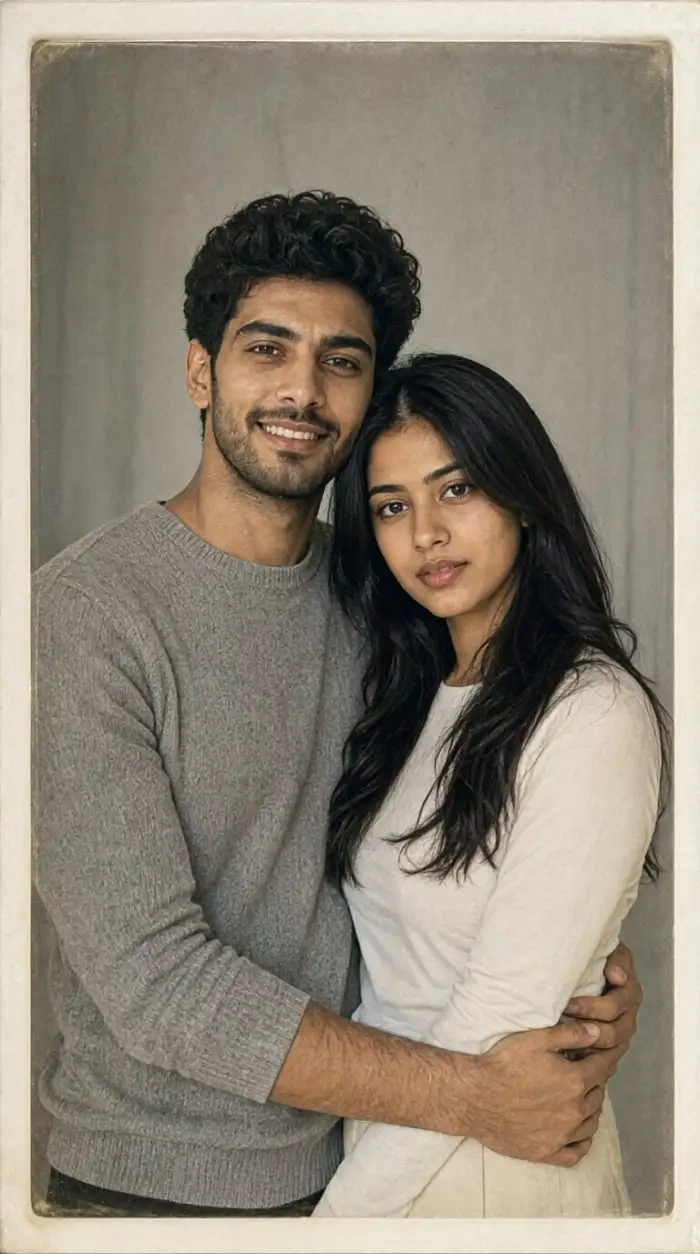
Upload two photos and CoupleLens separates each face before it builds the scene. A count and a bride kiss under a full moon, with no melted cheeks, no lost subjects, and no strange third face.
BeforeVampire Couple Videos with Two Faces Kept Separate
Upload two photos and CoupleLens separates each face before it builds the scene. A count and a bride kiss under a full moon, with no melted cheeks, no lost subjects, and no strange third face.
Vampire AI Video Tutorials on YouTube
Watch two short guides that walk through the CoupleLens app, from download to filter to a posted vampire AI video.
Use CoupleLens for Vampire AI Video
Some browsers ask you to write prompts, count credits, and watch for watermarks. CoupleLens skips all of it. You tap a filter, upload your photos, and a gothic scene comes back in 10 to 20 seconds, ready to share. Your face stays yours, and a series keeps one character in every shot.

What Creators Say About CoupleLens and Vampire AI Video
If you shoot couples, grab CoupleLens before your next Halloween order.
I faked fangs with makeup for engagement shoots. Now the Count Couple filter runs on two phone photos and they get a gothic clip in seconds. Both faces stay clean, and that used to ruin my night.
Vampire Bride is my most saved filter this season.
My followers eat up vampire AI video and do not care how it was made. I open CoupleLens, pick the Vampire Bride filter, and post that night. No editing app, no render queue, done before my coffee cools.
CoupleLens turned a costume budget into a whole cas
My students build a vampire AI video for every scene. Two photos, one filter, shot ready for class. CoupleLens keeps the same face across the whole act, so nobody turns into a different person half way through.
Frequently Asked Questions
Straight answers about making a vampire AI video in the CoupleLens app, from photo prep to sharing your first clip.
More Topics You May Like
Next reads on gothic style filters, couple photo AI, and how creators build a whole vampire series for social clips.

AI Dream Job Photo Generator: See Your Future Self with CoupleLens
CoupleLens AI Camera Movement Video Maker for Photos
AI Ecommerce Video Generator: Turn Product Photos Into Shoppable Videos
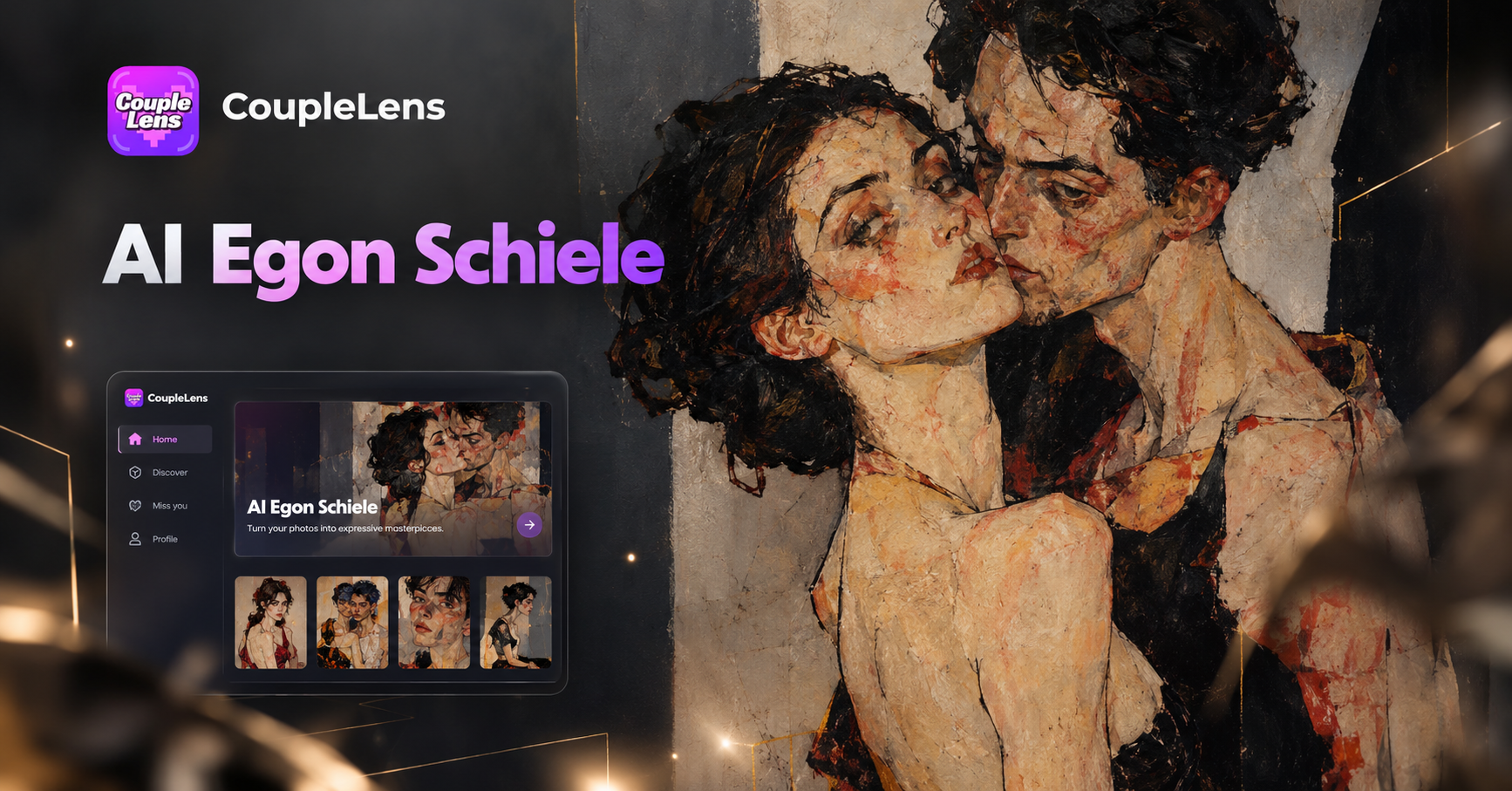
AI Egon Schiele Art Filter on CoupleLens: One Tap Schiele Inspired Portraits
AI Dream Job Photo Generator: See Your Future Self with CoupleLens
CoupleLens AI Camera Movement Video Maker for Photos
AI Ecommerce Video Generator: Turn Product Photos Into Shoppable Videos
AI Egon Schiele Art Filter on CoupleLens: One Tap Schiele Inspired Portraits
Make Your Vampire AI Video on Your Phone Tonight
Get CoupleLens on Google Play, pick a vampire filter, and turn your photo into a vampire AI video in under a minute.
Make Your Vampire AI Video on Your Phone Tonight
Get CoupleLens on Google Play, pick a vampire filter, and turn your photo into a vampire AI video in under a minute.