Thriller Dance AI
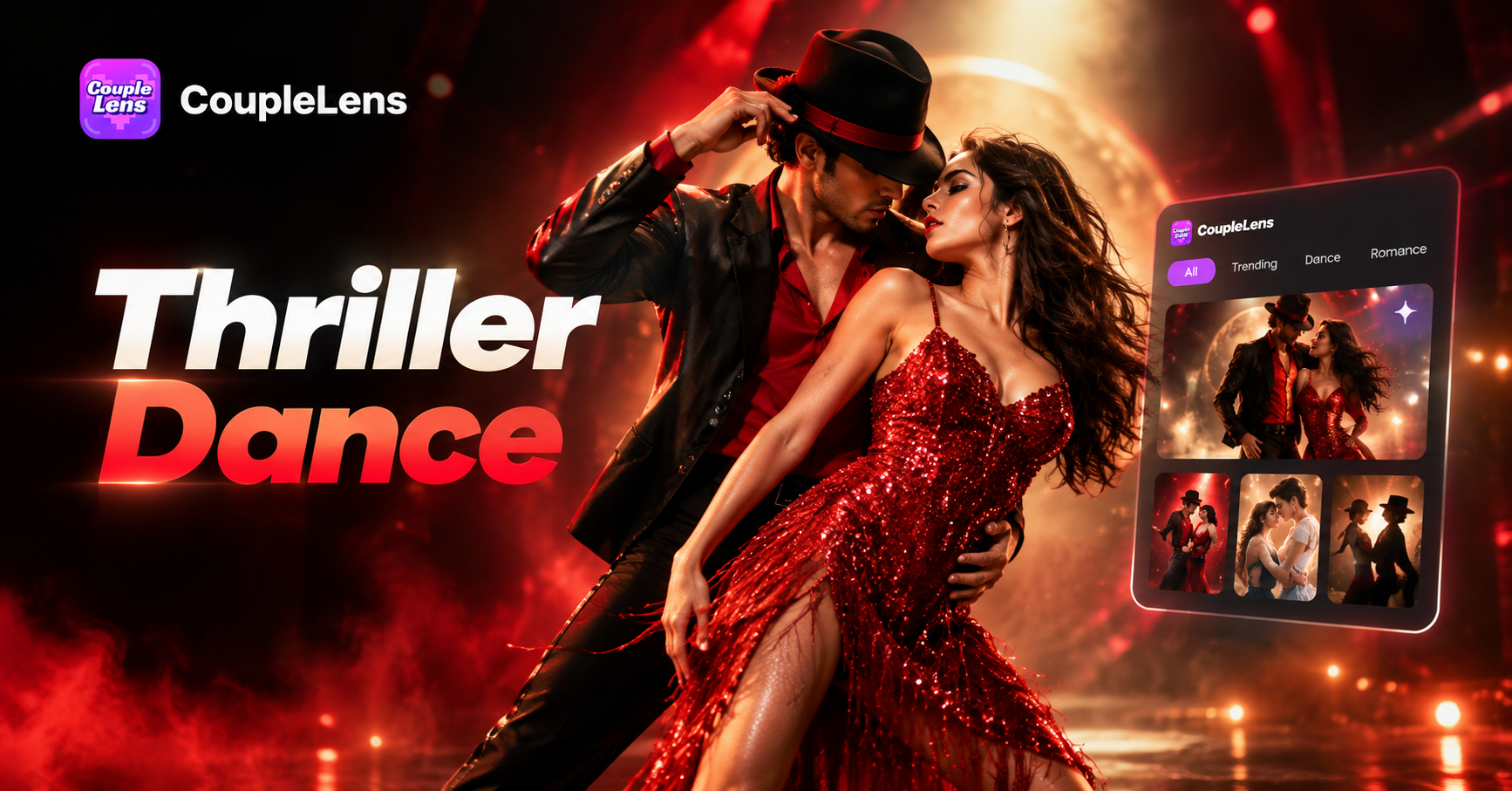
Pick a Thriller Dance AI Filter
The thriller dance AI look lives in the app filters. Open one, add your photo, and render it.
Key Features of Thriller Dance AI
A group photo engine separates every face, a library holds 25,000 filters, and a community feed lets you reuse it.
Dance Videos Keep Every Face
When you upload a group photo, CoupleLens separates each face first and then merges every person into one thriller dance AI scene. Nothing is blurred, nobody is left out, and no third face appears.
One Face across a Whole Series
The same person keeps the same face, hair and clothes from post to post. One look, then a whole series. A Michael Jackson dance AI filter keeps the character steady across every thriller dance AI clip you make.
New Dancing Filters Every Day
The app holds 25,000 templates for avatars, portraits, pet clips and game looks. New Halloween and dance styles land every day, so a pet thriller dance AI post never repeats the same look.
Use CoupleLens for Thriller Dance
An AI dance video generator built for social posting and sharing. Group scene control, a template library that grows every week, and one app for the whole job. It takes you from a plain photo to a published thriller dance AI clip. No studio. No editing session. No credit card.

Watch a Thriller Dance AI Clip Start to Finish
Two CoupleLens walkthroughs that show the thriller dance AI workflow, from picking a filter to publishing a group scene online.
How to Create a Thriller Dance AI Video?
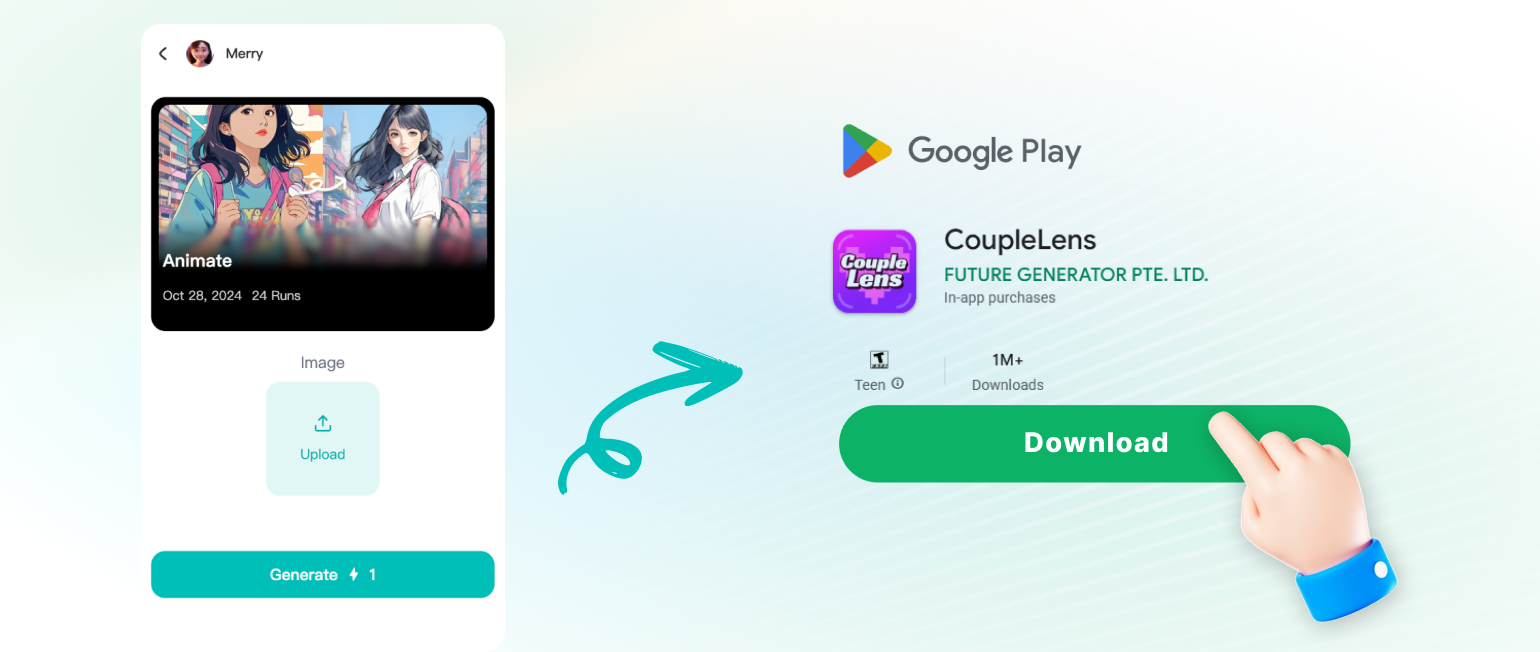
Three steps take you from the download to a published thriller dance AI clip. Every filter choice happens inside the CoupleLens app.
Here is What Users Think About CoupleLens App
I recommend CoupleLens to any couple or family that wants a group dance clip.
I made a group shot with the bride, the groom and six family members. Every face stayed clear and the edit was ready before the coffee arrived. CoupleLens handled a wedding party in one render.
CoupleLens is my weekly post shortcut and my pet fan club would agree.
My cat photo turned into a short 3D clay style video that my followers replay every day. I upload two pictures at once and the AI keeps the fur pattern right.
I recommend it to any creator who wants a series that still looks consistent.
I post a training series and reuse one template for every episode, so the look stays the same all month. CoupleLens saves me a lot of edit time every week.
Frequently Asked Questions
Straight answers about the CoupleLens app, group photos, pet clips, music, privacy, and the thriller dance AI filters inside it.
More Topics You May Like
Next reads for creators who want a posting plan, group scene ideas, and more ways to use a thriller dance AI filter.

AI Dream Job Photo Generator: See Your Future Self with CoupleLens
CoupleLens AI Camera Movement Video Maker for Photos
AI Ecommerce Video Generator: Turn Product Photos Into Shoppable Videos
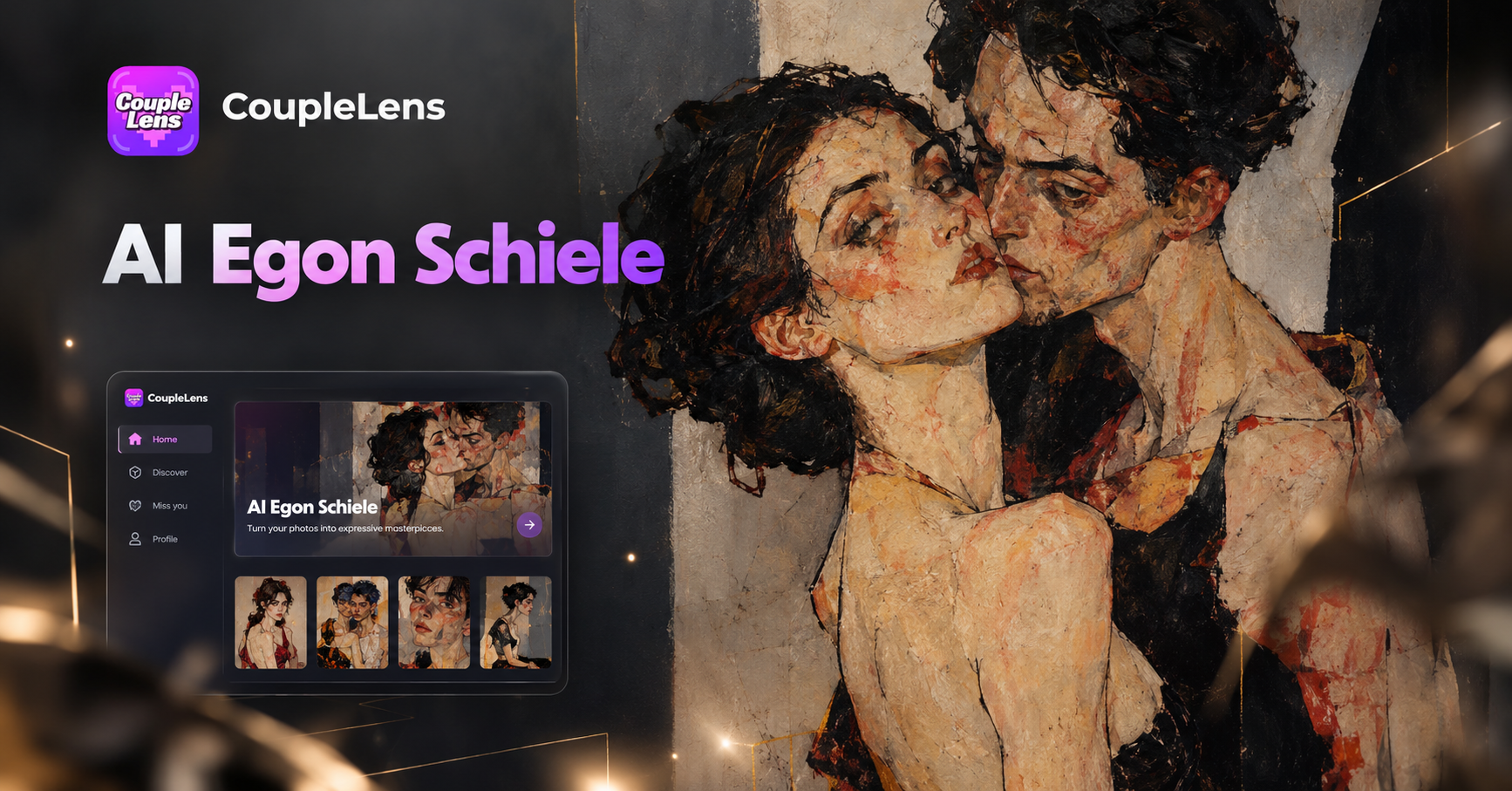
AI Egon Schiele Art Filter on CoupleLens: One Tap Schiele Inspired Portraits
AI Dream Job Photo Generator: See Your Future Self with CoupleLens
CoupleLens AI Camera Movement Video Maker for Photos
AI Ecommerce Video Generator: Turn Product Photos Into Shoppable Videos
AI Egon Schiele Art Filter on CoupleLens: One Tap Schiele Inspired Portraits
Start Your First Thriller Dance Clip
Download CoupleLens on Google Play, pick a filter, and publish your first thriller dance AI clip in 10 to 20 seconds.
Start Your First Thriller Dance Clip
Download CoupleLens on Google Play, pick a filter, and publish your first thriller dance AI clip in 10 to 20 seconds.