Nicole Kidman Dance AI
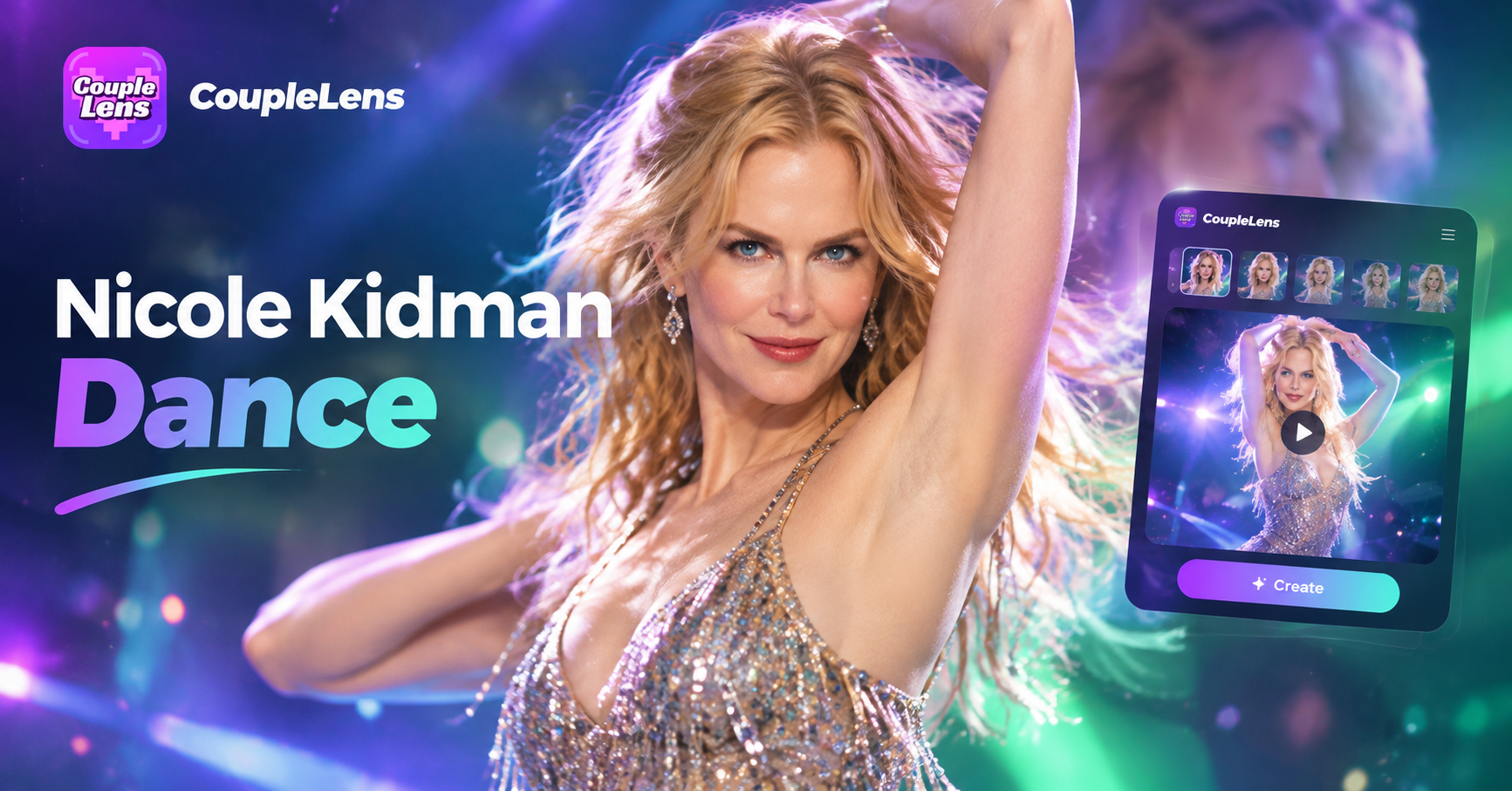
Pick a Dance Filter for Your Clip
Pick a filter and turn your photo into a clip for the Nicole Kidman dance AI trend. Get the app on Google Play.
Key Features of Nicole Kidman Dance AI
Most Nicole Kidman dance AI clips go wrong: the face drifts, the face melts, or you wait too long, while the CoupleLens app handles all three before you post.
 Before
Your Face Stays Yours
CoupleLens locks your face, hair, makeup, and outfit to the photo you upload. The same look carries across a whole series of posts. No outfit swaps, no background jumps, no camera jump cut.
Group Shots Keep Every Face
CoupleLens reads each face separately before it builds the scene. In the group photo filters, you and your friend keep your own faces and your own outfits. No melted cheeks. No lost friend.
Dance Videos Ready within Seconds
One filter, one photo, one tap on generate. The render takes ten to twenty seconds inside the app on your phone. No browser upload, no desktop detour, and no waiting around for it.
Dance Clips You Can Make with CoupleLens
One photo in, one clip out. Every clip for the Nicole Kidman dance AI trend follows the filter you pick.
CoupleLens Dance AI Video Walkthroughs
Two short walkthroughs for the Nicole Kidman dance AI trend. Install the app, run a filter, and post your first clip.
How to Make the Nicole Kidman Dance AI Video?
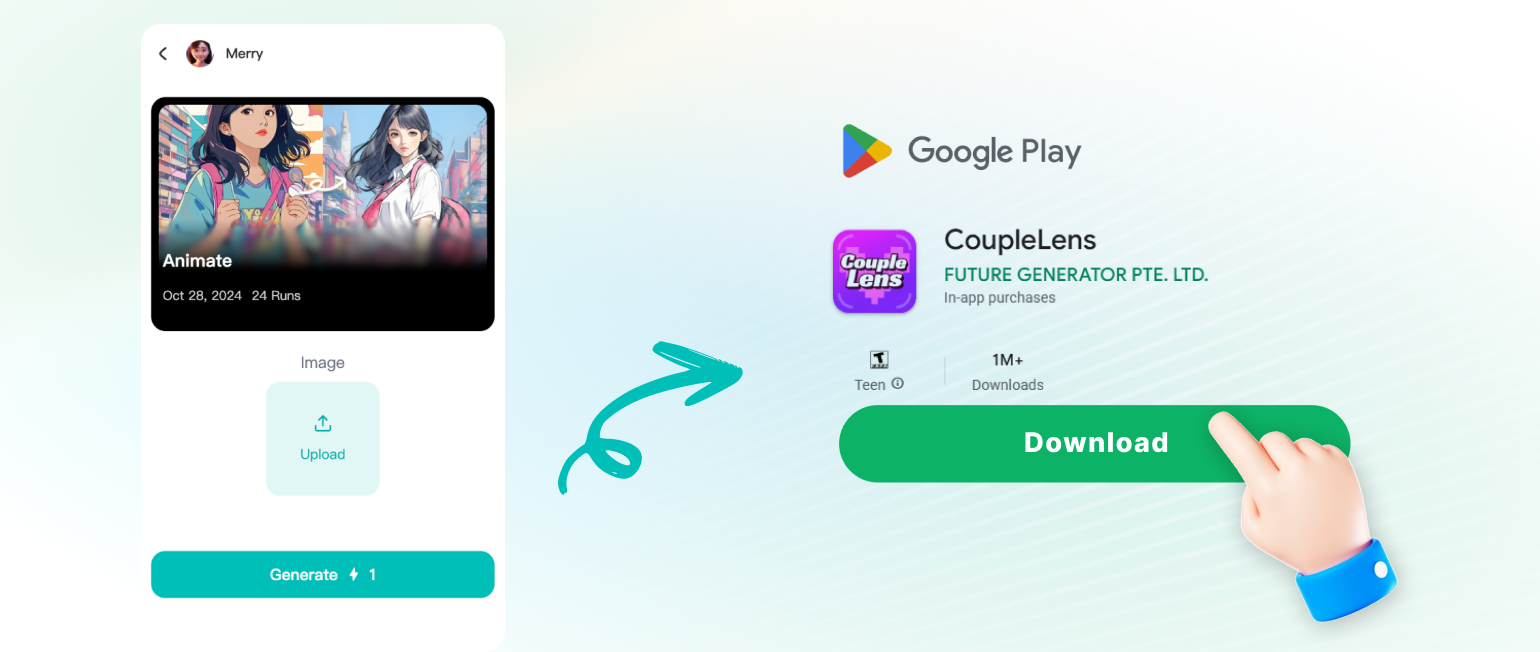
Make a clip for the Nicole Kidman dance AI trend in three steps. Download CoupleLens, pick a filter, post before it moves on.
What Our Users Say about CoupleLens
My class sends the clip back every week, and the face still looks like me.
I teach this trend to teenagers. I film one clip on Sunday and my class learns it by Monday. The face never slides and the outfit stays what I wore. CoupleLens lets me keep teaching.
I send one CoupleLens clip to every client before the session.
I send couples a clip like this before the shoot. They post it, their friends comment, and the real photos land better. Doing it in the app on my phone saved me a laptop and a long wait.
I run the same filter on every team clip now, one tap each time.
My players wanted a dance clip, and they wanted it that night. I made a group clip in the app during my break and posted it before practice ended. No tripod and no second take.
Frequently Asked Questions
Straight answers about the Nicole Kidman dance AI trend, from the photo you upload to the page you publish it on.
More Topics You May Like
More to try. Each one takes the same photo and filter flow as the Nicole Kidman dance AI trend.
AI Dream Job Photo Generator: See Your Future Self with CoupleLens
CoupleLens AI Camera Movement Video Maker for Photos
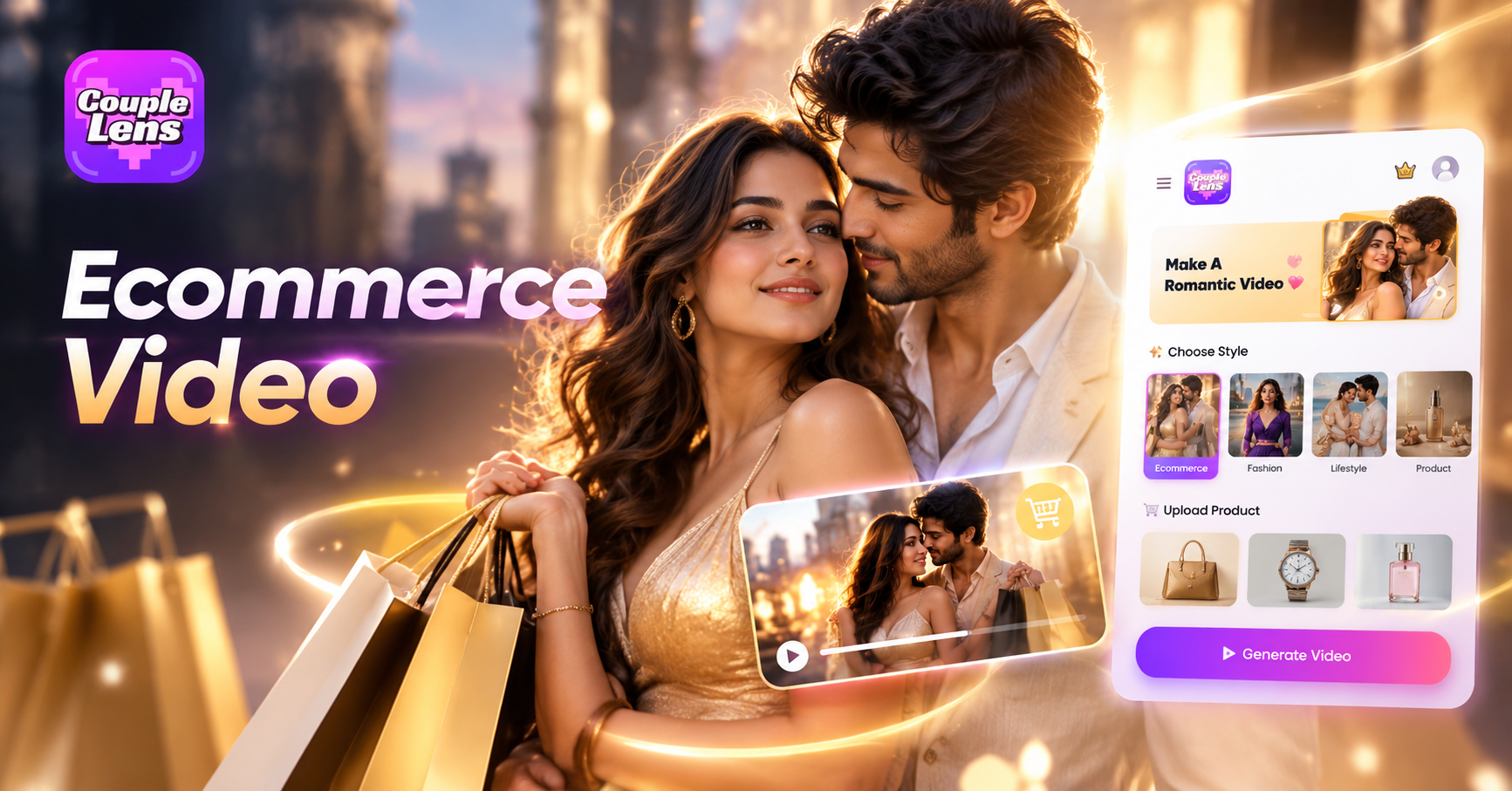
AI Ecommerce Video Generator: Turn Product Photos Into Shoppable Videos
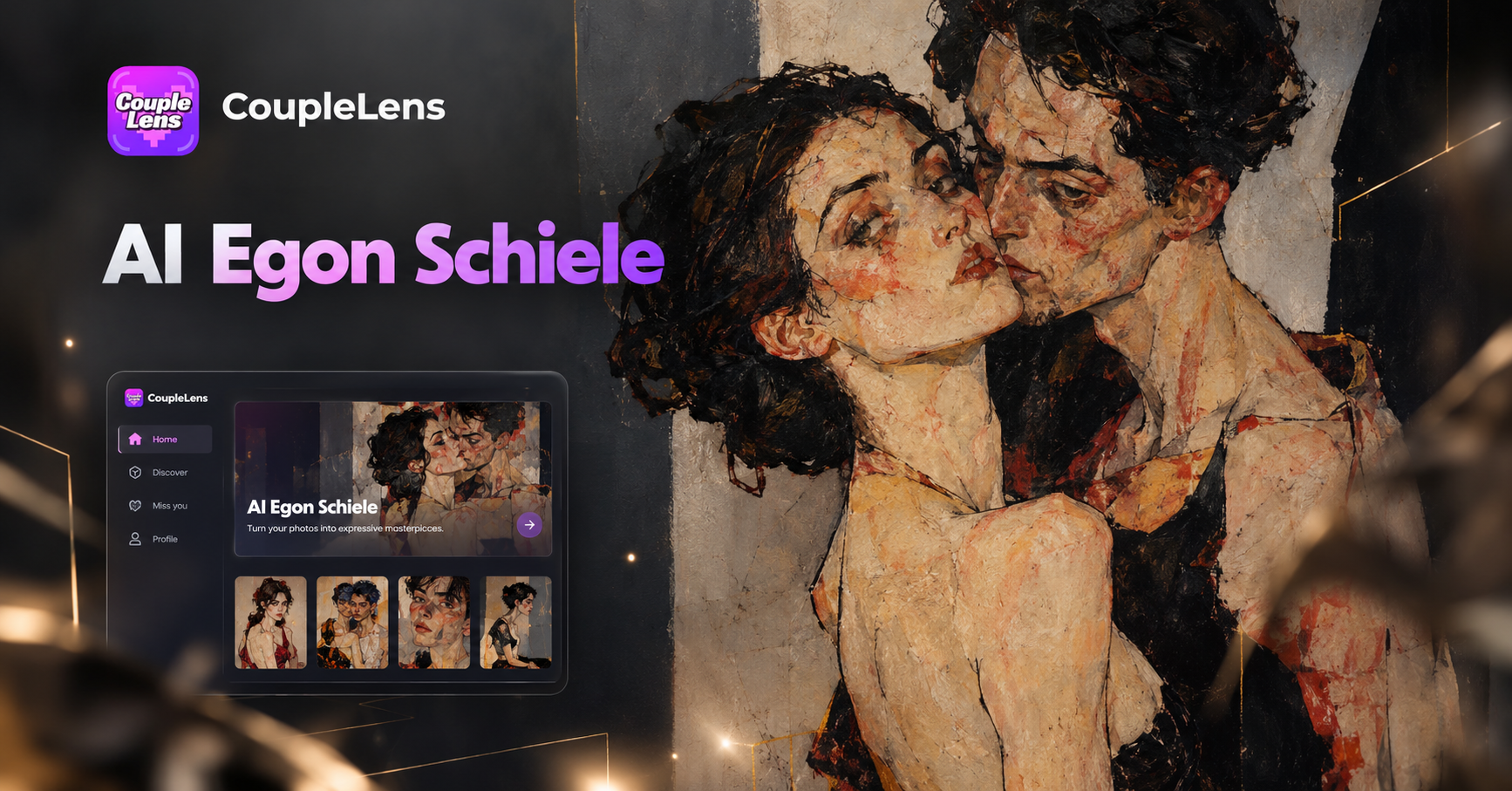
AI Egon Schiele Art Filter on CoupleLens: One Tap Schiele Inspired Portraits
AI Dream Job Photo Generator: See Your Future Self with CoupleLens
CoupleLens AI Camera Movement Video Maker for Photos
AI Ecommerce Video Generator: Turn Product Photos Into Shoppable Videos
AI Egon Schiele Art Filter on CoupleLens: One Tap Schiele Inspired Portraits
Ready to Post Your Dance AI Video
Make a clip of your own for the Nicole Kidman dance AI trend. Get CoupleLens on Google Play.
Ready to Post Your Dance AI Video
Make a clip of your own for the Nicole Kidman dance AI trend. Get CoupleLens on Google Play.