Instagram Mirror Selfie AI Photo Editing
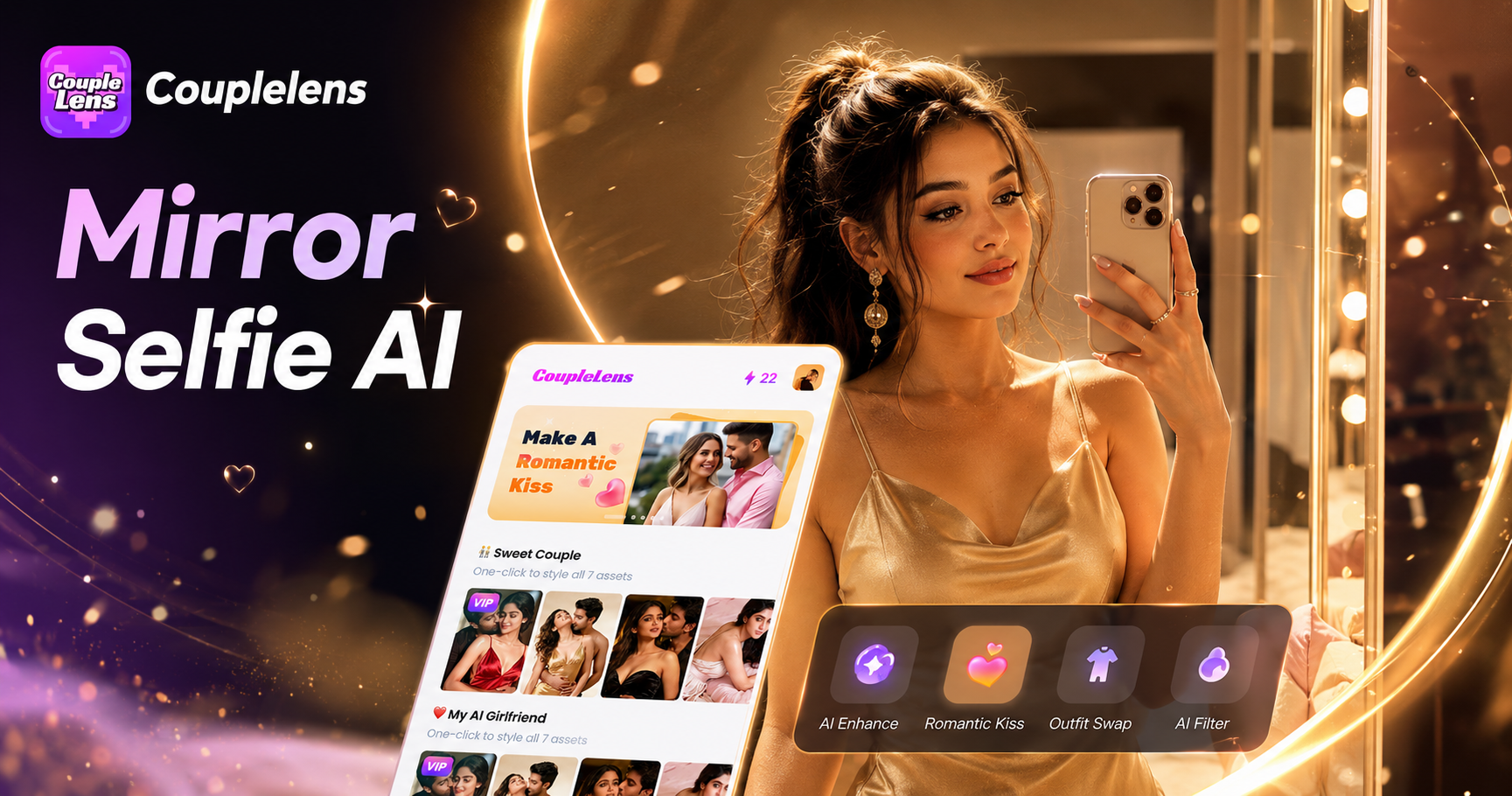
Mirror Selfie Filters Curated for Instagram Creators
From luxury solo shots to cozy couple frames, each Instagram mirror selfie AI photo editing filter lives inside the CoupleLens app and outputs in seconds.
Key Features of Mirror Selfie AI Filters on CoupleLens
Every Instagram mirror selfie AI photo editing session on CoupleLens comes with powerful tools built for mobile creators.
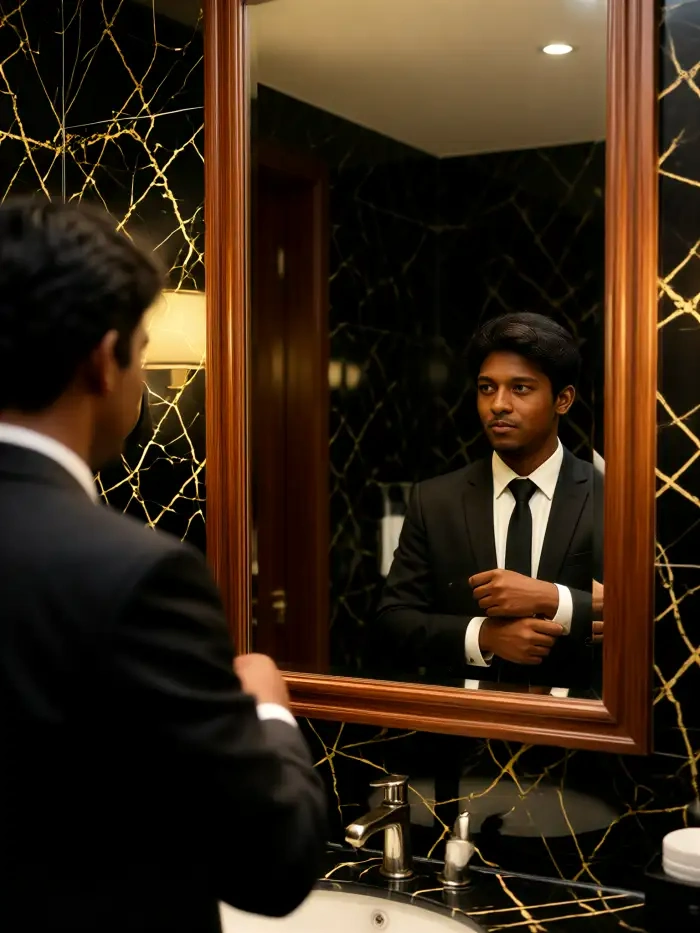
One Tap Realistic Mirror Reflection
Upload any photo and CoupleLens adds the mirror, the phone in your hand, and the right lighting. The app reads your face, your outfit, and your pose. It then builds a realistic mirror selfie AI scene around you. You stay you. The mirror does the work. Perfect for anyone tired of botched reflection edits or weird hand splices from other tools.
One Tap Realistic Mirror Reflection
Upload any photo and CoupleLens adds the mirror, the phone in your hand, and the right lighting. The app reads your face, your outfit, and your pose. It then builds a realistic mirror selfie AI scene around you. You stay you. The mirror does the work. Perfect for anyone tired of botched reflection edits or weird hand splices from other tools.
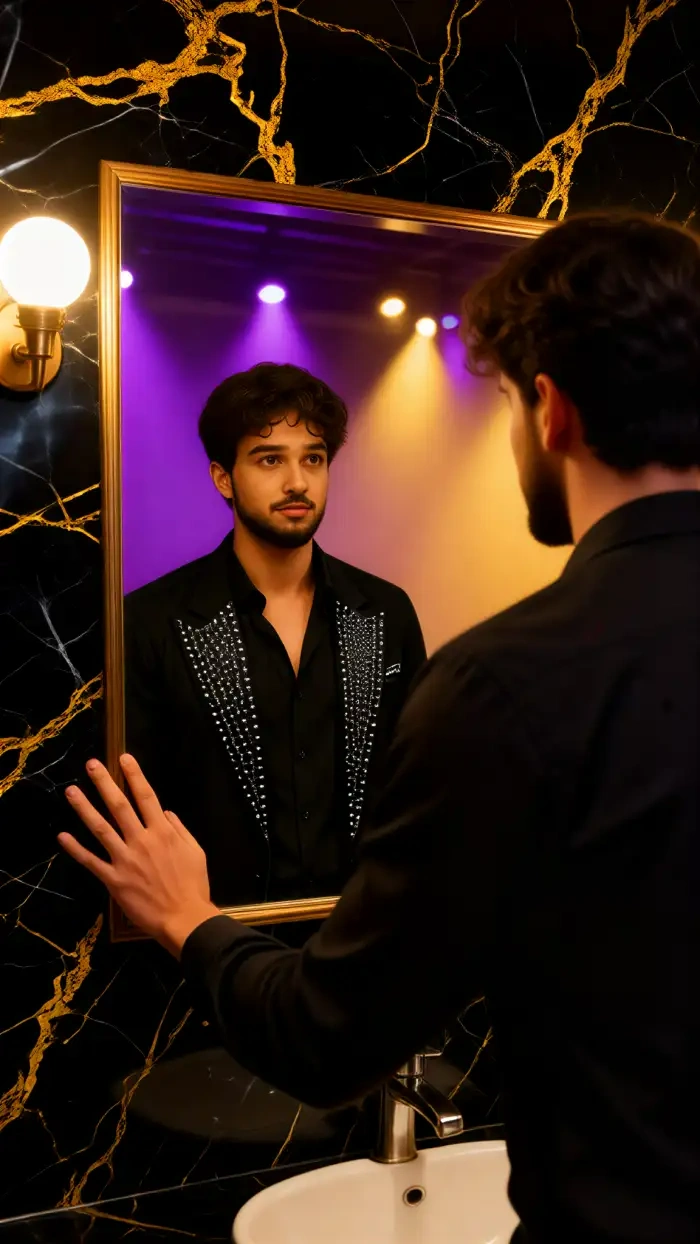
Cinematic Lighting and Mood Presets
Want that warm golden hour glow or cool moody noir feel? CoupleLens ships with cinematic mirror selfie photo presets for every aesthetic. Each preset adjusts shadows, color grade, and background blur to match the mood. No slider tweaking. No Lightroom imports. Just pick a vibe and post.
Cinematic Lighting and Mood Presets
Want that warm golden hour glow or cool moody noir feel? CoupleLens ships with cinematic mirror selfie photo presets for every aesthetic. Each preset adjusts shadows, color grade, and background blur to match the mood. No slider tweaking. No Lightroom imports. Just pick a vibe and post.
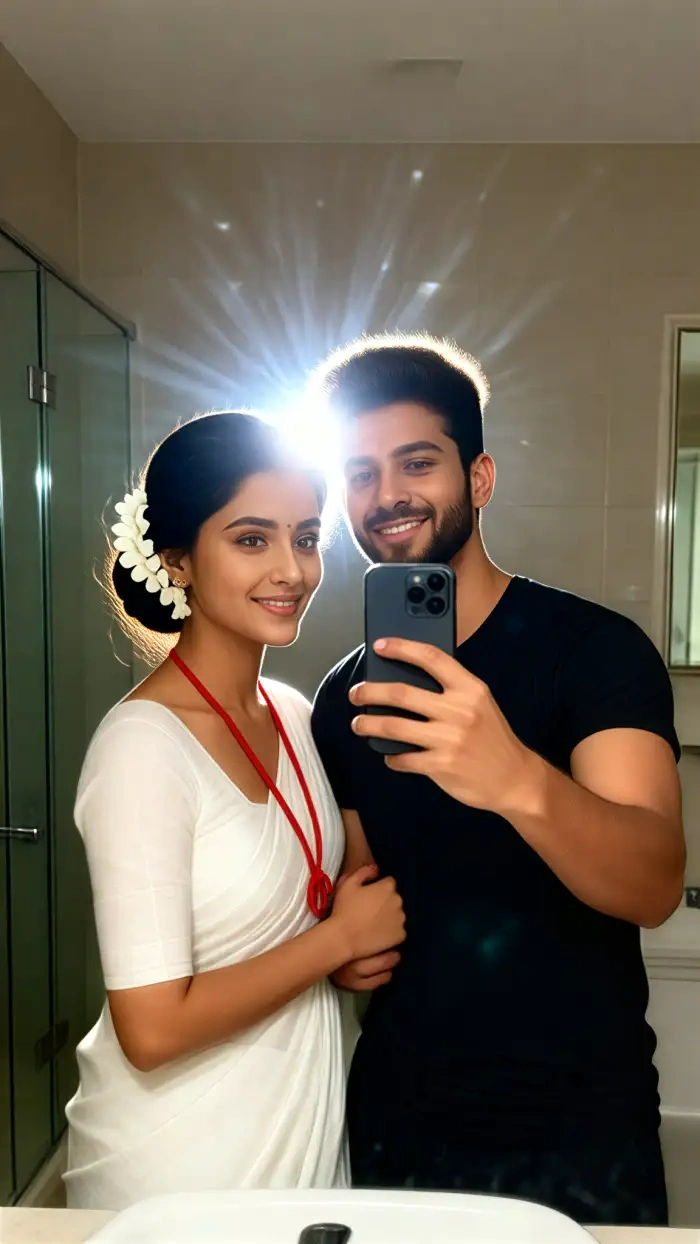
Multi Person Mirrored Scenes for Couples and Crews
CoupleLens handles two people in the mirror with zero face blending. The app keeps each face, each hairstyle, and each outfit distinct. Hugs, kisses, and side by side poses all come out clean. Great for couples, friends, and creators who post group content. The Luxury Couple Mirror Filter and Mirror Date Denim AI Filter shine brightest here.
Multi Person Mirrored Scenes for Couples and Crews
CoupleLens handles two people in the mirror with zero face blending. The app keeps each face, each hairstyle, and each outfit distinct. Hugs, kisses, and side by side poses all come out clean. Great for couples, friends, and creators who post group content. The Luxury Couple Mirror Filter and Mirror Date Denim AI Filter shine brightest here.
How to Create an Instagram Mirror Selfie with CoupleLens?
Three quick steps. No Photoshop or Canva design skills needed. Your next post lives three taps away.

Step 01.
Search CoupleLens, hit install, and open the app. Sign in with your email or social account. Setup takes under a minute.

Step 02.
Scroll the filter library inside CoupleLens. Tap any mirror selfie filter beyond the eight recommended options.

Step 03.
Wait about ten to twenty seconds. Your mirror selfie is ready. Download it, post it to Instagram, TikTok, or any feed.
Real Mirror Selfies Made Inside CoupleLens
Browse what other creators shipped to Instagram this week. Every image below was generated inside the CoupleLens app.
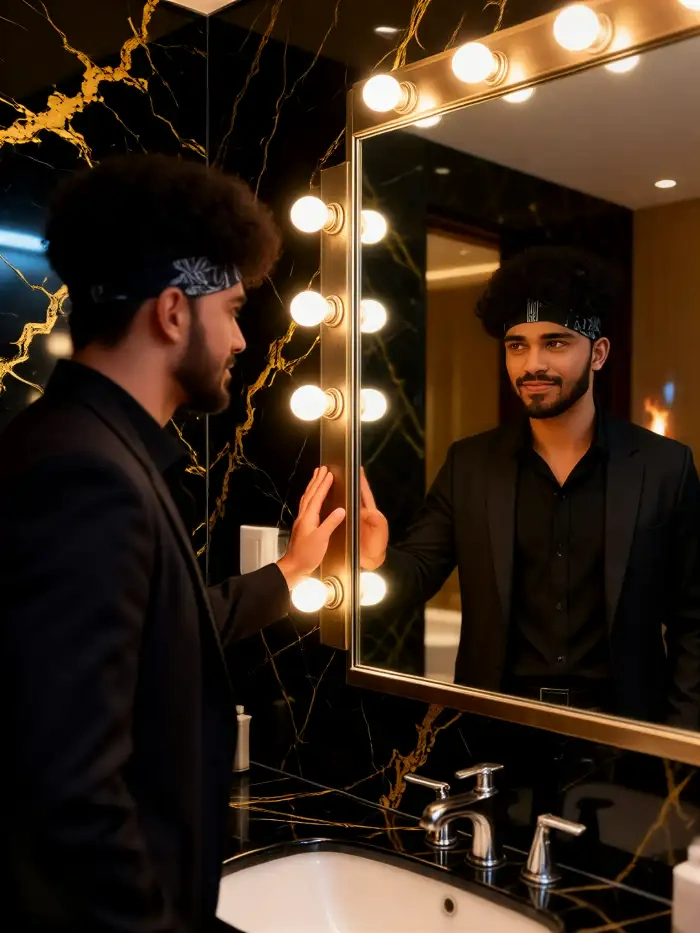
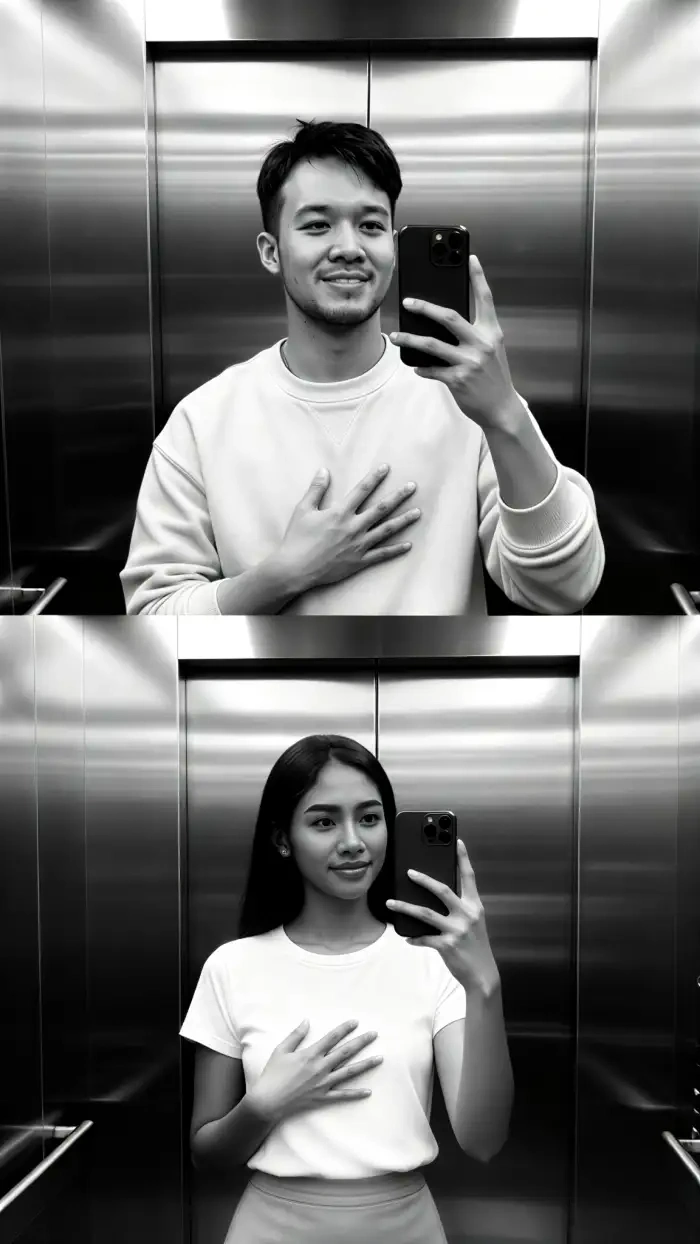
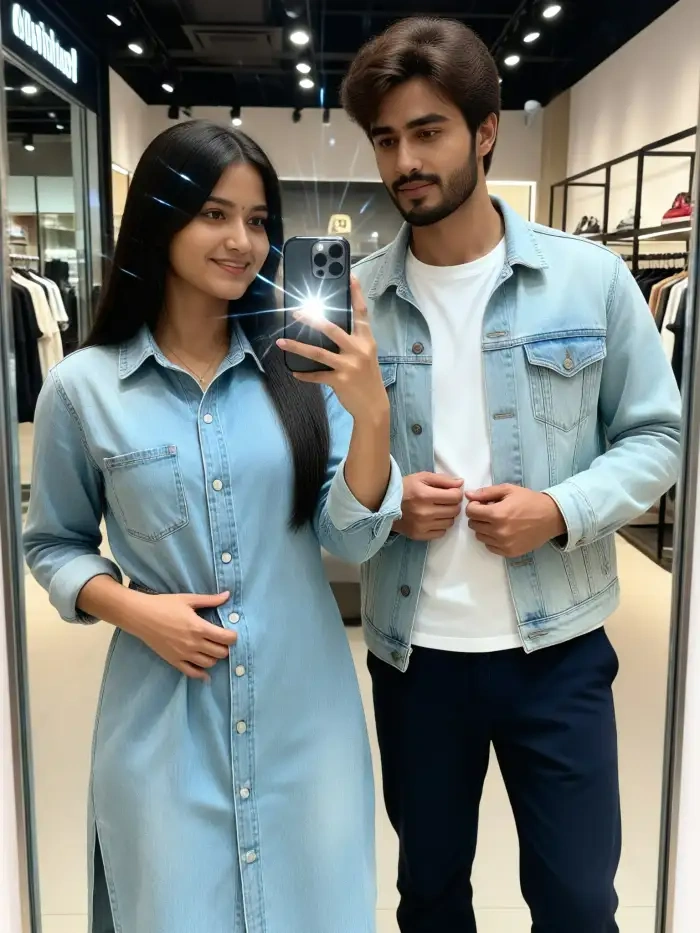
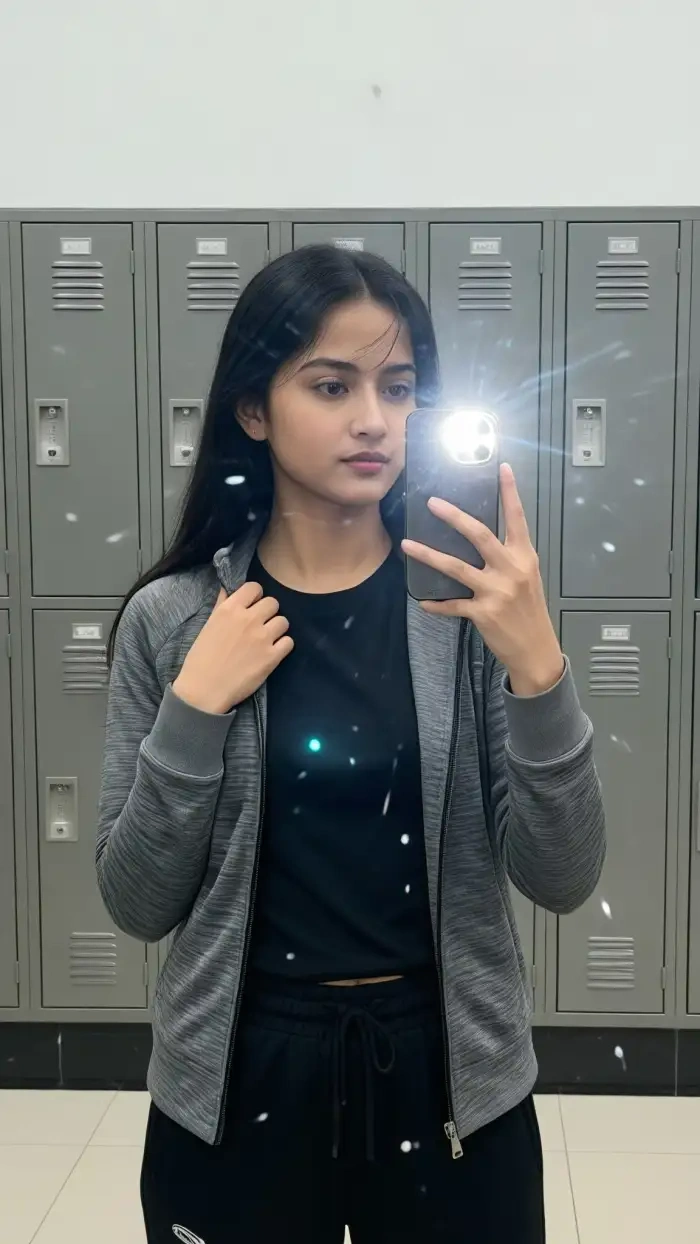
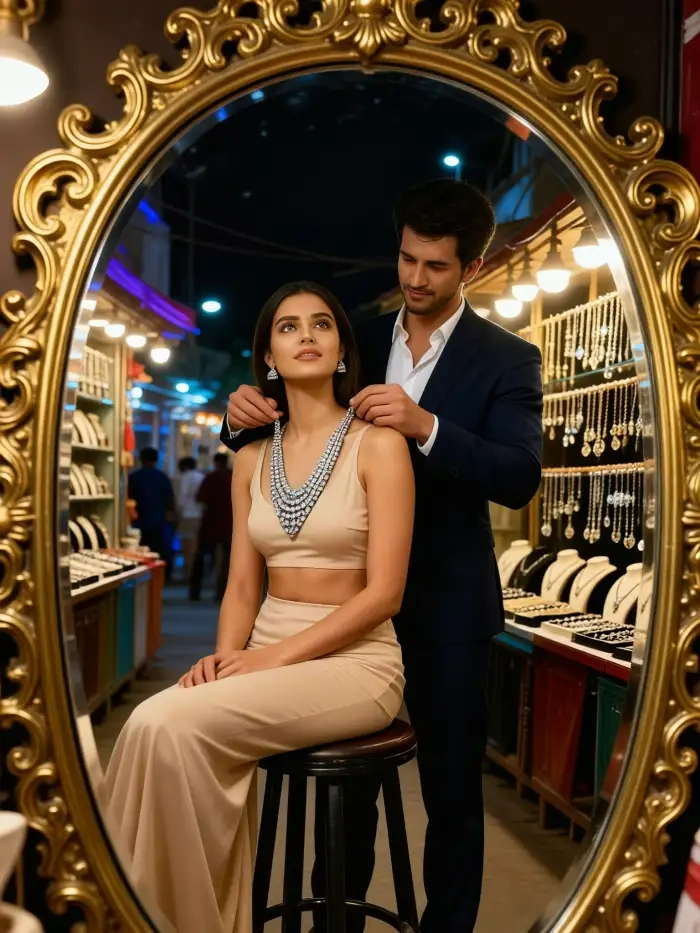
What Real Creators Say About CoupleLens Mirror Selfies
My followers keep asking which camera type I use. I just used CoupleLens.
I run a small lifestyle blog and I need fresh mirror selfie content every week. CoupleLens changed my whole workflow. I open the app, pick the Luxury Mirror Selfie AI Filter, upload one photo from my morning routine, and boom. I have a post ready. The lighting always looks expensive.
Posting on Instagram feels easier than ever. Engagement is up since I switched.
Gym mirror selfies used to look flat. Now I run them through the Athleisure Mirror Selfie AI Filter on CoupleLens and they pop. The app keeps my muscle definition and adds the right gym vibe.
Best app for couples who love aesthetic posts.
My partner and I post couple content together. The Mirror Date Denim AI Filter on CoupleLens is our go to. It captures both our faces without blending them. The cinematic mirror selfie photo preset makes our feed look like a magazine.
Walkthroughs Show How Creators Use CoupleLens
Learn the fastest path from raw photo to Instagram-ready mirror selfie post in under two minutes.
Frequently Asked Questions
Quick answers to the most common questions creators ask about editing mirror selfies with AI on CoupleLens.
More Topics You May Like
Love the mirror selfie vibe? Explore other trending AI photo styles inside CoupleLens. Keep your feed fresh with new uploads every week.
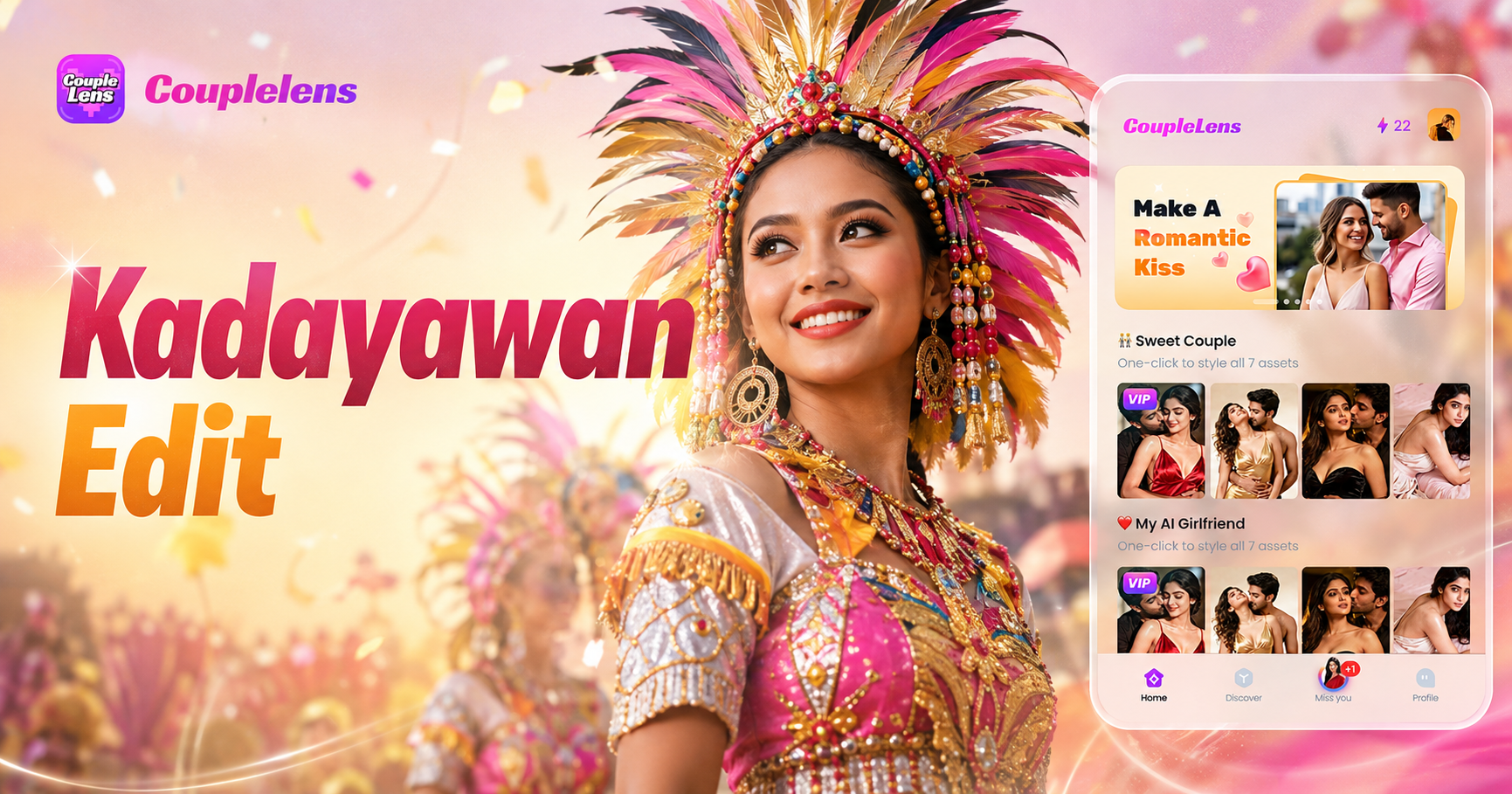
Kadayawan Photo Edit with CoupleLens AI: Festival Style in One Tap
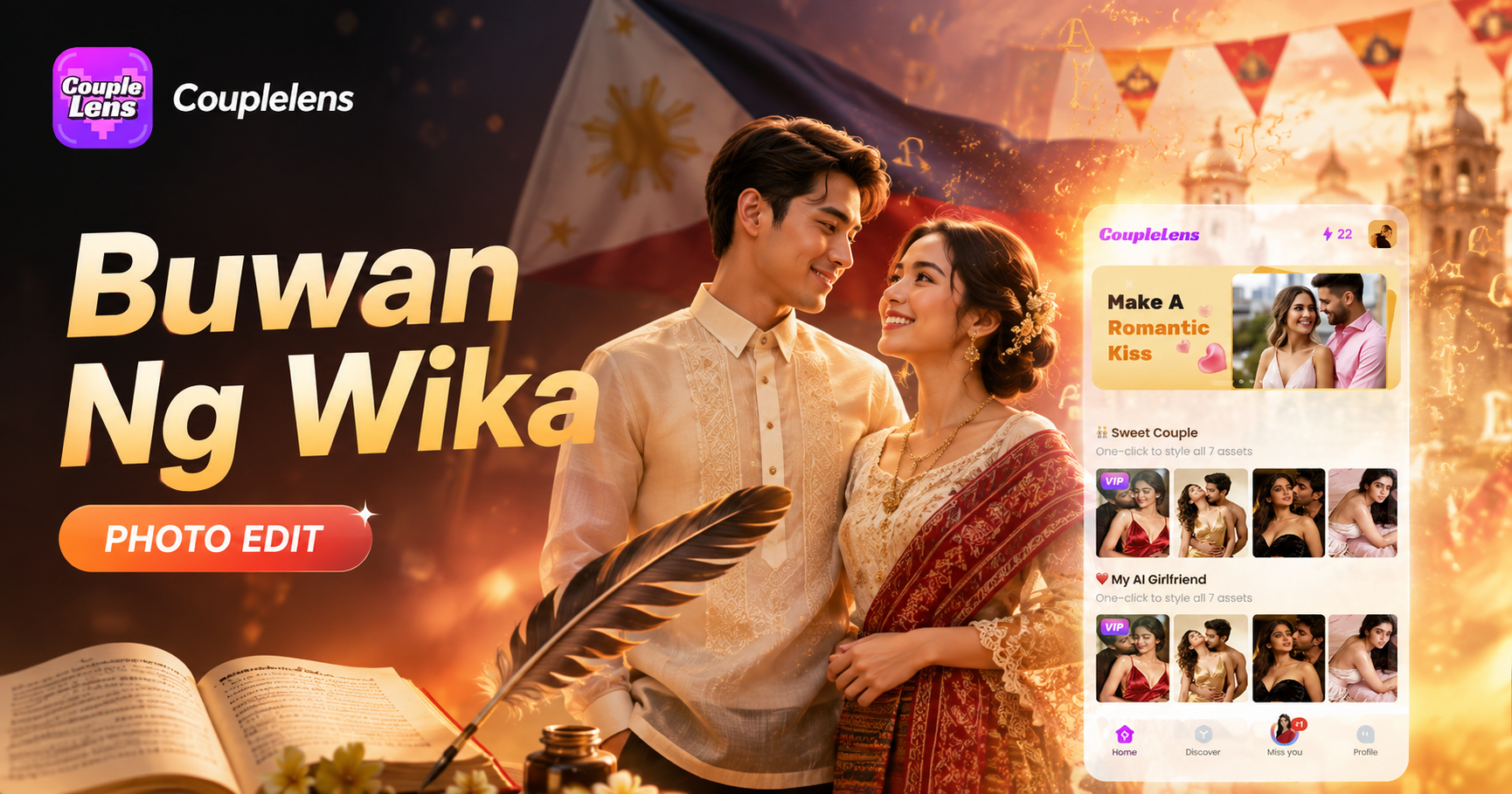
Buwan Ng Wika Photo Edit App: CoupleLens AI Image Generator Free
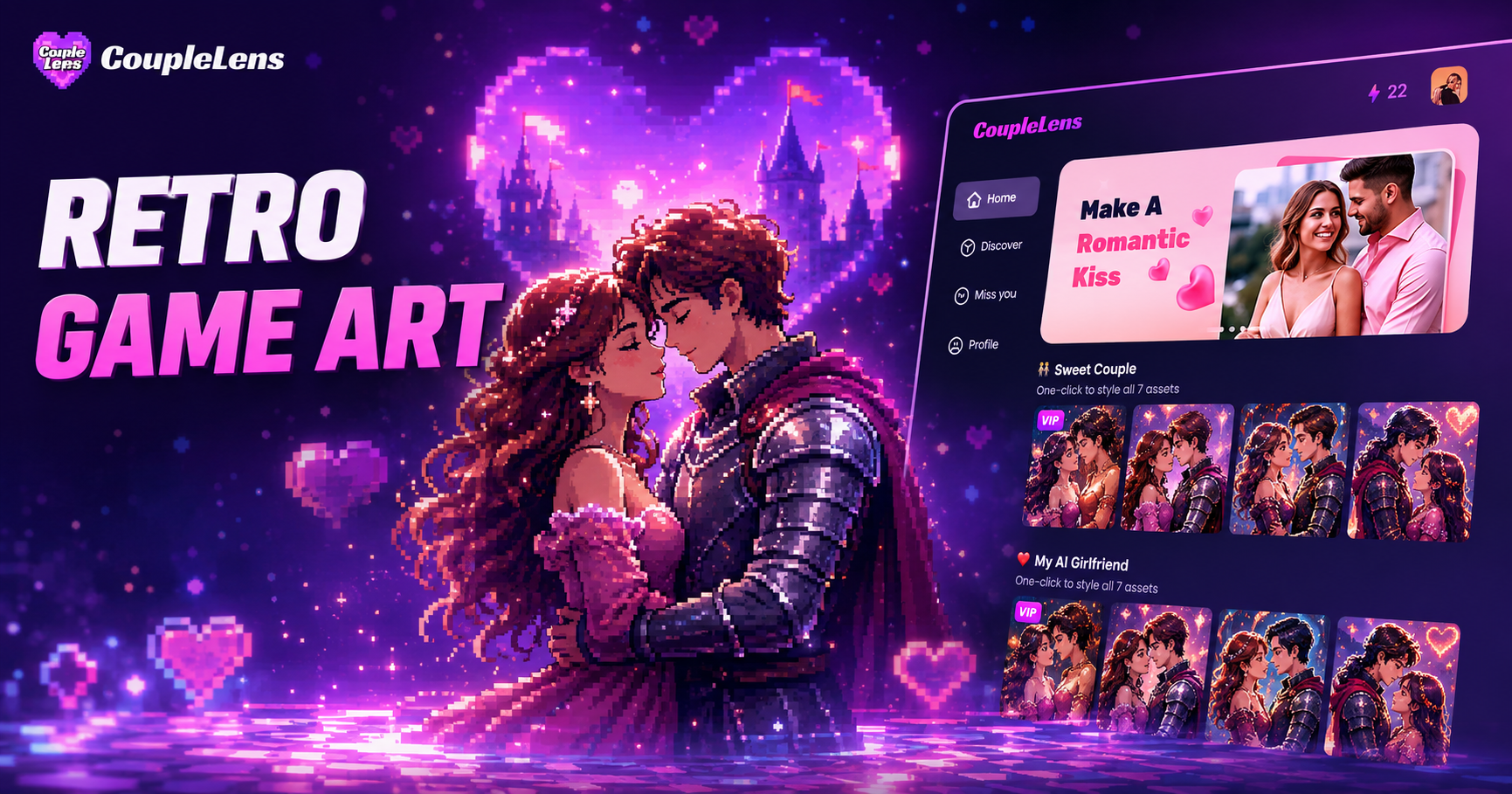
Retro Game Art Generator: Turn Photos Into Pixel Art with CoupleLens
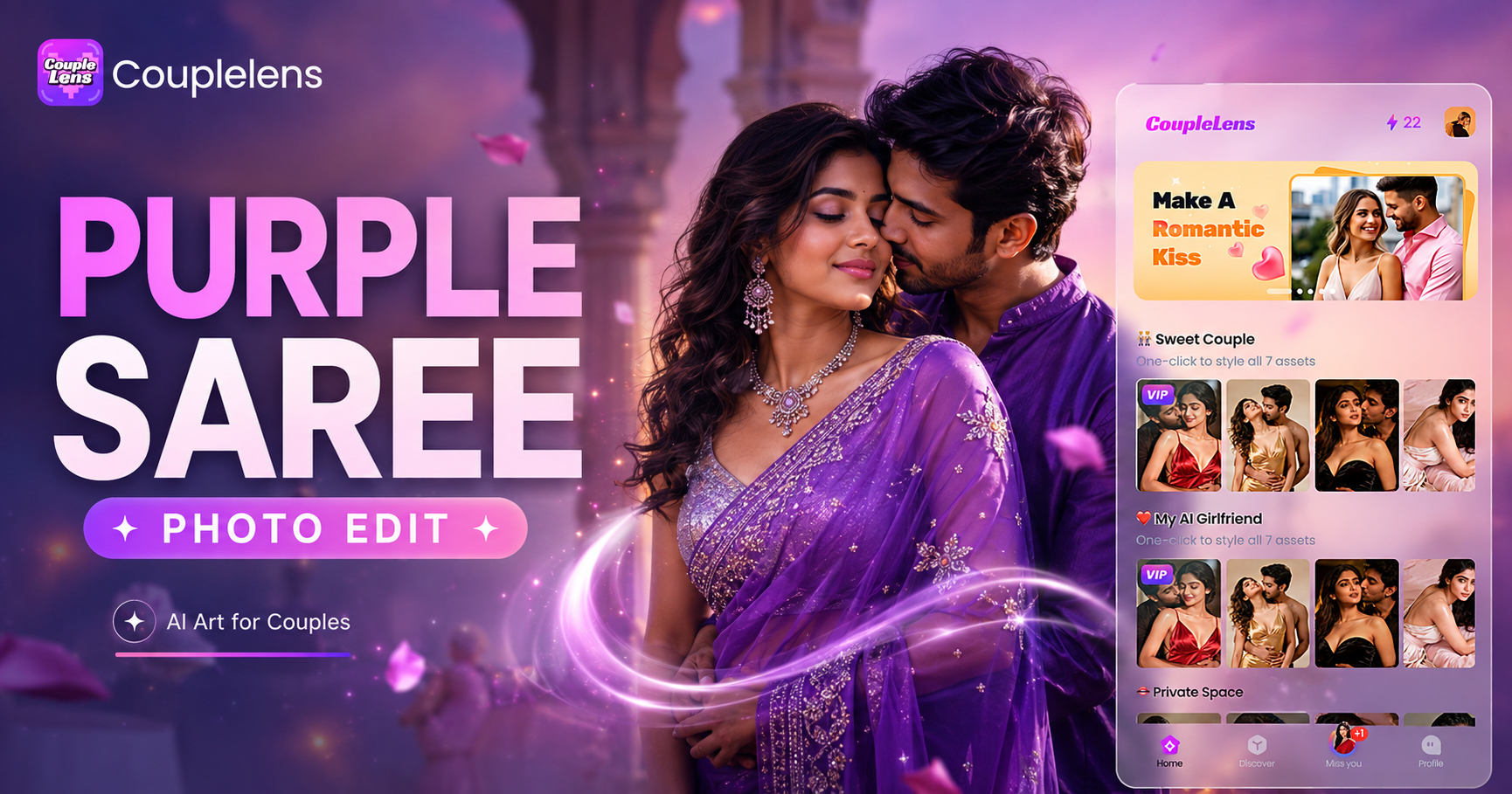
Purple Saree Photo Editing: Get Royal Purple Looks in Seconds with CoupleLens
Kadayawan Photo Edit with CoupleLens AI: Festival Style in One Tap
Buwan Ng Wika Photo Edit App: CoupleLens AI Image Generator Free
Retro Game Art Generator: Turn Photos Into Pixel Art with CoupleLens
Purple Saree Photo Editing: Get Royal Purple Looks in Seconds with CoupleLens
Your Next Mirror Selfie Is One Tap Away
Stop scrolling. Start posting. Download CoupleLens on Google Play and edit your first Instagram mirror selfie AI photo in under a minute. The feed refresh starts now.
Your Next Mirror Selfie Is One Tap Away
Stop scrolling. Start posting. Download CoupleLens on Google Play and edit your first Instagram mirror selfie AI photo in under a minute. The feed refresh starts now.