Grok AI Ghibli
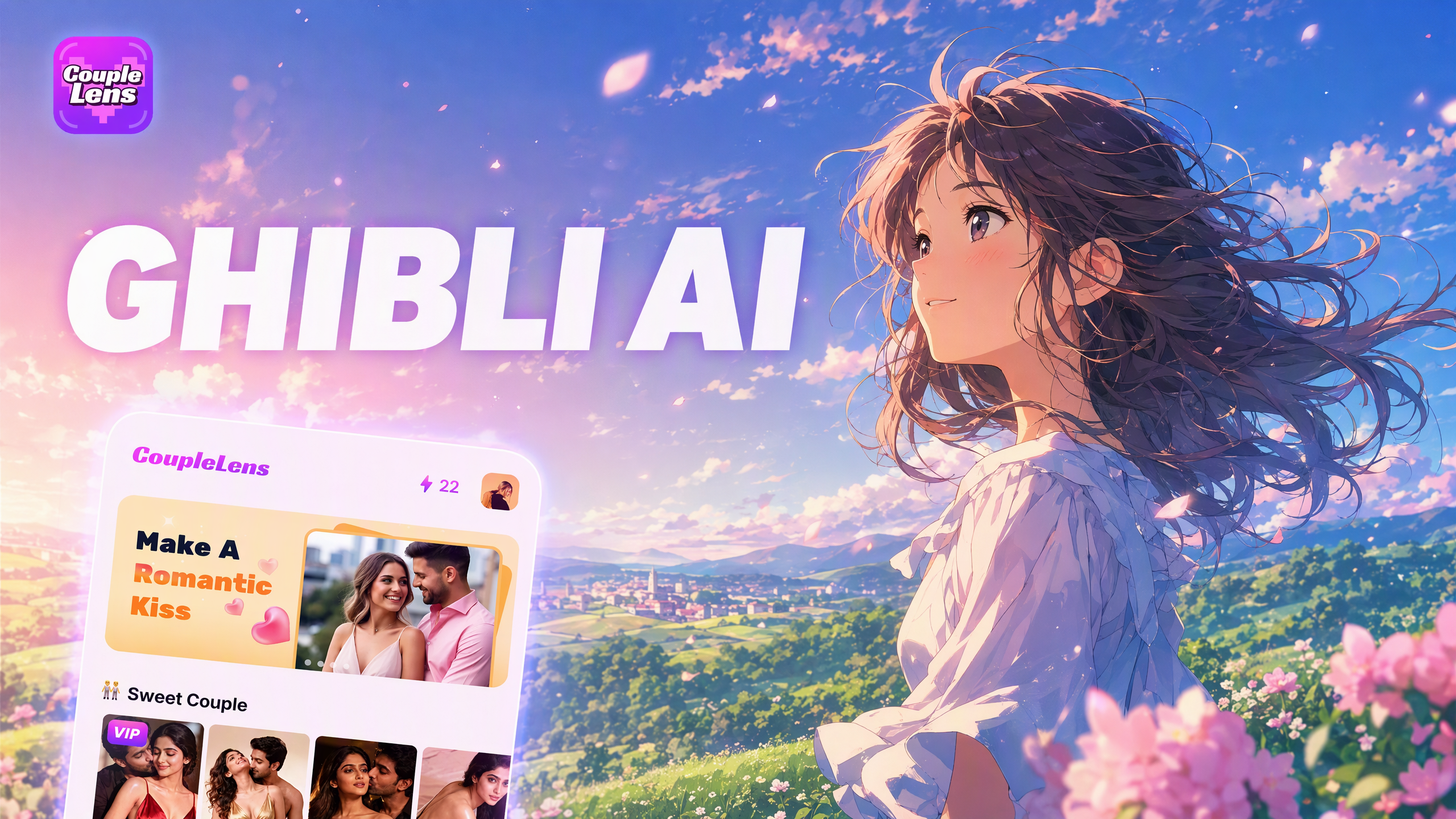
Pick a Ghibli Filter That Matches Your Photo Right Now
Each CoupleLens Ghibli template is tuned for a different scene, from solo portraits to couple shots to full group photos.
Key Features of the CoupleLens Ghibli Style
Each one solves a pain point that the Grok AI Ghibli route leaves open for most people.
 Before
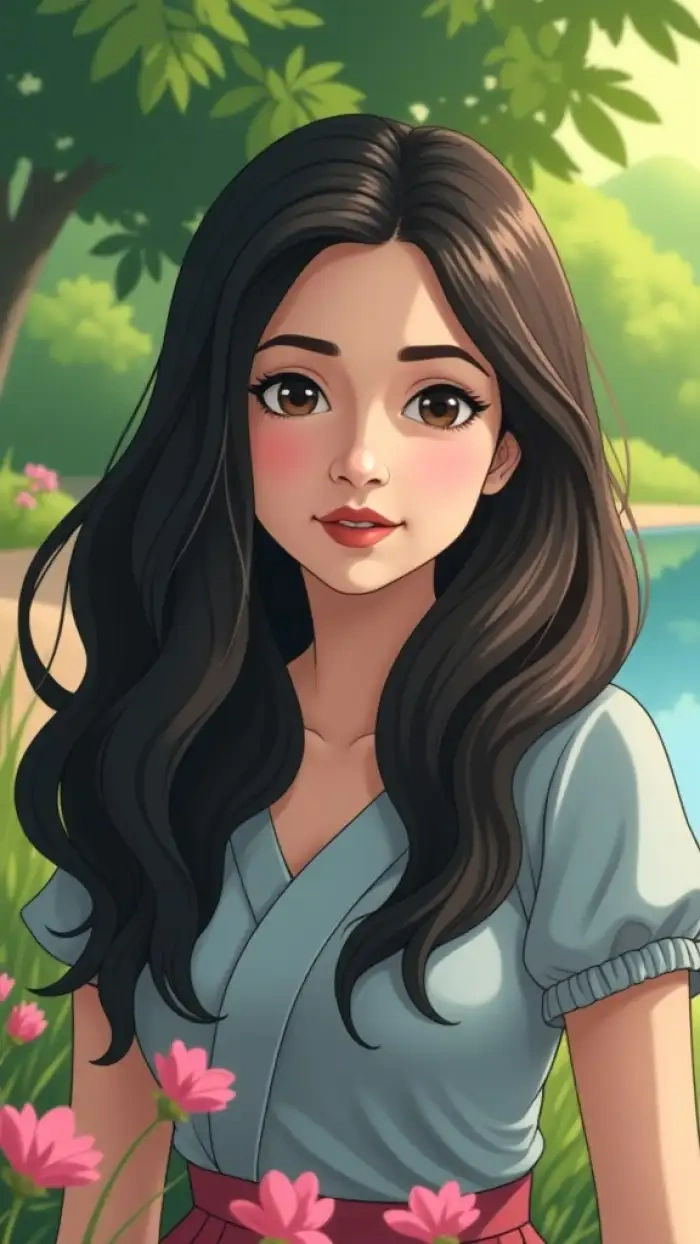 After
Ghibli Style Image From Any Photo
Upload a phone snap, a selfie, or a pet picture. CoupleLens reads the subject, the light, and the background, then paints it in Studio Ghibli style with hand drawn edges and soft watercolor color. One tap, no prompt needed.
 Before
 After
One Tap Ghibli Style Filter
You don't need to learn prompt writing or sign up for X to use Grok AI Ghibli. CoupleLens did it in one tap on the couch; the Ghibli Filter 2.0 gave the character those big eyes and soft light, and you can frame and print it the same week.
 Before
Ghibli Style Video From a Still Image
Take any Ghibli style photo inside CoupleLens and tap to animate it. Soft camera moves, gentle wind, blink and smile loops. Your still portrait becomes a short Ghibli style video ready to post on TikTok or Reels.
How to Create a Ghibli Style Image With CoupleLens?
Three short steps. No prompt writing, no model choosing, no X account. The whole flow lives inside the CoupleLens mobile app from start to finish.
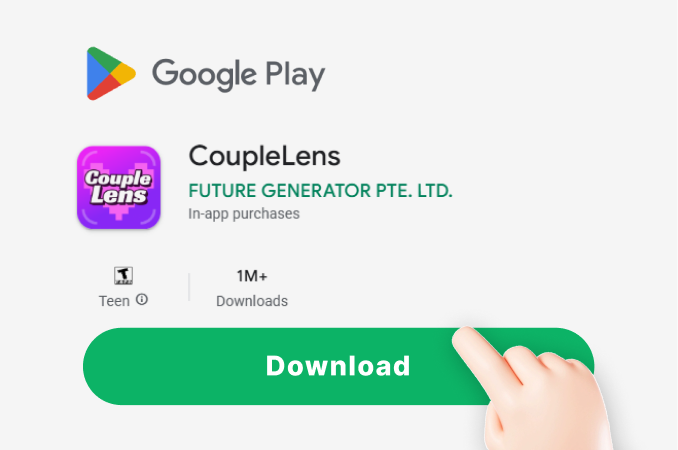
Step 01.
Download CoupleLens on Google Play. Open the app and sign in with your email to unlock the full Ghibli filter library on your phone.
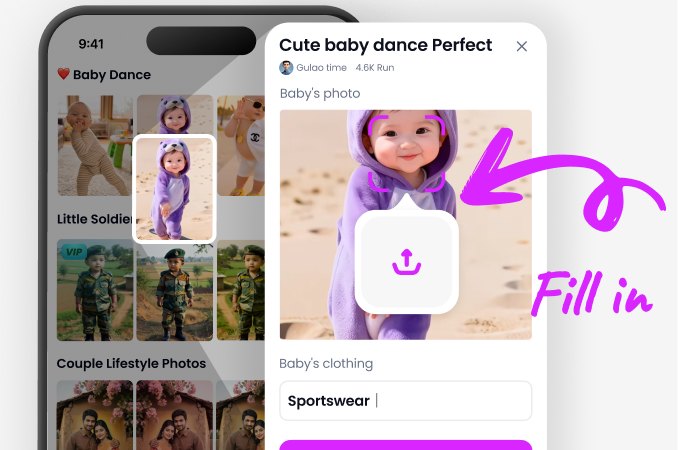
Step 02.
Pick any Ghibli filter inside CoupleLens, drop in one or more photos, and let the AI do the work. Wait ten to twenty seconds while it paints your image.
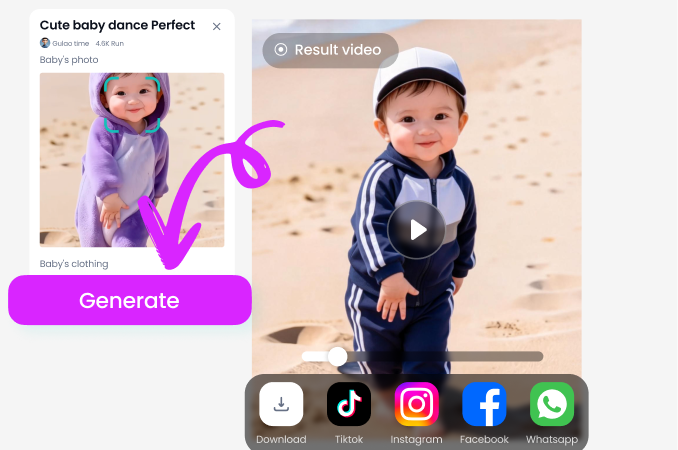
Step 03.
Save the finished photo or short video, share it to TikTok, Reels, or your CoupleLens profile, and let the community see your Studio Ghibli work.
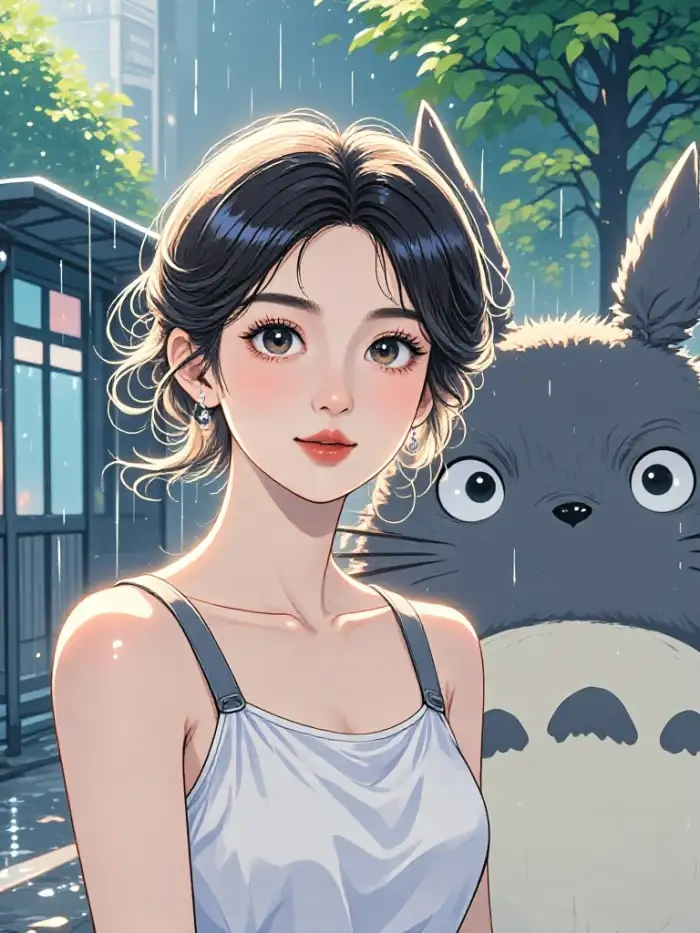
See Real Ghibli Style Results Made Inside CoupleLens
A quick look at what users pulled off with the CoupleLens Ghibli filter today. Tap any image to see the full size, full color, full Ghibli mood.

Watch the CoupleLens Ghibli Flow
Two short screen recordings show the full path from Google Play install to Ghibli style image and video.
What Real People Say About the CoupleLens Ghibli Filter
Try the Ghibli filter in CoupleLens and skip the Grok login loop.
I used to run every photo through Grok just to get a Ghibli look. Now I open CoupleLens on my phone, tap the Ghibli template, and the image is done before I finish my coffee. The watercolor tones feel right, the face stays mine, and the whole thing takes seconds.
CoupleLens is the easiest way to share a Ghibli group photo with your friends.
My group pics always turn into a melted mess on other apps. The Ghibli Couple Photo filter in CoupleLens actually kept all five of my friends looking like themselves, just in a Miyazaki world. I posted it on my story and got more DMs than I ever have.
CoupleLens turned my Ghibli stills into daily Reels without any extra tools.
I run a small animation page on Reels. CoupleLens lets me take a single Ghibli style image and animate it into a short video in one tap. No desktop, no After Effects, no Grok chat box. The motion is soft, the mood is on brand, and the export is clean.
Frequently Asked Questions
Common questions from people who searched Grok AI Ghibli and want a faster, simpler way to get the same Studio Ghibli look on mobile.
More Topics You May Like
Keep exploring the Studio Ghibli world and other AI style filters available inside the CoupleLens mobile app for free daily use.
AI Halloween Costume Generator Try on Spooky Looks With CoupleLens
Not Cute Anymore AI Generator: Grab Hat Trend Filter on CoupleLens App

CoupleLens App: Spooky AI Skeleton Video Generator for Mobile
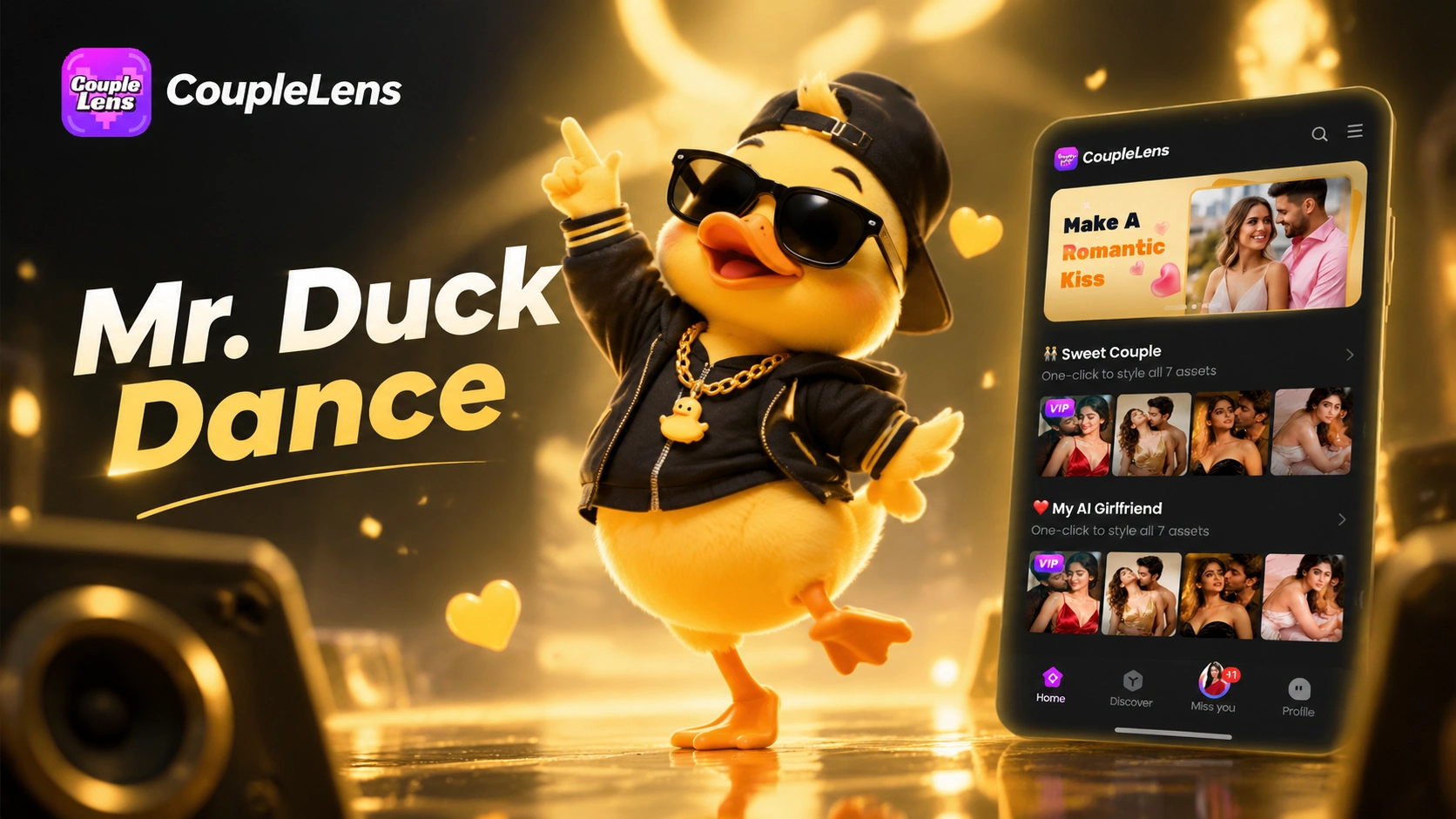
CoupleLens Mr Duck Dance AI Filter for Viral TikTok Videos
AI Halloween Costume Generator Try on Spooky Looks With CoupleLens
Not Cute Anymore AI Generator: Grab Hat Trend Filter on CoupleLens App
CoupleLens App: Spooky AI Skeleton Video Generator for Mobile
CoupleLens Mr Duck Dance AI Filter for Viral TikTok Videos
Make Your First Ghibli Style Photo on CoupleLens
Download CoupleLens on Google Play, pick a Ghibli filter, and share your own Studio Ghibli artwork in less than twenty seconds.
Make Your First Ghibli Style Photo on CoupleLens
Download CoupleLens on Google Play, pick a Ghibli filter, and share your own Studio Ghibli artwork in less than twenty seconds.