Face Swap With Animals
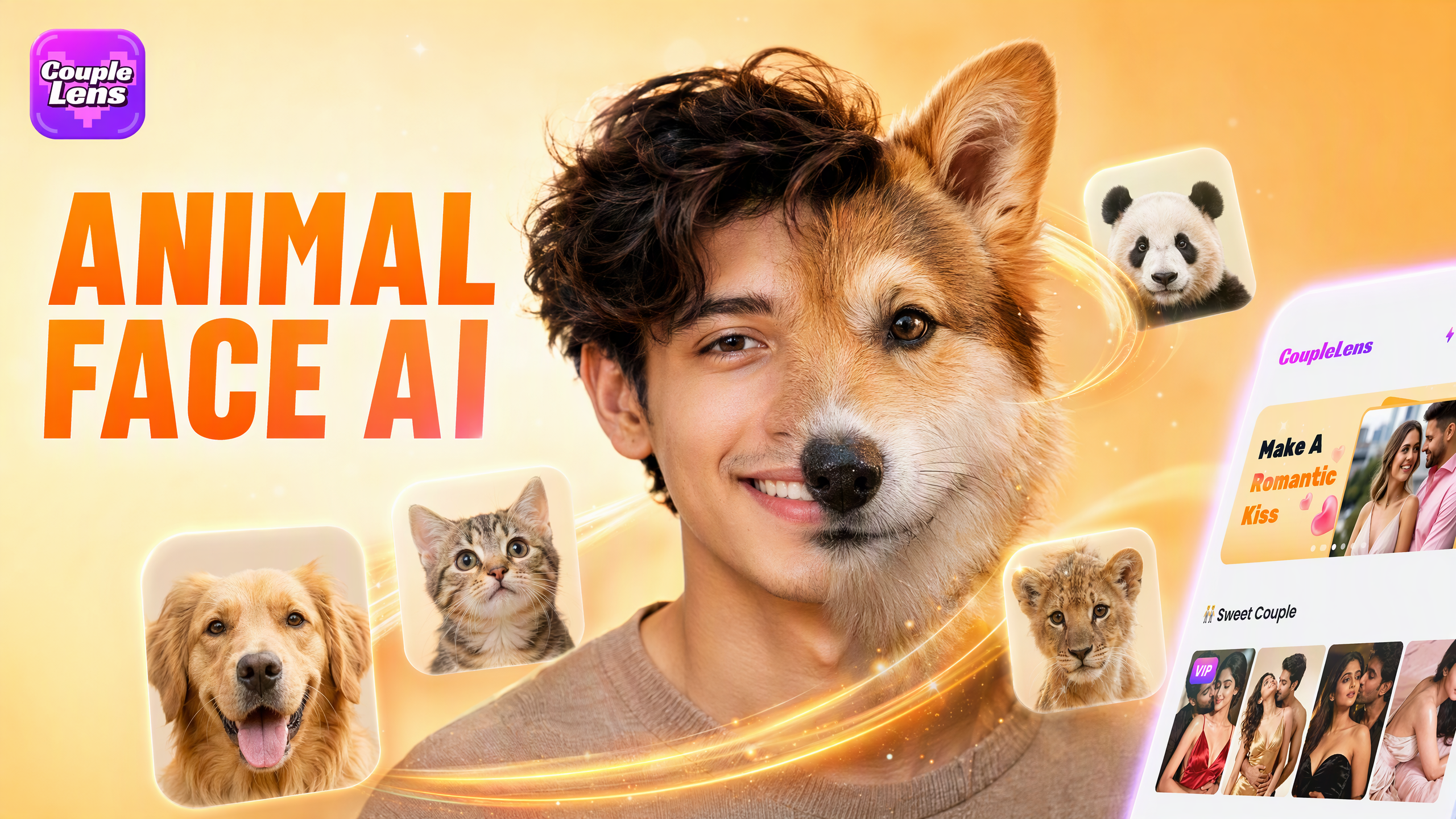
Pick the Animal Filter That Fits Your Vibe
CoupleLens ships three hand-picked animal filters made for a face swap with animals that feels playful, lifelike, or full cartoon mode.
Key Features of the Face Swap With Animals
CoupleLens packs the things every face swap with animals creator needs into one app.
 Before
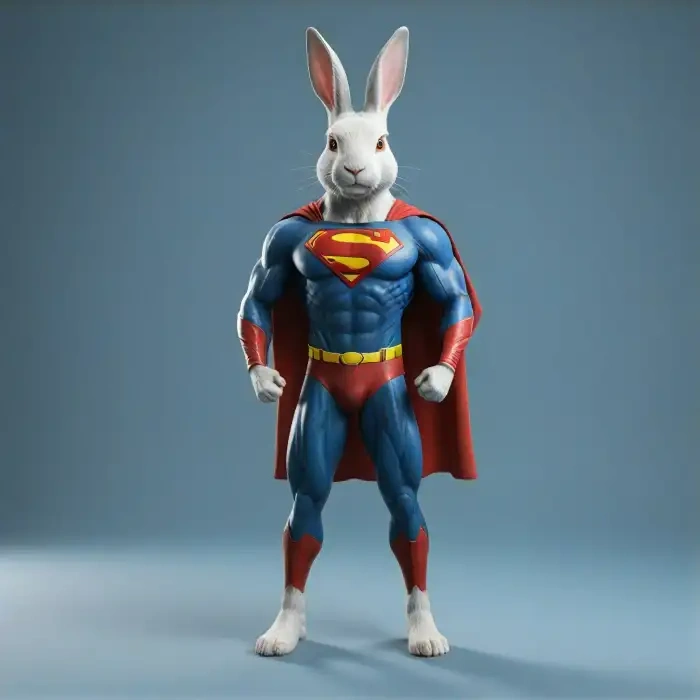 After
Identity Lock Across Every Frame
CoupleLens reads your eyes, nose, skin tone, and hair from one selfie, then keeps them stable across every face swap with animals output. The pet looks cute.
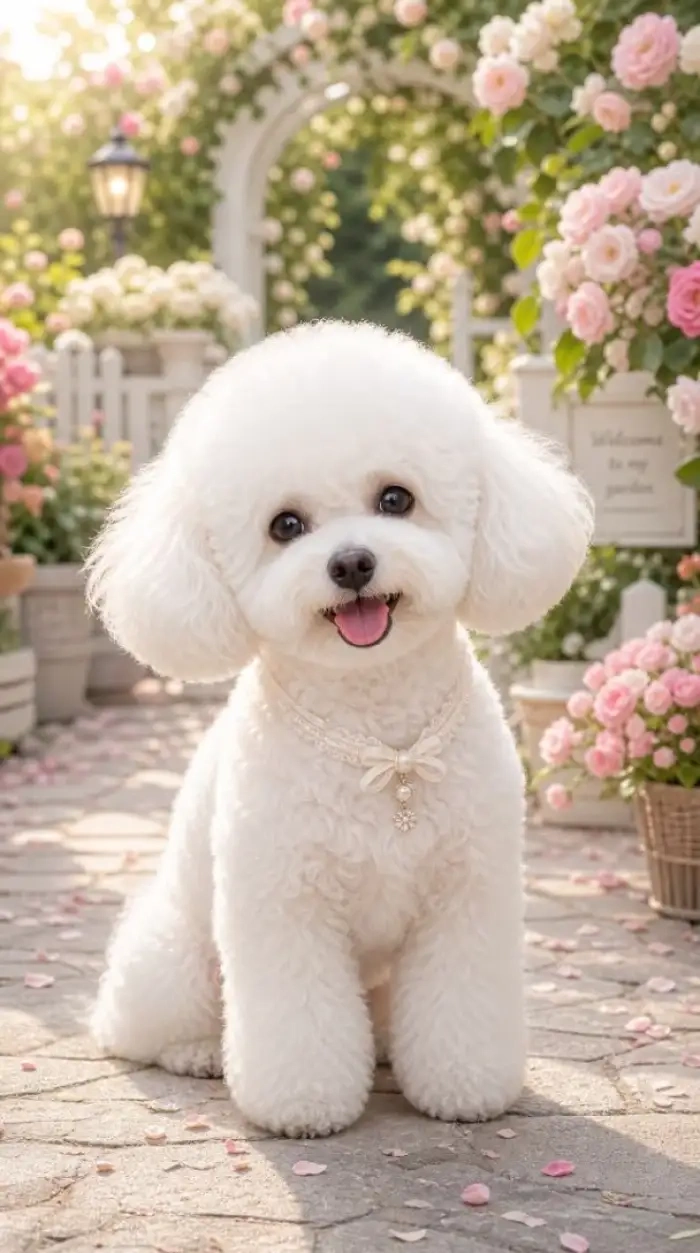 Before
Turn a Still Photo Into Video
Upload a photo of your dog, cat, or any furry friend of yours. CoupleLens turns your animal friends into animal character video clip. No melted features when you post three shots in a row.
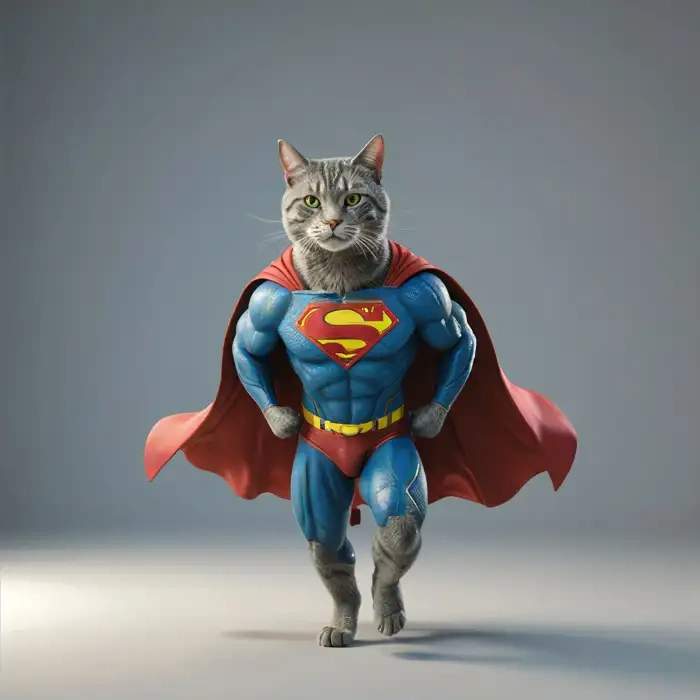
25,000 Plus One-Tap Animal Filters
CoupleLens ships more than twenty-five thousand ready-made animal filters. Pick a look, drop in one photo, the app handles the rest. A face swap with animals edit lands ready for TikTok.
How to Create a Face Swap With Animals Edit?
A face swap with animals edit in CoupleLens takes one photo, one tap, and about twenty seconds.
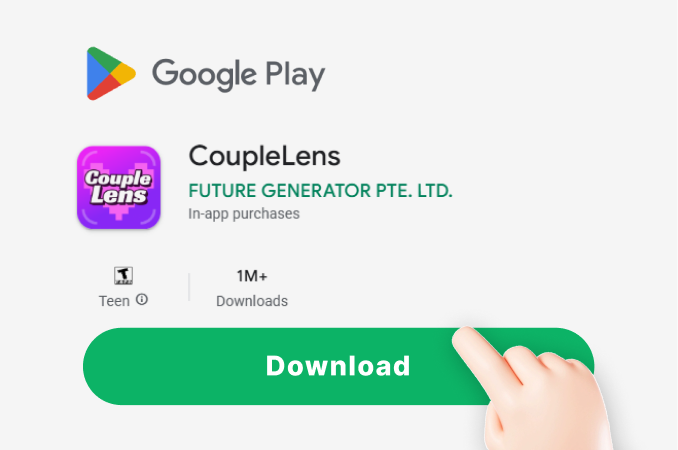
Step 01.
Download CoupleLens on Google Play and open the app on your Android phone. The full face swap with animals studio lives inside the app, not on a slow web tool.
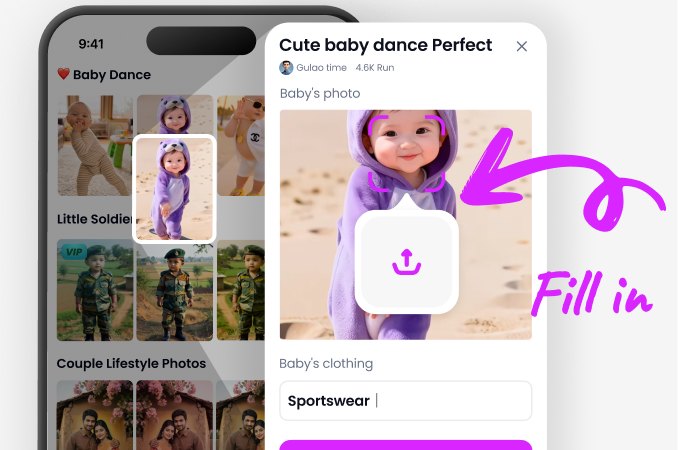
Step 02.
Pick an animal filter inside CoupleLens, upload one selfie, and tap generate. The face swap with animals AI handles lighting, fur edges, and identity lock while you watch a short preview load.
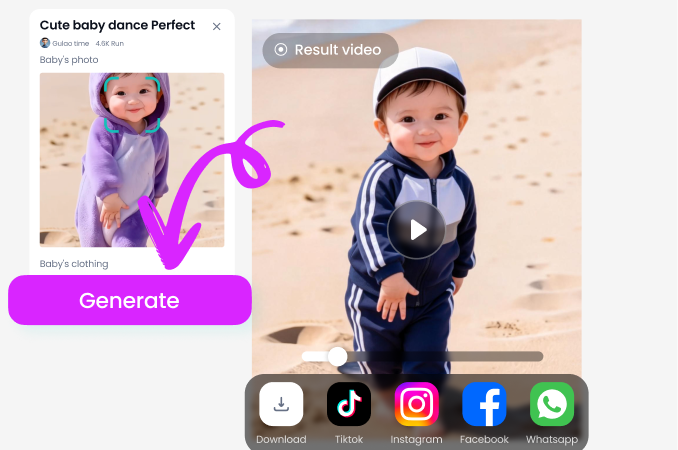
Step 03.
Download your finished image or video and share it straight to TikTok, Reels, or Shorts. The face swap with animals edit lands in your camera roll.
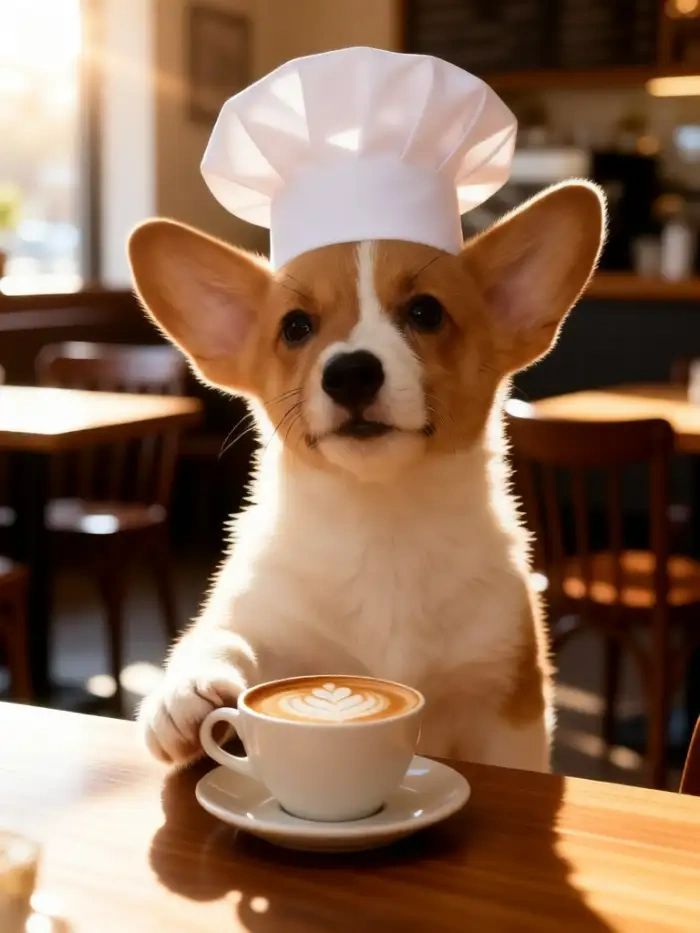
Use CoupleLens for a Face Swap With Animals
Most face swap with animals tools on the web give you a five-second render and a melted jawline. CoupleLens gives you 25,000 templates, a mobile app that reads your face once and locks it across every frame, and a community feed where you can grab the same filter your favorite creator used. One tap, twenty seconds, real results, real identity, real likes.

Watch a Face Swap With Animals Walkthrough
Two short videos show the full face swap with animals flow in CoupleLens, from the Google Play install to the final share on social media.
What Our Users Say About CoupleLens
CoupleLens pays for itself in saved hours.
I tried four web tools before I found CoupleLens. Every other face swap with animals app made me look like a melted wax figure. CoupleLens kept my jaw, my eyes, and my dog’s ears. I posted the result on Reels and it hit fifty thousand views in two days. Skip the web tools, download CoupleLens.
One selfie, one tap, a face swap with animals edit that shows me hugging a fox or holding a corgi.
I shoot dogs and cats every weekend and CoupleLens is now part of my client workflow. The face swap with animals mode lets owners see themselves in a Pixar-style frame with their own pet. Clients cry happy tears at the gallery reveal. Every pet photographer needs CoupleLens in their back pocket.
I run a pet bakery and CoupleLens is how I build my weekend posts now.
My roommate and I used the multi-person mode to make a face swap with animals group photo with our cat. No mixed faces, no missing ears, no weird twins. The app finished it while we were still laughing at the idea. I have already sent five friends to download CoupleLens this week.
Frequently Asked Questions
A few quick answers about a face swap with animals inside CoupleLens.
More Topics You May Like
Other CoupleLens filters that pair well with a face swap with animals post. Pick one, add a few more viral edits to your feed this week.
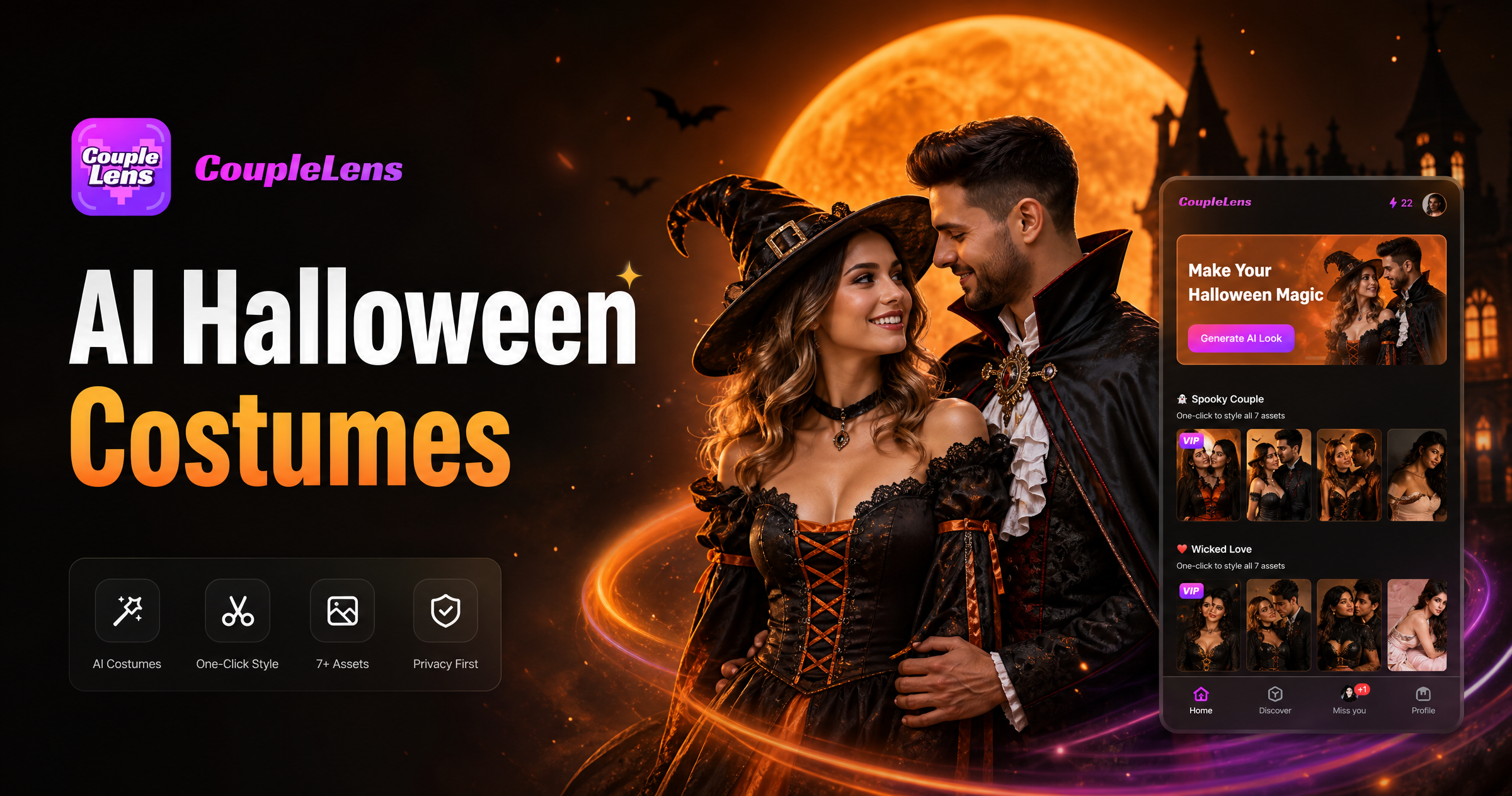
AI Halloween Costume Generator Try on Spooky Looks With CoupleLens

Not Cute Anymore AI Generator: Grab Hat Trend Filter on CoupleLens App
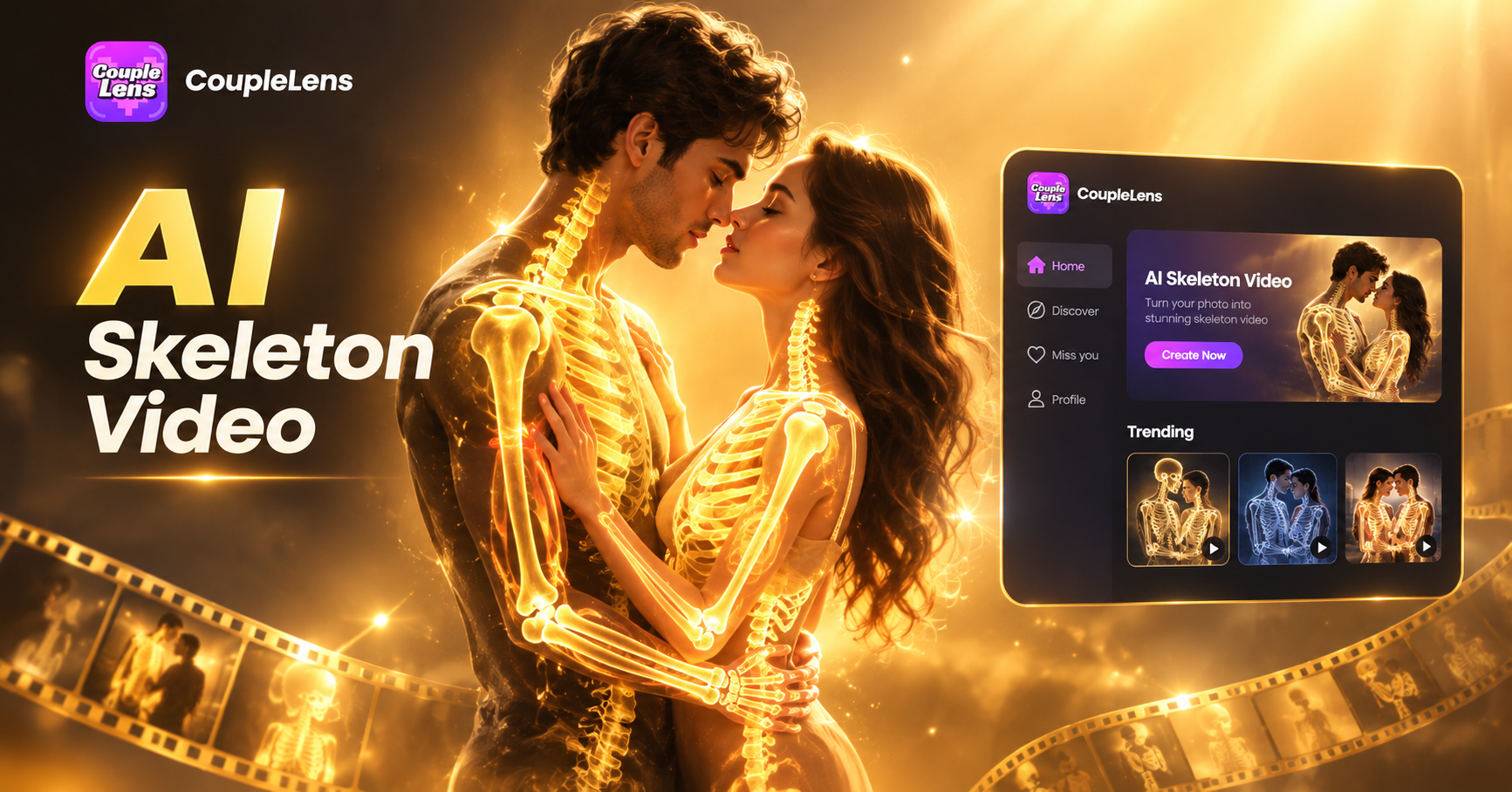
CoupleLens App: Spooky AI Skeleton Video Generator for Mobile

CoupleLens Mr Duck Dance AI Filter for Viral TikTok Videos
AI Halloween Costume Generator Try on Spooky Looks With CoupleLens
Not Cute Anymore AI Generator: Grab Hat Trend Filter on CoupleLens App
CoupleLens App: Spooky AI Skeleton Video Generator for Mobile
CoupleLens Mr Duck Dance AI Filter for Viral TikTok Videos
Make Your Face Swap With Animals Edit Tonight
Download CoupleLens on Google Play, pick an animal filter, and post a face swap with animals image that your followers cannot scroll past.
Make Your Face Swap With Animals Edit Tonight
Download CoupleLens on Google Play, pick an animal filter, and post a face swap with animals image that your followers cannot scroll past.