Buggin Dance AI
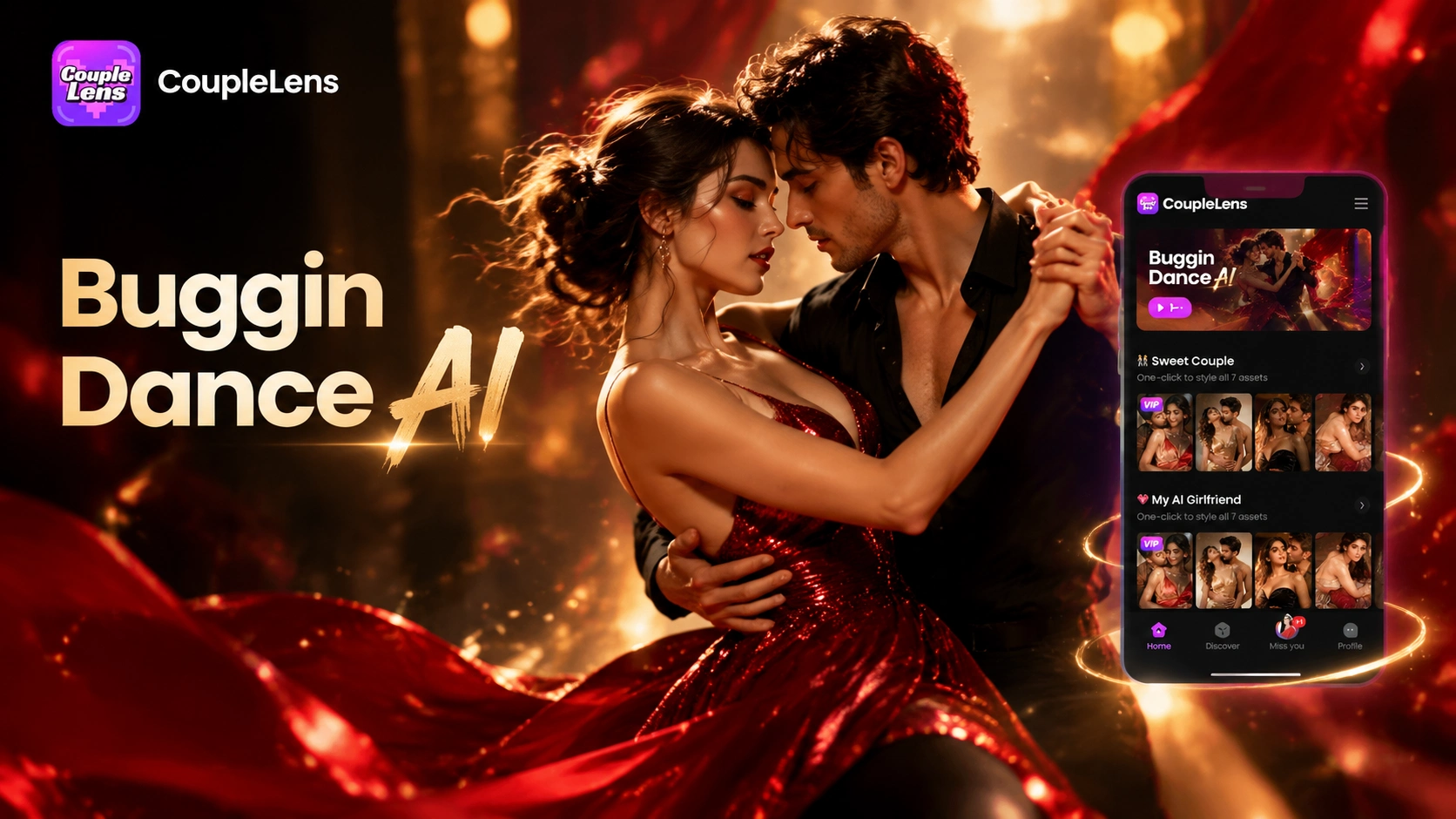
Pick a Filter for Buggin Dance AI
Tap the one that matches your subject, and the moves are already built in.
Watch Buggin Dance AI Video Walkthroughs
Two short clips that walk you from the Google Play download to a finished Buggin Dance video and a post.
Key Features of Buggin Dance AI
One photo goes in, a dance clip comes out, and every setting is tuned inside the filter. You never touch a prompt box.
 Before
Image to Dancing Video
Upload one clear photo, and CoupleLens animates it into a dance clip. Your character keeps his clothing, his hairstyle, and his natural face. The same person still looks like the same person.
Group Photos Keep Every Face Apart
Two pets, a couple, or the whole crew. CoupleLens separates each face, keeps every subject, and puts them in the dance together. No melted faces, no lost pets, no missing bodies on CoupleLens.
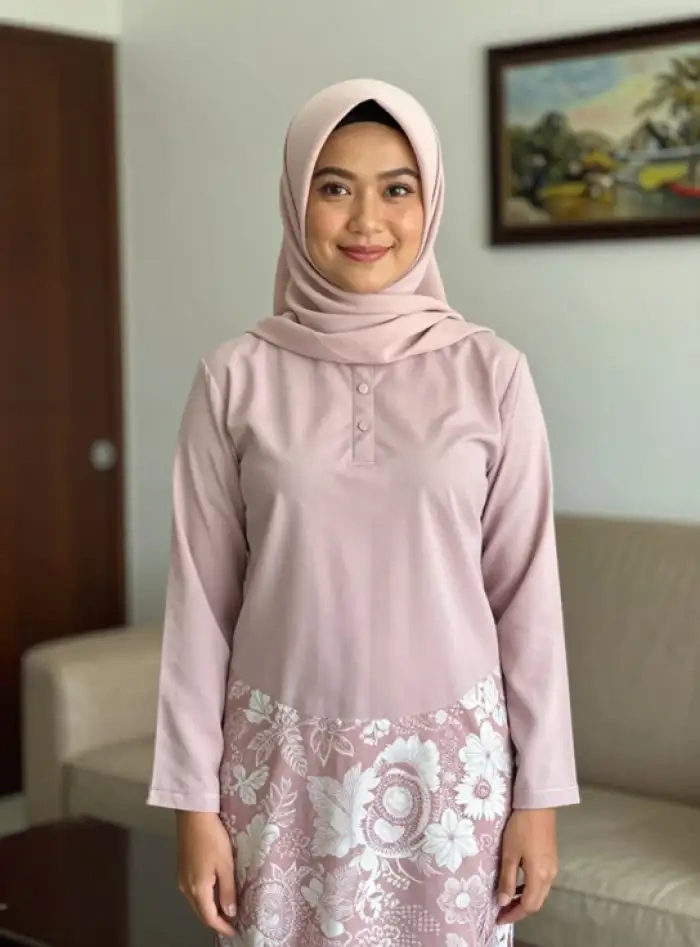 Before
Action Imitation Sets the Moves
Tap a move inside the filter and your subject copies it. Paw waves, a side sway, a paw cross finish. No prompt writing, no timeline scrubbing, no guessing what the model will do.
How to Create a Buggin Dance AI Video?
Everything happens inside the CoupleLens app on your phone, no editing app needed.
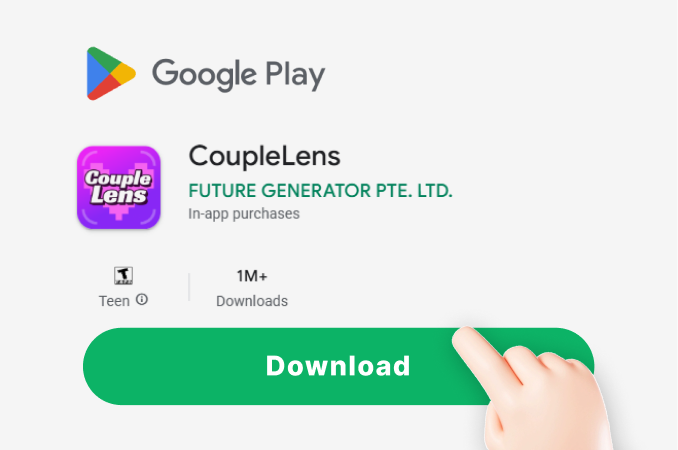
Step 01.
Tap the store button. Open the CoupleLens app and you land straight in the filter library.
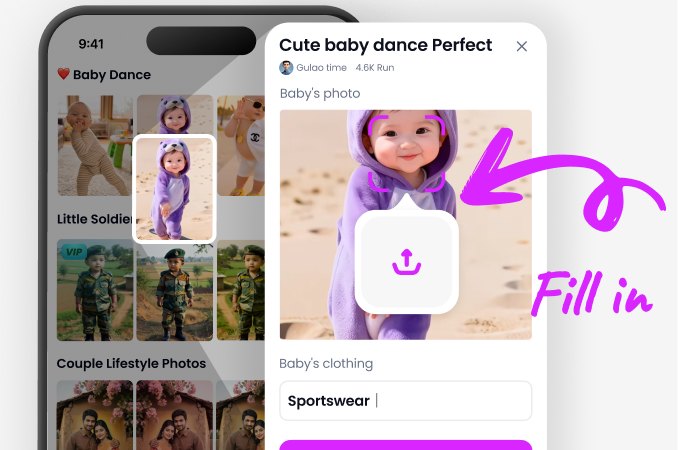
Step 02.
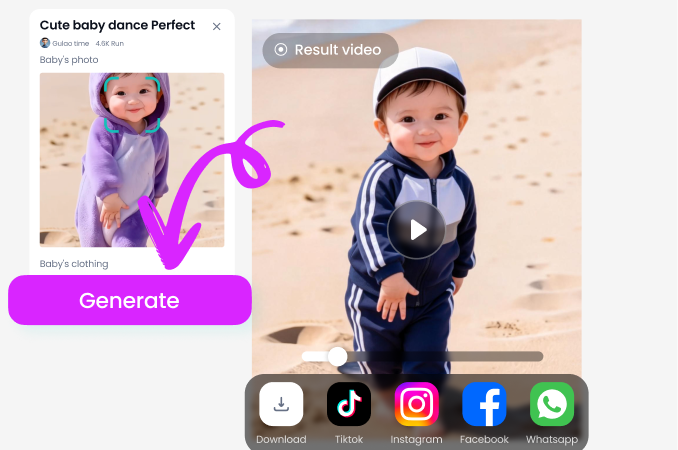
Open Filters, pick a Buggin Dance style filter, and upload one clear photo of your pet. Tap Generate and wait about 10 to 20 seconds.
Step 03.
Save the clip to your CoupleLens profile or share it straight to TikTok, Reels, and Shorts. Add the original buh buh buggin sound when you post.
Use CoupleLens for Buggin Dance AI
CoupleLens keeps the whole dancing video generation job on your phone. You pick a filter, you upload a photo, and the clip lands in about twenty seconds. No editing software, no prompt box, no timeline work. When the trend shifts next week, the new filters are already in the app.
What Users Say about Buggin Dance AI
The Buggin Dance filters in CoupleLens are the fastest way i has ever seen my cat go viral.
My cat Henry is a butterball and this made my day. One photo, tap generate, and he was up on his hind legs waving his paws in fifteen seconds. Posted it that night and my coworkers lost it.
The Buggin Dance AI filters in CoupleLens handled my two cats better than any other app I tried.
Both of my cats in one clip and their faces stayed separate. That is the part I did not expect. I uploaded two pictures, hit generate, and they came out dancing side by side like a proper duo.
CoupleLens is the only app where the two of them made a Buggin Dance couple video in one shot.
I tried it with my girlfriend and the Kick Dance filter. We uploaded one photo each and the app put us in the same scene doing the same moves. She posted it before I even finished my coffee.
Frequently Asked Questions
Straight answers about making a Buggin Dance video with CoupleLens.
More Topics You May Like
Other AI trends worth trying in CoupleLens, from pet remakes to group photos, old photo revival, and AI hug videos.

AI Dream Job Photo Generator: See Your Future Self with CoupleLens
CoupleLens AI Camera Movement Video Maker for Photos
AI Ecommerce Video Generator: Turn Product Photos Into Shoppable Videos
AI Egon Schiele Art Filter on CoupleLens: One Tap Schiele Inspired Portraits
AI Dream Job Photo Generator: See Your Future Self with CoupleLens
CoupleLens AI Camera Movement Video Maker for Photos
AI Ecommerce Video Generator: Turn Product Photos Into Shoppable Videos
AI Egon Schiele Art Filter on CoupleLens: One Tap Schiele Inspired Portraits
Make Your Own Buggin Dance Video Today
Scan the code, get CoupleLens on Google Play, and turn one pet photo into a Buggin Dance clip before the trend fades out.
Make Your Own Buggin Dance Video Today
Scan the code, get CoupleLens on Google Play, and turn one pet photo into a Buggin Dance clip before the trend fades out.