Best AI Selfie Generators
Pick a Selfie Filter Built for This Look
CoupleLens filters cover the AI selfie styles people search for most. All run inside the app on one tap.
How to Create an AI Selfie with CoupleLens?
Making an AI selfie on CoupleLens takes three steps. Just your phone, the app, and a single photo of your face.
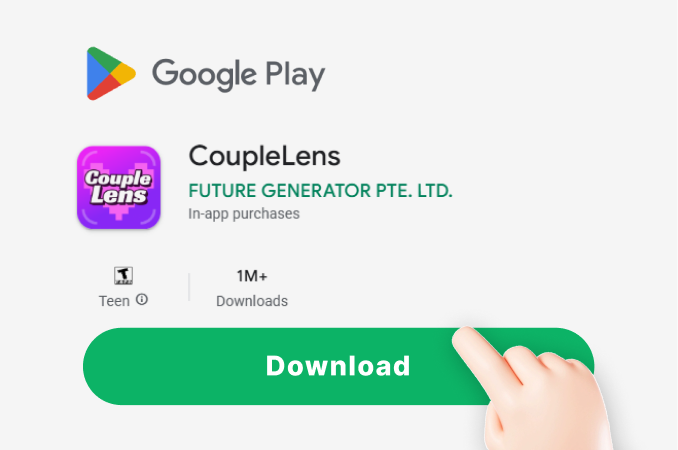
Step 01.
Grab CoupleLens from the Google Play Store. The free install gives you the full app with the AI selfie filters ready to use.
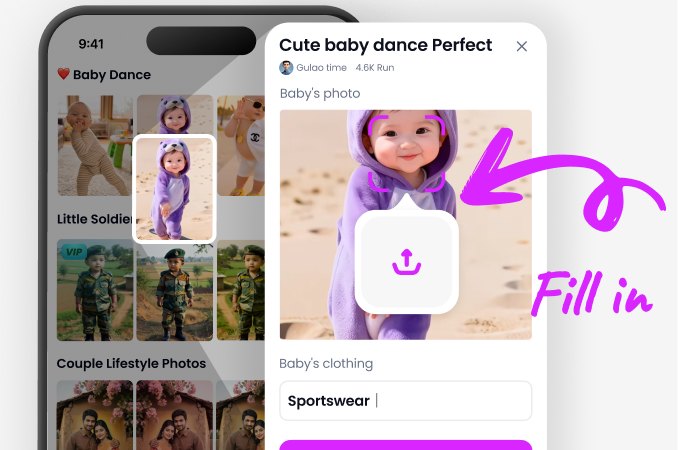
Step 02.
Upload one clear front-facing photo of your face. Wait 10 to 20 seconds for the AI to render the result.
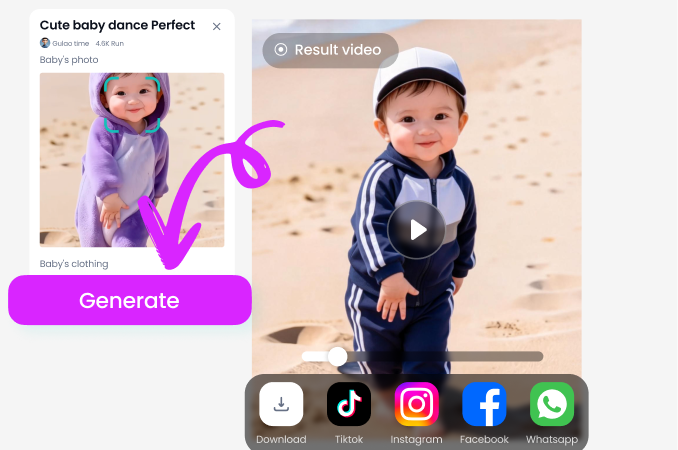
Step 03.
Download the finished AI selfie to your phone, or share it straight to TikTok, Instagram, or your CoupleLens profile with one tap.
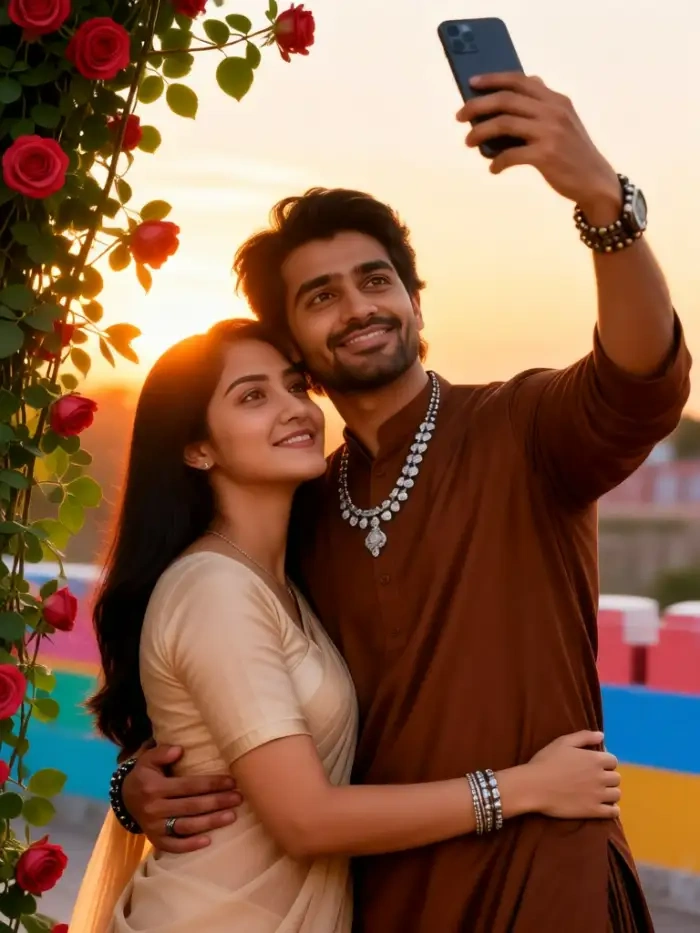
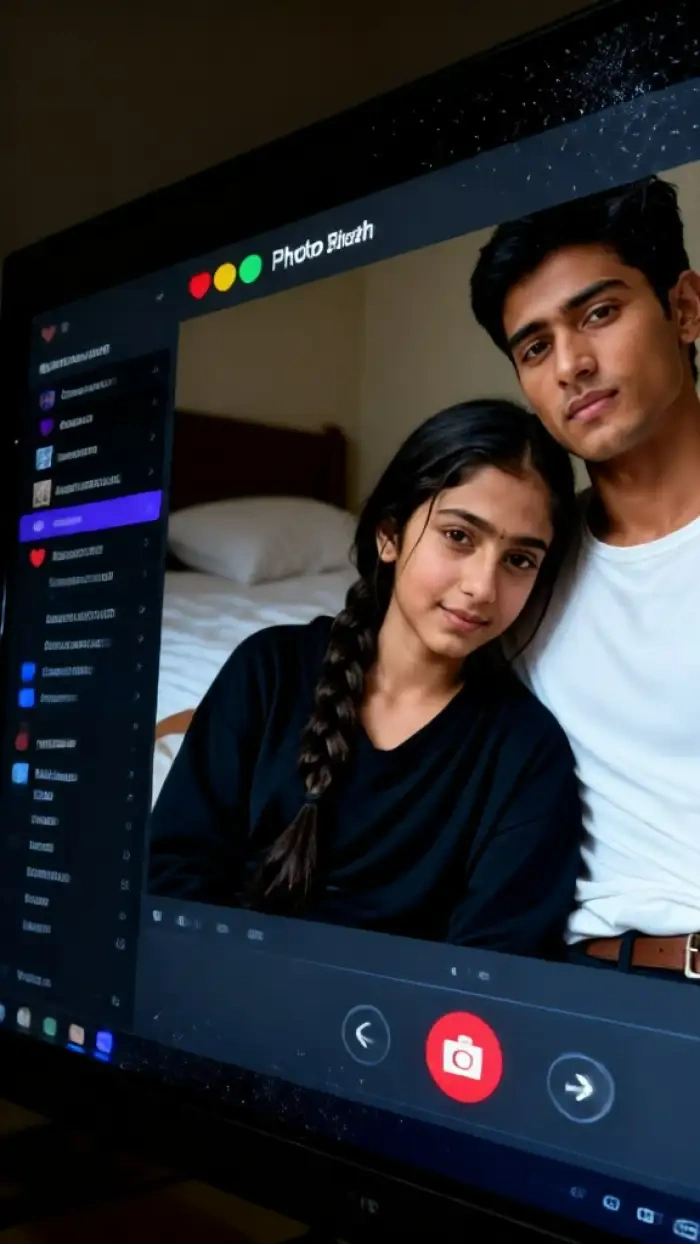
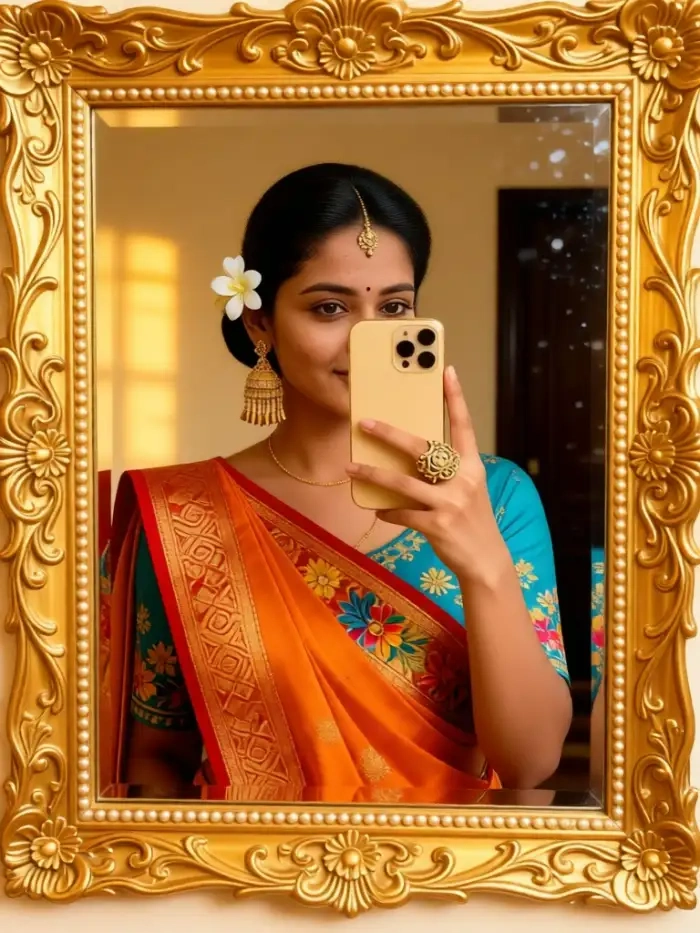
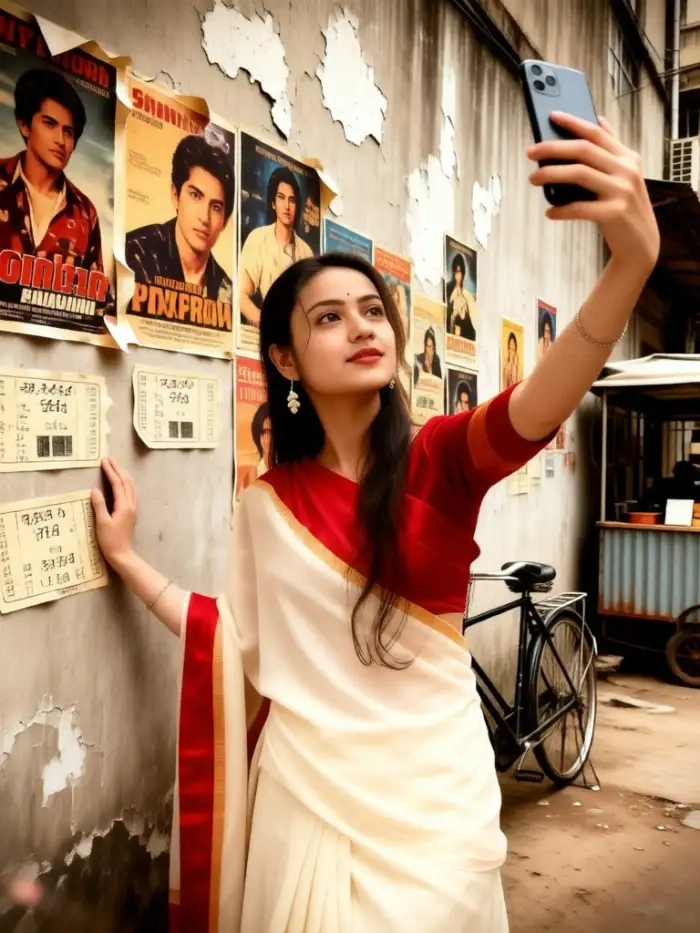
Real AI Selfie Results from the CoupleLens
Every image below came from one selfie and one tap inside the CoupleLens app.
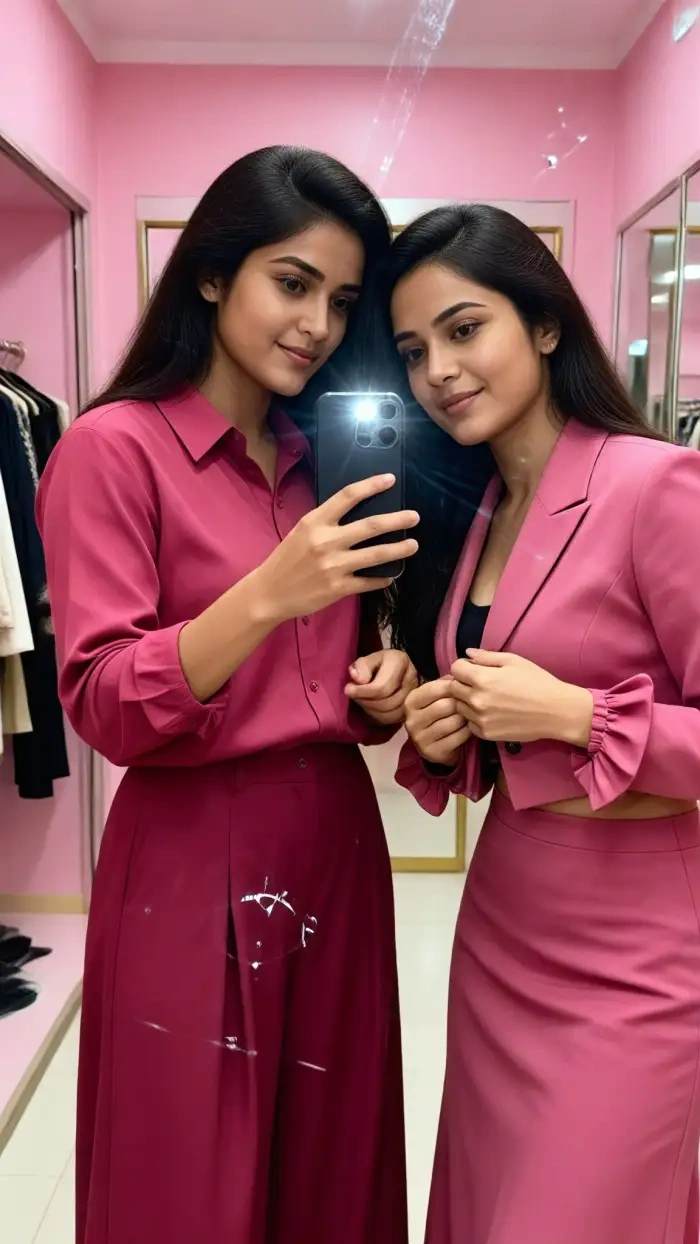
Key Features of the Best AI Selfie Generator
A great AI selfie app keeps your face the same, gives you more than one style, and skips the prompt writing.
 Before
 After
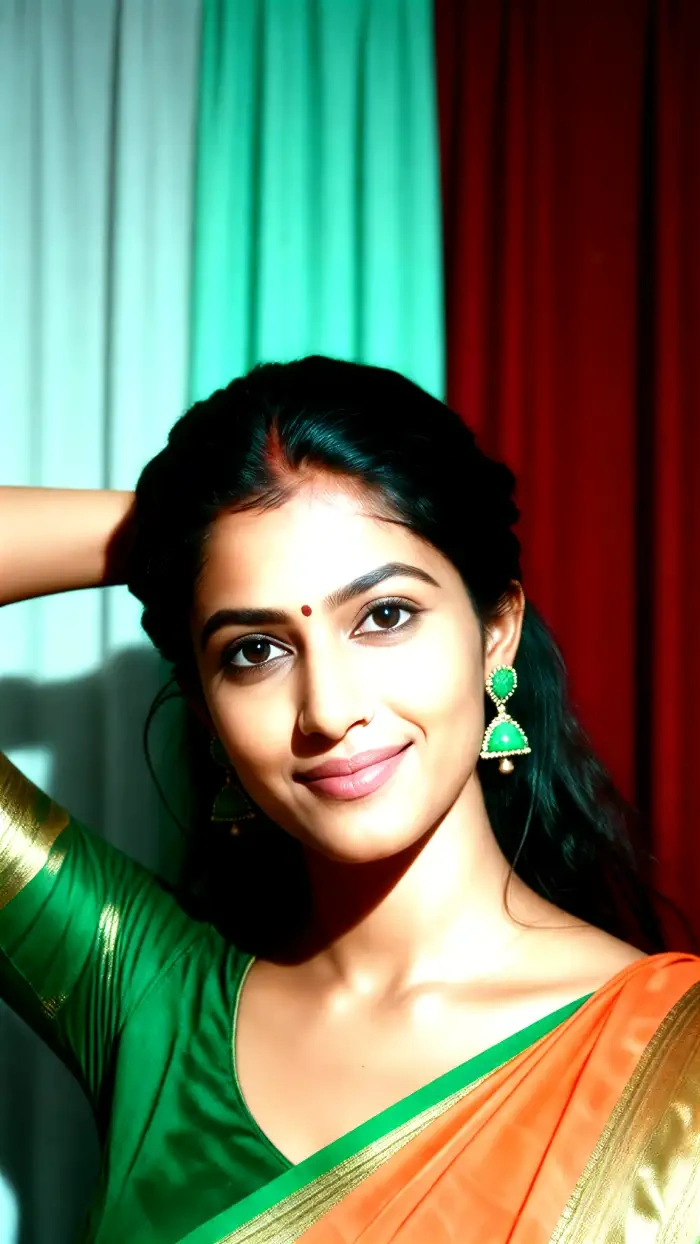
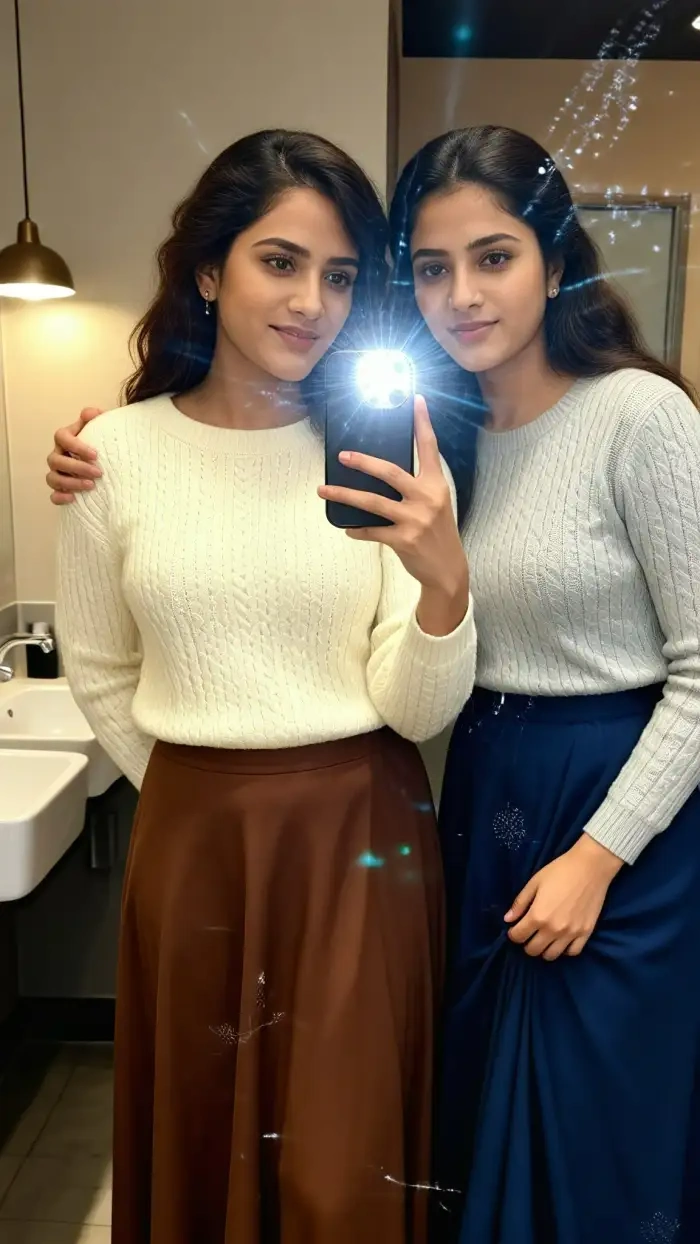
Flash Studio Selfies in 10 Seconds
The Flash Selfie filter on CoupleLens adds soft flash lighting to your photo and mimics a real phone flash. Your selfie comes out looking like a pro studio portrait. No ring light. No editing app. No reshoot.
 Before
 After
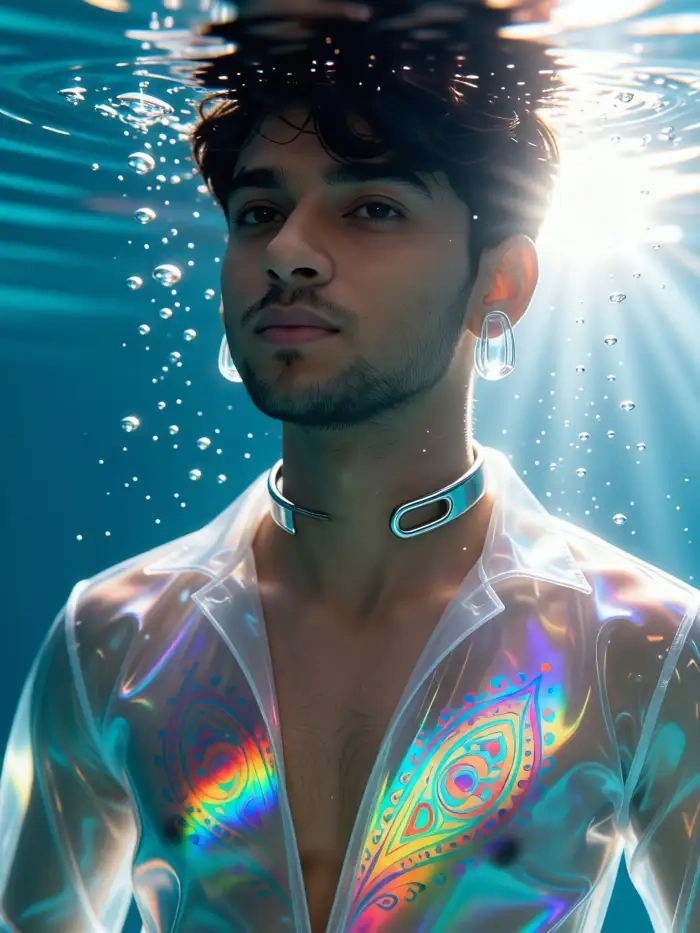
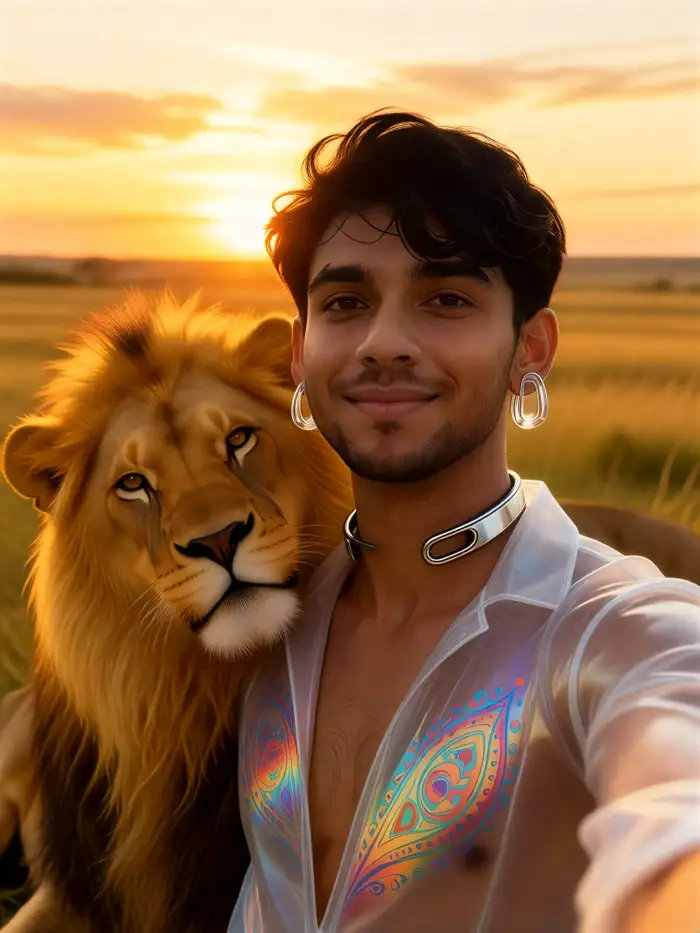
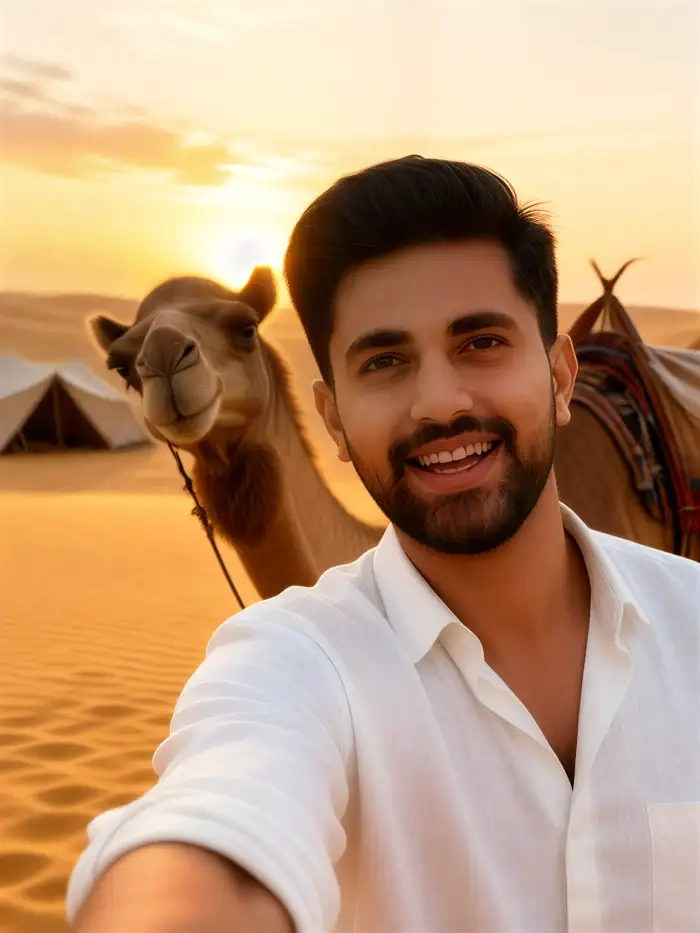
Real Selfies That Keep Your Face
CoupleLens keeps your real facial features in place. The multi-person AI tracks your eyes, jaw, and skin tone, so the result looks like a fun mashup instead of a bad cutout. Great for TikTok and Reels.
 Before
 After
One Tap Mobile Workflow
Pick a filter, drop in a photo, wait 10 to 20 seconds. That is the full workflow inside CoupleLens. No prompt engineering. No settings panels. No waiting on a slow web tool to load. The whole AI selfie generator runs from your phone.
What Our Users Say About CoupleLens
CoupleLens is the AI selfie generator I tell every creator friend about. Pick a filter, drop a photo, post. That is it.
I run a small TikTok page and CoupleLens became my go-to for the opening shot. The Flash Selfie filter makes my face look like I had a real ring light in the room. Took me two minutes to test and I was hooked. It is the only AI selfie app I open now. The animal selfie filters are a strong second favorite.
CoupleLens made my selfies stand out on every feed. Download it and try the animal filters.
The Lion Nap filter is silly in the best way. I uploaded one dorm room selfie and got back a shot of me napping with a golden lion. My friend group chat lost it. None of the other AI selfie apps I tried got the face right, but CoupleLens nailed it. I have run five selfies in a row and the face stays the same every time.
For face consistency and a quick flash look, CoupleLens beats every other AI selfie generator I have used. Try it once and you get it.
I am picky about face consistency because clients notice when the eyes change. CoupleLens keeps the same face across every AI selfie I generate. I use it for mockup shots before a real session. The Flash Selfie preset in particular saves me setup time. The mobile workflow is faster than any web tool I tested.
Use CoupleLens as Your AI Selfie Generator
CoupleLens puts every AI selfie style into one mobile app. You get 25,000 templates, the Flash Selfie and animal selfie filters, character consistency across shots, multi-person support, and 10 to 20 second renders. The app also ships with a personal profile, a community feed, and a same-template remix loop for your followers. No web tool. No login wall. No prompt writing. Open the app, pick a look, ship a selfie that stands out on any feed.
Frequently Asked Questions
Quick answers about how AI selfie generators work inside the CoupleLens app, what filters you get, and what phones the app supports.
More Topics You May Like
Want more AI selfie ideas? Read these CoupleLens guides on flash portraits, animal selfies, character looks, and viral styles for your social feed.
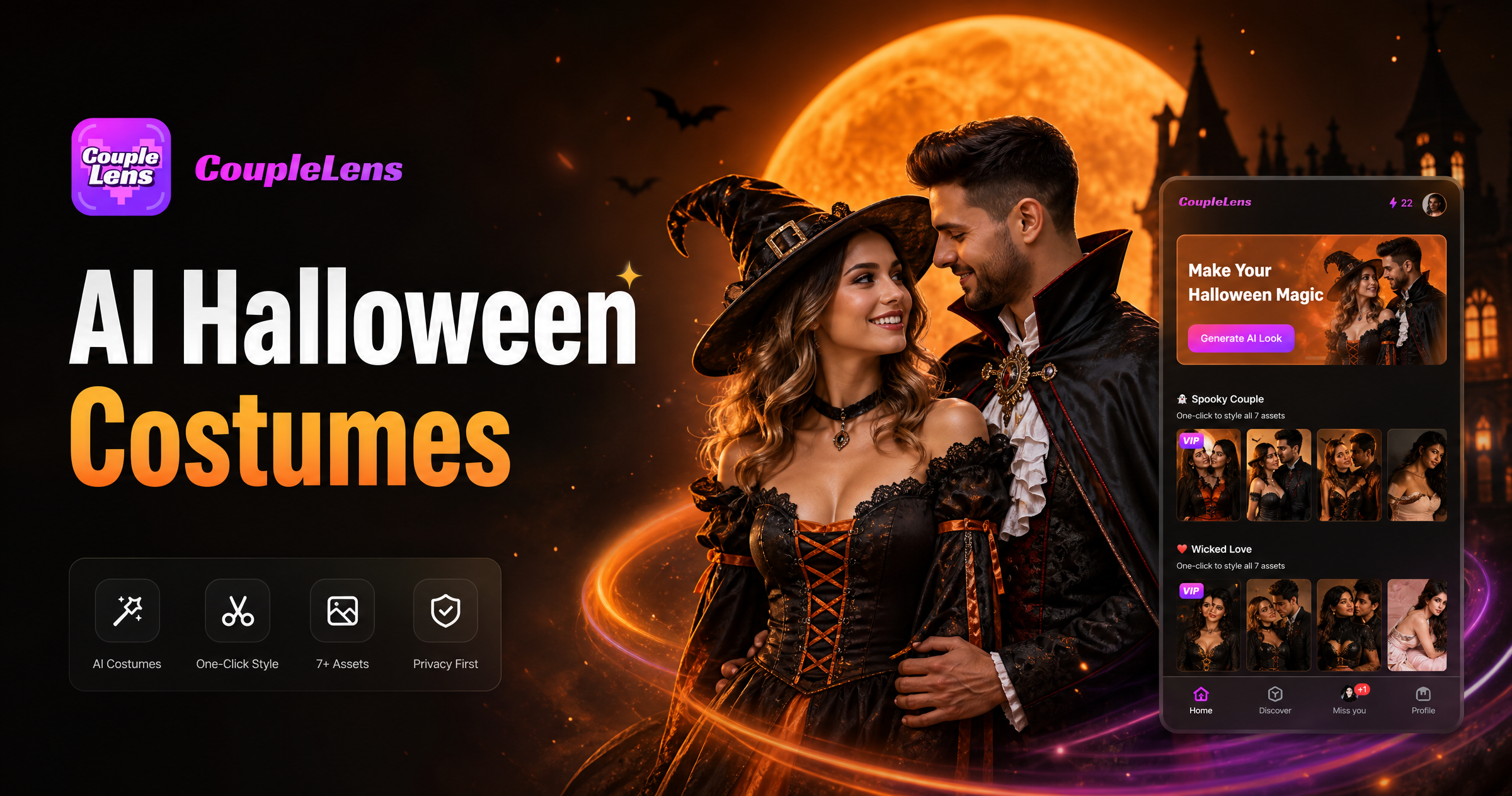
AI Halloween Costume Generator Try on Spooky Looks With CoupleLens
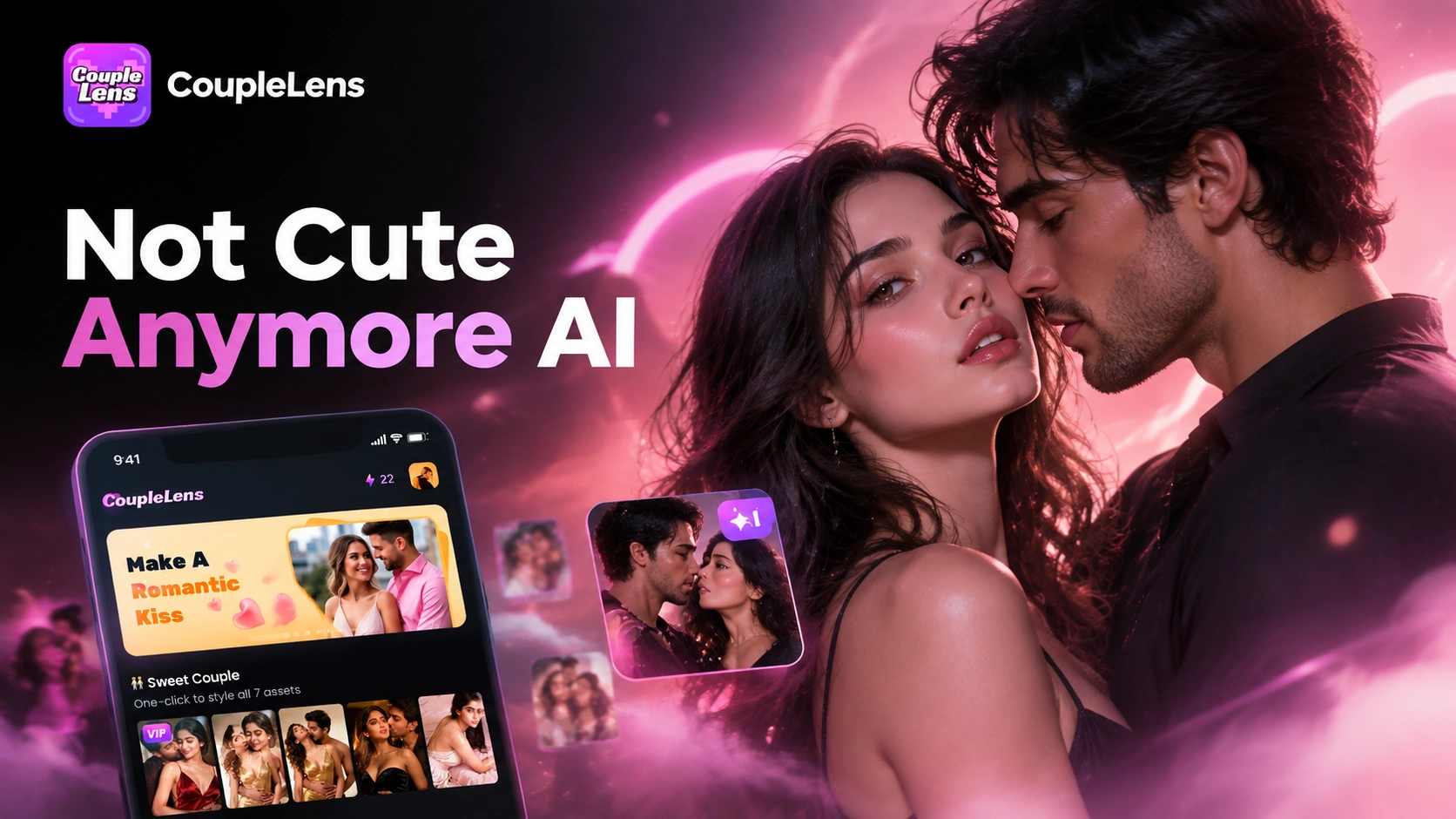
Not Cute Anymore AI Generator: Grab Hat Trend Filter on CoupleLens App
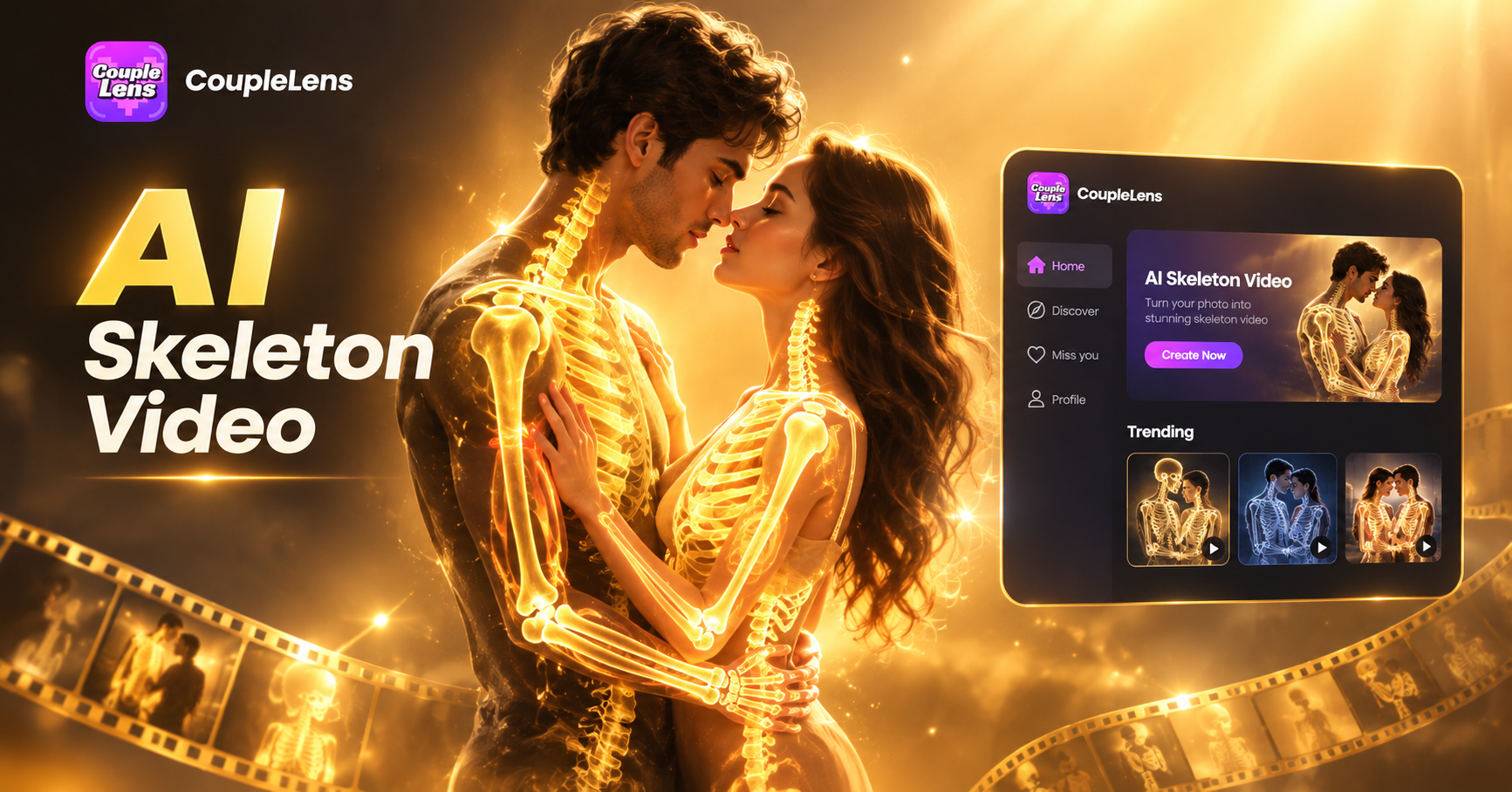
CoupleLens App: Spooky AI Skeleton Video Generator for Mobile
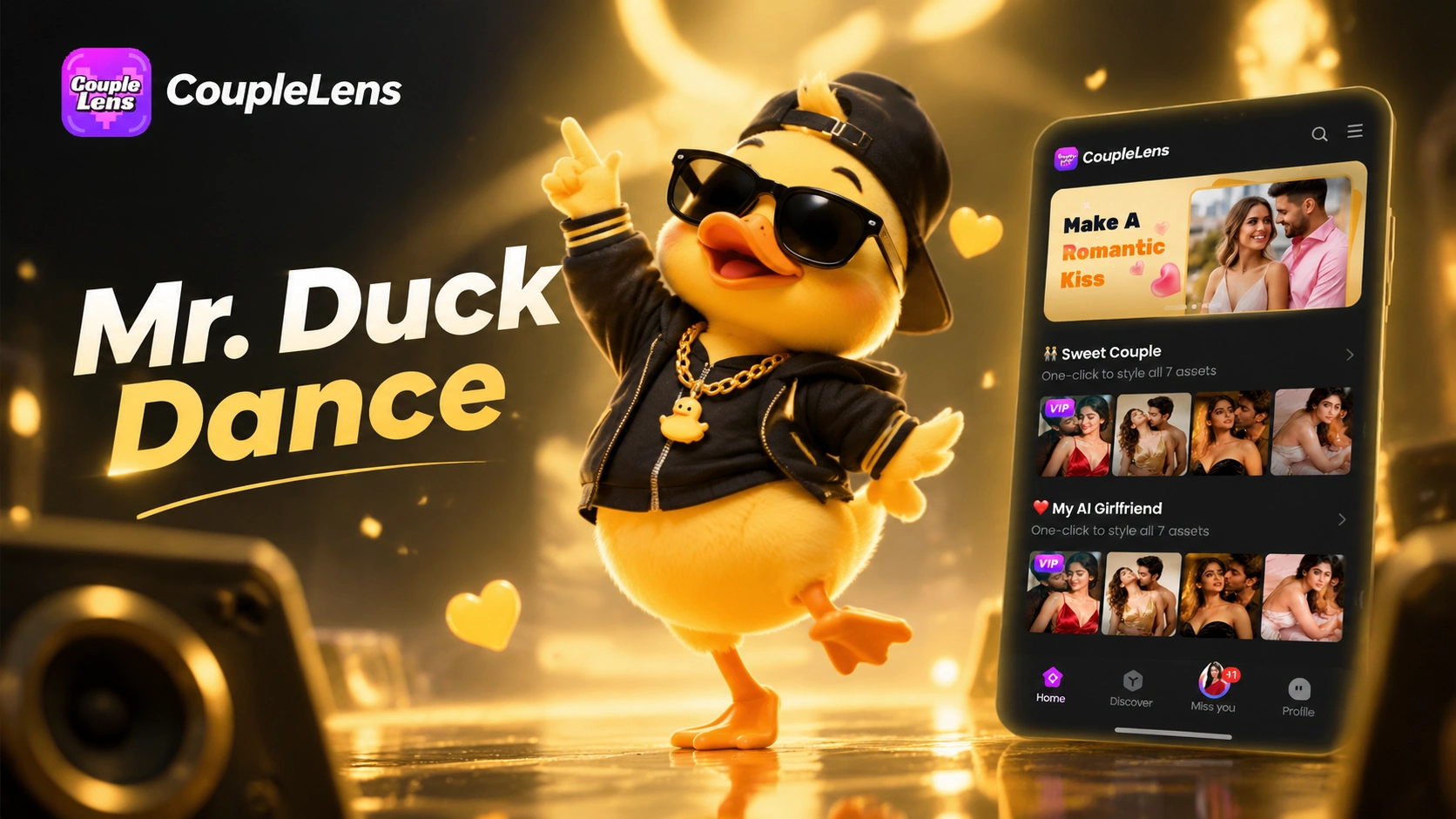
CoupleLens Mr Duck Dance AI Filter for Viral TikTok Videos
AI Halloween Costume Generator Try on Spooky Looks With CoupleLens
Not Cute Anymore AI Generator: Grab Hat Trend Filter on CoupleLens App
CoupleLens App: Spooky AI Skeleton Video Generator for Mobile
CoupleLens Mr Duck Dance AI Filter for Viral TikTok Videos
Make Your First AI Selfie in Under One Minute
Your next post is one tap away. Open the app. Pick a filter. Ship the selfie. Download CoupleLens on Google Play.
Make Your First AI Selfie in Under One Minute
Your next post is one tap away. Open the app. Pick a filter. Ship the selfie. Download CoupleLens on Google Play.