AI Selfie with Celebrity
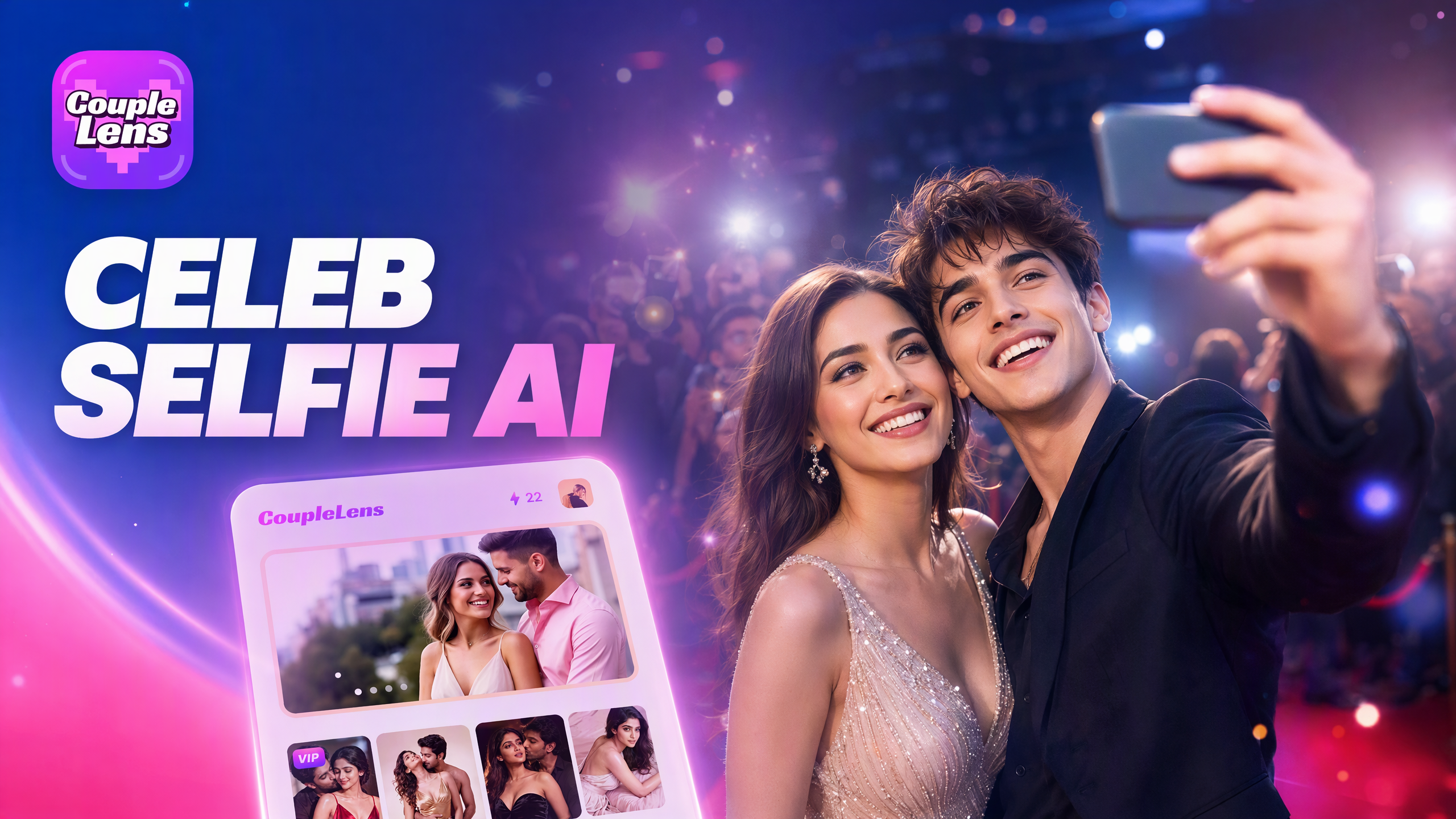
Try These Celebrity Selfie Filters Right Now
Pick a celebrity selfie filter for the star you want to meet. Each one turns your photo into a real-looking AI photo with a celebrity quickly.
Key Features of AI Selfie with Celebrity on CoupleLens
CoupleLens packs every tool you need for an AI selfie with celebrity into one mobile app. Three core features handle the photo, the style, and the share.
 Before
 After
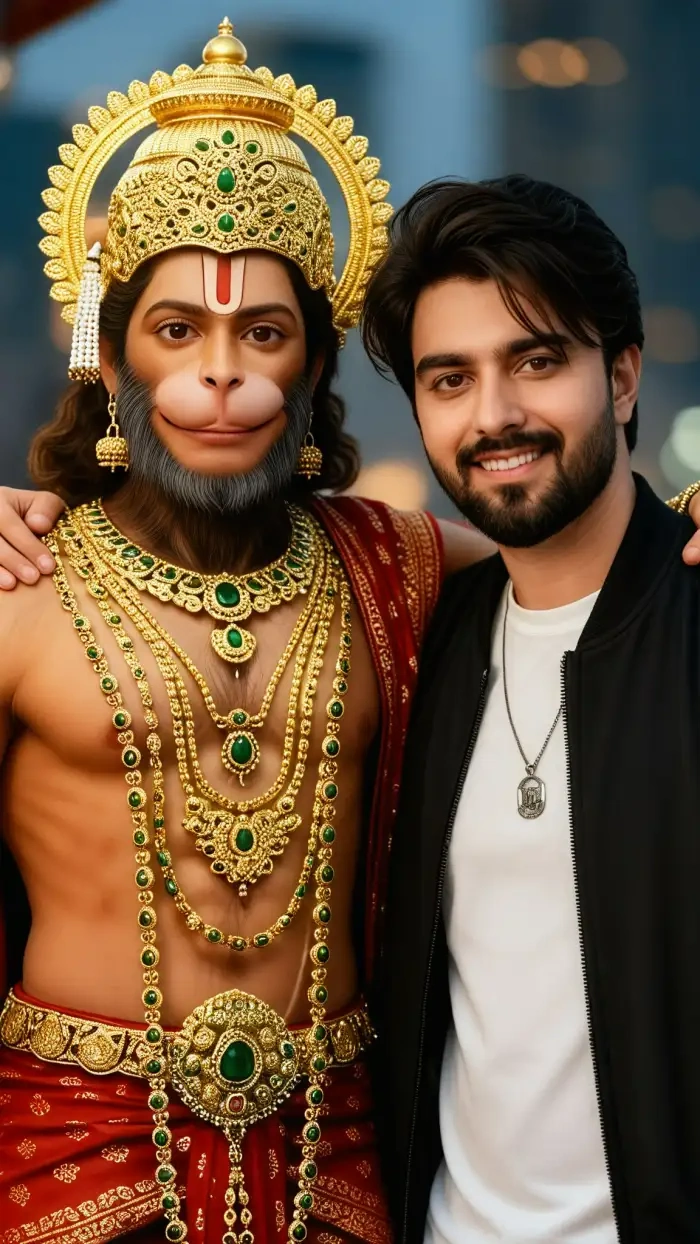
One Tap Face Match with Your Star
Upload one selfie. CoupleLens reads your face shape, skin tone, and bone structure. The AI photo with a celebrity looks like you next to the star. No need to face the crowd or pay for an expensive ticket; you can take selfies easily with a celebrity.
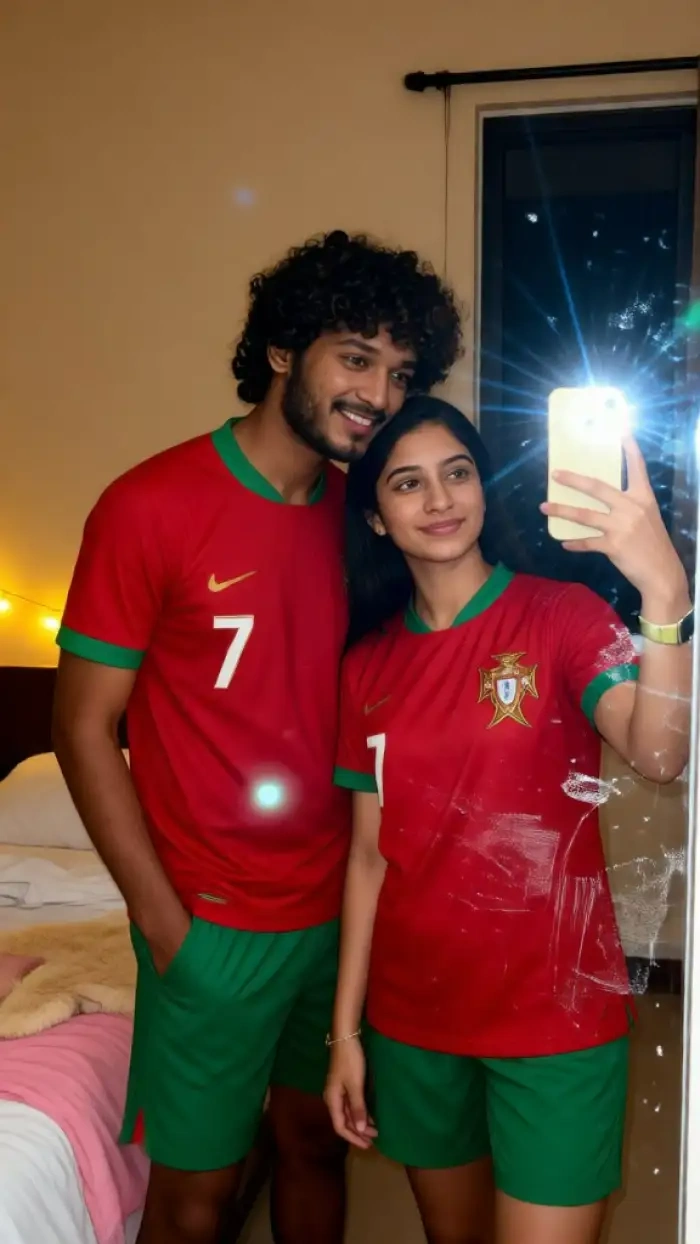
Pick the Style of Selfie with Celebrity
CoupleLens ships 25,000 style templates, so you skip the prompt. Pick a mood and real-life setting, and the AI handles the rest in about ten seconds. One tap. One AI photo with a celebrity. No prompt engineering at all.
 Before
 After
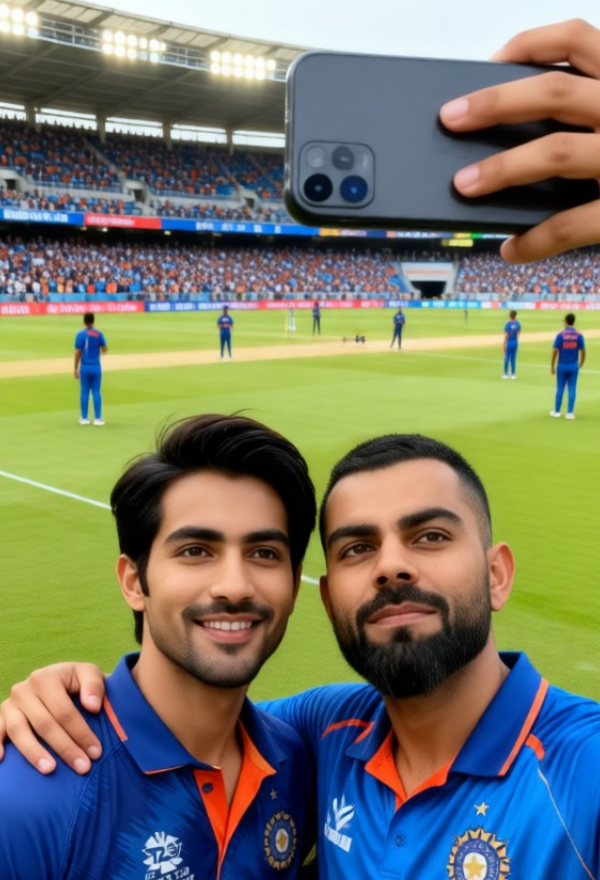
Character Consistency with the Star
CoupleLens handles your AI selfies with celebrities in high-quality rendering. Drop in your image and the celebrity you like, and the AI keeps every face separate and clear. No mixed faces. No missing subjects. You too shows up clean.
How to Create an AI Selfie with Celebrity?
Making an AI selfie with celebrity on CoupleLens takes three short steps. Just your photo, a tap, and a share.
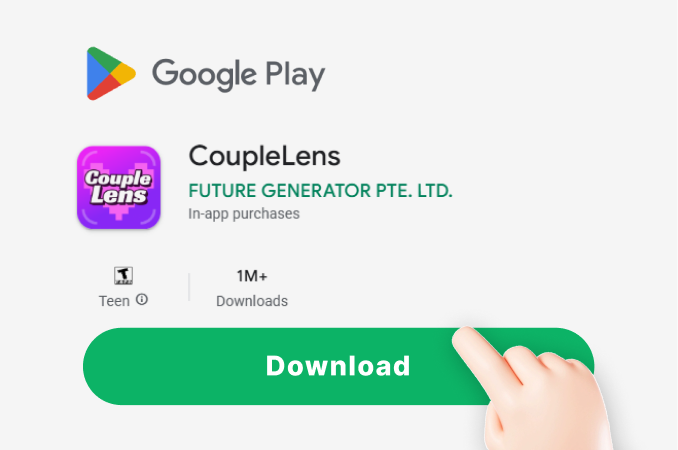
Step 01.
Head to the Google Play Store and download CoupleLens. The app is free and small, so it loads fast on most phones.
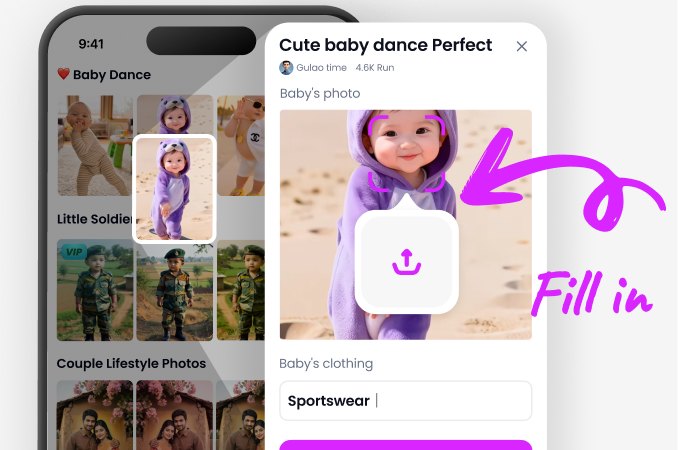
Step 02.
Open CoupleLens and tap a celebrity selfie filter from the home screen. Choose Tom Cruise, Iron Man, Van Gogh Polaroid, Ronaldo, or Virat Kohli to start.
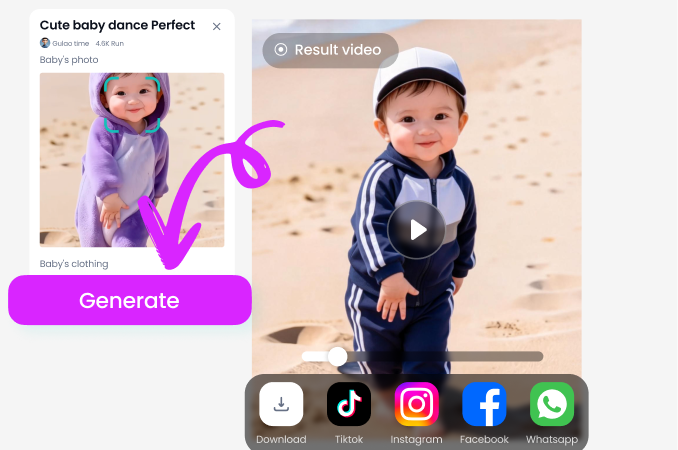
Step 03.
Save the AI photo with celebrity or share it straight to Instagram, TikTok, or your CoupleLens profile.

Use CoupleLens for Your AI Selfie with Celebrity
Most AI selfie tools ask you to write a long prompt and hope the result looks like you. CoupleLens skips the prompt and ships a real looking AI photo with celebrity in about ten seconds. Every generation lives inside one app on Google Play. Over 25,000 style templates, zero Photoshop, and a free preview tier for every new user.

Watch CoupleLens in Action
Two short videos show how to go from a fresh install to a shared AI selfie with celebrity on CoupleLens.
What Our Users Say About CoupleLens
Download CoupleLens if you want a celebrity selfie that actually looks real.
Dropped my selfie into the Ronaldo filter and got the AI photo with celebrity in under a minute. The stadium background looked so real my group chat lost it. CoupleLens just works.
Try CoupleLens if you are tired of weird face swaps that change how you look.
Tried the Tom Cruise filter and the lighting matched my room. I have used three other AI selfie apps and CoupleLens is the only one that kept my face shape right.
Pick CoupleLens when you need a clean celebrity photo fast.
Made an AI selfie with Virat Kohli as a client gift and it came out cleaner than I expected. CoupleLens handled the stadium look with no weird skin patches.
Frequently Asked Questions
Quick answers about making an AI selfie with celebrity on CoupleLens. From upload tips to share steps.
More Topics You May Like
More CoupleLens photo ideas that play well with the AI selfie with celebrity crowd. Pick a topic and keep your feed fresh.
AI Halloween Costume Generator Try on Spooky Looks With CoupleLens
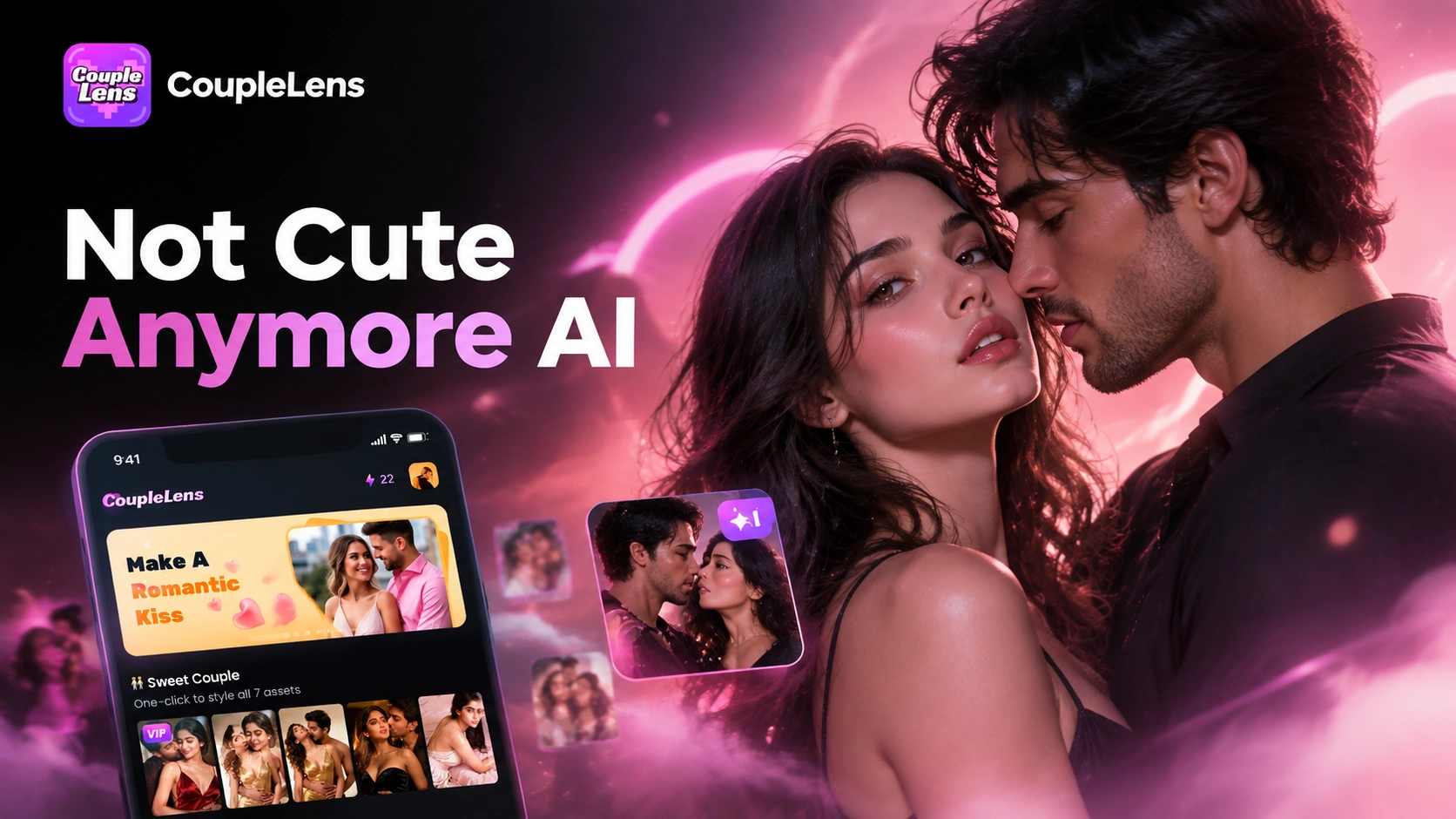
Not Cute Anymore AI Generator: Grab Hat Trend Filter on CoupleLens App
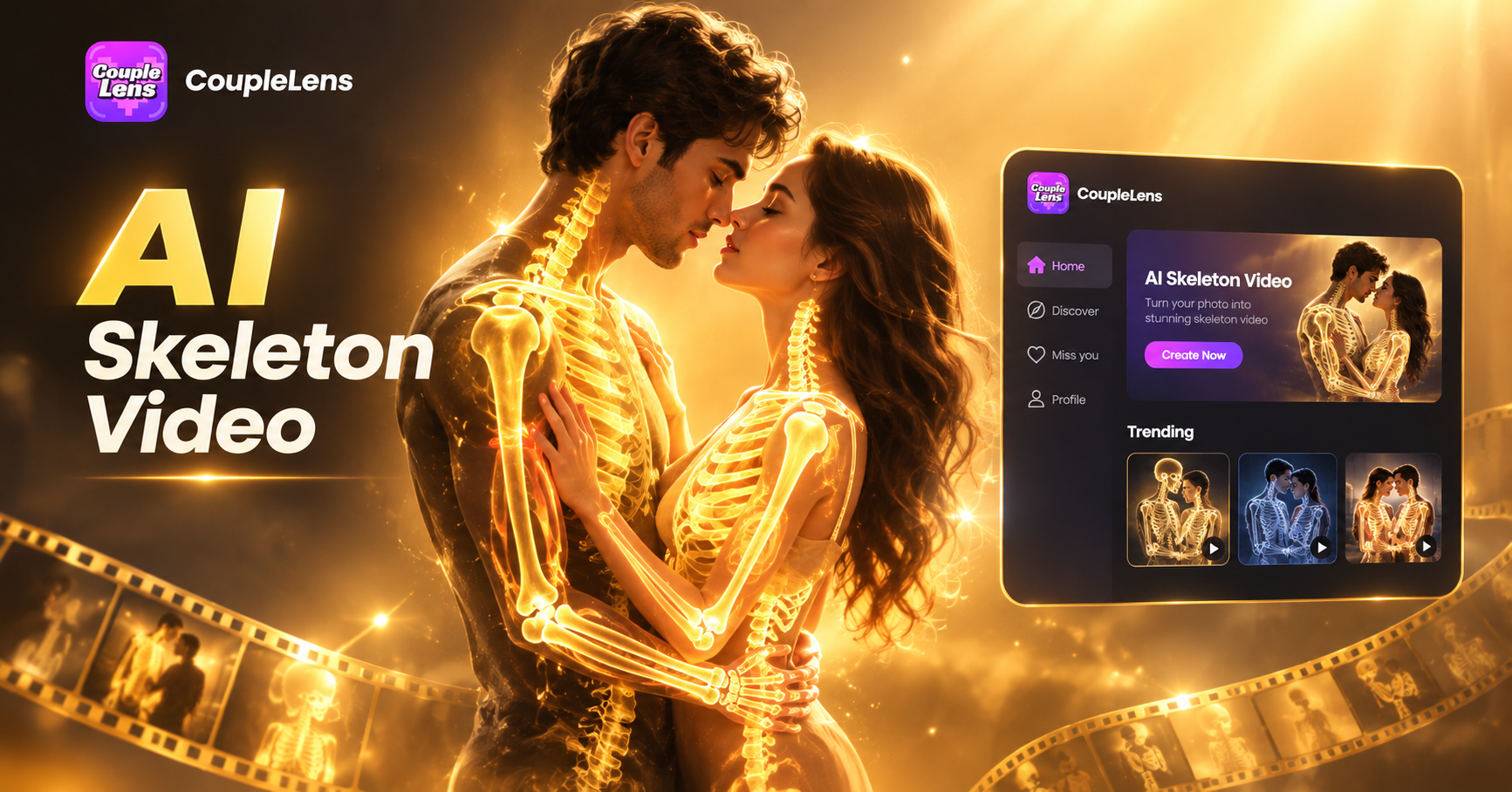
CoupleLens App: Spooky AI Skeleton Video Generator for Mobile
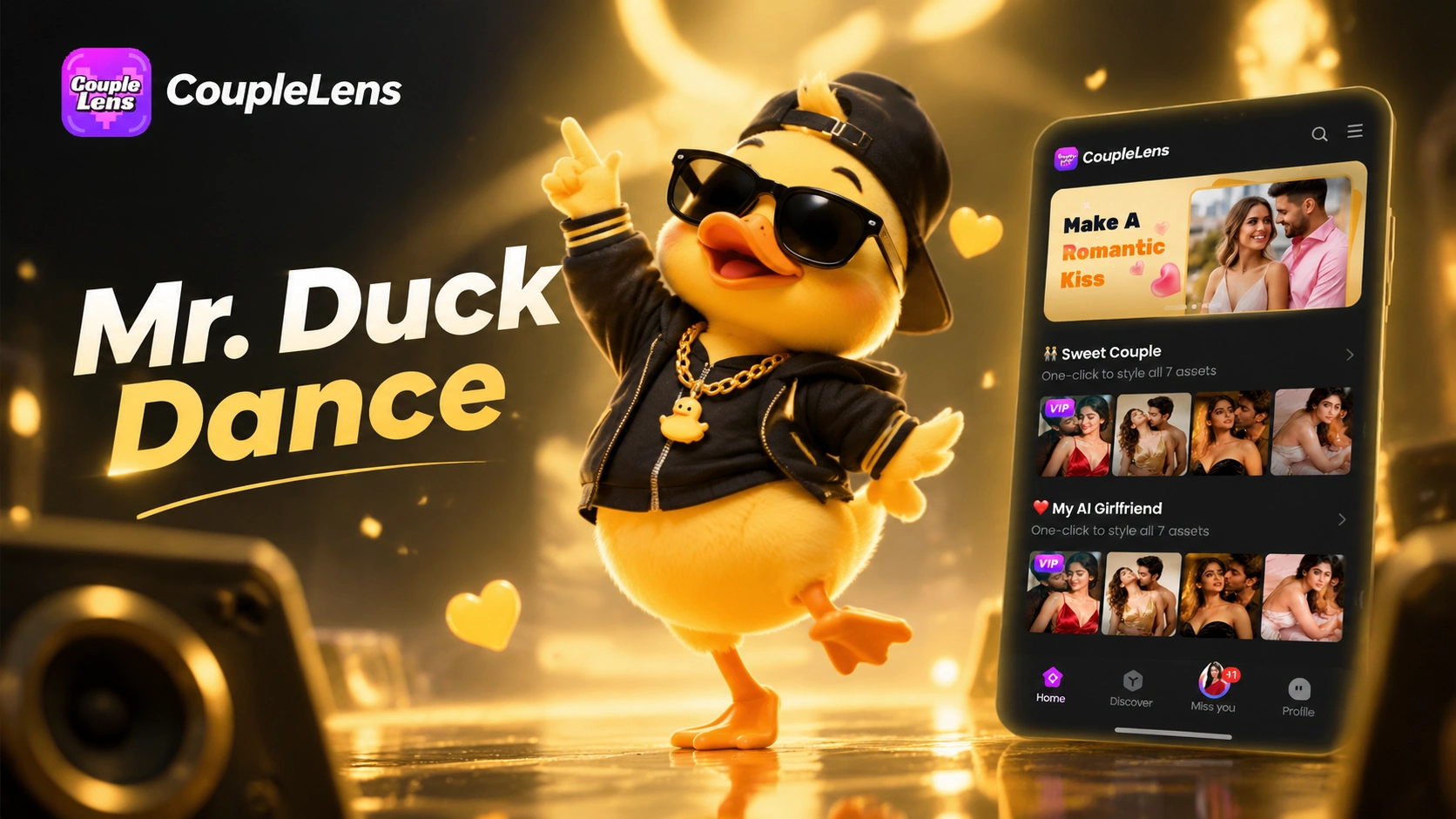
CoupleLens Mr Duck Dance AI Filter for Viral TikTok Videos
AI Halloween Costume Generator Try on Spooky Looks With CoupleLens
Not Cute Anymore AI Generator: Grab Hat Trend Filter on CoupleLens App
CoupleLens App: Spooky AI Skeleton Video Generator for Mobile
CoupleLens Mr Duck Dance AI Filter for Viral TikTok Videos
Get Your First AI Selfie with Celebrity Today
Download CoupleLens on Google Play and ship your first AI selfie with celebrity in about a minute. Free to try.
Get Your First AI Selfie with Celebrity Today
Download CoupleLens on Google Play and ship your first AI selfie with celebrity in about a minute. Free to try.