AI Group Dance Generator
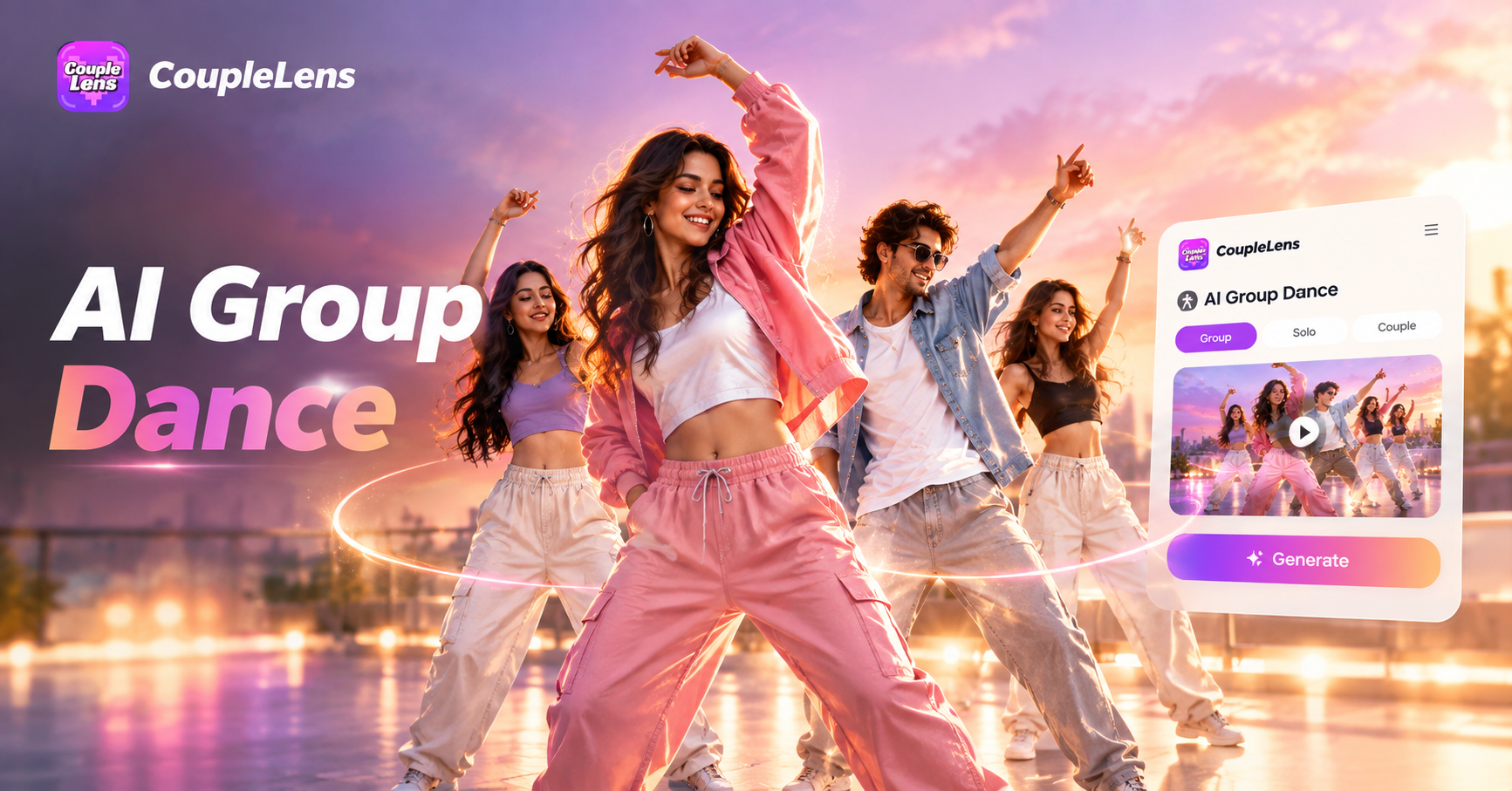
Pick a Group Dance Filter That Fits Your Crew
Ready filters cover the moves everyone is sharing this week. Tap once to start, no prompts needed.
How to Create Your Group Dance Video on CoupleLens?
Skip the dance studio. Pick a group dance filter, upload a photo, and share your first AI dance video in under a minute.
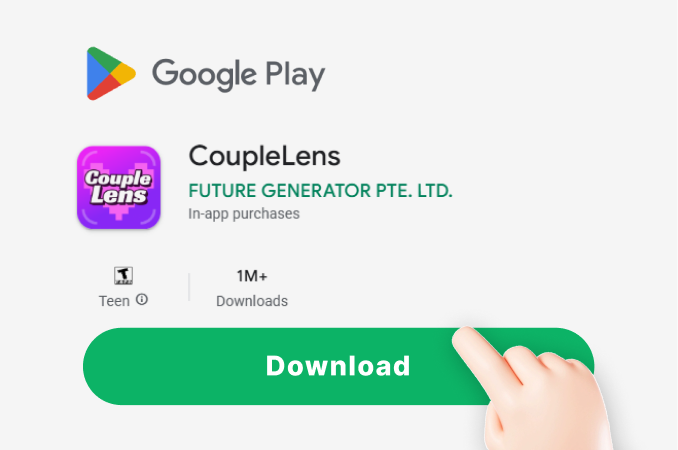
Step 01.
Search CoupleLens on Google Play, tap install, and open the app.
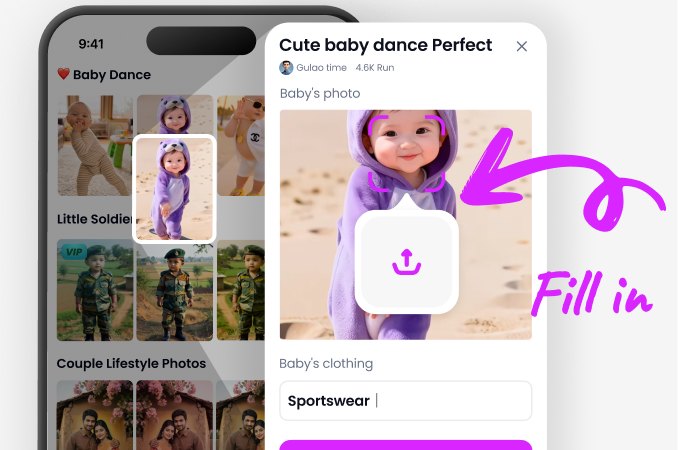
Step 02.
Choose a group dance filter from the home screen in CoupleLens
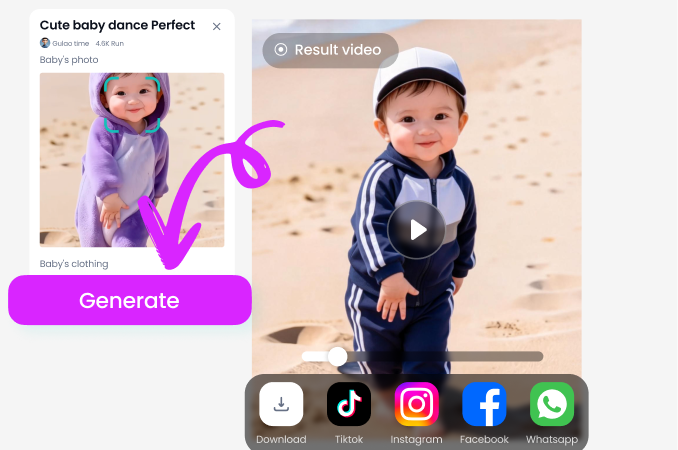
Step 03.
Upload one group photo, tap generate, and wait about twenty seconds. Save the group dance video to your phone or post it.
Group Dance Videos Made with CoupleLens
Real results from real users. See how friends, couples, and crews dance after one tap inside the CoupleLens app.
Key Features of the AI Group Dance Generator
CoupleLens uses real face tracking and a shared dance motion to keep every dancer on beat.
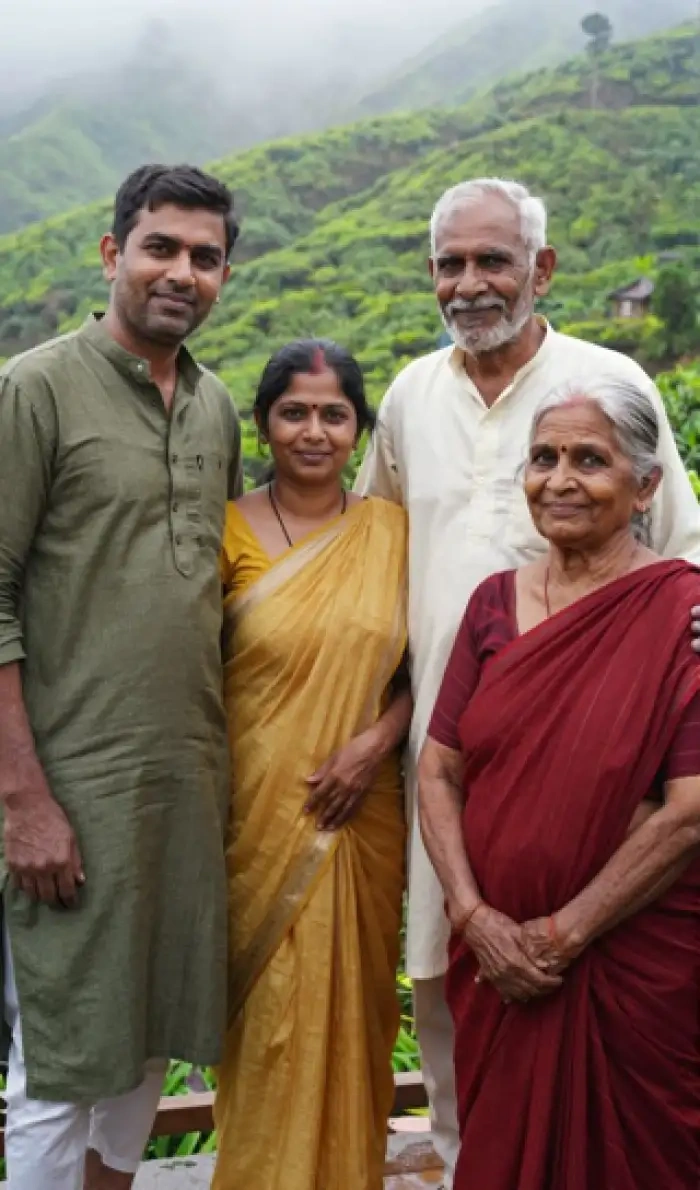 Before
Multi-Face Tracking for Every Group Photo
Most dance apps lose one face the moment a second person shows up. The AI group dance generator inside CoupleLens detects every person in the photo as a separate dancer. Hair, glasses, and face shape all stay clean through every move, even when arms cross or heads turn.
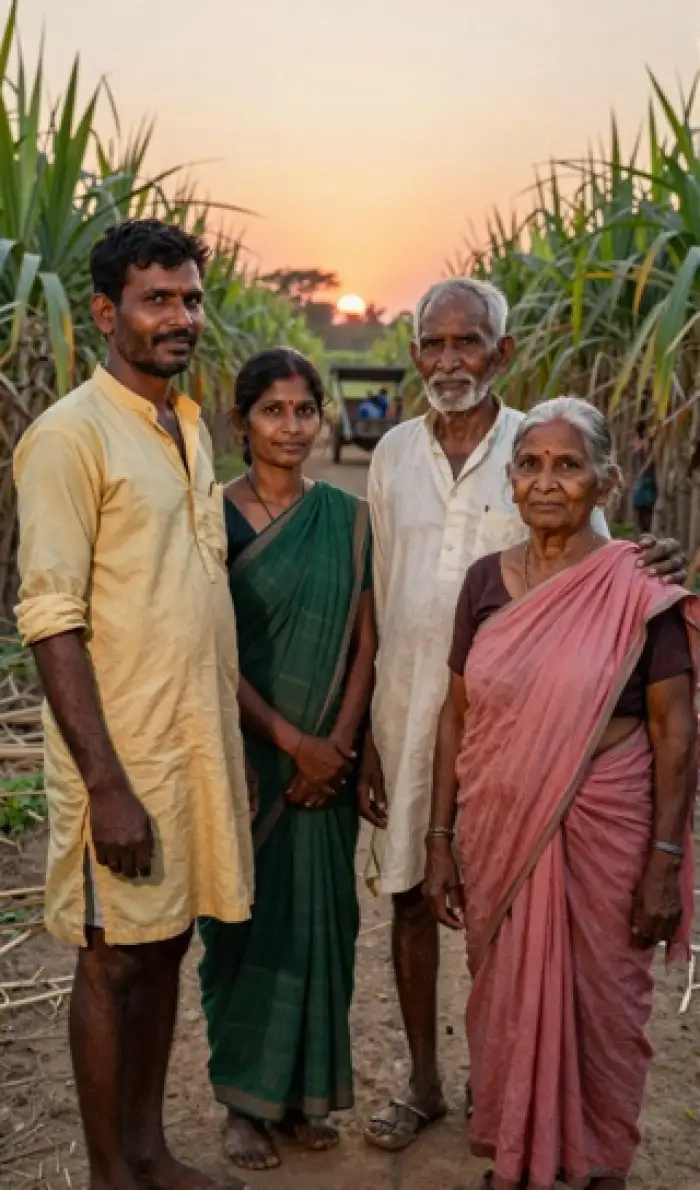 Before
One-Tap Group Dance Filters Without Prompts
You do not write a single line of text. Open the CoupleLens app, pick a group dance filter like Open Grand Group Dance or Group Shuffle Dance, and the steps are already loaded. Each filter is built around a real trending routine from social media, so the group dance video looks like a real choreography on the first try.
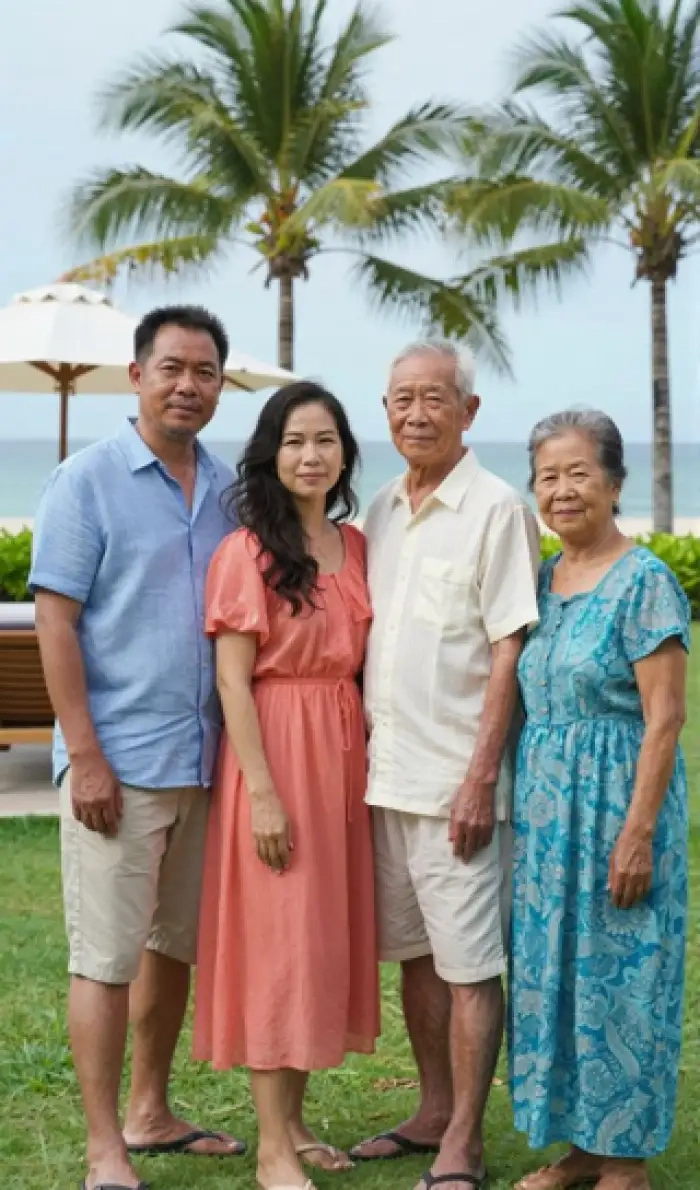 Before
Cross-Video Character Consistency
Post your group dance video straight from the app to your CoupleLens home page or push it to TikTok, Reels, and Shorts with one tap. The same group of friends can also dance across many videos, since the CoupleLens app keeps the same face every time you run a new filter on the same photo.
Watch How a Group Photo Becomes a Dance Video
Two quick tours of the CoupleLens mobile app. Watch the group dance filter workflow from upload to share, in real phone screen recordings.
Use CoupleLens for Your Group Dance Videos
Other apps work fine for one person but fall apart the moment you add a second. CoupleLens keeps every face separate, runs the whole job on your phone, and ships the result in a video ready for social. You also get a wider style library than most web dance tools, so the same crew can film a meme dance on Monday and a romantic couple dance on Wednesday from the same photo. Twenty dancers or two, the mobile AI dance generator in CoupleLens keeps every face in the frame and every move on beat.

Frequently Asked Questions
Real answers about the CoupleLens AI group dance generator, the group dance filters, and the mobile workflow on Android.
More Topics You May Like
ry these related CoupleLens guides for couple dances, friend groups, and viral dance challenges using the same AI dance generator filters.
CoupleLens AI Eid Video Generator Make Eid Mubarak Videos on Your Phone
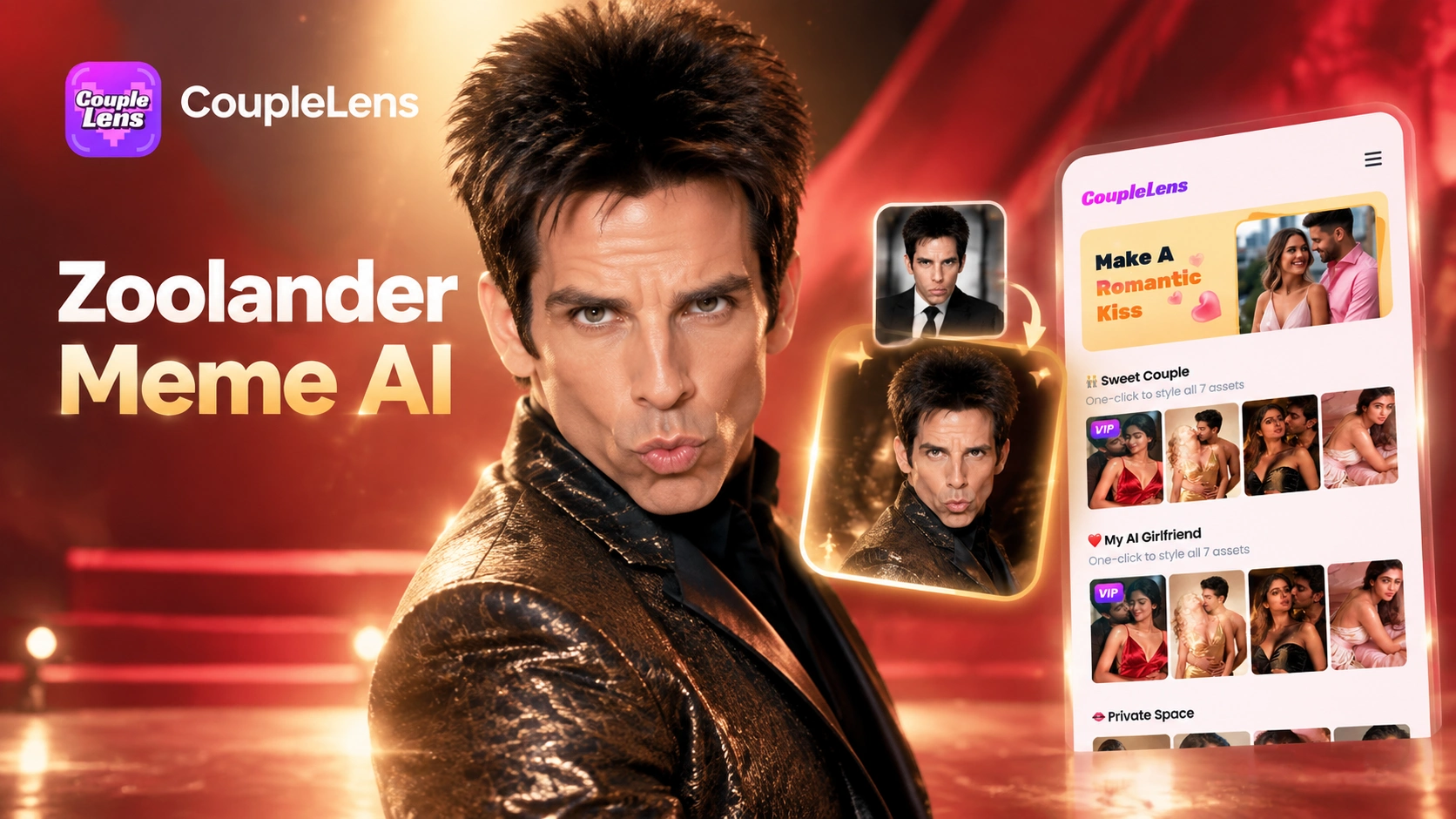
Zoolander Meme AI Generator for Blue Steel Poses and Red Carpet Stares
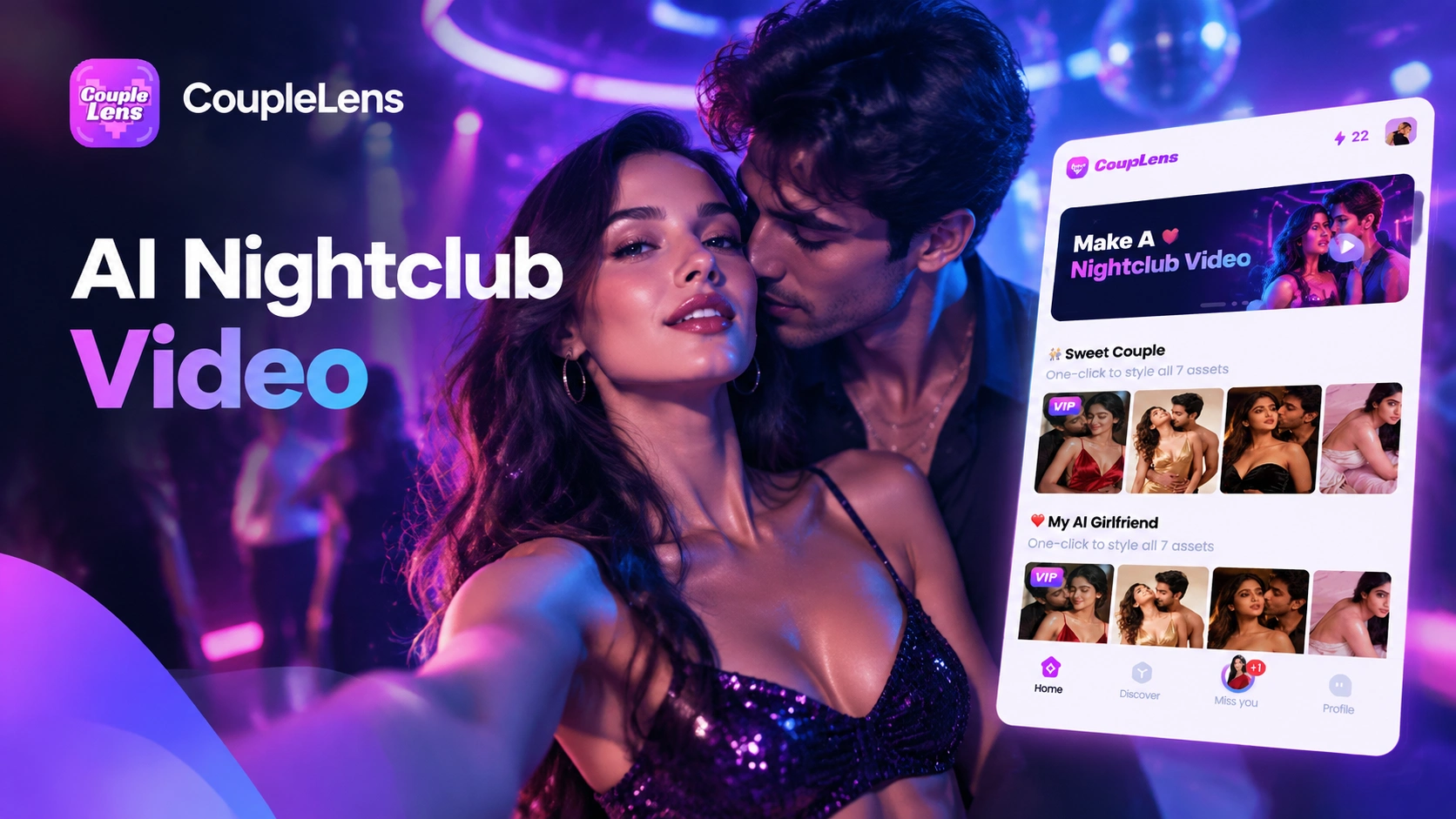
CoupleLens AI Nightclub Video: Make Any Photo Dance in the Club
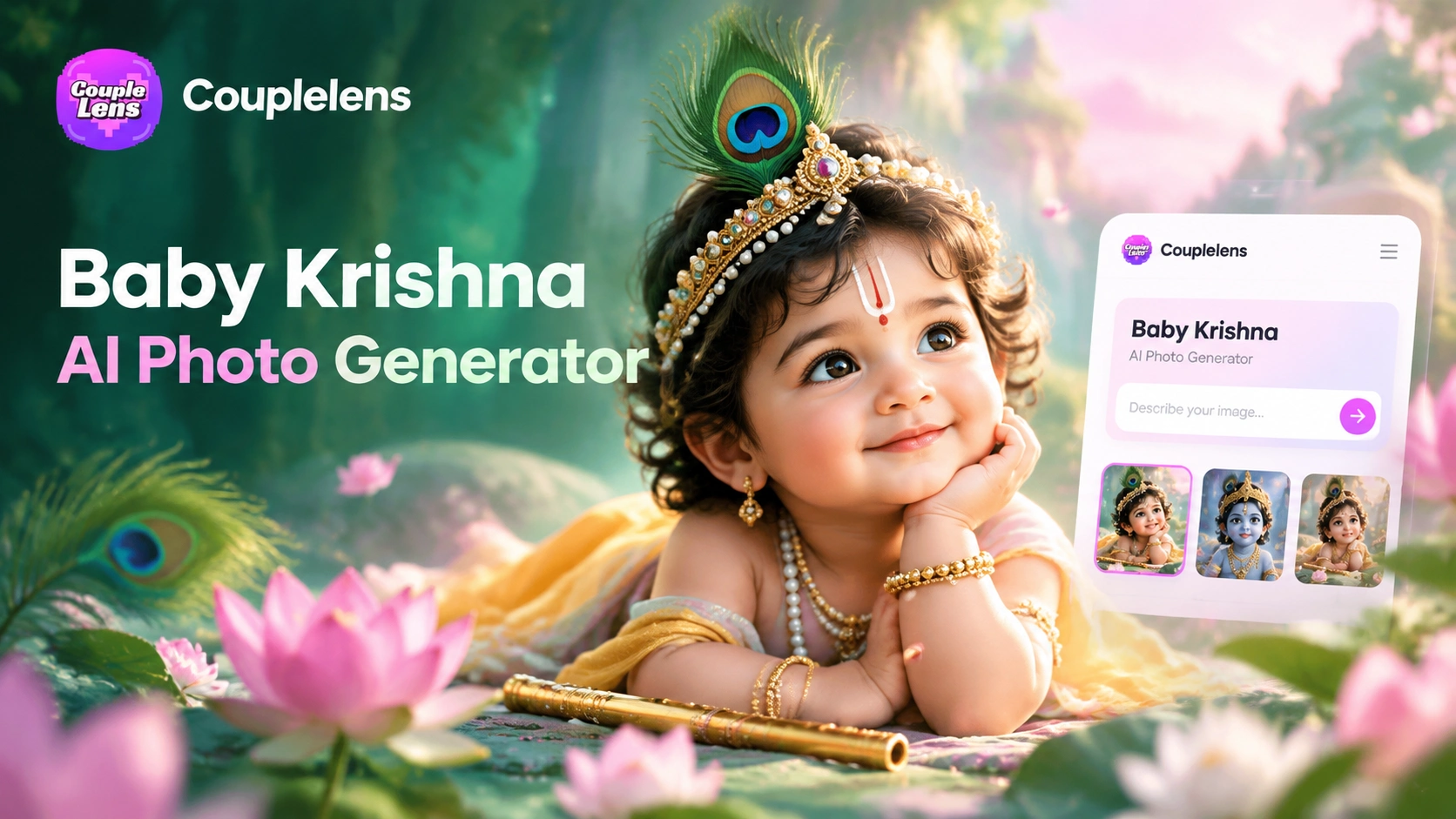
CoupleLens Baby Krishna AI Photo Generator: Create Janmashtami Portraits
CoupleLens AI Eid Video Generator Make Eid Mubarak Videos on Your Phone
Zoolander Meme AI Generator for Blue Steel Poses and Red Carpet Stares
CoupleLens AI Nightclub Video: Make Any Photo Dance in the Club
CoupleLens Baby Krishna AI Photo Generator: Create Janmashtami Portraits
Your Group Dance Is One Tap Away
Install CoupleLens on Google Play. Pick a group dance filter, upload a photo, and post your first AI dance video tonight.
Your Group Dance Is One Tap Away
Install CoupleLens on Google Play. Pick a group dance filter, upload a photo, and post your first AI dance video tonight.