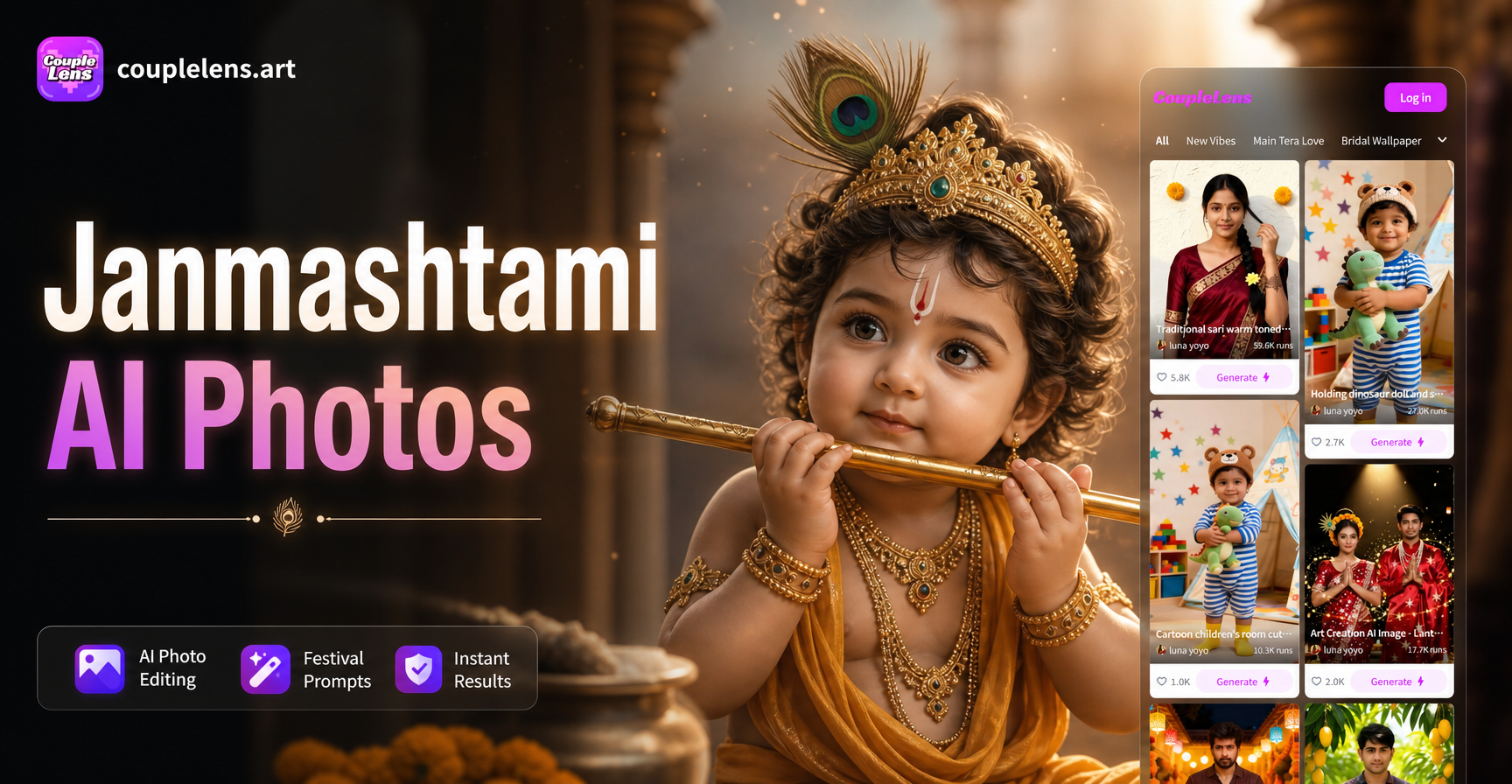
Janmashtami celebrates the birth of Lord Krishna, and it is a festival full of color, devotion, and joy. Many people want to create special photos for this occasion, whether to share greetings, make profile pictures, or simply enjoy the festive spirit. AI photo editing prompts let you transform ordinary photos into stunning Janmashtami-themed images without needing design skills. In this guide, you will find specific prompts you can use in an AI photo editor to create baby Krishna portraits, dahi handi scenes, peacock feather edits, and much more.
Why Use AI Photo Editing for Janmashtami?
Traditional photo editing requires software knowledge, expensive tools, and hours of work. With AI, you can describe the look you want in plain words, and the tool does the rest. AI photo editors understand prompts like add a peacock feather crown or place me in a temple background and generate realistic results. This makes Janmashtami photo editing accessible to everyone, even if you have never edited a photo before.
Best Janmashtami AI Photo Editing Prompts
Below are ready-to-use prompts for different Janmashtami themes. You can copy these prompts directly into an AI photo editor like couplelens, or adjust them to match your own photo and style.
Baby Krishna Prompts
- Transform my portrait into a divine baby Krishna. Give me soft blue skin, a peacock feather crown, golden jewelry, and a gentle smile. Keep my facial features recognizable.
- Edit my photo to look like baby Krishna sitting in a cradle. Add a golden cradle, soft silk cloth, and a background of decorated temple arches.
- Give me a baby Krishna look with a butter pot in my hands, a peacock feather, and a playful expression. Use warm golden light and a traditional Indian painting style.
Dahi Handi Prompts
- Place me in a dahi handi scene. Surround me with a group of people forming a human pyramid, and add a hanging clay pot filled with curd. Make it look festive and energetic.
- Transform my photo into a joyful dahi handi participant. Add a blue and yellow traditional outfit, a turban, and a background of a crowded street festival with confetti.
- Edit my image to show me breaking a dahi handi pot. Add splashing curd, flying flower petals, and a cheering crowd below.
Flute and Peacock Feather Prompts
- Add a bamboo flute to my hands and a peacock feather tucked behind my ear. Style my hair with a traditional Krishna crown and give me a serene expression.
- Turn my photo into a Krishna inspired portrait with a glowing peacock feather background. Use soft blue tones and golden light rays.
- Edit my image to show me playing a flute near a riverbank at sunset. Add lotus flowers, floating diyas, and a peaceful natural landscape.
Temple and Decoration Prompts
- Place me in front of a beautifully decorated temple during Janmashtami. Add marigold garlands, hanging bells, and intricate rangoli patterns on the floor.
- Transform my photo into a festive temple scene with oil lamps, colorful drapes, and a golden idol of Lord Krishna in the background. Keep me in focus as the main subject.
- Edit my background to a grand Janmashtami celebration with flower petals falling, bright lights, and a decorated swing for baby Krishna.
Group Photo and Family Prompts
- Take my group photo and dress everyone in traditional Indian festive wear. Add a temple backdrop with glowing lamps and garlands. Keep all faces recognizable.
- Edit our family photo to look like a Janmashtami celebration at home. Add a decorated cradle, festive banners, and soft warm lighting.
- Transform my group picture into a dahi handi celebration. Place us in a pyramid formation, add colorful turbans, and a large clay pot above.
Vintage and Painting Style Prompts
- Turn my portrait into a traditional Pichwai painting of Lord Krishna. Use rich colors, gold leaf details, and a decorative border.
- Give my photo a vintage oil painting look with a Janmashtami theme. Add a dark background, soft lighting, and intricate details in the clothing.
- Style my image as a Madhubani art painting inspired by Janmashtami. Use bold lines, vibrant colors, and folk patterns around the frame.
How to Use These Prompts in an AI Photo Editor
Using these prompts is simple. Follow these steps in an app like couplelens:
- Download the app. Search for couplelens on Google Play and install it.
- Upload your photo. Choose the image you want to edit. Make sure your face is clear and well lit.
- Enter the prompt. Copy one of the prompts above, paste it into the text field, and select a style template that matches your desired look.
- Generate and save. Tap generate, wait a few seconds, and download your edited photo. You can try different prompts to see which one works best.
Tips for Better Janmashtami Photo Edits
- Use high resolution photos. Clear images produce better results. Avoid blurry or dark selfies.
- Keep your face visible. Face recognition works best when your full face is in frame and facing the camera.
- Use simple backgrounds. A plain wall or clean background helps the AI separate you from the original scene.
- Adjust the prompt. If the result is not what you expected, add details like lighting, color tone, or camera angle.
- Try multiple styles. Switch between realistic photography, oil painting, and traditional art filters to find your favorite look.
Common Mistakes to Avoid
- Too many instructions in one prompt. Keep your prompt focused on one main change. You can always edit again.
- Ignoring facial similarity. If the AI changes your face too much, add keep my facial features recognizable to the prompt.
- Low quality input photo. A small or pixelated photo will lead to poor output. Use the original high quality image.
- Not trying variations. Sometimes small changes in wording make a big difference. Experiment with different prompts.
Frequently Asked Questions
Can I use these Janmashtami AI prompts for free?
Yes, many AI photo editing apps like couplelens offer free trials or a limited number of free generations. You can try these prompts without paying.
Do I need to be good at photo editing to use AI prompts?
No. AI photo editing is designed for beginners. You only need to type a simple description, and the tool handles the rest.
Will my original photo be shared or stored?
Most reputable AI apps process your photo securely and do not share it publicly. Always check the app privacy policy before uploading.
Can I use these prompts to create videos?
Yes, you can adapt many of these prompts for AI video generation. For example, add animate this scene with gentle movement to create a short Janmashtami video.
Janmashtami is a perfect time to create beautiful, devotional photos with AI. Use the prompts above to transform your images and share the festive spirit with your friends and family. Download the app today and start experimenting.