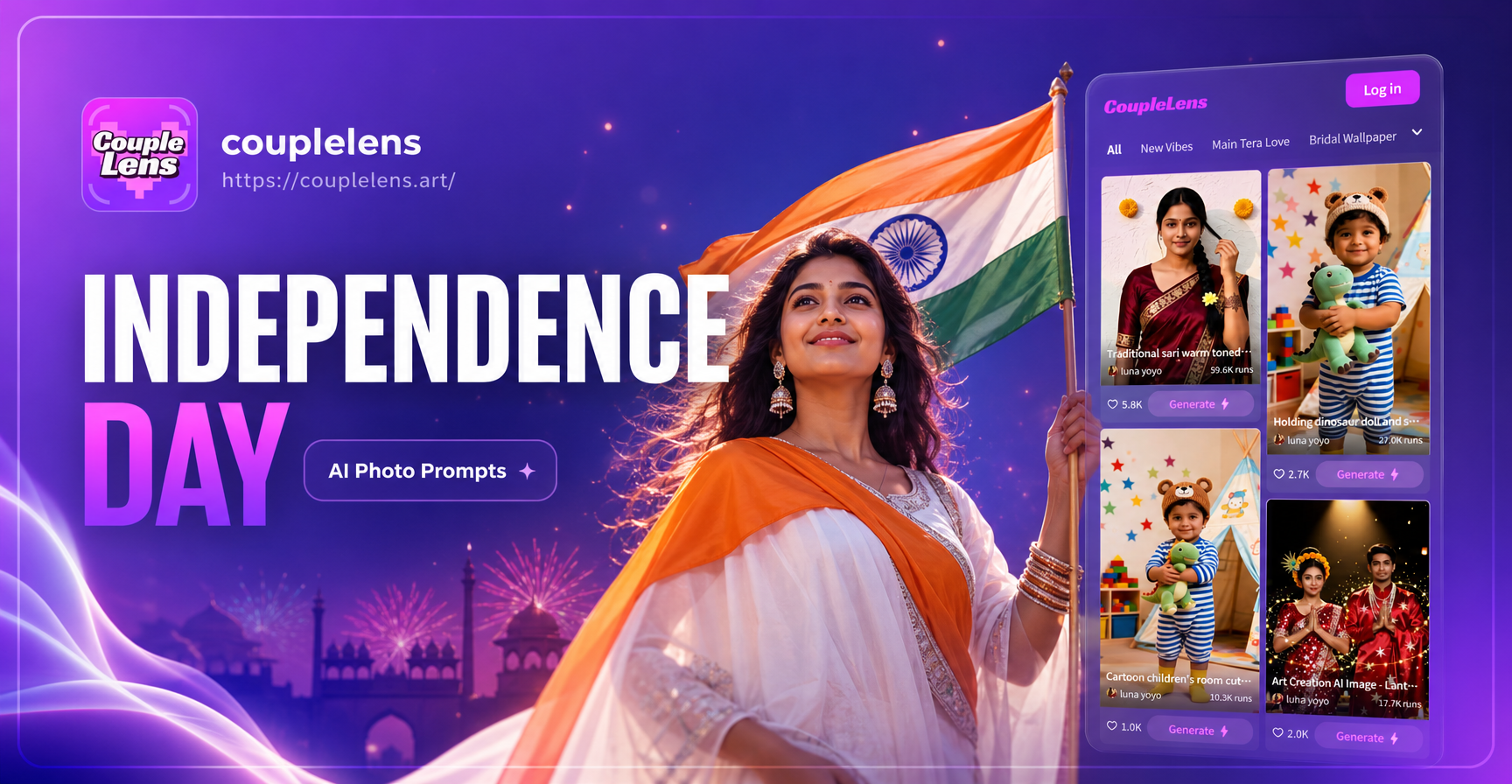
Independence Day calls for photos that feel bright, bold, and unmistakably American. If you already have ordinary portraits, family snapshots, or party pictures, you do not need a professional editor to give them a 4th of July makeover. These Independence Day AI photo editing prompts help you add fireworks, flags, vintage Americana tones, and red white and blue styling in a few taps. You can copy any prompt below into the CoupleLens app, upload your image, and generate a new version that fits the holiday.
Why These Prompts Work for Independence Day Edits
AI image editing responds best when a prompt names the scene, colors, lighting, and mood. Independence Day edits usually need a clear red white and blue palette, a specific holiday object such as a flag or fireworks, and a style that matches your photo. The prompts below use those details so the app knows exactly what to change. Whether you want a subtle color grade for a profile picture or a full night sky fireworks scene, you can modify any prompt by replacing the placeholders with your own details.
Independence Day AI Photo Editing Prompts You Can Use Right Now
Fireworks and Night Sky Prompts
Edit this photo with a dramatic 4th of July fireworks show in the background. Show red, white, and blue fireworks bursting over a dark night sky, soft reflections on the subject's face, festive outdoor atmosphere, ultra realistic, high detail.
Add a dreamy fireworks bokeh layer behind [subject]. Make the night sky deep navy with colorful sparkles and light trails. Keep the subject sharp and naturally lit from the front, warm golden skin tones, cinematic composition.
Turn this backyard photo into an Independence Day night scene. Place red, white, and blue fireworks above the group, add string lights in background, subtle American flag bunting on a fence, joyful candid mood, realistic shadows.
Style this portrait as a 4th of July celebration photo. Put a soft glow of fireworks on one side, small glowing sparkler in the subject's hand, dark background with red and blue highlights, shallow depth of field.
Enhance this city photo with Independence Day fireworks over the skyline. Add red, white, and blue aerial bursts, smoke trails, glowing reflections on buildings, festive energy, photorealistic, high resolution.
Patriotic Portrait Prompts
Edit this portrait with a subtle patriotic color grade. Use deep red shadows, soft blue highlights, and clean white tones. Add a small American flag pin on the shirt, neutral studio background, smooth skin texture, professional headshot.
Transform [person's] selfie into a 4th of July profile picture. Add red white and blue face paint stripes on one cheek, tiny star accents, natural smile, bright daylight, sharp focus on eyes, realistic skin details.
Create a festive family portrait from this photo. Place the group in front of an American flag backdrop with soft wrinkles, red white and blue confetti falling gently, warm evening light, everyone smiling naturally.
Give this photo a retro 4th of July portrait look. Use faded film colors, slight grain, vintage American flag in the background, classic 1970s summer style, soft natural light, nostalgic Americana mood.
Edit this photo to look like a professional Independence Day campaign image. Add dramatic red and blue rim lighting, subtle white glow, American flag fabric flowing behind subject, sharp focus, editorial fashion photography style.
Red White and Blue Style Transfer Prompts
Apply a red white and blue painterly style to this image. Use bold brushstrokes, high contrast colors, small star motifs, festive composition, no text, artistic 4th of July poster feel.
Turn this ordinary landscape into an Independence Day themed artwork. Add red white and blue color grading, stylized fireworks in the sky, small American flags along a path, clean vector-like edges, vibrant flat colors.
Give this photo a watercolor Independence Day effect. Use soft red, white, and blue washes, light paper texture, delicate star shapes, dreamy background, gentle color bleeding, hand painted look.
Vintage Americana and Family Photo Prompts
Edit this family picnic photo with a warm vintage Americana style. Add golden hour sunlight, faded red and blue tones, film grain, checked picnic blanket, tiny American flag on table, nostalgic summer afternoon feel.
Transform this couple photo into a 4th of July date night portrait. Put them under a string of red white and blue lights, soft bokeh, distant fireworks over a lake, romantic mood, deep blue hour sky.
How to Adapt These Prompts to Your Own Photos
Replace bracketed placeholders such as [subject] or [person's] with the actual name, relationship, or description of the person in your picture. You can also combine details from different prompts. For example, if you want a vintage portrait with fireworks, merge the retro film color description with a fireworks background prompt. The more specific you are about clothing, location, and lighting, the more accurate the edited image will be.
Fix Weak AI Photo Editing Results
If your first result looks off, add one clear subject and one clear background instruction. Avoid asking for too many competing effects at once. For example, a prompt that asks for both heavy vintage grain and ultra sharp modern detail may produce a muddy image. Instead, choose one primary style and one secondary detail. You can also upload a clearer source photo. Good lighting, a visible face, and a simple background help the AI place fireworks, flags, and color grades more accurately.
How to Use These Prompts in CoupleLens
Download the CoupleLens app from Google Play. Open the app and choose the image to image feature. Upload the photo you want to edit. Paste one of the Independence Day AI photo editing prompts into the prompt field. Select a style template if you want an extra filter on top. Tap generate and wait a few seconds. Download the new image or run the prompt again with small tweaks until you are happy with the result.
Final Thoughts
Independence Day photos do not need to stay plain. With a few specific prompts, you can turn any snapshot into a festive 4th of July image filled with fireworks, flags, and patriotic color. Copy the prompts above, open the CoupleLens app, and start creating holiday pictures that stand out on social media and in your family photo album.