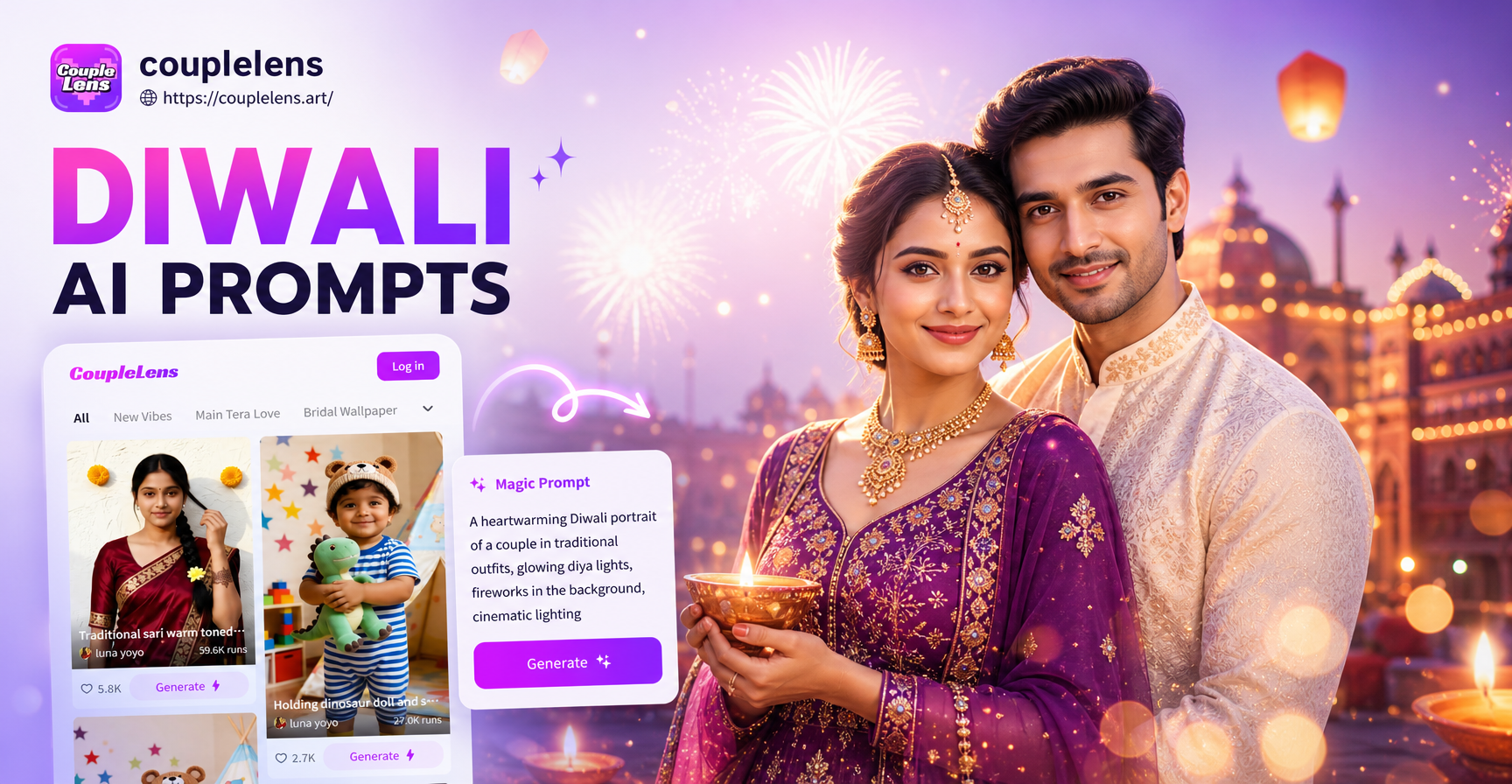
Diwali AI photo editing prompts let you transform a simple portrait into a festive celebration scene with traditional outfits, glowing diyas, colorful rangoli, and warm golden light. This article gives you a practical collection of prompts you can copy directly into the couplelens app. You will also learn how to adapt each prompt to your own photo, how to fix common weak results, and how to get a natural Diwali look without complex editing skills.
Why Specific Prompts Matter for Diwali AI Photo Editing
Diwali has a strong visual language. A successful AI edit usually includes at least one of these elements: a lit diya, marigold flowers, a rangoli pattern, traditional clothing, sweets, or fireworks. If a prompt is too vague, the AI may produce a generic festive image that lacks the right cultural details. For example, a prompt like festival photo could return Christmas lights or random lanterns. By naming the exact outfit colors, lighting, and background, you give the model enough context to create a recognizably Diwali scene.
When you edit a photo inside the app, the prompt works together with the reference image. The clearer your reference photo, the better the final result. Use a well lit front facing photo for portraits, and keep hands and face visible for the sharpest output.
What Makes a Good Diwali AI Prompt
A good Diwali prompt names the subject, outfit, action, lighting, and background in one or two sentences. For example, instead of writing Diwali woman photo, you can write a young Indian woman in a golden lehenga lighting a brass diya, marigold garland in the background, warm candlelight, night, photorealistic. The extra words help the AI understand the scene and reduce the chance of a generic result.
Use color words that are common in Diwali decor, such as deep red, gold, marigold orange, emerald green, and royal blue. Lighting phrases like warm golden light, soft bokeh, and glowing flame create the festival mood. Always include photorealistic or realistic photo style if you want the output to look like a real photograph rather than an illustration.
Ready to Use Diwali AI Photo Editing Prompts
Copy any prompt below into the app. You can replace clothing colors, locations, and subjects with your own details. Each prompt is written to work with the image to image editor or the text to image generator.
Portraits and Family Photos
- Traditional portrait prompt: A smiling Indian woman in a deep red and gold silk saree holding a lit brass diya, warm golden bokeh lights, traditional Diwali celebration, soft window light, photorealistic, high detail, warm skin glow.
- Family group prompt: An Indian family of five smiling together on a decorated floor, wearing festive kurta and saree, surrounded by lit diyas and flower petals, warm indoor lighting, joyful atmosphere, realistic photo style.
- Elderly couple prompt: An elderly Indian couple in traditional attire sitting on a wooden swing decorated with marigolds, holding hands, soft festival lights, gentle smile, nostalgic Diwali mood, photorealistic.
- Child portrait prompt: A happy Indian child in a golden sherwani holding sparklers, standing near a colorful rangoli, night background with small fireworks, bright reflections in the eyes, festive bokeh, realistic.
- Solo diya portrait prompt: A close up portrait of a young man in a cream kurta holding a glowing diya near his face, warm rim light, dark festive background with string lights, Diwali celebration, photorealistic.
Home Decor and Rangoli
- Rangoli scene prompt: A colorful rangoli made of flower petals and colored powder on a courtyard floor, surrounded by small clay diyas, top down view, vibrant colors, intricate patterns, Diwali morning light, photorealistic.
- Living room decor prompt: An Indian living room decorated for Diwali with marigold torans, hanging lanterns, lit candles, and colorful cushions, warm ambient glow, cozy festive atmosphere, realistic interior photo.
- Entrance decor prompt: A traditional Indian home entrance decorated with banana leaves, marigold garlands, and glowing diyas on both sides of the door, evening light, inviting festive feel, photorealistic.
- Balcony diya prompt: A balcony with rows of clay diyas filled with oil and cotton wicks, flame glow reflecting on the wall, dark blue evening sky, Diwali night, realistic close up.
- Swing decor prompt: A decorated wooden swing with marigold and rose garlands, fairy lights, and colorful cushions in a courtyard, soft evening light, Diwali festive setting, photorealistic.
Festive Food and Sweets
- Sweets still life prompt: A brass plate filled with assorted Indian sweets like laddoo, barfi, and jalebi, decorated with edible silver leaf and pistachio, warm light, Diwali festive table, photorealistic.
- Tea and sweets prompt: A cup of masala chai with steam rising next to a plate of Diwali sweets and a small diya, warm cozy setting, shallow depth of field, festive golden tones.
- Hand holding sweet prompt: Close up of a hand offering a piece of kaju katli against a blurred background of Diwali lights and marigold, warm festival mood, realistic.
- Kitchen cooking prompt: An Indian woman in traditional dress frying gulab jamun in a kadhai, warm kitchen light, festive atmosphere, Diwali preparation, photorealistic.
- Sweets platter prompt: A large round platter with multiple Diwali sweets arranged in a spiral, decorated with rose petals and small diyas, overhead shot, vibrant colors, realistic.
Night Scenes and Fireworks
- Fireworks portrait prompt: A couple in traditional Indian clothes standing on a rooftop watching fireworks burst in the night sky, colorful sparks reflecting on their faces, Diwali celebration, cinematic composition, photorealistic.
- Sparkler writing prompt: A hand holding a sparkler drawing a heart of light, dark sky with Diwali lanterns, festive night mood, long exposure style, realistic.
- City Diwali night prompt: A city street decorated with hanging lanterns and fairy lights, crowds in festive clothes, fireworks above, warm and colorful night scene, editorial photo style.
- Diya and night sky prompt: A close up of a clay diya with a bright flame against a blurred background of fireworks, shallow depth of field, deep blue and gold contrast, Diwali night.
- Friends with lanterns prompt: A group of young Indian friends in festive kurtas releasing sky lanterns, glowing lanterns floating upward, night sky, joyful Diwali celebration, photorealistic.
How to Adapt These Prompts to Your Own Photos
These prompts work best when you combine them with a clear reference image. In the couplelens app, open the image to image editor and upload a photo of yourself, your family, or a decorated room. Then paste one of the prompts above and keep the main subject in the prompt similar to the photo. For example, if your photo shows a woman in a blue saree, change the prompt to say a woman in a blue and silver silk saree instead of red and gold. This small adjustment keeps the edit consistent.
For group photos, use the app's multi person editing feature so each face stays distinct. Avoid prompts that describe more people than are actually in the reference photo. If the prompt says an Indian family of five but your photo has three people, the result may add extra faces or look unnatural. Adjust the number to match your image.
Common Weak Results and How to Improve Them
Even a strong prompt can produce a weak edit if the reference image or settings are off. Here are the most common issues and quick fixes.
Weak result: the face looks different
Use a clear front facing photo with even lighting. In the prompt, add preserve facial features or keep the face recognizable. The app's image to image editor is designed to maintain identity, but it works better when the original photo is sharp and well lit.
Weak result: the background looks too busy
Remove extra objects from the prompt. Focus on one subject and one festive element, such as a single diya or a small rangoli, rather than an entire decorated room. A simpler scene often looks more realistic.
Weak result: colors look flat or washed out
Add lighting words like warm golden light, soft bokeh, glowing diya flame, or deep blue and gold contrast. These phrases push the model toward rich Diwali tones. Avoid stacking too many filters at once, because that can reduce detail.
Quick Workflow for Diwali AI Photo Editing in the App
Follow these steps to get a festive edit in under a minute.
- Download couplelens from Google Play and open the app.
- Choose image to image if you want to edit an existing photo, or text to image to create a new Diwali scene from scratch.
- Upload a clear photo or enter a text description.
- Paste one of the prompts from this article into the prompt field.
- Pick a festive style filter, then tap generate.
- Download your edited photo and share it directly to social media.
More Diwali Prompt Ideas to Try
If you want to go beyond the examples above, combine two ideas in one prompt. For example, ask for a portrait with a rangoli background, or a close up of sweets with a blurred diya in the foreground. You can also add specific jewelry, makeup, or outfit details to make the result feel personal. Try changing the time of day from evening to golden hour, or add rain for a different Diwali mood. The key is to keep one clear subject and one or two festive supporting elements.
Frequently Asked Questions About Diwali AI Photo Editing Prompts
Can I use these prompts for a group photo?
Yes. Use a group prompt and make sure the app identifies all faces clearly. Keep the group to four or five people for the sharpest result, and match the number in the prompt to the number in the photo.
Will the AI change my traditional outfit?
It can. If you want to keep the original outfit, mention keep the same clothing in the prompt or use a lighter editing intensity. You can also specify the exact color and style you want to change into.
Do I need to know prompt engineering?
No. The prompts here are ready to use. You can copy them and add small details like hair length, jewelry, or background elements. Start with a simple prompt and adjust if the first result is not what you expected.
Final Thoughts
Diwali AI photo editing prompts give you a fast way to create warm, culturally rich images without manual design work. The best results come from specific prompts, clear reference photos, and small adjustments to match your own scene. Download the app, try a few prompts from this article, and build your own Diwali photo collection that looks natural and festive.