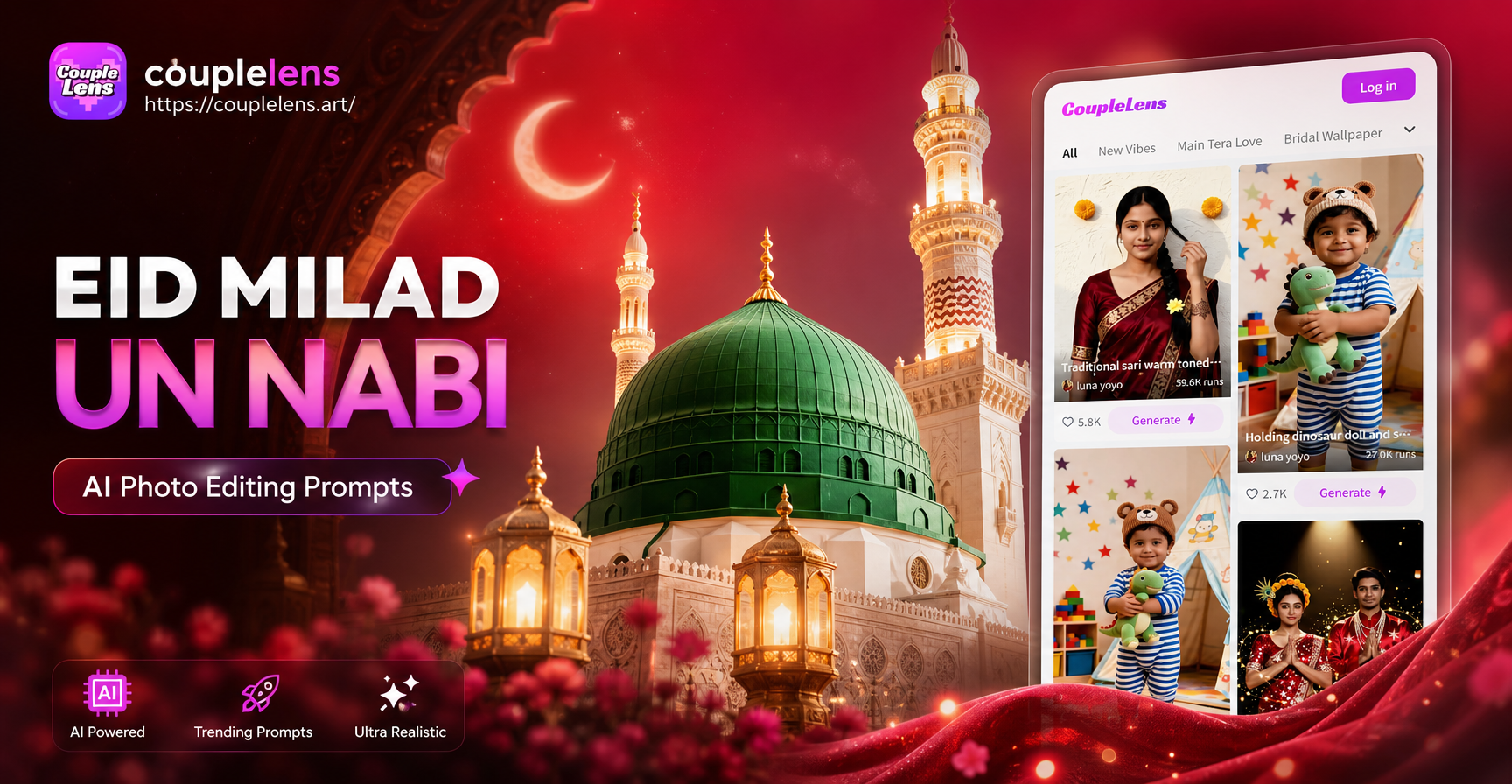
Eid Milad Un Nabi is a deeply cherished occasion for Muslims around the world. If you want to create a refined social media post, a digital greeting card, or a keepsake portrait, AI photo editing can help you design festive images that feel warm and respectful. With the right Eid Milad Un Nabi AI photo editing prompts, you can transform an ordinary photo into a polished image with mosque domes, crescent moons, fairy lights and gold accents.
CoupleLens makes this simple. You upload a portrait or background image in the app, choose a style template, and enter a prompt. The AI keeps your face and original composition while adding the visual details you describe. The key is writing prompts that are specific about colors, lighting, background elements, and mood. Below you will find a full collection of Eid Milad Un Nabi AI photo editing prompts you can copy and adapt.
What Makes a Strong Eid Milad Un Nabi AI Photo Editing Prompt
A good prompt describes the complete scene, not just one object. You should name the color palette, background, lighting, symbols and the mood you want. For Eid Milad Un Nabi, common visual elements include emerald green, gold, cream, mosque domes, minarets, crescents, lanterns, fairy lights, geometric patterns and Arabic calligraphy. The most useful prompts also tell the AI how to handle your face. Words like keep my face natural, preserve my expression, or add soft golden rim light help the app produce realistic and respectful results.
- Color palette. Use deep green, gold, teal, cream or warm amber.
- Background. Mention mosque silhouettes, courtyards, decorated interiors or simple gradient backgrounds.
- Symbols. Add crescent moons, stars, hanging lanterns or Islamic geometric patterns.
- Lighting. Ask for soft candlelight, warm lantern glow or gentle window light.
- Mood. Use words like peaceful, reverent, festive or elegant.
12 Eid Milad Un Nabi AI Photo Editing Prompts
These prompts are designed to work with photo editing apps like CoupleLens. You can paste them directly after uploading your image, then change small details such as clothing colors, background elements or text to fit your needs.
Portrait Greeting Card Prompts
- Emerald Portrait Card. Transform my portrait into an elegant Eid Milad Un Nabi greeting card. Place me in front of a soft emerald green background with golden Islamic geometric patterns. Add a glowing crescent moon above my shoulder and warm lantern bokeh around the edges. Keep my face natural, calm and gently smiling.
- Mosque Silhouette Selfie. Edit my selfie into a festive Milad portrait with a blurred mosque silhouette at dusk. Use deep green and gold tones, add strings of tiny fairy lights, and place a subtle Arabic calligraphy banner reading Milad Mubarak behind me. Keep the image soft and reverent.
- Family Milad Card. Turn my family photo into a group Eid Milad Un Nabi card. Place our group in front of a decorated stage with green, white and gold drapery. Add hanging lanterns and a glowing crescent overhead. Preserve every face clearly and keep the lighting warm and even.
- Minimalist Profile Picture. Make a profile picture from my headshot with a minimalist Eid Milad Un Nabi feel. Use a dark green gradient background, a thin gold border, and a delicate mosque outline in the lower corner. Add soft golden rim light on my hair and shoulders.
- Watercolor Milad Art. Edit my photo into a watercolor style Eid Milad Un Nabi artwork. Use washes of emerald green, mustard yellow and cream. Paint gentle mosque domes and minarets in the background, and keep my facial features recognizable with a peaceful expression.
- Cinematic Reverent Portrait. Create a cinematic Eid Milad Un Nabi portrait from my photo. Use soft window light from the left, a decorated prayer area background with green fabric and gold calligraphy, and a slight warm glow around me. Keep the composition dignified and centered.
Mosque and Lantern Background Prompts
- Grand Mosque Night Scene. Replace my background with a grand mosque courtyard at night for Eid Milad Un Nabi. Add glowing green and gold lights, rows of hanging lanterns, and a starry sky with a crescent moon. Match the lighting on my face to the warm lantern glow.
- Balcony Overlooking the Mosque. Edit my image so I stand on a balcony overlooking a mosque with domes and minarets decorated in green lights. Add gentle bokeh and soft mist. Keep my outfit unchanged but add a golden rim light for a festive evening atmosphere.
- Decorated Interior. Turn my plain photo into a festive Eid Milad Un Nabi scene with a richly decorated interior. Show carved wooden panels, green velvet drapes, and golden candle stands behind me. Add a soft focus to the background so the attention stays on my face.
Calligraphy and Symbol Prompts
- Golden Calligraphy Banner. Add elegant Arabic calligraphy reading Milad Mubarak to the upper area of my portrait. Use gold text with a subtle glow, layered over a dark green gradient. Keep the calligraphy tasteful and leave my face clear and uncluttered.
- Crescent and Star Pattern. Edit my photo with a crescent moon and star motif repeated subtly in the background. Use a deep teal and gold palette, add floral Islamic patterns in the corners, and create a regal Eid Milad Un Nabi atmosphere around my portrait.
- Ornamental Frame. Transform my close up portrait into an Eid Milad Un Nabi themed artwork with soft gold Islamic ornamental patterns around the edges. Keep the center clean and bright, and add a faint green glow behind me.
How to Use These Prompts in CoupleLens
Open CoupleLens on your Android phone. Tap the image to image option and upload the photo you want to edit. Choose a style template that matches the festive look you want, such as realistic photography, cinematic quality or watercolor. Then paste one of the Eid Milad Un Nabi AI photo editing prompts into the prompt field. You can adjust the prompt by changing clothing colors, background details or the level of ornamentation. Generate the image, review the result, and save your favorite version.
If you do not have a portrait to start from, use the text to image option instead. Write the same prompt and include a detailed description of the person, posture, outfit and background. This gives you a fully generated Eid Milad Un Nabi greeting image without an upload.
Tips to Improve Weak Results
- Use a clear source photo. A sharp, well lit portrait with a simple background gives the AI more facial detail to preserve.
- Add negative instructions. If the app supports negative prompts, add phrases like no distorted hands, no blurry calligraphy, no extra fingers.
- Keep the prompt focused. Choose one background idea and one lighting idea instead of stacking too many scenes in a single prompt.
- Try style templates. The same prompt can look very different in realistic, watercolor or cinematic modes. Test two or three versions.
- Refine gradually. If the first result is close, change only one part of the prompt and generate again.
Common Mistakes to Avoid
When editing Eid Milad Un Nabi photos, avoid asking the AI to depict religious figures. Focus on respectful symbols like mosque architecture, calligraphy, crescents, lanterns and geometric art. Do not overload the image with too many glowing objects, because the subject can become dark or the composition can look cluttered. Also avoid small calligraphy text near the face if you want sharp results. Instead, place the text in the upper area or as a border. Finally, do not use overly dark backgrounds without mentioning a light source. AI images can become muddy if the lighting is not specified.
Quick Answers Before You Edit
Will these prompts work with any photo?
Yes, they work best with clear portraits that show the full face. Low resolution or heavily filtered source images may produce softer results, but you can still improve them by choosing a stylized template like watercolor or oil painting.
Are these prompts respectful for Eid Milad Un Nabi?
Yes. They use symbolic decoration, architecture and calligraphy rather than depicting sacred figures. This keeps the images tasteful and suitable for sharing with family and friends.
Do I need to write perfect English for the AI to understand?
No. These prompts are written as plain instructions, and CoupleLens is designed to understand simple language. You can shorten a prompt or replace words while keeping the main visual details.
Start Creating Your Eid Milad Un Nabi Photo
Eid Milad Un Nabi AI photo editing is a flexible way to create personal, festive and respectful visuals without advanced design skills. Start with one of the prompts above, upload a portrait, and let the AI add the atmosphere of lanterns, crescent moons, mosque domes and golden calligraphy. Small changes to the prompt can produce a completely different look, so feel free to experiment. Download CoupleLens and try your first Eid Milad Un Nabi edit today.