How to Choose the Best Text-to-Image AI Generator
The landscape of AI art has exploded, with new text-to-image generators launching constantly. But what truly makes one the best for you? It's not just about raw power. The ideal tool balances creative control with ease of use. For casual creators, an intuitive app with ready-to-use style templates might be perfect. For professional artists, fine-tuned control over composition and detail is non-negotiable. Understanding your primary goal—whether it's quick social media content, conceptual art, or photorealistic imagery—is the first step in narrowing down your search.
Beyond your own needs, key technical factors differentiate the leaders from the rest. Look at output resolution and quality; some AI generators produce web-ready images instantly, while others require upscaling for print. Evaluate the diversity of styles and art models available. Does the platform offer anime filters, 3D clay renders, oil painting textures, or cinematic photography styles? Finally, consider the user interface and workflow. A complex tool with a steep learning curve can stifle creativity, whereas a streamlined mobile app like couplelens lets you generate on the go without mastering prompt engineering.
Top Contenders for the Best Text-to-Image AI Title
Let's dive into the current front-runners, examining their strengths and ideal user profiles.
couplelens: The Mobile Powerhouse for Style Exploration
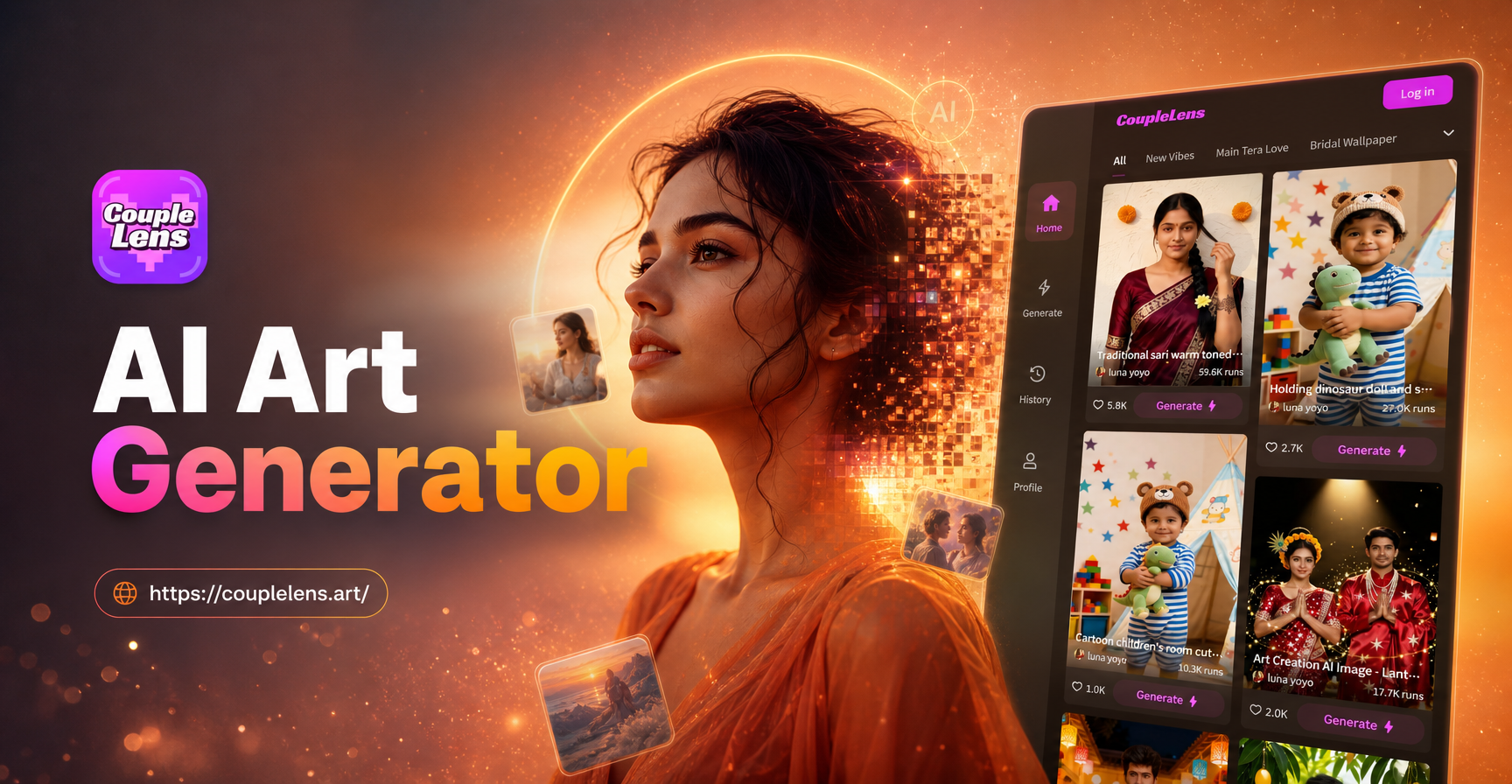
couplelens distinguishes itself as a comprehensive, mobile-first AI studio. It's not just a text-to-image tool; it's an all-in-one creative suite that includes image-to-image and video generation. Its core strength for text-to-image lies in its massive, ever-growing library of over a million style filters and templates.
- Key Strength: Unmatched style variety and simplicity. You don't need to write complex prompts like "in the style of Studio Ghibli, cinematic lighting." You simply type a basic description and select the "Ghibli Animation" filter.
- Best For: Social media creators, hobbyists, and anyone who wants professional-looking results without a technical background. Its ability to handle group photos and multi-person scenes is also a unique advantage.
- Platform: Exclusively mobile (Google Play).
DALL-E 3 (via ChatGPT): The Integrated Conversationalist
OpenAI's DALL-E 3, integrated deeply with ChatGPT, represents a leap in prompt understanding. It excels at interpreting nuanced, conversational requests and rendering text accurately within images.
- Key Strength: Exceptional prompt adherence and coherent scene generation. It's fantastic for creating illustrated scenes with specific narrative elements or precise textual inclusions.
- Best For: Writers, educators, marketers, and users who already operate within the ChatGPT ecosystem and value detailed, descriptive scene creation.
- Platform: Web-based through ChatGPT Plus.
Midjourney: The Artists' Choice for Aesthetic Mastery
Midjourney, operating through Discord, has cultivated a reputation for producing images with a distinct, often painterly or cinematic aesthetic that many find superior for fine art and concept design.
- Key Strength: Unparalleled artistic quality and stylistic coherence. It consistently generates images with beautiful lighting, texture, and composition that feel like crafted art.
- Best For: Professional digital artists, concept designers, and serious hobbyists who prioritize aesthetic quality and are comfortable with a community-driven, Discord-based interface.
- Platform: Discord.
Stable Diffusion (with UI like Automatic1111 or ComfyUI): The Open-Source Power User's Playground
Stable Diffusion is the open-source engine that powers many other tools. Using it directly via a local interface offers maximum control, customization, and the ability to use custom-trained models (LoRAs).
- Key Strength: Ultimate control, privacy (runs locally), and endless customization through different models, embeddings, and extensions like ControlNet for pose mapping.
- Best For: Technically adept users, researchers, and professionals who need specific, reproducible results and are willing to manage their own hardware and software setup.
- Platform: Local installation (requires capable GPU).
Beyond Text-to-Image: Why couplelens Offers a Complete Creative Suite
While comparing pure text-to-image capabilities is essential, modern creation often demands more. This is where a platform like couplelens shines by integrating multiple AI modalities into one seamless workflow.
From Image to New Image (Image-to-Image)
Found the perfect pose in a photo but want a different art style? couplelens' image-to-image feature lets you use any photo as a reference. The AI preserves the core composition and subject while transforming it according to your text prompt or chosen style filter. This is perfect for turning a simple selfie into a cyberpunk portrait or a vacation photo into a watercolor masterpiece.
Bringing Stills to Life (Image-to-Video)
The magic doesn't stop at static images. With couplelens, you can animate portraits to blink, smile, or turn their head. More advanced features allow you to generate short narrative videos from a single image and a text script. This bridges the gap between AI art and AI video, enabling creators to produce dynamic content from a single starting point.
Practical Guide: Getting Started with AI Image Generation
Ready to create? Here’s a simple, effective workflow you can apply to any generator, optimized for tools like couplelens.
- Start with a Clear Subject: Begin your prompt with the main subject. Be specific: "a majestic Siberian tiger" is better than "a big cat."
- Add Descriptive Details: Describe the environment, lighting, and mood. Terms like "in a misty bamboo forest at dawn, soft volumetric light" add immense atmosphere.
- Choose Your Artistic Medium: Specify the style. Instead of just saying "painting," try "digital oil painting with bold brushstrokes" or "delicate ink wash painting." In couplelens, this step is as easy as tapping a filter like "3D Claymation" or "Anime Core."
- Iterate and Refine: Your first result is a starting point. Use it for image-to-image generation, tweak your prompt, or try a different style filter. The best creations often come from experimentation.
- Upscale and Share: Once satisfied, use the tool's built-in upscaler (available in most top generators) to enhance the resolution before downloading and sharing your masterpiece.
The Future of AI-Generated Imagery
The trajectory for the best text-to-image AI generators points toward greater coherence, longer-form storytelling, and deeper personalization. We are moving from generating single images to creating consistent visual narratives with persistent characters across multiple scenes. Tools are also becoming more personalized, learning individual user preferences to generate art that aligns perfectly with a unique creative voice. The boundary between text, image, and video will continue to blur, making all-in-one mobile platforms like couplelens increasingly central to the creative process for millions of users worldwide.