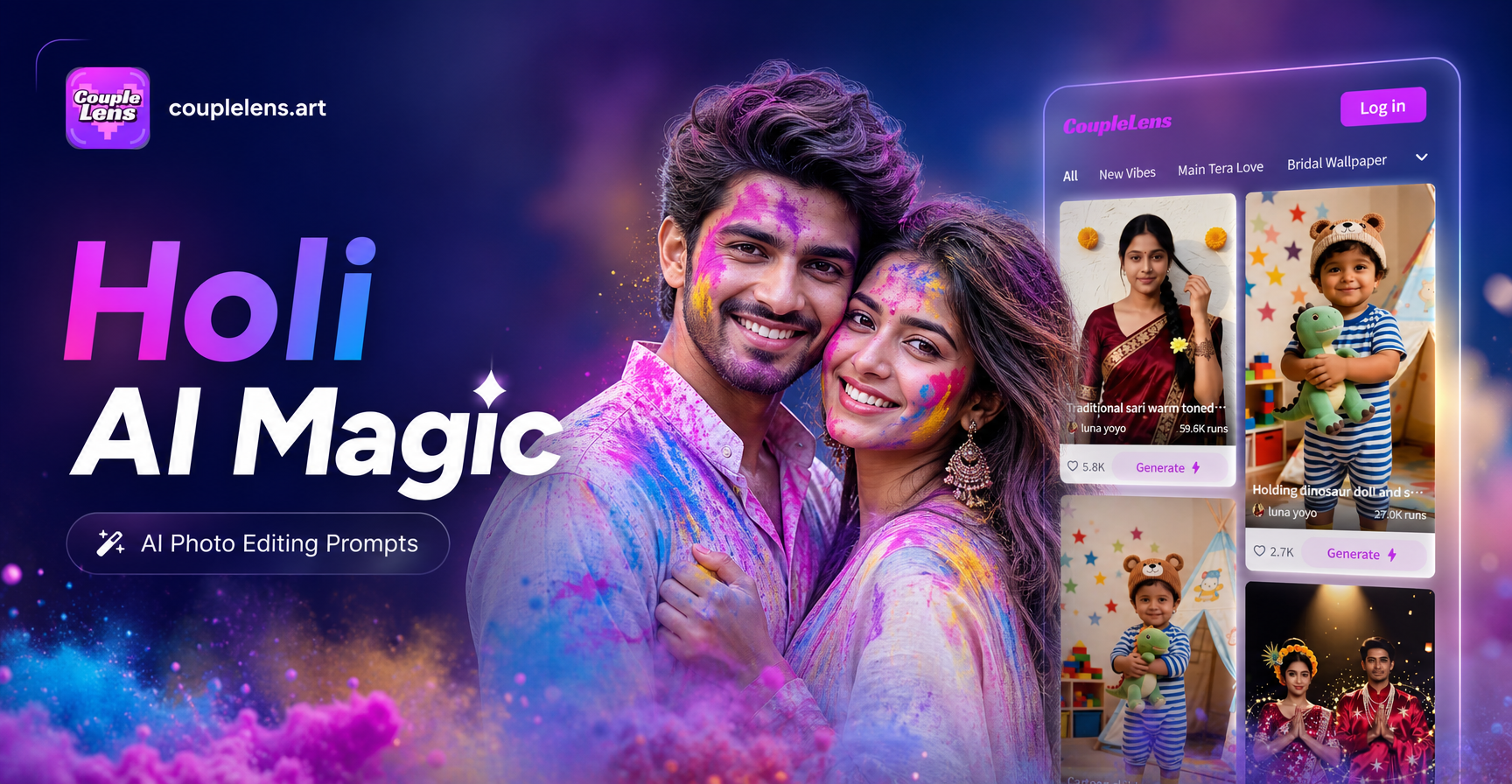
Searching for Holi AI photo editing prompts usually means you have a photo from the festival, or a portrait you want to restyle, and you need an AI tool to add colored powder, festive energy, and a convincing Indian street or courtyard setting. The right prompt does the heavy lifting. This guide gives you copy ready Holi AI photo editing prompts for solo portraits, couple shots, group photos, color powder close ups, and cinematic festival scenes. Use them as written or adjust the details to match your original photo.
Why Holi Images Need Specific Editing Prompts
Generic AI prompts often fail when asked to create a Holi scene. The model may add confetti instead of gulal, give the subject a random costume instead of a white kurta, or place the person in a generic park instead of an Indian street. A strong Holi prompt names the exact cultural props, clothing, colors, and setting. This reduces guesswork and produces a more believable festival image.
The Key Visual Elements of a Holi Photo
- Dry color powder, called gulal, in pink, magenta, yellow, green, and blue
- A loose white cotton kurta or white shirt
- A pichkari, the traditional water gun
- Damp skin and streaks of wet color
- Marigold garlands and scattered flower petals
- Old city streets, temple courtyards, or rooftop terraces
- Soft afternoon sunlight or warm dusk lighting
- A thin haze of color powder floating in the air
How to Use These Holi AI Photo Editing Prompts
Open an AI photo editor that accepts prompt input. Upload the original photo you want to edit. Paste one of the prompts below into the prompt field. Choose a realistic photography style if the app offers style templates. Generate the result. If the first result is close but not perfect, keep the prompt and add one more detail, such as the exact color on the subject's cheek or the direction of the light.
If you are using CoupleLens, open the app on your Android phone and use the image to image or text to image workflow. Upload your photo, paste the prompt, and select a style filter. The app is available on Google Play and designed for fast mobile editing.
Prompt Structure for Holi Photo Edits
A reliable Holi editing prompt follows this structure: action plus subject plus clothing plus setting plus colors plus lighting plus camera style plus mood. For example, you might combine a laughing subject, a white kurta, an old Jaipur street, pink and yellow powder, backlit sunlight, and a documentary photo style. The prompts below already follow this structure, so you can copy them directly.
Holi AI Photo Editing Prompts for Solo Portraits
- Transform this portrait into a joyful Holi festival moment. Keep the face and pose unchanged. Add dry pink, yellow, and green gulal powder on the cheeks, hair, and shoulders. Dress the subject in a loose white cotton kurta. Place them in a narrow old city street with soft afternoon sunlight and a slight haze of color powder in the air. Use a realistic documentary photography style with natural skin texture and sharp focus.
- Edit this photo into a Holi close up portrait. Keep the original identity and facial features. Cover the cheekbones and forehead with magenta and purple gulal. Add wet streaks of color running down the neck. Use a shallow depth of field for a dreamy background of blurred marigold garlands. Warm golden hour lighting, realistic skin pores, and a joyful expression.
- Turn this image into a Holi portrait with a pichkari. Preserve the subject's face and body position. Place a colorful plastic pichkari in their hand. Add a stream of water mixed with orange and pink color hitting the camera. Dress them in a white tee shirt with tiny color stains. Set the scene on a rooftop terrace with blue sky and floating powder particles. Use a candid festival photography style.
- Reimagine this portrait as a Holi evening photo. Keep the person recognizable. Add glowing embers and a soft orange Holika Dahan bonfire in the far background. Place red and yellow gulal on their arms and chest. Keep the clothing simple in off white cotton. Use cinematic lighting with deep shadows and a warm orange rim light. Realistic skin, high detail, and an emotional festive mood.
- Edit this photo into a Holi fashion portrait. Preserve the original face and posture. Apply a smooth layer of blue and pink powder across one side of the face. Add a white kurta with an embroidered collar. Use a studio style background with a plain neutral wall and a few floating color clouds. Sharp focus on the eyes, soft diffused lighting, magazine quality.
- Transform this image into a Holi portrait with hands throwing powder. Keep the subject's upper body and face intact. Show both hands releasing a burst of yellow and red gulal into the air. Freeze the powder in mid air with crisp particles. Use a fast shutter speed look, bright daylight, and a narrow street background. Natural smile and realistic fabric details.
- Make this portrait look like it was taken during a joyful Holi celebration. Keep the face and hair shape. Add patches of green, pink, and saffron color on the forehead and ears. Add small water droplets on the skin. Place the subject near a temple doorway with carved stone and a garland of orange marigolds above. Use warm ambient light and a documentary travel photography style.
- Edit this photo into a Holi color powder silhouette. Keep the pose and outline. Fill the background with a bright explosion of pink, yellow, and blue powder. Dim the subject into a soft silhouette with just a rim of light on the face. Use a dramatic high contrast style with fine powder detail and a glowing festive atmosphere.
Holi AI Photo Editing Prompts for Couples and Friends
- Transform this photo of two people into a playful Holi moment. Keep both faces recognizable and in the same position. Dress both in white cotton kurtas. Have one person rub pink gulal on the other person's cheek while laughing. Place them in a courtyard with old blue walls and scattered marigold petals. Use natural midday light and a candid couple photography style.
- Edit this image into a Holi couple portrait. Preserve the identity of both subjects. Add a gentle moment where one person holds a pichkari and sprays a light mist of colored water toward the other. Keep the clothing loose and white with small wet stains. Use soft backlighting, a blurred street market background, and a warm romantic festival mood.
- Make this pair look like best friends caught in a color fight. Keep their faces and body shapes unchanged. Add green and magenta powder on their hair, shoulders, and arms. Place them mid laugh with powder flying between them. Use a dynamic action shot with a slightly tilted angle, bright sun, and a crowded Holi street behind them.
- Turn this photo into a Holi portrait of two people sharing a quiet moment after the celebration. Keep both faces intact. Add subtle traces of dried color on their cheeks and collarbones. Dress them in simple white clothes. Place them on a rooftop at dusk with soft pink and orange sky, a few floating powder particles, and a calm emotional mood.
- Edit this image into a cinematic Holi couple scene. Preserve the original poses. Add a slow motion feel with colored powder suspended around both people. Use a moody blue and magenta color grade, wet skin highlights, and a shallow depth of field. Add a crowd of blurred people in the background throwing gulal. Realistic facial details and film grain.
- Transform this photo into a Holi group of two friends with a color bomb. Keep both subjects recognizable. Freeze a burst of yellow and pink powder directly between their faces. Add wet streaks of color on their necks and arms. Use a high speed photography look, bright daylight, and a simple white wall background to make the color pop.
Holi AI Photo Editing Prompts for Group Photos
- Edit this group photo into a vibrant Holi celebration. Preserve every face and body position. Dress everyone in white cotton clothing with different color stains. Add multiple bursts of gulal in pink, yellow, green, and orange around the group. Set the scene in a narrow street with old buildings and a soft haze of powder. Use a wide angle documentary style with even light.
- Transform this team photo into a Holi festival group portrait. Keep all faces recognizable and keep the original poses. Add a joyful color fight with everyone throwing powder upward. Freeze the powder in mid air across the frame. Use a bright blue sky background, a rooftop setting, and a lively candid group photography style.
- Make this family photo look like a Holi gathering on a terrace. Preserve the identity of every person, including children and older adults. Dress everyone in simple white kurtas and cotton sarees. Add gentle color smudges on cheeks and hands. Place marigold garlands around necks. Use warm afternoon light and a relaxed happy family mood.
- Edit this group image into a Holi celebration with water guns. Keep all faces intact and in their original places. Add colorful pichkaris in several hands. Show streams of colored water crossing the frame. Add wet clothes and damp hair. Use a bright festive day scene with a temple courtyard and a crowd of smiling people in the background.
- Turn this friends group photo into a color powder explosion scene. Preserve every person's face and posture. Surround the group with large clouds of pink, blue, and yellow gulal. Keep the focus on faces while the powder softens the edges. Use a slow shutter speed look with some motion blur on the powder and crisp faces.
- Edit this photo into a Holi celebration at dusk. Keep the group recognizable. Add an orange bonfire in the background and floating embers. Cover arms and cheeks with red and yellow gulal. Use warm cinematic lighting, deep shadows, and a slightly grainy film look. Keep the group mood joyful and energetic.
Holi Color Powder and Action Effect Prompts
- Transform this close up photo into a Holi color powder shot. Keep the subject's face and hand position. Freeze a cloud of bright pink and orange gulal in front of the face. Add fine powder particles sharp enough to see individually. Use a black background or a dark neutral wall to make the color stand out. High speed photography style with strong rim lighting.
- Edit this image into a Holi water spray action shot. Preserve the original face and pose. Add a pichkari spraying a mist of yellow and green water toward the camera. Freeze the droplets mid air. Use bright backlighting to make the water glow. Wet skin texture and a joyful open mouth expression.
- Make this photo look like a hand throwing gulal. Keep the hand and arm position. Add a burst of blue and magenta powder erupting from the palm. Freeze the powder in a spiral shape with fine particles and soft clouds. Use a clean white background, a fast shutter look, and high detail on the skin.
- Turn this portrait into a Holi color splash effect. Preserve the face and head. Add streaks of wet pink, green, and yellow color running down the hair and neck. Keep the eyes sharp. Use a neutral gray studio background and dramatic side lighting. A bold editorial style with vivid color contrast.
- Edit this photo into a Holi powder face close up. Keep the original facial features. Cover one half of the face with a smooth layer of dry purple and saffron gulal. Add a few particles suspended in the air near the cheek. Use a macro lens look with ultra sharp skin texture and soft background blur.
- Transform this image into a Holi color cloud portrait. Keep the subject's face and shoulders visible through a dense cloud of red and yellow powder. Use a backlit silhouette effect so the powder glows. Keep the mood intense and festive. High contrast with fine grain and a dramatic documentary style.
Cinematic Holi Scene Editing Prompts
- Reimagine this photo as a wide cinematic Holi scene. Keep the subject's face and position. Expand the background into a crowded old city street during the festival. Add hundreds of blurred people throwing gulal. Use a teal and orange color grade, soft haze, and a 35mm film look. Realistic crowd density and natural motion blur.
- Edit this image into a moody Holi night scene. Preserve the original subject. Add strings of warm fairy lights above, a dark blue sky, and floating color powder lit by the lights. Keep the face softly illuminated. Use cinematic contrast, shallow depth of field, and a calm after party atmosphere.
- Transform this portrait into a Holi cinematic close up with slow motion powder. Preserve the identity of the person. Add a single burst of magenta powder expanding slowly around the head. Use a dark background, a high speed camera look, and soft volumetric lighting. Ultra sharp facial details and a dramatic emotional tone.
- Make this photo look like a still from a Holi documentary film. Keep the original subject and pose. Add a wide angle view of a rooftop celebration with colored powder clouds and a sunset horizon. Use natural film grain, muted but rich colors, and a handheld documentary style. Include a few friends in the background throwing powder.
- Edit this image into a Holi fantasy scene with glowing powder. Preserve the face and body. Add luminous pink, cyan, and gold powder swirling around the subject like a gentle storm. Keep the background dark and misty. Use a surreal but realistic lighting style, fine particles, and a magical festive mood.
How to Fix Weak Holi AI Edits
If your first result looks wrong, add one or two specific details. Mention gulal instead of confetti. Specify white kurta instead of random festival clothing. Add the phrase preserve the original face if the AI changes the person's identity. Use natural skin texture if the output looks plastic. Say backlit sunlight or warm golden hour if the color is flat. If the background is too generic, name an element such as an old Jaipur street, a temple courtyard, or a marigold garland. Small changes to the prompt often make a big difference.
Using These Prompts in the CoupleLens App
CoupleLens is a mobile AI photo editing app available on Google Play. It includes image to image and text to image tools, plus a large library of style filters. To edit a Holi photo, open the app, upload your original image, paste one of the prompts from this page, and choose a realistic photography style or another filter that matches your mood. Generate a few versions and keep the one that feels most natural.
Final Tip: Keep Your Original Photo Handy
Always save the original photo before editing. That way you can try several Holi prompts without losing the starting image. Start with a solo portrait prompt if you are new to AI editing, then move to group and action shots once you see which details work best. With the right prompt, a simple portrait can become a vibrant Holi festival photo in seconds.