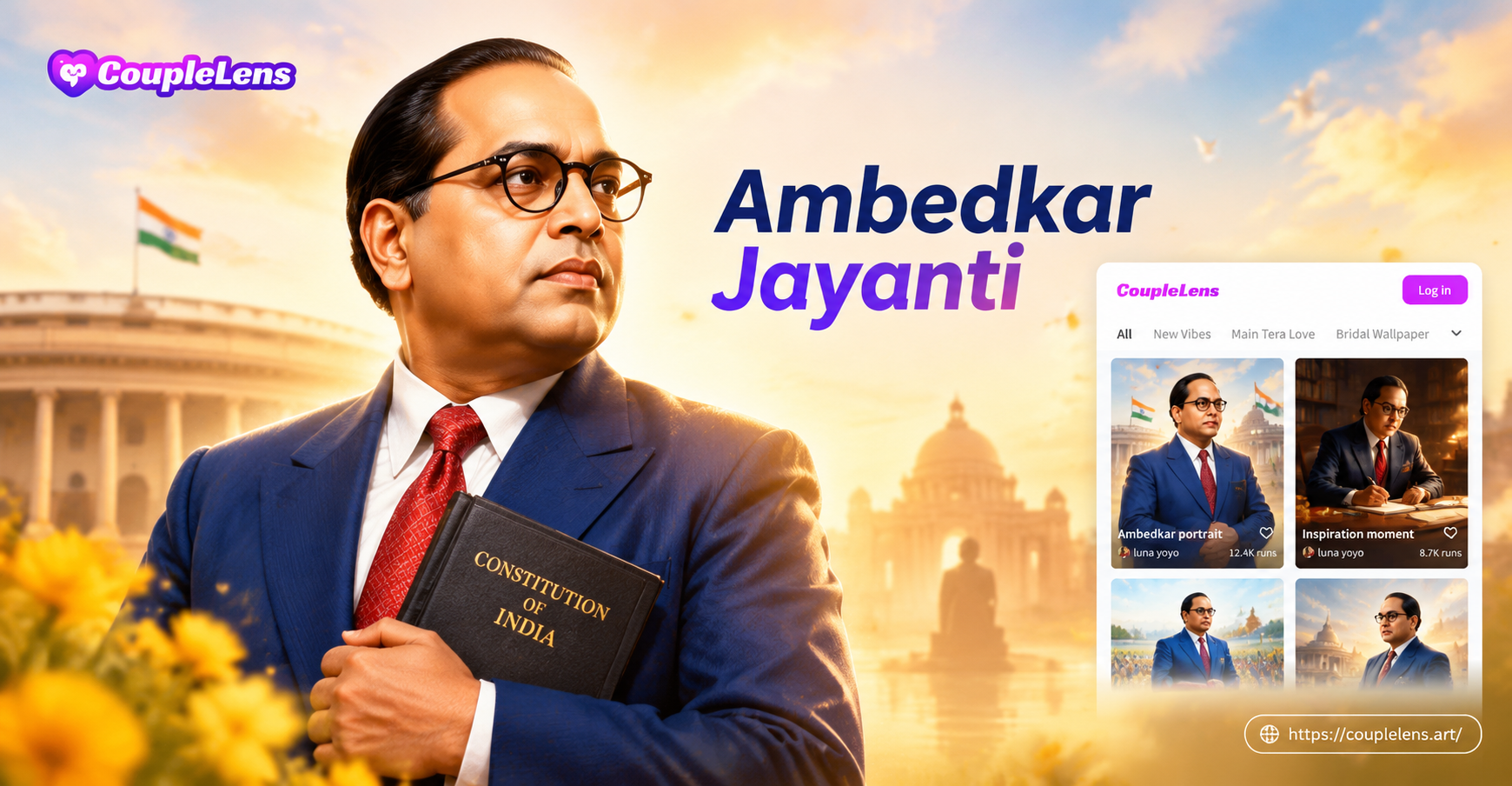
Ambedkar Jayanti is observed on April 14 every year to honor Dr. B.R. Ambedkar. Many creators mark the occasion by making respectful photo edits, posters, and short tribute videos. If you are looking for Ambedkar Jayanti AI photo editing prompts, this page gives you ready to use text instructions for portraits, backgrounds, group photos, and video effects. Each prompt works as a starting point inside the couplelens mobile app. Upload a photo, enter the prompt, choose a realistic or artistic style, and let the AI editor produce the result.
What Can You Create With Ambedkar Jayanti AI Photo Editing Prompts?
You can use these prompts to change the lighting, background, clothing details, frame border, color grade, or motion in a photo. The most common Ambedkar Jayanti edits include dignified portrait touch ups, blue themed posters, Constitution inspired backgrounds, group photo color matching, and short video animations with garlands or glowing text. The key is to write a prompt that describes the subject, background, mood, lighting, and output style clearly.
How to Use These Prompts in couplelens
Open the couplelens app on your Android phone. Start a new AI image or video project. Upload a clear front facing photo or a blank poster frame. Paste one prompt from this article into the text field. Choose a style such as realistic photography, cinematic, watercolor, or 3D poster. Generate and save the result. For group photos, use the multi person processing option so every face stays consistent.
Ambedkar Jayanti Portrait Photo Editing Prompts
Dignified Studio Portraits
Use these prompts when you want a clean, formal portrait suitable for a tribute card or social media post.
A respectful studio portrait of a person in a blue formal suit, round glasses, holding a copy of the Indian Constitution, soft rim light, deep blue background with a faint Ashoka Chakra pattern, realistic photography, sharp face, 4k.
A close up portrait inspired by Dr. B.R. Ambedkar, warm overhead lighting, dark charcoal background, blue pocket square, calm expression, documentary photography style, high detail.
A three quarter portrait of a person wearing a blue suit and white shirt, seated at a wooden desk with law books, library shelves behind, cinematic color grading, respectful mood, realistic photography.
A black and white tribute portrait with strong side lighting, textured coat, round glasses, intense thoughtful expression, film grain, timeless editorial style.
A minimalist portrait with a solid blue background, soft diffused light, subject looking slightly to the left, elegant frame composition, high resolution product photography style.
A warm sepia portrait of a person in vintage formal wear, holding a book, gentle smile, soft window light, oil painting texture, classic Indian intellectual atmosphere.
A dramatic low key portrait with a blue rim light around the shoulders, dark background, intelligent gaze, subtle particles of light in the air, cinematic style.
A patriotic portrait with the Indian tricolor softly blurred in the background, subject in a neat blue blazer, natural daylight, realistic skin texture, respectful and clean composition.
Background and Lighting Changes
These prompts help you replace a messy background with a meaningful Ambedkar Jayanti setting.
Replace the background with a softly blurred Indian Parliament building, golden hour light, subject in a blue suit, realistic depth of field, respectful composition.
Add a deep blue background with a large glowing Ashoka Chakra behind the subject, soft rim lighting, cinematic atmosphere, poster style.
Change the background to a clean studio wall with the text Jay Bhim in small golden letters behind the subject, elegant typography, realistic lighting.
Place the subject in a library filled with Indian law books, warm lamps, dust particles in light beams, realistic editorial style.
Make the background a dark navy gradient with tiny golden particles and a subtle Constitution emblem, portrait lighting, high contrast.
Create a minimalist background with a blue and white geometric pattern inspired by Indian motifs, subject sharp, soft shadows, poster color grading.
Replace the background with a decorated stage for Ambedkar Jayanti, garlands of orange marigolds on the sides, soft white lights, realistic event photography.
Add a gentle bokeh of blue and saffron lights behind the subject, evening atmosphere, cinematic color palette, sharp facial details.
Ambedkar Jayanti Poster and Frame Prompts
Poster Cards and Graphic Designs
These prompts help you turn an ordinary portrait into a shareable Ambedkar Jayanti poster or banner.
Create a square poster with a dignified portrait in the center, a circular blue frame, golden text saying Jay Bhim at the bottom, clean vector poster style.
Design an Ambedkar Jayanti tribute card with the Indian tricolor on the left border, a portrait on the right, space for a quote, flat modern layout.
Turn the photo into a painted poster with bold brush strokes, blue and orange highlights, floral garland around the portrait, oil painting style.
Create a vintage poster with a halftone texture, cream paper background, blue and gold decorative border, subject in the middle, respectful retro style.
Design a social media banner with a wide 16:9 composition, subject on the right, Ashoka Chakra watermark on the left, dark blue background, professional layout.
Make a 3D clay style poster of a person holding the Constitution, soft studio background, gentle shadows, rounded shapes, celebratory mood, 3D render.
Create a watercolor tribute card with a portrait surrounded by blue and saffron flowers, white margin, elegant hand painted look.
Design a minimal Instagram post with the subject in a circular frame, solid navy background, golden caption space, high resolution graphic design.
Multi Person Group Photo Prompts for Ambedkar Jayanti
For group edits, describe every face, the matching outfit, and the shared background. The couplelens app supports multi person photo processing, so each face stays separate and consistent.
Edit a group photo so all subjects wear matching blue formal outfits, soft studio lighting, a large Ambedkar Jayanti banner behind them, realistic photo, consistent faces.
Change the background of a group photo to a decorated community hall with marigold garlands and blue curtains, bright event lighting, everyone looking at the camera.
Apply a cinematic blue and gold color grade to a group photo, improve skin tones, add a subtle vignette, keep every face clear and natural.
Turn a group photo into a respectful digital painting with Indian flag colors in the background, serene expressions, oil painting texture, multi person art.
Create a group tribute poster with all faces in separate circular frames, a large Ashoka Chakra in the center, dark blue background, modern collage layout.
Video Animation Prompts for Ambedkar Jayanti
Use these prompts in the AI video tool to bring a still portrait or group photo to life for a social media tribute.
Animate the portrait so the person blinks and gives a slight respectful nod, background with soft glowing Ashoka Chakra, realistic motion, short video loop.
Turn the photo into a short video where a garland of orange marigolds fades in around the subject, gentle camera zoom, warm festival lighting.
Create a text animation with the words Jay Bhim appearing in golden letters above the portrait, subtle particle sparkle, dark blue background, cinematic video.
Animate a group photo so all subjects slightly smile and turn toward the camera, soft wind effect on clothing, respectful slow motion, realistic video.
Transform a still portrait into a short 5 second cinematic clip with a slow push in, blue light rays, and a faint Indian Constitution background, high detail.
How to Improve Weak or Generic Results
If the first result looks generic, add more detail about clothing, background, lighting, and camera angle. Use words like respectful tribute, realistic photography, sharp face, 4k, and soft rim light. If you want an artistic look, name the exact style such as watercolor, oil painting, 3D clay, or cinematic. In the couplelens app, choose a matching style filter before generating. For faces, upload a clear, well lit photo without heavy shadows. For group photos, use the multi person processing option so the AI keeps each face separate.
- Describe the subject, clothing, background, lighting, and output style in every prompt.
- Use realistic photography for tribute portraits and poster or graphic design for cards.
- Keep prompts respectful and avoid clutter so the main portrait stays visible.
- Test three or four variations with small changes in lighting and background.
- Use a high resolution source photo and crop tightly around the face for cleaner edits.
Respectful Edits and Image Rights
Ambedkar Jayanti is a respectful occasion. Use AI editing to create tributes, educational posters, and personal social media posts. Avoid generating distorted, misleading, or inappropriate images of Dr. B.R. Ambedkar or any real person. If you plan to use a photo commercially, make sure you have the right to edit and publish the original image. For public events, take your own photos or use licensed visuals. These prompts are starting points for creative expression, not instructions for creating false or disrespectful content.
Start Creating With These Ambedkar Jayanti AI Photo Editing Prompts
With the right Ambedkar Jayanti AI photo editing prompts, you can turn a simple photo into a polished tribute portrait, poster, or short video in minutes. Start with one prompt from the portrait section, then adjust the background or lighting. Download the couplelens app, paste a prompt, and experiment with different style filters until the result feels calm, respectful, and visually balanced.