AI Pineapple Image
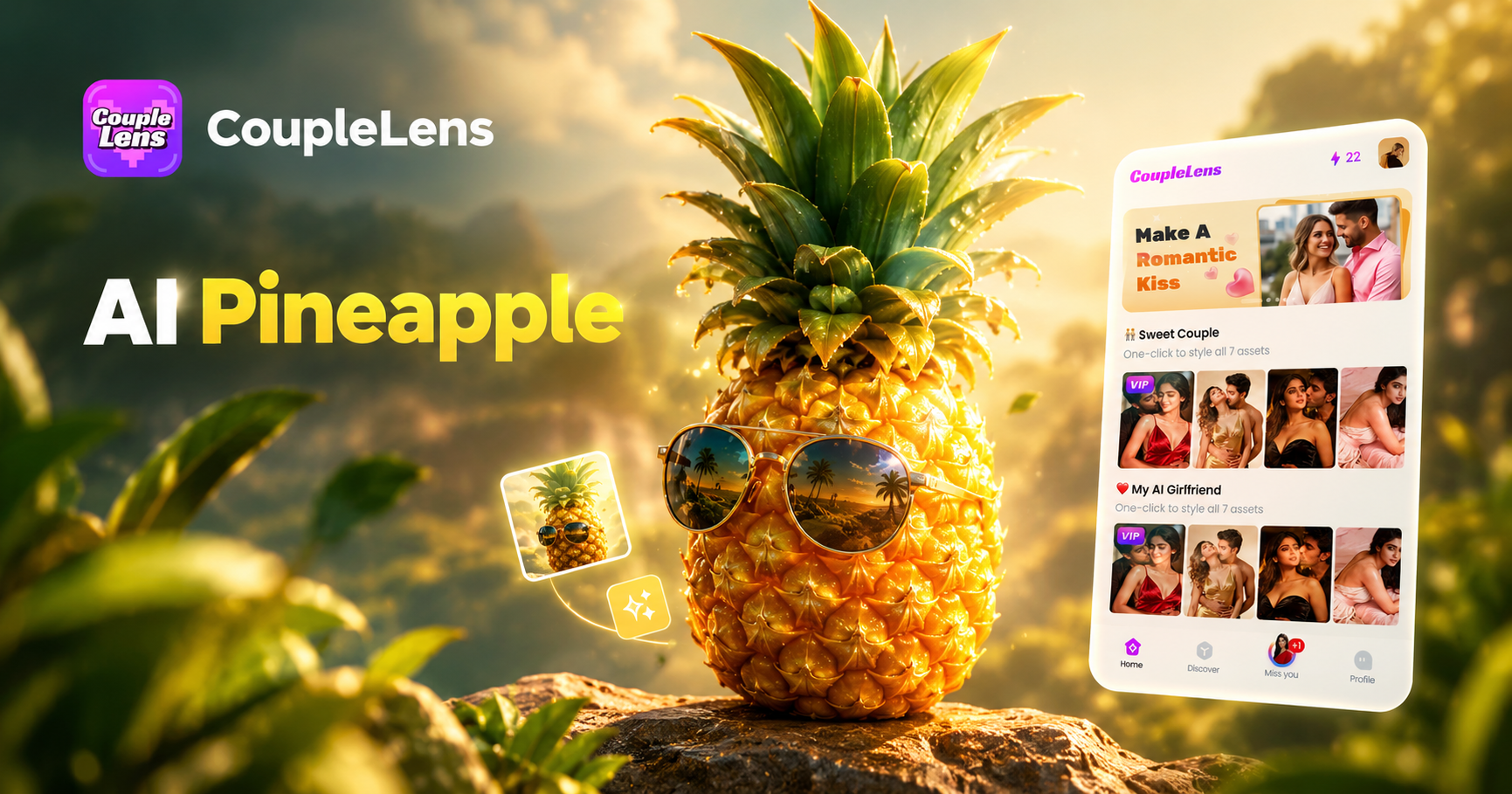
Try the Pineapple Pop Ride Filter
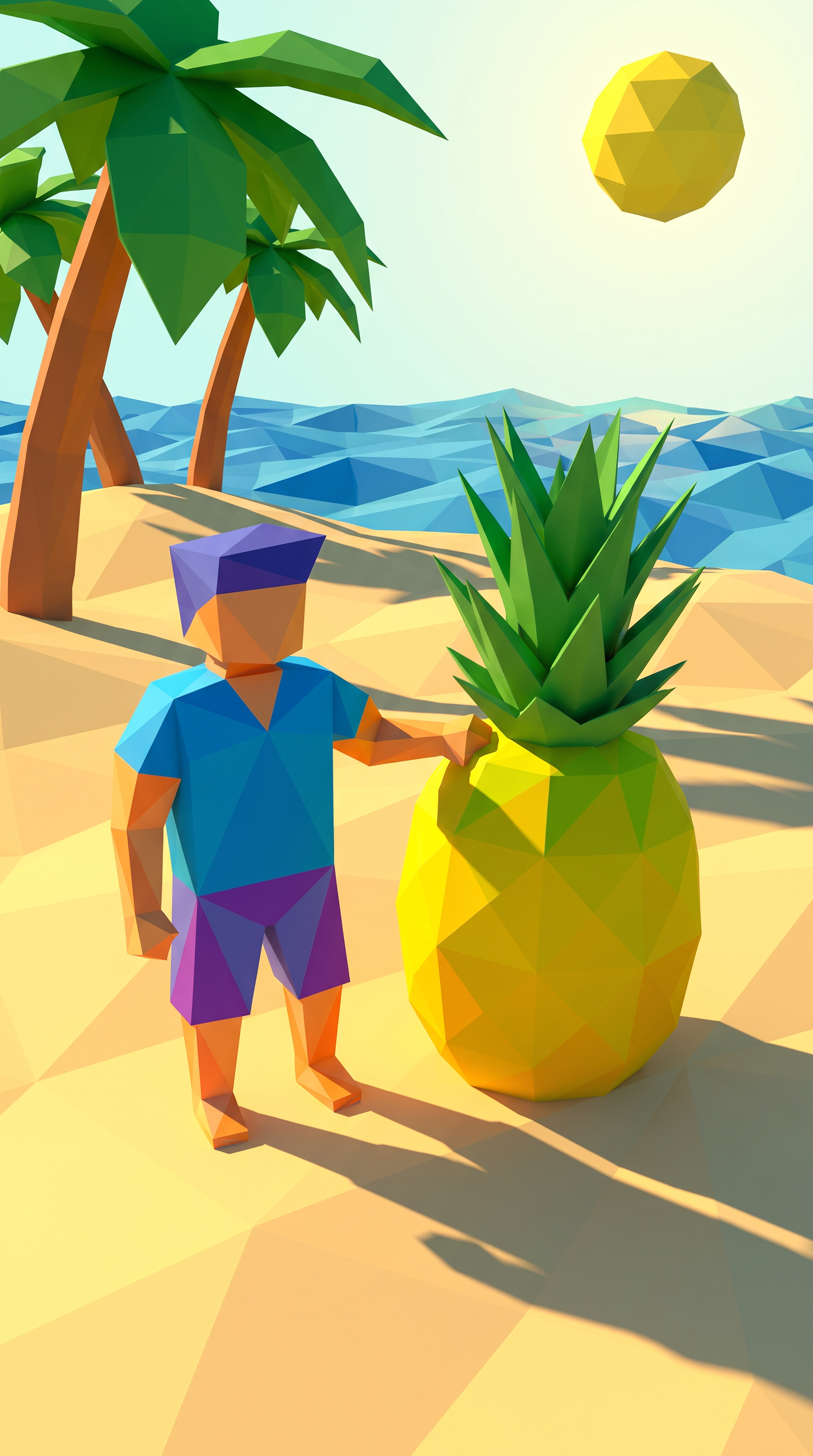
The Pineapple Pop Ride filter wraps your photo in a whimsical tropical scene with giant pineapples, pastel skies, and a playful ride mood.
Key Features of the CoupleLens AI Pineapple Image
CoupleLens ships with named style templates, a one tap workflow, and a face preserving AI.
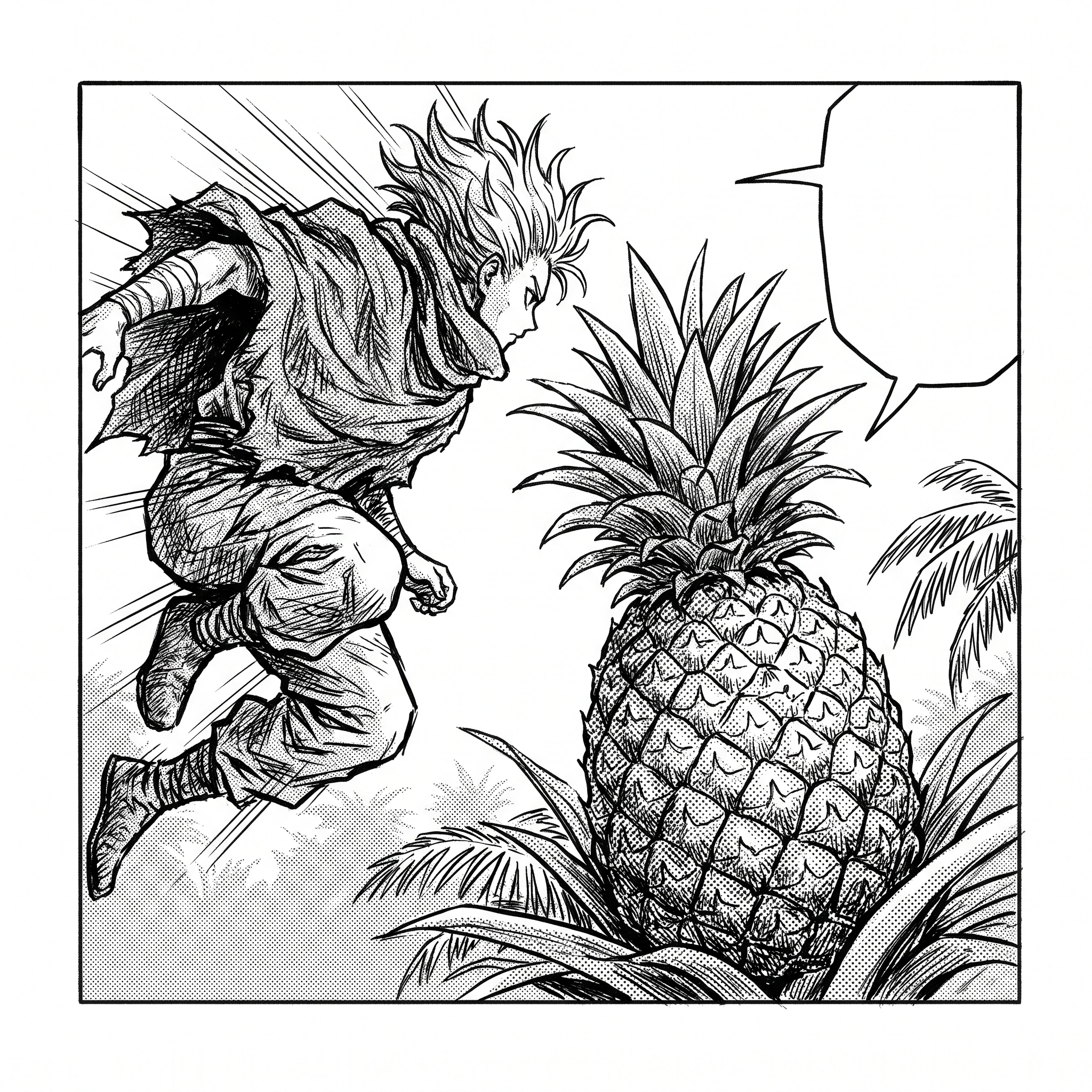
Thousands of AI Pineapple Styles
Pick the AI pineapple filter that fits your mood, drop in one photo, and the AI image model handles the rest. No prompt writing. No sliders to drag. Each AI pineapple filter has its own lighting built in.
Thousands of AI Pineapple Styles
Pick the AI pineapple filter that fits your mood, drop in one photo, and the AI image model handles the rest. No prompt writing. No sliders to drag. Each AI pineapple filter has its own lighting built in.
 Before
 After
Identity Stays Intact Across Styles
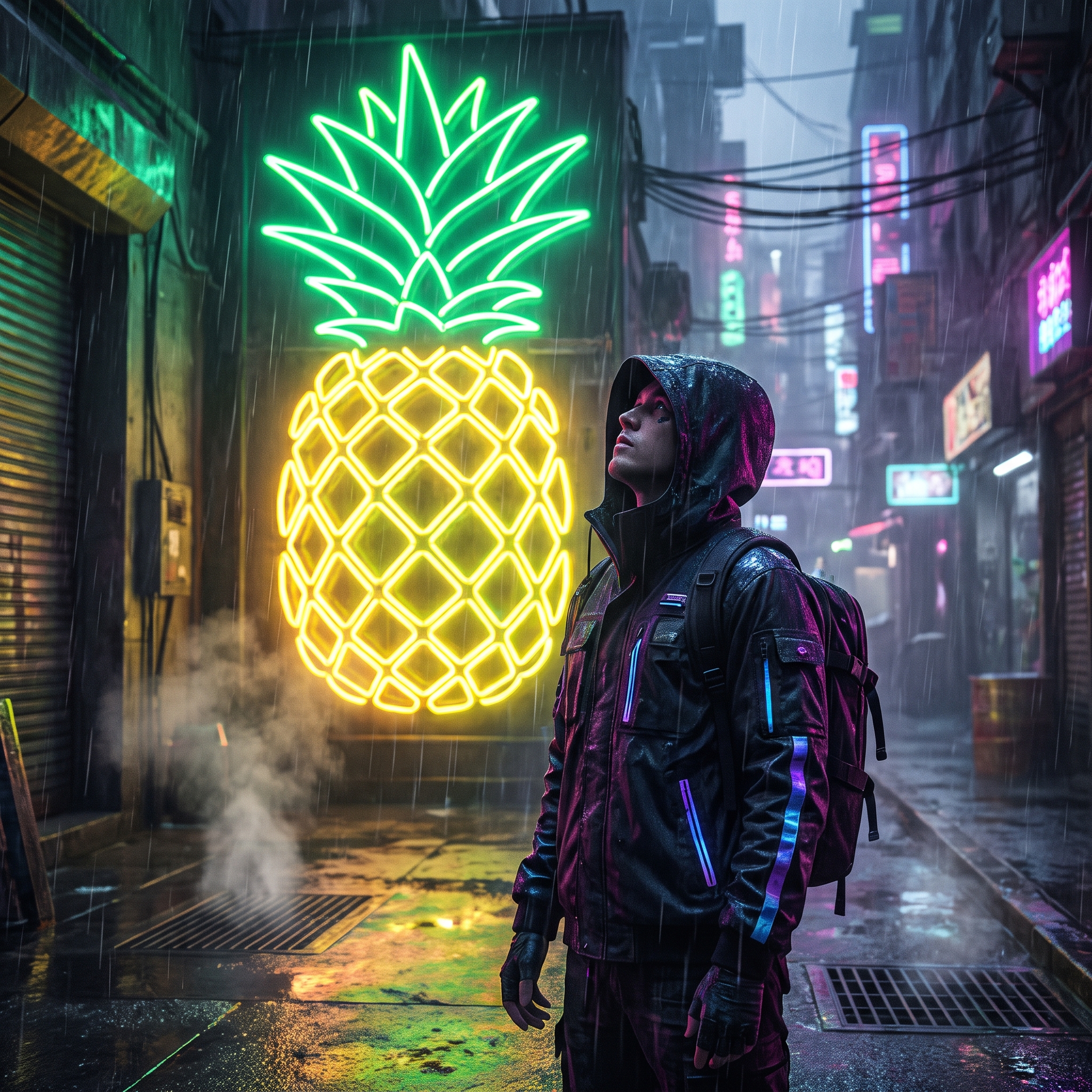
The coupleLens AI pineapple generator reads your face first, then paints the AI pineapple image style on top. Your natural skin tone, hair, and outfit edges stay locked. You get a tropical look without losing yourself.
BeforeAfterIdentity Stays Intact Across Styles
The coupleLens AI pineapple generator reads your face first, then paints the AI pineapple image style on top. Your natural skin tone, hair, and outfit edges stay locked. You get a tropical look without losing yourself.
One Tap Pineapple Image Sharing
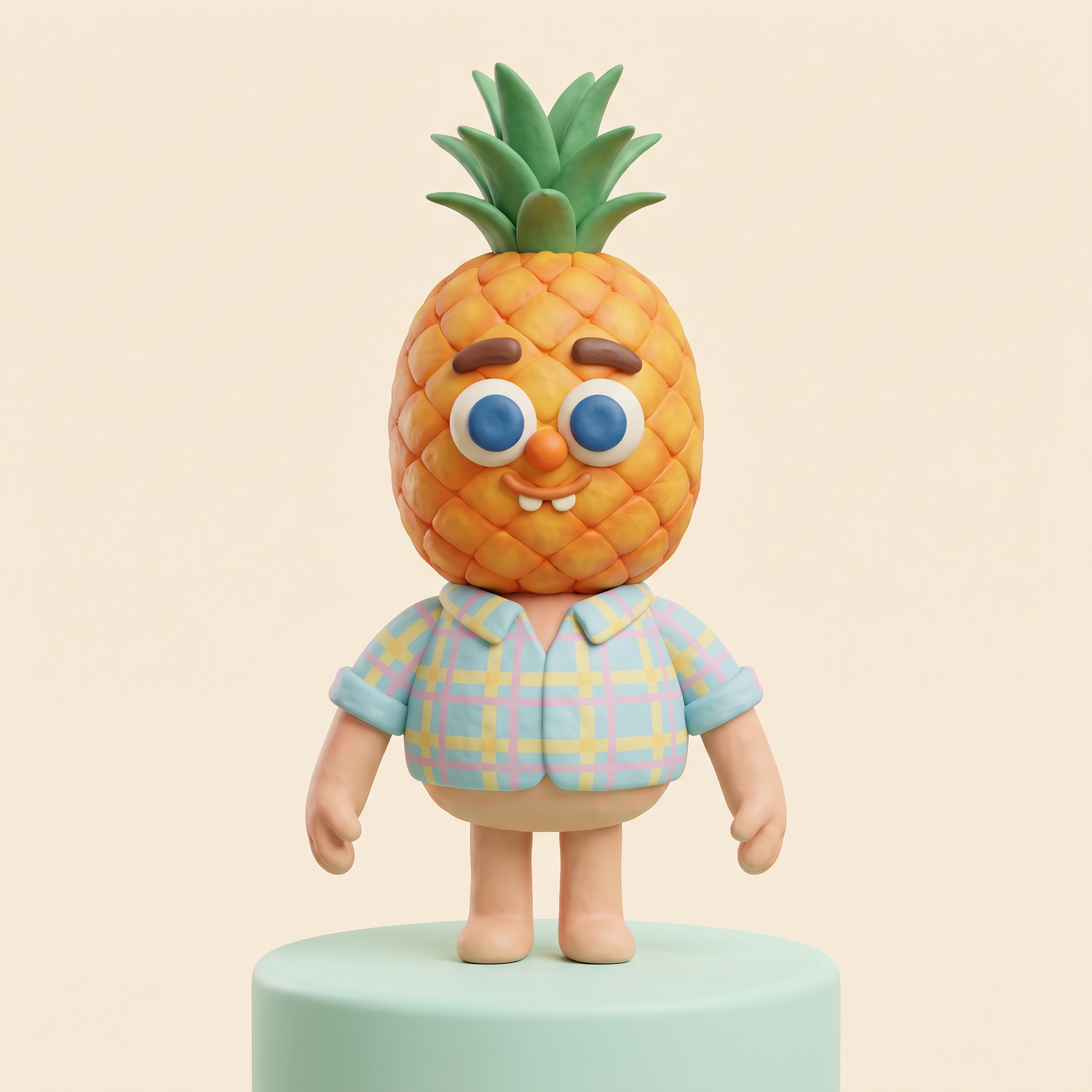
The whole AI pineapple image flow lives on your phone. Open the CoupleLens app, tap the pineapple AI template, upload one photo, tap generate. The render lands in ten to twenty seconds, ready to share.
One Tap Pineapple Image Sharing
The whole AI pineapple image flow lives on your phone. Open the CoupleLens app, tap the pineapple AI template, upload one photo, tap generate. The render lands in ten to twenty seconds, ready to share.
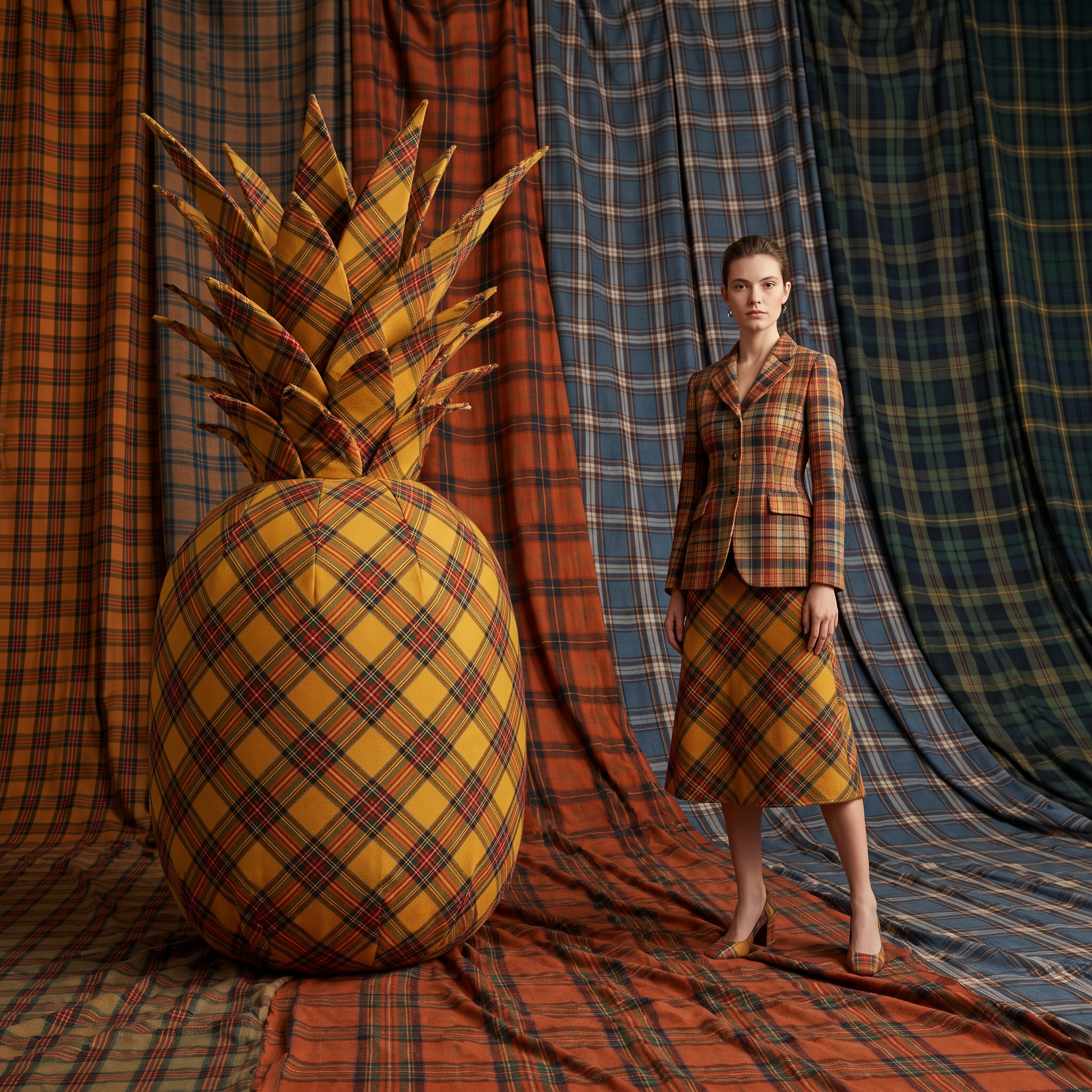
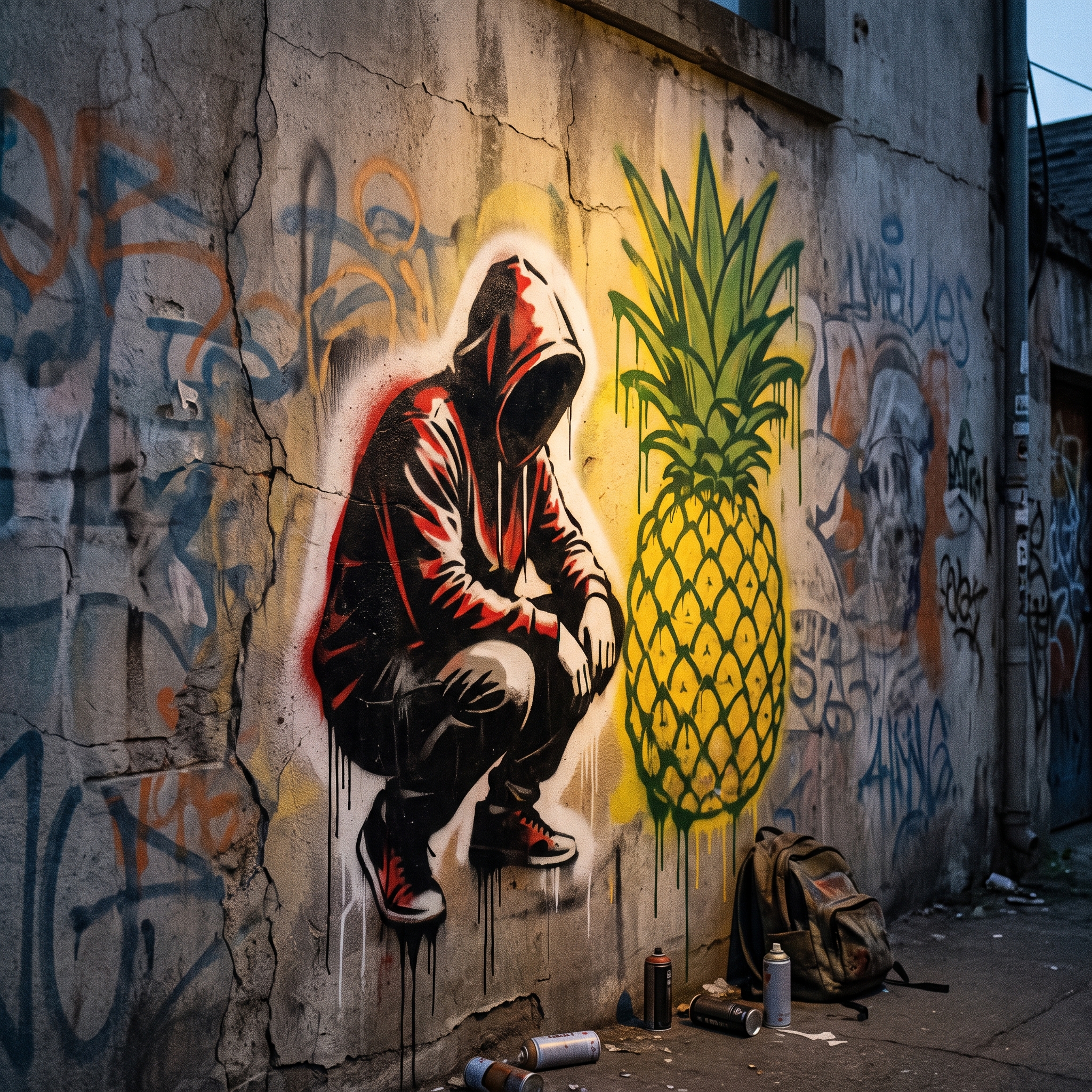
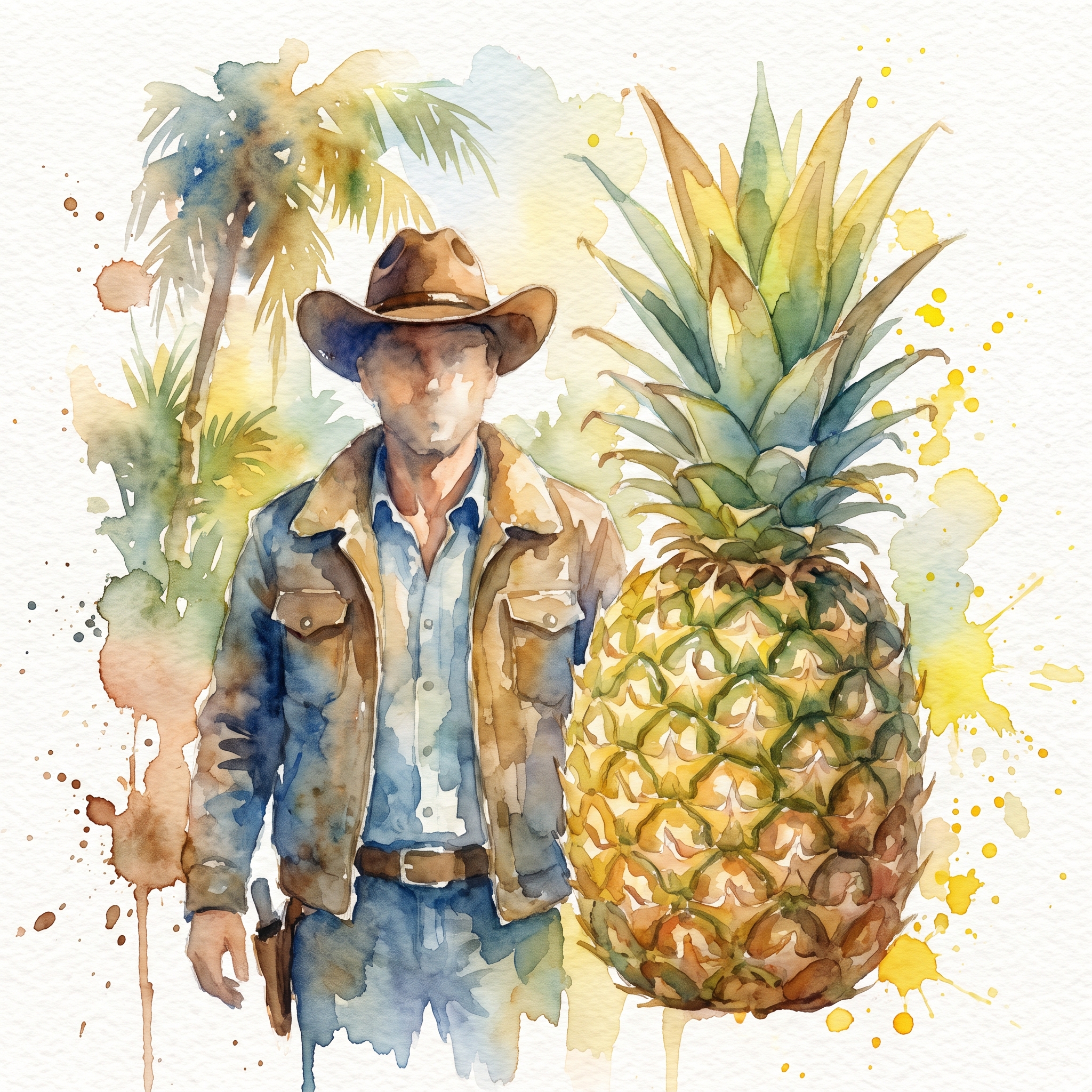
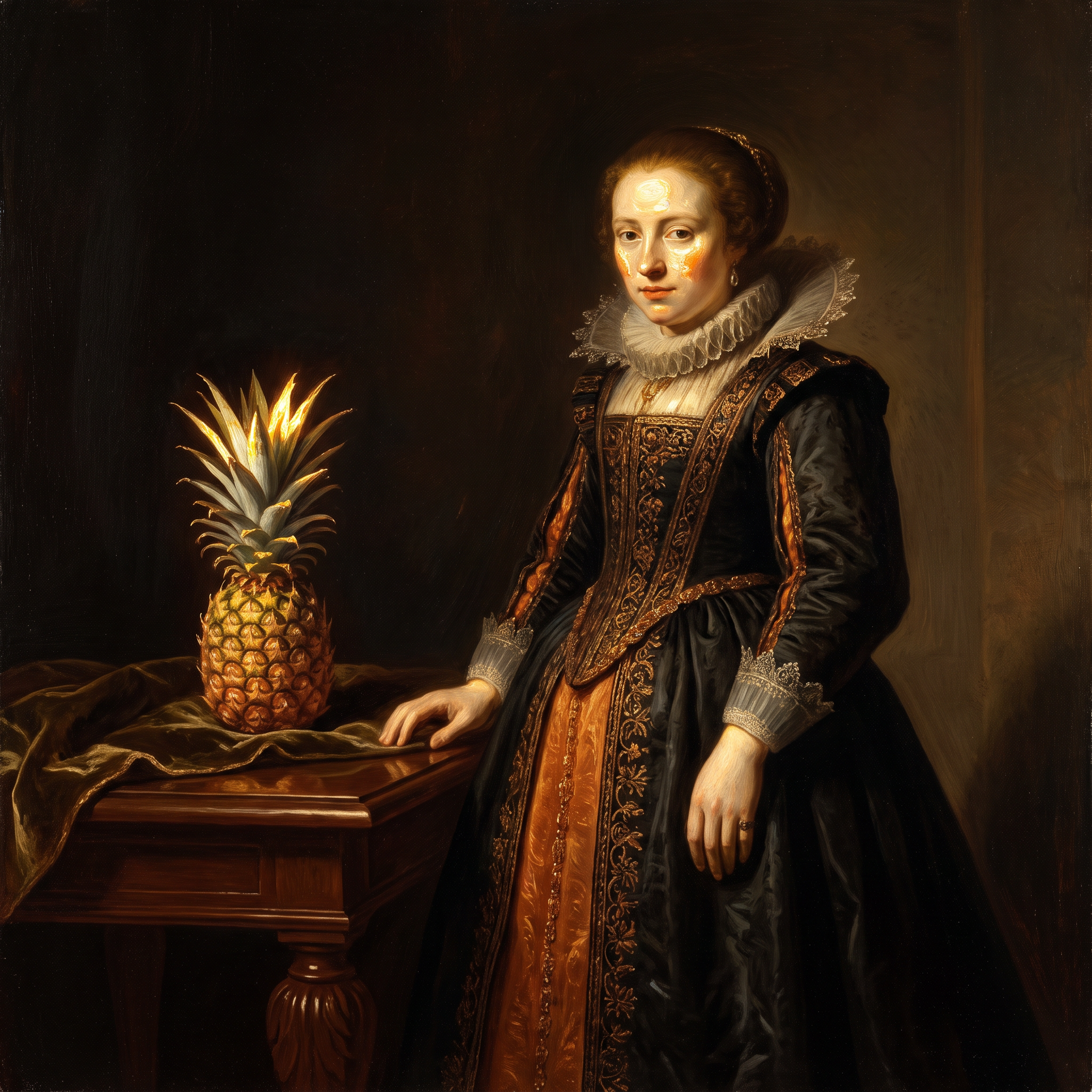
AI Pineapple Image Gallery
Browse real AI pineapple art made by CoupleLens users. See tropical AI pineapple image examples.
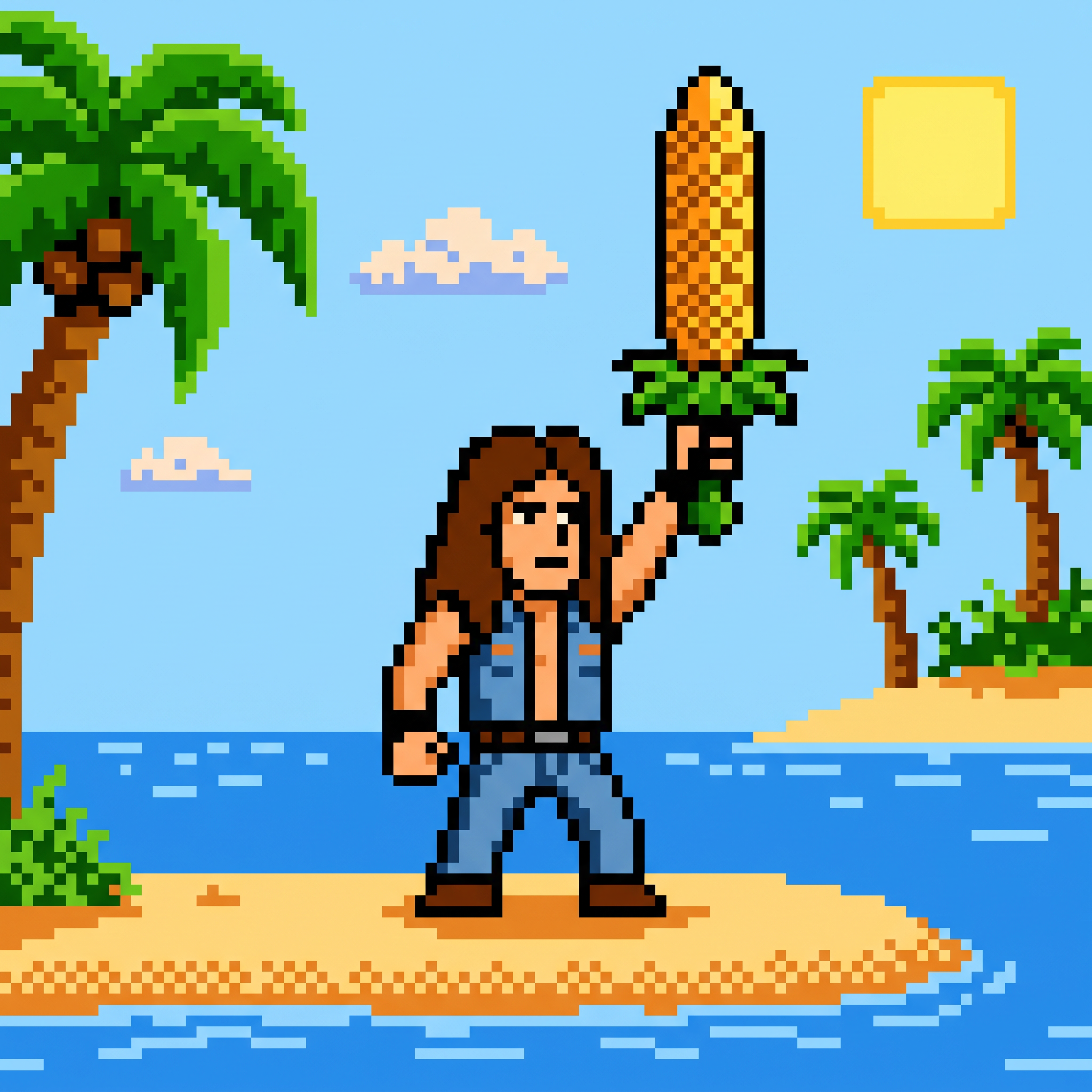
How to Create an AI Pineapple Image with CoupleLens?
Three quick steps turn a regular photo into a tropical AI pineapple image. The whole flow lives inside the CoupleLens app on Google Play.
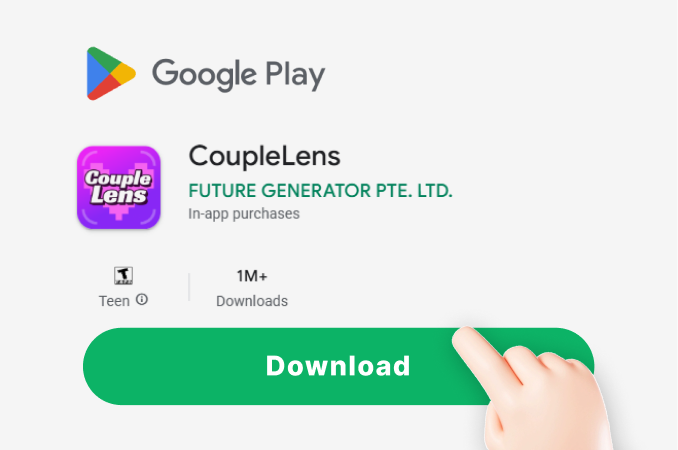
Step 01.
Open Google Play on your phone and search for CoupleLens. Install the AI image and video app. The download takes about a minute.
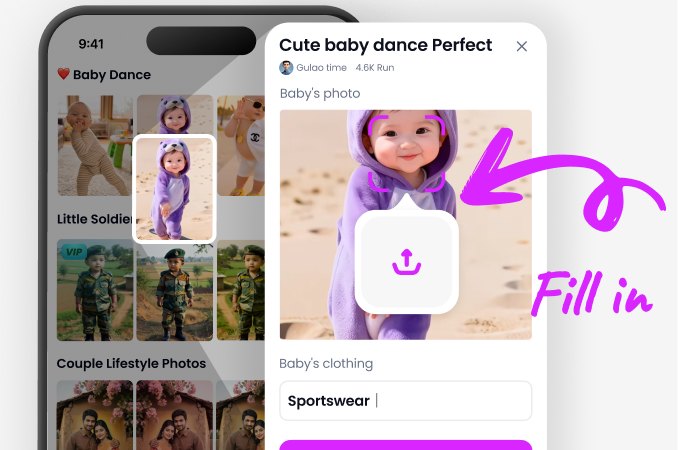
Step 02.
Scroll the template row inside CoupleLens and tap the AI pineapple filter that matches your mood. Upload one photo from your camera roll.
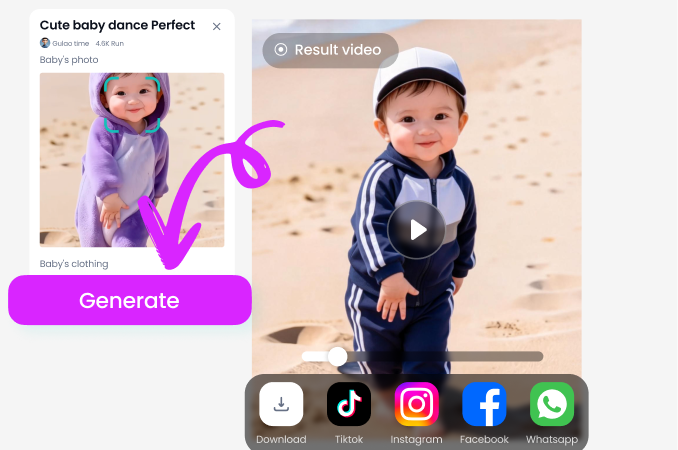
Step 03.
Wait ten to twenty seconds for the render. Save the finished AI pineapple image to your phone.
Watch the CoupleLens Pineapple Flow in Action
From Google Play download to filter pick to render to sharing the final AI pineapple image.
Use CoupleLens for AI Pineapple Image
Most AI image tools sit on a laptop and ask for prompts. CoupleLens sits on your phone and asks for one tap. The app ships with 25,000 ready templates and a face preserving model. The AI pineapple art looks tropical, social, and share ready the moment it finishes.

Frequently Asked Questions
Quick answers about making an AI pineapple image with CoupleLens.
More Topics You May Like
Other CoupleLens filters that pair well with the AI pineapple image look.

Grok AI Ghibli Style Filter Free to Use on CoupleLens App

CoupleLens AI Food Lotto Filter: Create Random Food Videos Free
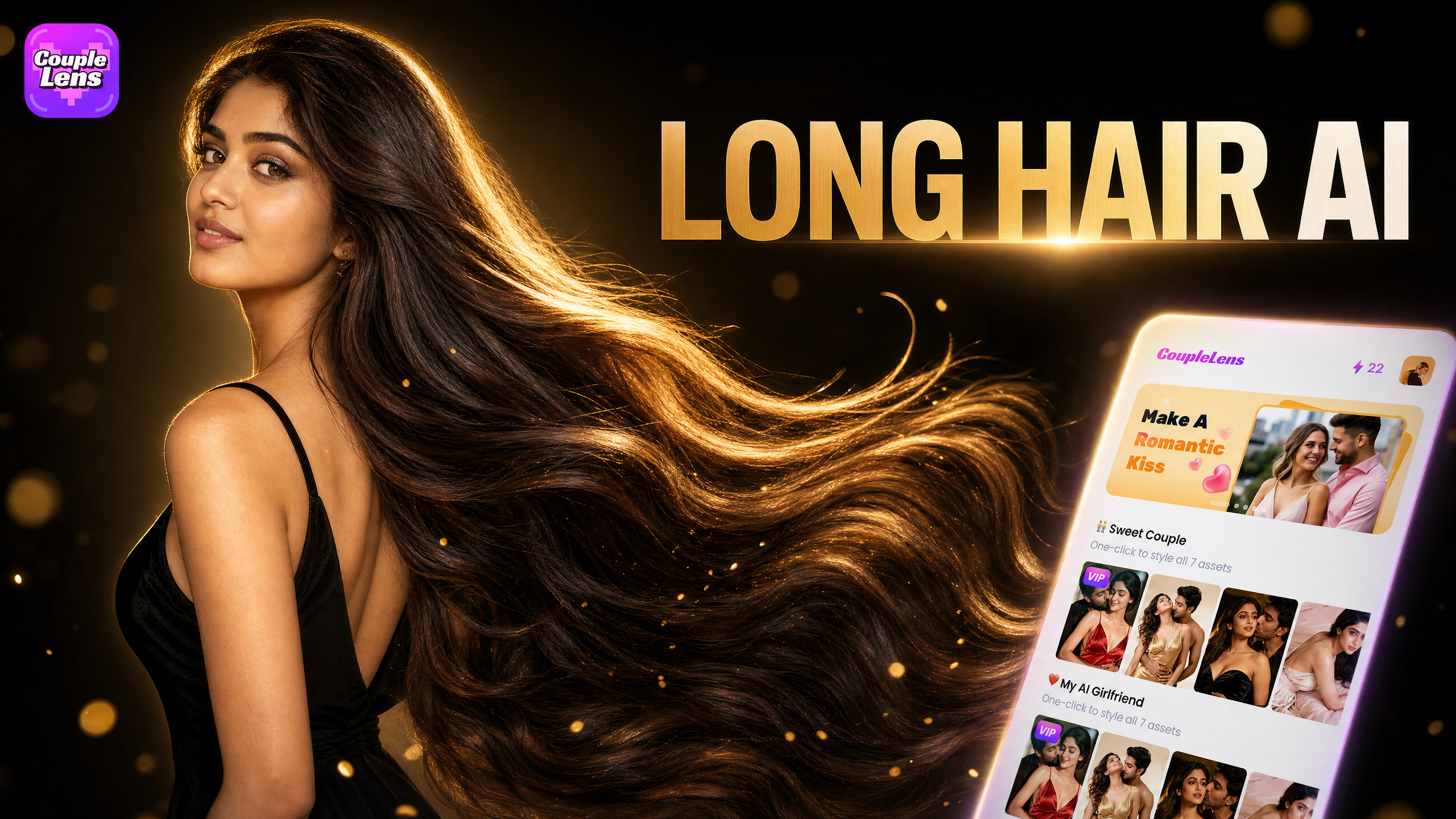
CoupleLens AI Long Hair Effect: Watch Your Hair Grow in a Video

Best AI Anime Generators for Photo and Text Art on CoupleLens
Grok AI Ghibli Style Filter Free to Use on CoupleLens App
CoupleLens AI Food Lotto Filter: Create Random Food Videos Free
CoupleLens AI Long Hair Effect: Watch Your Hair Grow in a Video
Best AI Anime Generators for Photo and Text Art on CoupleLens
Make Your Own AI Pineapple Image in One Tap
Download CoupleLens on Google Play, pick the AI pineapple filter, and turn any photo into a tropical AI pineapple art piece in twenty seconds.
Make Your Own AI Pineapple Image in One Tap
Download CoupleLens on Google Play, pick the AI pineapple filter, and turn any photo into a tropical AI pineapple art piece in twenty seconds.