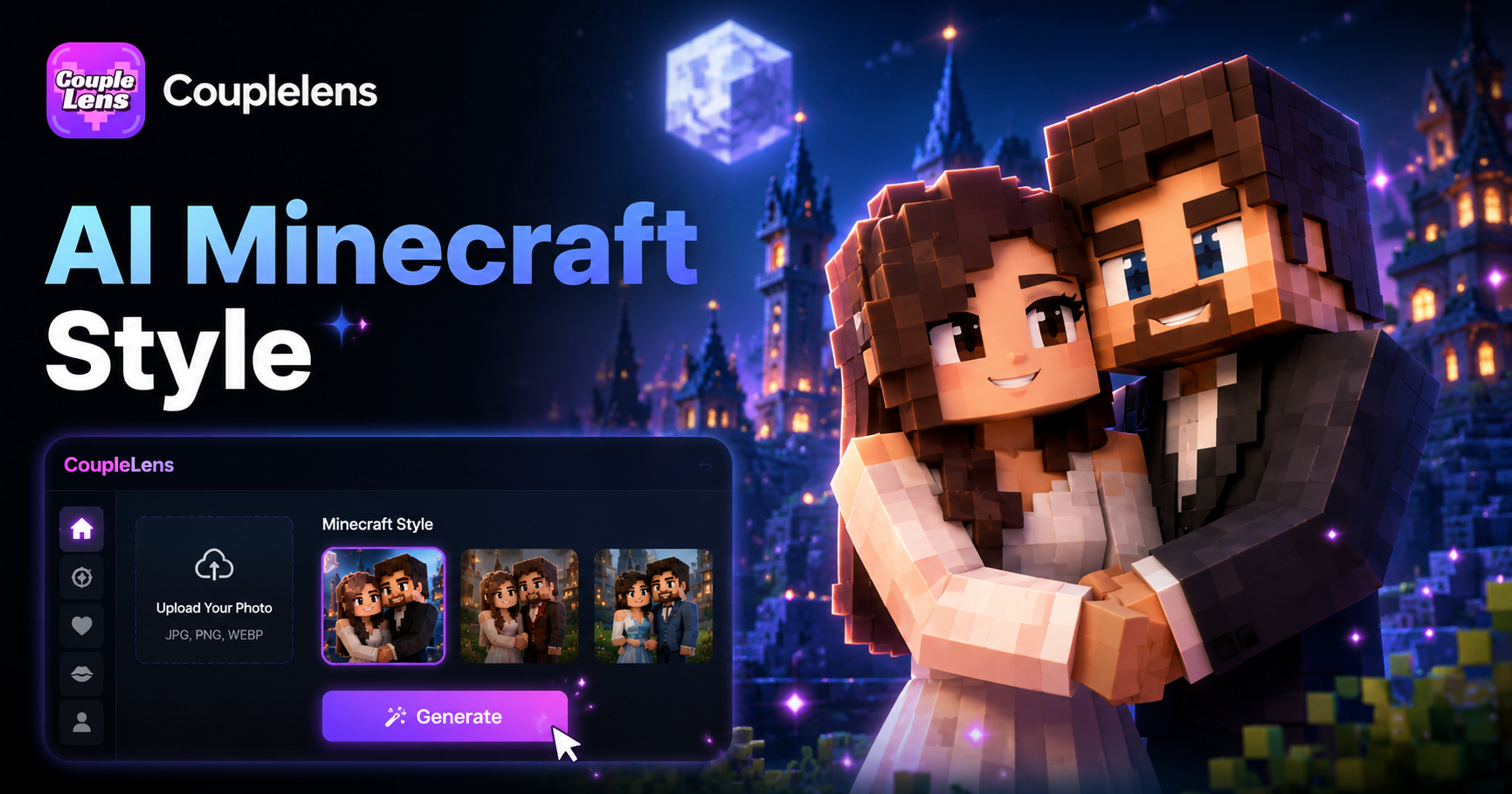
AI Minecraft Style Generator
Minecraft World Style(fork)
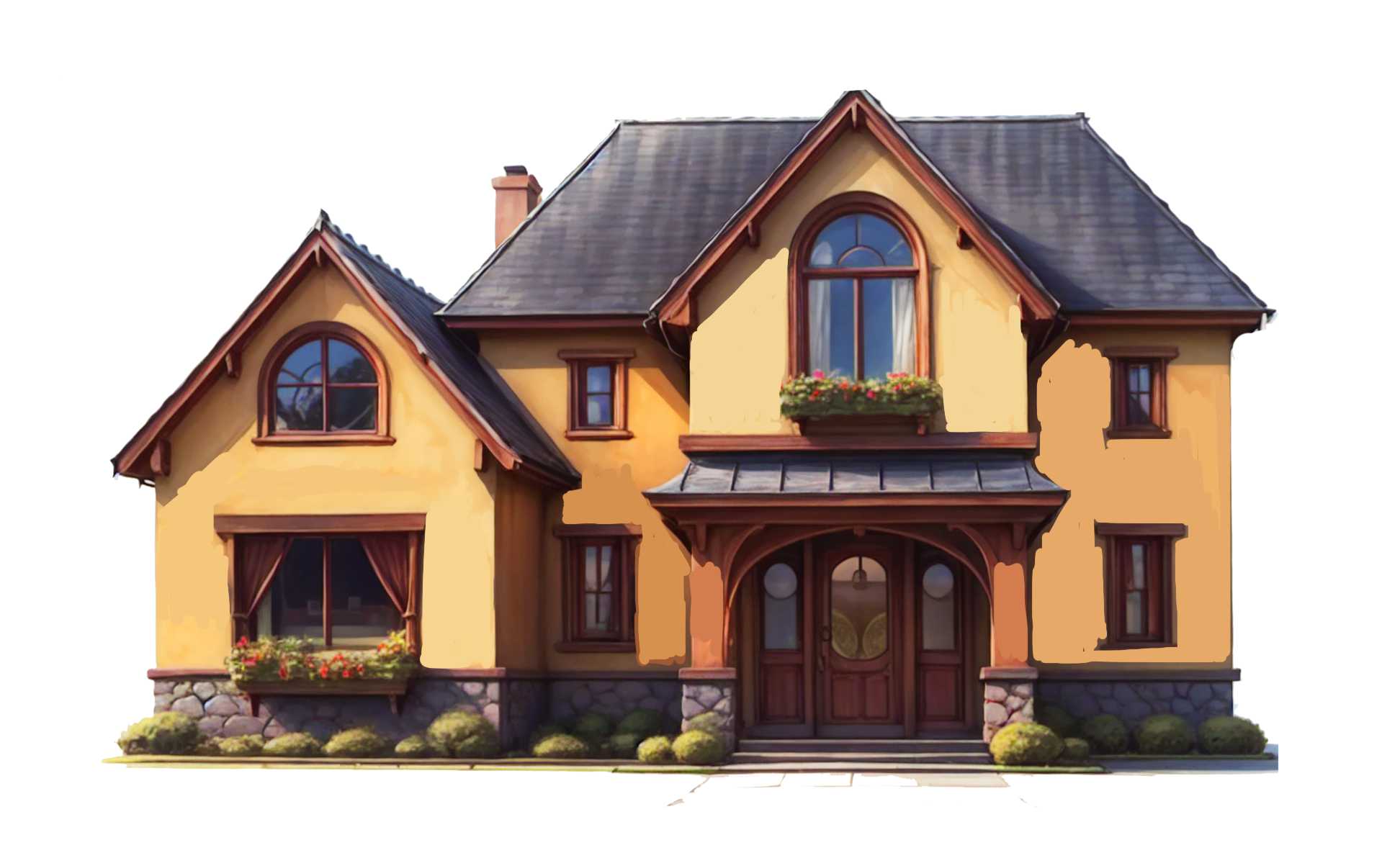
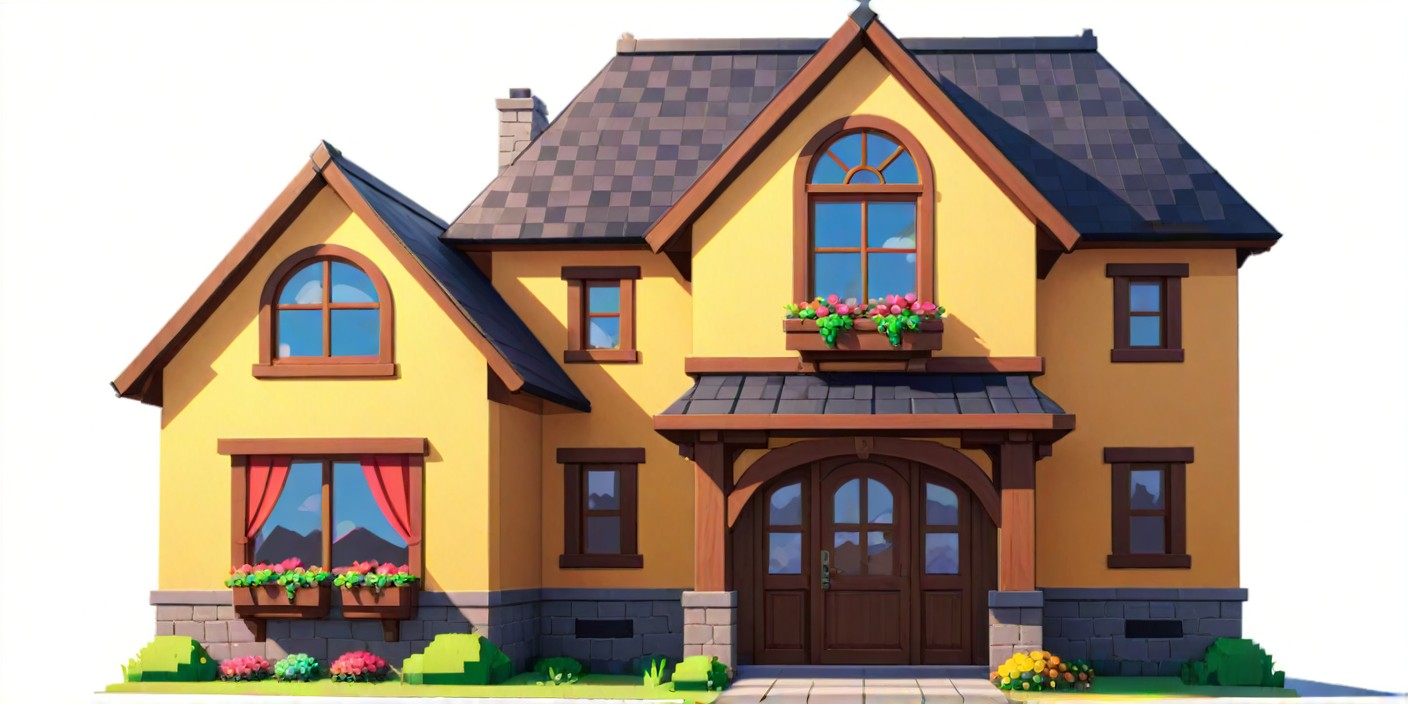

Browse Real Minecraft Style Creation
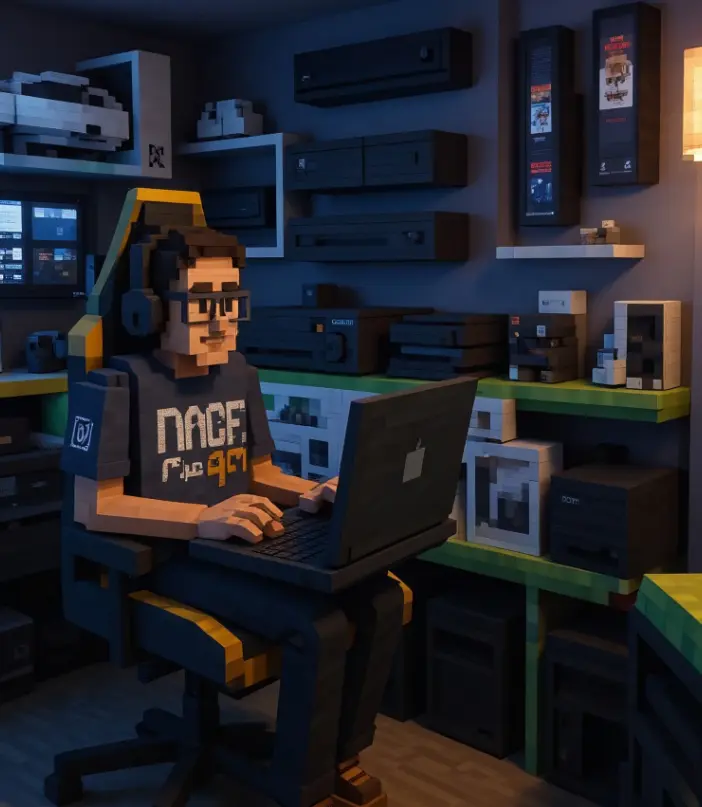
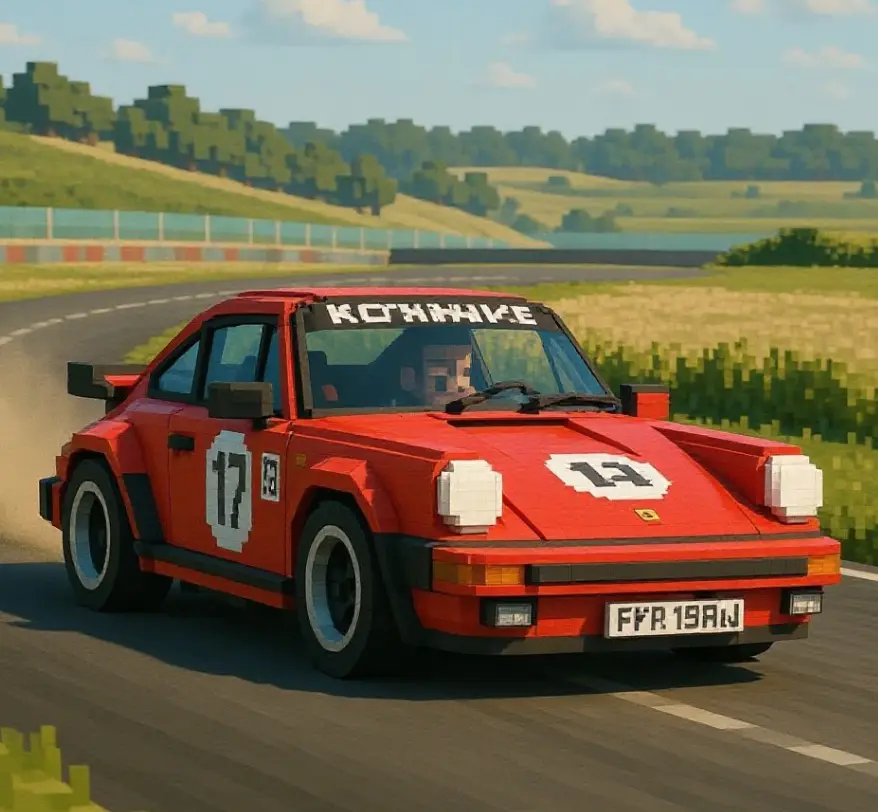
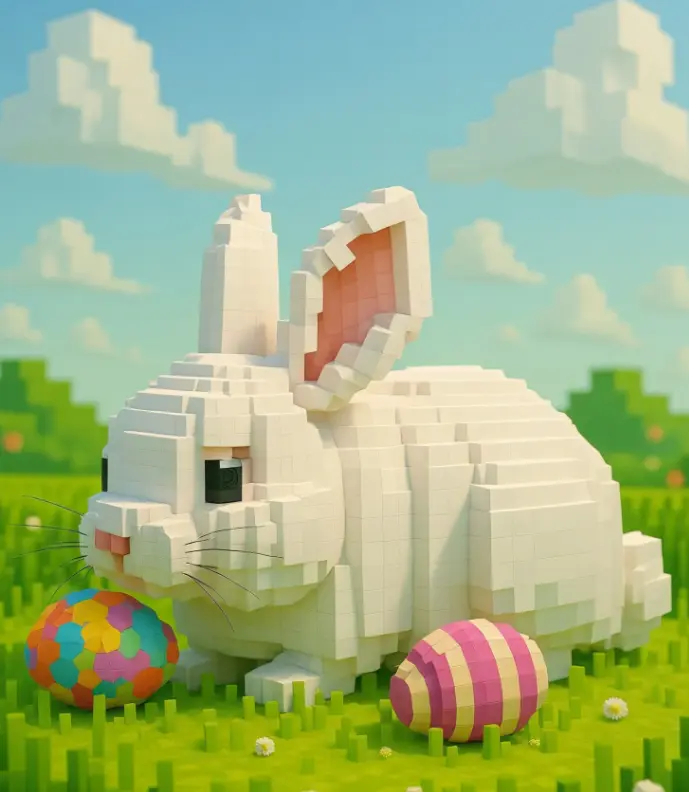
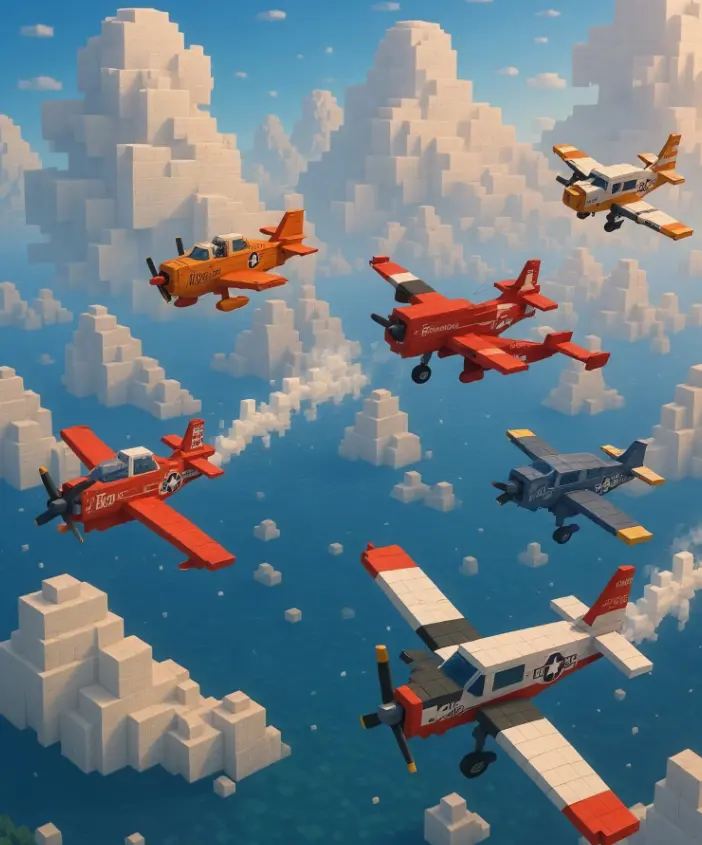
Scroll through AI-generated Minecraft images made by real CoupleLens users. Tap any look you like to start a similar render in seconds.
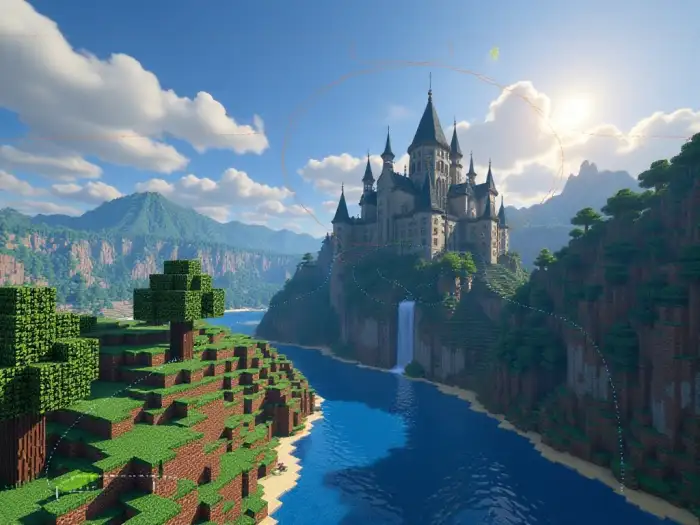
How to Create AI Minecraft Style Art on CoupleLens
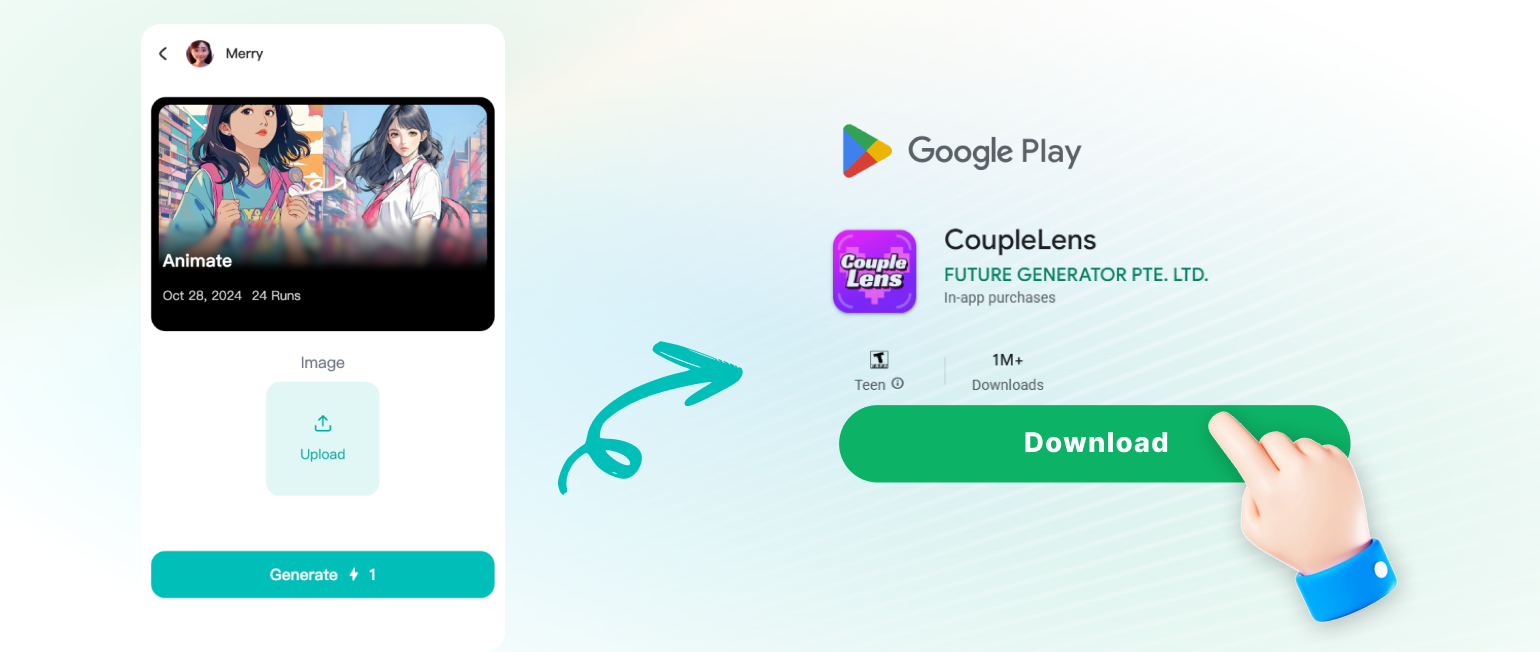
Step into the future of AI Minecraft-style art creation with the CoupleLens AI Minecraft generator.
Key Features of AI Minecraft Style Generator
CoupleLens packs three core features for AI-generated Minecraft art. One-tap avatar maker. All in the App.
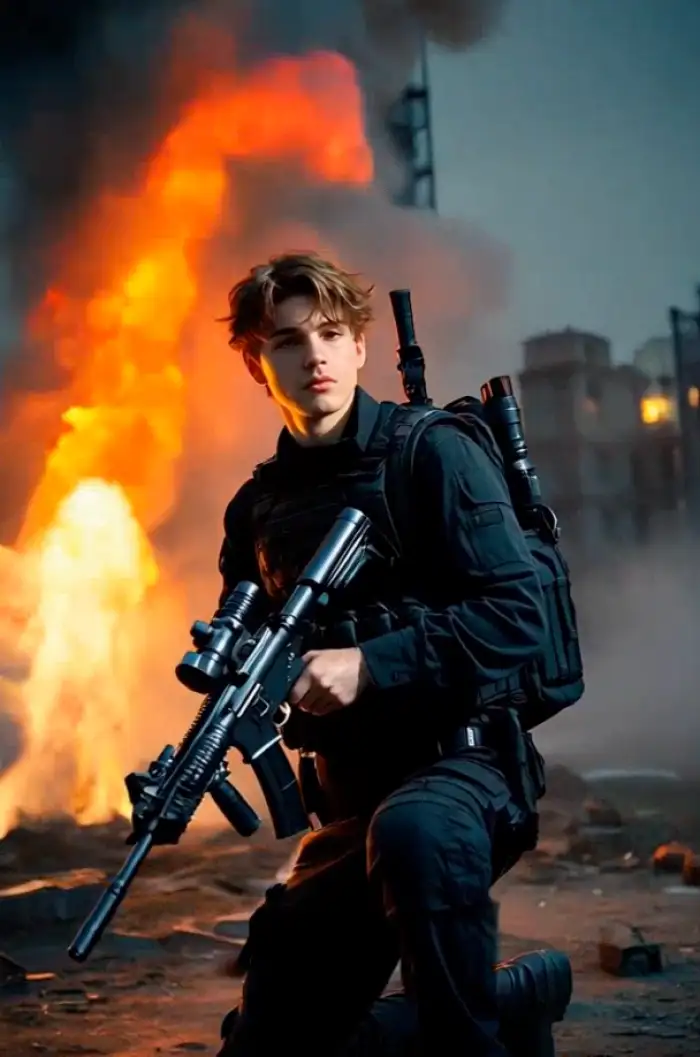 Before
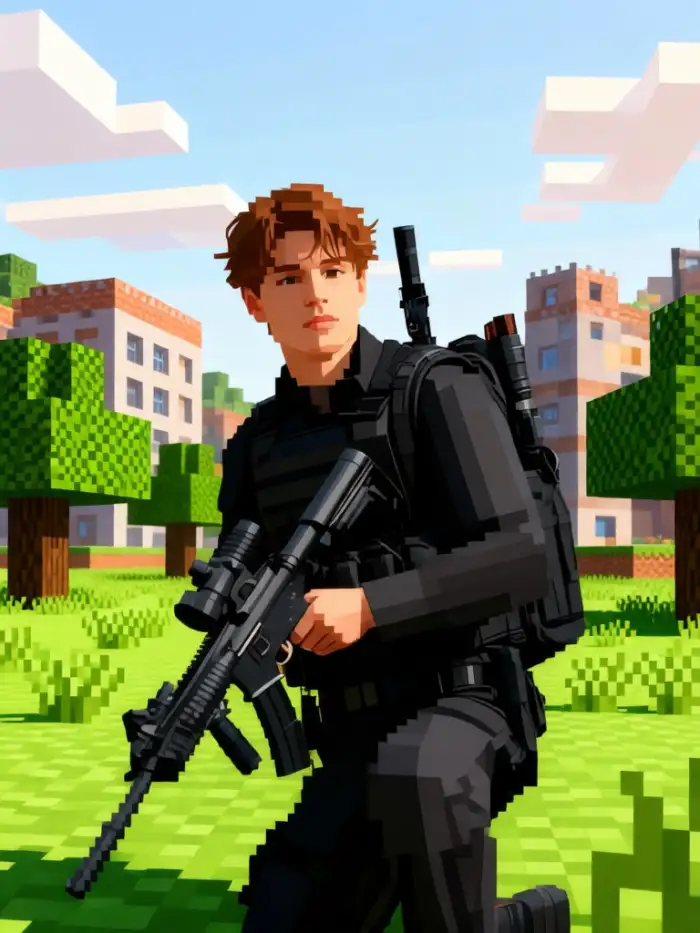 After
AfterOne Tap Minecraft Avatar Maker
Snap a selfie in CoupleLens. The AI keeps your real face shape, hair, and skin tone. Then wraps you in clean blocky pixels. Use the result as a gaming avatar, a Discord profile pic, or a full series of digital self cards. One tap from photo to ai generated minecraft look. No prompt writing. No sliders.
BeforeAfterOne Tap Minecraft Avatar Maker
Snap a selfie in CoupleLens. The AI keeps your real face shape, hair, and skin tone. Then wraps you in clean blocky pixels. Use the result as a gaming avatar, a Discord profile pic, or a full series of digital self cards. One tap from photo to ai generated minecraft look. No prompt writing. No sliders.
High-Quality AI-Generated Minecraft
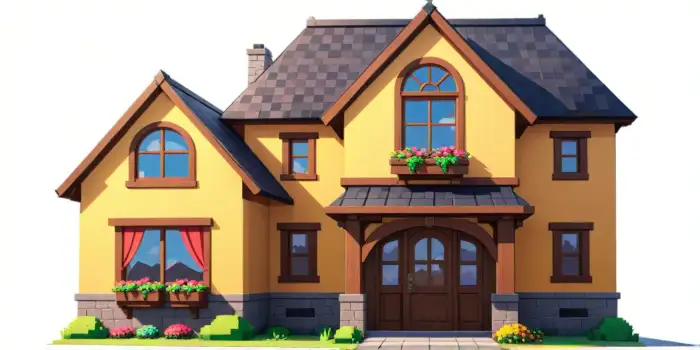
Upload a selfie, object, or cartoon character photo. CoupleLens reads the main shape and eyes, then rebuilds them as a chunky Minecraft-style block creature. Great for stickers, gaming profile art, or fan edits. The output keeps the cute vibe of the original while adding that pixel game feel. No drawing skills needed.
High-Quality AI-Generated Minecraft
Upload a selfie, object, or cartoon character photo. CoupleLens reads the main shape and eyes, then rebuilds them as a chunky Minecraft-style block creature. Great for stickers, gaming profile art, or fan edits. The output keeps the cute vibe of the original while adding that pixel game feel. No drawing skills needed.
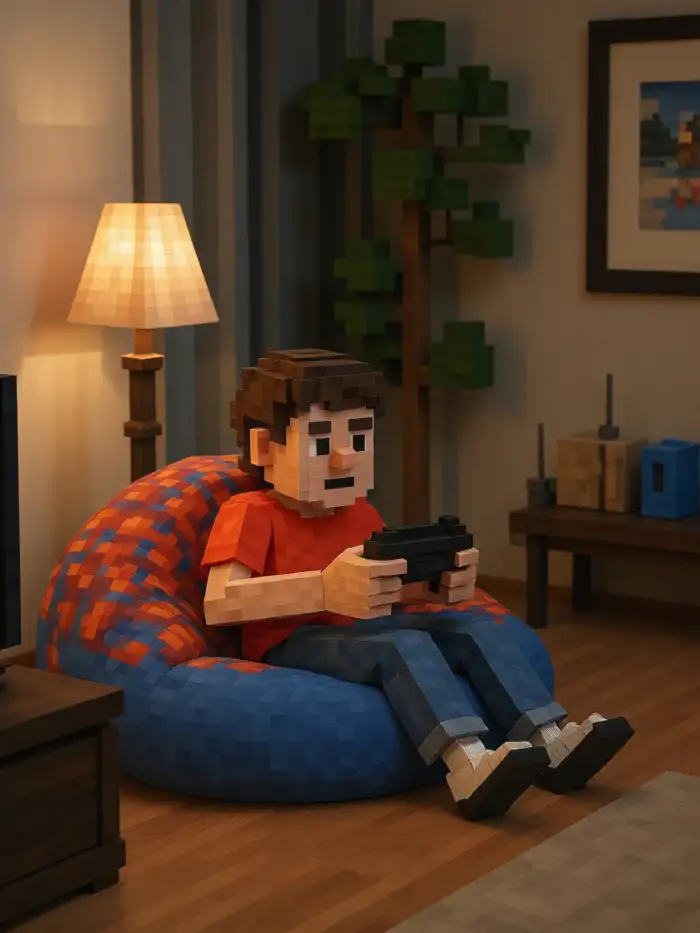
A boy sitting on a beanbag Play Switch console
Text to Minecraft Style Photo Generator
Most AI tools require you to write a complex prompt. CoupleLens allows you to write several words yet get the most satisfying exports. CoupleLens AI analyses your face details, keeps identity intact, then drops everything into a shared Minecraft-style scene. Cars, buildings, pets, or full squads all stay clear.
A boy sitting on a beanbag Play Switch console
Text to Minecraft Style Photo Generator
Most AI tools require you to write a complex prompt. CoupleLens allows you to write several words yet get the most satisfying exports. CoupleLens AI analyses your face details, keeps identity intact, then drops everything into a shared Minecraft-style scene. Cars, buildings, pets, or full squads all stay clear.
What Our Users Say about CoupleLens
The answer is one tap inside the App.
Honestly, I switched to CoupleLens for the Minecraft filter. My chat kept asking how I made my new avatar. No prompt writing. Took less than a minute and the blocky pixel look is exactly what I wanted for the stream.
The Minecraft style filter turned him into the cutest block creature.
I tested CoupleLens on my class pet, a chubby tabby named Biscuit. Kids lost it. We used the output for a digital project and now they want more AI-generated Minecraft art of their own pets.
Shipped it to my dev the same night.
CoupleLens saved me hours on character concept art. I had to mock up blocky NPCs for an indie game. Dropped reference photos into the App, used the Minecraft-style filter, and the AI kept the same face and outfit across the set.
Frequently Asked Questions
Quick answers about how CoupleLens turns photos into ai generated minecraft blocky art, what filters work best, and how to start for free.
More AI Style Generators You May Like
If you like the Minecraft look, try these next. CoupleLens runs the same one tap flow for Ghibli, 3D Clay, Pixar, and other style filters.
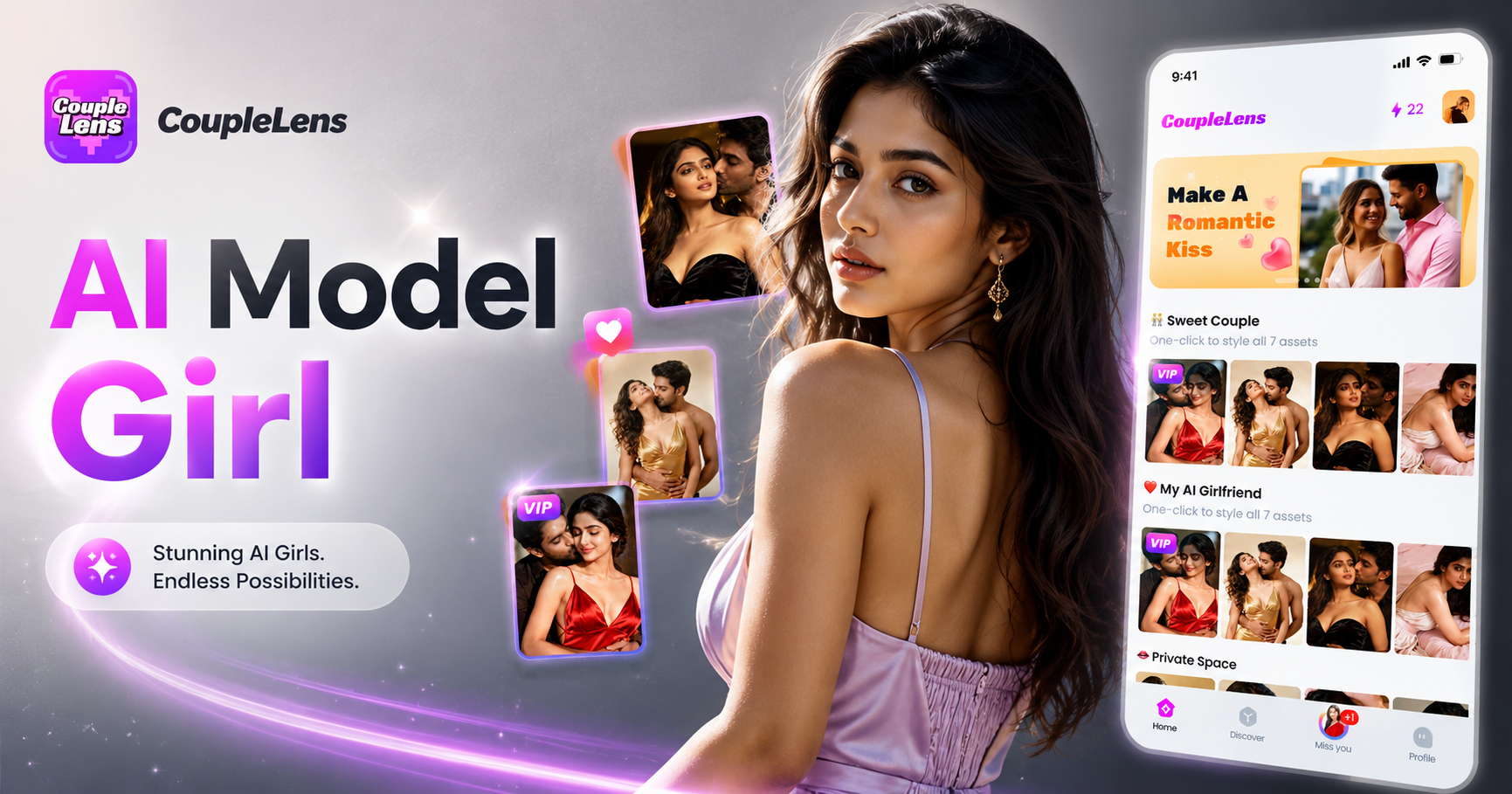
AI Model Girl Generator
Create beautiful AI-generated model girls with CoupleLens. No complex prompts needed. Download CoupleLens, pick a template, tap in some words or upload a photo.
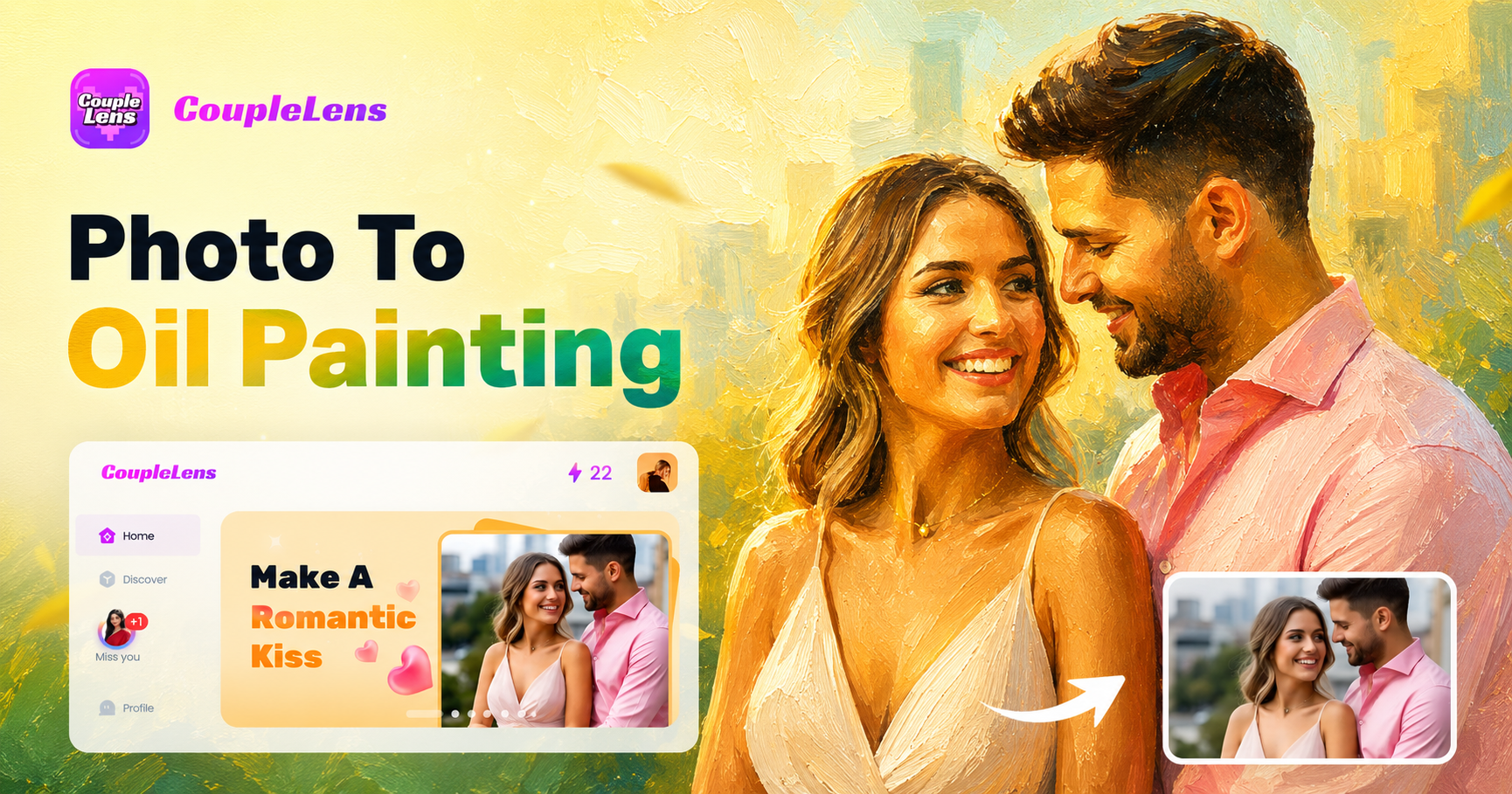
Photo To Oil Painting Converter
Turn your photos into colourful oil paintings instantly. No art skills needed. Just pick a style, upload your photo, and let CoupleLens create a beautiful painting from the image in seconds.
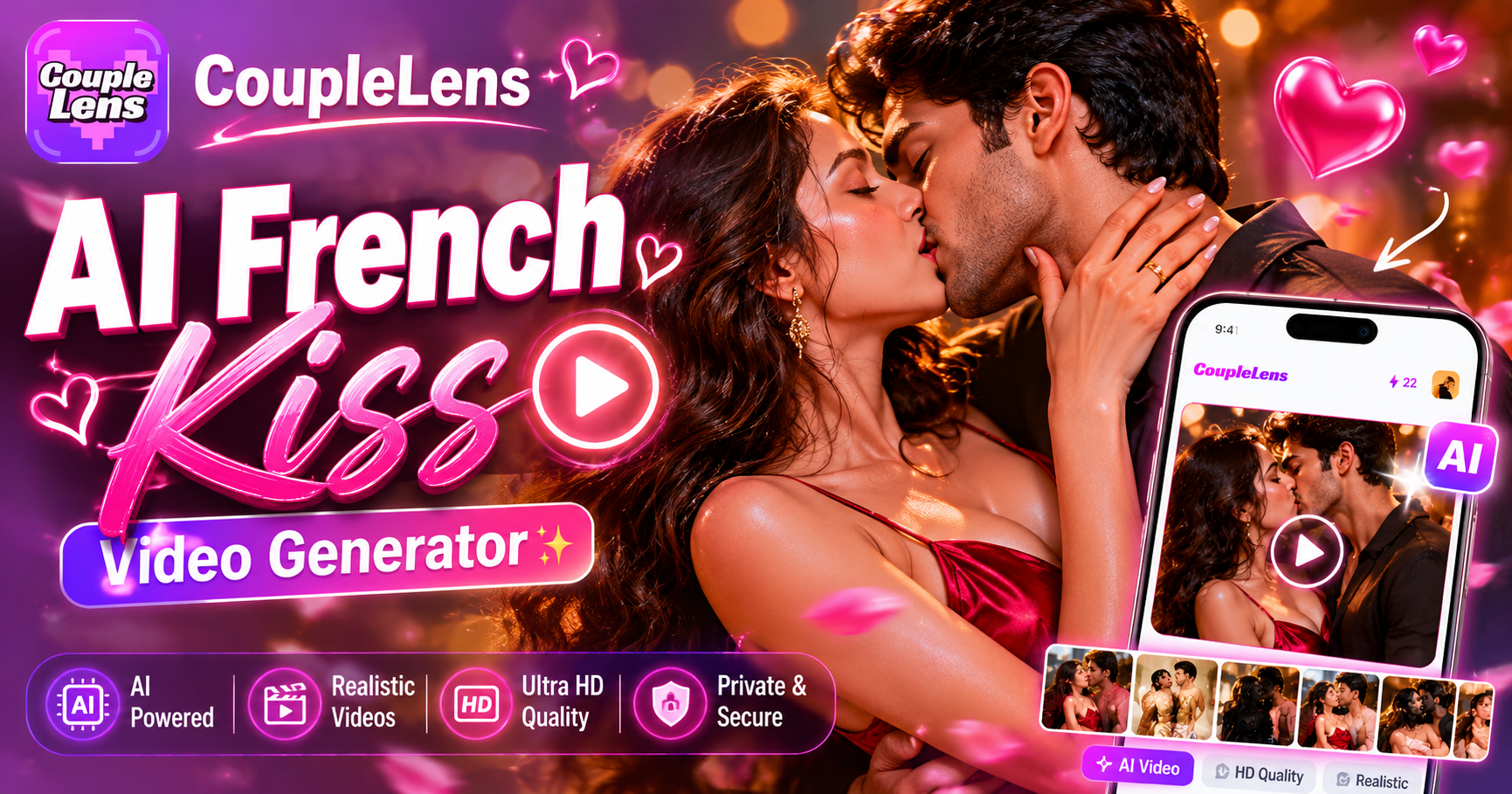
AI French Kiss Video Generator
Turn your favourite couple photo into a passionate French kiss video. Just upload, pick a style, and let CoupleLens bring your romantic moment to life. Just upload your photos.
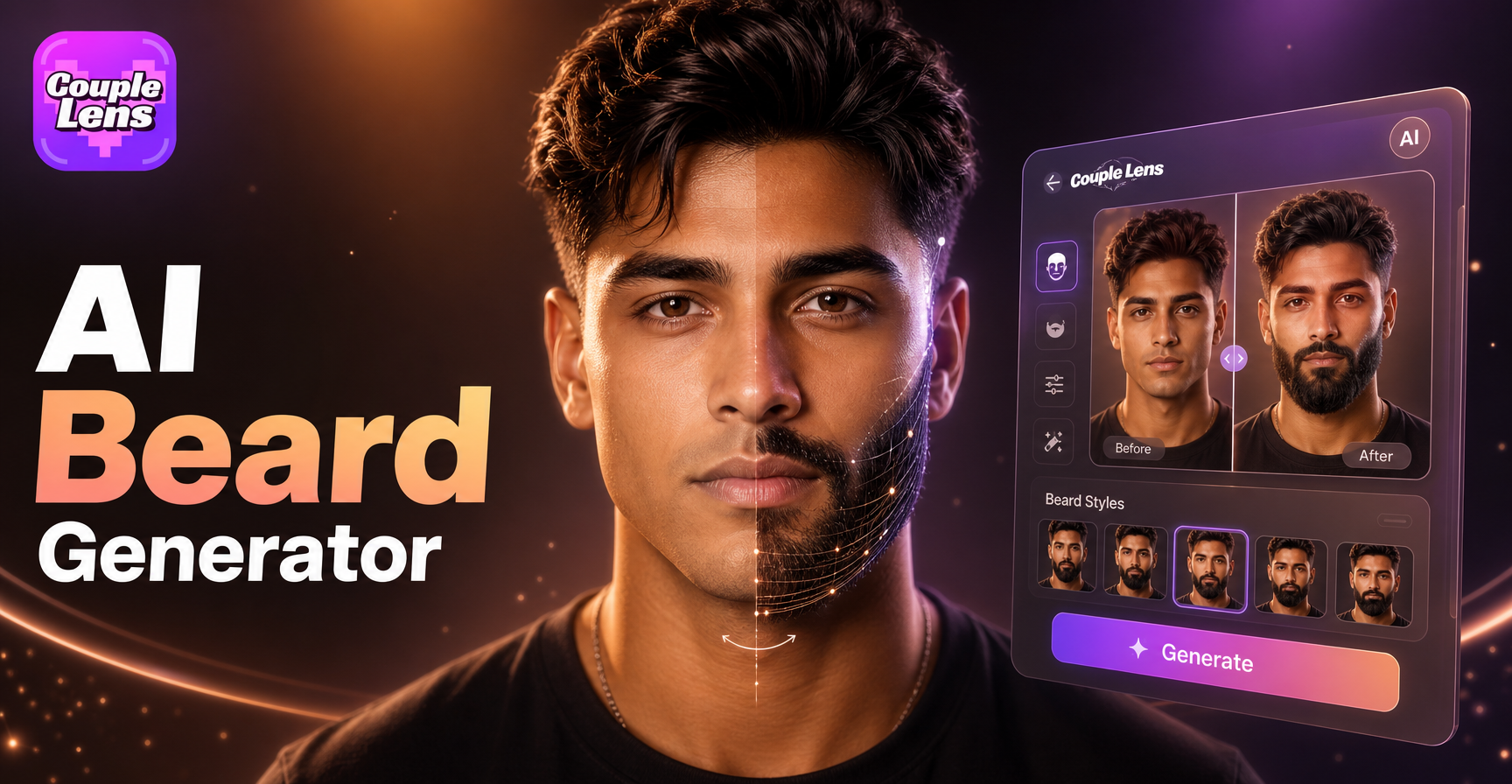
AI Beard Generator
See what you'd look like with a beard. Upload your photo, pick a style, and let AI do the rest. Real results in seconds. Download CoupleLens Now. From stubble to full beard, goatee to mustache.
Your First AI Minecraft Style Portrait
Download CoupleLens today. Open the App, pick a Minecraft-style filter, drop in a photo, and tap generate.
Your First AI Minecraft Style Portrait
Download CoupleLens today. Open the App, pick a Minecraft-style filter, drop in a photo, and tap generate.