Photo To Oil Painting Converter
Turn your photos into colourful oil paintings instantly. No art skills needed. Just pick a style, upload your photo, and let CoupleLens create a beautiful painting from the image in seconds.
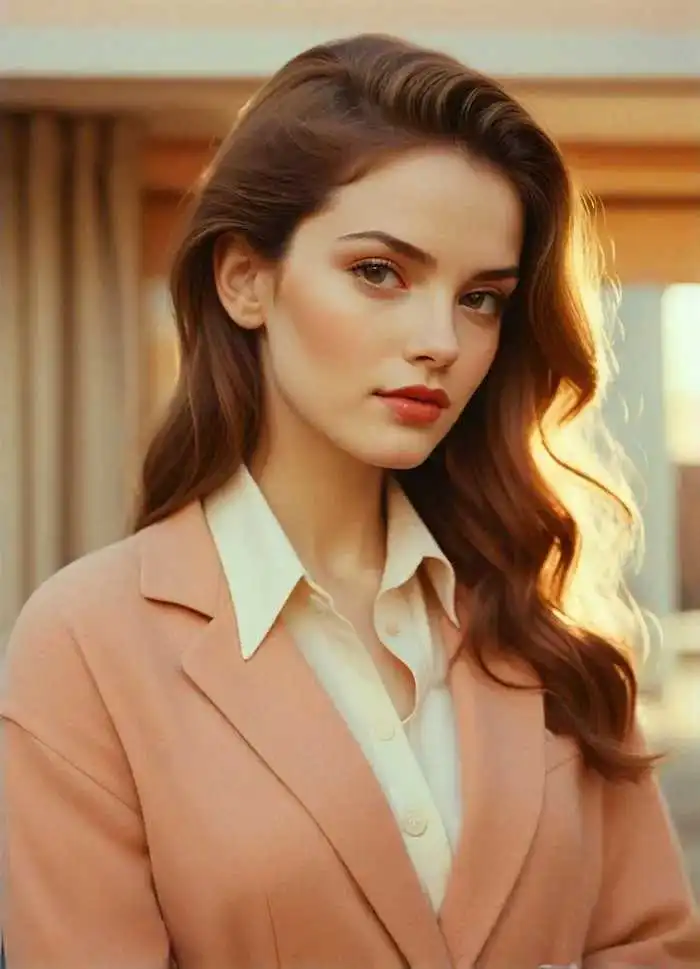 Before
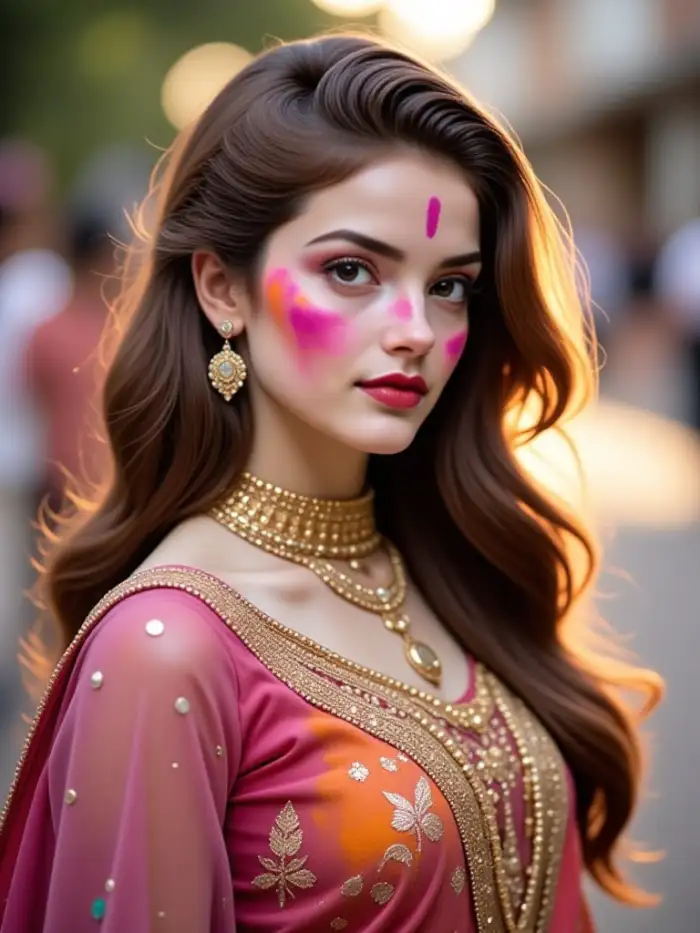 After
After
CoupleLens
Switch to CoupleLens in the app for advanced control and unlimited exports.

How To Create Oil Painting from Photo
Create beautiful oil painting images in just a few simple steps using our powerful platform.

Step 01.
Get started by downloading CoupleLens to easily turn photos into oil-painting images anytime, anywhere.

Step 02.
Browse the oil painting styles. Upload any photo from your camera roll.

Step 03.
Tap the generate button. Download your oil painting and share it on social media.
Choose Your Oil Painting Style
Each style brings authentic brush textures and rich colors to life. Turn picture into painting with one tap.
Key Features of Photo To Oil Painting Converter
Turn picture into painting with one tap. No complicated tools needed. Just CoupleLens photo to oil painting converter.
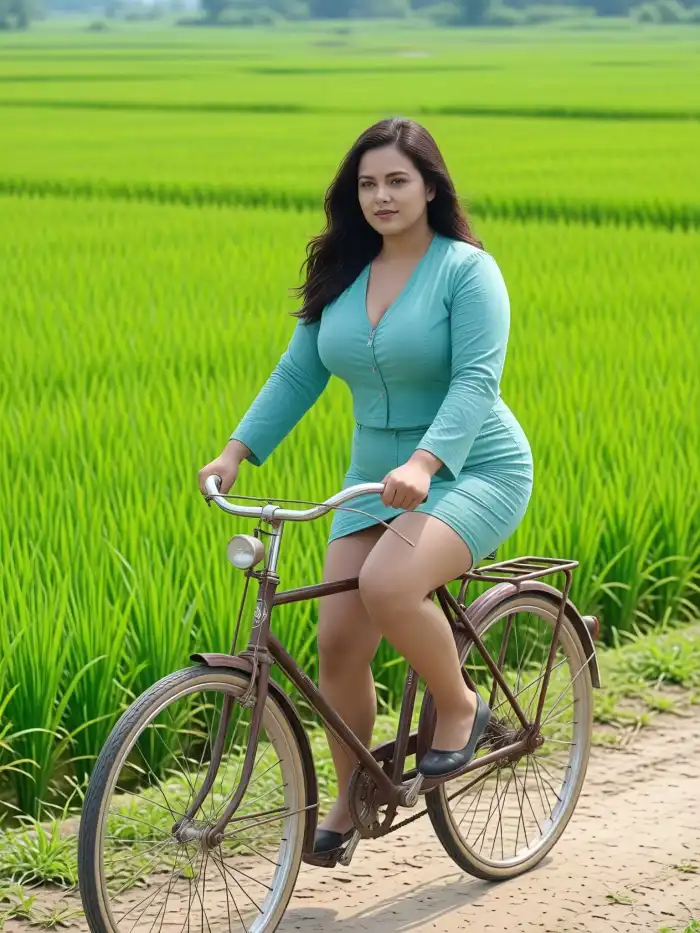 Before
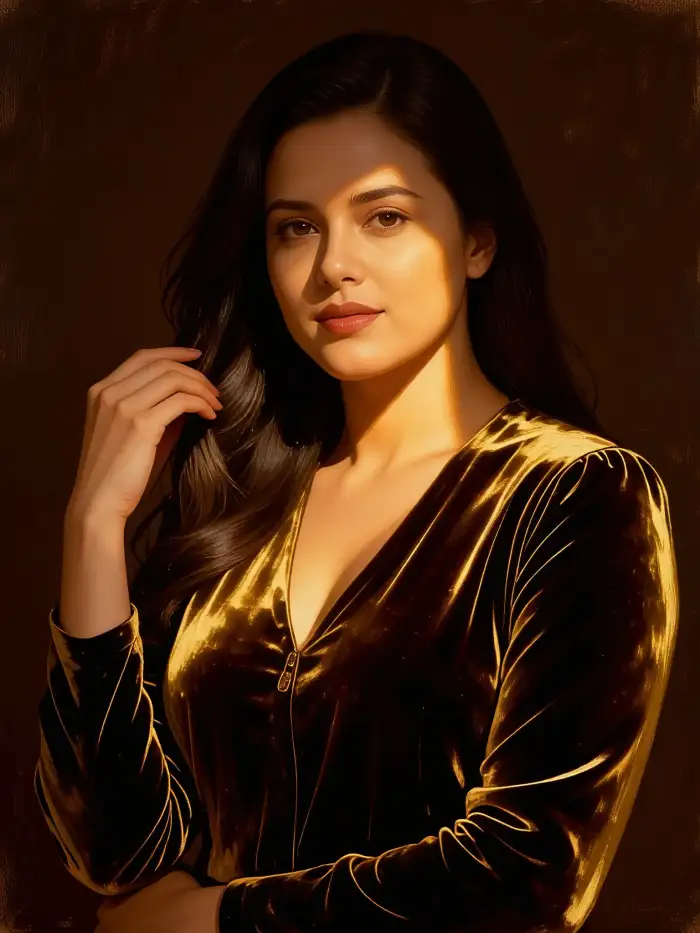 After
AfterNo Art Skills Required
You do not need to know how to paint. CoupleLens does the hard work for you. Describe your desire, pick an oil painting style, and the AI turns your picture into a painting. The brushstrokes and textures look real. Friends and family will think a real artist painted it.
BeforeAfterNo Art Skills Required
You do not need to know how to paint. CoupleLens does the hard work for you. Describe your desire, pick an oil painting style, and the AI turns your picture into a painting. The brushstrokes and textures look real. Friends and family will think a real artist painted it.
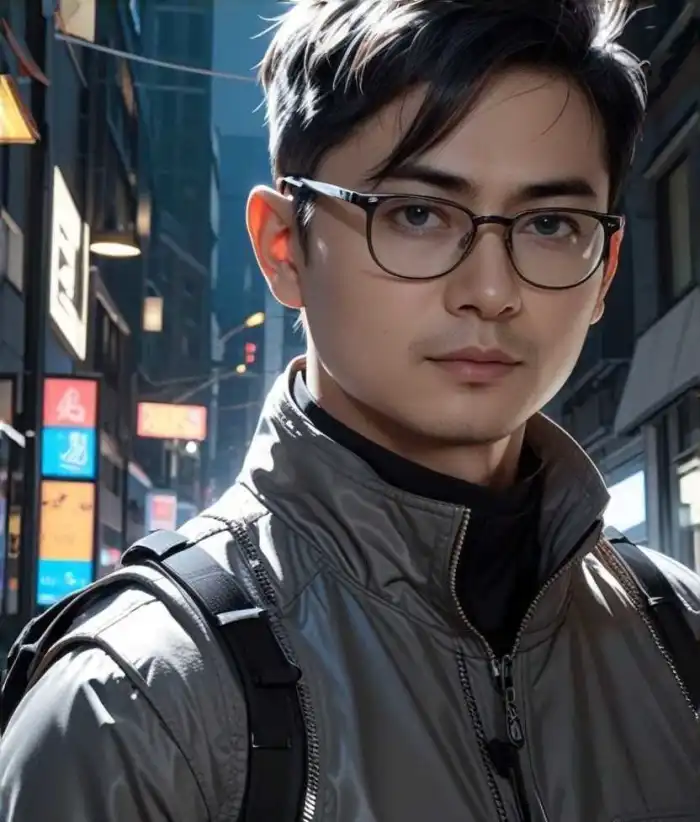 Before
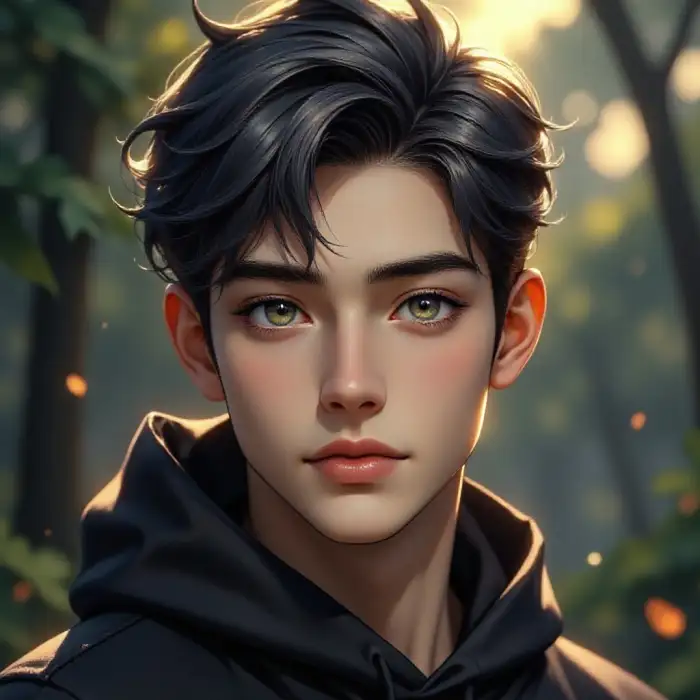 After
After25,000+ Style Filters for Every Look
Other tools give you flat filters. CoupleLens gives you thick brush strokes, canvas texture, and rich color layers. The AI studies how real oil painters work. It adds depth and texture to every part of your photo. Portraits look alive. Landscapes look like museum pieces.
BeforeAfter25,000+ Style Filters for Every Look
Other tools give you flat filters. CoupleLens gives you thick brush strokes, canvas texture, and rich color layers. The AI studies how real oil painters work. It adds depth and texture to every part of your photo. Portraits look alive. Landscapes look like museum pieces.
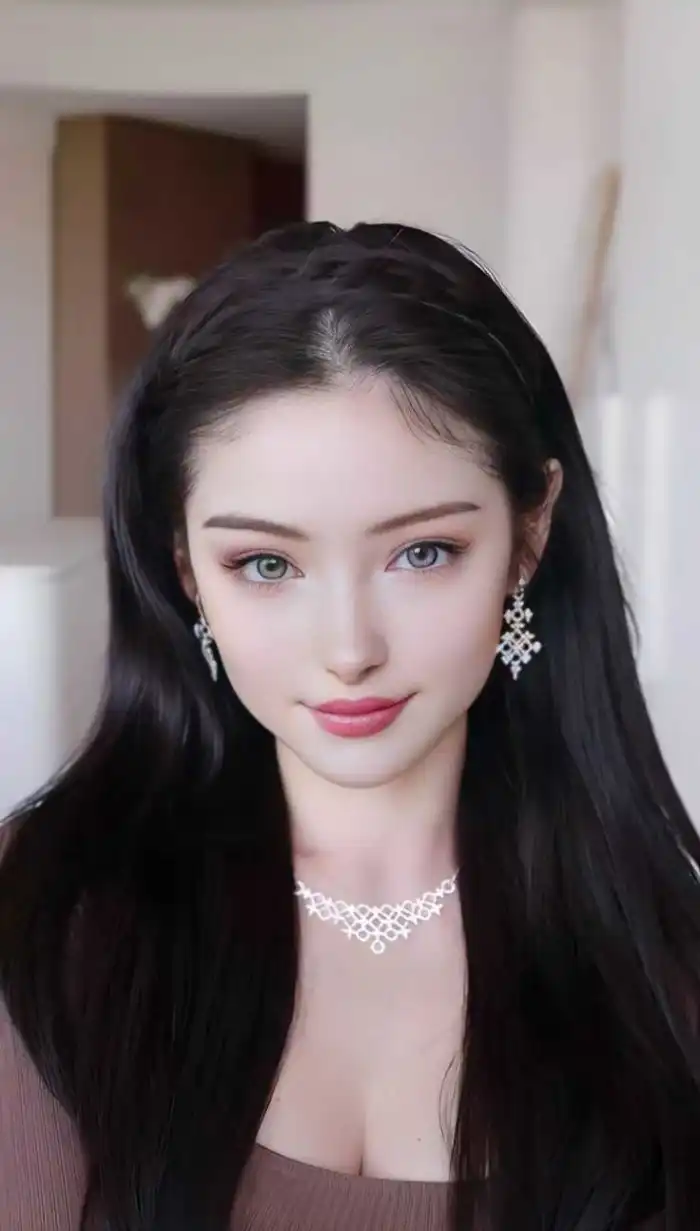 Before
Photo to Oil Painting Video
Open the app, upload your photo in real life, and get your oil painting videos in about 10 to 20 seconds using CoupleLens. Share it on Instagram, send it as a gift, or print it for your wall. Everything happens in the app.
BeforePhoto to Oil Painting Video
Open the app, upload your photo in real life, and get your oil painting videos in about 10 to 20 seconds using CoupleLens. Share it on Instagram, send it as a gift, or print it for your wall. Everything happens in the app.
What Our Users Say About Oil Painting
The brush strokes look so real.
I turned my parents' anniversary photo into an oil painting. They loved it and framed it on their wall.
The Van Gogh oil-painting style filter is my favorite.
I wanted museum-quality oil art without hiring an artist. CoupleLens did it in seconds.
I make oil paintings from my pet photos every week.
The European retro oil painting filter made my pet photos look like they came from a vintage gallery. My followers keep asking how I do it. I tell them CoupleLens.
Watch Oil Painting Creation in Action
Watch the AI apply brush strokes, textures, and color layers to create stunning oil art from ordinary photos.
Frequently Asked Questions
Your photos deserve more than just sitting in your camera roll. We answer every question concerning photo to oil painting converter.
More Topics You May Like
Explore more topics you may like and discover inspiring ideas tailored to your interests.
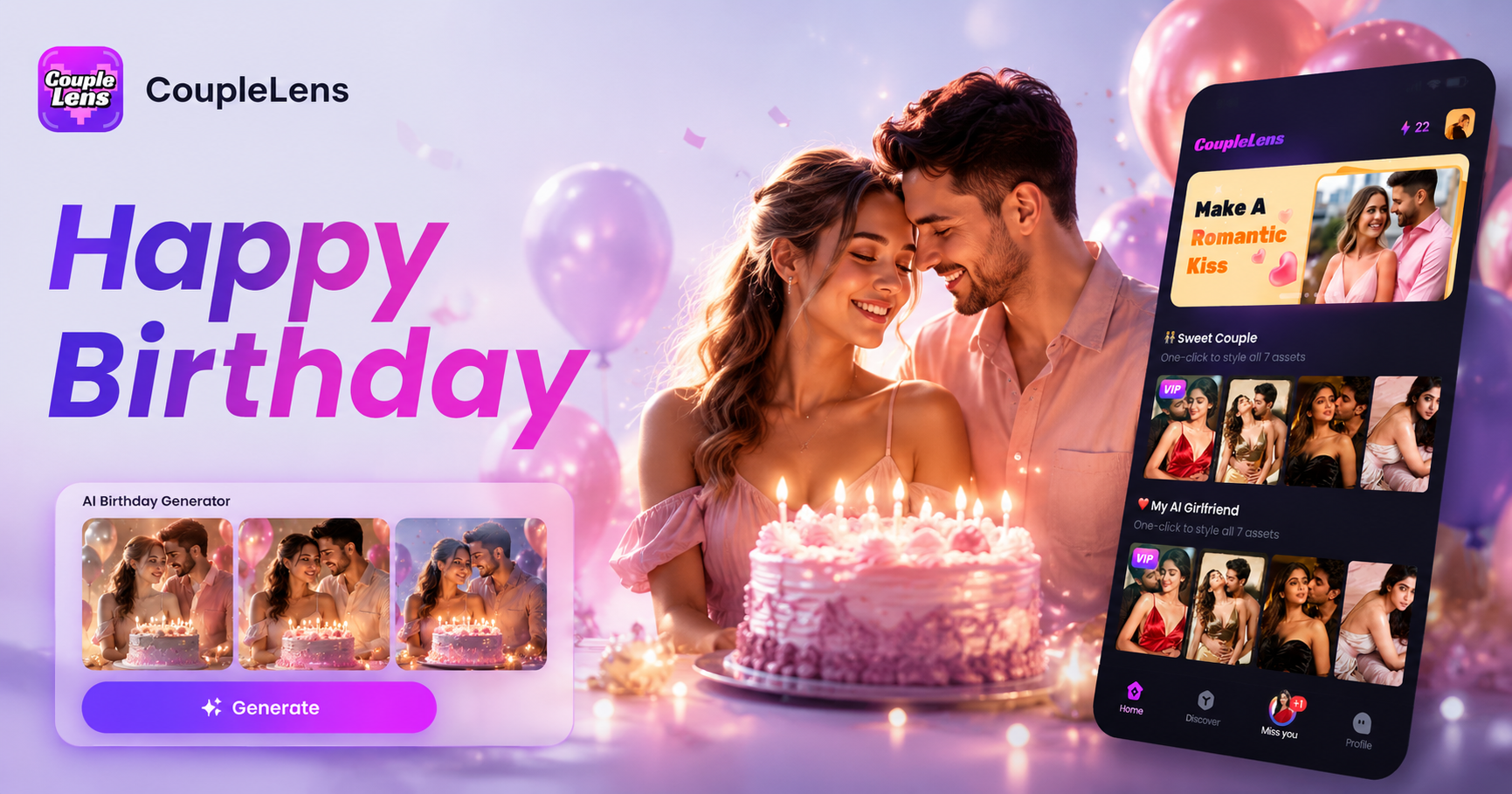
AI Happy Birthday Generator
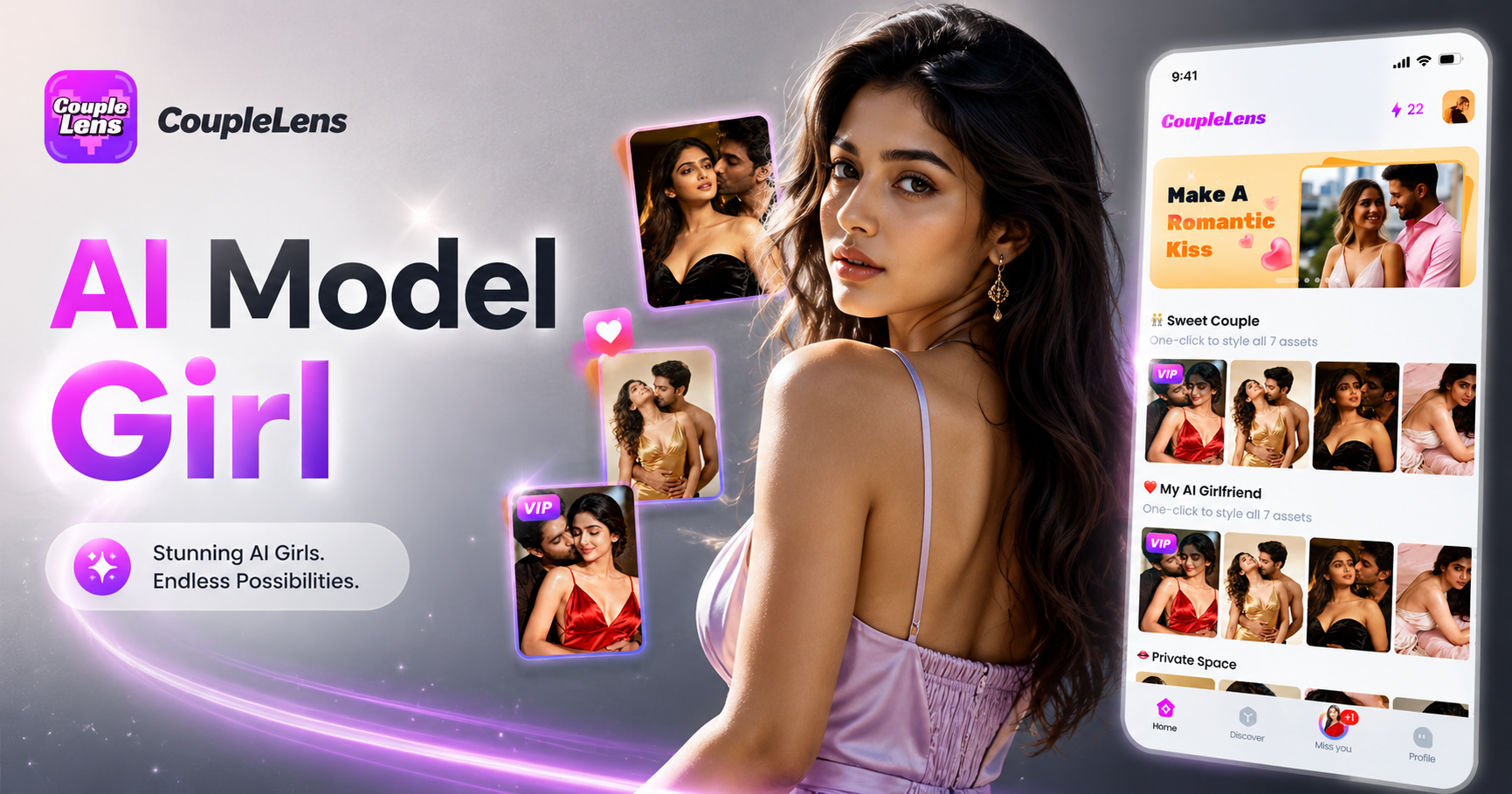
AI Model Girl Generator
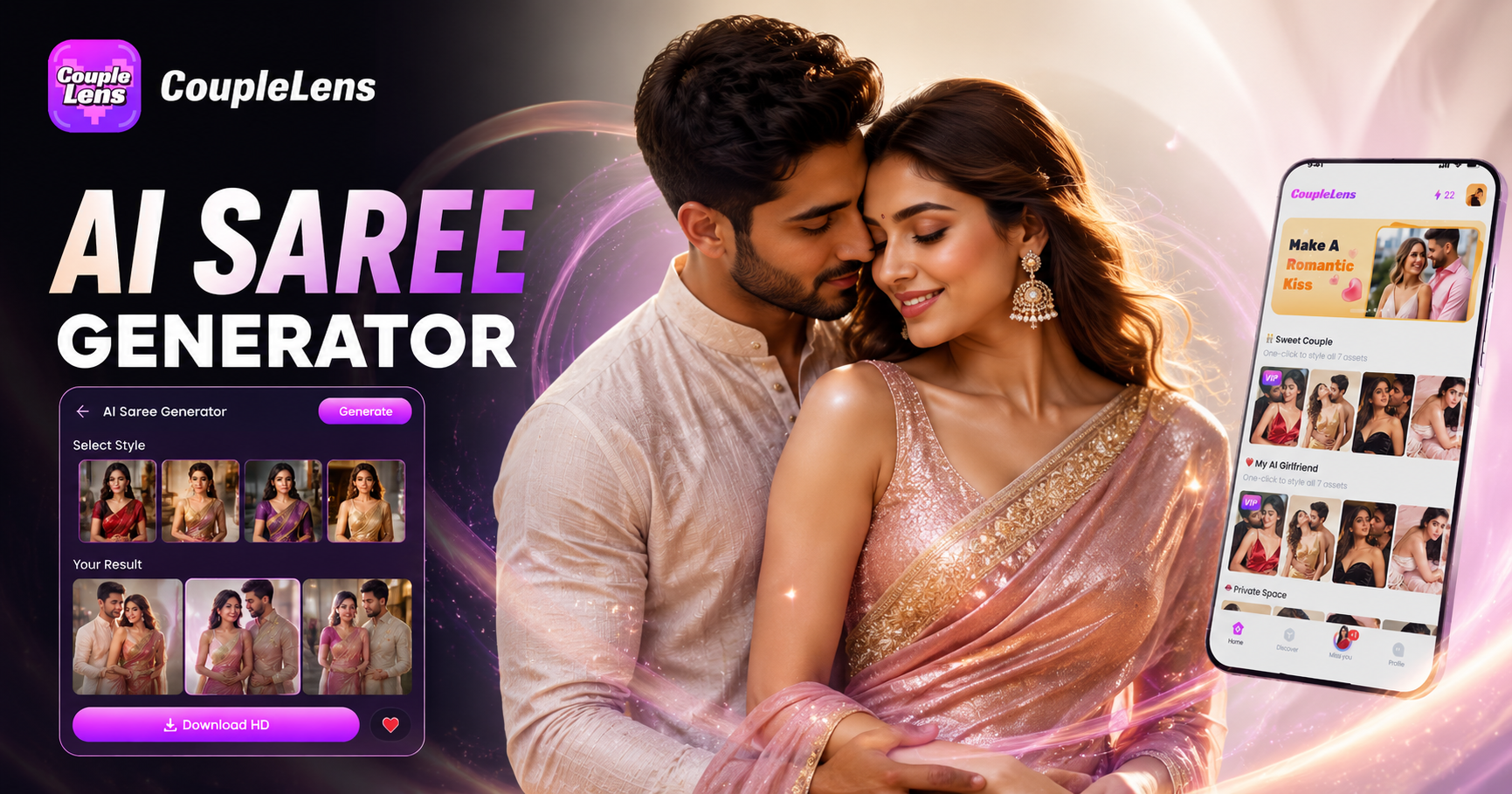
AI Saree Generator
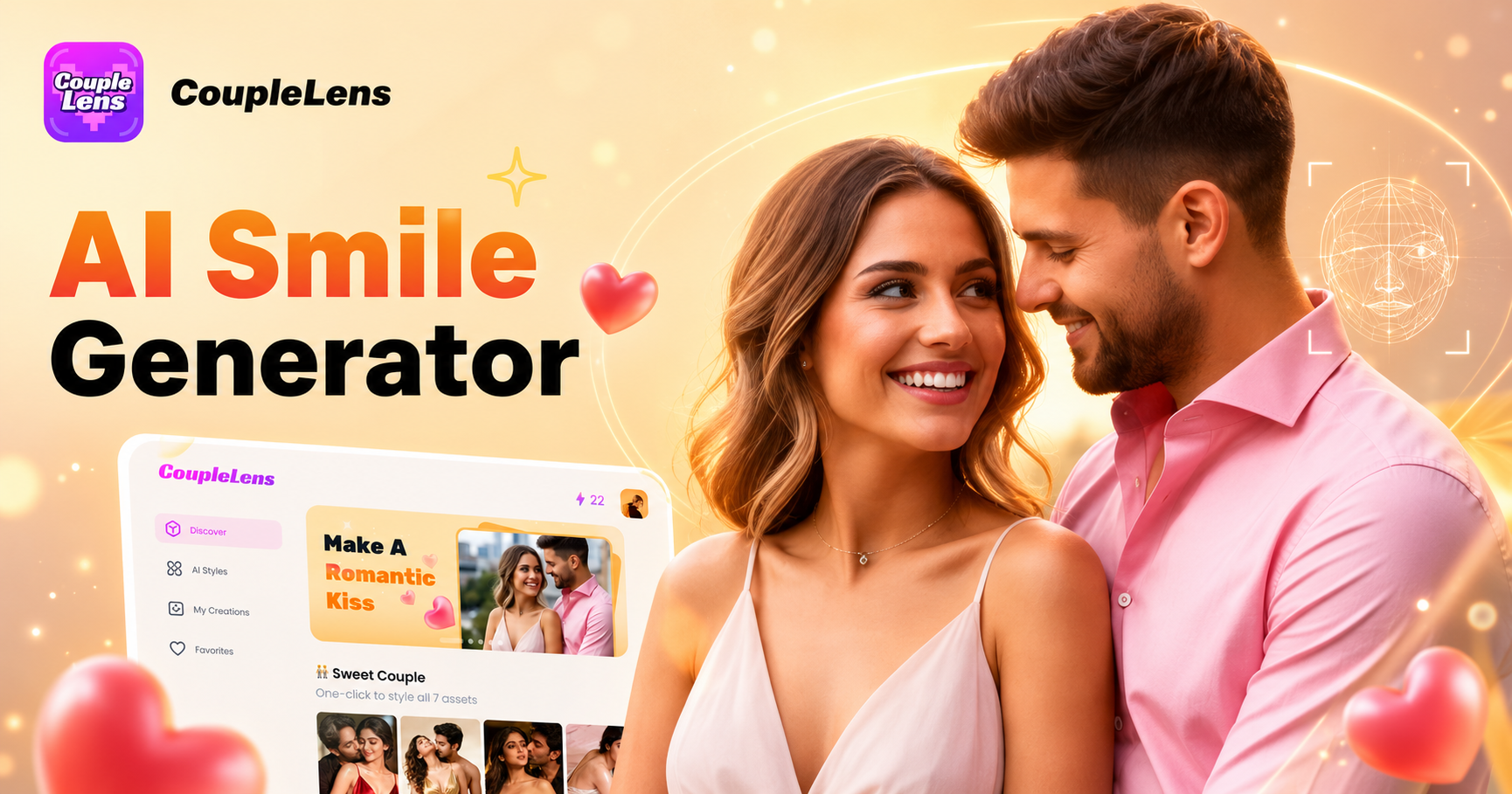
AI Smile Generator
AI Happy Birthday Generator
AI Model Girl Generator
AI Saree Generator
AI Smile Generator
Start Creating Your Oil Painting Now
Download CoupleLens today and start making oil art from your photos. It takes seconds. It looks incredible.
Start Creating Your Oil Painting Now
Download CoupleLens today and start making oil art from your photos. It takes seconds. It looks incredible.