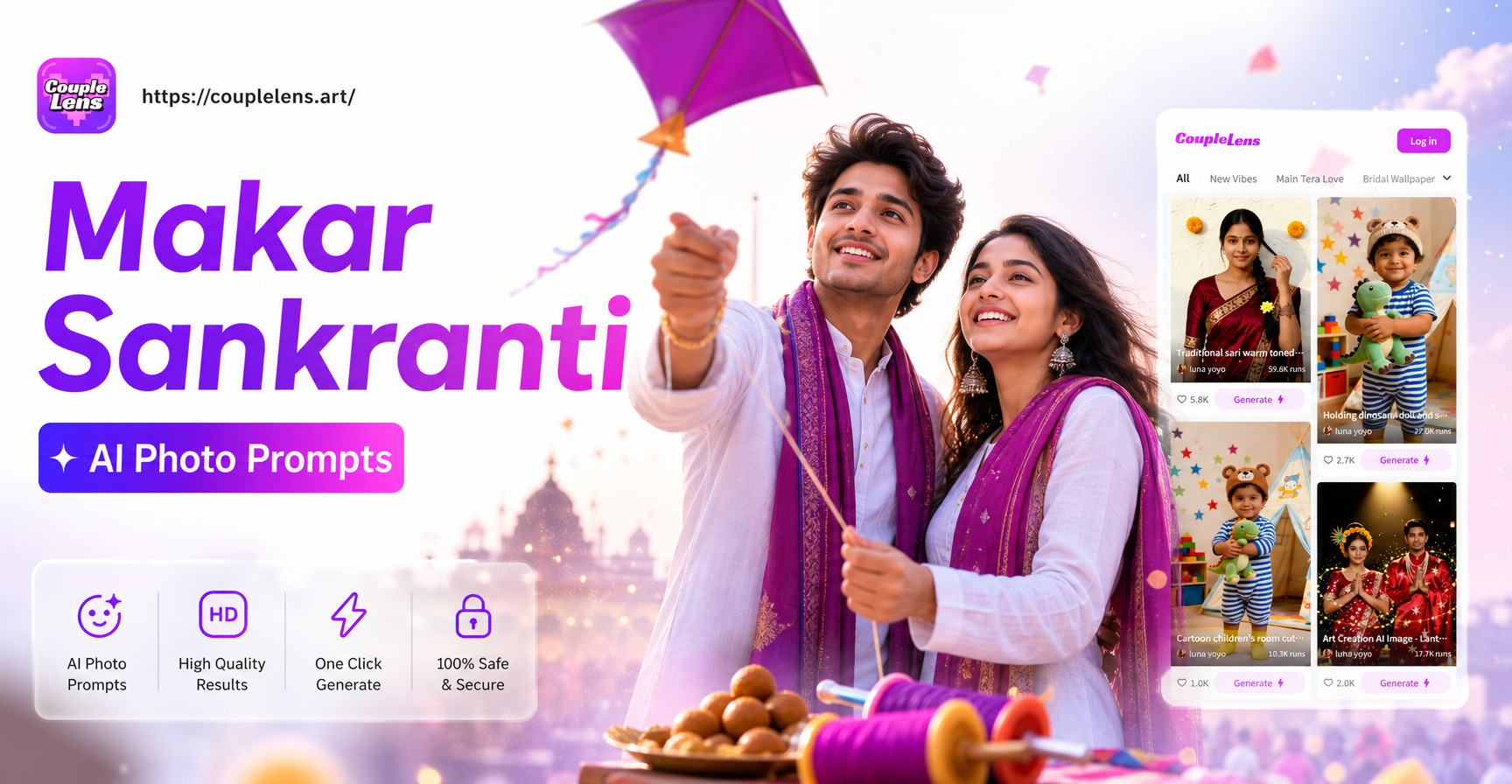
Makar Sankranti marks the transition of the sun into Capricorn and brings with it the joy of kite flying, til-gud sweets, bonfires, and family gatherings. Many people want to edit their photos to reflect this festive spirit, but not everyone knows how to describe exactly what they want. This article solves that problem by providing a large collection of Makar Sankranti AI photo editing prompts that you can copy and use directly inside an AI photo editing app.
Whether you have a casual selfie, a family portrait, or a landscape shot, these prompts will help you transform it into a vibrant Makar Sankranti themed image. You do not need any design experience or prompt engineering skills. Simply choose a prompt, paste it into the app, and let the AI do the work.
What Is Makar Sankranti AI Photo Editing?
Makar Sankranti AI photo editing refers to using artificial intelligence to alter or enhance a photograph with festive elements tied to this Indian harvest festival. These elements include colorful kites in the sky, traditional dishes like til-gud laddu, bonfires, intricate rangoli patterns, marigold garlands, and people wearing bright traditional clothes. Instead of manually editing with complex software, you type a descriptive prompt into an AI photo editing app, and the app generates a new version of your photo that includes those details.
Good prompts are specific. They mention the subject, action, clothing, location, time of day, and color palette. For example, a weak prompt like "make my photo festive" will produce unpredictable results. A strong prompt like "add a clear blue sky filled with colorful kites and me flying a bright orange kite from a rooftop, wearing a yellow kurta" gives the AI clear direction.
How to Use These Makar Sankranti AI Photo Editing Prompts
Using these prompts is simple. Follow these steps:
- Open your AI photo editing app, such as the couplelens app available on Google Play.
- Upload a clear photo of yourself, your family, or a scene you want to edit.
- Choose an image-to-image or style transfer feature within the app.
- Copy any prompt from the list below and paste it into the text field.
- Select a style template if the app offers one. Realistic photography works best for festival photos, but you can also try anime or oil painting looks.
- Generate the image and save or share it.
Each prompt below is written for a single subject. You can easily adapt them by changing "me" to "my family" or "my friend" and by adjusting clothing colors or background details.
26 Makar Sankranti AI Photo Editing Prompts
Kite Flying Prompts
Add a bright blue sky filled with dozens of colorful kites of different shapes and sizes behind me. Show me flying a large orange and yellow diamond kite from a rooftop, wearing a traditional yellow kurta and white pyjama. Keep the photo realistic with warm morning sunlight.
Transform this photo into a rooftop kite flying scene at sunset. I am holding a red kite string and looking up at the sky. Add many kites in the background, including a green, a pink, and a purple kite. The sky should have golden orange and pink hues.
Edit my portrait to show me on a terrace with a kite in my hand, mid action of launching it. The background should show a clear winter sky with a few small kites and soft clouds. My outfit is a teal kurta with a white stole. Make it look like a candid festival photo.
Add a dramatic Makar Sankranti sky to this photo. The sky should be deep blue with more than twenty kites of various patterns, some with long tails. I am standing on the ground looking upward, smiling, with a spool of white thread in my hand.
Turn this photo into a group kite flying moment. Show three people, including me, on a rooftop holding kite strings. Each kite is a different color: red, yellow, and green. The sun is bright, and the buildings around have terracotta roofs. Keep the expressions joyful.
Change the background to a crowded rooftop during Makar Sankranti. I am running with a kite string, trying to catch the wind. The sky is packed with kites of all colors, and a few strings are visibly tangled. Add a festive, chaotic, but cheerful atmosphere with realistic daylight.
Til-Gud and Sweets Prompts
Add a festive plate of til-gud laddus and chikki in front of me. I am sitting at a table decorated with marigold flowers and a small brass lamp. My expression should be warm and welcoming. The lighting is soft indoor evening light.
Edit my photo to show me offering til-gud sweets to a friend. Both of us are wearing traditional clothes. The background has a decorated doorway with mango leaves and a rangoli on the floor. The colors should be rich and celebratory.
Change the setting of this photo to a Makar Sankranti sweet exchange. Place a tray of sesame brittle and jaggery sweets in my hands. Add a few scattered sesame seeds on the table. The background shows festive bunting and a subtle warm glow.
Transform this image into a close-up of my hands holding a small clay bowl filled with til-gud. The bowl is decorated with tiny mirrors. Behind my hands, there is a blurred background of a decorated home with diyas and rangoli. Keep the focus on the sweets and my hands.
Bonfire and Lohri Prompts
Add a Makar Sankranti bonfire behind me on a cold winter evening. The fire should be bright with orange flames and a few sparks. I am standing near the fire wearing a brown shawl and smiling. The ground should have some dry leaves and the night sky is clear.
Transform this photo into a bonfire gathering scene. Six people are sitting around a large bonfire, clapping and laughing. The fire casts a warm orange light on everyone's faces. The background is a dark village field with a few trees. Keep the photo realistic.
Edit my portrait to show me holding a small lit torch near a bonfire during Makar Sankranti. The scene is at dusk with a gradient sky from deep blue to orange. I am wearing a mustard-colored sweater. The fire should look natural and not cover my face.
Add a small bonfire in the foreground of this group photo. Everyone is standing around it, warming their hands. The fire has a soft glow, and the background shows a dark evening sky with stars. Add a few sparks rising into the air. Keep the mood warm and intimate.
Rangoli and Decor Prompts
Add a colorful rangoli pattern at my feet made of flower petals and colored powder. I am standing elegantly in front of it, wearing a red and gold saree. The background includes a decorated home entrance with a toran of marigolds and mango leaves.
Edit this photo to place me sitting on the ground drawing a rangoli. My hands are holding colored powder, and the rangoli is half finished with floral patterns. The scene is bright with sunlight, and there are small bowls of colored powder around me.
Change the background to a festive Makar Sankranti home courtyard. Add a large rangoli on the floor with geometric and lotus patterns in orange, pink, white, and green. I am standing to the side with my hands folded in greeting. The walls have festive decorations.
Add marigold garlands hanging from the top of this photo frame. Below them, place a decorated brass pot with coconut and mango leaves. I am standing next to the pot, wearing a traditional outfit. The background shows a rangoli on the floor and soft warm lighting.
Traditional Attire and Family Prompts
Dress me in a traditional Makar Sankranti outfit: a bright yellow silk kurta with intricate embroidery, paired with white churidar and a maroon Nehru jacket. Add a subtle festive background with soft bokeh lights and a warm color palette.
Edit this family photo to give everyone traditional festive clothes. The women wear colorful sarees with marigold garlands, and the men wear kurtas. Add a decorated interior background with a lit brass lamp and a rangoli on the floor. Keep all faces natural and recognizable.
Transform my portrait into a Makar Sankranti greeting card style photo. I am smiling and holding a small clay pot with sesame seeds and jaggery. Add a border of marigold flowers around the image and a soft warm glow. The text "Happy Makar Sankranti" appears in elegant script below me.
Change this photo to show me and my friend exchanging til-gud sweets and hugging. Both of us wear traditional clothes, and the background is a festive market with colorful decorations and kites hanging. The overall tone should be warm and joyful.
Edit my solo photo to show me wearing a bright pink and orange lehenga with traditional jewelry. Place me in front of a decorated wall with hanging kites, marigold strings, and a small rangoli. The lighting should be soft golden hour light. Keep the face natural and the clothes detailed.
Scenic and Sky Prompts
Turn this landscape photo into a Makar Sankranti scene. Add hundreds of kites flying high above a town. The sky is clear and blue with a few white clouds. People are visible on rooftops flying kites. The mood is lively and festive.
Add a sunset Makar Sankranti sky to this photo. The horizon glows with orange, pink, and purple. Kites of various colors float in the sky, and birds fly alongside them. The foreground shows a silhouette of a person flying a kite from a rooftop. Keep the image cinematic.
Transform this ordinary street photo into a festive Makar Sankranti morning. The sky is a crisp blue with many colorful kites. The streets are decorated with banners and marigold garlands. A few people are walking with kites in their hands. The overall feeling is warm and energetic.
Tips for Adapting These Prompts to Your Photo
These prompts are starting points. You should customize them to match your photo and preferences. Change the subject: if a prompt says "me" but you have a couple photo, change it to "us" or "my partner and me". Adjust clothing colors to match what you actually wore or what you want to wear digitally. Specify the time of day: morning, afternoon, sunset, or night. Add environmental details like rooftops, fields, markets, or home interiors. If you want a particular artistic style, add words like "oil painting", "watercolor", "cinematic", or "anime" at the end of the prompt.
For example, if you love the first kite prompt but want a painting look, change the last sentence to "Render the whole image in a vibrant oil painting style." If you want a more playful look, use "anime style with bright colors". The AI app will follow your combined instructions.
You can also combine elements from different prompts. For instance, take the bonfire prompt and add a plate of til-gud in your hands. The AI can handle multiple elements if you list them clearly and keep the sentence structure simple. Avoid writing a paragraph with too many commas. Use short phrases separated by periods.
Common Weak Results and How to Fix Them
Sometimes AI photo editing produces results that are not perfect. Here are common issues and fixes.
- Wrong face or distorted features: Use a high quality close-up photo as the source. Avoid photos with heavy shadows or angles. In the app, choose a mode that preserves facial features, like image-to-image with a face reference.
- Too many kites or cluttered sky: Reduce the number by writing "a few kites" instead of "dozens of kites". You can also specify "three kites only".
- Unnatural colors: Add words like "natural colors", "realistic lighting", or "soft daylight" to your prompt. Avoid overly saturated words like "neon".
- Missing elements like til-gud or bonfire: Mention the item twice in the prompt, once as an object and once as a detail. For example, "a plate of til-gud laddus, with the laddus clearly visible".
- Blurry background: Ask for "sharp background" or "clear details" in the prompt. You can also upload a higher resolution photo.
- Text not rendering correctly: If you ask for "Happy Makar Sankranti" text in the image, the AI may spell it wrong. It is safer to generate the image without text and then add the greeting using a separate photo editor.
Creating Personalized Makar Sankranti Greeting Cards
A popular use of these prompts is to make digital greeting cards. Combine a portrait prompt with a text request. The AI app may not always render text perfectly, so a safer approach is to generate the festive image first, then use a simple photo editor to add the greeting text. You can generate an image of yourself with folded hands, a background full of kites or rangoli, and a warm color palette, then overlay "Happy Makar Sankranti" in any font you like.
You can also use these prompts to create short video clips if your AI app supports image-to-video. For example, take a photo edited with a kite flying scene, then ask the AI to animate it with the prompt "kite flying in the wind, people cheering on the rooftop". This can produce a lively festival video for WhatsApp status or Instagram reels.
Why couplelens Works Well for Makar Sankranti Photo Editing
The couplelens app is designed for simple AI image and video creation. It offers a huge library of style filters and templates, including realistic photography, anime, and painting styles. You can use image-to-image editing to transform your existing photos without any prompt engineering skills. The app is available on Google Play, so you can edit on the go and share your festive photos directly to social media.
While this article focuses on prompts, the couplelens app also includes ready-made style filters that can apply a festival mood instantly. You can combine a prompt with a filter for even more control over the final look. For example, choose a warm cinematic filter and then paste a kite flying prompt to get a cohesive result.
Final Tips for Better Results
Before you start, make sure your source photo is well lit and not too dark. A photo taken in daylight works best for outdoor scenes like kite flying. For indoor scenes with sweets or rangoli, a photo with soft lighting is ideal. Always use the highest resolution version of your photo. If the first generation is not perfect, tweak the prompt slightly and try again. Adding or removing a single word can change the outcome significantly.
Keep a note of which prompts work best for you. Over time, you will learn the exact wording that produces your favorite results. You can also share your custom prompts with friends and family so everyone can enjoy a festive Makar Sankranti photo.
Conclusion
Makar Sankranti AI photo editing does not have to be complicated. With the right prompt and a capable AI app, you can turn an ordinary photo into a festive memory filled with kites, sweets, bonfires, and traditional joy. Use the prompts above as a foundation, adapt them to your photos, and experiment with different details. The more specific you are, the better the results. Download a reliable AI photo editing app, pick a prompt, and start creating your own Makar Sankranti greeting images today.