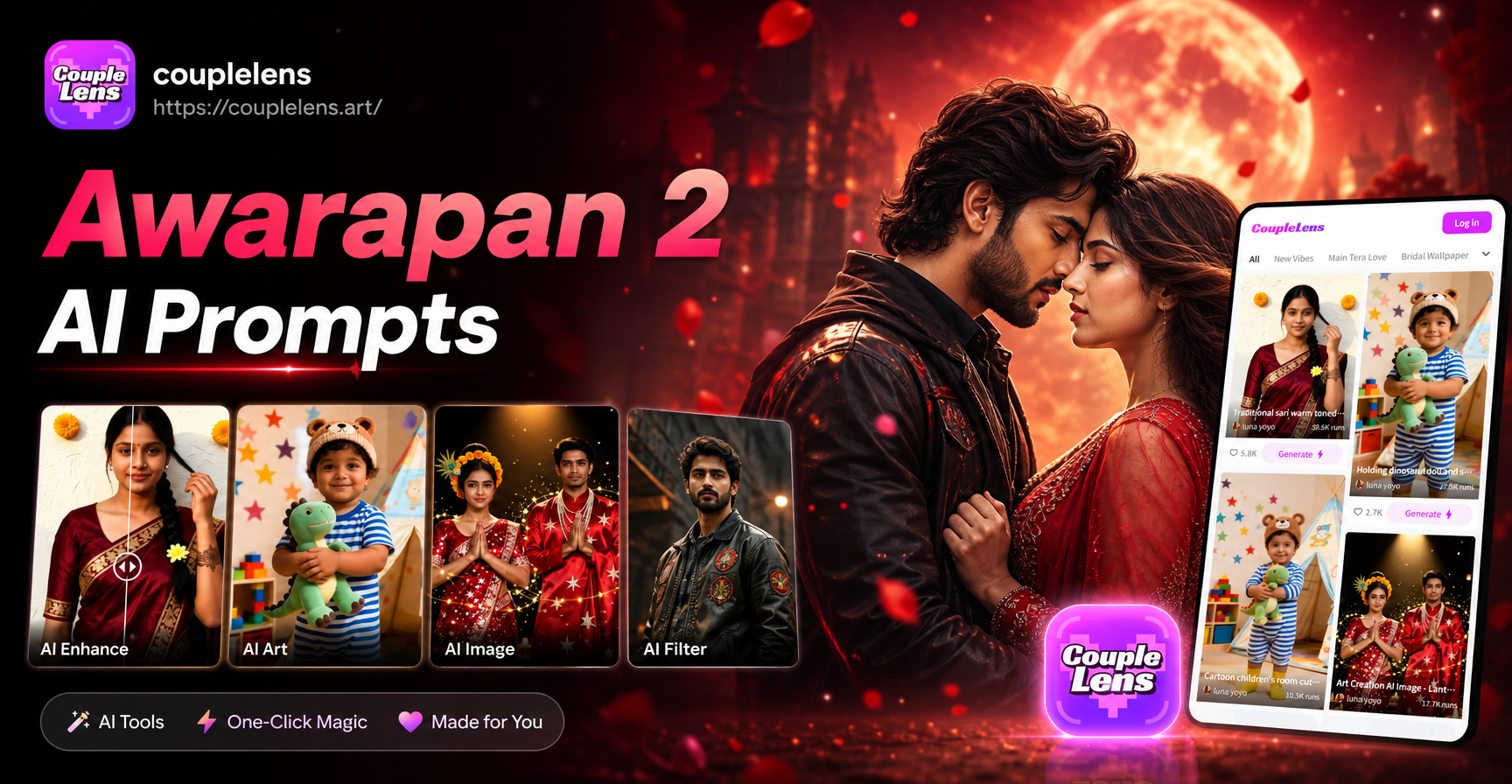
If you searched for Awarapan 2 AI Photo Editing Prompts, you probably want to give your phone portraits the same brooding, intense, film style energy that defines the Awarapan world. This article gives you ready to paste prompts for individual portraits, rain soaked scenes, night streets, couple shots, and group photos. You can use them inside an AI image editing app like CoupleLens by uploading your photo and entering the prompt. Each prompt is written to work as a complete instruction, so you can copy it directly.
What Defines the Awarapan 2 Look
Before you edit, it helps to understand the visual language. Awarapan 2 style images often use deep shadows, muted skin tones, cool teal shadows, and warm amber highlights. The mood is tense but quiet. Faces are not overly retouched. Skin texture stays visible. Light often comes from a single practical source such as a window, street lamp, or neon sign. Framing feels like a film still instead of a casual photo.
When you write an AI photo editing prompt, include four things: the subject, the light, the color grade, and the camera texture. For example, you can ask for a tight close up, one hard side light, teal and amber grade, and 35mm grain. That structure keeps the AI from producing a generic Bollywood poster look.
Awarapan 2 AI Photo Editing Prompts for Solo Portraits
Copy these prompts and replace only the details you want to change.
- Moody Window Light Portrait: Transform this portrait into a quiet Awarapan 2 film still. Use a single large window as the only light source. Add deep shadows across one side of the face. Grade the skin with muted teal shadows and warm amber highlights. Keep the eyes sharp and the background soft. Add subtle film grain and a narrow 2.39 to 1 crop.
- Rain Streaked Glass: Edit this photo into an Awarapan 2 rain scene. Place the subject behind a rain streaked window. Keep the face partially visible through blurred glass. Use cool blue shadows and a faint orange street light from outside. Add reflective highlights on the eyes. Maintain realistic skin texture and avoid making the face look wet.
- Dark Street Confrontation: Turn this portrait into a tense night street scene inspired by Awarapan 2. Place the subject under a single overhead sodium lamp. Surround the frame with deep black. Add a faint cigarette smoke haze. Use high contrast with crushed blacks and a desaturated teal and amber palette. Keep the expression tough but tired.
- Brooding Close Up: Create a close up Awarapan 2 style portrait. Crop tightly on the face. Push the eyes into sharp focus. Add heavy shadows under the brow. Use a cool green tint on one side and warm tungsten on the other. Keep the lips neutral and the jaw tense. Add fine grain and a cinematic vignette.
- Silhouette Against Neon: Edit this photo so the subject becomes a dark silhouette against a blurred neon lit background. Use deep blue and magenta neon reflections. Keep the rim light cool on one shoulder. Let the face fall mostly into shadow with only one eye catching a faint warm glint. Add soft haze and a film still mood.
- Abandoned Warehouse Portrait: Place the subject in an abandoned warehouse with dusty light beams cutting through high windows. Use muted brown and grey tones with a single warm accent on the face. Add floating dust particles and long shadows. Keep the pose still and the expression distant. Add a 35mm film look.
- Emotional Reflection: Transform the portrait into a reflective moment. Put the subject in front of a dirty mirror. Show the face with a tired, unreadable expression. Keep the reflection slightly softer than the real face. Use a cold blue grade with a weak warm practical light behind. Add subtle scratches and grain.
- Monsoon Night Portrait: Edit this photo into a monsoon night scene. Wet street, faint reflections, and rain falling. Keep the subject mostly dry under a narrow awning. Use deep navy shadows and amber highlights from a distant sign. Add realistic rain streaks in the foreground and a soft mist around the shoulders.
- Golden Hour Farewell: Create an Awarapan 2 farewell mood at golden hour. Use low warm sunlight behind the subject. Let the face fall into shadow with only the edges glowing. Add dust in the air and a long shadow. Keep the eyes wet and reflective. Grade with burnt orange and teal shadows.
- Minimalist Black and White: Edit this portrait as a high contrast black and white Awarapan 2 style image. Push the contrast until the shadows go near black. Keep the skin textures visible. Add a slight cool tone in the highlights. Use a tight 4 to 5 crop and strong negative space around the subject.
Awarapan 2 AI Photo Editing Prompts for Couples and Groups
These prompts work best with an image to image workflow where the AI keeps both faces distinct.
- Two Figures in a Dim Room: Turn this couple photo into an Awarapan 2 scene. Place both people in a dim room with one warm table lamp. Keep their faces close but not touching. Add heavy shadows behind them. Use a restrained teal and amber grade. Keep their expressions quiet and serious. Add realistic film grain and a shallow depth of field.
- Rooftop Group at Dusk: Edit this group photo into a rooftop scene at dusk. Keep the faces clear and separated. Add a cold blue twilight sky behind them. Use one warm practical light from the side. Grade the shadows teal and the highlights amber. Add a light haze and a cinematic 2.39 to 1 crop. Keep each person recognizable.
- Tense Stare Down: Turn this multi person photo into a wide Awarapan 2 confrontation shot. Place the subjects on opposite sides of the frame. Use a low hard side light from a window. Keep the middle of the frame dark. Use muted colors with a cold grade. Add dust and light beams. Preserve each face accurately.
- Lover Silhouette: Edit this couple photo into a silhouette against a bright doorway. Keep the faces mostly dark with only the edge of each profile lit. Use warm amber from the door and cool blue from the room. Add a soft haze and lens flare. Keep the body language tender but restrained.
- Family in Warm Shadows: Transform this family portrait into an Awarapan 2 emotional scene. Use a single warm overhead bulb in a dark interior. Keep the faces softly lit. Add deep shadows in the corners. Use muted brown and teal tones. Keep skin texture natural and avoid turning the family into plastic looking dolls.
How to Adapt These Awarapan 2 AI Photo Editing Prompts
Start by identifying the most important part of your photo. If the face is the focus, keep the prompt tight on the expression and lighting. If the background is busy, ask the AI to replace it with a rain soaked street or dark room. If you are editing a couple photo, always add a line about keeping both faces distinct and recognizable.
Change one element at a time. For example, first try a prompt with only the light and color grade. If the result looks too soft, add a sentence about realistic skin texture. If the background looks wrong, add exact scene details such as wet asphalt, old painted walls, or a single sodium lamp. Small changes have a big effect.
Common Weak Results and How to Fix Them
- Flat or washed out image: Add crushed blacks, high contrast, and a subtle vignette. Ask for a restrained teal and amber palette instead of bright colors.
- Plastic or waxy skin: Include realistic skin texture, visible pores, fine grain, and avoid over smoothing. If the app has a style filter, keep its intensity low.
- Face changed too much: Use an image to image mode that preserves identity. Add the sentence keep the face unchanged, only edit the lighting, mood, and background.
- Wrong colors: Replace generic warm or cool with specific values such as teal shadows, amber highlights, desaturated navy, or burnt orange.
- Too much text or watermark: End every prompt with no text, no watermark, no logo. This helps the AI avoid adding fake titles.
Using CoupleLens to Apply These Awarapan 2 Prompts
CoupleLens is a mobile AI design app available on Google Play. Open the app, choose an image to image tool, upload your photo, and paste one of the prompts above. You can select a style filter from the app if you want a stronger preset look, but the prompt already carries most of the detail. Generate a few versions and keep the one that best matches the Awarapan 2 mood.
Because CoupleLens works on your phone, you can edit immediately after taking a photo. This is useful for creating dramatic profile pictures, couple edits, and short video style stills without a desktop editor.
Final Check Before You Generate
Make sure the prompt includes the scene, light direction, color grade, and texture. Keep the subject recognizable. Avoid asking for unrelated effects like neon cyberpunk or fairy tale softness unless you want a deliberate mashup. The Awarapan 2 look is about restraint, shadow, and emotion. One strong light and a muted palette often beat a crowded prompt.
Now open CoupleLens and try these Awarapan 2 AI Photo Editing Prompts. Start with the moody window light portrait or the rain streaked glass scene. Download the app from Google Play and turn your next photo into a cinematic film still.