Skin Tone Changer
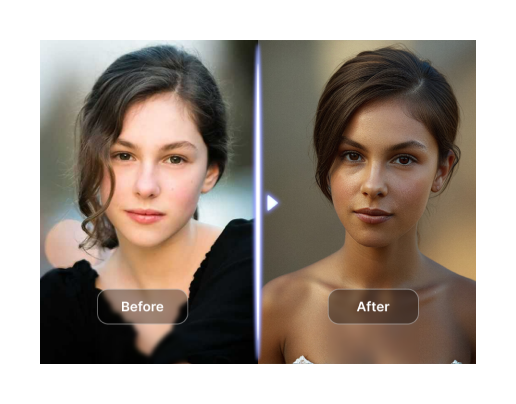
With CoupleLens, you can change skin colour online free and get results that look naturally perfect. Just pick a filter, upload your photo, and watch the skin colour change.
 Before
 After
After
CoupleLens
Switch to CoupleLens in the app for advanced control and unlimited exports.

How to Change Skin Color
Change your skin color in just a few simple steps using CoupleLens. CoupleLens has what you need.

Step 01.
Open your phone's app store. Search for CoupleLens. Tap Download.

Step 02.
Pick a skin tone filter from our library. Upload the photo you want to change.

Step 03.
Watch your photo transform in seconds. Save it to your gallery or share it straight to social media.
Look at myself with fair skin.
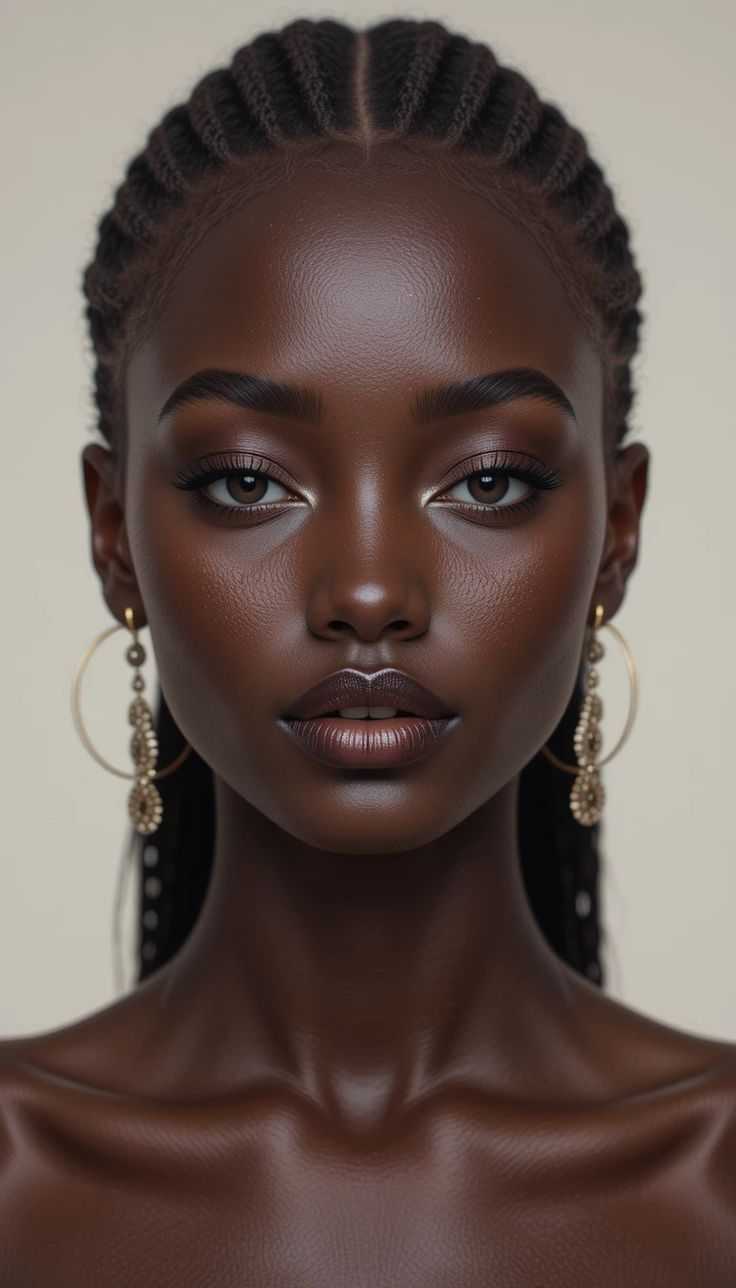


Key Features of Skin Color Changer
Turn your ideas into reality with a flexible and powerful platform. Create, customize, and launch with ease, no matter what you're working on.
Your New Look, Your Call
CoupleLens uses smart AI to recognize skin in your photos. It adjusts tone while keeping texture, shadows, and lighting natural. No blurry faces. No flat skin. Just real-looking results every time you change skin color online free.
Your New Look, Your Call
CoupleLens uses smart AI to recognize skin in your photos. It adjusts tone while keeping texture, shadows, and lighting natural. No blurry faces. No flat skin. Just real-looking results every time you change skin color online free.
Works on Every Photo
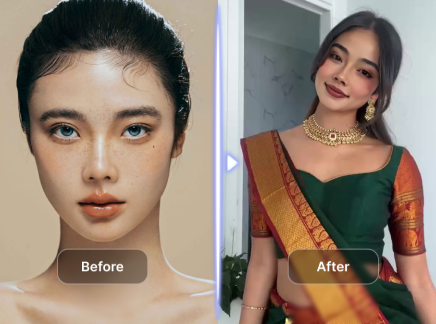
Got a selfie? A full-body shot? A group photo with friends? CoupleLens handles it all. The AI spots each person and adjusts skin tone separately. No weird mixing. No lost faces. Change skin color online free and everyone looks great.
Works on Every Photo
Got a selfie? A full-body shot? A group photo with friends? CoupleLens handles it all. The AI spots each person and adjusts skin tone separately. No weird mixing. No lost faces. Change skin color online free and everyone looks great.
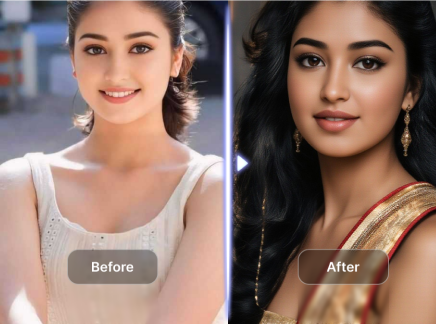
One Tap, Total Transformation
Pick a filter. Upload your photo. Wait a few seconds. That's it. No sliders to fiddle with. No complicated tools. Just tap and go. Change skin color online free and see results that make you say wow. Go beyond basic skin tone changes.
One Tap, Total Transformation
Pick a filter. Upload your photo. Wait a few seconds. That's it. No sliders to fiddle with. No complicated tools. Just tap and go. Change skin color online free and see results that make you say wow. Go beyond basic skin tone changes.
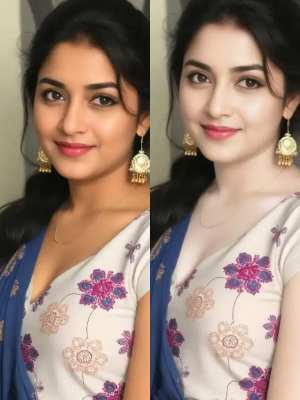
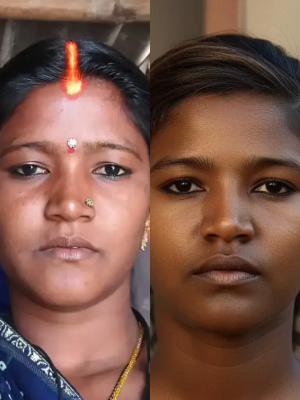
See Real Results
These photos came from real CoupleLens users. No professional editing. No fancy equipment. Just their phones and a desire to look good.



What Our Users Say about CoupleLens
Changed my profile pic game forever
I tried so many apps before CoupleLens. They all looked fake. This one actually keeps my skin looking like mine.
It's fun and the results look so real
I love that I can try different skin tones without actually changing anything. My friends keep asking how I look so good in every photo.
Fast, easy and fun
I changed my skin tone for a photoshoot, and my photographer peer thought I had professional editing. Best skin color changer I've found.
Frequently Asked Questions
Find clear answers to common questions and get the guidance you need to make the most of our skin color changer AI.
More Topics You May Like
Explore these related guides to level up your image to image, image to video AI generations.
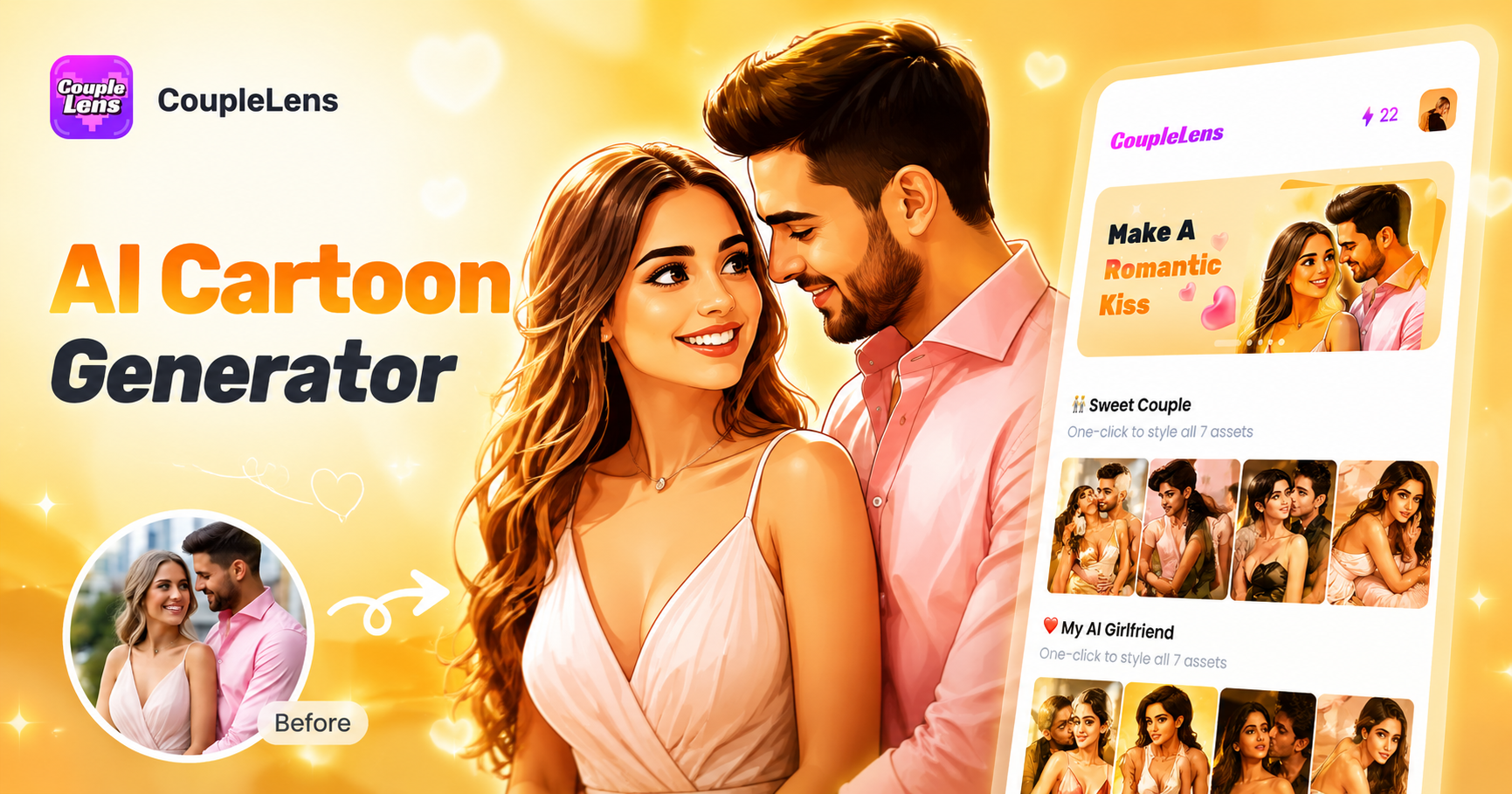
AI Cartoon Generator
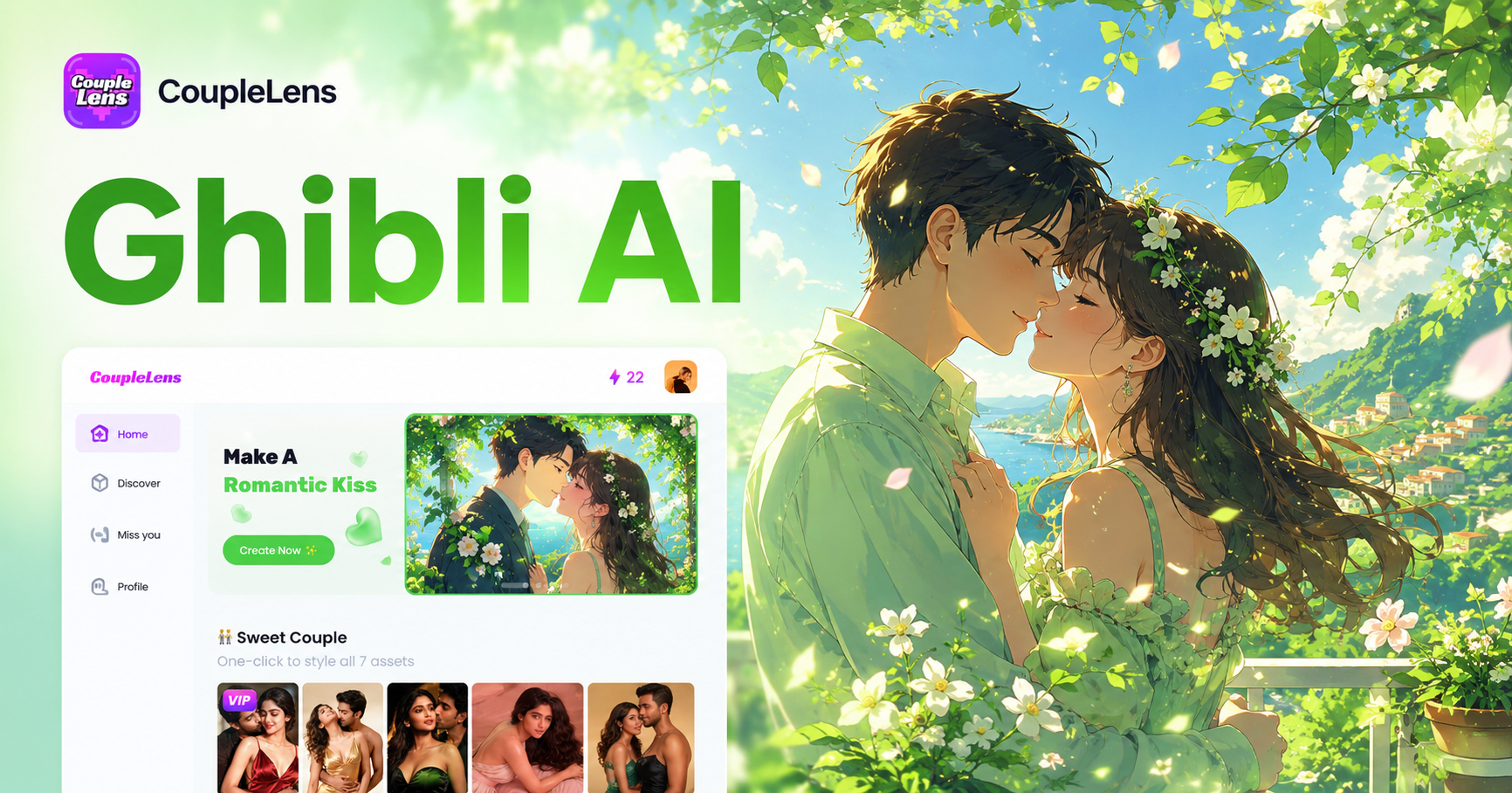
Ghibli AI
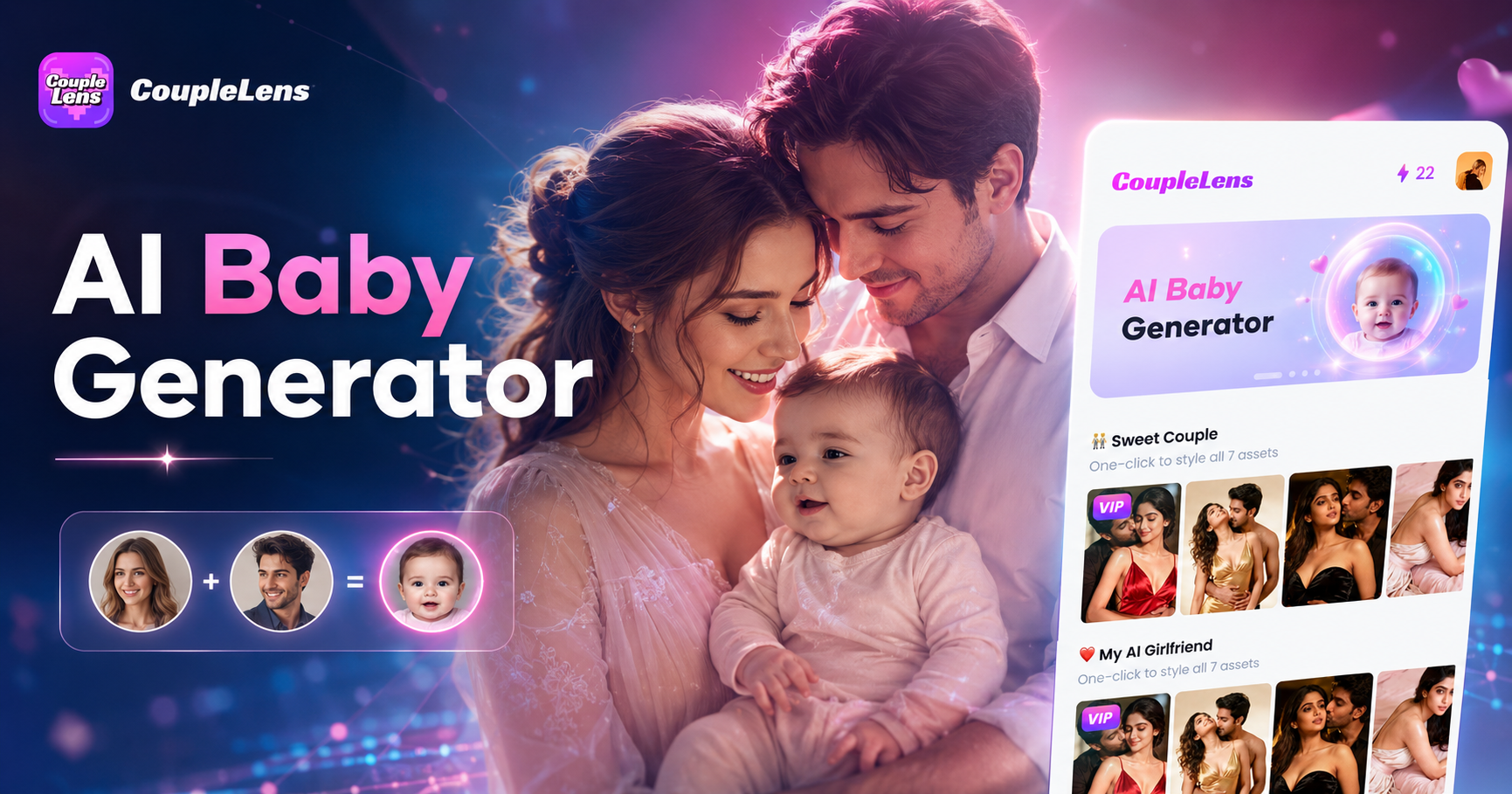
AI Baby Generator
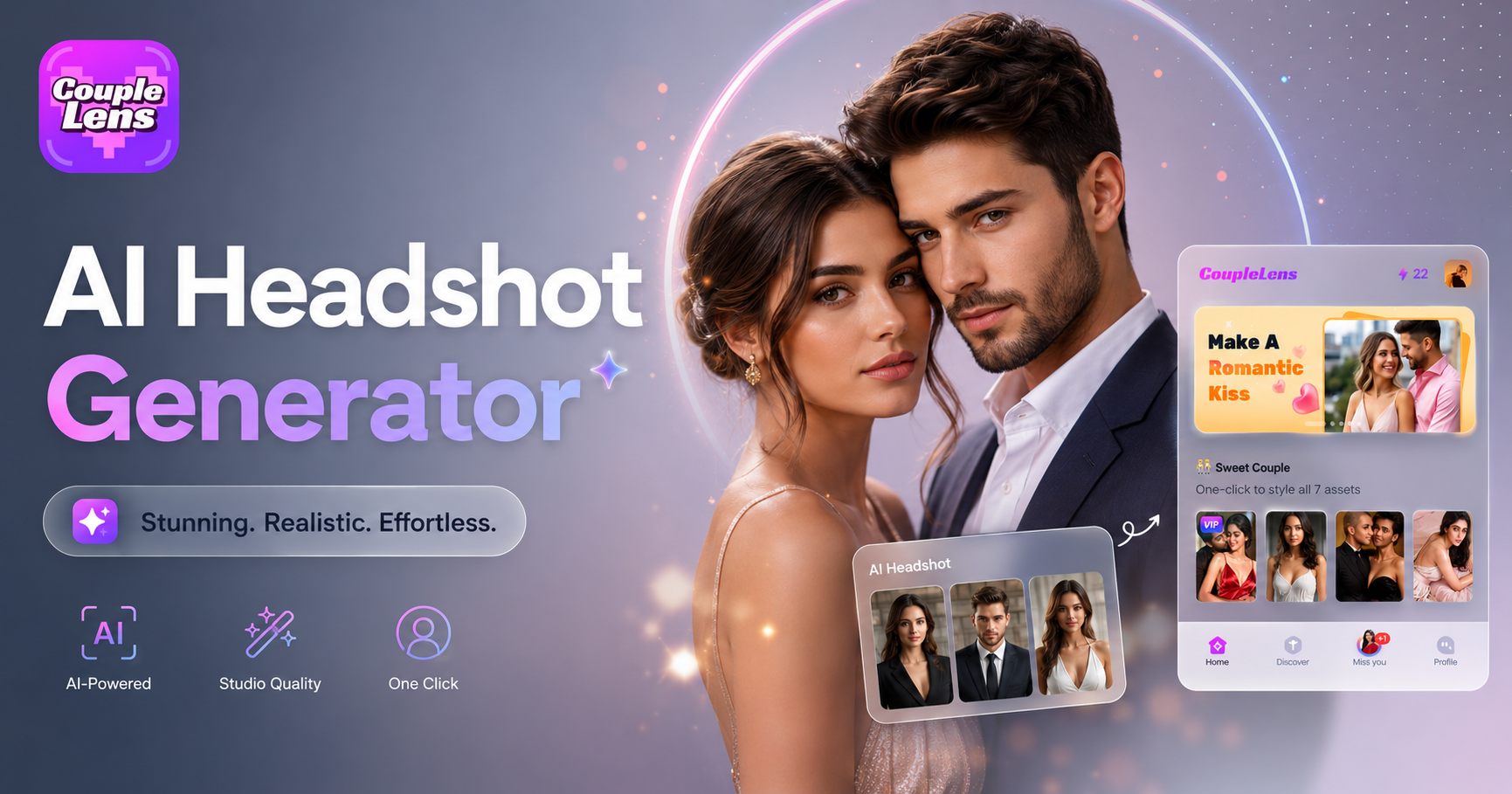
AI Headshot Generator
AI Cartoon Generator
Ghibli AI
AI Baby Generator
AI Headshot Generator
Ready to Transform Your Look?
Stop settling for uneven skin tones. Download CoupleLens now and change skin color online free.
Ready to Transform Your Look?
Stop settling for uneven skin tones. Download CoupleLens now and change skin color online free.