Cinematic Video
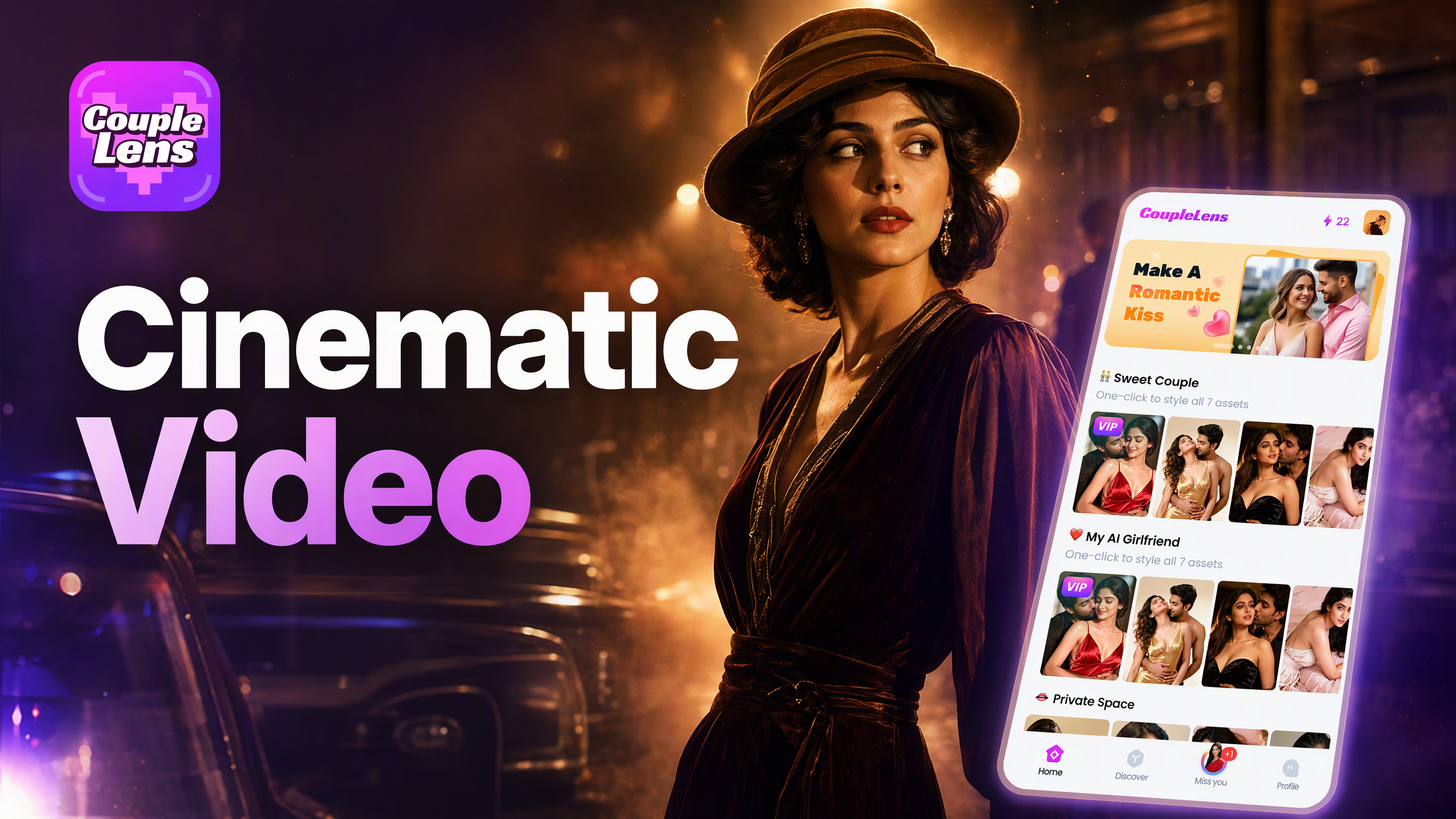
Start Your Cinematic Video
CoupleLens ships with thousands of cinematic AI video filters.
Key Features of the CoupleLens Cinematic Video
CoupleLens gives mobile creators three core tools to make film style videos without a crew.
 Before
25,000 Ready to Use Video Filters
CoupleLens has a filter library of 25,000 video templates. No need to write a single line of prompt text. Pick birthday scenes, red carpet looks, wild desert chases, or dark fantasy shorts. Each template is built by the team and updated daily so the hottest social media trends ship as a filter the same week.
Before25,000 Ready to Use Video Filters
CoupleLens has a filter library of 25,000 video templates. No need to write a single line of prompt text. Pick birthday scenes, red carpet looks, wild desert chases, or dark fantasy shorts. Each template is built by the team and updated daily so the hottest social media trends ship as a filter the same week.
 Before
Character Consistency Across Shots
CoupleLens keeps the same face, hair, and outfit across every frame of the video. You can build a series of clips for the same person or character and the look will not drift. Great for digital twin content, brand avatars, and any video where the same hero needs to show up.
BeforeCharacter Consistency Across Shots
CoupleLens keeps the same face, hair, and outfit across every frame of the video. You can build a series of clips for the same person or character and the look will not drift. Great for digital twin content, brand avatars, and any video where the same hero needs to show up.
Group Photo Video With No Mixed Faces
Upload one photo with two people, three people, or a whole group. CoupleLens separates each face and keeps them apart through the whole motion pass. The result is a cinematic video of friends, couples, or teams hugging, walking, or posing in formation.
Group Photo Video With No Mixed Faces
Upload one photo with two people, three people, or a whole group. CoupleLens separates each face and keeps them apart through the whole motion pass. The result is a cinematic video of friends, couples, or teams hugging, walking, or posing in formation.
Watch CoupleLens Cinematic Video Filters in Action
Download, pick a filter, generate, and share the cinematic video without leaving the app.
Real Cinematic Videos Made With CoupleLens
A look at what mobile creators shipped this week using CoupleLens cinematic AI video filters.
How to Create a Cinematic Video With CoupleLens?
Making a movie style clip on mobile takes three steps in the CoupleLens app.
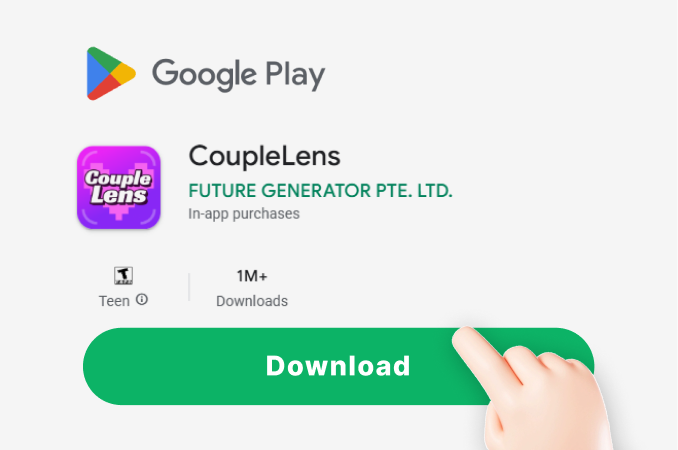
Step 01.
Open the Google Play Store on your Android phone, search for CoupleLens, and tap install.
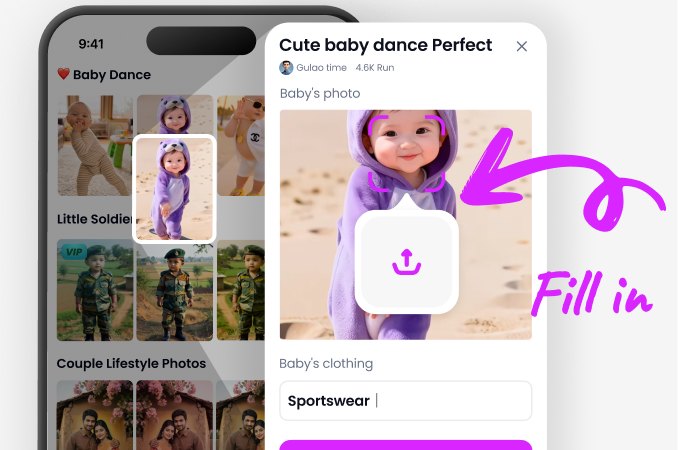
Step 02.
Open CoupleLens, browse the cinematic video filters, and tap the one you like.
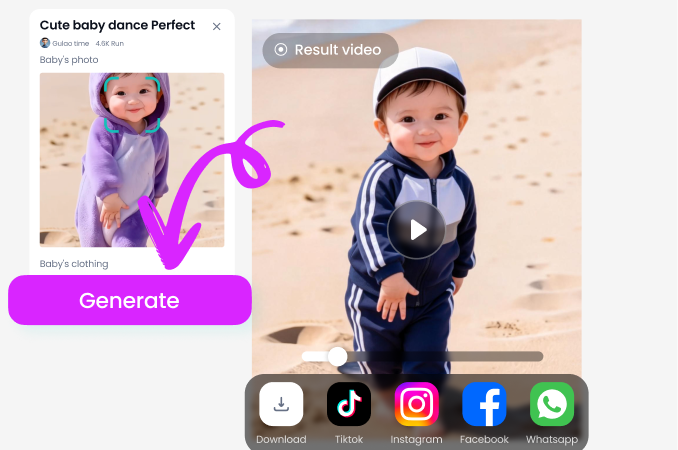
Step 03.
Save the finished cinematic video to your phone, share it straight to TikTok, Reels, Shorts, or post it to your CoupleLens profile.
What Real Creators Say About CoupleLens Cinematic Video
CoupleLens is now the first app I open when a client wants a quick cinematic video without the budget for a real shoot.
I run a wedding page on the side and I needed birthday clips for a client. The Cinematic Birthday filter in CoupleLens turned one family photo into a full short in twelve seconds. Lighting, color, motion, all of it looked like a small film. I shipped it to the client the same hour. No crew, no laptop, no Premiere. Just the app on my phone.
If you are a film student on a budget, the cinematic video filters in CoupleLens feel like a free grip truck in your pocket.
I was stuck on a class project about a noir scene. The Nine Nights filter gave me a dark, moody, supernatural clip from one still photo. The character stayed the same across the whole shot, which is something I could not get from the other tools I tried. My professor thought I had rented a fog machine.
Open CoupleLens, pick a cinematic video filter, and your next Reel is already shot.
My whole brand lives on Reels and TikTok, and the Red Carpet Partners filter is the easiest cinematic video shortcut I have found. I upload one picture, pick the filter, and the app gives me a black tie clip with gowns and gold. The look reads as a real event, and my engagement jumped the week I started posting them.
Frequently Asked Questions
A few quick answers about how CoupleLens makes cinematic AI video on mobile, what filters it ships with, and what you can do with the result.
More Topics You May Like
Other ways to use the cinematic video filters inside CoupleLens, plus a few related looks the CoupleLens community.

Best AI Anime Generators for Photo and Text Art on CoupleLens
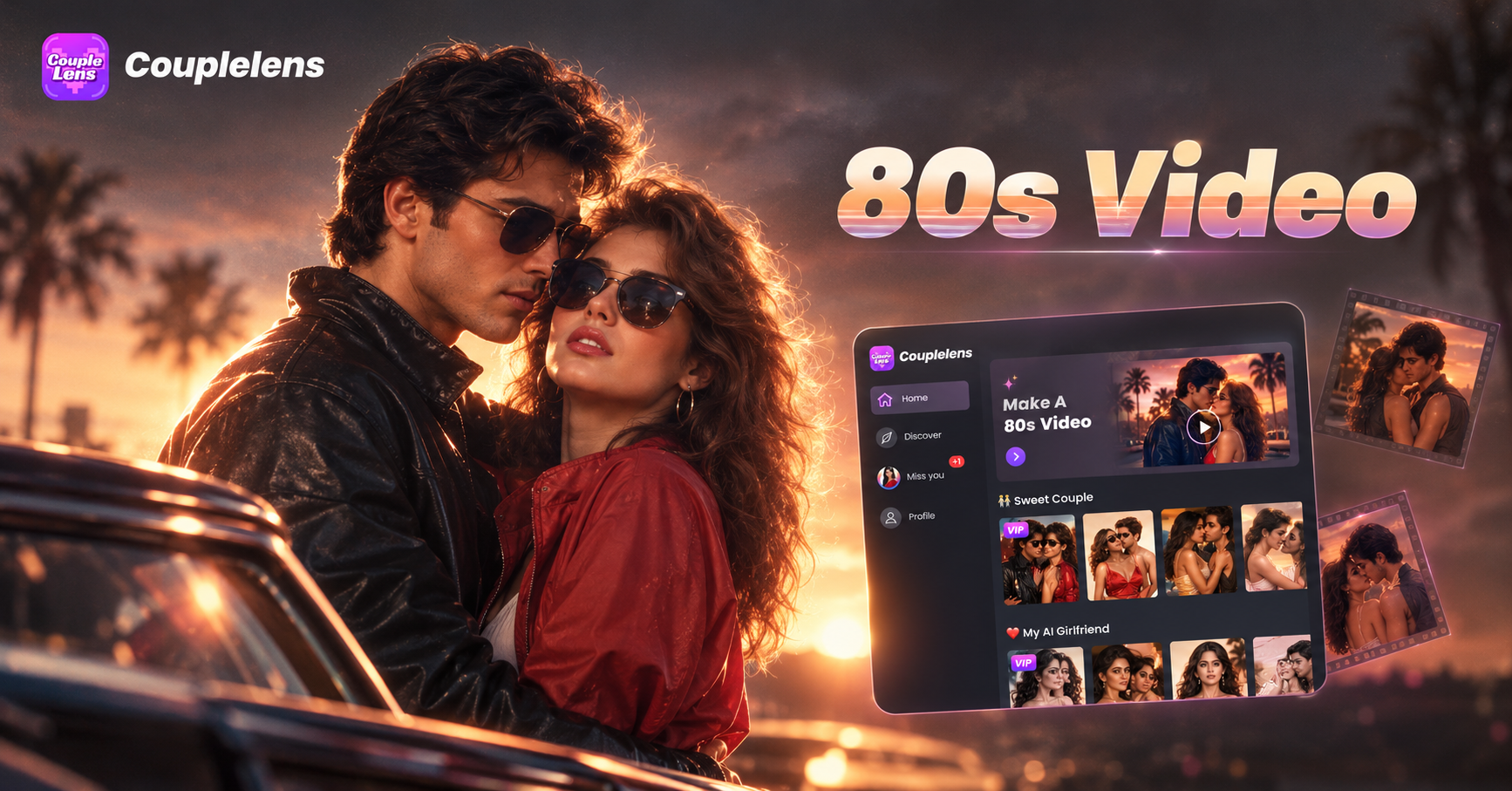
80S Video AI Generator: Make Retro 1980s Clips on Your Phone

Best Anime Character Creators That Turn Selfies into Anime Art on Your Phone
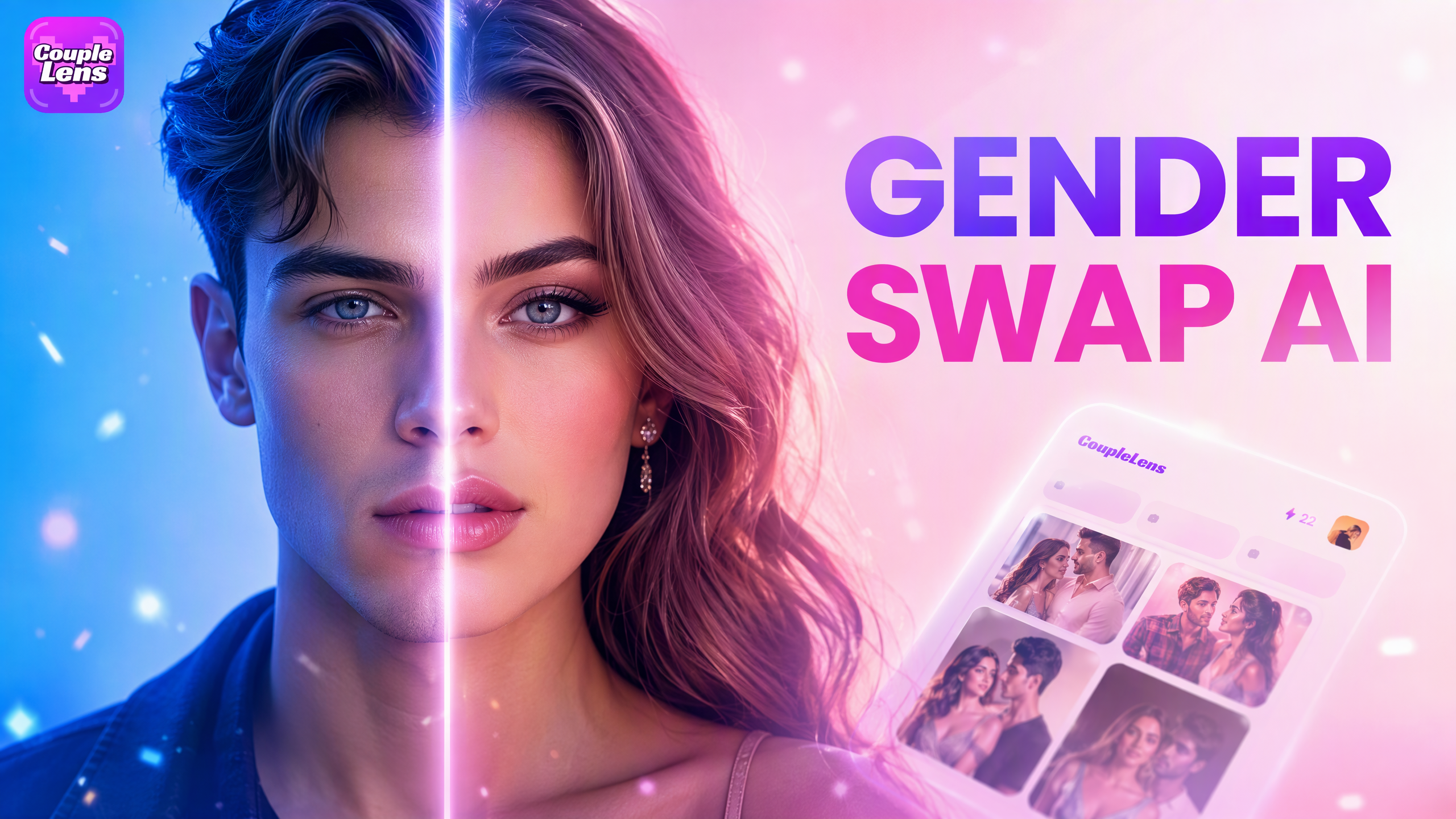
Best AI Gender Swap Tools for Realistic and Fun Transformations 2026
Best AI Anime Generators for Photo and Text Art on CoupleLens
80S Video AI Generator: Make Retro 1980s Clips on Your Phone
Best Anime Character Creators That Turn Selfies into Anime Art on Your Phone
Best AI Gender Swap Tools for Realistic and Fun Transformations 2026
Make Your First Cinematic Video on Your Phone
Open CoupleLens, pick a cinematic video filter, and ship a movie style clip before the timer hits twenty. Download CoupleLens on Google Play and start your first cinematic video right now.
Make Your First Cinematic Video on Your Phone
Open CoupleLens, pick a cinematic video filter, and ship a movie style clip before the timer hits twenty. Download CoupleLens on Google Play and start your first cinematic video right now.