Cinematic Smoky Portrait
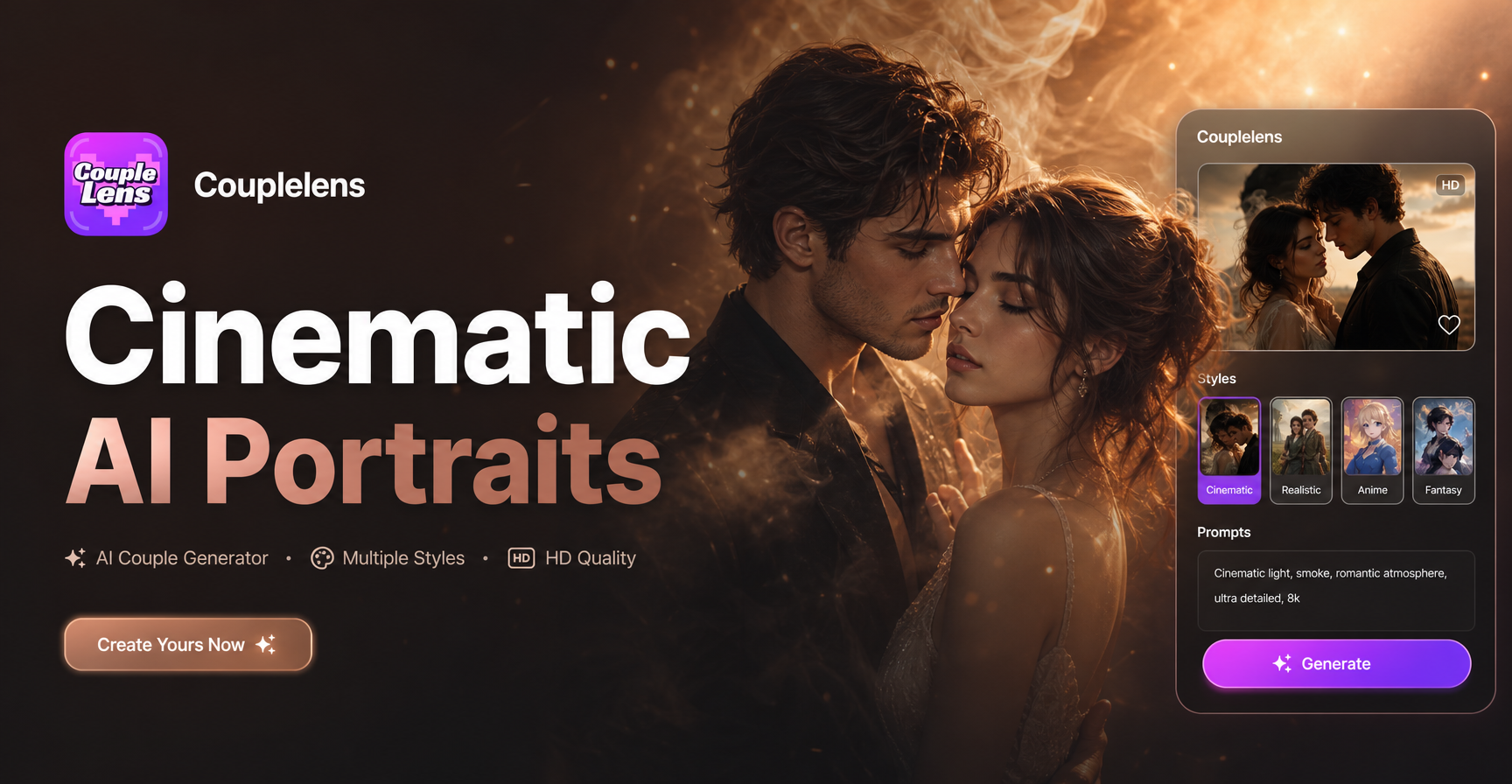
Smoke Seduction
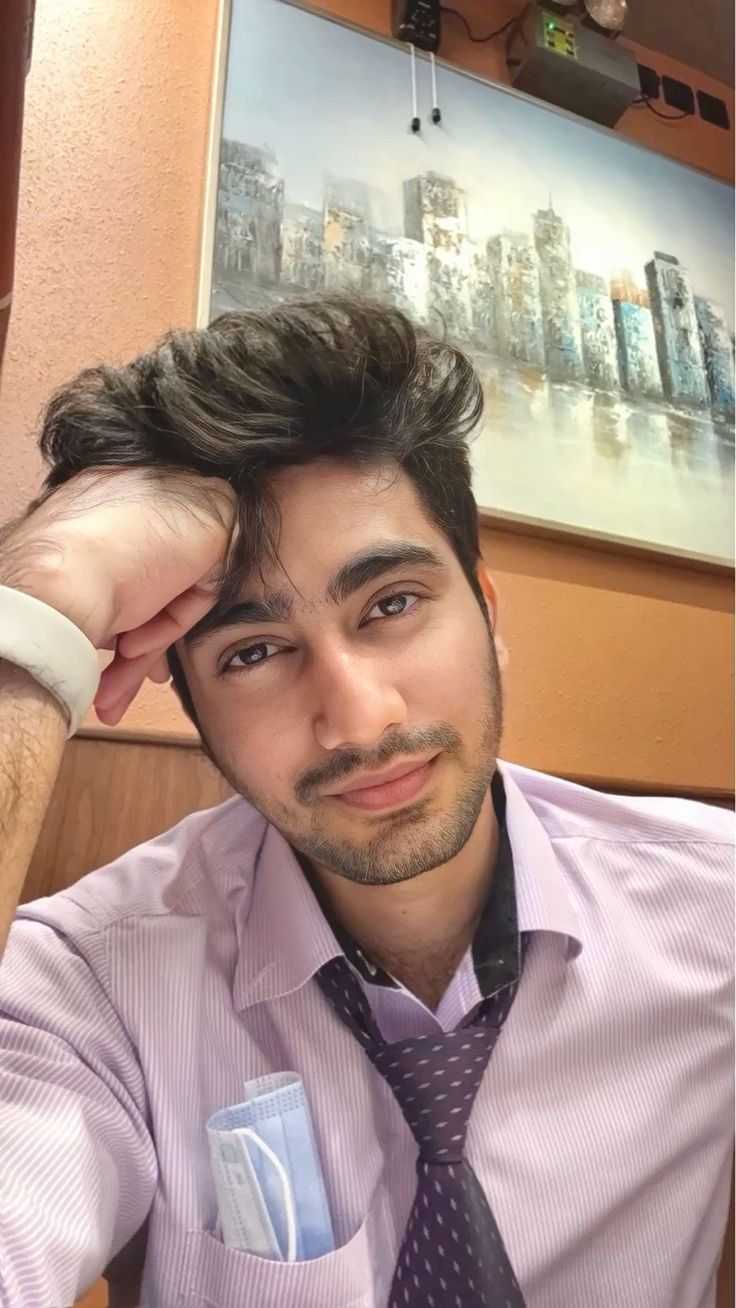
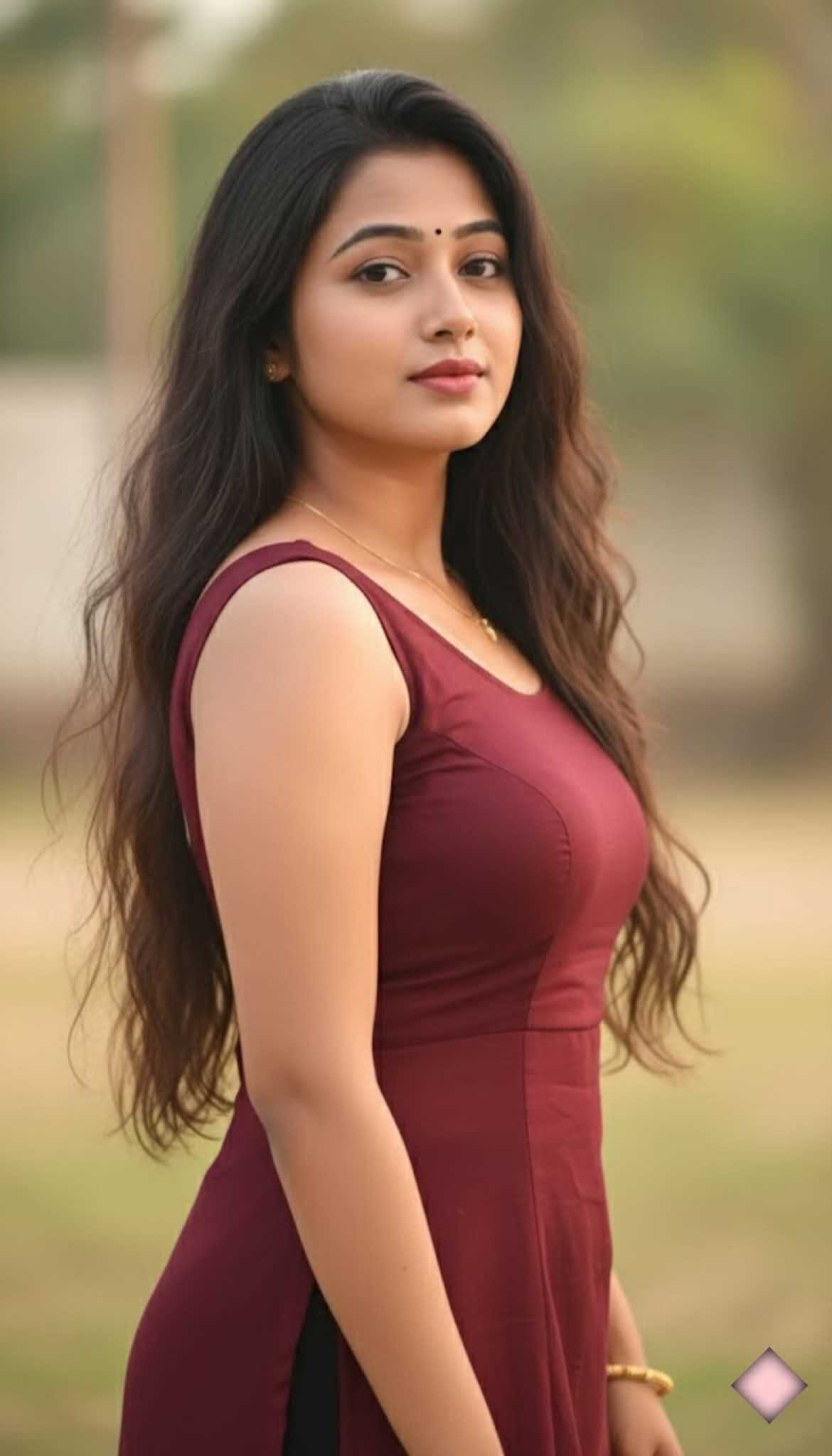
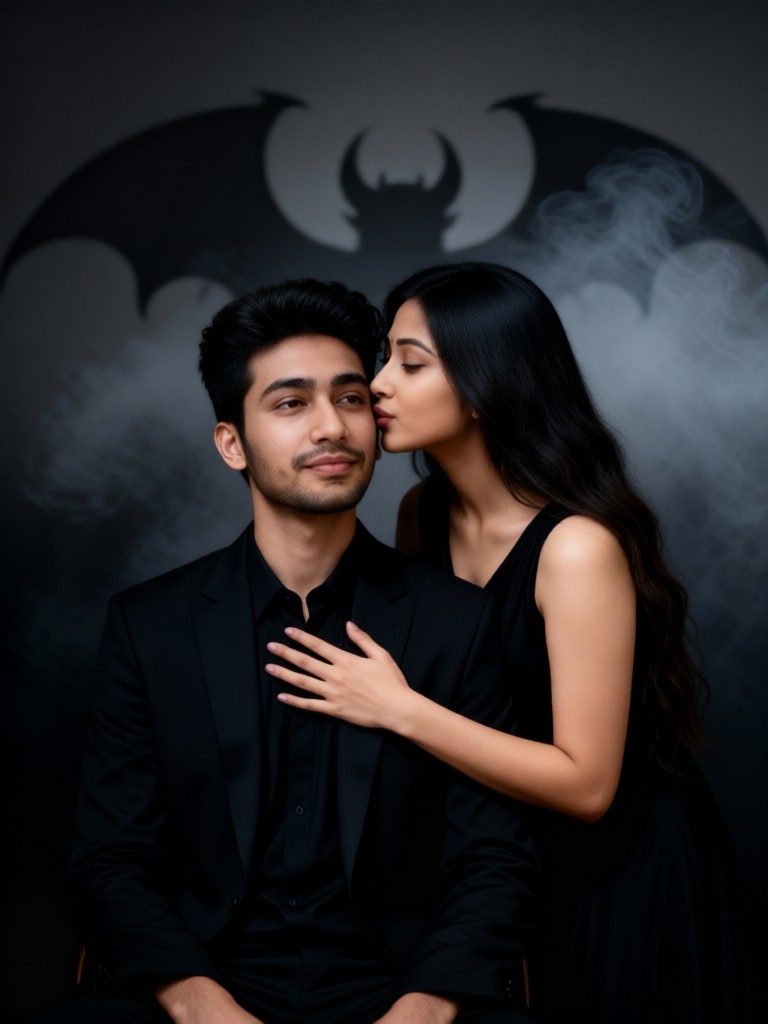

Key Features of Cinematic Smoky Portrait AI Filters
CoupleLens packs three capabilities into every cinematic smoky portrait render, so the look feels professional.
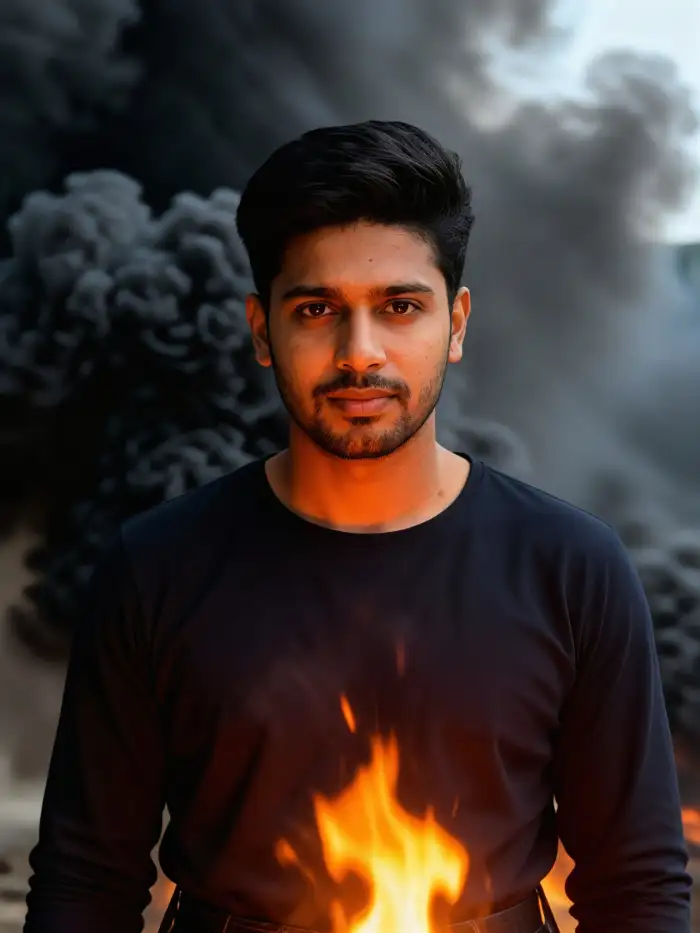
One-Tap Smoke Templates
CoupleLens ships with 25,000+ ready-to-use style templates. The smoke cinematic portraits section already has five filters tuned for this exact aesthetic. You pick a filter. The AI rebuilds your photo with cinematic lighting, layered smoke, and color grading baked in.
One-Tap Smoke Templates
CoupleLens ships with 25,000+ ready-to-use style templates. The smoke cinematic portraits section already has five filters tuned for this exact aesthetic. You pick a filter. The AI rebuilds your photo with cinematic lighting, layered smoke, and color grading baked in.
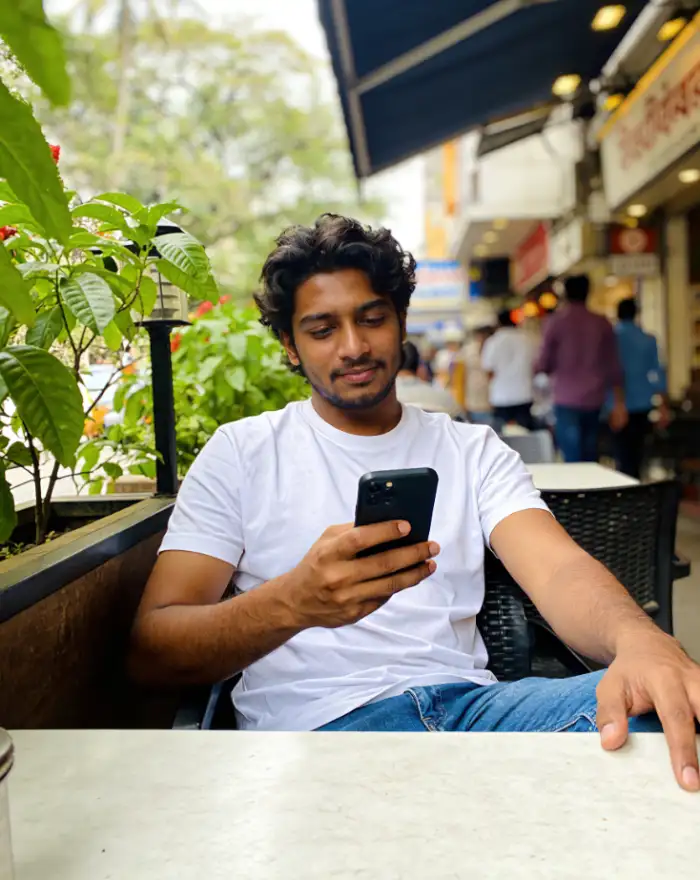 Before
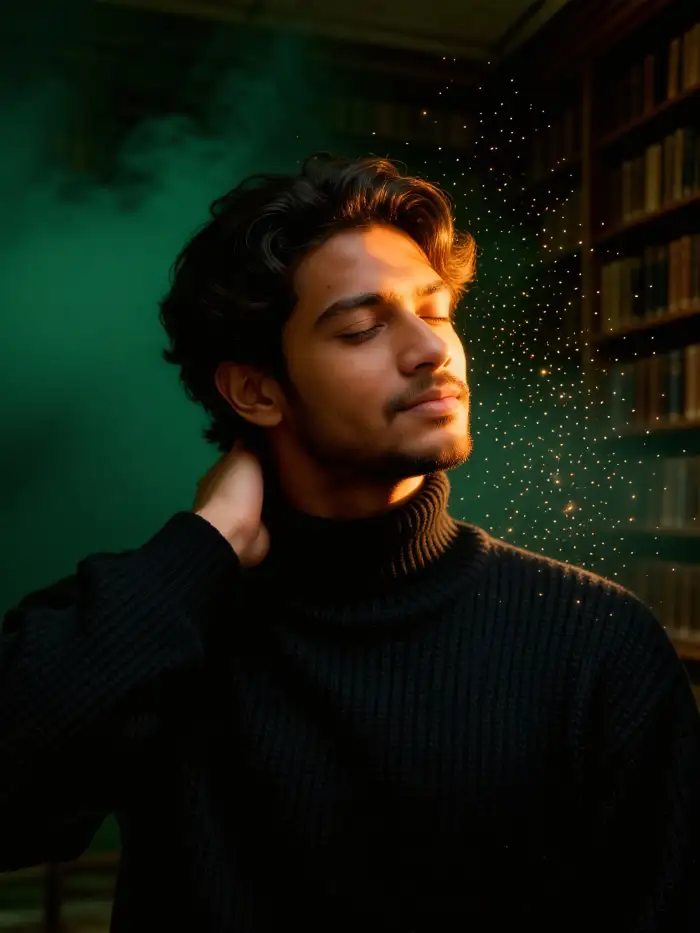 After
AfterIdentity Lock Across Every Frame
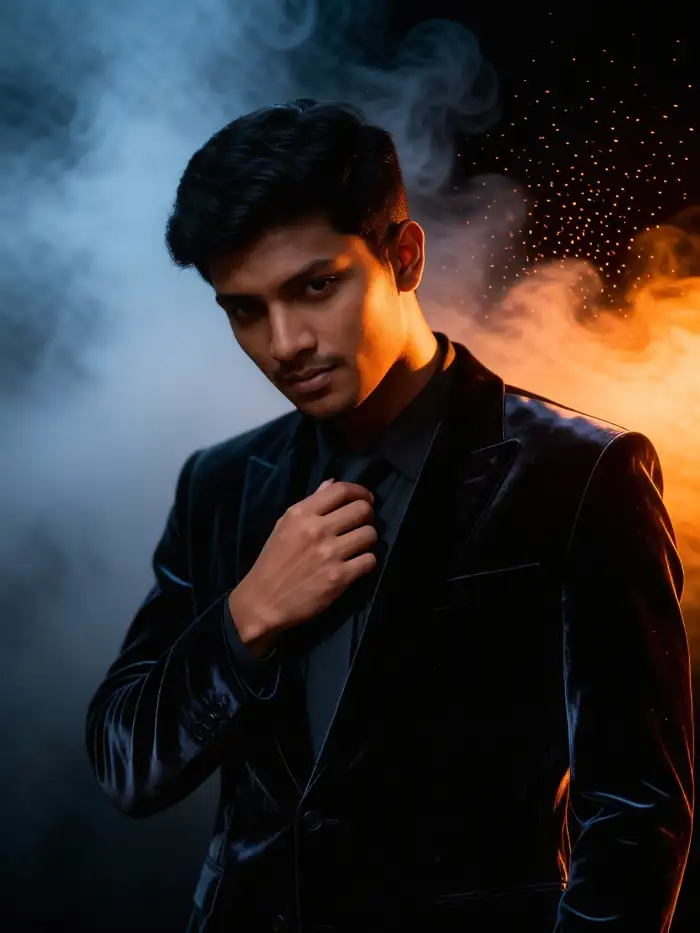
Other tools stretch your face when they add smoke. CoupleLens keeps your facial features, skin tone, and hair intact while the background and lighting shift around you. The result reads like a movie still, not a filter swap. The mood still sells the scene.
BeforeAfterIdentity Lock Across Every Frame
Other tools stretch your face when they add smoke. CoupleLens keeps your facial features, skin tone, and hair intact while the background and lighting shift around you. The result reads like a movie still, not a filter swap. The mood still sells the scene.
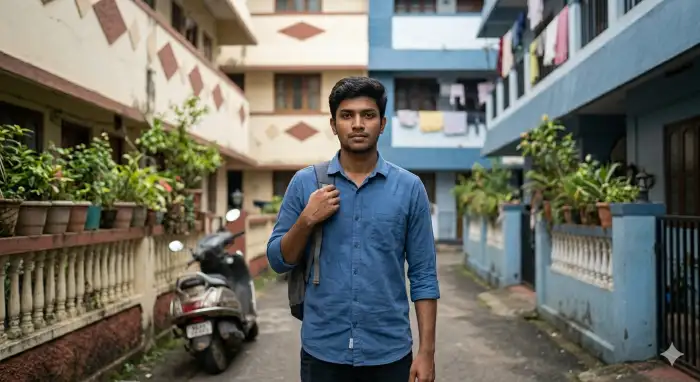 Before
 After
AfterInstant Smoky Cinematic Portrait Generation & Share
CoupleLens runs every cinematic smoky portrait render inside the App on your phone. Download is watermark-free on standard tiers. Post straight to Instagram, TikTok, or your CoupleLens profile page without bouncing through three other apps.
BeforeAfterInstant Smoky Cinematic Portrait Generation & Share
CoupleLens runs every cinematic smoky portrait render inside the App on your phone. Download is watermark-free on standard tiers. Post straight to Instagram, TikTok, or your CoupleLens profile page without bouncing through three other apps.
YouTube Videos About AI Cinematic Smoky Portrait
Each video matches the AI filters and shows the exact CoupleLens screen flow so you can follow along in real time.
How to Create a Cinematic Smoky Portrait in CoupleLens
Create beautiful AI cinematic smoky portrait images in just a few simple steps using our powerful platform.

Step 01.
Grab CoupleLens from your App store and open the cinematic smoky portrait collection.

Step 02.
Pick one clear selfie or portrait from your camera roll. Tap generate. Wait a few seconds.

Step 03.
Save the final cinematic smoky portrait to your camera roll or post it to your CoupleLens profile.
Why Use CoupleLens for Cinematic Smoky Portrait Renders
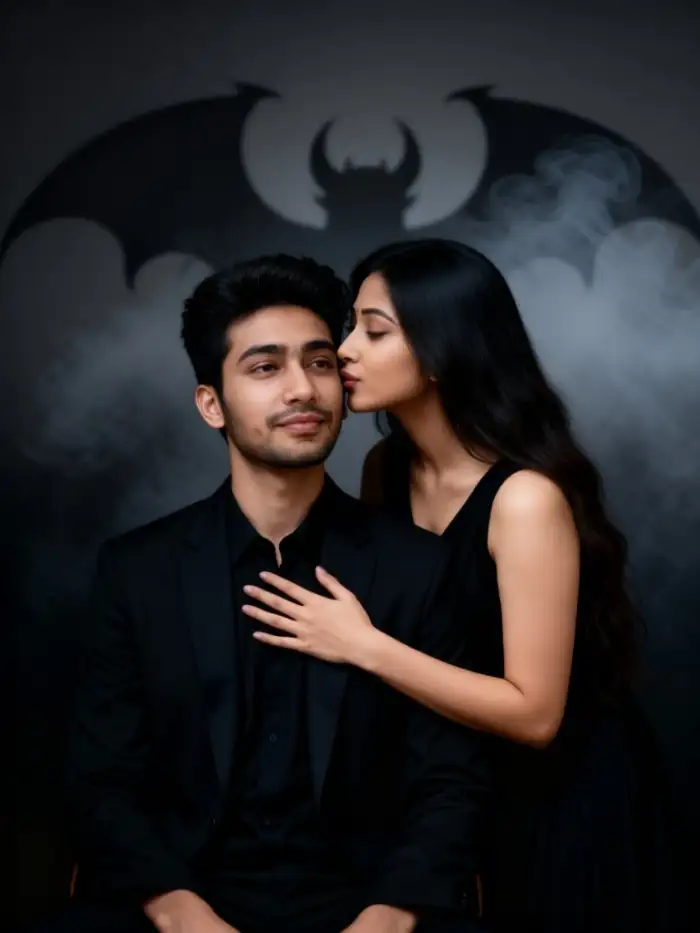
Midjourney demands a perfect prompt. Photoshop demands time. Studio shoots demand money. CoupleLens demands one tap and ten seconds, then hands you a cinematic smoky portrait that looks like a still from your favorite film. The App runs the entire workflow on your phone, so you can create, edit, and post from the same device in one sitting. Filters stay consistent across batches, so your feed looks like one coherent cinematic series instead of a random mood board.

Frequently Asked Questions
Find clear answers to common questions and get the guidance you need to make your smoky cinematic portrait images.
More Topics You May Like
Explore more topics you may like and discover fresh ideas tailored to your interests.
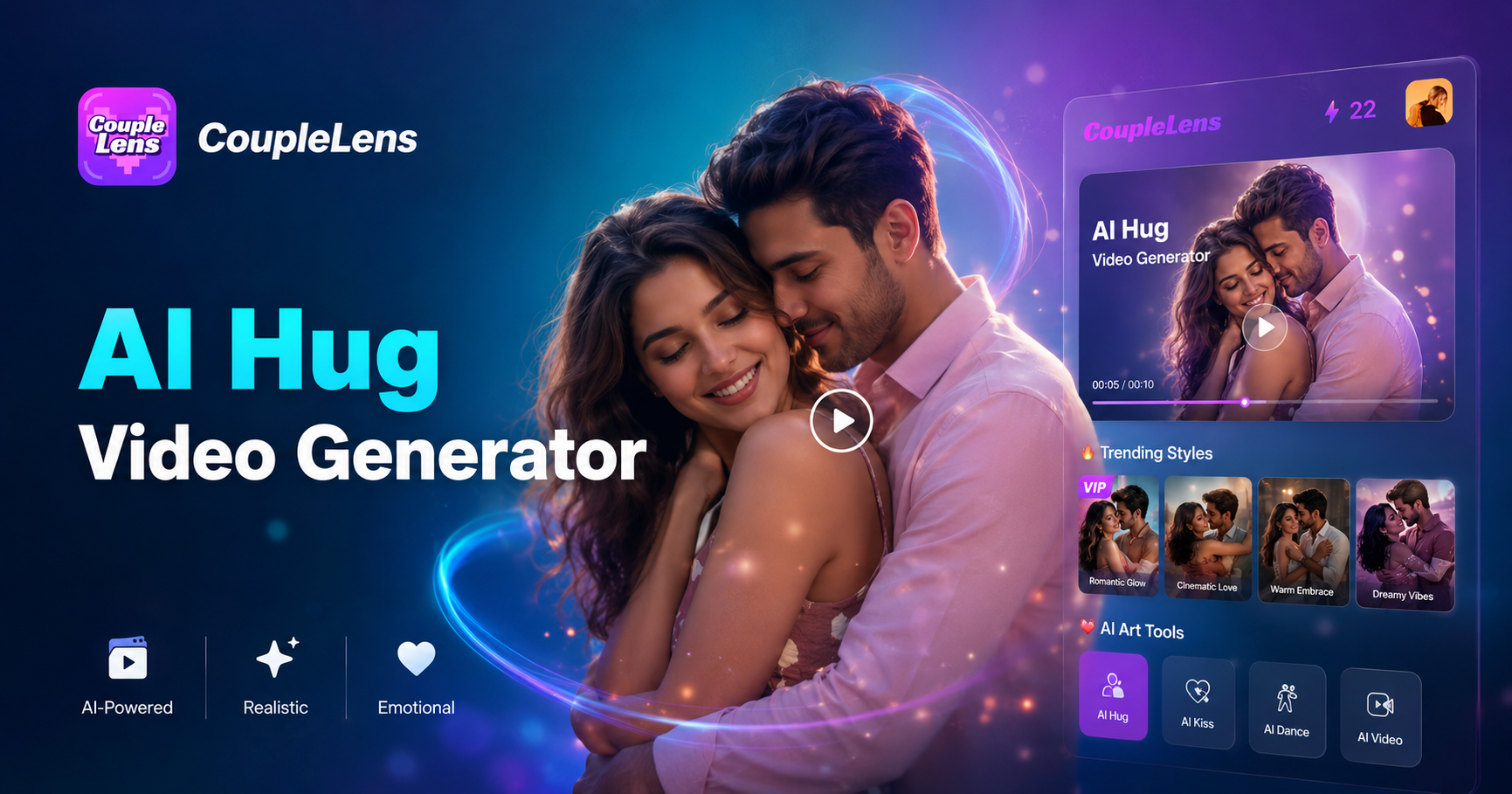
AI Hug Video Generator
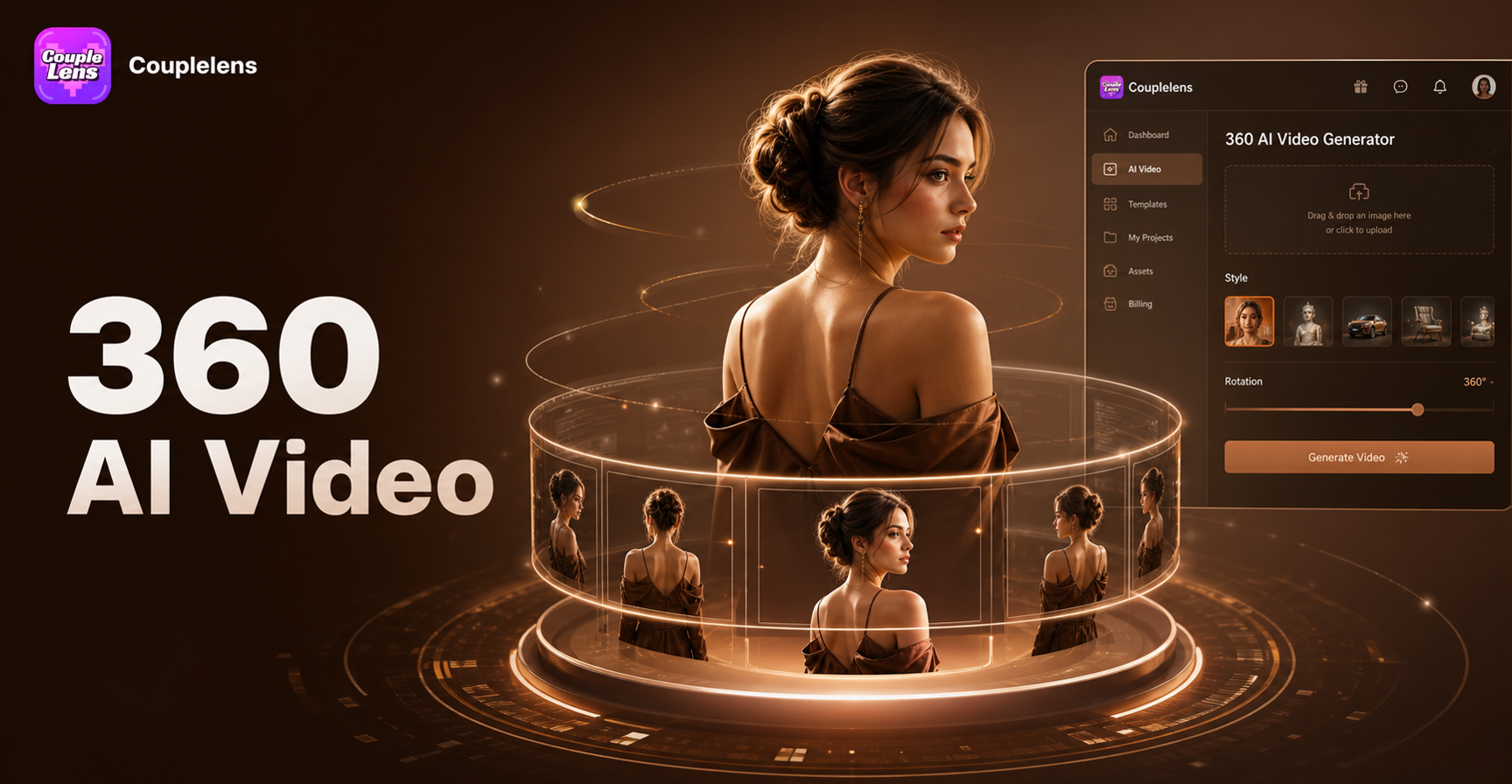
AI 360 Rotation Video Generator
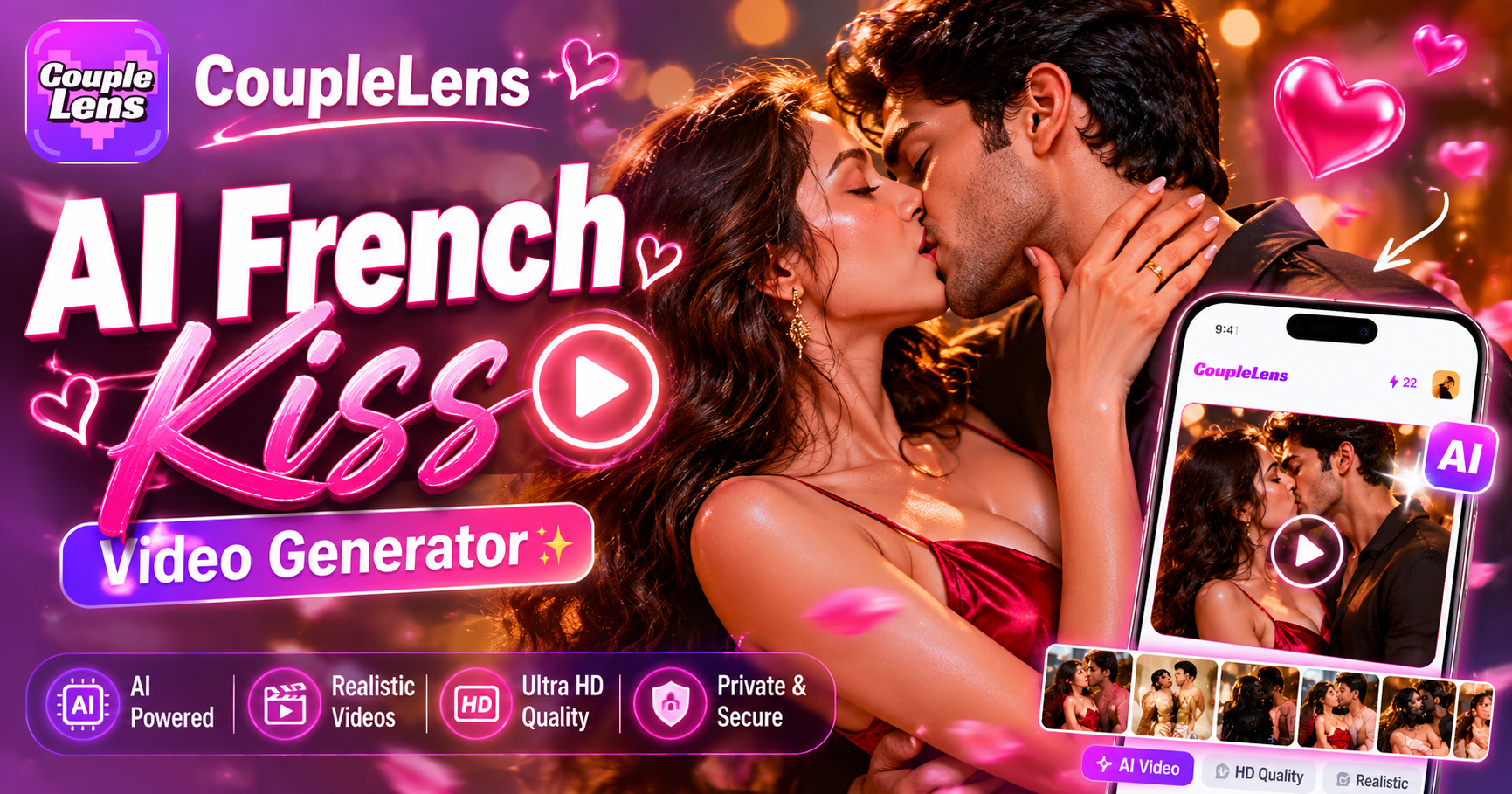
AI French Kiss Video Generator
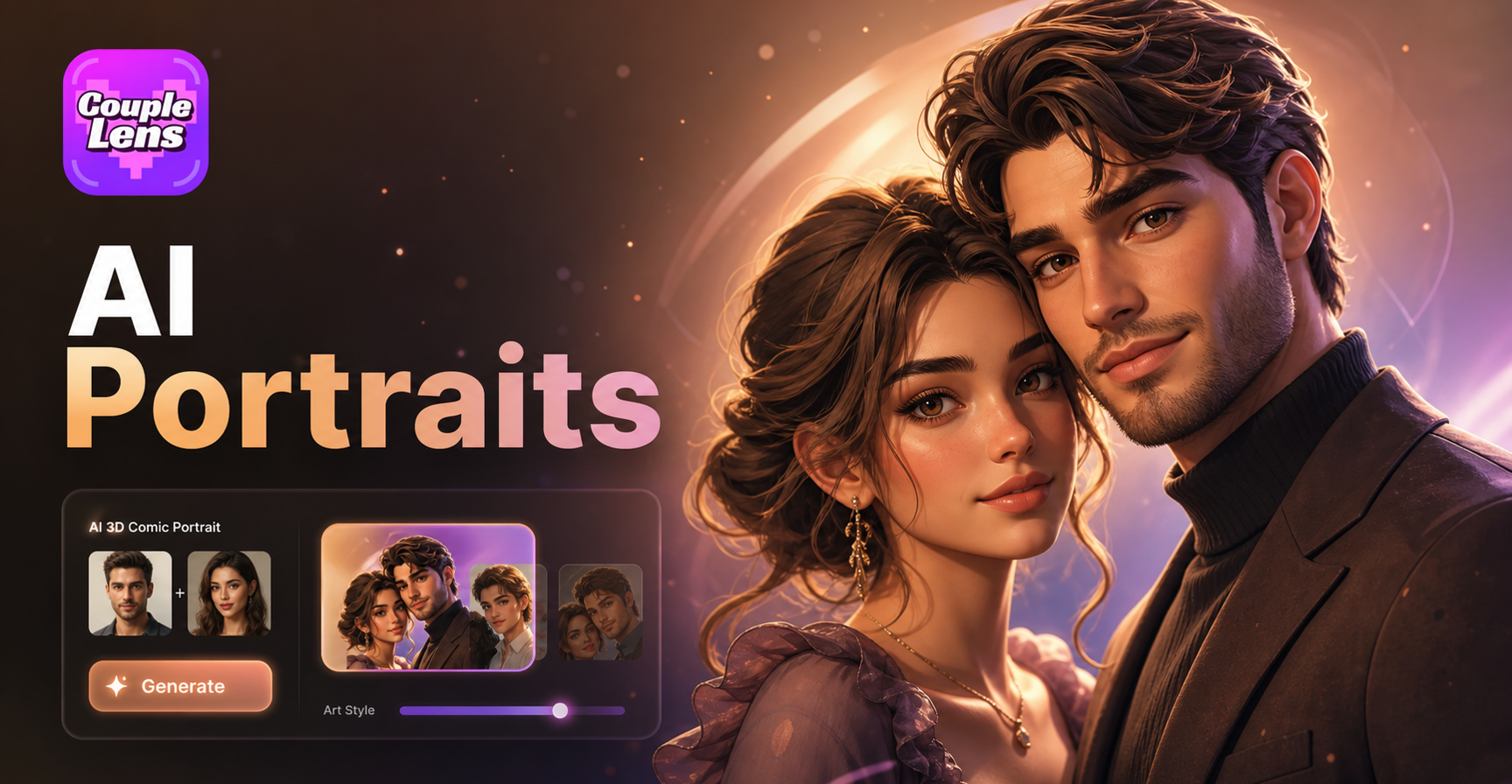
AI 3D Comic Portrait Generator
AI Hug Video Generator
AI 360 Rotation Video Generator
AI French Kiss Video Generator
AI 3D Comic Portrait Generator
Make Every Selfie Look Like a Movie Still Tonight
Stop settling for flat selfies. Download CoupleLens and create your first cinematic smoky portrait in under one minute.
Make Every Selfie Look Like a Movie Still Tonight
Stop settling for flat selfies. Download CoupleLens and create your first cinematic smoky portrait in under one minute.