AI Wet Look Video
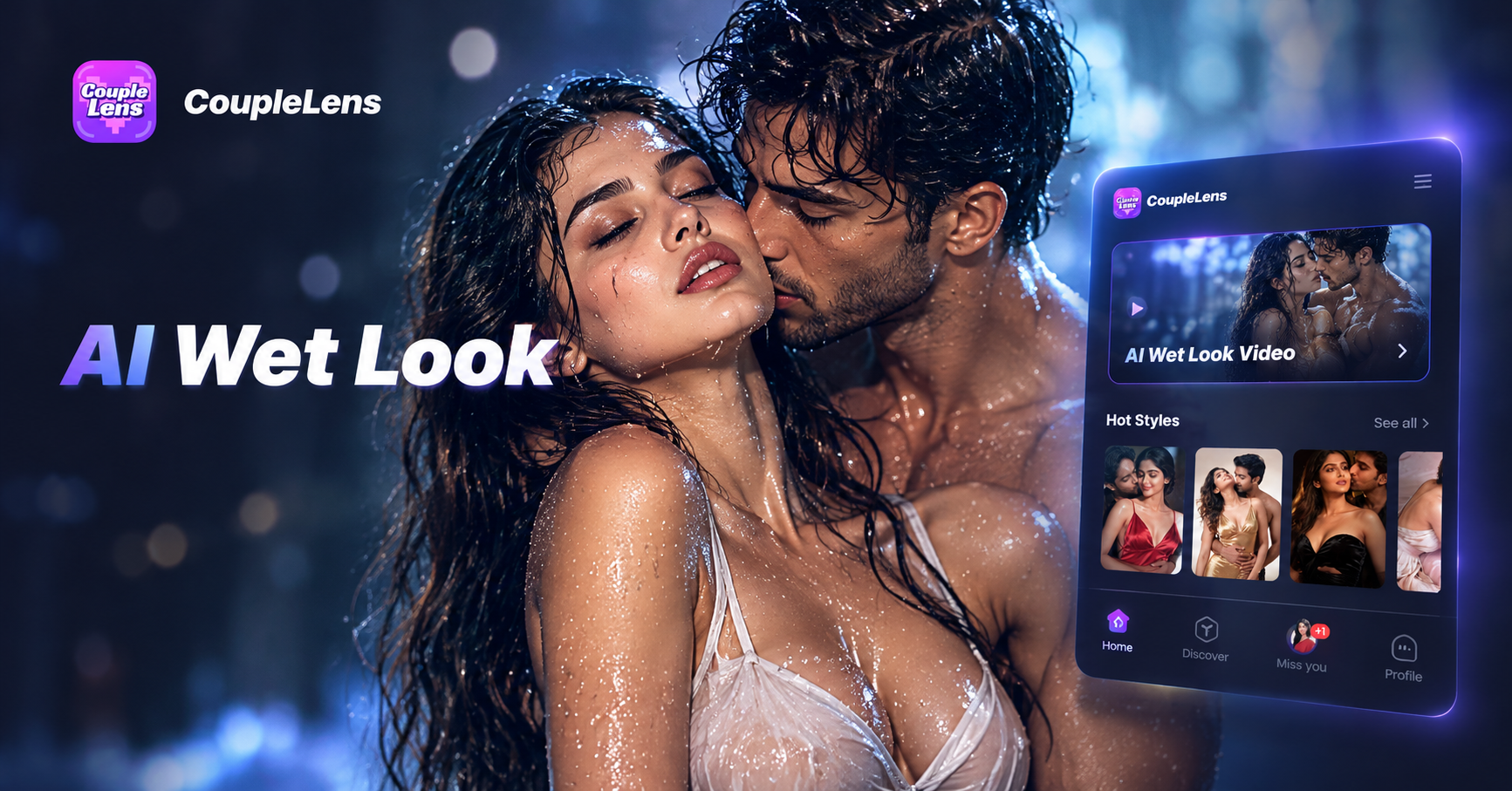
Pick a Rain Filter Made for Couples
Each one is tuned so faces stay sharp, water looks like rain not a shower, and the mood reads cinematic.
Key Features of an AI Wet Look Video
The app loads your photo, reads two faces, and renders a rain scene that keeps both of you recognizable.
 Before
Zero Prompt Wet Look Filters
Skip the prompt engineering. CoupleLens ships over 25,000 ready filters and 4 of them are tuned for AI rain video on couples. You tap the rain look you want, the app does the rest.
Group Photo Wet Look Face Lock
Upload one photo with two people and the AI separates each face, hair, and outfit. The rain drops land on both subjects without mixing features, so the wet look video still looks like you and your partner.
One Tap Wet Look Video Micro Motion
Turn your and your partner's images into a 5- to 10-second AI wet look video clip. The CoupleLens app adds small moves like eye blinks, head turns, and soft smiles. The water keeps falling.
How to Create an AI Wet Look Video?
The whole flow lives inside the CoupleLens mobile app and takes three taps from install to share.
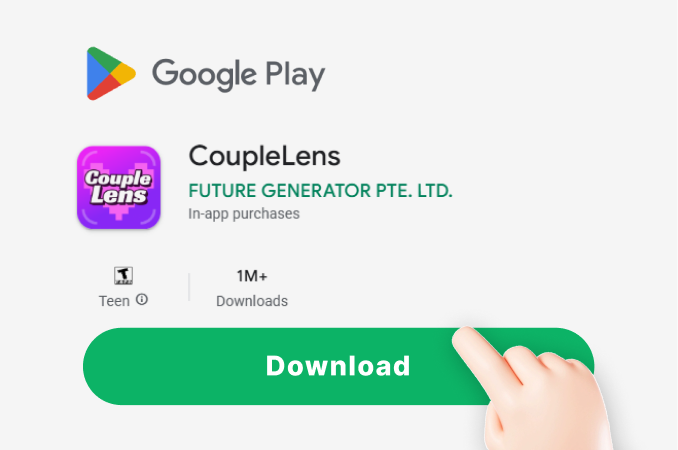
Step 01.
Grab the CoupleLens app from the Google Play Store. The free install gives you access to the full rain filter set.
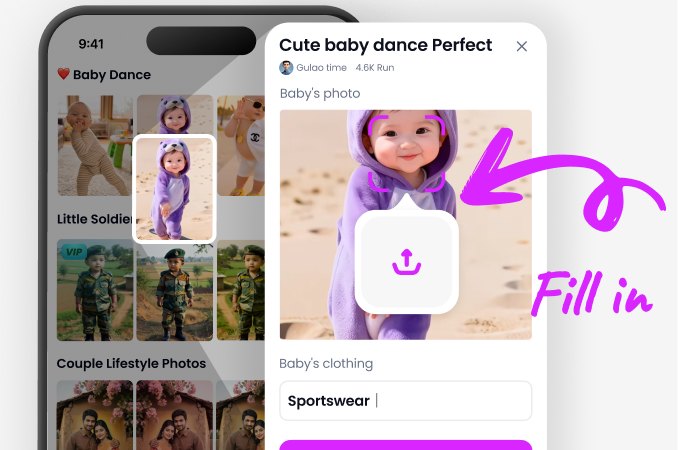
Step 02.
Open the rain filter card that matches your style. Upload one couple photo, or upload two singles if you want each face to start clean.
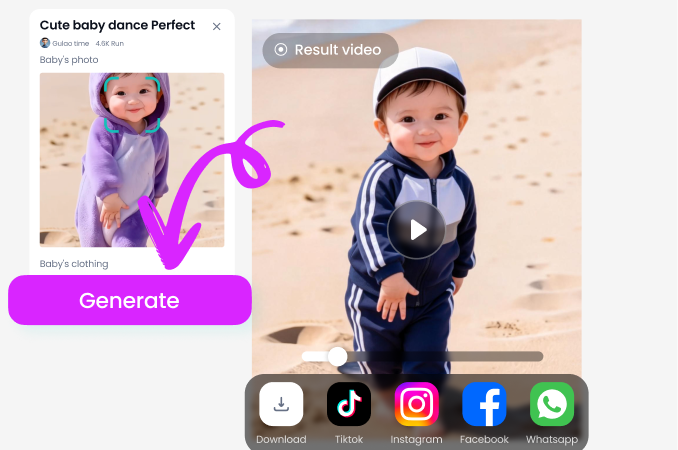
Step 03.
Save the clip to your phone or post it straight from CoupleLens to TikTok, Reels, or Shorts. The video keeps both faces, the rain keeps falling, and the shine stays on screen.
See the AI Wet Look Video Results
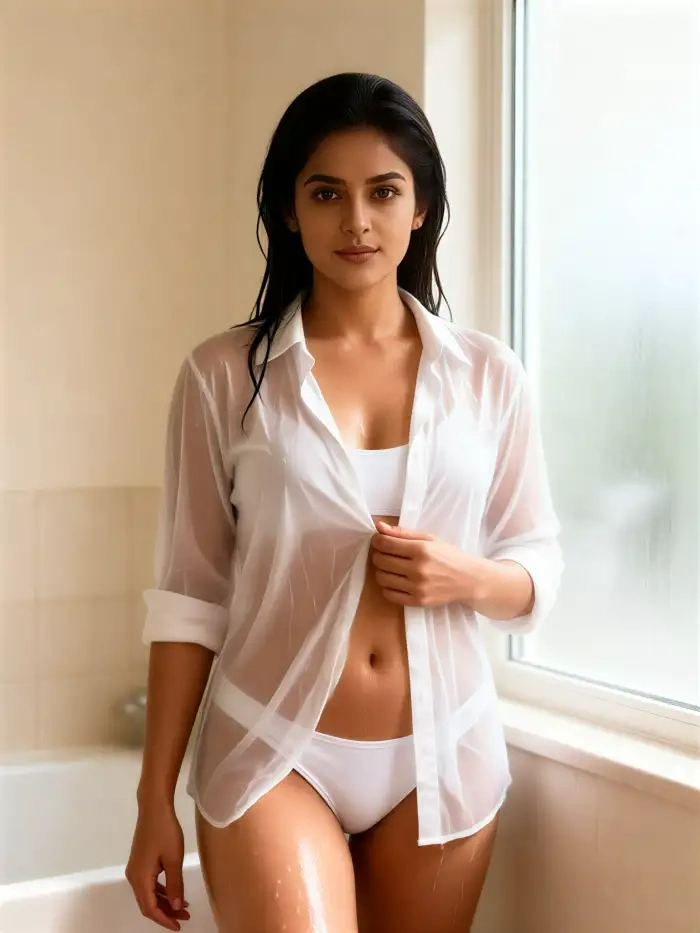
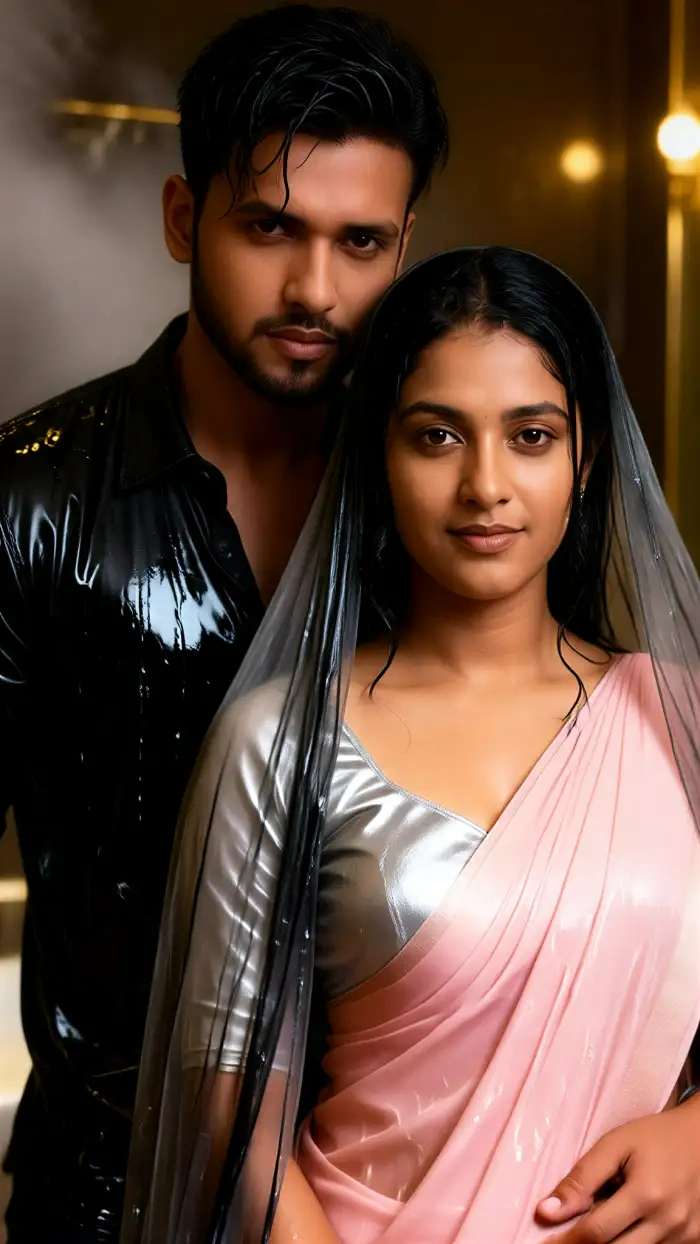
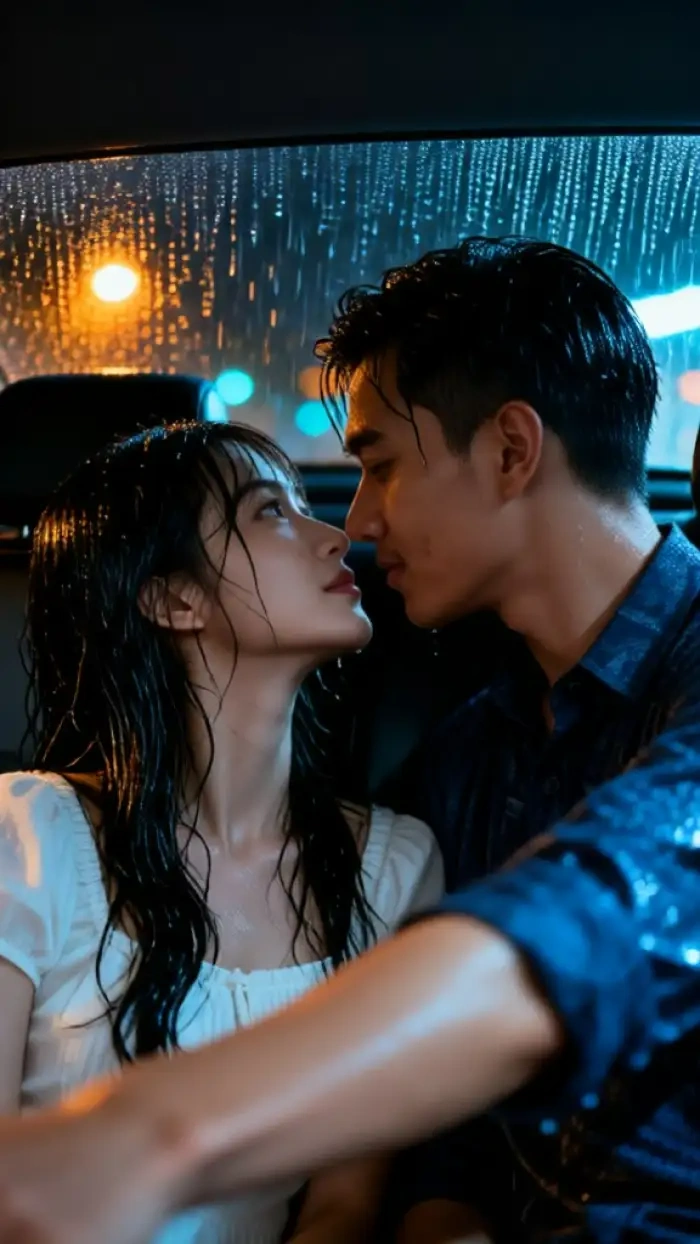
very clip below started as a normal couple photo and ended as a cinematic AI wet look video in under 20 seconds.
Watch the Wet Look Filter in Action
Two short videos that walk through the full CoupleLens flow, from Google Play install to the moment your AI wet look video lands on your feed.
Use CoupleLens for AI Wet Look Video
Most tools force you to write a prompt and hope the model reads your mind. CoupleLens hands you a filter that already knows the rain look, the two person framing, and the cinematic glow. You trade a 10 minute prompt session for a 20 second tap session. The app covers over 25,000 styles beyond rain, so you can also make Ghibli animations, claymation portraits, and 3D avatar videos from the same two photos. Everything runs on mobile.

Frequently Asked Questions
CoupleLens users ask the same handful of questions before they tap the rain filter.
More Topics You May Like
If the AI wet look video flow clicks with you, these next reads dig into other CoupleLens filters and image to video tricks for couples and creators.
Best AI Anime Generators for Photo and Text Art on CoupleLens
80S Video AI Generator: Make Retro 1980s Clips on Your Phone
Best Anime Character Creators That Turn Selfies into Anime Art on Your Phone
Best AI Gender Swap Tools for Realistic and Fun Transformations 2026
Best AI Anime Generators for Photo and Text Art on CoupleLens
80S Video AI Generator: Make Retro 1980s Clips on Your Phone
Best Anime Character Creators That Turn Selfies into Anime Art on Your Phone
Best AI Gender Swap Tools for Realistic and Fun Transformations 2026
Make Your First AI Wet Look Video
Open Google Play, install CoupleLens, and tap a rain filter. Your cinematic AI wet look video for two is one upload away.
Make Your First AI Wet Look Video
Open Google Play, install CoupleLens, and tap a rain filter. Your cinematic AI wet look video for two is one upload away.