AI Room Generator
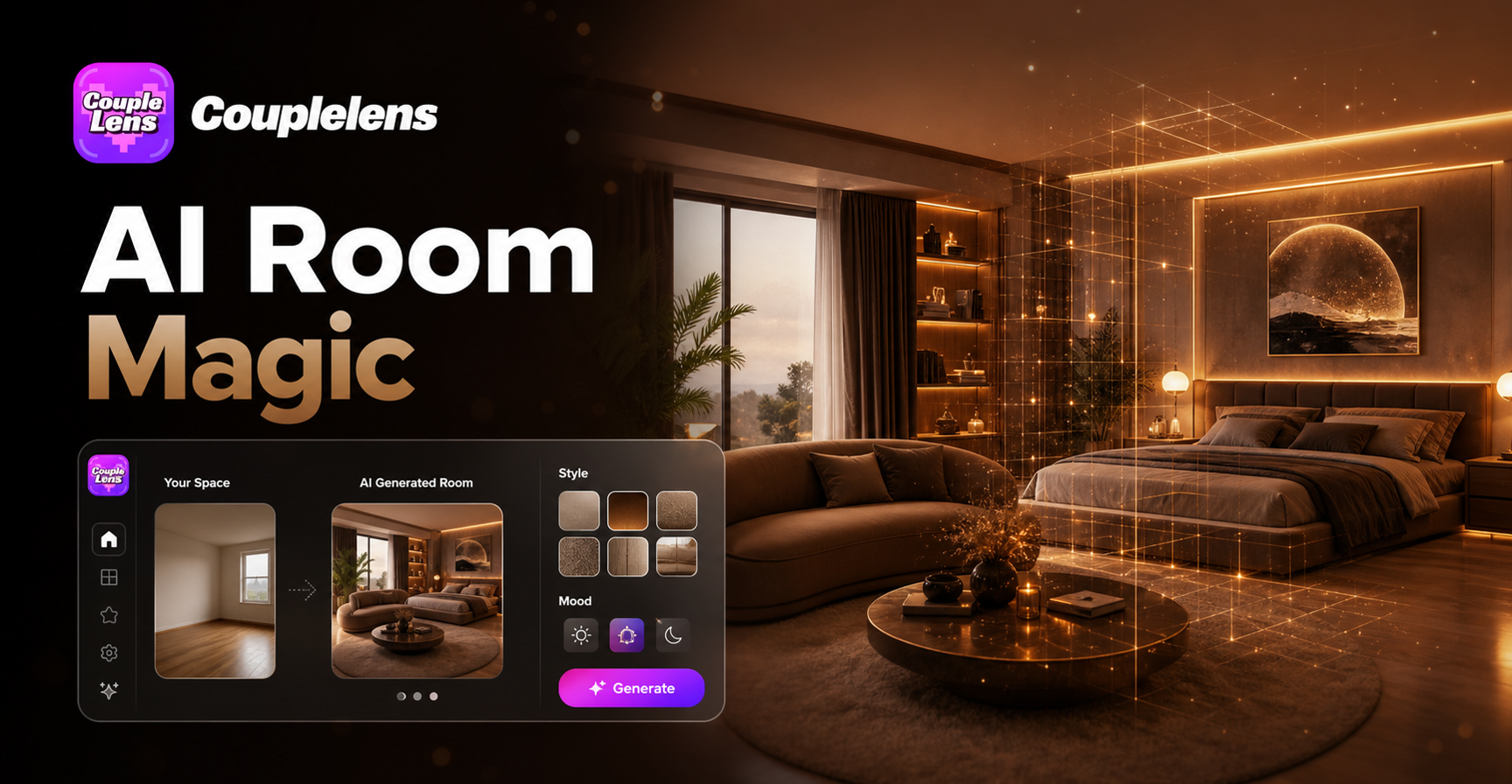
Pick a Filter. Get a Room You Actually Like.
CoupleLens packs thousands of room filters into one free AI interior design app. It just swaps the vibe.
Watch CoupleLens AI Room Generator
See the CoupleLens AI room design generator in action. Great intro if you are new to free AI interior design tools on mobile.
Key Features of CoupleLens AI Room Generator
Every feature below lives inside the free app. Download CoupleLens once and you carry a full interior studio everywhere.

25,000 Plus Style Filters at Your Fingertips
CoupleLens ships with over 25,000 room-style filters. You get minimalist white rooms, Ghibli bedrooms, 3D clay nurseries, cyberpunk gaming dens, watercolour lofts, and many more. The library updates daily with trending looks. Skip the prompt writing.
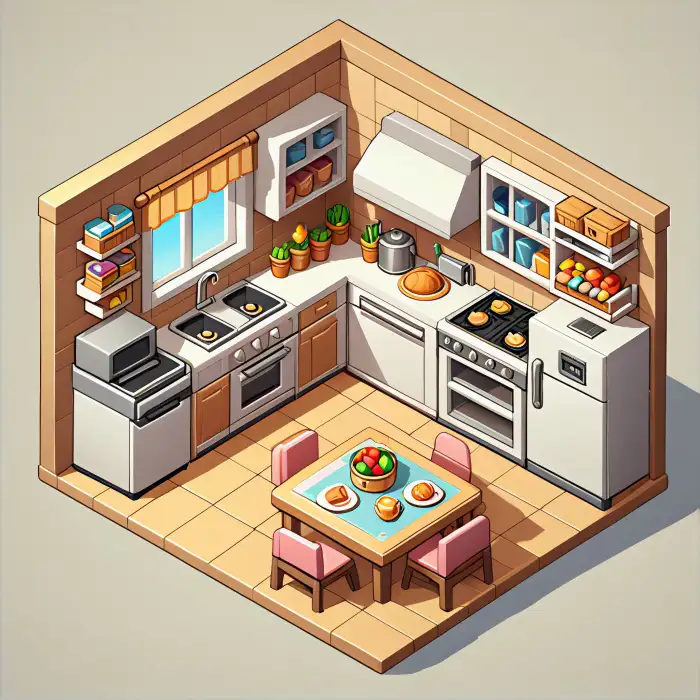
Kitchen Stove Warm
Text to Room Style Transfer in One Tap
Drop a few words into any filter, and CoupleLens keeps the original walls, windows, doors, and floor plan. Only the style changes. CoupleLens will pull the colour palette and texture into your room. That is what makes CoupleLens stand out as a true AI room design generator.
 Before
From Still Room to Moving Room with AI Video
CoupleLens does not stop at still images. Pick a filter, tap video mode, and the same room comes alive with subtle motion. A curtain sways. Sunlight moves across the floor. Lights flicker on. This image to video room feature is rare among free AI interior design apps.
How to Create Your AI Room Design with CoupleLens
Follow these three steps inside the free app and you will have a fresh room render in under a minute.

Step 01.
Grab CoupleLens from Google Play. All room generation runs on your phone, no desktop needed.

Step 02.
Open the app, find the room filter you love, and upload a photo of your actual space.

Step 03.
Tap Generate and wait about 10 to 20 seconds. Save the result and share it with the world.
Why Use CoupleLens as Your AI Room Design Generator
Open the app, pick a filter, tap once, and you get a fresh room look in about 10 to 20 seconds. The free AI interior design engine handles over 25,000 styles, from minimalist white rooms to Ghibli bedrooms, 3D clay nurseries, and cyberpunk gaming dens. You can also turn any room into a short video clip. CoupleLens is the only free AI interior design tool that ships both image and video room output from your phone. The CoupleLens community has generated thousands of AI room designs across living rooms, bedrooms, kitchens, gaming setups, and home offices. Designers, renters, real estate agents, and home flippers all use it the same way. Snap, tap, share.

Frequently Asked Questions
Find clear answers to common questions and get the guidance you need to make AI room photos.
More Topics You May Like
Explore more topics you may like and discover fresh ideas tailored to your interests.
AI Saree Generator
AI Video Faceswap
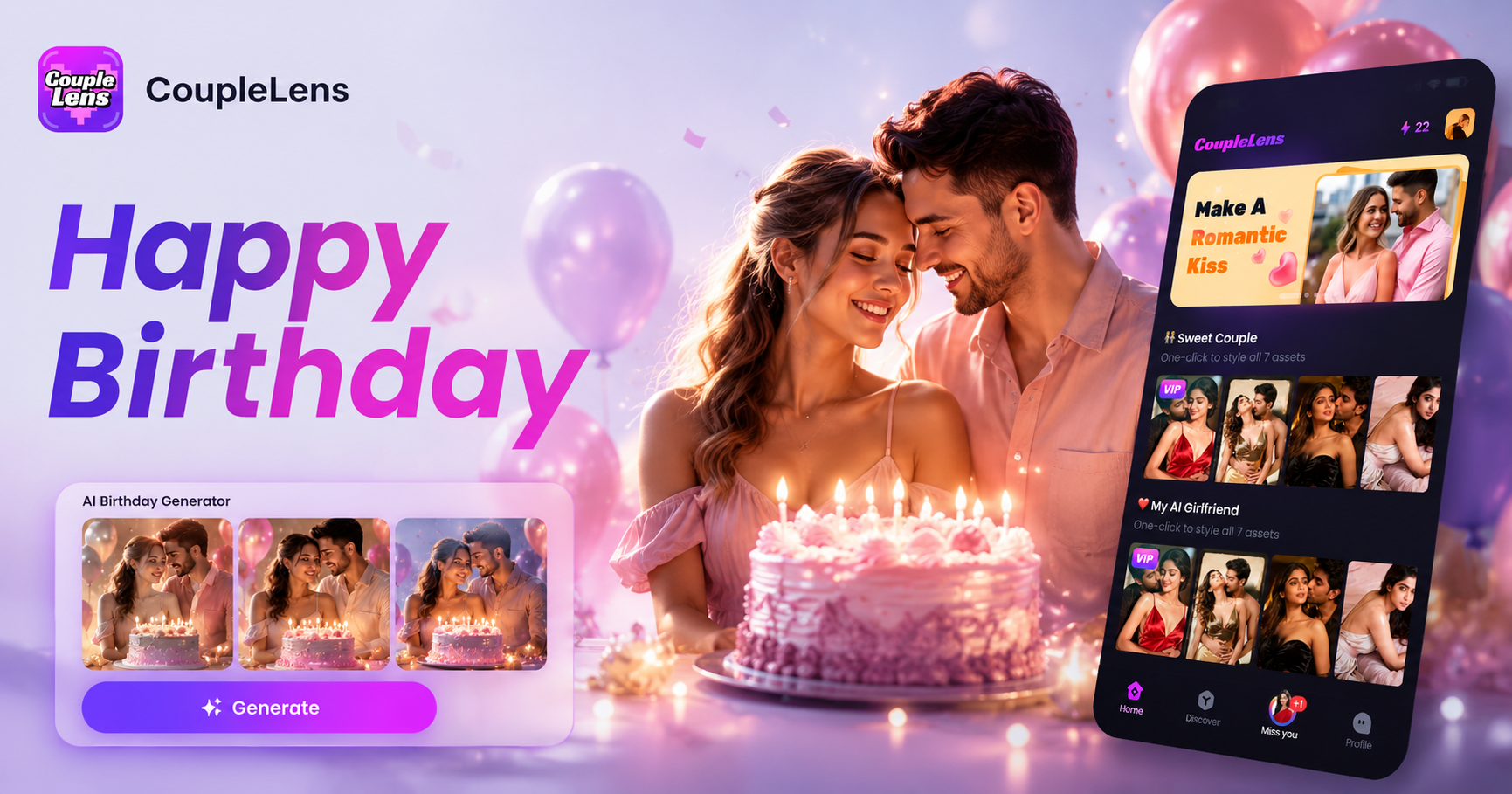
AI Happy Birthday Generator

AI Smile Generator
AI Saree Generator
AI Video Faceswap
AI Happy Birthday Generator
AI Smile Generator
Real Rooms. Real Results.
Download CoupleLens free, pick a room filter, and watch your space transform in about 10 to 20 seconds.
Real Rooms. Real Results.
Download CoupleLens free, pick a room filter, and watch your space transform in about 10 to 20 seconds.