AI Couple Dance Video
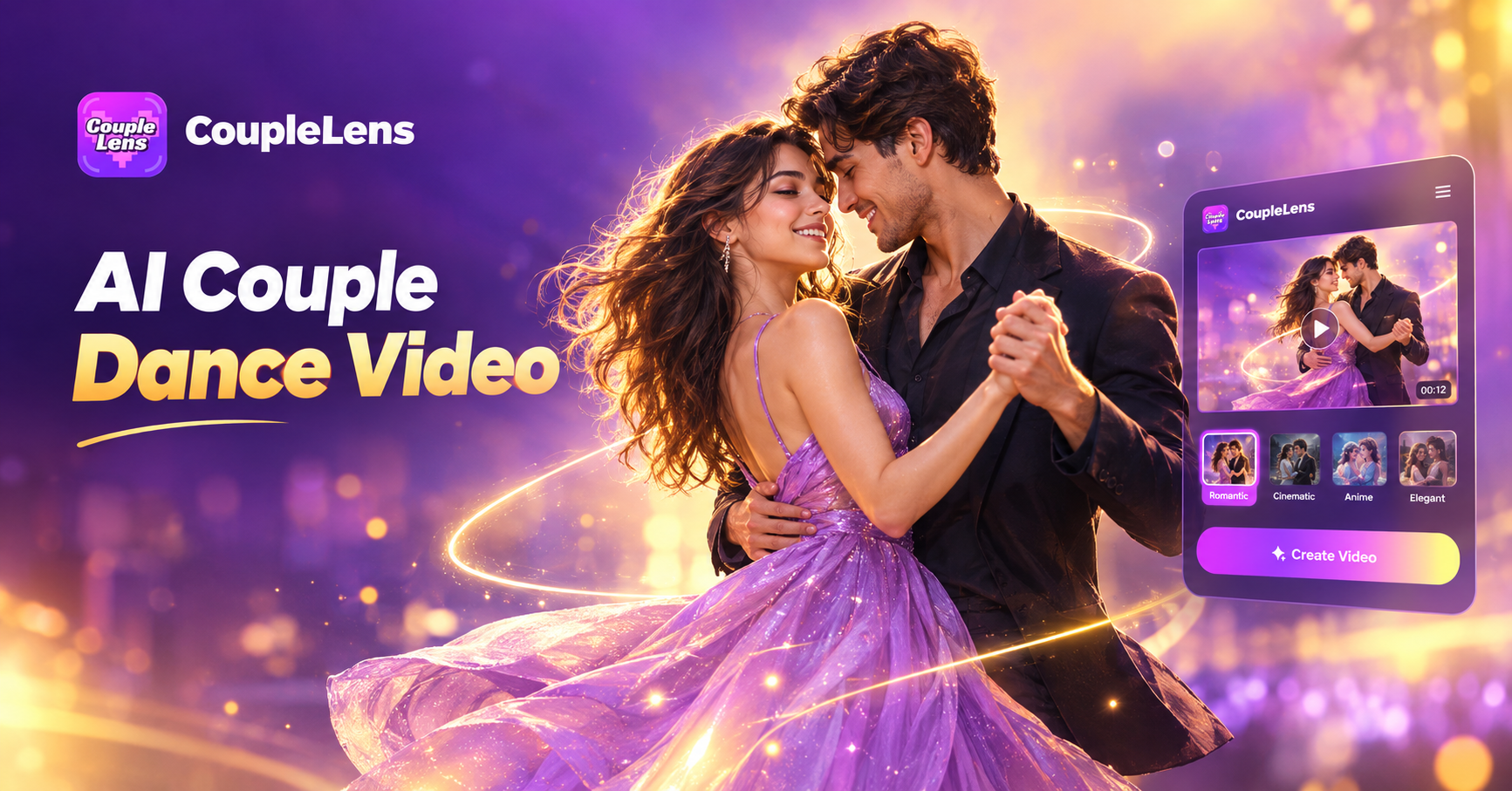
Pick a Couple Dance Video Filter
CoupleLens couple dance video filters cover slow romance, wedding, salsa, and K pop.
Key Features of the AI Couple Dance Video Maker
Three CoupleLens features make every AI couple dance video feel personal, social, and share ready.
One Tap Filter Workflow
Every couple dance video starts from a filter card, not a text box. Tap a dance style, upload a portrait, hit generate, the App returns a clip in 20 seconds.
One Tap Filter Workflow
Every couple dance video starts from a filter card, not a text box. Tap a dance style, upload a portrait, hit generate, the App returns a clip in 20 seconds.
 Before
Multi Person Face Separation
Couple dance videos need two real faces, not one stretched body. CoupleLens reads each portrait, splits the features, and keeps each person recognizable through every turn, dip, and close hold.
BeforeMulti Person Face Separation
Couple dance videos need two real faces, not one stretched body. CoupleLens reads each portrait, splits the features, and keeps each person recognizable through every turn, dip, and close hold.
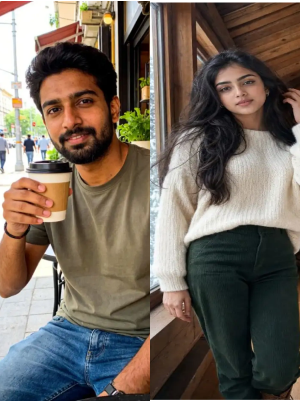 Before
Character Consistency Across Clips
Most couples want more than one dance video. CoupleLens locks the face, hair, and outfit choices across renders, so the same couple shows up in every AI couple dance video.
BeforeCharacter Consistency Across Clips
Most couples want more than one dance video. CoupleLens locks the face, hair, and outfit choices across renders, so the same couple shows up in every AI couple dance video.
How to Create a Couple Dance Video in CoupleLens?
The full couple dance video path lives inside the CoupleLens mobile App. Open, tap, share the result.
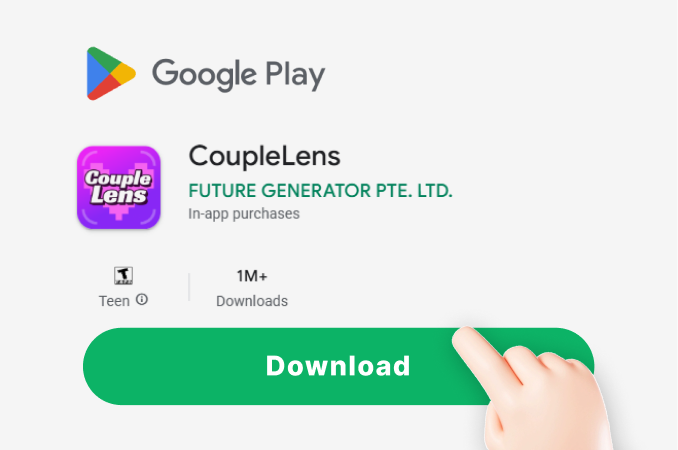
Step 01.
Open the Google Play Store, search CoupleLens, and install the App. The home screen loads the couple dance video filters right after onboarding finishes.
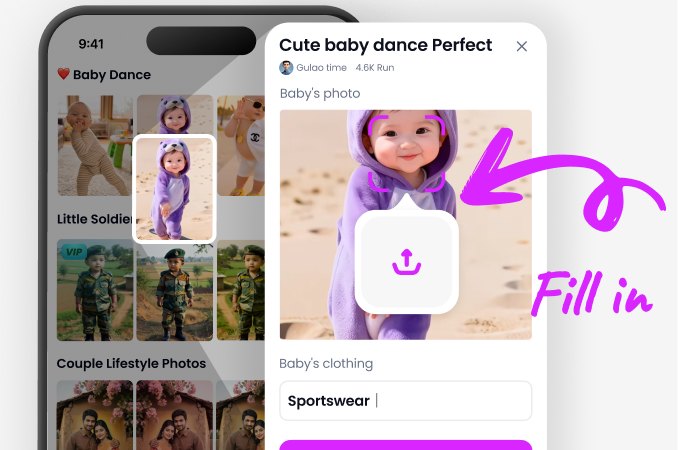
Step 02.
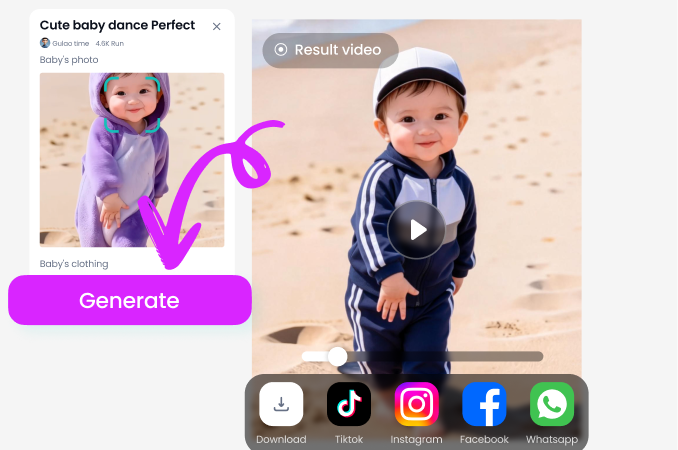
Open the App, tap a couple dance video filter from the home feed, upload one or two portraits, and hit generate.
Step 03.
Preview the render, pick the take you like, and save the MP4 to your phone. From the same screen, post straight to TikTok, Reels, Shorts, or send it in a DM.
See Real Couple Dance Videos Made Inside the App
Real AI generated couple dance clips from the CoupleLens community feed. Slow sway, salsa turn, wedding dance, group moves, in one scroll.
Watch a Couple Dance Video Made Start to Finish
Two short videos show the real App flow from download to filter tap to share. Watch, copy, post your own dance video today.
What Our Users Say About the AI Couple Dance Video App
I will keep using CoupleLens in my kit.
I used the wedding first dance filter for a client save the date. The result looked like a real ceremony clip. Faces stayed clean through the dip.
Honest words, named dance styles, real human feel. All finished in CoupleLens.
I run a TikTok couple account and the salsa filter gave us three usable takes in one sitting, all with our real faces. I copied a K pop template and remixed it the same day.
The CoupleLens render finished before my coffee is ready. Posted in five minutes.
My girlfriend and I are in different cities so filming a dance together was never an option. I uploaded two portraits, picked the slow dance filter, and sent the result in a DM. She cried.
Frequently Asked Questions
Couple dance video questions answered for CoupleLens couple dance filter users.
More Topics You May Like
Other CoupleLens filters and tools that pair with the couple dance video flow.
Best AI Anime Generators for Photo and Text Art on CoupleLens
80S Video AI Generator: Make Retro 1980s Clips on Your Phone
Best Anime Character Creators That Turn Selfies into Anime Art on Your Phone
Best AI Gender Swap Tools for Realistic and Fun Transformations 2026
Best AI Anime Generators for Photo and Text Art on CoupleLens
80S Video AI Generator: Make Retro 1980s Clips on Your Phone
Best Anime Character Creators That Turn Selfies into Anime Art on Your Phone
Best AI Gender Swap Tools for Realistic and Fun Transformations 2026
Make Your First AI Couple Dance Video Tonight
Open CoupleLens on Google Play, tap a couple dance video filter, upload a portrait, and post the clip before the night ends. Free to start, mobile only, no editor required.
Make Your First AI Couple Dance Video Tonight
Open CoupleLens on Google Play, tap a couple dance video filter, upload a portrait, and post the clip before the night ends. Free to start, mobile only, no editor required.