AI Banksy Stencil Style
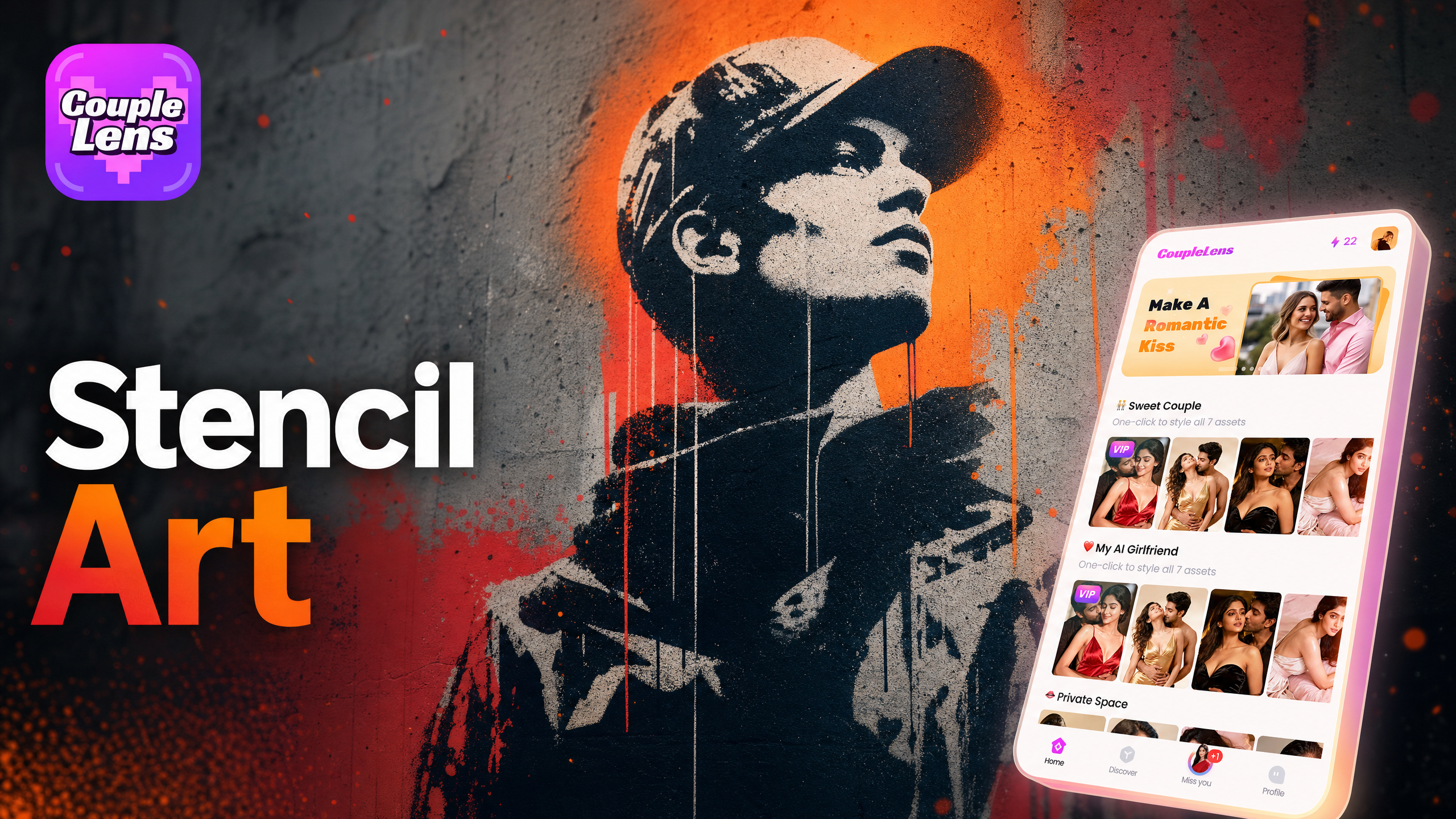
Pick Your Stencil Look
CoupleLens filters cover top Banksy stencil moods, from urban kids and romantic graffiti couples to bold solo street art.
Key Features of CoupleLens AI Banksy Stencil Style
Every feature below is built for fast stencil street art on your phone. Pick one, drop in a photo, and the app handles the rest.
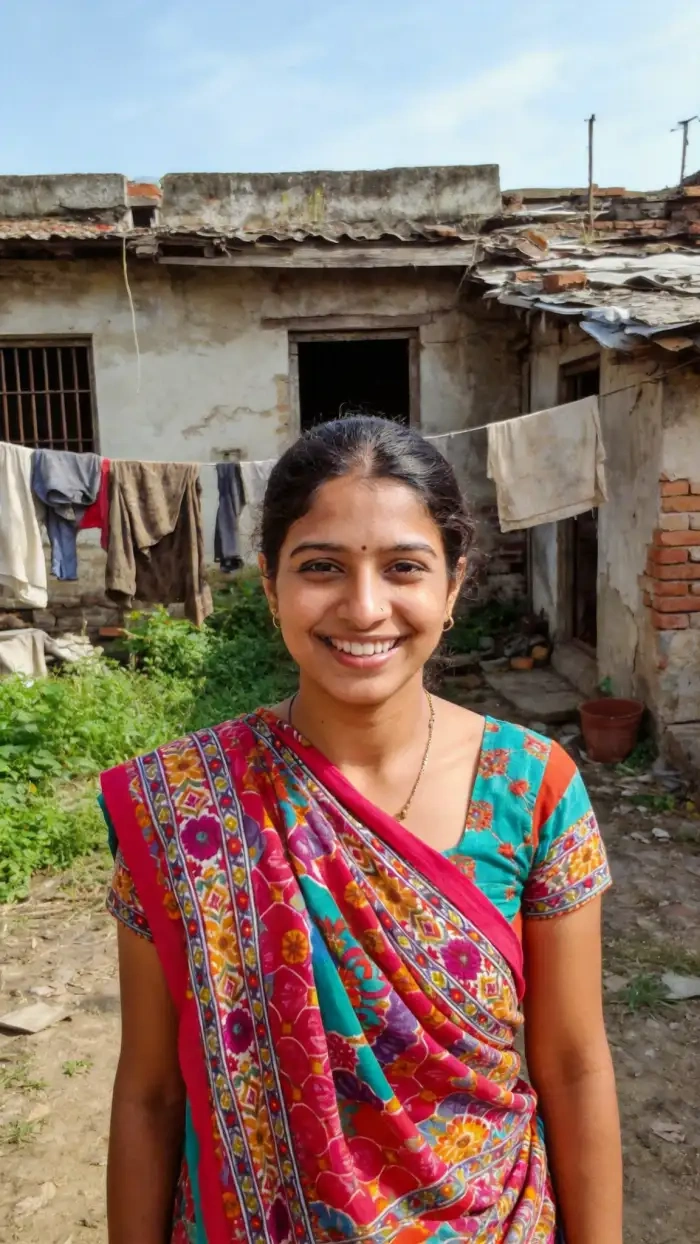 Before
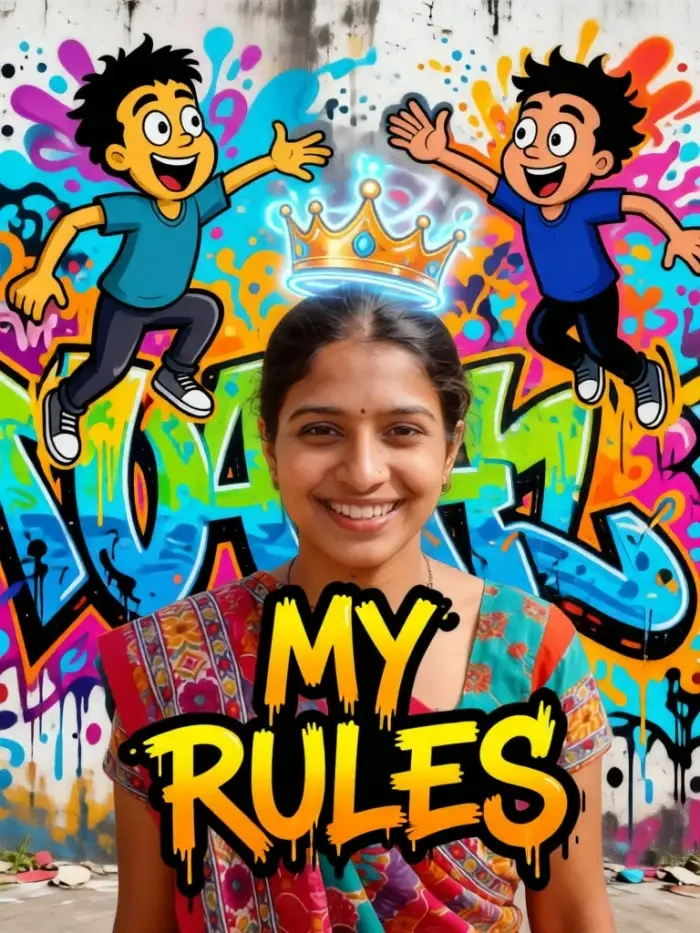 After
One Tap Stencil Transformation
Upload a portrait, tap a filter, and CoupleLens reshapes it into a clean AI Banksy stencil style poster. Edges stay sharp. Spray drips look real. Your face stays clean and sharp.
 Before
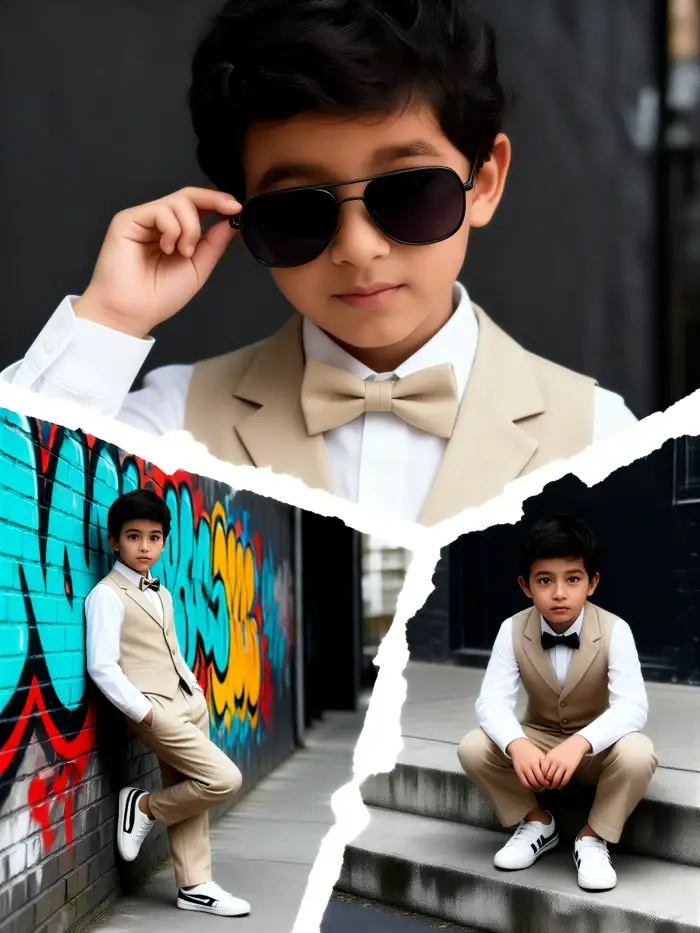 After
25,000 Style Preset Library
CoupleLens ships with thousands of stencil and street art presets beyond Banksy. Each preset locks the contrast, wall texture, and accent color, so you never fight with sliders or settings.
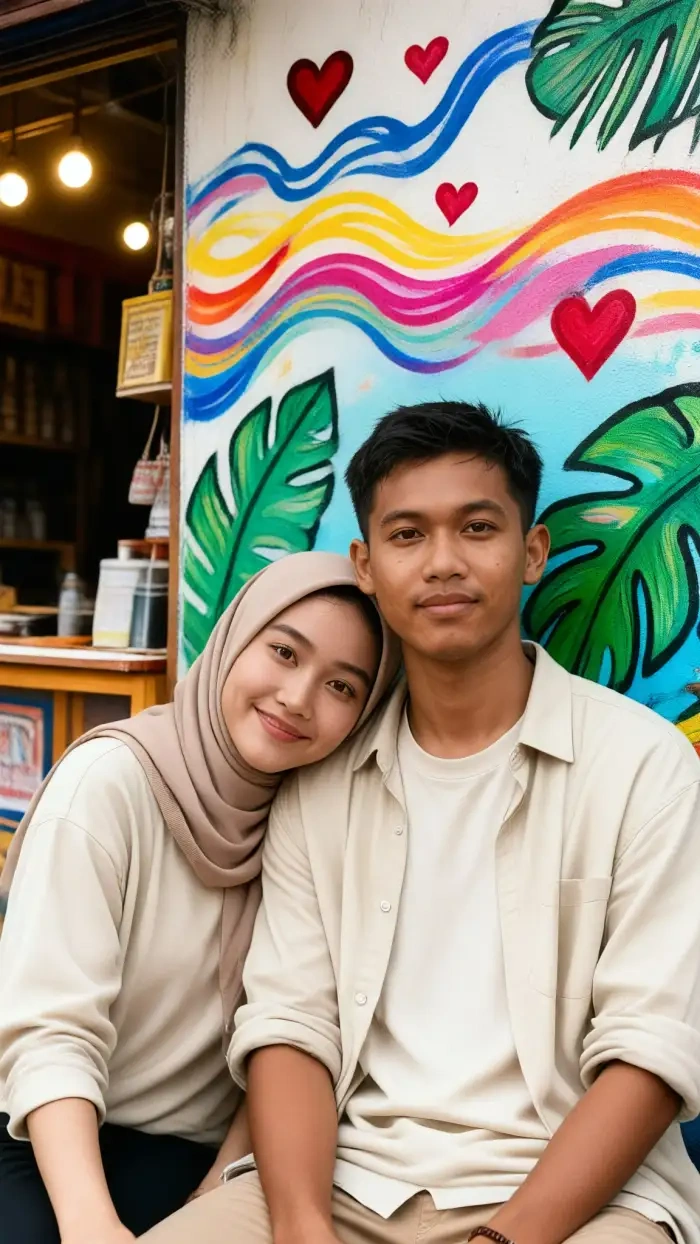
Group Photo Stencil Mode
Drop a couple or group photo and CoupleLens keeps every face clean and separate. No melted faces. The AI Banksy stencil pass respects each subject and gives the wall real grain.
How to Create an AI Banksy Stencil Style?
The full path from selfie to shared stencil runs inside the CoupleLens app on a phone.
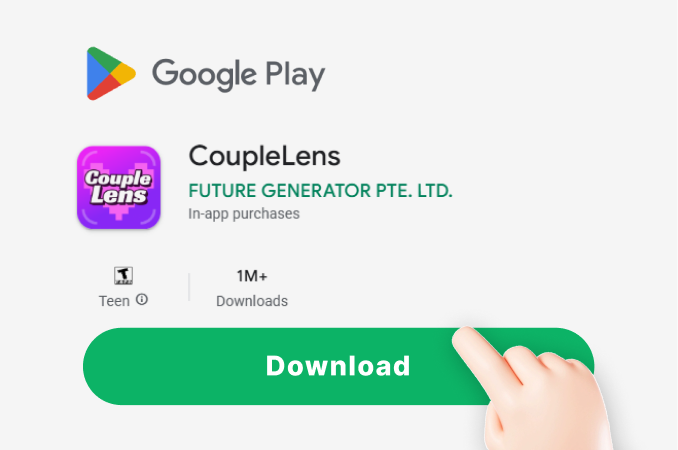
Step 01.
Search CoupleLens on Google Play and tap install. Open the app, sign up, and your daily stencil generations are ready when you open the home screen.
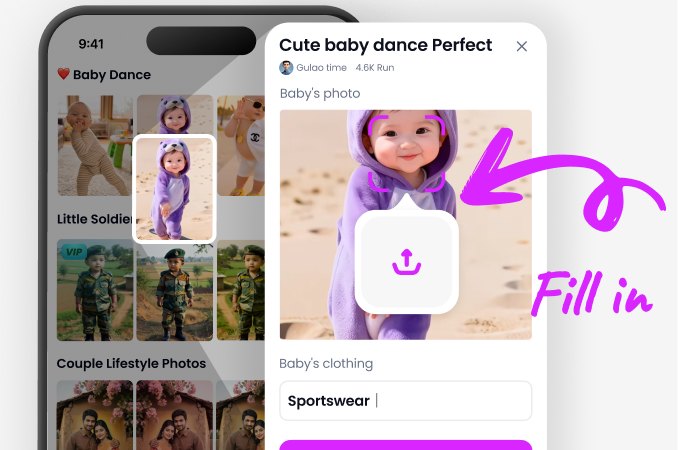
Step 02.
Open the CoupleLens filter library, tap any stencil preset under the Banksy tag, and upload one portrait, couple, or group photo.
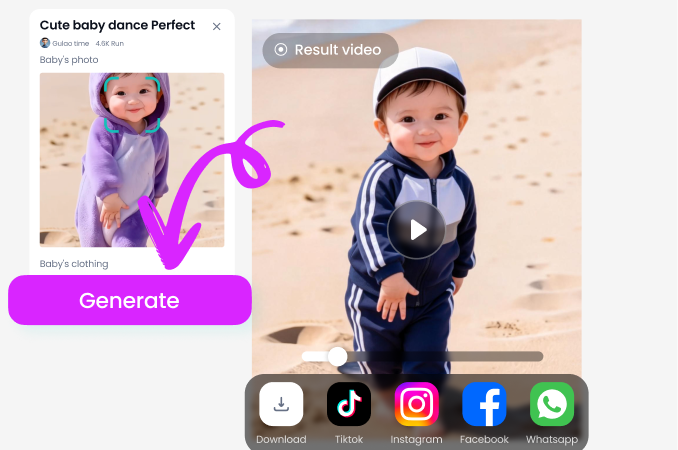
Step 03.
Save it to your phone, post it to the CoupleLens community, or share it straight to Instagram, TikTok, or any feed you want. One tap, your wall art is live.
Watch CoupleLens Make a Stencil Piece
Full CoupleLens flow, from install to stencil pick to a shared post in the community.
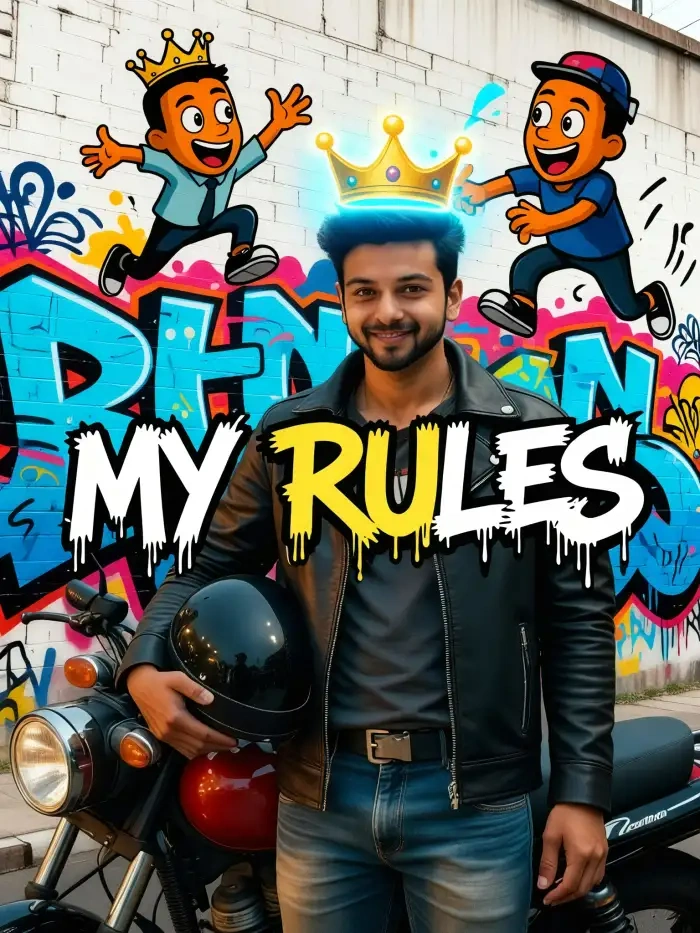
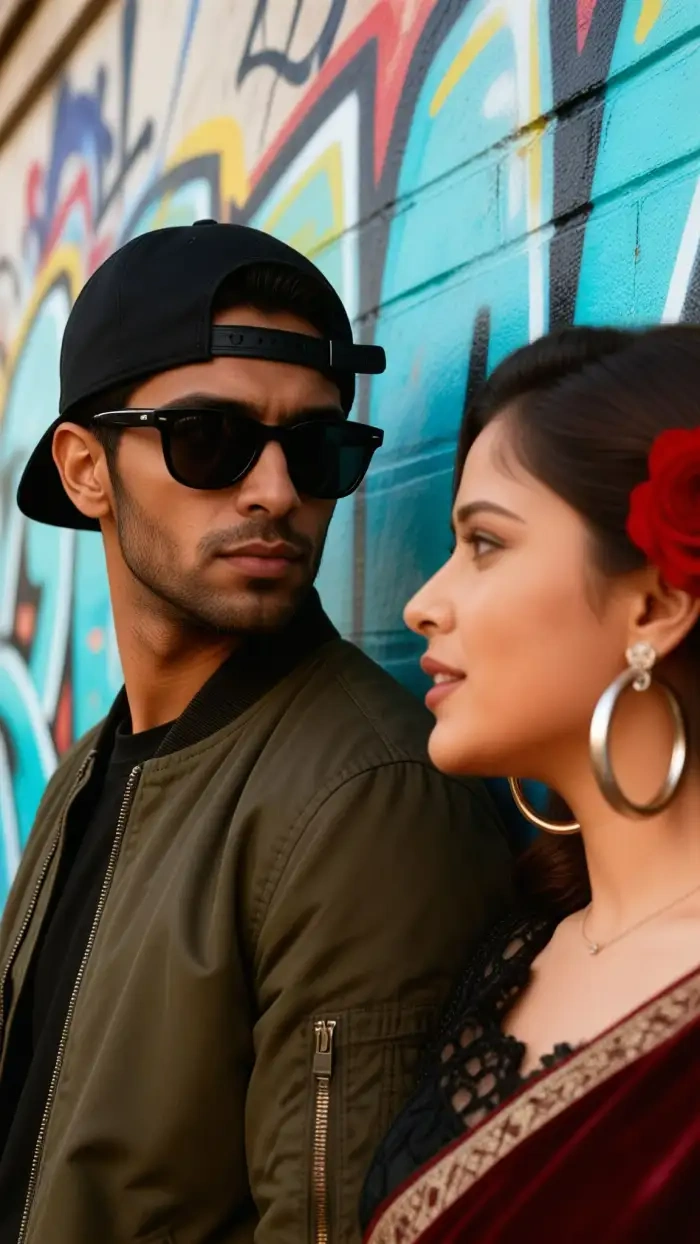
Use CoupleLens for AI Banksy Stencil Style Art
Other tools want prompts and accounts. CoupleLens skips that. Pick a stencil preset, drop one photo, and the app handles wall texture, spray, and the black and white look. Every Banksy pass keeps faces clean and friends separate, so your piece is feed ready in under a minute.
What Our Users Say About CoupleLens
If you want a real Banksy stencil look on a phone, grab the CoupleLens filter and post your first one tonight.
Honestly I expected another stencil app to feel cheap. CoupleLens surprised me. The Banksy mode keeps my jaw sharp and the wall real. Three posts in one sitting beat my Procreate likes. Easiest street art tool I have used.
CoupleLens is now the couple art app in my friend group. Pick a stencil preset and just send it.
My roommate and I wanted a couple stencil. I dropped our selfie into CoupleLens and ten seconds later we had a real street art portrait with both faces like us. Group chat is asking how. The move.
I trust CoupleLens for client mockups. Drop a photo in the stencil filter and the look just lands.
I paint real walls so I am picky about spray. The CoupleLens stencil pass nails the overspray and drips without smudging faces. I use it for client mockups and save hours every week. Best Banksy filter on a phone.
Frequently Asked Questions
Common questions about the AI Banksy stencil pass on CoupleLens, covering photos, group shots, output quality, sharing, and app workflow.
More Topics You May Like
More CoupleLens filters pair with the AI Banksy stencil pass, from Ghibli portraits to 3D clay looks and group videos.

Best AI Anime Generators for Photo and Text Art on CoupleLens
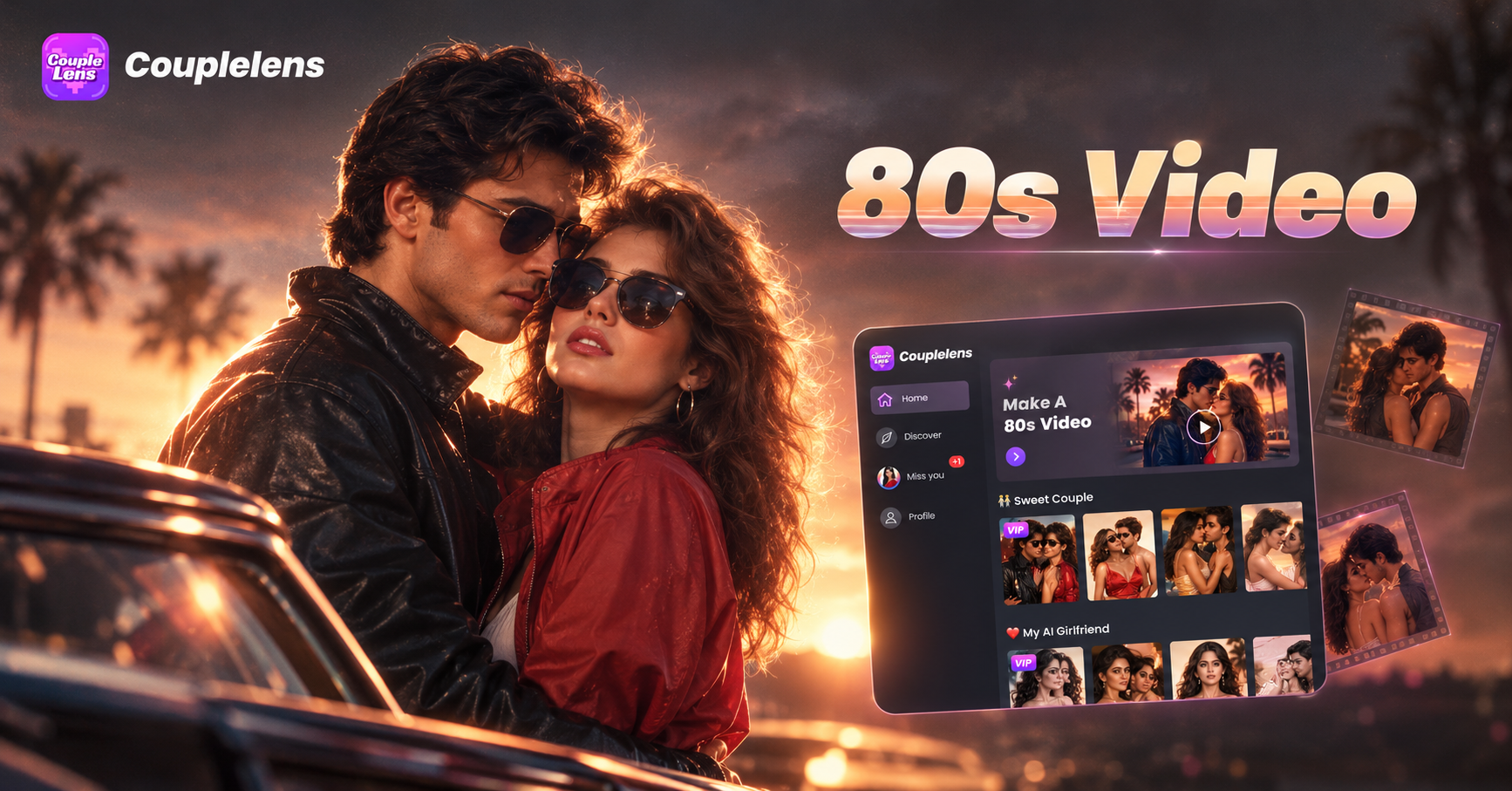
80S Video AI Generator: Make Retro 1980s Clips on Your Phone

Best Anime Character Creators That Turn Selfies into Anime Art on Your Phone
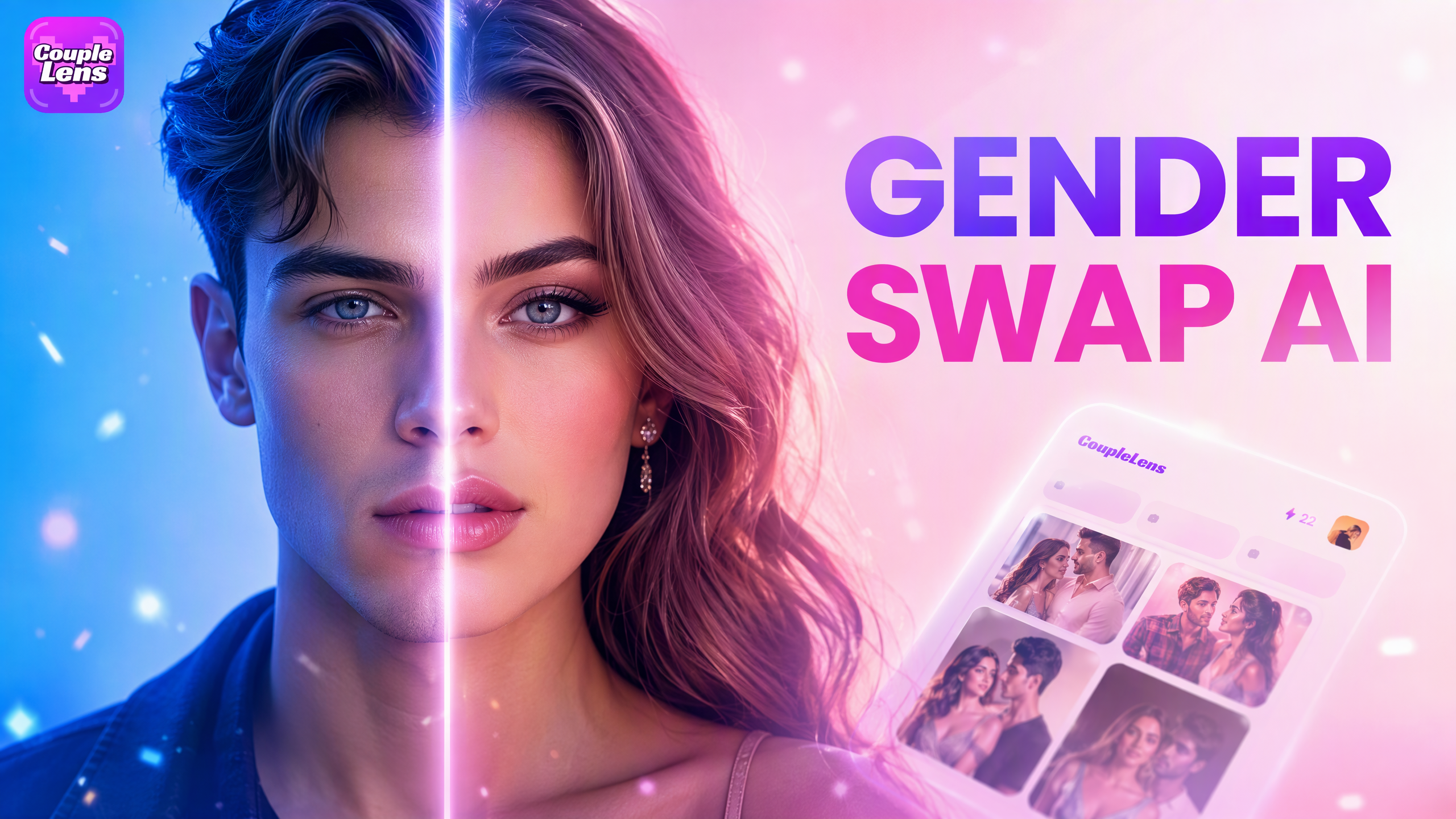
Best AI Gender Swap Tools for Realistic and Fun Transformations 2026
Best AI Anime Generators for Photo and Text Art on CoupleLens
80S Video AI Generator: Make Retro 1980s Clips on Your Phone
Best Anime Character Creators That Turn Selfies into Anime Art on Your Phone
Best AI Gender Swap Tools for Realistic and Fun Transformations 2026
Make Your First AI Banksy Stencil Style Piece
CoupleLens is ready on Google Play. Pick the Banksy stencil filter, drop a photo, and your street art portrait is ready in under a minute.
Make Your First AI Banksy Stencil Style Piece
CoupleLens is ready on Google Play. Pick the Banksy stencil filter, drop a photo, and your street art portrait is ready in under a minute.